When your Toyota Tacoma shows one or more OBD-II readiness monitors as “Not Ready,” it usually does not mean the truck is broken. It means the engine computer has not yet completed all of its emissions self-checks since a reset, repair, battery disconnect, or code clear. Understanding what the monitors check, how to read them with a scan tool, and how to drive safely through the right conditions can help you prepare for an emissions inspection without guessing.
Quick Answer
Toyota Tacoma OBD-II readiness monitors show whether the emissions system has completed its required self-tests. If a monitor is “Not Ready” or “Incomplete,” fix any active trouble codes first, avoid clearing codes before inspection, then complete mixed city and steady highway driving until the scan tool shows the required monitors as ready.
Key Takeaways
- A “Ready” or “Complete” monitor has finished its self-test; “Not Ready” or “Incomplete” means the test still needs the right driving conditions.
- Clearing codes, disconnecting the battery, replacing the ECM, or a weak battery can reset readiness monitors.
- Do not clear codes right before an emissions test. It usually resets the monitors and can delay inspection readiness.
- A safe drive cycle should include a fully warmed engine, stop-and-go driving, steady highway speed, gentle deceleration, and a final scan-tool check.
- Inspection rules vary by state. Some states allow one unset monitor on certain vehicles, while others are stricter.
At a Glance
| Time Required | 30–90 minutes of mixed driving, sometimes spread over more than one trip |
| Difficulty | Easy to moderate |
| Tools Needed | OBD-II scanner that displays readiness monitor status |
| Cost | Usually free if you already own a scanner; basic scanners are commonly available from auto-parts stores and retailers |
Understanding OBD-II Readiness Monitors in Your Toyota Tacoma
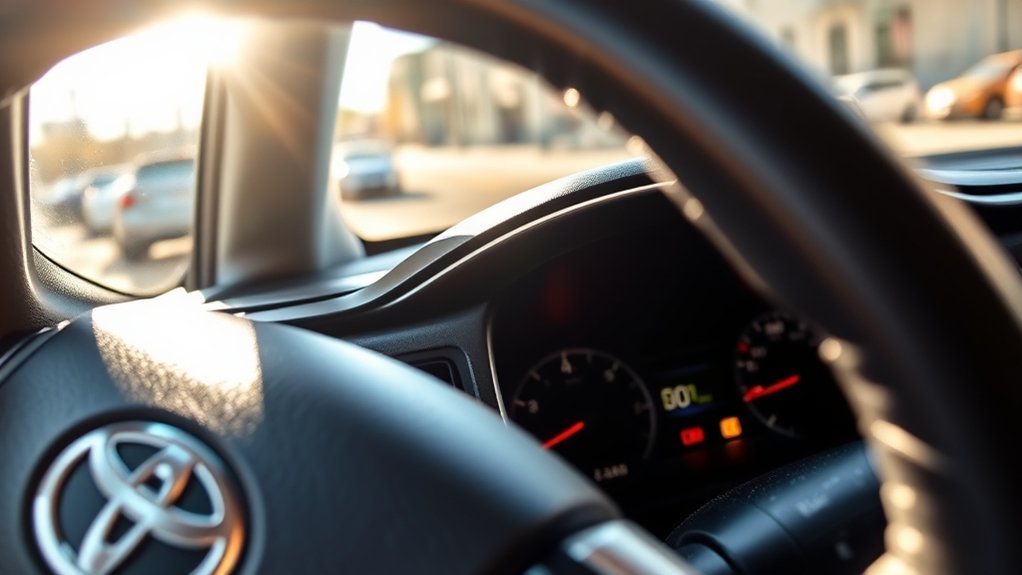
OBD-II readiness monitors are built-in self-checks used by the truck’s powertrain control system to confirm that emissions-related systems can be evaluated. Toyota explains that some states use OBD checks as part of emissions inspection and maintenance programs, and the OBD system monitors the operation of the emission control system. You can review Toyota’s owner information for Tacoma emissions inspection programs at Toyota Owners.
On a gasoline Toyota Tacoma, the monitors can include checks for the catalyst, oxygen or air-fuel ratio sensors, oxygen sensor heaters, evaporative emissions system, fuel system, misfire detection, comprehensive components, and other systems depending on model year, engine, calibration, and equipment. Not every monitor applies to every Tacoma.
Ready, Not Ready, Incomplete, and Not Supported
Scan tools use slightly different wording, but the meanings are simple:
| Scanner Status | What It Means | What To Do |
|---|---|---|
| Ready / Complete | The monitor has completed its self-test since the last reset. | No drive-cycle action is needed for that monitor. |
| Not Ready / Incomplete | The truck has not yet met the conditions needed to run that self-test. | Drive through the right conditions and recheck with the scanner. |
| N/A / Not Supported | That monitor does not apply to your Tacoma’s configuration. | No action is needed for that monitor. |
The legal OBD framework requires modern light-duty vehicles to detect malfunctions in emission control systems, store diagnostic trouble codes, and alert drivers when required. The current federal OBD rules are published in the Electronic Code of Federal Regulations.
Note: “Not Ready” is not the same as “failed.” A monitor can be unset simply because the battery was disconnected, codes were cleared, or the truck has not been driven through the conditions needed for that test.
Using Your OBD-II Scanner: Checking Monitor Status Made Easy
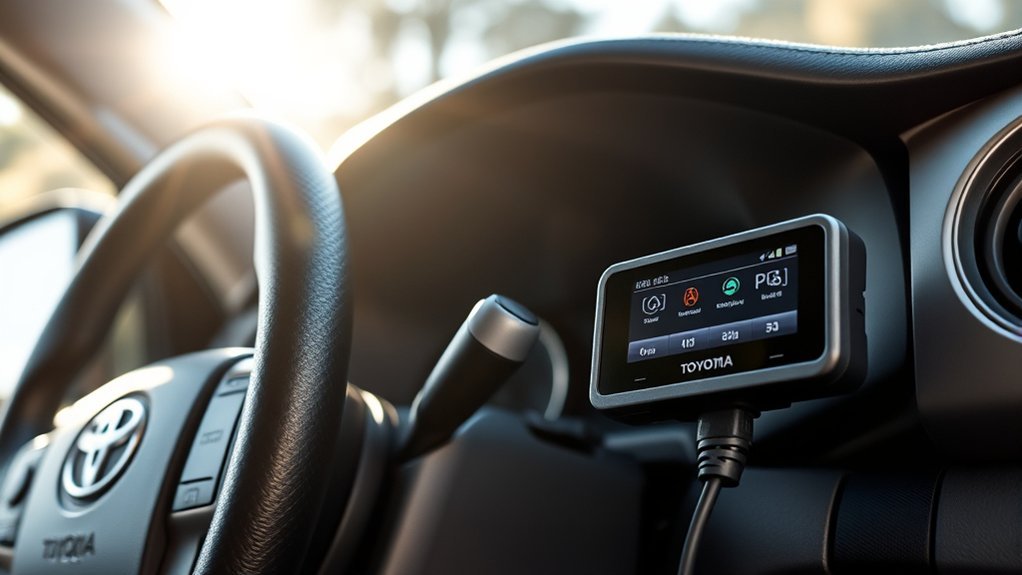
To check readiness monitor status, plug an OBD-II scanner into the Tacoma’s diagnostic link connector, which is normally under the driver-side dashboard near the steering column. Turn the ignition on as directed by the scanner, then open the menu labeled “I/M Readiness,” “Readiness Monitors,” “Inspection Readiness,” or similar.
- Scan for diagnostic trouble codes first. If the check engine light is on or pending/confirmed emissions codes are stored, address those problems before trying to set monitors.
- Open the readiness monitor screen. Write down which monitors are complete, incomplete, and not supported.
- Do not clear codes unless you are actually repairing a problem. Clearing codes resets readiness monitors and can make a truck that was nearly inspection-ready become not ready again.
- Drive through the needed conditions. Use mixed city and highway driving rather than short trips only.
- Recheck after each drive. Some monitors complete quickly, while EVAP and catalyst monitors may take longer.
Warning: Do not stare at a scan tool while driving. Have a passenger monitor the tool, use a scanner that logs data, or pull over safely before checking monitor status. Always obey traffic laws and road conditions.
[Products Worth Considering]

The ANCEL AD410 PRO combines engine diagnostics and 12V battery testing in one easy-to-use tool, helping you read and clear check engine codes while checking battery health, cranking, and charging performance. It also provides live data, freeze frame details, and I/M readiness checks to help you diagnose issues faster and prepare for emissions testing. With plug-and-play operation, a clear screen, and broad vehicle compatibility, it is a practical solution for home mechanics and everyday drivers.

The ANCEL AD410 helps drivers quickly read and clear engine-related fault codes, view live data, and understand why the check engine light is on before heading to a repair shop. With built-in code definitions, readiness checks, and support for common OBD2 functions, it makes basic diagnostics straightforward for beginners and DIY users. Powered directly from the vehicle and easy to use with no app required, it offers practical value for everyday vehicle troubleshooting.

Veepeak OBDCheck BLE+ is a Bluetooth OBD-II scanner designed to help drivers read and clear check engine codes, view freeze frame data, check readiness monitors, and monitor live sensor data. It works with compatible third-party apps on iOS and Android, making it a versatile tool for standard vehicle diagnostics and routine car health checks. Advanced features may be available through supported apps on select vehicles, but special service functions are not supported.
Common Causes for “Not Ready” Status
Several common issues can keep a Toyota Tacoma readiness monitor from completing. Start with the simple causes before replacing parts.
- Recent battery disconnection or weak battery: Disconnecting the battery or losing voltage can reset the engine control module’s readiness data.
- Codes were recently cleared: Clearing trouble codes also clears monitor status, even if the original problem was fixed.
- Short-trip driving: Repeated short trips may not warm the engine and exhaust enough for catalyst and oxygen sensor checks.
- Fuel level outside the needed range: EVAP tests often require a moderate fuel level. A nearly empty or completely full tank can delay the EVAP monitor.
- Check engine light or pending codes: Active faults can prevent one or more monitors from running.
- Thermostat or coolant-temperature issue: If the engine does not reach normal operating temperature, monitor tests may not start.
- Exhaust leak: Leaks near oxygen or air-fuel ratio sensors can distort sensor readings and delay monitor completion.
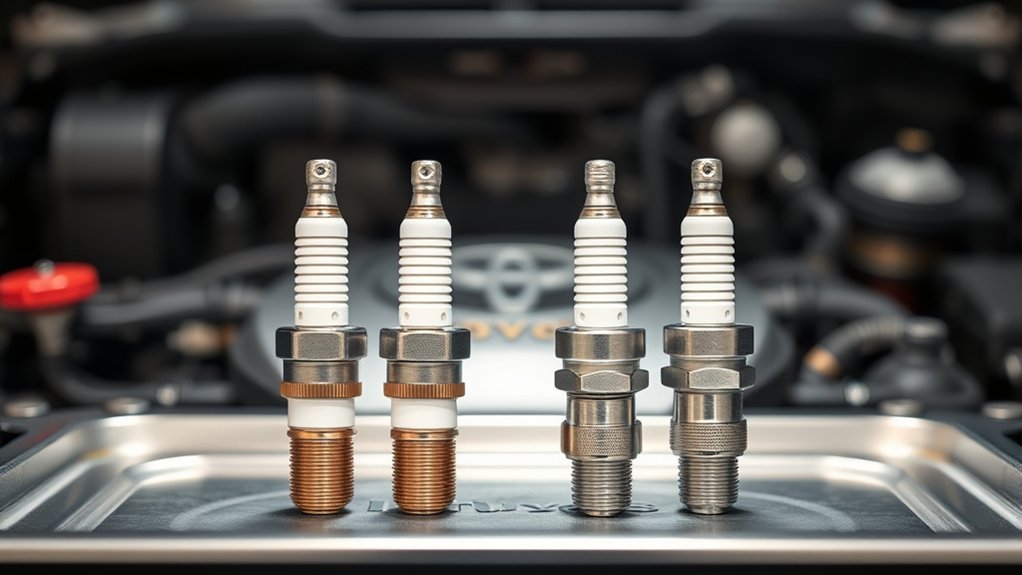
- Faulty oxygen sensor, air-fuel ratio sensor, catalytic converter, purge valve, or gas cap: A failing component can keep the related monitor incomplete or trigger a diagnostic code.
- Aftermarket tuning or tampering: Modified emissions software or defeat devices can cause inspection failure and may violate federal law. The EPA warns that tampering with emissions controls undermines clean-air protections.
Effective Drive Cycles for Achieving Monitor Readiness

There is no single universal Tacoma drive cycle that works for every model year, engine, software calibration, and monitor. The most reliable method is to use Toyota service information for your exact truck when available, then confirm progress with a scan tool. Toyota directs owners to its manuals and service information resources through Toyota Manuals and Warranties.
That said, many unset monitors need the same broad conditions: a healthy battery, no active emissions codes, a fully warmed engine, steady cruise, gentle acceleration, deceleration, and some stop-and-go driving. Use the routine below as a safe general readiness strategy.
[Products Worth Considering]

This EL-50448 TPMS relearn tool helps quickly activate and reset tire pressure sensors so your vehicle’s monitoring system stays accurate after tire rotations, sensor replacement, or seasonal tire changes. Designed for many GM-related vehicles and compatible with common 315 and 433 MHz TPMS systems, it offers simple one-button operation and reliable performance for clearing warning lights and relearning sensor positions.

CEL Doctor: The ANCEL AD310 is one of the best-selling OBD II scanners on the market and is recommended by Scotty Kilmer, a YouTuber and auto mechanic. It can easily determine the cause of the check engine light coming on. After repairing the vehicle's problems, it can quickly read and clear diagnostic trouble codes of emission system, read live data & hard memory data, view freeze frame, I/M monitor readiness and collect vehicle information
Before You Drive
- Confirm the check engine light turns on briefly with key-on and turns off after the engine starts.
- Scan for confirmed, pending, and permanent DTCs.
- Make sure the fuel tank is roughly between one-quarter and three-quarters full, especially when trying to complete the EVAP monitor.
- Check that the battery is fully charged and terminals are secure.
- Make sure the engine is safe to drive: no overheating, low oil pressure, severe misfires, brake problems, steering problems, or unsafe tires.
- Choose a route where you can drive legally at steady speeds without sudden braking or aggressive acceleration.
General Tacoma Readiness Drive Routine
- Start with the engine cool when possible. Some monitors need a cold start after the truck has sat for several hours.
- Idle long enough for stable operation. Let the engine settle, then drive gently until coolant temperature reaches normal operating range.
- Use light city driving. Drive 10–15 minutes with smooth stops, gentle acceleration, and normal traffic-speed changes.
- Add steady highway driving. When safe and legal, hold a steady speed around 45–65 mph for 10–20 minutes. Avoid cruise conditions that require frequent throttle changes.
- Include gentle coast-downs. If traffic allows, lift off the accelerator and coast without sudden braking. Some monitors need deceleration fuel-cut conditions.
- Finish with normal idle and parking. Let the truck idle briefly, park safely, and recheck the monitor list with the scanner.
- Repeat if needed. Catalyst, oxygen sensor, and EVAP monitors may need more than one trip, especially in cold weather or heavy traffic.
Pro Tip: Take a photo of the scanner’s readiness screen before and after each drive. This makes it easier to see which monitor changed and which one still needs attention.
Which Monitors Matter Most Before an Emissions Test?
Inspection rules are not identical everywhere. The EPA describes vehicle inspection and maintenance programs as a way to identify vehicles with high emissions so repairs can be made and emissions stay within legal limits. You can review the EPA’s overview of inspection and maintenance programs at EPA.gov.
In California, the Bureau of Automotive Repair states that the OBD test includes readiness monitor standards, MIL standards, communication standards, permanent diagnostic trouble code standards, and modified software standards. California’s current OBD test reference says 2000-and-newer gasoline vehicles may pass the readiness portion with the evaporative system monitor incomplete, while 1996–1999 gasoline vehicles may pass with any one monitor incomplete. Check the full California reference at the California Bureau of Automotive Repair.
A Tacoma can have no current check engine light and still be rejected for inspection if too many required readiness monitors are incomplete.
Because state rules can change, always check your local inspection program before assuming one unset monitor is acceptable. A check engine light, communication failure, permanent DTC, or modified emissions software can still cause a failure even when most monitors show complete.
[Products Worth Considering]

⚠️【Important Tips Before Purchcase】1. Compatible with standard OBD II vehicles from 1996 onward in the US market. ⚠️2. Due to the Safe Gateway (SGW) / FCA AutoAuth security system, this tool cannot access OBDII modules to clear codes for FCA vehicles (including Chrysler, Dodge, Jeep, etc.) manufactured after 2017. ⚠️And vehicle brands equipped with a SGW are not supported either. ⚠️3. Not support TPMS or other service functions. Only the basic OBDII code reader. Functions not universal, please s-end mes-sage via Ama-zon or 📞autelofficial @ outlook . com📞 to check before order.

[Diagnose Like a Pro] BlueDriver Pro is a professional OBD2 scanner and diagnostic tool that helps you scan, understand, and clear vehicle trouble codes with confidence. Turn your phone into a powerful car diagnostic scanner—no guesswork, no unnecessary repairs.
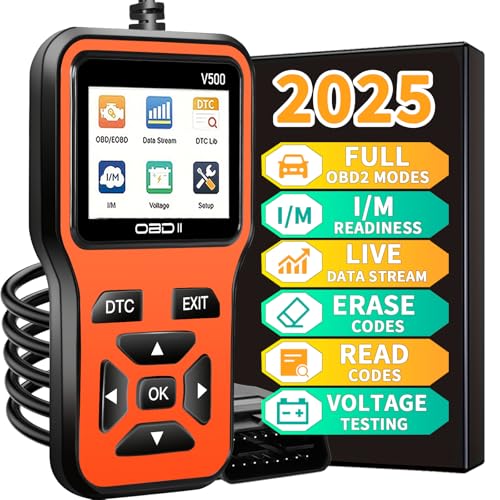
1.【Compatibility with 98% of Vehicle Models】Compatible with over 98% of sedans, trucks, and SUVs produced by American manufacturers since 1996, Japanese manufacturers since 2002, and European manufacturers since 2008. This OBD2 scan tool, also known as an automotive diagnostic tool for 1996+ vehicles and an engine trouble code reader, can quickly identify engine system trouble codes. You can easily troubleshoot the root cause of problems without the need for a professional technician, saving you high diagnostic fees at repair shops.
Essential Components Impacting Emissions Readiness: Catalytic Converters and Sensors
Readiness depends on both driving conditions and component health. If the truck never reaches the right temperature, has inaccurate sensor data, or stores pending codes, the ECM may refuse to complete a monitor.
- Catalytic converter: The catalyst monitor checks whether the converter is working efficiently enough. A failing converter, exhaust leak, or inaccurate sensor reading can keep this monitor from completing or trigger a code.
- Air-fuel ratio and oxygen sensors: Toyota applications may use air-fuel ratio sensors upstream and oxygen sensors downstream. These sensors help the ECM adjust fuel control and evaluate catalyst performance.
- Oxygen sensor heater circuit: Heated sensors reach operating temperature faster. A heater fault can delay sensor and catalyst monitor completion.
- Evaporative emissions system: The EVAP system checks for fuel-vapor leaks. A loose fuel cap, purge valve problem, vent valve issue, pressure sensor fault, or wrong fuel level can prevent the EVAP monitor from setting.
- Thermostat and coolant temperature sensor: If the engine runs too cool or the coolant-temperature signal is inaccurate, several monitors may not run.
- Battery and charging system: Low voltage or recent power loss can reset readiness data and force the truck to start the self-test process again.
Troubleshooting Stubborn Readiness Monitors
If one monitor stays incomplete after several normal drive cycles, do not keep driving aimlessly. Use the scan tool data to narrow the cause.
| Monitor That Stays Incomplete | Common Reasons | Best Next Step |
|---|---|---|
| EVAP | Fuel level too high or too low, loose gas cap, EVAP leak, purge/vent problem, ambient conditions not met. | Set fuel around half a tank, tighten the cap, scan for pending EVAP codes, and retry after an overnight cold soak. |
| Catalyst | Engine not fully warm, exhaust leak, sensor fault, converter efficiency problem, pending misfire or fuel-trim issue. | Check coolant temperature, fuel trims, sensor activity, and exhaust leaks before repeating steady highway driving. |
| Oxygen sensor / air-fuel ratio sensor | Sensor aging, heater circuit fault, wiring issue, exhaust leak, fuel-control problem. | Look for pending codes and confirm sensor data changes normally during warm operation. |
| EGR / VVT-related monitor | Monitor not supported on some models, oil-control or valve-timing issue, pending codes. | Confirm the monitor applies to your Tacoma, then check for codes and maintenance history. |
Note: If the same monitor remains incomplete after multiple drive attempts and no obvious condition is missing, the issue may require model-year-specific Toyota diagnostic information or a qualified technician.
How To Avoid Resetting Readiness Before Inspection
The biggest mistake before an emissions test is clearing codes too late. Even if no codes come back immediately, the monitors still need time to run again.
- Do not disconnect the battery unless a repair requires it.
- Do not clear codes after monitors are already ready.
- Do not use a tuner or device that changes emissions-related software.
- Repair the actual cause of codes instead of erasing them repeatedly.
- Check readiness a few days before inspection, not in the parking lot at the test station.
- Keep fuel in the mid-range if the EVAP monitor is the last one incomplete.
- Drive the truck normally for a few trips after any emissions repair before scheduling the test.
Frequently Asked Questions
What are OBD-II readiness monitors?
OBD-II readiness monitors are emissions self-tests run by the vehicle’s computer. They check whether systems such as misfire detection, fuel control, oxygen sensors, catalyst efficiency, and evaporative emissions can be evaluated after a reset or repair.
What is the OBD-II protocol for Toyota?
Toyota vehicles sold in the U.S. from the 1996 model year onward use standardized OBD-II access through a 16-pin diagnostic connector. The exact communication protocol and supported monitors can vary by model year, engine, and calibration, so a modern OBD-II scanner is the easiest way to confirm your Tacoma’s current readiness status.
How long does it take Toyota Tacoma readiness monitors to set?
Some monitors can set during one complete warm-up and drive. Others, especially EVAP and catalyst monitors, may need several trips with the right fuel level, temperature, speed, and deceleration conditions. Plan on at least one or two normal driving days after clearing codes or disconnecting the battery.
Can my Tacoma pass emissions with one monitor not ready?
It depends on your state, model year, fuel type, and which monitor is incomplete. For example, California’s OBD reference allows different readiness limits for 1996–1999 gasoline vehicles and 2000-and-newer gasoline vehicles. Always check your local inspection rules before testing.
Will clearing codes make the readiness monitors ready?
No. Clearing codes usually resets readiness monitors to incomplete. Only clear codes as part of a real repair, then drive the truck through the proper conditions until the required monitors complete again.
Why is the EVAP monitor often the last one to complete?
The EVAP monitor often needs a specific fuel level, stable temperature conditions, no vapor leaks, and enough time after the truck has been parked. A full tank, nearly empty tank, loose gas cap, or small EVAP leak can keep it from completing.
Should I replace the catalytic converter if the catalyst monitor is not ready?
Not immediately. A not-ready catalyst monitor means the test has not completed, not that the converter has failed. Check for pending codes, exhaust leaks, coolant-temperature problems, sensor issues, and incomplete drive conditions before replacing expensive parts.
Conclusion
Understanding OBD-II readiness monitors in your Toyota Tacoma helps you prepare for emissions testing without unnecessary parts replacement or repeat inspection trips. Use a scanner to identify which monitors are incomplete, repair any active or pending faults first, avoid clearing codes before inspection, and complete safe mixed driving until the required monitors show ready. If the same monitor refuses to set after several proper drive attempts, the next step is targeted diagnosis rather than more random driving.
Sources
- Toyota Owners — Tacoma Emission Inspection and Maintenance Programs — supports Toyota-specific owner guidance about OBD checks and emissions inspection programs.
- Toyota Owners — Tacoma Manuals and Warranties — supports using official Toyota owner and service information for model-year-specific details.
- California Bureau of Automotive Repair — On-Board Diagnostic Test Reference — supports readiness monitor, MIL, communication, permanent DTC, and California OBD inspection standards.
- U.S. EPA — Vehicle Emissions Inspection and Maintenance General Information — supports the purpose of state emissions inspection and maintenance programs.
- Electronic Code of Federal Regulations — 40 CFR § 86.1806-17 — supports federal OBD requirements for model year 2017 and later light-duty vehicles.
- U.S. EPA — Aftermarket Defeat Devices and Tampering Enforcement Alert — supports the warning against emissions tampering and defeat devices.