To disable the Pre-Collision System in your Toyota Camry, first, make sure your vehicle is completely stopped. Locate the traction control button, identified by a car icon with squiggly lines, and press and hold it for 3 seconds. Remember, this system automatically reactivates upon restarting your vehicle, requiring you to repeat the process each time. Be cautious, as turning off this feature means losing essential safety enhancements. You can explore additional customization options for the system to enhance your driving experience.
Understanding the Pre-Collision System in Your Camry

The pre-collision system in your Toyota Camry plays an essential role in enhancing safety on the road, especially since it includes features like pedestrian detection. This system has been a standard feature for the last 7-8 years, designed to automatically engage when a potential collision is detected. It greatly boosts pedestrian safety, ensuring that both drivers and pedestrians are protected.
However, accessing the settings to adjust this system can be complex and time-consuming, which may compromise user experience. By default, the system remains active every time you restart the vehicle, ensuring consistent system reliability. Understanding how to manage this system empowers you to tailor your safety preferences while driving. Ultimately, being informed about its functionalities allows you to navigate the road with confidence, maximizing both your safety and that of others.
Step-by-Step: How to Disable the Pre-Collision System
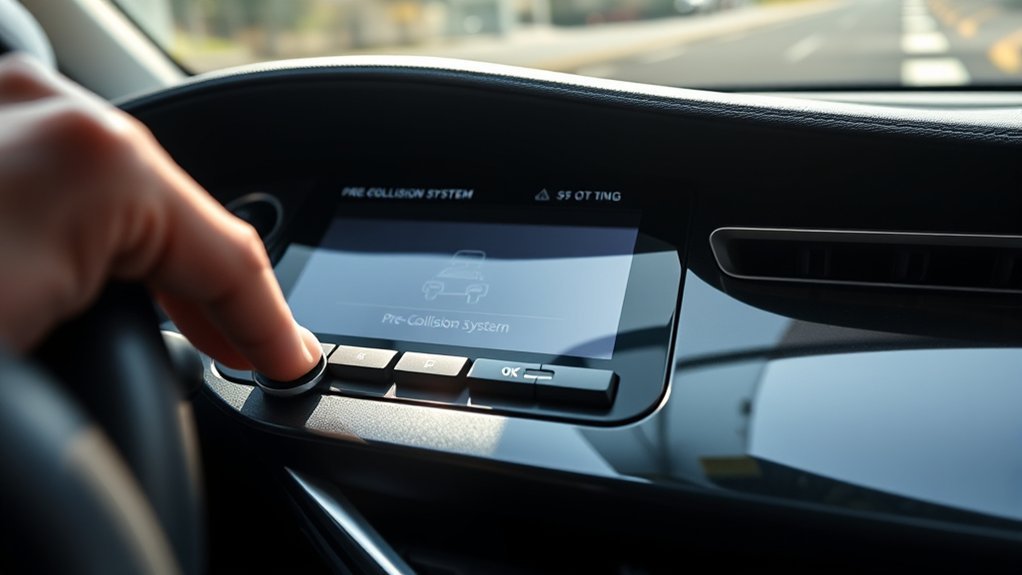
To disable the pre-collision system in your Camry, first, locate the traction control button, which has an icon of a car with squiggly lines. Once you’ve found it, you can execute the shortcut method by pressing and holding the button for three seconds. Keep in mind that this system will automatically reactivate when you restart the vehicle, so plan accordingly.
Locate Traction Control Button
Finding the traction control button in your Toyota Camry is a straightforward process that can quickly help you disable the pre-collision system. This button, featuring an icon of a car with squiggly lines, is typically located on the dashboard, near the gear shift.
Before you proceed, verify your vehicle is completely stopped. To deactivate the pre-collision system temporarily, press and hold the traction control button for 3 seconds. Keep in mind that the pre-collision system will automatically reactivate the next time you restart your vehicle.
Here’s a quick overview:
| Step | Action |
|---|---|
| Button Location | Dashboard near the gear shift |
| Vehicle Status | Verify the vehicle is completely stopped |
| Action to Disable | Press and hold the button for 3 seconds |
Execute Shortcut Method
With the traction control button identified, you can now execute the shortcut method to disable the pre-collision system in your Toyota Camry. First, make sure your vehicle is completely stopped. Locate the traction control button, which features a car icon with squiggly lines, and press it once to disable traction control. Next, hold the button for three seconds to temporarily deactivate the pre-collision system. This method provides you a quick way to manage your safety features, enhancing driver awareness without maneuvering through complex settings. Remember, the pre-collision system will automatically reactivate when you restart your vehicle, so you’ll need to repeat this process each time. Enjoy your driving experience with the freedom to control your vehicle’s systems!
Understand System Limitations
While you can easily disable the pre-collision system in your Toyota Camry, it’s important to understand its limitations. First, you must come to a complete stop; the system can’t be disabled while the vehicle is in motion. Although disabling the system offers you immediate control, it also means losing critical safety enhancements designed to prevent collisions. The pre-collision system has been a staple in Toyota vehicles for around seven to eight years, showcasing its effectiveness in enhancing driver safety. Remember, this deactivation is temporary—it will reset and reactivate automatically when you restart your vehicle. You don’t need a specific reason to disable it, but consider the system benefits before taking action.
Key Factors to Consider Before Turning Off the Pre-Collision System
Before deciding to disable the pre-collision system in your Camry, it’s crucial to reflect on the safety implications involved. This system enhances your vehicle’s ability to detect potential collisions, particularly in areas with high pedestrian traffic. Disabling it could expose you to greater risks, especially in unpredictable environments.
Limitations of the Shortcut Method for Deactivation

The shortcut method for deactivating the pre-collision system has significant limitations. You can only disable it when your vehicle is completely stopped, and it automatically reactivates once you restart the engine. This means you won’t have a long-term solution if you need to turn off the system frequently while driving.
Timing of Deactivation
To effectively disable the pre-collision system in your Camry, timing is essential, as the shortcut method has specific limitations. This method requires your vehicle to be completely stopped, meaning you can’t activate it while driving. To achieve successful deactivation timing, hold the traction control button for three seconds. However, be aware that this action only temporarily disables the system. After restarting your vehicle, the pre-collision system automatically reactivates, necessitating the repeat of this process for continued deactivation. While this approach provides immediate control in unwanted situations, consider the safety implications of disabling the system, as it’s designed to protect you. No personal justification is needed for using this shortcut, but awareness is vital.
Reactivation Upon Restart
While you might find the shortcut method for disabling the pre-collision system convenient, it’s important to understand its limitations regarding reactivation upon restart. This system automatically reactivates every time you restart your Camry, rendering the shortcut a temporary fix. If you’re seeking to maintain driver awareness and control over your vehicle’s safety features, you’ll need to adjust the settings manually.
| Action | Shortcut Method | Manual Settings |
|---|---|---|
| Deactivate System | Yes | No |
| Reactivation | Automatic | Permanent if set |
| Safety Features Impact | Limited | Full control |
To achieve a true deactivation, navigate through your vehicle’s settings menu after each restart.
What to Expect When Restarting Your Vehicle?

When you restart your Toyota Camry, expect the pre-collision system to reactivate automatically, regardless of any previous manual deactivations. This reactivation behavior is intentional, ensuring that safety features remain functional to protect you and pedestrians. Here’s what to keep in mind:
- Repeat Deactivation: If you disabled the system, you’ll need to repeat the process each time you start your vehicle to keep it off.
- Default Safety Setting: The default is for the pre-collision system to stay on, reinforcing consistent safety during your drives.
- Familiarization: Understanding this behavior allows you to manage the system effectively, especially in varying driving conditions.
Be aware of these safety implications, as they can greatly impact your driving experience. Knowing how the pre-collision system operates empowers you to make informed decisions about your vehicle’s safety settings.
Other Ways to Adjust Pre-Collision Settings
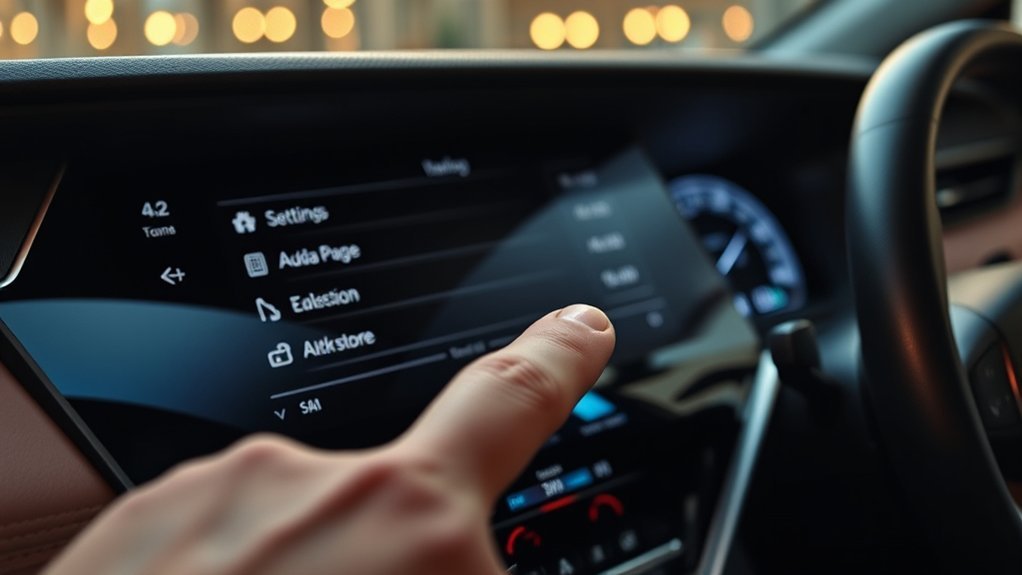
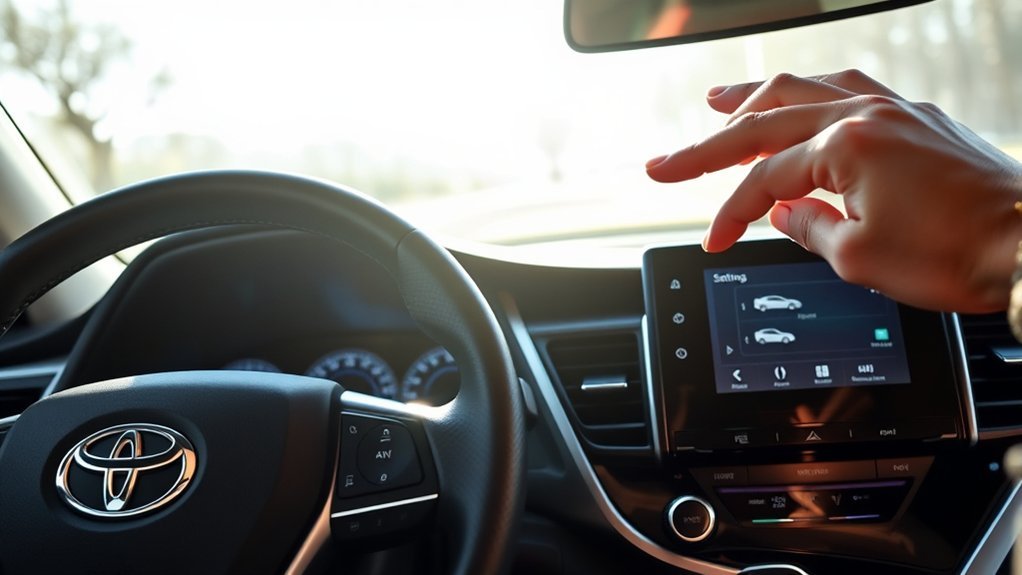
Understanding how to manage your pre-collision system goes beyond just turning it off and on. To effectively customize your settings, access the vehicle’s settings menu through the infotainment system. Here, you’ll find various customization options, allowing you to adjust sensitivity levels and tailor the system’s responsiveness to your driving style. Some models even let you enable or disable specific features, like pedestrian detection, directly from the menu.
It’s also important to stay informed about regular system updates. These updates may introduce new options or improvements for adjusting your pre-collision settings. Checking for these updates periodically can enhance your experience and guarantee you’re using the latest features available.
For specific instructions on navigation within the settings menu, consult your vehicle’s owner’s manual, as the process can vary between model years. This way, you can fully harness the capabilities of your pre-collision system.
FAQs About the Pre-Collision System
Curious about how the pre-collision system in your Toyota Camry works? This feature has been standard for over 7-8 years, designed to enhance driving safety by detecting potential collisions. Here are some FAQs that might address your safety concerns:
1. What does the system detect?
It includes pedestrian detection and monitors surrounding vehicles to prevent accidents.
2. How can I disable it?
You can temporarily disable the system by holding the traction control button for 3 seconds while stopped. Remember, it’ll reactivate when you restart your vehicle.
3. Is it available in other models?
Yes, this system is applicable across various Toyota models, giving drivers more control over their safety features.
Understanding these aspects can greatly improve your driver experiences and help you make informed decisions about your vehicle’s safety systems.
Driving Safely Without the Pre-Collision System
Disabling the pre-collision system in your Toyota Camry can provide you with greater control over your driving experience, particularly in situations where the system’s interventions may feel unnecessary or intrusive. While the pre-collision system enhances safety by detecting pedestrians and potential collisions, it can sometimes create driving distractions. By temporarily deactivating it, you can achieve a better safety balance tailored to your preferences.
To disable the system, simply stop your vehicle and hold the traction control button for three seconds. Remember, the pre-collision system automatically reactivates when you restart the vehicle, so you’ll need to repeat the deactivation process if you want to maintain that control. Understanding how to manage these features empowers you to make informed driving decisions, allowing you to navigate situations where the system’s alerts may not align with your driving style. Embrace your freedom by customizing your driving experience.
Conclusion: Managing Your Pre-Collision System Settings
While steering through your driving preferences, managing the pre-collision system settings in your Camry is essential for an ideal experience. This safety feature can enhance your driver awareness, but knowing how to adjust it empowers you further. Here’s how to effectively manage your settings:
Managing your pre-collision system settings in your Camry is key to enhancing driver awareness and ensuring a tailored driving experience.
- Temporary Deactivation: When stopped, press and hold the traction control button for 3 seconds to disable the pre-collision system.
- Automatic Reactivation: Remember, the system will reactivate upon restarting your vehicle, ensuring default safety feature implications are maintained.
- Convenience Across Models: This quick method isn’t just for the Camry; it works for various Toyota models, streamlining your control over essential safety features.
Frequently Asked Questions
Can Pre-Collision Systems Be Disabled?
Yes, you can disable pre-collision systems for driver control. This allows you to customize your vehicle’s safety features according to your preferences, providing flexibility in situations where alerts might be unnecessary or distracting.
Where Is the Pre-Collision Sensor on a Camry?
In a Camry, the pre-collision sensor’s located near the front grille, often integrated into the Toyota emblem. This strategic sensor location enhances safety features, ensuring you’re aware of potential dangers on the road.
Conclusion
In summary, managing your Camry’s pre-collision system is essential for your driving experience. Like a safety net, this feature offers protection but can be adjusted based on your needs. If you decide to disable it, remember the implications for your safety and vehicle performance. Always stay informed about any adjustments you make and consider the potential risks. Ultimately, make certain you prioritize safety while enjoying the flexibility to customize your driving experience.