By [VERIFY: add the real author or editorial reviewer] · Last updated: July 31, 2026
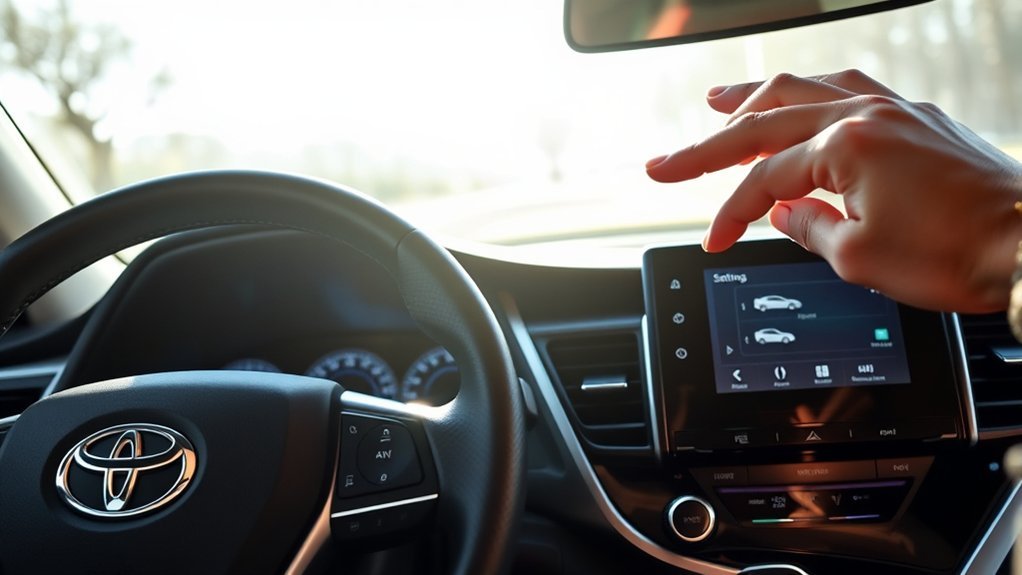
To turn off the Toyota Camry pre-collision system, park safely and use the steering-wheel meter controls to open the multi-information display settings. Select PCS or Pre-Collision System, then choose Off. This dedicated menu is the correct control on U.S.-market Camrys that provide a driver-selectable PCS setting.
Do not treat the traction-control button as a universal PCS switch. On applicable Camrys, holding the VSC OFF button while stopped can disable pre-collision brake assist and automatic pre-collision braking, but the forward-collision warning may remain available. That is not the same system state as selecting PCS Off in the dedicated menu.
The exact icon, warning-timing labels and menu layout differ between the 2018–2024 Camry and the redesigned 2025–2026 Camry. Use the model-year guide below, then confirm the displayed setting before driving.
Quick Answer
Park the Camry, open the multi-information display settings with the steering-wheel controls, select PCS or Pre-Collision System, and choose Off. Use the dedicated PCS menu rather than the traction-control button. Check the PCS warning light or confirmation message before driving, and expect the system to return to its enabled state after a restart on documented 2018–2024 models.
Key Takeaways
- Use the dedicated PCS setting in the multi-information display when your Camry provides one.
- A quick TRAC OFF press and a long VSC OFF press do not produce the same result as selecting PCS Off.
- On applicable Camrys, turning VSC off can disable pre-collision brake assist and automatic braking while the warning function remains.
- Changing warning timing does not automatically mean every braking threshold changes.
- Braking while reversing may come from a parking-assistance system rather than the forward PCS.
- Never test PCS by intentionally driving toward a person, vehicle, wall or other obstacle.
Toyota Camry PCS Settings by Model Year
| Camry model years | Dedicated PCS control | Warning-timing wording | Restart behavior |
|---|---|---|---|
| 2018–2020 U.S. Camry | Use the steering-wheel controls to open the settings display, select PCS and choose On or Off. | Some guides use Far, Middle and Near. | PCS is automatically enabled when the ignition is turned on. The timing selection is retained. |
| 2021–2024 U.S. Camry | Open the multi-information display settings and select PCS. Choose On or Off. | Common labels are Early, Middle and Late. | PCS is automatically enabled when the vehicle is turned on. The timing setting is normally retained, but disabling and re-enabling PCS can restore the default Middle setting on some versions. |
| 2025–2026 U.S. Camry | Use the PCS customize or driver-support setting shown in the multi-information display. The instrument cluster and Toyota Safety Sense version differ from the previous generation. | Follow the labels displayed by the vehicle because wording can differ with the display and software version. | Check the PCS status after each restart rather than assuming the previous selection remains. |
This table covers the major recent U.S.-market Camry generations. Imported vehicles and Camrys sold in other markets may use different displays, Toyota Safety Sense versions or operating logic.
What Is the Pre-Collision System in a Toyota Camry?
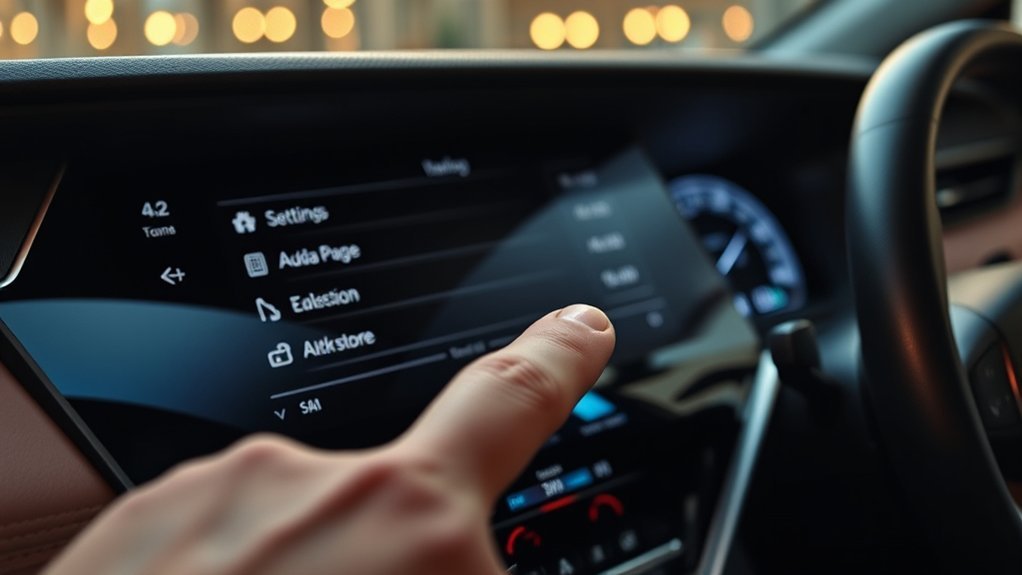
The Toyota Camry pre-collision system, commonly labeled PCS, is part of Toyota Safety Sense. Depending on the model year and equipment, it can provide a forward-collision warning, pre-collision brake assist and automatic pre-collision braking when the system detects a possible frontal collision.
PCS commonly uses a forward-facing camera near the top of the windshield and a millimeter-wave radar in the front grille or emblem area. The hardware, detectable objects, warning logic, instrument-cluster layout and available driver settings differ between Toyota Safety Sense versions.
The 2024 U.S. Camry uses Toyota Safety Sense 2.5+, while the redesigned 2025 and 2026 U.S. Camry use Toyota Safety Sense 3.0. That generation change is one reason a procedure demonstrated on another Toyota or an older Camry may not match your display.
Use Toyota’s official manuals and warranties portal to select the exact year, model and market.
How Do You Turn Off the Toyota Camry Pre-Collision System?
[Products Worth Considering]

These premium front windshield wiper blades are designed to fit compatible Toyota Camry and Toyota Solara models for dependable all-season performance. The frameless design helps resist snow and ice buildup while the natural rubber scraper delivers smooth, quiet wiping for clearer visibility and safer driving. Built for easy installation and long-lasting use, this replacement set is made to handle changing weather conditions with confidence.

These ceramic front brake pads are designed for compatible Toyota Avalon, Camry, and Lexus ES-series vehicles, offering dependable stopping power and smooth, consistent braking performance. Built with included hardware for easier installation, they help reduce squealing and brake dust while supporting long-term durability for everyday driving.

This wired backup camera system makes reversing easier with a quick plug-and-play setup, stable real-time video, and a wide-angle HD view to help reduce blind spots. The adjustable parking lines, brightness, contrast, and image flip options let you customize the display for safer parking in cars, trucks, RVs, vans, SUVs, trailers, and campers.
Before You Begin
Time required: About 2 to 5 minutes
Park the vehicle in a safe place before changing the setting. Do not search through instrument-cluster menus while driving. Keep the owner’s manual for your exact model year available if the screen does not match the steps below.
Do not road-test automatic braking: Never confirm PCS operation by intentionally approaching a person, vehicle, wall, garage door or other obstacle. Confirm only the selected setting, warning light and display message.
Step 1: Identify the Dedicated PCS Controls
Confirm the Camry’s model year and locate the steering-wheel buttons that control the multi-information display. Look for directional arrows, an OK button and a back button.
Do not assume the button showing a car with squiggly lines is the PCS control. That button relates to traction control and VSC.
A quick press normally turns off TRAC. Holding the VSC OFF button for more than about three seconds while the Camry is stopped turns off both TRAC and VSC on applicable models. Toyota documentation states that this can also disable pre-collision brake assist and pre-collision braking while leaving the warning function available. It is not equivalent to selecting PCS Off.
Step 2: Open the PCS Settings
With the vehicle safely parked, use the steering-wheel arrows to open the settings area on the instrument display. Look for a gear icon, driver-support settings, customize settings or a PCS symbol.
Select PCS or Pre-Collision System and read the choices shown on the display. Depending on the Camry, you may see an On or Off selection, warning-timing options or both.
If no PCS option appears, make sure you opened the vehicle or driver-assistance settings rather than the audio or multimedia settings. If the menu still does not appear, check the exact owner’s manual instead of trying an unrelated button combination.
Step 3: Choose the Intended Setting
Select PCS Off only for a specific, temporary reason and only when the owner’s manual permits it. Turning PCS off can remove or limit forward-collision warnings, pre-collision brake assist and automatic pre-collision braking.
If you only want the warning to appear earlier or later, leave PCS enabled and choose the available warning-timing setting. Common labels include Far, Middle and Near or Early, Middle and Late, depending on the year.
Changing warning timing does not necessarily change every automatic-braking threshold. On Toyota Safety Sense versions that include Emergency Steering Assist, the timing choice may also affect when steering assistance is available. Follow the manual for your Camry before selecting Late.
Step 4: Confirm the Instrument-Cluster Status
After changing the setting, check the instrument cluster for the PCS warning light or a confirmation message. The exact symbol, color and wording vary by model year.
Do not treat a TRAC OFF or VSC OFF indicator as proof that the entire pre-collision system is off. Confirm the PCS status through the dedicated menu or through the indicator described in the owner’s manual.
Does VSC OFF Turn Off the Camry Pre-Collision System?
Not completely. On applicable Camrys, holding the VSC OFF button while the vehicle is stopped turns off TRAC and VSC. Toyota states that pre-collision brake assist and pre-collision braking can also become unavailable when VSC is disabled.
However, the pre-collision warning function may remain active. This means VSC OFF can remove the braking portion of PCS without producing the same result as selecting PCS Off through the dedicated instrument-cluster setting.
| Driver action | Typical result on applicable Camrys | Is this PCS Off? |
|---|---|---|
| Quick press of TRAC/VSC button | TRAC is turned off to allow limited wheelspin. | No |
| Hold button for more than about three seconds while stopped | TRAC and VSC are turned off. Pre-collision brake assist and pre-collision braking may also be disabled. | No. The warning function may remain. |
| Select PCS Off in the multi-information display | The dedicated PCS setting is disabled and the PCS warning light or message appears. | Yes |
Use the dedicated PCS setting when the goal is to change PCS itself. Use the TRAC or VSC controls only for the situations described in the Camry owner’s manual.
[Products Worth Considering]

This front bumper license plate bracket is designed for Toyota Camry and Camry Hybrid models from 2018 to 2026, offering a secure and street-legal way to mount your plate. Built from durable, rust-proof plastic with included screw bolts and a wrench, it helps protect your bumper paint while making installation straightforward. The bracket fits US and Canada plates and is made to keep your license plate and registration sticker visible.

This coolant electric water pump is designed as a replacement for select Toyota vehicles, helping maintain proper engine cooling performance and reliable temperature control. Built to OE specifications, it offers fitment support for compatible Avalon, Camry, and RAV4 models with 2.5L L4 engines. It also includes cross-reference part numbers for easier matching and comes with after-sales support for covered defects.
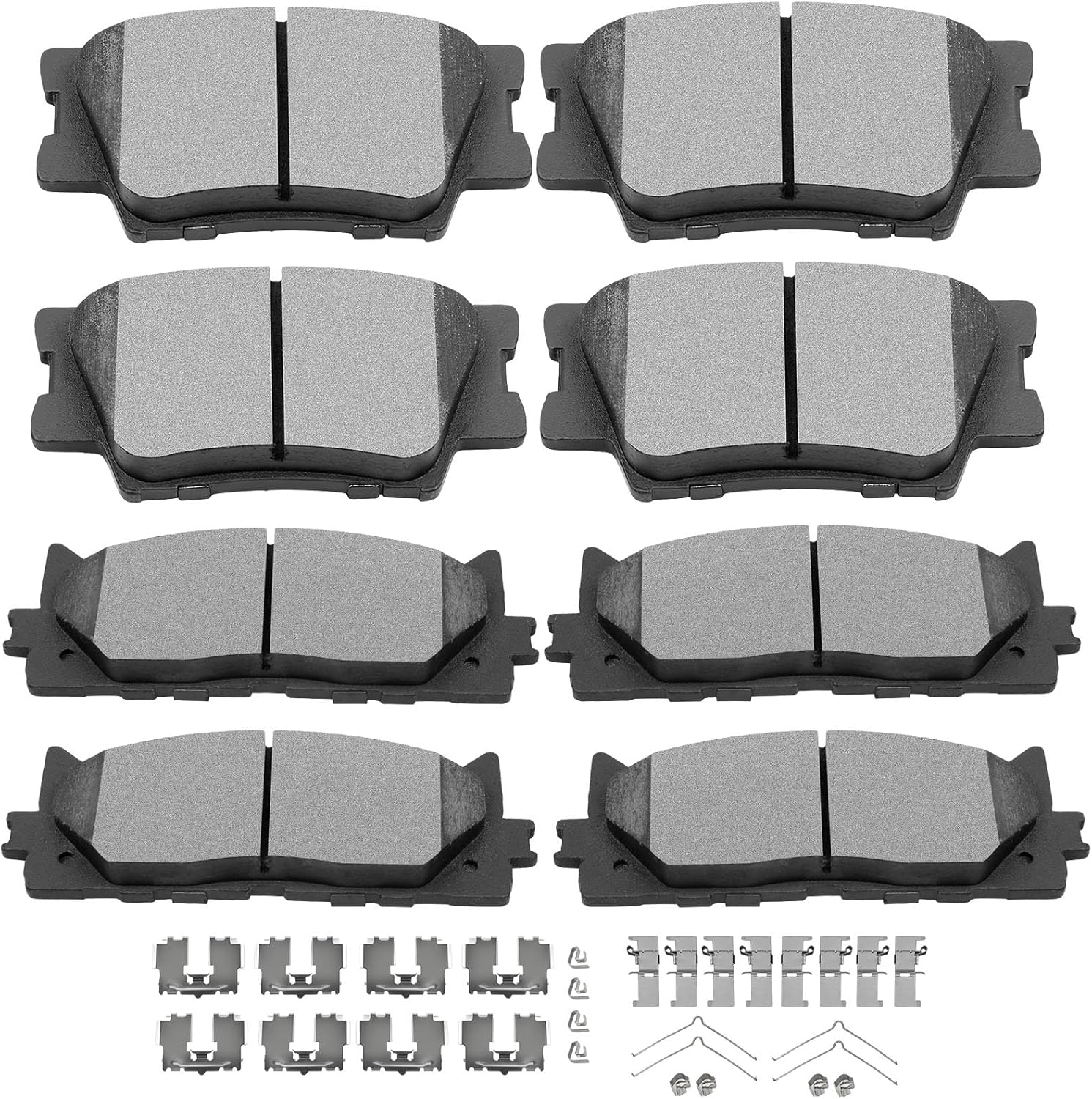
This ceramic front and rear brake pad set is designed as a direct replacement for select Lexus and Toyota models, helping restore reliable stopping performance. The pads feature a scorch-treated friction surface for quicker break-in and consistent wear, while the included gasket design helps reduce vibration and noise for quieter braking. Built for easy installation, this kit comes ready to fit compatible vehicles without modification.
When Does Toyota Tell You to Disable PCS?
Toyota owner manuals identify situations in which the system may not operate properly and should be disabled. The exact list varies by model and year, but documented examples include:
- When the Camry is being towed or transported by truck, boat or train.
- When the vehicle is raised on a lift while the powertrain is operating and the wheels can rotate.
- During dynamometer, speedometer-tester or on-vehicle wheel-balancer testing.
- After a strong impact to the front bumper, grille or radar area.
- When the vehicle cannot be driven stably because of damage or a malfunction.
- When tire chains, a compact spare or an emergency tire-repair kit are in use.
- When the tires are badly worn, incorrectly inflated or a non-specified size.
- When equipment or an accessory obstructs the radar sensor or front camera.
This is not a complete substitute for the owner’s manual. Do not routinely disable PCS for ordinary road use simply because a warning feels early.
[Products Worth Considering]

These premium all-season windshield wiper blades are designed to deliver clear, quiet wiping performance and improved driving visibility in rain, snow, and changing weather. Built with natural rubber and a frameless design, they help resist ice buildup while providing durable, smooth operation for compatible Toyota Camry and Highlander models.

This coolant thermostat is a direct replacement designed for a wide range of Toyota, Lexus, and Scion vehicles. It helps maintain proper engine temperature, supports reliable cooling system performance, and installs easily without special tools or programming. Built to meet OEM standards, it offers durable, stable operation and dependable fitment for compatible models.

This plug-and-play backup camera system is designed for quick installation and dependable rear visibility on a wide range of vehicles. It delivers HD 1080P color images with stable signal transmission, clear night vision, and an adjustable 4.3-inch monitor for safer reversing in day or night conditions. With a waterproof all-weather design, customizable parking grid lines, and wide-angle viewing, it helps reduce blind spots and makes parking and maneuvering easier.
What Should You Do If the PCS Setting Does Not Work?
| Message or symptom | Likely meaning | Next action |
|---|---|---|
| No PCS menu appears | The wrong settings area may be open, or the vehicle uses a different display path. | Park, reopen the driver-support or vehicle settings and check the exact manual. |
| The menu is grayed out | One or more conditions for changing the setting have not been met. | Stop fully, select Park and follow any instruction shown on the display. |
| PCS Off | PCS was intentionally disabled or another system state has made part of PCS unavailable. | Check the dedicated PCS setting and the TRAC/VSC indicators. |
| PCS Unavailable, Clean Sensor or Sensor Blocked | The camera or radar may be obstructed, too hot, too cold or temporarily unable to detect the road. | Clean only the areas described in the manual and allow weather or temperature conditions to improve. |
| PCS Malfunction or Visit Your Dealer | A stored fault, damaged component, wiring problem or calibration issue may be present. | Do not rely on PCS. Arrange diagnostic service if the message remains after a restart. |
| Unexpected forward warning or braking | Possible obstruction, glare, weather limitation, sensor damage, calibration problem or difficult road geometry. | Stop safely, note the exact message, inspect the sensor areas and arrange diagnosis if it repeats. |
| Braking while reversing | A parking-assistance or rear automatic-braking feature may be operating rather than forward PCS. | Read the displayed system name and check the parking-support section of the owner’s manual. |
Recent windshield replacement, front-end repair, grille work, emblem replacement or collision damage can change the position or aim of the camera or radar. See the detailed Camry ADAS camera-calibration guide if the symptoms began after windshield work.
A manufacturer technical service bulletin may describe a known symptom or updated diagnostic procedure for a specific model year. A bulletin is not automatically a recall, so confirm applicability by VIN with Toyota or a qualified repair facility.
What Are the Risks of Turning Off PCS?
Warning: Turning PCS off can remove or limit forward-collision warnings, braking assistance and automatic emergency braking. Keep it enabled for normal road use unless the owner’s manual directs otherwise.
PCS is designed to warn the driver and, in supported situations, assist with braking when a frontal collision risk is detected. It cannot detect every object or prevent every crash, but disabling it removes an available layer of assistance.
If the system behaves unexpectedly, do not make routine deactivation the first response. Stop safely, read the exact warning message and inspect the sensor areas. Arrange professional diagnosis if unwanted warnings or braking repeat.
Why Does the Procedure Vary by Camry Model Year?

Toyota has used different Toyota Safety Sense versions, instrument clusters and control layouts across Camry generations. The 2018–2024 Camry commonly uses 4.2-inch or 7-inch multi-information display procedures documented in that generation’s manuals.
The redesigned 2025–2026 Camry uses Toyota Safety Sense 3.0 and a different instrument-cluster system. Its PCS setting is handled as a customizable driver-support setting, but the exact display path can differ from the earlier Camry.
Market differences also matter. A Camry sold in the United States may not have the same equipment or operating logic as one sold in Canada, Europe, Asia or the Middle East. Select the exact year, model and market when consulting Toyota documentation.
Does PCS Turn Back On When You Restart the Camry?
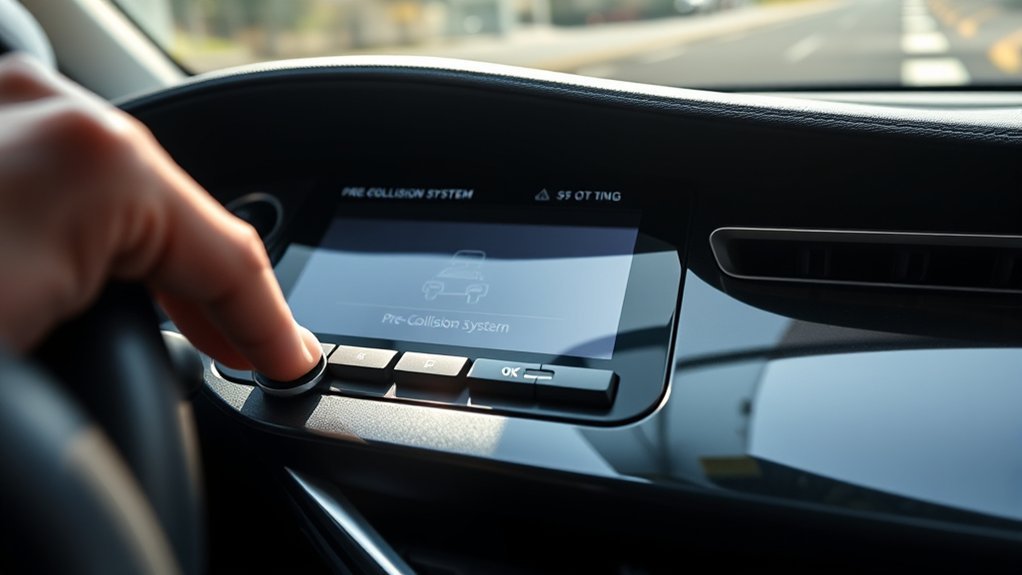
For documented 2018–2024 U.S.-market Camrys, the pre-collision system is automatically enabled when the ignition or power switch is turned on.
The warning-timing selection is generally retained when the vehicle is turned off. On some versions, disabling and then re-enabling PCS returns warning timing to the default Middle setting.
Check the PCS indicator after every restart, especially on a 2025–2026 Camry or a vehicle from another market. If PCS remains off without an intentional setting change, or a warning message stays on, consult the owner’s manual and arrange service when needed.
How Do You Adjust the Pre-Collision Warning Timing?
Where the Camry offers this option, use the steering-wheel controls to open the driver-support settings and select PCS. Look for warning timing, warning sensitivity or a similar selection.
Depending on the year, the labels may include Far, Middle and Near or Early, Middle and Late. Choosing an earlier setting makes the warning appear sooner. Choosing a later setting delays the warning.
This adjustment does not switch PCS off. It also should not be described as a guaranteed way to delay automatic braking. On versions equipped with Emergency Steering Assist, warning timing may also affect steering-assistance timing. Follow the exact owner’s manual before choosing Late.
Repeated unexpected warnings still deserve inspection. Do not keep moving the setting later to hide a sensor obstruction, calibration problem or malfunction.
Why Does the Camry Brake While Reversing?
Forward PCS is designed primarily around collision risks in front of the vehicle. If a Camry brakes while reversing toward a wall, bush, vehicle or other object, a parking-assistance system may be responsible instead.
Depending on the year and equipment, the display may identify Parking Support Brake, PKSB, Intelligent Clearance Sonar, rear cross-traffic braking or another parking feature. Read the exact system name shown on the instrument cluster before changing PCS settings.
Turning forward PCS off may not stop a separate parking-brake-assistance feature. Use the parking-support section of the owner’s manual to identify and adjust the correct system.
What Should You Check After a False PCS Alert?
- Stop safely. Do not troubleshoot the display while the car is moving.
- Read the exact message. Note whether it says Off, Unavailable, Clean Sensor, Sensor Blocked or Malfunction.
- Confirm the direction of travel. Braking in reverse may involve a parking-support system rather than forward PCS.
- Inspect the windshield-camera area. Remove dirt, condensation, snow, stickers or objects blocking its view.
- Inspect the front radar area. Clean the grille or emblem area described in the owner’s manual.
- Consider recent work. Windshield replacement, grille work, emblem replacement or front-end damage can affect sensor aim.
- Check tires and vehicle condition. Incorrect pressure, severe wear, non-specified tire sizes, chains or a compact spare can affect system operation.
- Do not stage a collision test. Confirm only the dashboard status.
- Arrange diagnosis if it repeats. Persistent malfunction messages or unwanted braking should not be ignored.
Heavy rain, snow, fog, glare, road spray, extreme camera temperature or temporary sensor obstruction can limit driver-assistance operation. A persistent malfunction message is different from a brief weather-related limitation.
Frequently Asked Questions
Can I permanently disable the pre-collision system?
Do not assume PCS can or should be permanently disabled. Documented recent Camrys automatically restore PCS when the vehicle is started. Use the approved menu procedure for a temporary change and keep PCS enabled for normal driving.
Where is the pre-collision sensor located on a Camry?
Many Camrys place the millimeter-wave radar in the front grille or emblem area and the forward camera near the top of the windshield. Check the owner’s manual before cleaning, covering or working near either sensor.
Why does my pre-collision system brake or warn unexpectedly?
Possible causes include dirt, snow, glare, heavy weather, an obstructed sensor, front-end damage, windshield work, incorrect tire conditions or sensor misalignment. Stop safely, record the exact message and arrange inspection if the behavior repeats.
Does turning off traction control turn off the pre-collision system?
A quick TRAC OFF press does not turn the complete PCS off. Holding VSC OFF on applicable Camrys can disable pre-collision brake assist and pre-collision braking, but the warning function may remain. Use the dedicated PCS menu to change PCS itself.
What should I do if the PCS warning stays on?
If you intentionally turned PCS off, use the dedicated settings to turn it back on. If the display says PCS is unavailable, clean the sensor areas and allow temporary weather or temperature conditions to improve. Arrange diagnosis if it says Malfunction or the warning remains.
Does PCS turn back on when I restart the Camry?
Documented 2018–2024 U.S.-market Camrys automatically enable PCS when the ignition or power switch is turned on. Check the instrument-cluster status after every restart because behavior and display wording can differ by year and market.
Why does my Camry brake while I am reversing?
Braking in reverse may come from Parking Support Brake, Intelligent Clearance Sonar or another parking-assistance system rather than forward PCS. Read the exact system name on the display and use the corresponding owner’s-manual section.
Safety Disclaimer: This article is for informational purposes only. Pre-collision-system controls and behavior vary by model year, equipment and market. Follow the owner’s manual for your exact Camry and obtain professional diagnosis for repeated warnings, unexpected braking assistance or malfunction messages.
Conclusion
Use the dedicated PCS setting in the Camry’s multi-information display rather than treating the traction-control button as a universal shortcut. Park safely, select PCS, choose the intended setting and confirm the PCS indicator before driving.
Keep PCS enabled for normal road use. If false alerts or unwanted braking return after the camera and radar areas are clean, document the exact warning message and arrange diagnosis instead of repeatedly switching the system off.
References
- Toyota Manuals and Warranties – Toyota Motor Sales, U.S.A.
- 2025 Toyota Camry Driving Support Systems Owner’s Manual Excerpt – Toyota Motor Sales, U.S.A.
- Turning On and Off Pre-Collision System – Toyota USA
- Adjust Pre-Collision System with Pedestrian Detection – Toyota USA