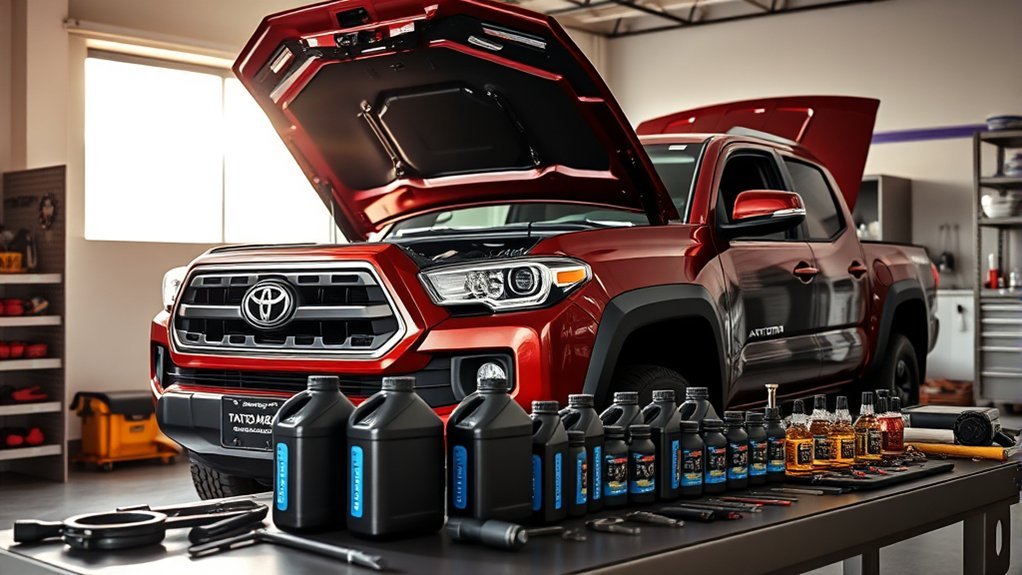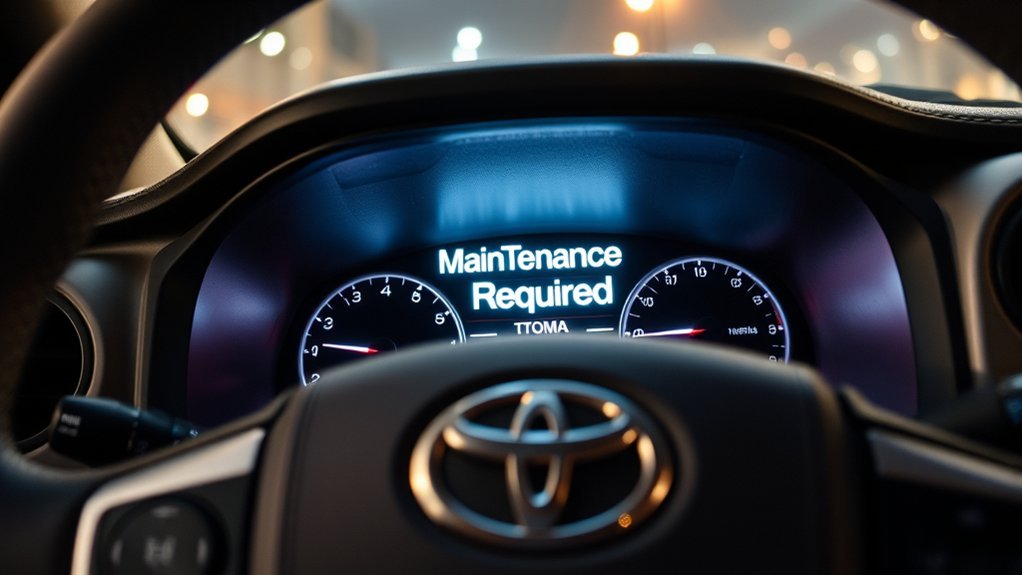
The Maintenance Required light on a Toyota Tacoma is usually a mileage-based reminder that scheduled maintenance is due, not a sign that the engine has failed. In most cases, it is reminding you to complete the next Toyota-recommended service, then reset the reminder so it can track the next interval correctly.
Quick Answer
On a Toyota Tacoma, the Maintenance Required light means routine service is due or coming due, usually based on mileage. Toyota maintenance guides commonly call for service checks every 5,000 miles or 6 months. After the required service is finished, reset the reminder from the trip button or vehicle settings menu, depending on your model year.
Key Takeaways
- The Tacoma Maintenance Required light is a service reminder, not the same thing as the Check Engine light.
- Toyota’s Tacoma maintenance guides commonly use 5,000-mile or 6-month service intervals for inspections, tire rotation, and reminder resets.
- Oil-change timing can vary by model year, oil type, engine, and driving conditions, so always check your Tacoma’s maintenance guide.
- Reset the light only after the required maintenance is complete, or your truck’s reminder schedule will be inaccurate.
- If a Check Engine light, low oil pressure warning, or “Engine Maintenance Required” message appears, treat that as a separate issue.
At a Glance
| Time Required | Less than 1 minute after maintenance is complete |
| Difficulty | Easy |
| Tools Needed | No tools for the reset; maintenance tools depend on the service performed |
| Cost | Free to reset; service cost varies by maintenance item |
What Does the Maintenance Required Light Mean on a Toyota Tacoma?

When you see the Maintenance Required light or message in your Toyota Tacoma, it is usually a scheduled-service reminder. On older Tacomas, you may see an amber “MAINT REQD” light. On newer models, the multi-information display may show a message such as “Maintenance Required Soon” or “Oil Maintenance Required.”
This reminder is different from a malfunction warning. Toyota’s maintenance materials tell owners to reset the oil replacement reminder light or oil maintenance message after maintenance at the proper interval, and the 2024 Tacoma owner information says to reset the maintenance message after the required maintenance is performed according to the schedule. You can review Toyota’s official maintenance information through the 2024 Tacoma maintenance requirements page and the Toyota Tacoma Warranty & Maintenance Guide.
Note: The Maintenance Required light is a reminder system. It does not measure oil quality directly on most Tacoma models. Use it as a prompt to check the maintenance schedule, not as proof that only one specific service is needed.
[Products Worth Considering]

This GM TPMS relearn tool helps reset tire sensors, clear warning lights, and match tire positions after rotation quickly at home. Designed for Chevrolet, GMC, Cadillac, and Buick vehicles, it offers one-button operation, fast activation, and broad compatibility with many GM models. It is best suited for OE/OEM sensors and includes paper instructions plus video guidance for easier DIY use.

This A-Premium cartridge engine oil filter is designed for a wide range of Toyota and Lexus vehicles, helping support cleaner oil flow and dependable engine protection. With high filtration efficiency and included O-rings, it offers a practical replacement solution for routine maintenance. Built for extended service intervals, it is suitable for conventional or synthetic oil applications.

This flexible oil funnel is designed to make fluid changes cleaner and easier by guiding oil around obstacles like skid plates and crossmembers. Its shape-retaining core and silicone body can be molded for custom positioning, while the heat-resistant, leak-proof design helps prevent spills during draining and filter removal. Reusable and easy to clean, it works well for cars, trucks, motorcycles, and other hard-to-reach fluid fill or drain applications.
How Often Does the Maintenance Light Activate?
For many Tacoma model years, Toyota’s maintenance schedule is built around 5,000-mile or 6-month intervals, whichever comes first. At those visits, common items include checking the driver’s floor mat installation, inspecting and adjusting fluid levels, inspecting wiper blades, rotating tires, and visually inspecting brake components.
The original article treated the reminder as “usually an oil change every 5,000 miles,” but that needs a little more precision. Many Tacoma schedules include an oil and filter replacement at 10,000-mile intervals under normal conditions when the correct oil is used, while oil changes can be due sooner under special operating conditions such as repeated short trips, dusty roads, heavy idling, towing, or heavy loading. Your model year, engine, oil type, and driving conditions matter.
| Interval or Message | What It Usually Means | What to Do |
|---|---|---|
| 5,000 miles or 6 months | Routine inspection, tire rotation, and reminder reset may be due. | Check your Tacoma maintenance guide and complete the listed items. |
| “Oil Maintenance Required” | Oil service is due according to the reminder schedule. | Replace the oil and filter if due, then reset the oil reminder. |
| Light stays on after service | The reminder was not reset or the wrong reminder was reset. | Repeat the reset steps for your model year. |
Key Differences Between the Maintenance Light and Check Engine Light
Understanding the difference between the Maintenance Required light and the Check Engine light helps you respond correctly. The Maintenance Required light is tied to scheduled service. The Check Engine light can point to a fault in the engine or emissions system and may require diagnostic scanning.
| Indicator | Main Purpose | Urgency |
|---|---|---|
| Maintenance Required | Reminder for scheduled maintenance, service checks, tire rotation, or oil maintenance. | Plan service soon; do not ignore it. |
| Check Engine | Possible engine, emissions, sensor, or drivetrain-related fault. | Diagnose promptly, especially if flashing or paired with poor running. |
| Low Oil Pressure | Possible oil pressure problem. | Stop safely and investigate immediately. |
Warning: Do not confuse “Maintenance Required” with a red oil pressure warning or a flashing Check Engine light. Red warning lights and flashing malfunction lights can indicate problems that need immediate attention.
Why Routine Maintenance Matters
Routine maintenance helps your Tacoma stay reliable, safe, and efficient. Toyota’s maintenance logs include regular checks for fluid levels, wiper blades, tires, brakes, and other components. These simple inspections can catch wear before it becomes a bigger repair.
- Oil and filter care: Fresh oil helps protect internal engine parts. Follow the oil interval listed for your year and driving conditions.
- Tire rotation: Regular rotation helps the tires wear evenly and can improve handling and tire life.
- Brake inspection: Visual checks help catch worn pads, drums, discs, or other brake concerns early.
- Fluid checks: Inspecting and adjusting fluid levels helps prevent avoidable overheating, braking, steering, and drivability issues.
- Record keeping: Receipts and maintenance logs help support warranty and resale value.
A maintenance reminder is only useful if you perform the service first. Resetting the light without doing the work makes the next reminder less trustworthy.
[Products Worth Considering]
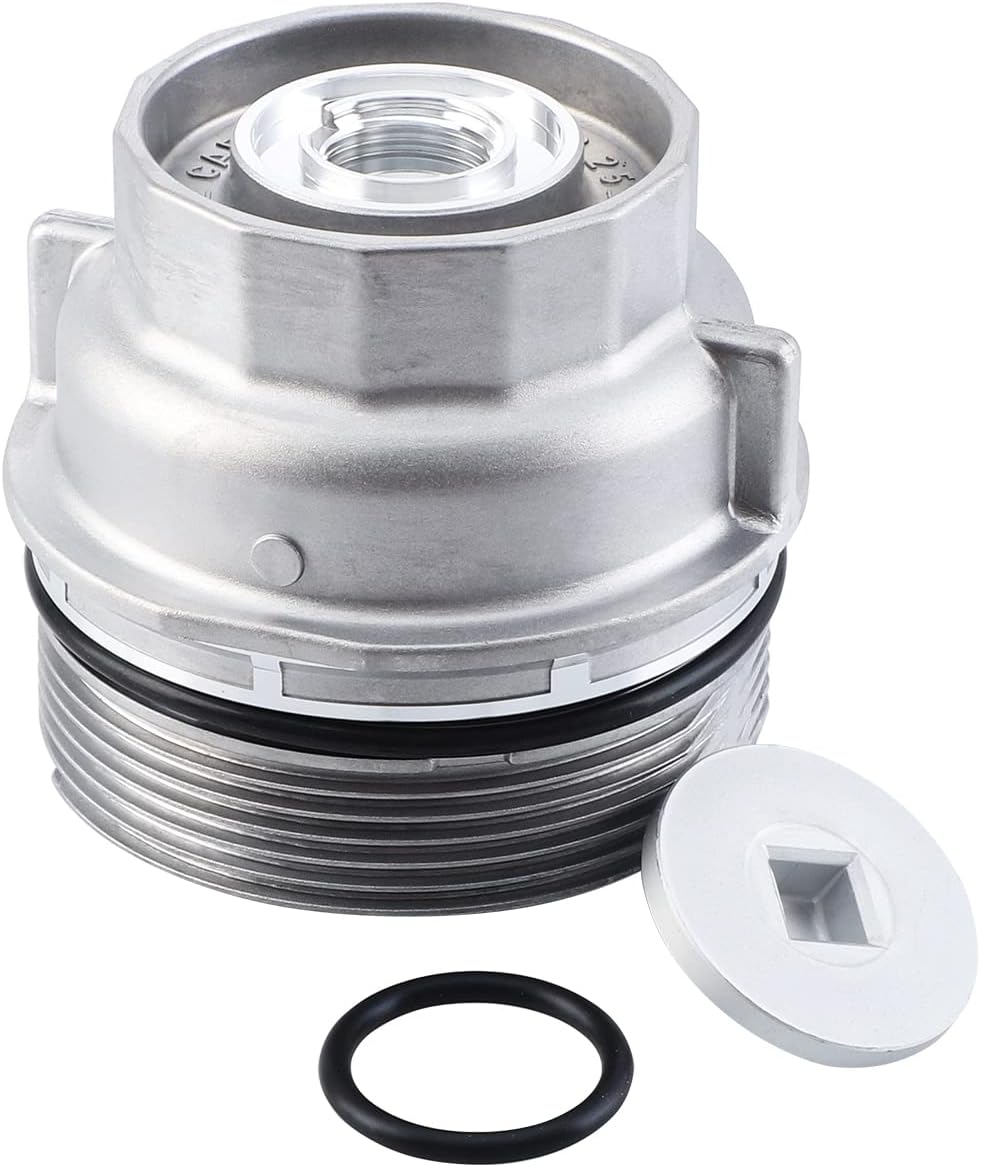
This oil filter housing cap assembly is designed as a replacement for select Toyota and Lexus vehicles, helping restore proper sealing and reliable oil filter function during routine maintenance. Built to meet OEM standards, it supports leak-free performance and long-lasting durability while fitting a wide range of popular models across multiple years.

Castrol EDGE 0W-20 advanced full synthetic motor oil is engineered for drivers seeking strong wear protection, excellent viscosity control, and thermal stability. It delivers superior performance in critical engine areas, including fuel economy, high-temperature protection, sludge control, and wear defense. Designed for extended oil-change intervals, it helps keep modern engines running smoothly under demanding conditions.

This 6-pack engine oil filter set is designed for Toyota applications and compatible cross-reference part numbers, helping support clean oil flow and dependable engine protection. Built from quality materials and featuring 99% multi-pass efficiency, it is made to help extend engine life and maintain performance between service intervals. The included six filters make it a practical choice for routine maintenance and multiple oil changes.
How to Reset Your Tacoma’s Maintenance Light: Step-by-Step
The exact reset process depends on your Tacoma’s model year, instrument cluster, and whether it uses a key ignition or push-button start. Toyota’s official support page advises owners to check the owner’s manual for vehicle-specific reset instructions, so use the steps below as a practical guide and confirm them with your manual when needed.
[Products Worth Considering]

This NewYall pack of two oil filters is designed for a wide range of Toyota, Lexus, and Scion vehicles from the 2005 to 2014 model years. Each filter includes a gasket seal O-ring element for a proper fit and reliable oil filtration, helping support clean engine oil flow and routine maintenance. It is a practical replacement choice for many popular sedans, SUVs, and hybrids.

FOCUSFILTER 04152-YZZA1 OEM grade oil filter is designed to help protect your engine with reliable filtration and 10K mile protection. It cross references multiple OE part numbers and fits a wide range of Toyota and Lexus applications, making it a practical replacement for routine maintenance. Built for compatible vehicles including Camry, Avalon, Highlander, Tacoma, RAV4, Sienna, ES 350, and RX 350.
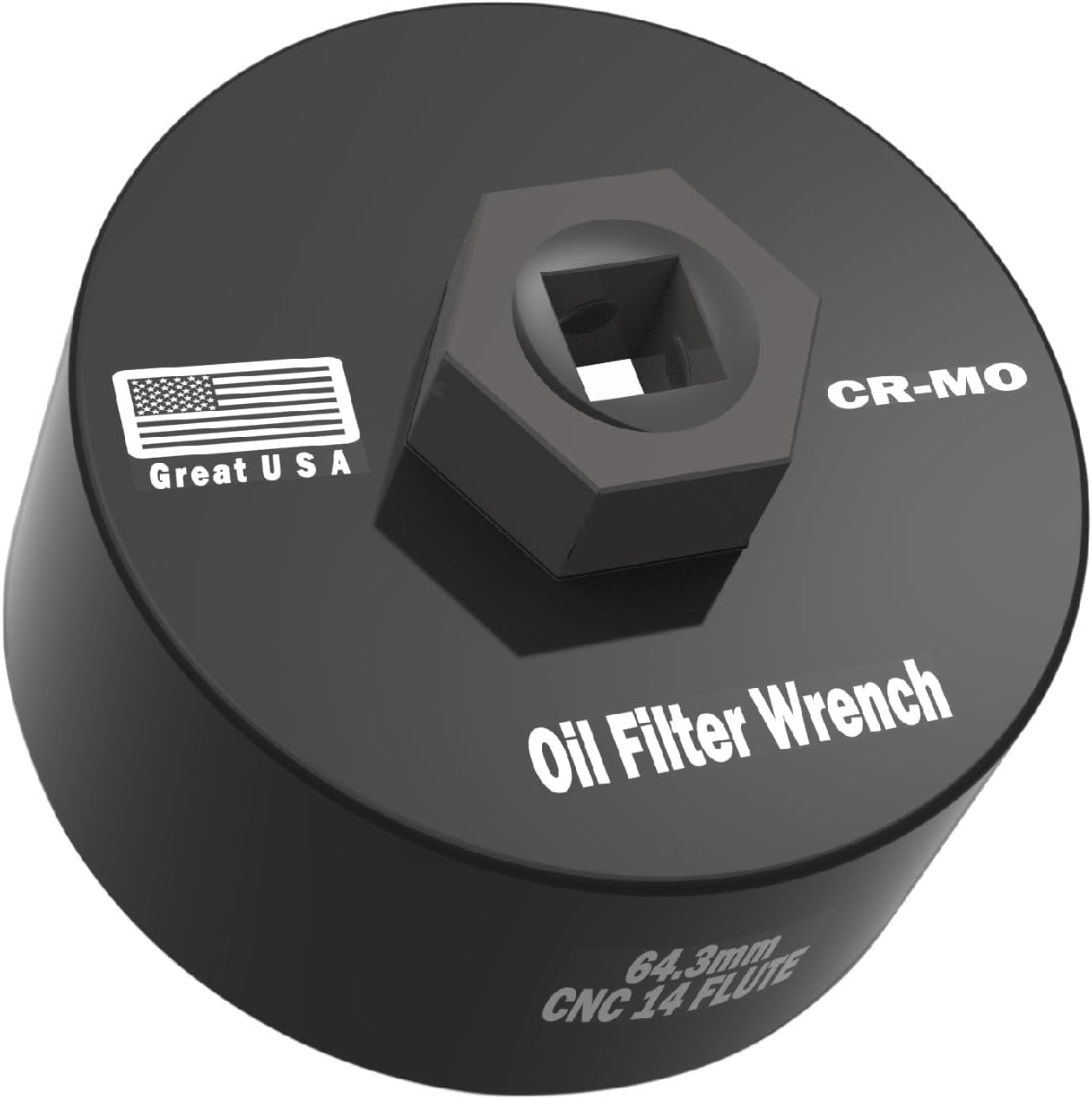
This precision oil filter wrench is designed for Toyota and Lexus cartridge-style filters, delivering a secure 14-flute fit for smooth removal and installation without slipping. Made from hardened chrome-molybdenum steel with a low-profile design, it works well in tight engine spaces and pairs with common drive tools for easier oil changes.
Before You Reset the Light
- Complete the required maintenance first.
- Park the Tacoma safely and set the parking brake.
- Turn off accessories that are not needed.
- Check whether the message says Scheduled Maintenance, Oil Maintenance, or another warning.
- Keep a record of the date, mileage, and service performed.
Trip Button Reset Method for Many Older and Third-Generation Models
Many 2005–2023 Tacoma models use a trip meter or odometer-button reset process. The exact display may be Trip A on some trucks and ODO on others.
- Turn the ignition to ON without starting the engine.
- Use the trip/odometer button to display Trip A. If your owner’s manual specifies ODO instead, use ODO.
- Turn the ignition back to OFF.
- Press and hold the trip/odometer reset button.
- While holding the button, turn the ignition back to ON without starting the engine.
- Keep holding until the display finishes its reset sequence, often shown by dashes, zeros, or the light turning off.
- Release the button and start the truck to confirm the reminder is cleared.
Push-Button Start Reset Method
If your Tacoma has push-button start, the process is similar, but you use accessory/ignition mode instead of turning a key.
- Press the Start button without pressing the brake pedal to enter accessory or ignition-on mode.
- Set the display to the required trip or odometer screen for your model year.
- Turn the truck back off.
- Press and hold the trip reset button.
- Press the Start button again without the brake pedal while continuing to hold the trip reset button.
- Wait for the reset sequence to finish, then release the button.
Display Menu Reset Method for Newer Models, Including 2024 and Later
Newer Tacoma models may use the steering-wheel meter controls instead of the trip button. On 2024 and newer models, Toyota’s owner information points owners to the vehicle settings menu for maintenance-message resets.
- Turn the vehicle to ignition-on mode without driving.
- Use the steering-wheel controls to open the multi-information display settings.
- Select Vehicle Settings. Some models require pressing and holding OK to enter this menu.
- Choose Scheduled Maintenance or Oil Maintenance, depending on the message shown.
- Select Yes to confirm the reset.
- Turn the vehicle off, restart it, and confirm the message is gone.
Pro Tip: On newer Tacomas, “Scheduled Maintenance” and “Oil Maintenance” may be separate reminders. If the message returns right away, check whether you reset the wrong reminder.
Common Reset Mistakes
| Mistake | Why It Happens | Fix |
|---|---|---|
| Resetting before service | The light goes away, but the maintenance is still overdue. | Complete the maintenance first, then reset. |
| Using the wrong display | Some years require Trip A, while others use ODO or a settings menu. | Check your owner’s manual and repeat the correct method. |
| Starting the engine during reset | The reset often requires ignition-on mode without the engine running. | Use ON mode only, or press the Start button without the brake pedal. |
| Resetting only one reminder | Newer models may separate oil and scheduled maintenance reminders. | Reset the reminder that matches the displayed message. |
Debunking Myths About the Maintenance Required Light
Because the Tacoma uses several dashboard messages, it is easy to misunderstand what the Maintenance Required light means. Here are the biggest myths to clear up.
| Myth | Reality |
|---|---|
| “Maintenance Required means the engine is damaged.” | Usually false. It is normally a scheduled-service reminder. |
| “It always means I need an oil change today.” | Not always. It may be tied to a 5,000-mile inspection, tire rotation, oil maintenance, or another scheduled item. |
| “Resetting it fixes the maintenance issue.” | Resetting only clears the reminder. It does not perform the service. |
| “The Check Engine light is the same thing.” | False. The Check Engine light is a malfunction indicator and should be diagnosed separately. |
Signs That You Should Pay Attention to the Maintenance Required Light
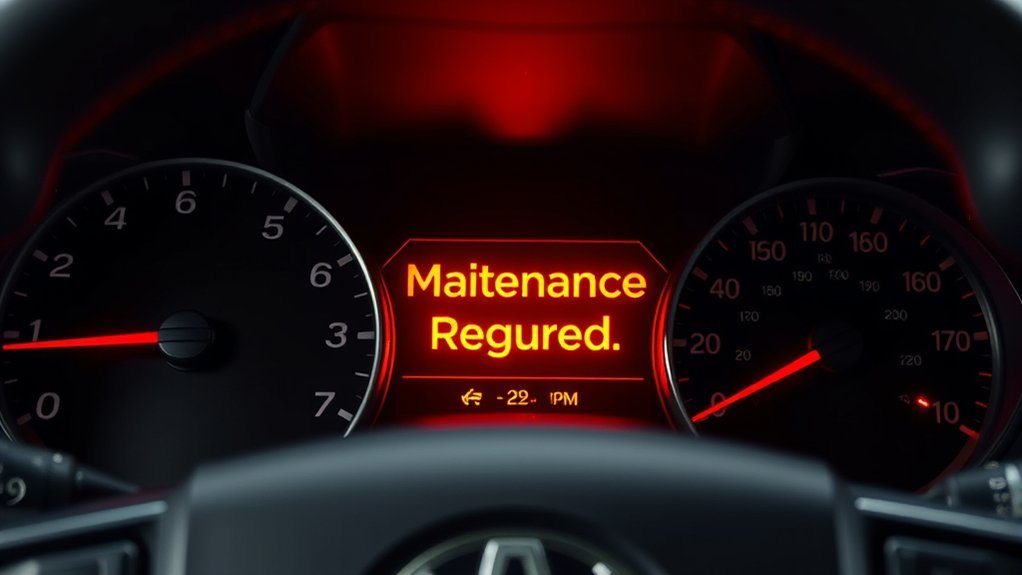
You should always pay attention when the Maintenance Required light appears, but some situations deserve extra care. The reminder may be simple, but the maintenance behind it still protects your truck.
- The light appears near a service interval: Check your mileage and maintenance log.
- You drive in harsh conditions: Dusty roads, towing, heavy loading, repeated short trips, and extended idling can shorten service intervals.
- The message returns after a reset: You may have reset the wrong reminder or skipped a required step.
- Other warning lights appear: A Check Engine light, oil pressure light, or “Engine Maintenance Required” message should be handled separately.
- Your Tacoma feels different: New noises, poor acceleration, vibration, overheating, or fluid leaks should be inspected even if the maintenance reminder is the only message showing.
Consequences of Ignoring the Maintenance Light
Ignoring the Maintenance Required light does not usually create instant damage by itself, but it can lead to missed service. Missed service is the real risk.
For example, overdue oil service can increase engine wear over time, neglected tire rotations can cause uneven tire wear, and skipped inspections can allow minor leaks, brake wear, or fluid issues to go unnoticed. If a failure is caused by neglect, missing service records may also make warranty or goodwill repair discussions harder.
Warning: If the truck shows a red warning light, a flashing Check Engine light, low oil pressure warning, overheating, heavy knocking, or major fluid loss, stop safely and inspect the vehicle before continuing to drive.
How to Track Your Vehicle’s Maintenance Effectively
Tracking maintenance makes the Tacoma’s reminder system more useful. A reset tells the truck to start counting again, but your records tell you what was actually done.
- Keep a maintenance log: Record the date, mileage, service performed, parts used, and who did the work.
- Save receipts: Keep oil, filter, tire, brake, and shop receipts in a folder or digital file.
- Use Toyota owner resources: Toyota Owners lets drivers access manuals, service information, and ownership tools through the Toyota Owners portal.
- Set calendar reminders: Use time-based reminders because maintenance may be due by months, not just mileage.
- Check the correct guide: Use the maintenance guide for your exact Tacoma model year, drivetrain, and engine.
Frequently Asked Questions
Why does my Toyota Tacoma say Maintenance Required?
Your Toyota Tacoma says Maintenance Required because scheduled service is due or coming due. It is usually based on mileage and maintenance intervals, not a sensor that directly tests oil condition. Check your owner’s manual or warranty and maintenance guide to see which service items are due at your mileage.
How often does the Tacoma maintenance light come on?
Many Tacoma maintenance schedules use 5,000-mile or 6-month service intervals. The reminder may appear around those intervals, but oil-change timing and inspection items can vary by model year, oil type, engine, and driving conditions.
Can I drive with the Maintenance Required light on?
You can usually drive briefly with the Maintenance Required light on because it is normally a service reminder. However, you should schedule the required maintenance soon. Do not ignore other warnings, especially red warning lights, overheating, low oil pressure, or a flashing Check Engine light.
Why is the light still on after an oil change?
The light may still be on because it was not reset after the service, the wrong reset method was used, or your Tacoma has separate reminders for oil maintenance and scheduled maintenance. Repeat the correct reset procedure for your model year and confirm which message is displayed.
Is Maintenance Required the same as Check Engine?
No. Maintenance Required is normally a scheduled-service reminder. The Check Engine light is a malfunction indicator that can point to an engine, emissions, sensor, or related system fault. If the Check Engine light is flashing, diagnose it immediately.
Conclusion
The Maintenance Required light on your Toyota Tacoma is like a calendar reminder for your truck. It is not usually an emergency, but it is worth taking seriously. Check the maintenance schedule, complete the required service, save your records, and then reset the reminder so your Tacoma can keep tracking the next interval accurately. Staying consistent with routine maintenance is one of the simplest ways to keep your Tacoma dependable for the long run.
Sources
- Toyota Owners: 2024 Tacoma Maintenance Requirements — official maintenance-message reset guidance for newer Tacoma models.
- Toyota 2023 Tacoma Warranty & Maintenance Guide — official scheduled maintenance intervals, inspection items, and oil reminder reset notes.
- Toyota 2024 Tacoma Warranty & Maintenance Guide — official maintenance guide for 2024 Tacoma service intervals and reminder reset language.
- Toyota Support: How Do I Reset the Maintenance Required Light? — official Toyota guidance to check the owner’s manual for vehicle-specific reset instructions.
- Toyota Owners: Warning Lights — official overview explaining that warning-light meaning and urgency vary by icon and vehicle.