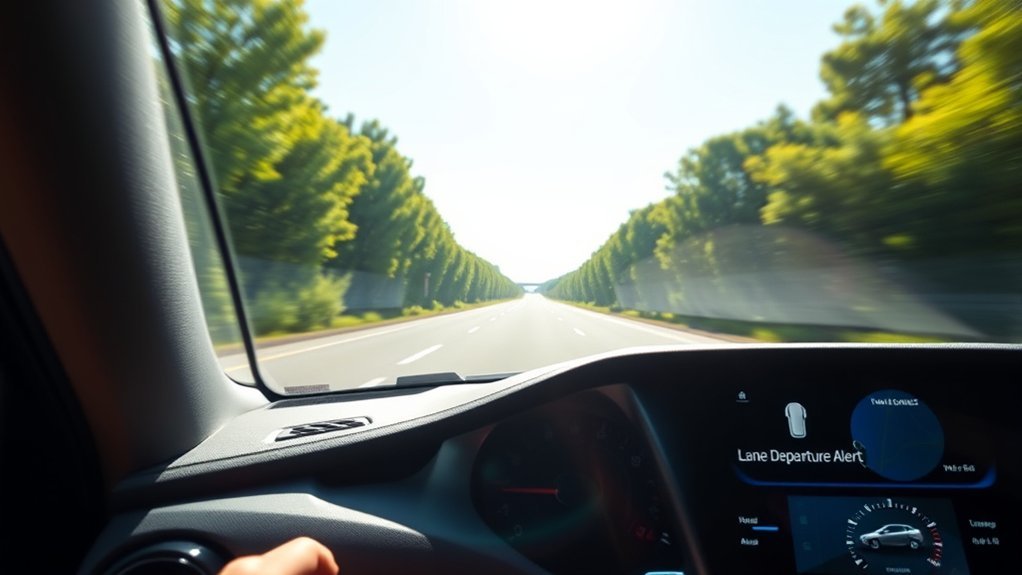
The Toyota Tacoma’s Lane Departure Alert, often shown as LDA on the instrument cluster, is a driver-assistance feature designed to warn you when the truck may drift out of its lane or course without an intentional steering input. On newer Tacoma models equipped with Toyota Safety Sense, the system can also provide light steering assistance to help reduce unintended lane departure, but it does not drive the truck for you.
Quick Answer
Lane Departure Alert in a Toyota Tacoma uses a front camera to watch lane lines or road edges. If the truck may leave its lane unintentionally, LDA warns you with a display alert, buzzer, or steering-wheel vibration, and equipped models can add slight steering force to help you stay in your lane.
Key Takeaways
- LDA is a safety-assist feature, not an autopilot or collision-avoidance system.
- On 2024 and newer Tacoma models, LDA with Steering Assist is part of Toyota Safety Sense 3.0.
- The system works only when its speed, road, lane-width, visibility, and sensor conditions are met.
- Poor weather, faded lane markings, dirty glass, sharp curves, off-road use, or abnormal tire/suspension conditions can limit performance.
- You can enable, disable, and customize LDA through the vehicle’s settings menu, but sensor calibration is a dealer-level service procedure.
At a Glance
| Time Required | 2–5 minutes to check or change settings |
| Difficulty | Easy |
| Tools Needed | None; use the steering-wheel controls and multi-information display |
| Cost | Free, unless a sensor repair or dealer calibration is needed |
What Is Lane Departure Alert in the Toyota Tacoma?

Lane Departure Alert is Toyota’s lane-drift warning system. According to the Toyota Tacoma Owner’s Manual, the system uses the front camera to detect lane lines or a course, then warns the driver if the vehicle may deviate from the current lane or path.
In newer Tacoma models, LDA is paired with Steering Assist. Toyota describes Lane Departure Alert with Steering Assist as a system that can provide a visual or audible alert and slight steering force when lane departure is detected under certain conditions. That steering support is meant to assist your correction, not replace your hands, eyes, or judgment.
For 2026 Tacoma models, Toyota says Toyota Safety Sense 3.0 is standard on every Tacoma, and the listed features include Lane Departure Alert with Steering Assist, Lane Tracing Assist, Road Sign Assist, Dynamic Radar Cruise Control, Automatic High Beams, Pre-Collision System with Pedestrian Detection, and Proactive Driving Assist.
Warning: LDA is not a self-driving feature. Toyota notes that Safety Sense systems depend on road, weather, and vehicle conditions, and the driver is still responsible for safe, attentive driving.
How Does Lane Departure Alert Work?
LDA works in a simple sequence: the camera looks ahead, the system checks whether the Tacoma may leave its lane or course, and then it alerts you or provides light steering support when the operating conditions are met.
1. The Front Camera Reads the Road Ahead
The Tacoma uses a front-facing camera to recognize lane lines, road edges, or a course such as the boundary between pavement and grass, soil, a curb, or a guardrail. The system works best when lane markings are clear, the windshield area in front of the camera is clean, and the road is not sharply curved or confusing.
2. The System Warns You Before or During a Lane Drift
If the system determines that the truck may depart from its lane or course, it displays a warning and may use a warning buzzer or steering-wheel vibration. The National Highway Traffic Safety Administration describes lane departure warning systems in the same general way: they monitor lane markings and alert the driver when the vehicle drifts out of its lane.
3. Steering Assist Can Add a Small Correction
When equipped and enabled, the Tacoma’s lane departure prevention function can provide assistance through steering wheel operation to help avoid deviation from the lane or course. You can override this assistance at any time by steering the vehicle yourself.
4. Break Suggestion May Alert You If the Truck Sways
Some newer Tacoma models also include a break suggestion function within the LDA system. If the vehicle sways and the system’s conditions are met, a message and buzzer may encourage you to take a break. Treat this as a helpful reminder, especially on long highway drives.
Toyota’s Safety Sense 3.0 overview states that Lane Departure Alert with Steering Assist is designed to read visible lane markers under certain conditions and provide a visual or audible alert plus slight steering force when lane departure is detected.
When Does Lane Departure Alert Turn On?
On current Tacoma models, LDA does not operate in every driving situation. Toyota lists operating conditions such as vehicle speed, lane or course recognition, sufficient lane width, turn-signal status, road curvature, and acceleration or deceleration level.
For 2026 Tacoma models, Toyota’s manual states that the lane departure alert and prevention functions generally operate at approximately 30 mph (50 km/h) or more. Operation may be possible around 25 mph (40 km/h) or more when vehicles, motorcycles, bicycles, or pedestrians are detected near the lane. The break suggestion function uses its own operating conditions.
Because settings and thresholds can vary by model year, trim, market, software version, and equipment, always check the manual for your exact Tacoma.
Warning Mechanisms Explained
The Tacoma can warn you in more than one way, depending on model year, settings, and driving conditions.
- Visual warning: A message or lane graphic appears in the multi-information display.
- Audible warning: A buzzer sounds to get your attention.
- Steering-wheel vibration: On models or settings that support it, the steering wheel may vibrate instead of, or in addition to, a buzzer.
- Steering assist: Equipped models may apply slight steering force to help reduce lane departure.
- Break suggestion: If the system detects swaying, it may suggest taking a rest stop.
Note: If your Tacoma has Blind Spot Monitor, the lane departure alert or prevention function may still operate even when the turn signal is on if the system determines there may be a collision with a vehicle in the adjacent lane.
Steering Assistance Functionality
Steering Assist is easy to misunderstand. It is not lane centering, and it is not designed to continuously drive the Tacoma down the road. It is a short, light assistance feature that may help when the truck is likely to leave its lane or course.
| Feature | What It Does | What to Remember |
|---|---|---|
| Lane Departure Alert | Warns when the truck may drift out of its lane or course | You still steer and stay alert |
| Steering Assist | Adds slight steering force to help avoid lane departure | You can override it by steering |
| Lane Tracing Assist | Helps keep the vehicle centered when Dynamic Radar Cruise Control is active | It is a separate feature from LDA |
| Break Suggestion | Displays a rest suggestion if swaying is detected | It may not operate on every road or in every condition |
Benefits of Using Lane Departure Alert for Safety
LDA is most useful when it supports good driving habits. It can help catch a momentary drift, reinforce lane awareness, and remind you to use turn signals before changing lanes.
Enhanced Driver Awareness
Lane drift can happen when a driver is tired, distracted, or dealing with crosswinds, road crown, or traffic pressure. LDA adds another layer of feedback by warning you before a small drift becomes a bigger problem.
- It helps you notice unintended lane movement sooner.
- It encourages better lane discipline on highways and major roads.
- It can reduce overreliance on mirrors alone by adding forward lane monitoring.
- It may warn you when fatigue starts affecting your steering consistency.
Reduced Accident Risk
The safety value of lane departure warning comes from giving drivers time to correct. NHTSA notes that lane departure warning can help prevent crashes such as sideswipes, collisions with vehicles in the opposite direction, and road-departure crashes. In the Tacoma, Steering Assist can add light support when conditions allow, but the driver remains responsible for the correction.
Improved Lane Keeping
Used correctly, LDA can make long drives feel more controlled. It is especially helpful on well-marked highways where the system can clearly read lane lines. It is less useful on rough, unmarked, off-road, snowy, or construction-heavy roads where the system may not detect the lane accurately.
How to Easily Adjust Your Lane Departure Alert Settings
You can enable, disable, and customize LDA through the Tacoma’s vehicle settings. Exact menu names may vary by model year and display type, but the process is usually quick.
- Park safely before changing driver-assist settings.
- Use the steering-wheel controls to open the multi-information display settings.
- Look for the driver-assist or Toyota Safety Sense menu. The LDA icon may look like a vehicle between lane lines.
- Select Lane Departure Alert.
- Turn LDA on or off and adjust available settings such as alert type or sensitivity if your Tacoma offers those options.
- Confirm the change and return to the main display.
Pro Tip: If LDA feels too active on narrow roads, check whether your Tacoma allows sensitivity changes before turning the system off completely. A lower sensitivity may reduce nuisance alerts while keeping the safety backup available.
Personalizing Your Lane Departure Alert Settings
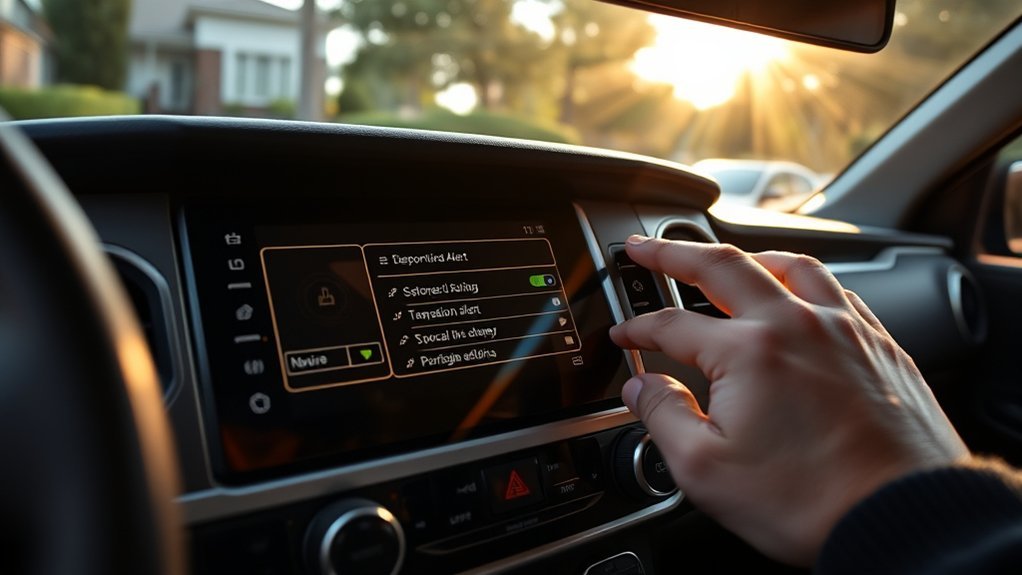
Personalizing LDA helps the system match your driving environment. A driver who spends most of the time on open highways may prefer earlier alerts, while a driver who often travels on narrow rural roads may prefer less sensitive warnings.
| Setting | Common Options | Best Use |
|---|---|---|
| LDA On/Off | Enabled or disabled | Keep enabled for normal road driving; disable only when conditions make it inappropriate |
| Alert Method | Buzzer, display warning, or steering-wheel vibration where supported | Choose the warning you notice most clearly without being startled |
| Sensitivity | Varies by model year and equipment | Use higher sensitivity for highway driving and lower sensitivity if alerts feel too frequent |
| Steering Assist | Available on equipped models | Keep it on if you want light steering support during unintended drift |
| Driver-Assist Display | Lane graphics and warning messages | Use it to confirm whether the system currently recognizes lane markings |
When Lane Departure Alert May Not Work Properly
LDA depends on what the camera can see and how the truck is behaving. It may not operate correctly, may warn late, or may not warn at all in difficult conditions.
- Lane markings are faded, missing, covered by snow, or hard to distinguish.
- The road is wet, icy, dirty, highly reflective, or under construction.
- The windshield area in front of the camera is fogged, iced, dirty, tinted, cracked, or blocked.
- The Tacoma is driving around a sharp curve or through a lane merge, split, or intersection.
- Bright sunlight, glare, darkness, heavy rain, fog, or snow limits camera visibility.
- Tire pressure is low, tires are excessively worn, tire chains are installed, or non-specified tires or suspension parts are used.
- The truck is overloaded, tilted, being towed, towing under certain conditions, or being transported.
When these conditions apply, reduce your reliance on driver-assist warnings and drive manually with extra attention.
[Products Worth Considering]

The Masoll M13 Tire Pressure Monitoring System helps monitor tire pressure for sedans, SUVs, pickup trucks, RVs, and travel trailers with four tires. It features automatic reference pressure calibration, alerting you when pressure changes fall outside the set range, while solar charging and auto wake-up support convenient everyday use. With precise pressure detection, an easy-to-read color LCD, and adaptive backlighting, it is designed to improve driving safety and help protect tire life.

This wired backup camera system makes reversing easier with a quick plug-and-play setup, stable real-time video, and a wide-angle HD view to help reduce blind spots. The adjustable parking lines, brightness, contrast, and image flip options let you customize the display for safer parking in cars, trucks, RVs, vans, SUVs, trailers, and campers.

These round blind spot mirrors add a wider viewing angle to help improve lane changes, passing, and everyday driving safety. The frameless convex HD glass design offers a slim, clear rear view while the adjustable swivel mount makes positioning quick and easy. Compatible with cars, SUVs, vans, and trucks, this two-pack is a simple upgrade for reducing blind spots.
Troubleshooting Common LDA Messages
If LDA is unavailable or acting differently than expected, the cause is often simple. Use the table below as a quick guide.
| What You Notice | Likely Cause | What to Do |
|---|---|---|
| LDA unavailable below a certain speed | The truck is below the operating speed threshold | Continue driving normally; the system may become available at supported speeds |
| No lane lines shown | The camera cannot recognize lane markings or road edges | Check road markings, weather, lighting, and windshield cleanliness |
| Frequent false alerts | Narrow lanes, construction, curves, or sensitivity settings | Adjust available settings and verify that the camera area is clean |
| Warning stays on after cleaning | Possible sensor, camera, software, or calibration issue | Have the vehicle inspected by a Toyota dealer |
| System behaves differently after windshield repair | Camera calibration may be needed | Schedule service with a qualified Toyota technician |
[Products Worth Considering]

This steering clock spring is designed to restore reliable steering wheel controls across a wide range of Toyota models. It supports audio, cruise control, and other multifunction commands while matching OEM part numbers for confident replacement fitment. Built for dependable signal transfer and straightforward installation, it is an effective solution for repairing steering column control issues.

This dash clock spring replacement is designed for a wide range of Toyota vehicles and helps restore reliable steering wheel control functions. It supports audio controls, cruise control, and other multi-function commands while using vehicle-specific connectors for easier installation. Built with durable materials and OEM-referenced part compatibility, it is a practical solution for repairing steering wheel signal issues.
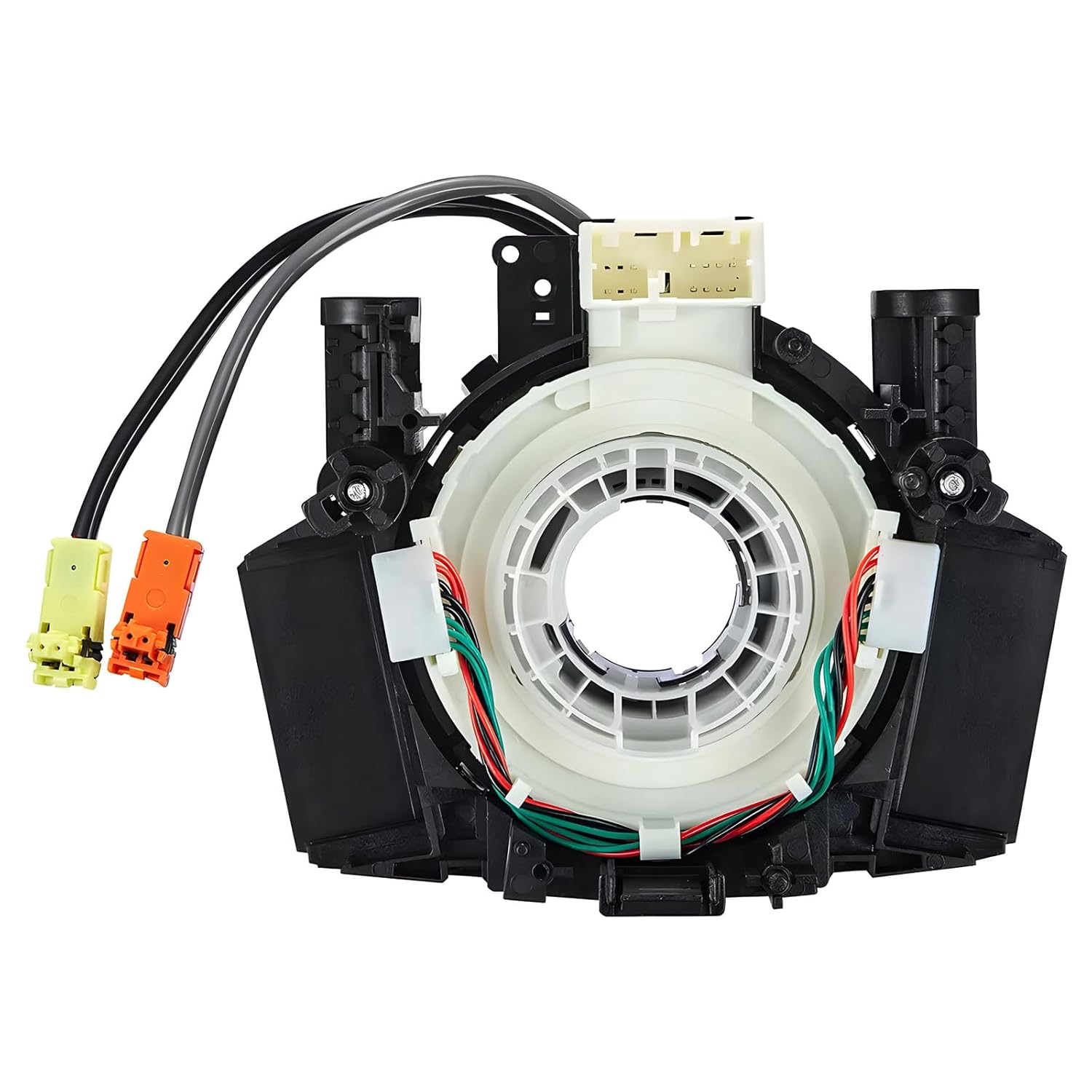
This steering clock spring assembly is an OEM-style replacement designed to restore steering wheel controls and related electronic functions in compatible Nissan vehicles. It supports audio, cruise control, and multi-function button operation while matching multiple factory part numbers for a reliable fit. Built for direct installation with vehicle-specific connectors, it helps return steering column electronics to proper working order.
Can You Calibrate Lane Departure Alert Yourself?
You can customize LDA settings yourself, but that is not the same as calibrating the camera or sensors. Calibration is a service procedure that may be required after windshield replacement, camera removal, front-end repairs, suspension changes, or certain sensor-related repairs.
If your Tacoma shows repeated LDA warnings after cleaning the windshield and confirming normal road conditions, do not attempt to realign the camera yourself. Have the system checked by a Toyota dealer or a qualified technician with the correct calibration equipment.
[Products Worth Considering]
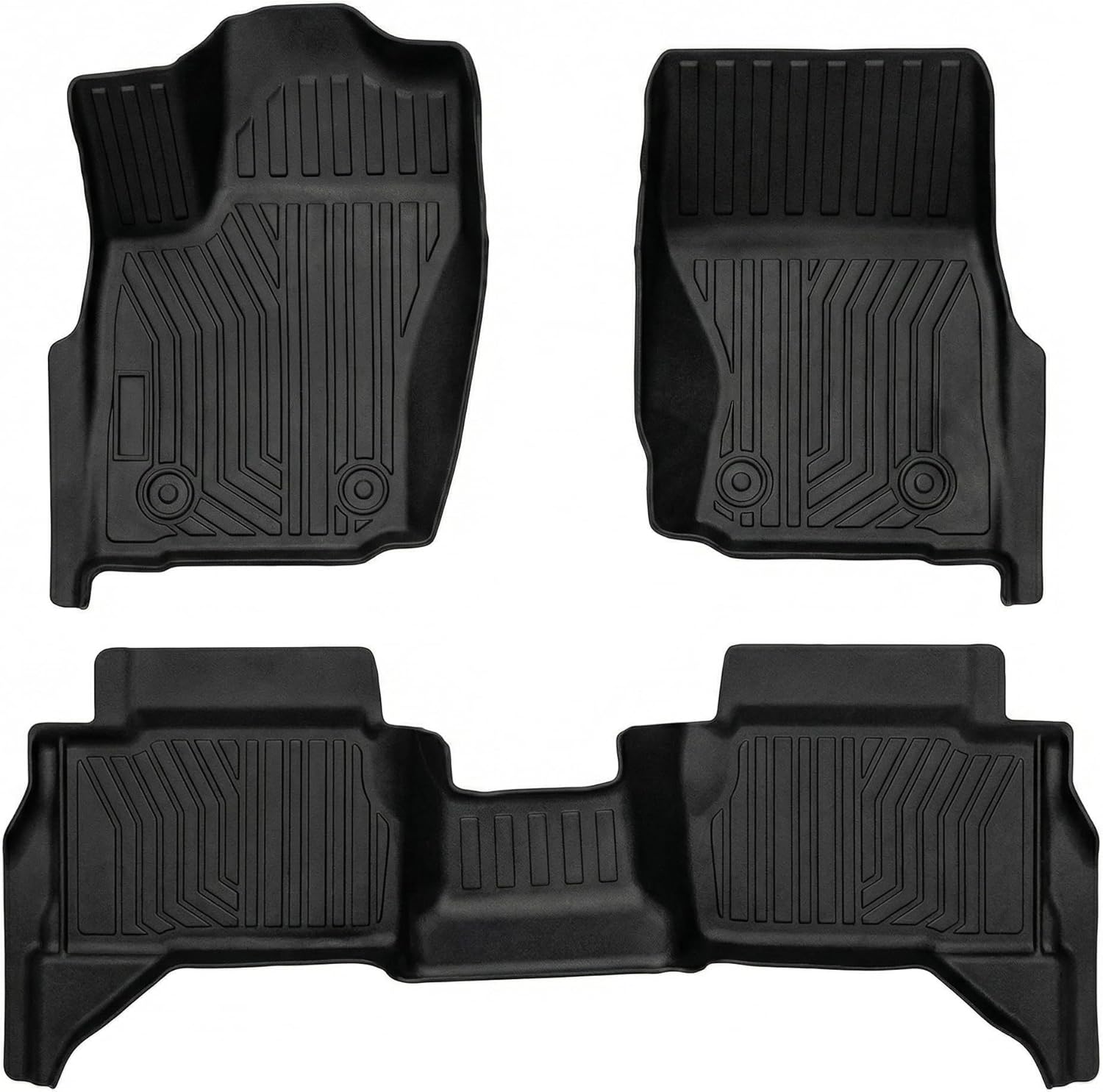
These custom-fit floor mats are designed for 2024-2026 Toyota Tacoma 4th Gen models, delivering full coverage and a precise fit for supported trims. Made from durable TPE, they help protect your interior from rain, snow, mud, sand, and everyday spills while deep grooves and raised edges trap debris for easier cleanup. The non-slip surface and retention clips keep the mats securely in place, and the full front and rear set provides reliable all-weather protection for your truck cabin.
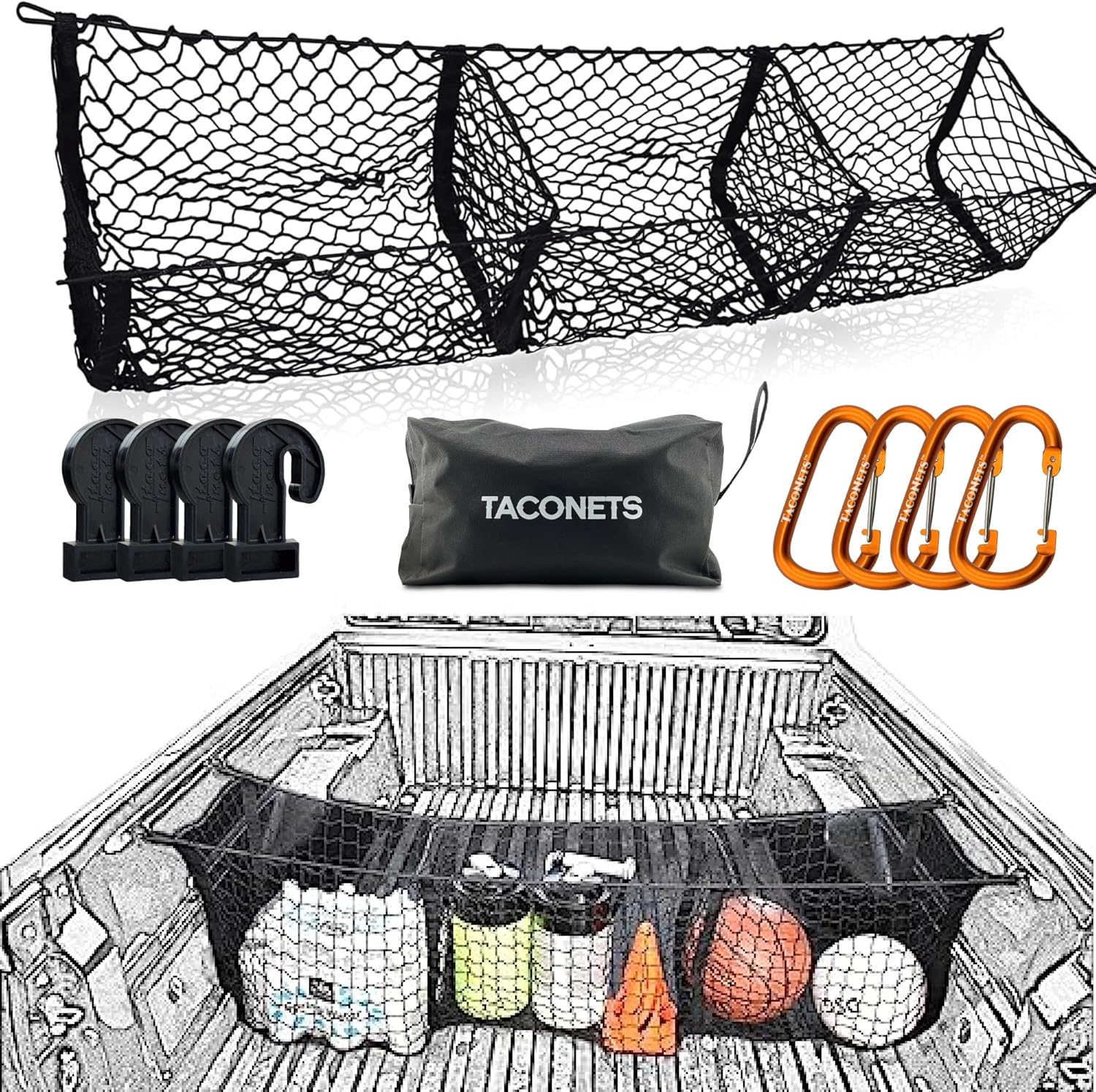
Keep your truck bed organized with this patented three-pocket cargo net designed for 2005-2026 Toyota Tacoma models with factory deck rails. It installs directly to the bed rails without extra cleats or hardware, making it a simple way to secure groceries, gear, and everyday cargo while keeping items accessible and contained.

These EZ running boards are designed to improve access to your Toyota Tacoma while maintaining the vehicle's off-road capability. Built for Double Cab and Xtra Cab front door applications, they offer a sturdy step up, simple installation, and dependable support for daily use or trail adventures.
LDA vs. LTA: What Is the Difference?
Lane Departure Alert and Lane Tracing Assist are related, but they are not the same feature.
- Lane Departure Alert: Warns when the Tacoma may unintentionally leave its lane or course and may provide slight steering support on equipped models.
- Lane Tracing Assist: Helps keep the vehicle centered in its lane when Dynamic Radar Cruise Control is active and system conditions are met.
- Dynamic Radar Cruise Control: Helps maintain a set speed and following distance from a vehicle ahead.
Think of LDA as a lane-drift safety net and LTA as a lane-centering support feature used with adaptive cruise control.
Other Toyota Safety Sense Features
Lane Departure Alert is one part of the Toyota Safety Sense package. Depending on model year and equipment, Tacoma safety features may include:
- Pre-Collision System with Pedestrian Detection: Helps detect certain frontal collision risks and may provide alerts or braking support.
- Dynamic Radar Cruise Control: Helps maintain a preset following distance from a vehicle ahead.
- Lane Tracing Assist: Helps keep the truck centered in its lane when Dynamic Radar Cruise Control is active.
- Road Sign Assist: Detects certain road signs and displays them for the driver.
- Automatic High Beams: Switches between high and low beams based on conditions and surrounding traffic.
- Proactive Driving Assist: On equipped models, can provide gentle braking or steering support in certain driving situations.
Frequently Asked Questions
Can Lane Departure Alert be turned off completely?
Yes. You can disable LDA through the Tacoma’s driver-assist or vehicle customization settings. For normal road driving, it is usually best to keep it enabled unless conditions such as off-road driving, poor markings, or construction make the alerts unhelpful.
Does Lane Departure Alert work in all weather conditions?
No. LDA can be limited by rain, fog, snow, glare, darkness, dirty glass, faded lane markings, road construction, or sharp curves. It works best on clearly marked roads with good visibility.
Is Lane Departure Alert available on all Tacoma models?
Toyota Safety Sense has been standard on many recent Tacoma models, and Toyota says 2026 Tacoma models come standard with Toyota Safety Sense 3.0, including Lane Departure Alert with Steering Assist. Availability and exact functions can vary by model year, market, trim, and equipment, so check the manual or window sticker for your specific truck.
How does Lane Departure Alert affect fuel efficiency?
LDA is not designed to improve fuel economy directly. Any fuel-efficiency benefit would be indirect, such as smoother, more attentive driving. Avoid claims that LDA alone provides a guaranteed miles-per-gallon improvement.
Can Lane Departure Alert be calibrated by the user?
No. Drivers can change LDA settings, but camera or sensor calibration should be handled by a Toyota dealer or qualified technician. Calibration may be needed after windshield replacement, camera removal, collision repairs, or certain suspension and sensor work.
Why does LDA sometimes warn even when I use the turn signal?
On Tacoma models equipped with Blind Spot Monitor, LDA may still warn or assist if the system determines there may be a collision with a vehicle in the adjacent lane, even when the turn signal is operating.
Should I use Lane Departure Alert off-road?
LDA is designed for recognized lanes or road courses, not trail driving. On dirt roads, trails, deep ruts, snow, mud, or unmarked surfaces, it may not operate correctly. Consider disabling it when the conditions make lane detection unreliable.
Conclusion
Lane Departure Alert in the Toyota Tacoma is a useful safety-assist feature when you understand what it can and cannot do. It watches for unintended lane drift, warns you when the truck may leave its lane or course, and on equipped models can add slight steering assistance. Keep the camera area clean, customize the alerts to your preference, and treat LDA as a backup to attentive driving—not a replacement for it.
Sources
- Toyota Tacoma Owner’s Manual: LDA — system functions, alerts, steering assist, operating conditions, and customization notes.
- Toyota Safety Sense 3.0 Overview — official Toyota description of Lane Departure Alert with Steering Assist and system limitations.
- Toyota Newsroom: 2026 Tacoma — Toyota Safety Sense 3.0 feature list for the 2026 Tacoma.
- NHTSA Driver Assistance Technologies — general explanation of lane departure warning and driver-assistance responsibility.
- Toyota Safety Hub — Toyota safety-feature overview and owner-support resources.