
Last updated: July 15, 2026
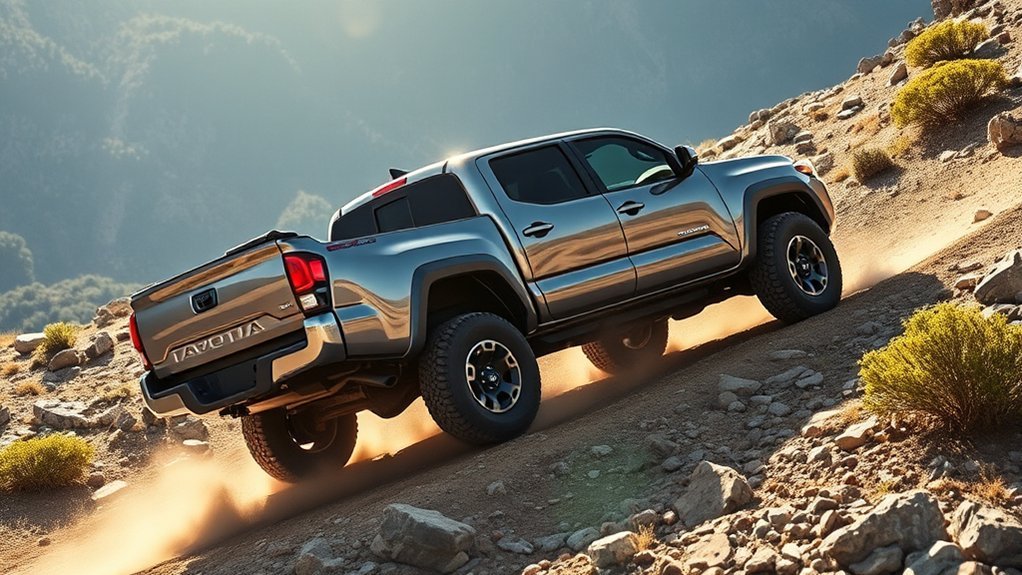
Toyota Tacoma Downhill Assist Control (DAC) helps an equipped truck hold a low, controlled speed on a steep descent by applying brake pressure automatically. Use it only at low speed, on a surface with enough traction, and with the drive range your owner’s manual requires. DAC can reduce brake-pedal work so you can focus on steering, but it cannot prevent a slide or make an unsafe hill passable.
Quick Answer
To use Toyota Tacoma Downhill Assist Control, slow down before the descent, select the drive range required for your model year, press the DAC or DAC/CRAWL switch, confirm the indicator, and choose the lowest available setting if your Tacoma supports adjustable speed. Steer smoothly and be ready to take over. Controls, speed limits, and 4WD requirements vary by model year, so your owner’s manual is the final authority.
Key Takeaways
- DAC is best for low-speed descents on steep grades where the tires still have reliable traction.
- Not every Tacoma has DAC. Check for a DAC or DAC/CRAWL switch and confirm the feature in the model-year owner’s manual.
- DAC controls downhill speed with automatic brake intervention, but it does not create extra grip.
- Brake-system sounds, pulsing, vibration, flashing indicators, and brake-light operation can be normal while DAC is active.
- Operating conditions differ across Tacoma generations, drivetrains, and equipment packages.
At a Glance
| Best Use | Low-speed descents on steep grades with usable traction |
| Operating Speed | Model-year dependent; follow the owner’s manual |
| Availability | Equipment dependent; not fitted to every Tacoma |
| Before You Start | Check the terrain, tires, drive range, and DAC indicator |
Does My Toyota Tacoma Have Downhill Assist Control?
DAC availability depends on the Tacoma’s generation, trim, drivetrain, transmission, and equipment. Do not assume the feature is present because the truck has four-wheel drive or an off-road badge.
| What You Find | What It Means | Next Step |
|---|---|---|
| DAC switch | The truck has a dedicated Downhill Assist Control command. | Follow the exact activation conditions in the model-year manual. |
| DAC/CRAWL switch | DAC and Crawl Control share a control on some newer configurations. | Use the instrument display and mode selector as the manual directs. |
| No DAC control or manual entry | The feature may not be fitted. | Check the original equipment list or ask a Toyota dealer to confirm. |
What Is Toyota Tacoma Downhill Assist Control and How Does It Work?
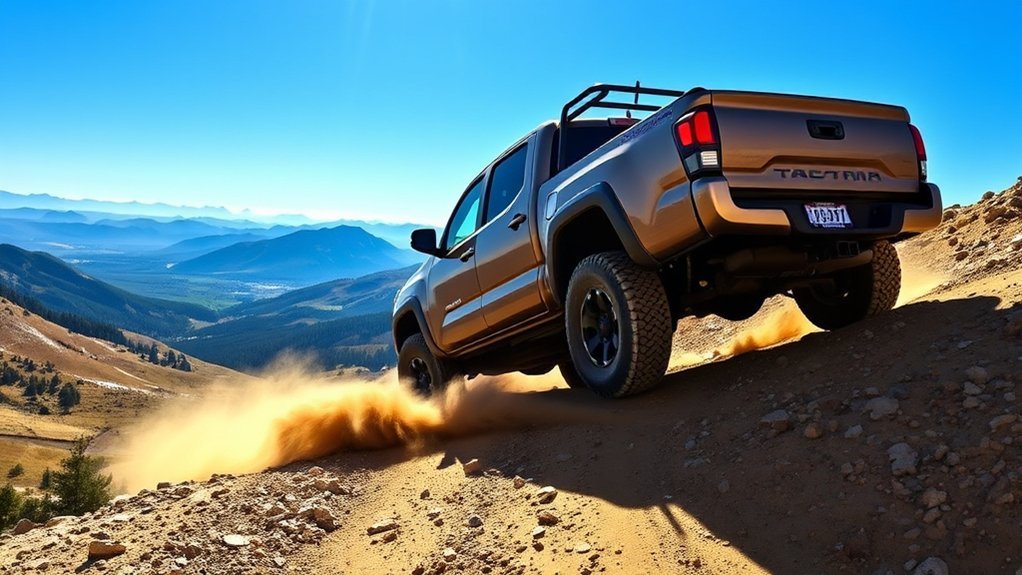
Downhill Assist Control is an electronic driver-support feature that helps prevent an equipped Tacoma from gaining too much speed on a steep downhill slope. Instead of requiring repeated brake-pedal inputs, DAC commands the brake system to help hold a controlled descent while you steer.
Toyota’s recent Tacoma manuals describe selectable low-speed DAC operation on equipped models, but the controls and operating conditions vary by model year, trim, drivetrain, and powertrain. Use the Toyota owner’s manual for your exact Tacoma rather than applying one procedure to every generation.
When DAC is working, you may notice the slip indicator flashing, the brake lights turning on, a motor or pump sound, and pulsing or vibration through the truck. Toyota identifies these as possible signs of normal system operation. A warning light that stays on, a DAC indicator that does not illuminate, or abnormal braking behavior needs a different response.
Note: DAC procedures changed across Tacoma generations. Some earlier systems require a specific low-range 4WD setting, while newer systems can use selectable DAC modes. Confirm the required drive range, speed, and switch sequence before entering the hill.
What Are the Main Benefits of Tacoma DAC?
DAC reduces the number of brake-pedal corrections needed during a suitable descent. Its main value is not faster driving. It is steadier low-speed control while you watch the trail and steer.
How Does DAC Control Downhill Speed?
DAC applies brake pressure as needed to limit acceleration on a steep grade. A steadier pace gives you more time to choose a safe line and watch for rocks, ruts, washouts, sharp turns, or other vehicles.
Can DAC Reduce Brake-Pedal Work?
DAC can reduce repeated brake-pedal inputs during a descent. That may help you avoid abrupt overbraking and keep your attention on the trail. It does not eliminate brake heat, however, and Toyota does not publish a universal brake-wear reduction percentage for DAC.
Why Can DAC Improve Driver Focus?
Because the system helps manage downhill speed, you can keep both hands on the wheel and concentrate on steering. This is most useful on maintained forest roads, firm gravel grades, and controlled off-road descents where the tires can still grip.
Pro Tip: Practice on a short, open, low-risk slope before relying on DAC on a trail. Learn what the normal brake pulses, sounds, and indicator behavior feel like in your Tacoma.
How Do You Turn Toyota Tacoma Downhill Assist Control On and Off?
The sequence below is a generation-aware guide, not a substitute for the owner’s manual. Confirm your Tacoma’s required speed, shift position, and 4WD range before using DAC.
- Inspect the descent before entering it. Check the surface, slope, turns, drop-offs, and room to stop.
- Slow the truck before the grade. Enter at a low speed instead of asking DAC to recover from a fast approach.
- Select the required drive range. Some earlier Tacoma procedures require low-range 4WD. Newer systems can use different operating conditions.
- Press the correct control. Use the DAC or DAC/CRAWL switch fitted to your Tacoma.
- Confirm the indicator. Do not assume DAC is active unless the instrument display shows the expected status.
- Select the lowest available setting. If your Tacoma supports adjustable DAC speed, begin at the lowest setting and increase only when conditions remain predictable.
- Steer smoothly and stay ready. Avoid abrupt steering or pedal inputs, but take manual control when traction, terrain, or a warning requires it.
- Deactivate DAC after the descent. Press the switch again or follow the model-year procedure shown in the owner’s manual.
DAC can reduce or stop operation when the truck leaves its permitted speed or drive-range conditions, brake-system temperature rises, the driver overrides the system, or a warning appears. A flashing slip indicator can be normal during active control, but a persistent warning needs attention.
Warning: Do not use DAC to attempt a descent that is too steep, too slippery, too rough, or too narrow for safe control. DAC cannot overcome poor traction, damaged tires, excessive speed, or unsafe trail conditions.
When Should You Use Downhill Assist Control?
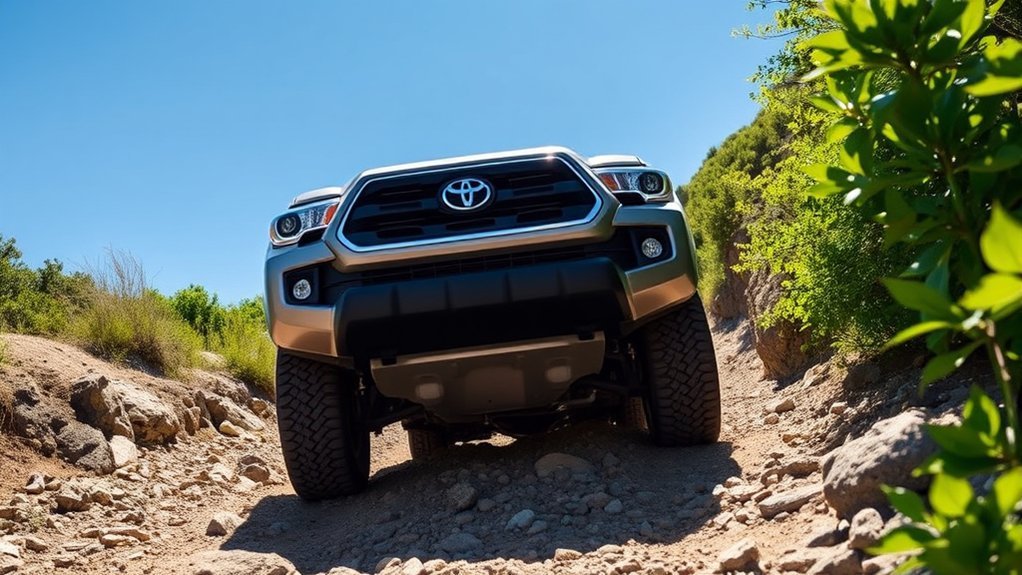
Use DAC on a steep, low-speed descent when the surface still offers enough traction for controlled brake intervention. Treat it as a speed-control aid, not as a traction system or off-road recovery feature.
Which Surfaces Are Best for DAC?
Suitable conditions can include firm dirt roads, stable gravel grades, maintained trails, and controlled off-road slopes. These surfaces give the tires enough grip for DAC to manage wheel speed without constant sliding or wheel hop.
Use extra caution on wet mud, ice, packed snow, deep loose gravel, or very rough terrain. Toyota warns that DAC may not work effectively on slippery, icy, or severely uneven surfaces. If the truck begins to slide, steer gently and take manual control as conditions require.
What DAC Speed Setting Should You Choose?
Start with the lowest setting your Tacoma provides. A slower descent gives you more time to steer, read the terrain, and stop if the route changes. Increase the setting only when the surface is consistent, visibility is clear, and the slope remains manageable.
A safe DAC descent starts before the hill: slow down, choose the correct drive range, confirm the indicator, and make sure the tires have enough grip.
What Should You Check Before the Descent?
- Traction: Confirm the tires have usable tread and the surface is not hiding ice, deep mud, or loose rock.
- Route: Identify turns, ledges, washouts, obstacles, and a safe stopping area.
- Drive range: Select the range required by your model-year manual before the slope begins.
- Load: Allow more stopping distance when carrying cargo or towing.
- System status: Confirm the expected DAC indicator and check that no brake, ABS, or stability-system warning is present.
Which Terrain Is DAC Best Suited For?
DAC is most useful on longer descents where you want to prevent speed from building. It is less suitable for sharp ledges, deep ruts, technical rock crawling, or terrain that requires exact throttle and brake placement from moment to moment.
When Should You Not Use Downhill Assist Control?
Avoid DAC when the surface is too slick for reliable traction, the trail is extremely rough, obstacles require precise tire placement, or you need immediate manual control. Do not treat DAC as cruise control for ordinary highway or city driving.
- Do not use it to compensate for entering a hill too fast.
- Do not rely on it when tires are worn, damaged, or incorrectly inflated.
- Do not force it to operate when a brake, ABS, stability-control, or DAC warning is present.
- Do not assume the same switch sequence applies to a different Tacoma generation.
[Products Worth Considering]

Push Button Switch: The ON-OFF rocker switch with SPST design (single pole single Throw) is manufactured to fit in the OEM switch blank for your cars. It come with a small pigtail that plugs into the back of the switch for better installation. Please note: Surface size 1.28" x 0.87", do not order by vehicle only, always verify the actual dash blank size in your vehicle before ordering.

Check Compatibility: Fits 2005-2015 Toyota Tacoma, including SR, SR5, TRD Sport, TRD Off-Road, Limited, and TRD Pro models. Ensure compatibility with your 2nd Gen Tacoma before purchase.

Plug and play, yank out the defective switch and slide the new a/c switch replacement into position, done
DAC vs. Crawl Control vs. Hill-Start Assist vs. Engine Braking
Tacoma owners often mix up DAC, Crawl Control, Hill-Start Assist, and engine braking because each can affect low-speed vehicle control. They solve different problems. For related Toyota systems, see the Land Cruiser Crawl Control guide and Land Cruiser Hill-Start Assist guide.
| Feature | What It Does | Best Use |
|---|---|---|
| Downhill Assist Control | Automatically applies brake pressure to help limit downhill speed. | Steep, low-speed descents with usable traction. |
| Crawl Control | Coordinates throttle and braking to maintain a selected low speed over difficult terrain. | Slow off-road travel over rough surfaces. |
| Hill-Start Assist | Briefly helps reduce rollback when starting from a stop on an incline. | Moving away from a stop on an uphill grade. |
| Lower gear or engine braking | Uses a lower transmission range to resist acceleration without continuously riding the brakes. | General downhill speed management when the manual recommends a lower range. |
In simple terms, DAC helps control a descent, Hill-Start Assist helps you move away on an incline, Crawl Control manages very slow off-road travel, and a lower gear adds engine braking.
[Products Worth Considering]

Multiple Fitment: This is the most amazing gift you could ever give a truck enthusiast, perfect fit for Toyota Tacoma (N400) 2024-2026 models. Note: Installing this product requires removal of the tailgate bottle opener

【Precision Fit】Engineered exclusively for 2024‑2026 Toyota Tacoma series, this tailgate assist perfectly aligns with factory mounting points, eliminating binding or weak rebound, and ensuring your truck tailgate assist works flawlessly, ensuring a smooth operation every time.

★Vehicle Compatibility: This Auto Start Stop Memory Module is compatible with Toyota Tacoma 2024 and 2025 models only
What Do Drivers Commonly Get Wrong About DAC?
- Misconception: DAC makes any hill safe. It does not. DAC manages speed but cannot create traction or remove rollover, slide, or collision risk.
- Misconception: DAC is only for extreme rock crawling. DAC is usually better suited to controlled descents. Crawl Control is the more relevant feature for very slow obstacle work when equipped.
- Misconception: Sounds and vibration mean the system is broken. Brake-system sounds, pulsing, flashing indicators, and brake-light operation can occur during normal DAC use.
- Misconception: Every Tacoma uses the same procedure. Model year, drivetrain, transmission, and equipment can change the required speed, drive range, controls, and indicator behavior.
- Misconception: DAC replaces a lower gear and safe driving skill. It is a support feature. You remain responsible for selecting the right range, steering, braking, and deciding whether the descent is safe.
How Can You Use Tacoma DAC More Safely?
- Read the hill before entering it. Look for loose rock, mud, ice, washouts, sharp turns, and hidden ledges.
- Start slower than you think you need. It is easier to add speed than to recover from a fast entry.
- Keep the tires in good condition. DAC depends on available traction, and worn or poorly inflated tires reduce control.
- Use smooth inputs. Avoid abrupt steering or pedal movements unless you need to take over.
- Watch the indicators. If the expected DAC status does not appear or a warning stays on, stop relying on the feature.
- Manage brake heat. Long descents, heavy loads, towing, and repeated manual overrides can still raise brake temperature.
Note: Cargo, towing, oversized tires, changed tire pressures, and steep grades can alter how the Tacoma feels downhill. Reduce speed and leave a wider safety margin when the truck is loaded.
[Products Worth Considering]

Applications: Perfectly suitable for the rear tailgate of tacoma n400 2024-present

𝗩𝗲𝗵𝗶𝗰𝗹𝗲 𝗰𝗼𝗺𝗽𝗮𝘁𝗶𝗯𝗶𝗹𝗶𝘁𝘆: Toyota Tacoma (2016, 2017, 2018, 2019) trucks equipped with push-to-start ignition.
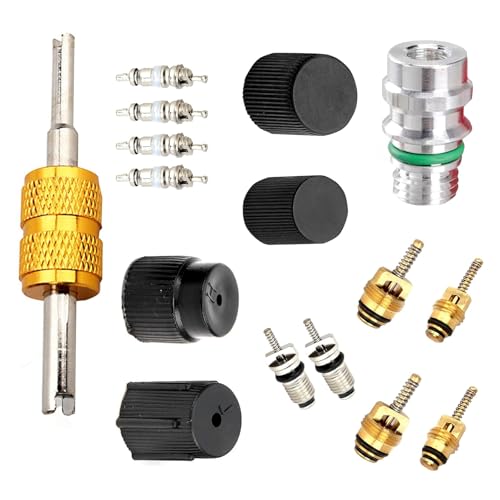
Premium Material: This air conditioner spool kit is made of high quality plastic and metal material, smooth surface, lightweight and hard texture, high mechanical strength. It has good sealing and impact resistance, high and low temperature resistance, not easy to aging and cracking and loose off, can be used for a long time.
Why Is Toyota Tacoma Downhill Assist Control Not Working?
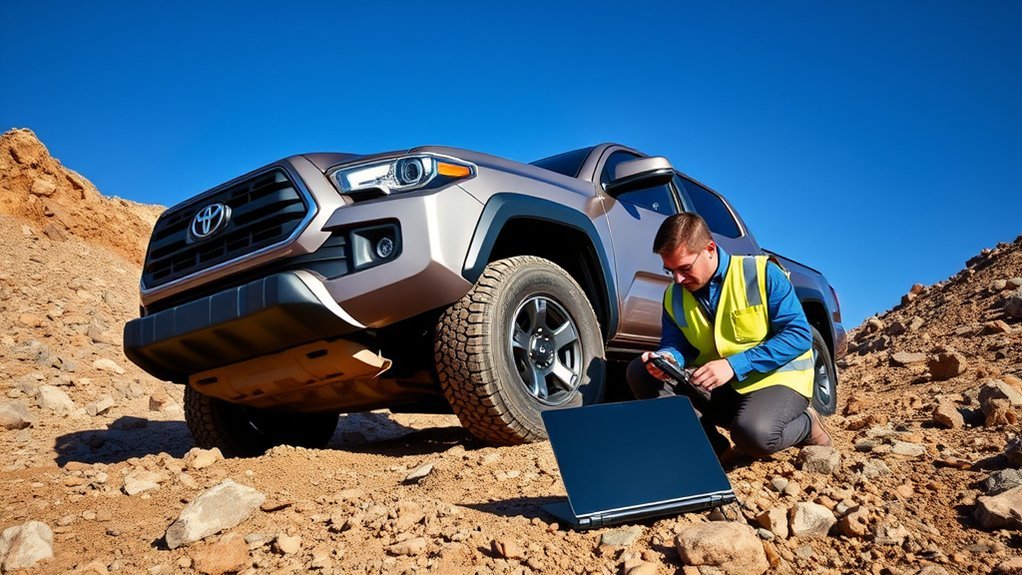
If DAC does not engage, check the operating conditions before assuming a component has failed.
- Confirm the truck is equipped with DAC. Look for the correct switch and the feature description in the model-year manual.
- Check the vehicle speed. DAC may not engage or may stop when the truck is outside its permitted operating range.
- Check the shift position and drive range. Some Tacoma systems require specific transmission or 4WD settings.
- Check the DAC or DAC/CRAWL indicator. If the expected indicator does not illuminate, do not assume the feature is active.
- Interpret the slip indicator correctly. Flashing can be normal during brake control, but a warning that stays on or appears with other faults needs inspection.
- Consider brake temperature. The system can reduce or stop operation after heavy use to protect braking components.
- Check for related warnings. A brake, ABS, stability-control, or drivetrain warning can affect DAC availability.
- Restart only in a safe place. Stop, verify the required conditions, and try again only if the terrain still suits DAC.
If a warning remains or the truck brakes abnormally, stop relying on DAC. Drive cautiously without the feature and schedule an inspection with a Toyota dealer or qualified technician.
Frequently Asked Questions
Does every Toyota Tacoma have Downhill Assist Control?
No. DAC availability depends on the Tacoma’s generation, trim, drivetrain, transmission, and equipment. Check for a DAC or DAC/CRAWL switch and confirm the feature in the owner’s manual or original equipment list.
When should I use Downhill Assist Control in a Toyota Tacoma?
Use DAC for a steep, low-speed descent when the tires still have enough traction for controlled braking. It is most useful on firm dirt, stable gravel, and maintained off-road grades.
Should downhill brake control be on or off?
Turn it on only for a suitable steep descent where you want low-speed assistance. Leave it off for normal driving, severely rough terrain, very slippery surfaces, or any situation that requires full manual control.
How fast does Tacoma Downhill Assist Control work?
DAC is a low-speed system, but the permitted range and selectable settings vary by Tacoma model year and equipment. Use the exact limits in your owner’s manual rather than applying one number to every Tacoma.
Can I use Tacoma DAC on pavement?
Do not use DAC as ordinary road cruise control. Use it only for a steep, low-speed descent that matches the conditions in your owner’s manual and still provides safe tire traction.
Is DAC the same as Crawl Control?
No. DAC mainly limits speed while the Tacoma descends. Crawl Control coordinates throttle and braking to maintain a selected low speed across difficult off-road terrain when the truck is equipped with that feature.
Why does my Tacoma make noise when DAC is working?
Brake-system sounds, pulsing, vibration, flashing indicators, and brake-light operation can occur during normal DAC use. Have the truck inspected if the DAC indicator does not appear, a warning stays on, or braking feels abnormal.
Conclusion
Toyota Tacoma Downhill Assist Control can make a suitable steep descent easier to manage by limiting speed while you focus on steering. Before using it, confirm that your truck has DAC, select the required drive range, begin at the lowest available setting, and make sure the surface has enough traction. If the indicator does not appear or a warning remains, stop relying on the system and check the model-year manual or arrange an inspection.
Sources
- Toyota Owners: 2025 Tacoma Downhill Assist Control System — supports current-generation DAC controls, indicator behavior, operating cautions, and model-specific instructions.
- Toyota Owners: 2024 Tacoma Downhill Assist Control System — supports DAC operation details and normal system sounds, lights, and vibration.
- Toyota Owners: 2024 Tacoma Hybrid Downhill Assist Control System — supports hybrid-model DAC operation notes and cautions.
- Toyota Owners: 2024 Tacoma Off-Road Precautions — supports safe off-road driving guidance and the need to stay within vehicle and trail limits.
- Toyota Owners: 2024 Tacoma Hybrid Crawl Control — supports the distinction between DAC and Crawl Control.
- Land Cruiser Downhill Assist Control guide — provides related Toyota DAC context for a different vehicle line.


[…] Disc brakes use a caliper and pads to clamp a rotor. Because the rotor is exposed to airflow, it usually releases heat and water faster than an enclosed drum. That makes discs well suited to repeated stops, towing, and long downhill driving. […]
[…] or steering feel. Use the shifter’s S mode when you want to limit upshifts or add engine braking. Use Tow/Haul for towing when equipped. For steady cruising, slick roads, and maximum efficiency, […]