
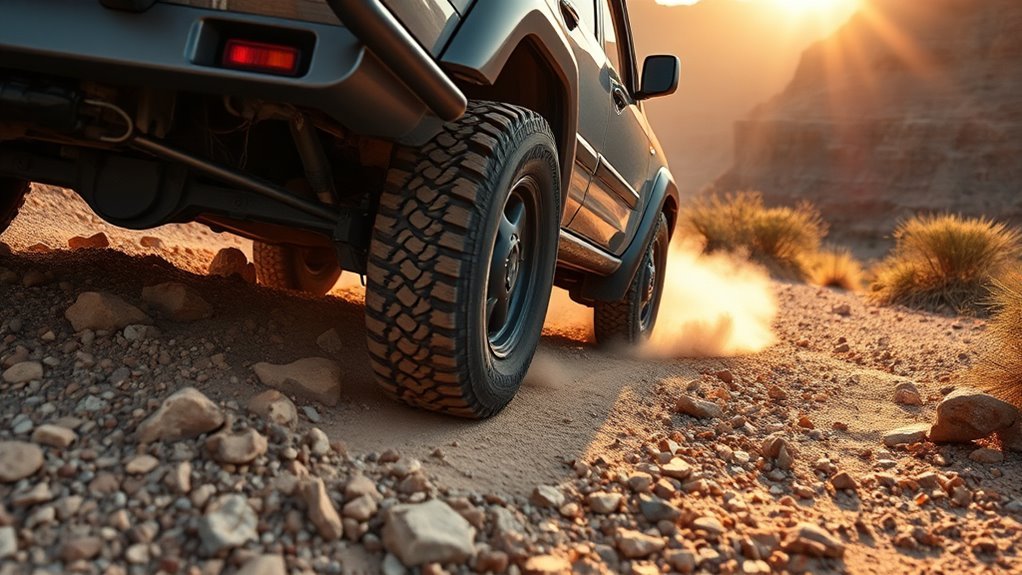
Crawl Control helps a Toyota Land Cruiser move slowly and steadily over rough off-road terrain while the vehicle manages throttle and braking for you. It is useful on rocks, ruts, mud, sand, moguls, and steep sections where smooth low-speed control matters. You still choose the line, steer, watch the trail, and stay ready to brake.
Quick Answer
To use Land Cruiser Crawl Control, stop in a safe off-road area, shift into the required 4WD range, select Crawl Control, choose a low crawl speed, then release the brake and steer. On current models, use L4 for slow, technical terrain and confirm the indicator before moving.
Key Takeaways
- Crawl Control is low-speed off-road assistance, not self-driving and not a pavement feature.
- On current Land Cruiser models, H4 is for normal higher-speed driving and L4 is for low-speed maximum traction work.
- Crawl Control manages throttle and braking, but the driver still steers, chooses the route, and decides when to stop.
- Use lower crawl speeds for rocks and descents; use higher settings only when the trail is open enough and traction is predictable.
- Stop and let the system cool if warning messages, brake heat, or repeated cancellation appears.
At a Glance
| Time Required | About 30–60 seconds once you know the controls; longer if you are checking the manual or trail conditions. |
| Difficulty | Easy to activate, but moderate off-road judgment is needed. |
| Tools Needed | Owner’s manual, tire-pressure gauge, recovery gear, and a safe off-road practice area. |
| Cost | No added cost if your Land Cruiser is equipped with Crawl Control. |
Warning: Crawl Control does not increase the Land Cruiser’s physical limits. Tire grip, ground clearance, slope angle, brake temperature, water depth, and driver judgment still matter. If the vehicle feels unstable or shows a warning message, stop safely and reassess.
Quick Start: Activate Crawl Control on a Land Cruiser
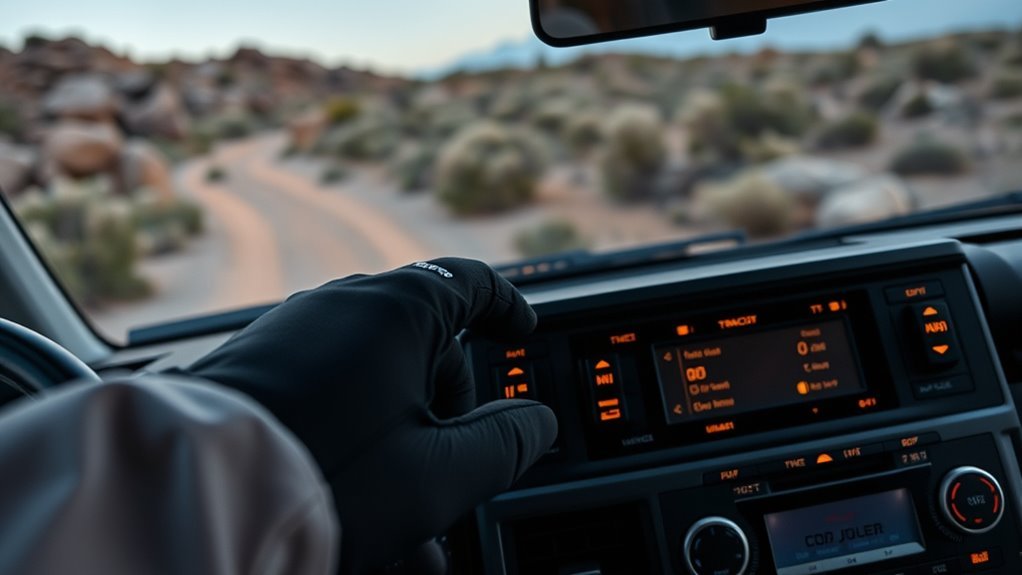
Use this as a general workflow, then follow the exact procedure in your owner’s manual because controls and operating conditions can vary by model year and market. Toyota describes Crawl Control as a system that helps the vehicle travel over extremely rough off-road surfaces at a fixed low speed without constant accelerator or brake input.
- Stop completely in a safe off-road area. Check the trail ahead, keep your foot on the brake, and avoid using the system in traffic or on pavement.
- Select the correct 4WD range. On current Land Cruiser models, use H4 for normal driving and L4 for low-speed, high-traction work such as steep hills, rocks, or deep mud.
- Shift into L4 when needed. Toyota’s current Land Cruiser procedure is to stop, shift the transmission to N, move the 4WD control switch to L4, and wait until the low-speed 4WD indicator confirms the shift.
- Press the Crawl Control switch. Confirm the indicator or multi-information display shows the system is active or ready.
- Choose a crawl speed. Start low for rocks, descents, and tight turns. Increase only if the surface is loose enough and the vehicle needs gentle momentum.
- Release the brake and steer. Let the system manage low-speed throttle and braking while you focus on tire placement.
- Cancel when finished. Turn Crawl Control off after the obstacle and return to normal throttle and brake control.
Pro Tip: Practice on a mild dirt slope before using Crawl Control on difficult terrain. The brake sounds and pulsing can feel unusual the first time, but they are often normal while the system is working.
How Crawl Control Works on the Land Cruiser
Crawl Control works like a very slow off-road cruise control. You pick the speed setting, then the Land Cruiser automatically adjusts throttle and braking to help maintain steady progress. This frees your feet from constant pedal work, but it does not steer the vehicle or choose the safest path.
It also works with Toyota’s traction and brake-control systems. When a tire slips or unloads over rough ground, the vehicle can apply targeted brake force and adjust drive force to help reduce wheelspin. Toyota notes that off-road systems may make sounds or cause vibrations during operation, so mild grinding, pulsing, or clicking is not automatically a failure.
| Driver’s job | Crawl Control’s job |
| Choose the line and steer around rocks, ruts, and ledges. | Maintain the selected low crawl speed. |
| Watch clearance, tires, slope angle, and obstacles. | Modulate throttle and braking to reduce slip. |
| Stop if the line becomes unsafe. | Assist low-speed progress only within system limits. |
When to Use Crawl Control vs. Manual Low-Speed Driving
Use Crawl Control when steady, slow, repeatable movement helps more than delicate pedal feel. Use manual driving when you need instant throttle response, very precise brake feel, a fast recovery decision, or a different amount of momentum than the selected crawl speed provides.
[Products Worth Considering]
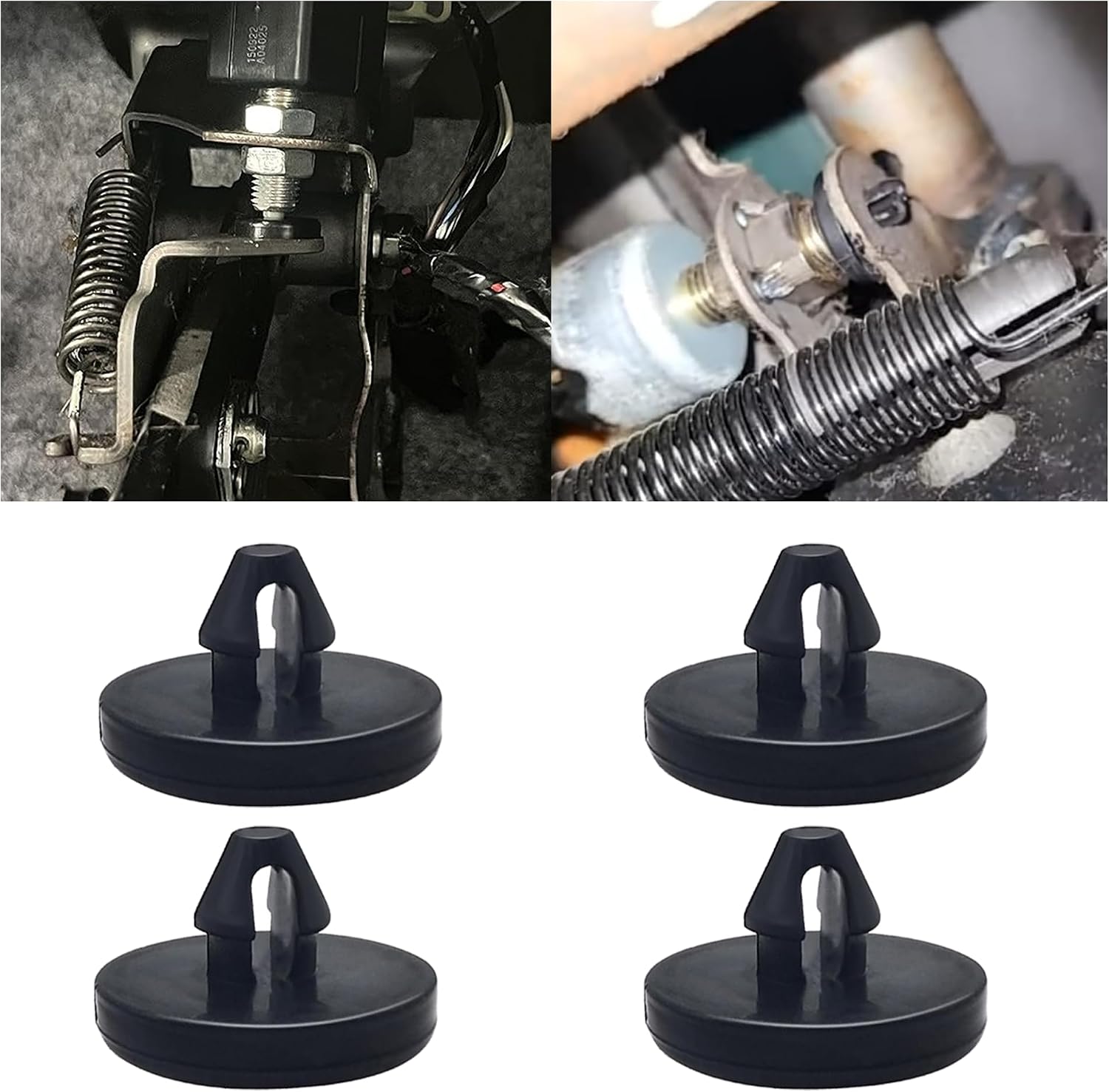
This brake pedal stop pad set is designed as an OEM replacement for compatible Toyota, Lexus, and Scion models, helping restore proper brake light switch function when the brake light stays on. Made from durable nylon, these compact stoppers are built for reliable long-term use and quick, tool-free installation. The set includes multiple pieces for convenient replacement and sharing.

Custom-fit floor mats and cargo liner designed to provide edge-to-edge protection for the Toyota Land Cruiser Prado. Made from durable TPE material, they offer all-weather defense against rain, slush, snow, mud, and everyday dirt while remaining easy to install, clean, and maintain. The odorless, non-slip design helps keep your interior safer, cleaner, and more comfortable in every season.

These custom floor mats are designed to fit the Toyota Land Cruiser GX550 with a 5-seat layout for a precise, secure install. Made from durable TPE, they help shield your interior from spills, mud, snow, dirt, sand, pet hair, and everyday debris while making cleanup quick and easy.
When To Engage Crawl
Engage Crawl Control on slow technical sections where a steady pace reduces mistakes. Good examples include rocky ledges, steep uneven descents, loose climbs, moguls, mud ruts, and slippery trails where sudden throttle or brake inputs could break traction. It is especially helpful when you want to concentrate on steering and tire placement.
When To Drive Manually
Drive manually when the obstacle requires a quick burst of momentum, when the system feels too abrupt, when you need to feather the brake with more nuance, or when you are recovering from being stuck. Also switch to manual control if Crawl Control cancels, warnings appear, or the brakes feel hot or faded.
Hybrid Use: Assistive Steering
A smart trail approach is to blend both methods. Let Crawl Control handle steady sections, then cancel it for tight tire placement, recovery maneuvers, or terrain that needs human pedal feel. Think of the system as an assistant, not a substitute for off-road skill.
Step-by-Step Activation: H4 → N → L4 and Engaging Crawl Control

On current Land Cruiser models, the 4WD control switch has H4 and L4 positions. Toyota describes H4 as the high-speed position for normal driving and L4 as the low-speed position for maximum power and traction, such as steep hills, off-road driving, and hard pulling in sand or mud. The exact switch layout can vary, so confirm your model’s controls before trail use.
- Bring the vehicle to a complete stop. Do not shift the transfer range while the wheels are spinning or the vehicle is moving.
- Keep your foot on the brake. Make sure the area around the vehicle is clear.
- Shift the transmission to N. This allows the transfer case to shift between H4 and L4 on current models.
- Move the 4WD control switch to L4. Hold the switch position until the low-speed 4WD indicator turns on.
- Select the appropriate terrain mode if using Multi-Terrain Select. Toyota lists different MTS modes depending on whether the 4WD switch is in H4 or L4.
- Press the Crawl Control switch and pick a speed. Start with the lowest setting in tight technical terrain.
- Release the brake gently. Keep both hands on the wheel and stay ready to brake or cancel the system.
Note: Neutral is used for the H4-to-L4 range shift on current Land Cruiser models. Crawl Control itself operates after the correct 4WD range and driving conditions are selected, not simply because the transmission is in Neutral.
Choosing the Right Crawl Control Setting for Terrain
Current Land Cruiser information describes Crawl Control as having five selectable low-speed settings. Instead of memorizing one universal mph number, match the setting to the obstacle. Lower is usually better for precision; higher is only useful when the trail is open enough and traction calls for a little momentum.
| Terrain | Best starting setting | Why |
| Rock ledges and tight turns | Lowest setting | Gives the most time for steering and tire placement. |
| Steep downhill trail | Low setting | Helps limit speed without constant brake stabbing. |
| Moguls and uneven climbs | Low to medium | Keeps the vehicle moving without rushing the suspension. |
| Mud, sand, or loose dirt | Medium if safe | May help maintain momentum, but too much speed can cause lurching or digging. |
[Products Worth Considering]

These off-road traction boards are designed to help vehicles recover from mud, sand, and snow with reliable grip and easier ramp-up. Their double-sided diamond construction, cross-shaped teeth, and contoured ramps improve traction while the durable polypropylene build stays flexible in harsh conditions. Convenient mounting points, ergonomic handles, and a visible leash make them practical to carry, store, and retrieve when recovery is needed.

This synthetic soft shackle set is designed for safer, easier off-road recovery with a simple loop-and-tighten setup that helps make vehicle pulls more straightforward. Built as a lightweight alternative to traditional metal shackles, it uses anti-scratch synthetic fiber to help protect your vehicle during recovery tasks. The two-pack format adds convenience for trail use, and Rhino USA backs the product with lifetime replacement support.

This steering clock spring is designed to restore reliable steering wheel controls across a wide range of Toyota models. It supports audio, cruise control, and other multifunction commands while matching OEM part numbers for confident replacement fitment. Built for dependable signal transfer and straightforward installation, it is an effective solution for repairing steering column control issues.
Slow-Speed Rock Crawling
For rock crawling, start with the lowest Crawl Control setting in L4. The goal is smooth progress, not speed. Let the tires climb gently, avoid bouncing, and pause if the vehicle starts sliding sideways or the underbody is close to a ledge.
Mud And Sand Grip
For mud and sand, do not confuse Crawl Control with Multi-Terrain Select. Crawl Control sets the low-speed pace. Multi-Terrain Select adjusts vehicle behavior for surfaces such as sand, mud, dirt, rock, or deep snow, depending on the 4WD range and model year. In loose terrain, a slightly higher crawl setting may help momentum, but stop if the tires dig or the vehicle starts plowing.
Steep Hill Control
On steep climbs or descents, start slow. Use L4 where the owner’s manual recommends it, keep the wheels pointed where you want to go, and avoid abrupt steering. If the slope becomes too slick or the vehicle slides rather than rolls, stop using Crawl Control and reassess the route.
Crawl Control is most useful when smooth, steady motion is safer than constant throttle-and-brake corrections.
Practical Driving Tips and Preventing Brake Fade
Crawl Control uses brake control, so long continuous use can build heat. Toyota warns that continuous Crawl Control operation can overheat the brake system and may also overheat the automatic transmission, temporarily canceling the system or showing a warning message. If this happens, stop in a safe place and let the system cool.
- Use Crawl Control in short sections. Turn it off after the obstacle instead of leaving it active for a long trail transfer.
- Start with a low setting. A slower setting usually reduces harsh brake pulses and gives better control.
- Avoid fighting the system. Heavy manual braking or throttle while the system is active can make behavior feel abrupt.
- Watch the display. Warning messages matter more than normal operating noises.
- Return to normal controls after the obstacle. Do not leave off-road modes active when they are no longer needed.
Warning: If the brake pedal feels soft, braking distance increases, a warning buzzer sounds, or the multi-information display shows a system warning, stop safely. Do not keep forcing Crawl Control through an overheating or malfunction warning.
[Products Worth Considering]

This dash clock spring replacement is designed for a wide range of Toyota vehicles and helps restore reliable steering wheel control functions. It supports audio controls, cruise control, and other multi-function commands while using vehicle-specific connectors for easier installation. Built with durable materials and OEM-referenced part compatibility, it is a practical solution for repairing steering wheel signal issues.
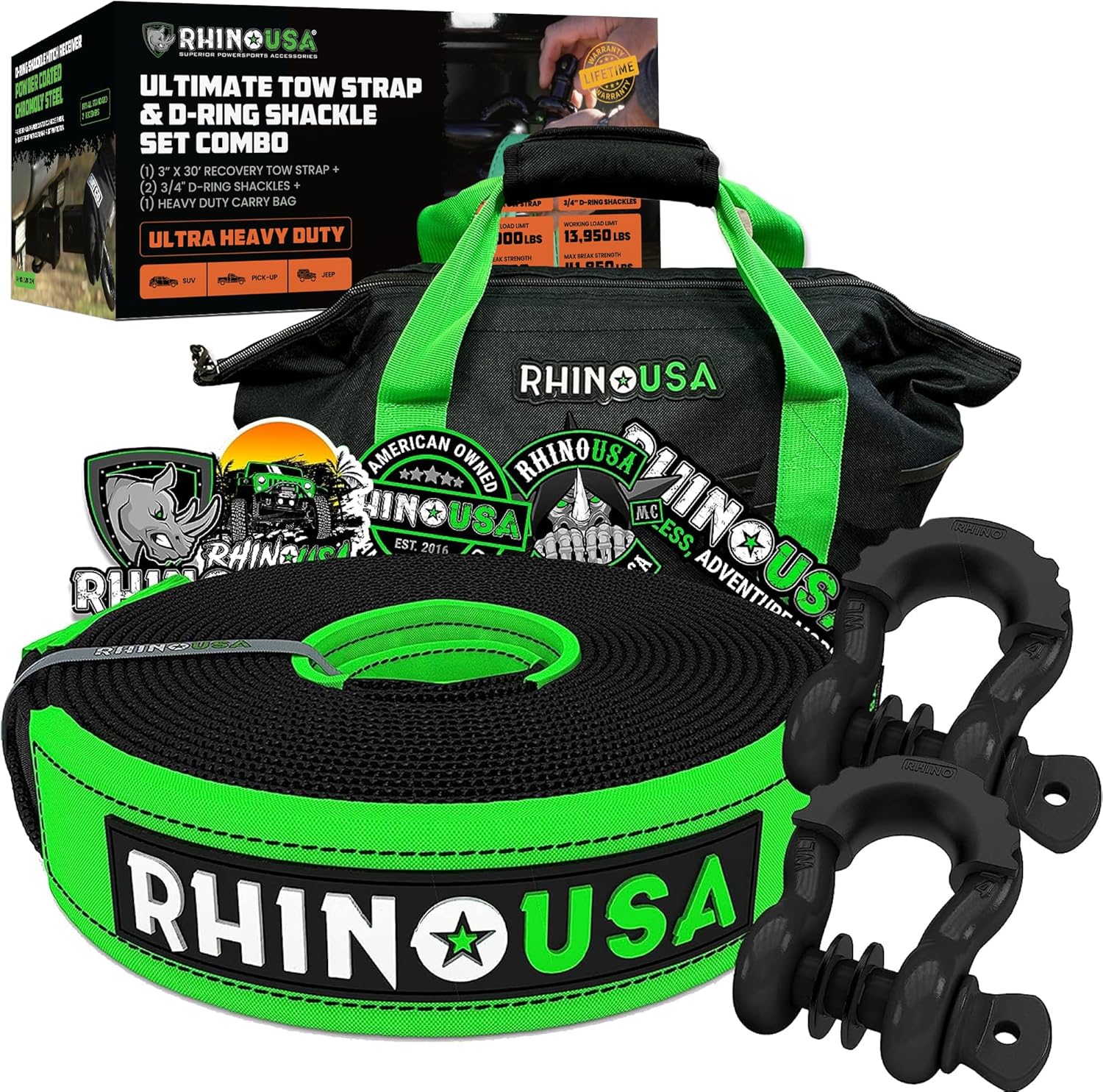
The Rhino USA Recovery Combo Kit is a compact off-road recovery solution designed to help drivers handle basic trail emergencies with confidence. It includes a static tow strap and anchor points with D-ring shackles, giving you essential gear for vehicle recovery when you need it most. Built for peace of mind on the trail, this kit is ideal for off-road enthusiasts looking for a dependable starter recovery setup.
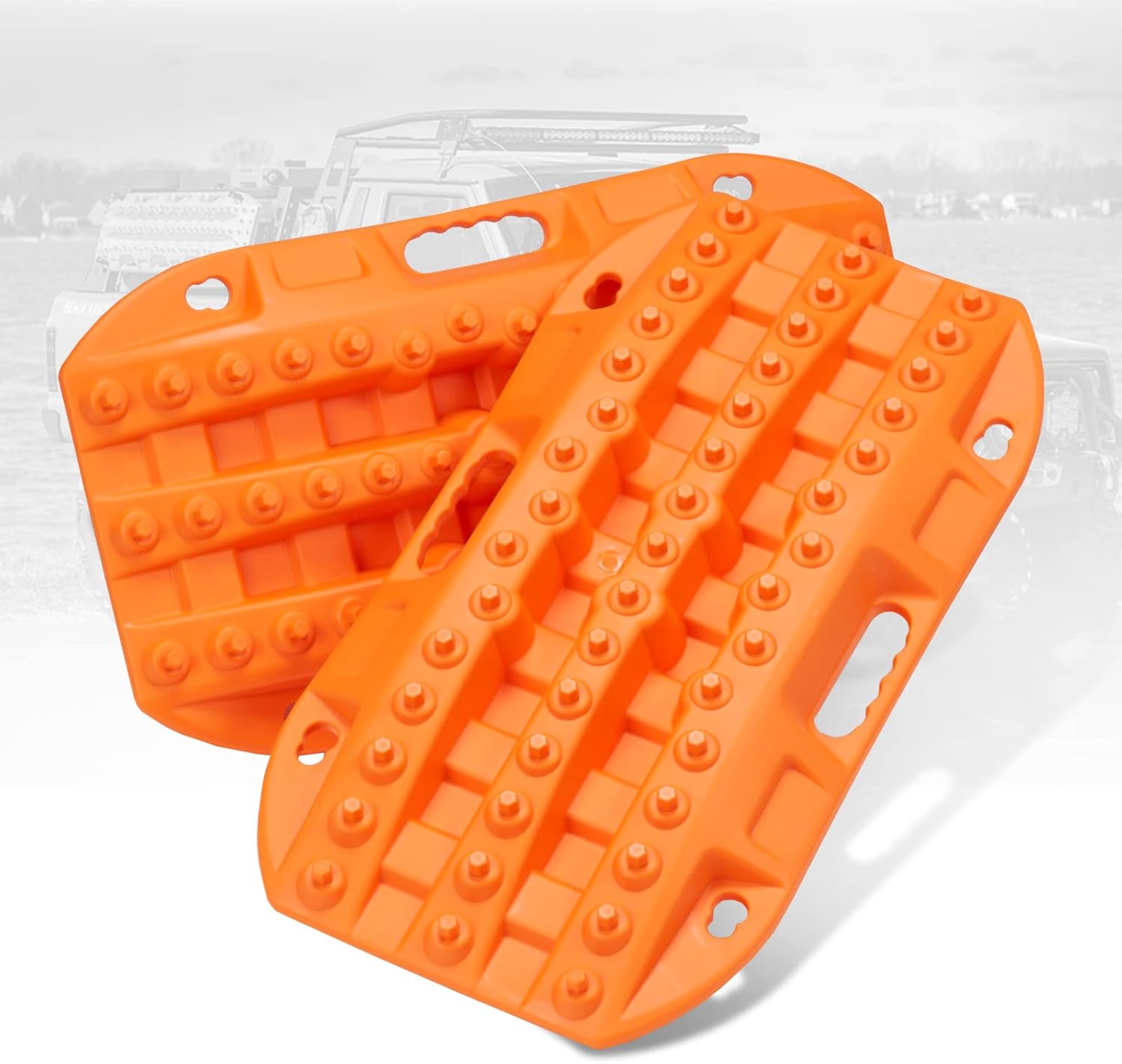
These short off-road traction boards are designed to help ATV and UTV drivers recover from mud, sand, and snow with added convenience and portability. Built with strengthened teeth and a stable bottom channel design, they help prevent wheel slip and improve traction in tough terrain. Made from durable automotive-grade polypropylene, they are lightweight, easy to clean, and suited for year-round use in extreme temperatures. Built-in shovels, ergonomic handles, and nesting storage make them practical for compact vehicle setups.
Troubleshooting Noises, Disengagements, and Common Issues
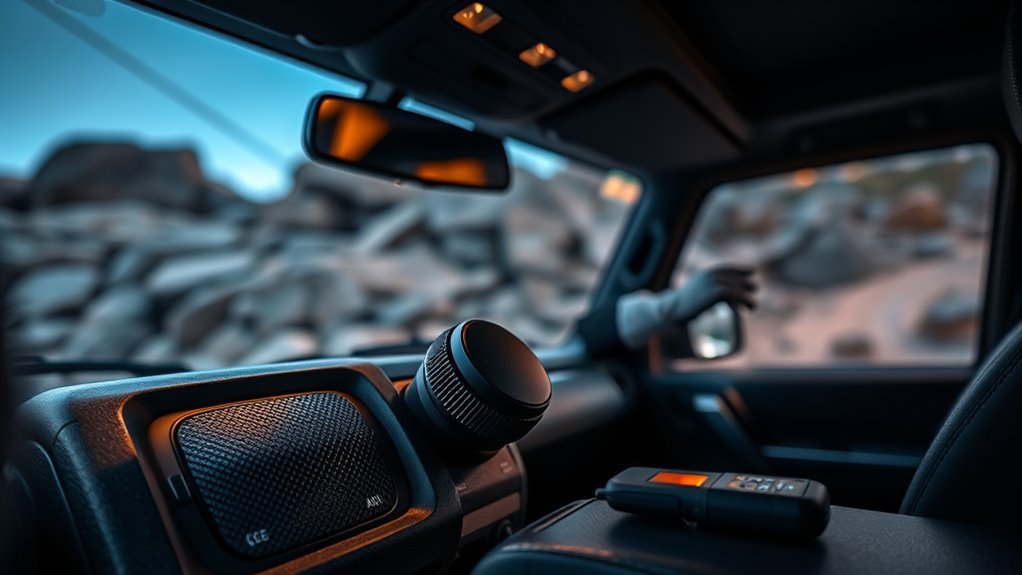
Some noise is normal while Crawl Control is working. You may hear brake pulsing, clicking, vibration, or grinding-like sounds as the system manages traction. The key is to separate normal operating feedback from warning messages, overheating, or a system that refuses to activate.
| Issue | Likely cause | Safe first response |
| Crawl Control will not activate | Wrong 4WD range, gear position, speed, or active warning light | Stop, check H4/L4 selection, gear position, indicators, and owner’s manual. |
| System cancels suddenly | Excess speed, driver override, brake heat, or system limit | Take manual control, slow down, and read any display message. |
| Grinding or pulsing noise | Brake and traction-control modulation | Continue only if there is no warning message and the vehicle remains stable. |
| Brake or transmission heat warning | Continuous Crawl Control use or heavy brake control | Stop in a safe place and let the system cool until the message clears. |
| Vehicle digs in or lurches | Wrong speed setting, wrong terrain mode, or poor surface choice | Stop, lower the speed, change terrain mode, or drive manually. |
What Land Cruiser Owners Should Know About Newer Toyota Crawl Control
Newer Land Cruiser models combine Crawl Control with a broader off-road toolkit. Toyota’s current U.S. Land Cruiser information lists full-time 4WD, an electronically controlled two-speed transfer case, locking differential hardware, available Multi-Terrain Select, and off-road camera technology depending on grade and package. Toyota’s 2024 launch information also described Crawl Control as a low-speed off-road cruise-control function with five selectable speeds.
That does not mean every Land Cruiser around the world has the same controls. A 200-series Land Cruiser, a Prado/250-series model, and a current U.S.-market Land Cruiser may differ in switch layout, terrain modes, speed labels, and operating conditions. Before relying on the system, confirm these details:
- your model year and market;
- whether Crawl Control is installed on your trim;
- the correct H4/L4 procedure;
- which Multi-Terrain Select modes are available in H4 and L4;
- the exact cancellation and warning-message rules in your owner’s manual.
Note: Downhill Assist Control is related but not the same as Crawl Control. DAC helps control speed on descents, while Crawl Control manages low-speed off-road progress across broader rough-terrain situations.
Frequently Asked Questions
What is Crawl MTS in a Land Cruiser?
Crawl Control and Multi-Terrain Select are separate but related off-road systems. Crawl Control manages low-speed throttle and braking. Multi-Terrain Select changes traction, brake, drive-force, and related control behavior for different surfaces, depending on model year and 4WD range.
Do I have to shift to L4 before using Crawl Control?
Many Land Cruiser procedures require low range for technical Crawl Control use, and current Toyota guidance identifies L4 as the low-speed position for maximum traction. Always follow the owner’s manual for your exact model because requirements can vary.
Can I use Land Cruiser Crawl Control on pavement?
No. Crawl Control is intended for difficult low-speed off-road conditions. Use normal throttle and braking on pavement, parking lots, and public roads.
Does Crawl Control steer the Land Cruiser?
No. Crawl Control helps with low-speed throttle and braking only. You still steer, choose the safest line, avoid obstacles, and decide when to stop.
Why did Crawl Control turn off by itself?
Common reasons include excessive speed, incorrect 4WD range, driver override, brake heat, transmission heat, or a system warning. Take manual control, stop safely, read the display message, and let the vehicle cool if overheating is indicated.
Is Crawl Control better than manual low-speed driving?
It depends on the obstacle. Crawl Control is excellent for steady technical crawling, but manual control is better when you need precise pedal feel, quick momentum changes, or recovery-style driving.
Conclusion
Crawl Control makes the Land Cruiser easier to manage in slow, rough terrain because it handles throttle and braking while you focus on steering. Use it deliberately: shift into the correct 4WD range, start with a low setting, match Multi-Terrain Select to the surface when equipped, and stop if warning messages or brake heat appear. The system is useful, but your judgment, tires, recovery plan, and owner’s manual still matter most.
Sources
- Toyota Owners: 2026 Land Cruiser Crawl Control — fixed low-speed operation, cautions, cancellation, and overheating guidance.
- Toyota Owners: 2026 Land Cruiser Multi-Terrain Select — terrain modes and H4/L4 mode differences.
- Toyota Owners: 2025 Land Cruiser Four-Wheel Drive System — H4/L4 meanings and shifting procedure.
- Toyota USA Newsroom: 2024 Land Cruiser Returns to its Origin — current U.S. Land Cruiser off-road feature context and five selectable Crawl Control speeds.
- Toyota.com: 2026 Land Cruiser — full-time 4WD and two-speed transfer-case overview.


[…] low-speed vehicle control. They solve different problems. For related Toyota systems, see the Land Cruiser Crawl Control guide and Land Cruiser Hill-Start Assist […]
[…] Crawl Control is separate from MTS. It can work with MTS, but it is mainly for very slow 4L driving where you want the truck to manage throttle and braking. […]
[…] could roll the vehicle, pull it into an obstacle, or injure a bystander. If the vehicle is on a steep slope, near water, hung on rocks, or unstable, a professional recovery service may be the safest […]
[…] A-TRAC works within a package that may also include TRAC, VSC, Auto LSD, Multi-Terrain Select, Crawl Control, and an electronic rear […]
[…] drain-and-fill around 60,000–90,000 miles. For towing, heavy loads, hot climates, or off-road use, inspect sooner and consider 30,000–60,000-mile service intervals. Toyota’s own […]
[…] Lockers, traction control, crawl control, hill descent control, and terrain modes can help, but they do not replace judgment. Use the […]
[…] rear axle locker, and advanced terrain software (such as Toyota’s Multi-Terrain Select or Crawl Control) will consistently outperform a basic part-time 4WD truck with open axle differentials on […]