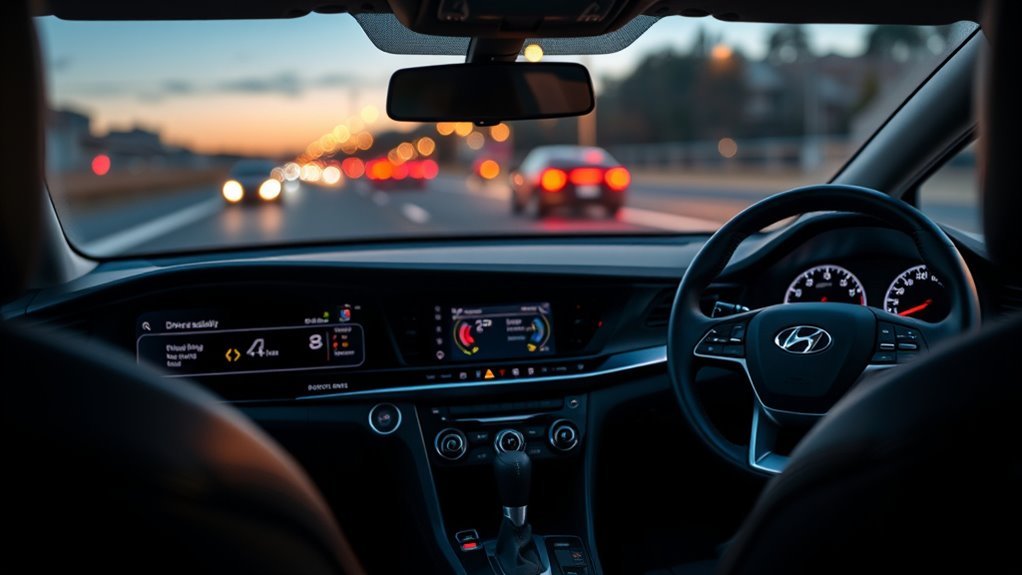
Smart Mode in the Hyundai Sonata automatically shifts between Eco-like efficiency and Sport responsiveness by monitoring your throttle, braking, and steering inputs; it holds conservative engine and transmission settings during steady driving but sharpens throttle and shift maps when you accelerate aggressively. Activate via the Drive Mode button until the instrument cluster shows “Smart,” and watch the dynamic Eco↔Sport bar for feedback. It adapts continuously to how you drive. Read on for setup, tips, and troubleshooting.
What Smart Mode Does in the Hyundai Sonata
Smart Mode monitors your acceleration patterns and automatically shifts the Sonata between Eco and Sport settings to match driving behavior. You get adaptive driving dynamics that balance fuel economy and responsiveness: the system holds conservative engine and transmission maps during steady travel, then shifts to sharper throttle response and firmer shift logic when it detects aggressive input. You’ll experience dynamic performance tuning without manual switching, since Smart Mode mirrors Comfort until demand increases. The calibration reduces wasted fuel under typical conditions while enabling higher output and quicker gear engagement when needed. You retain control through your inputs; the vehicle’s algorithm reacts, not overrides. The result is efficient commuting when you drive gently and quicker response when you need it.
How to Activate and Confirm Smart Mode
Locate the Drive Mode button on the center console and press it until the dashboard reads “Smart Mode.” Watch the instrument cluster for the Smart Mode indicator and any brief shift notifications to confirm activation. These dashboard confirmations also show when Smart temporarily switches to Sport or back to Eco based on your inputs.
Locating Drive Mode Button
The Drive Mode button is on the center console near the shifter on most Sonatas (check your owner’s manual, as the exact location varies by model year). Press it repeatedly to cycle through the modes until the instrument cluster shows SMART. To return to the default mode, keep pressing until it’s selected again. On many model years, the car remembers or resets the mode at restart depending on the mode chosen, so check the cluster after each start.
Dashboard Confirmation Indicators
A press of the Drive Mode button cycles through the modes and shows the selected mode on the cluster. In Smart mode, many Sonatas also display a driving-style gauge that moves between economical and dynamic as the system reads your inputs, so you can see how it is interpreting your driving.
| Indicator | Meaning | Action |
|---|---|---|
| “Smart” text | Mode active | No action |
| Dynamic bar | Eco↔Sport level | Observe |
Return to Normal via the same button; dashboard confirms the switch.
How Smart Mode Adapts to Your Driving Style and Conditions
Smart Mode continuously monitors inputs like throttle position, steering effort, and vehicle speed to adapt power delivery for smoother efficiency or sharper response as you demand. It also performs contextual mode switching—shifting between Comfort-like economy settings and Sport-like responsiveness when it detects sustained aggressive acceleration. On AWD models the system favors front-wheel drive for economy but reallocates torque as needed to maintain traction and performance.
Adaptive Power Delivery
Although it learns from your inputs and driving context, Smart Mode actively modifies engine and transmission parameters in real time to match your style and conditions. You get adaptive efficiency through continuous algorithmic assessment of throttle, braking, and steering inputs; the system applies performance tuning to prioritize fuel economy during gentle inputs and responsiveness during aggressive demands. In AWD variants, it defaults to front-wheel drive to reduce consumption, then redistributes torque as traction or behavior requires. During hard acceleration, Smart Mode often shifts toward Sport or Comfort calibration, delivering immediate power without manual intervention. You’ll notice varied outcomes depending on how you drive: gentle drivers get better economy, while more spirited drivers get context-aware power delivery.
Contextual Mode Switching
When the system detects changes in your throttle, braking, or steering patterns, it seamlessly shifts between Eco and Sport calibrations to match requested responsiveness and efficiency. You get contextual driving that reads intent and road state, using advanced algorithms to alter engine mapping, shift logic, and AWD bias. The system favors front-wheel drive under normal conditions to conserve energy, yet it invokes Sport when you demand aggressive acceleration. Sensors and historical behavior create a running profile, delivering adaptive responsiveness that aligns performance with your habits and the environment.
- Real-time analysis of throttle and brake inputs
- Dynamic shift and torque distribution changes
- Efficiency-first AWD bias
- Behavior-based mode prediction
- Minimal latency adjustments
When Sonata Smart Mode Switches Between Eco and Sport
If you drive smoothly and conserve throttle input, Sonata’s Smart Mode will behave like Eco to maximize fuel efficiency, but if it detects rapid acceleration, hard cornering, or other aggressive inputs it will switch to Sport to sharpen throttle response and steering feedback. You’ll gain Smart Mode Benefits by letting the system assess Driving Behavior continuously: it monitors throttle position, steering rate, and lateral acceleration to decide mode. When inputs stay within conservative thresholds, the control logic reduces throttle mapping and favors efficiency; when inputs exceed thresholds, it tightens throttle mapping and increases steering assist firmness. The shift is seamless and automatic, so you don’t need to toggle modes manually, while keeping a balance between fuel economy and dynamic control across varying road conditions.
Smart Mode vs. Eco, Comfort (Normal), and Sport
Because Smart Mode continuously analyzes your acceleration, braking, and steering inputs, it dynamically selects behaviors that sit between the fuel-saving conservatism of Eco and the sharper responsiveness of Sport, while often defaulting to Comfort-like settings during steady, smooth driving. You get Smart Mode benefits through automatic Driving style adaptation: it raises responsiveness when you push harder and eases to Comfort when you cruise, balancing control and economy.
- Eco: prioritizes fuel savings with damped throttle response and conservative shifts.
- Comfort (Normal): offers stable, predictable handling and efficient cruising baseline.
- Sport: increases throttle mapping and steering feedback for aggressive inputs.
- Smart Mode: bridges modes, switching seamlessly per detected inputs.
Real‑World MPG: Sonata Smart Mode vs. Comfort and Eco
In real-world driving, Smart mode’s fuel economy usually lands close to Comfort/Normal mode, because it spends most of its time in economical settings during steady driving. Hyundai doesn’t publish separate EPA ratings by drive mode, and owner reports vary widely with route and driving style. Smooth, consistent driving in Smart often matches Comfort’s efficiency, while frequent hard acceleration pushes it toward Sport-mode consumption. If you want the most predictable economy, Eco mode is the better fixed choice; Smart prioritizes adapting to you over absolute MPG.
Smart Mode Tips for City, Highway, and Mixed Driving
When you drive in the city, on the highway, or a mix of both, Smart Mode continuously adapts between Eco and Sport settings to give you efficient stop‑and‑go performance, quicker highway responses, and balanced behavior in mixed traffic without manual switching. The system adjusts throttle mapping and shift points based on your inputs. For city driving, expect conservative fueling and softer throttle. For highway driving, expect sharper response for safe merges and passes. In mixed scenarios, Smart Mode finds a balance so you don’t need to change modes constantly.
- Monitor throttle habits to train Smart Mode’s adaptive logic
- Use steady speeds to maximize urban fuel economy
- Apply decisive inputs on freeway ramps
- Avoid abrupt braking to maintain balance
- Let Smart Mode reduce manual interventions
Smart Mode Myths and Limits
Don’t expect Smart Mode to transform the Sonata into a high-performance car; it limits itself to switching between Comfort and Sport behavior based on acceleration inputs and system constraints. You’ll notice the mode favors efficiency—often behaving like Eco under steady driving and prioritizing front-wheel drive on AWD models—until you apply more aggressive throttle. Ultimately, your driving style will usually have a larger effect on MPG than simply leaving Smart Mode engaged.
Smart Mode Performance Limits
Although Smart Mode shifts between Eco-like efficiency and Sport-like responsiveness based on your inputs, it has practical limits: it prioritizes fuel savings during normal driving but will revert to more aggressive mappings under hard acceleration, so you shouldn’t expect Eco-level consumption when you consistently drive at high speed or accelerate hard. You should set realistic performance expectations: Smart Mode balances economy and responsiveness rather than maximizing either. In different driving scenarios you’ll see behavior converge with Comfort or Sport under demand. That means better results come from informed control — choose habits and routes that match the mode’s intent.
- Adapts to driver input, not a magic fuel saver
- Near-Comfort MPG in many urban cycles
- Loses Eco edge at sustained high speed
- Reacts to hard acceleration with firmer mapping
- Best for mixed driving, not pure economy
When Smart Mode Switches
Having covered performance limits, let’s look at what actually triggers Smart Mode to switch between Comfort and Sport. You’ll see the system monitors your inputs—throttle, steering, and braking—and adapts from an Eco-like baseline to a sportier calibration when it detects aggressive commands. That automatic behavior delivers smart mode benefits by aligning vehicle response with your intent, enhancing the driving experience without manual toggles. On AWD models, the logic leans toward front-wheel operation to conserve fuel when conditions permit, then redistributes torque as needed. Expect reversion to Comfort during mild acceleration; that’s intentional adaptability, not malfunction. The design is straightforward: sense driver behavior, shift mapping for control and economy, and maintain seamless changes so you stay free to focus on the road.
Efficiency Vs. Driving Style
Because Smart Mode adjusts itself to your acceleration patterns, its effect on fuel economy often comes down to how you drive rather than which preset it chooses. You’ll see Smart act like Eco during steady commutes and switch toward Sport when you demand rapid response. That means measured throttle and steady speeds yield the best fuel savings, not the mode label. Smart Mode reduces the friction of manual selection and corrects myths that it restricts performance; it adapts, not limits. You retain control through driving habits, so use it to avoid constant mode toggling while pursuing efficiency.
- Smart mimics Eco under typical acceleration.
- Aggressive inputs prompt Sport-like behavior.
- Comfort and Smart often show negligible mpg gaps.
- Your driving habits dictate real fuel savings.
- It’s intuitive, not intrusive.
Troubleshooting: Smart Mode Seems Unresponsive
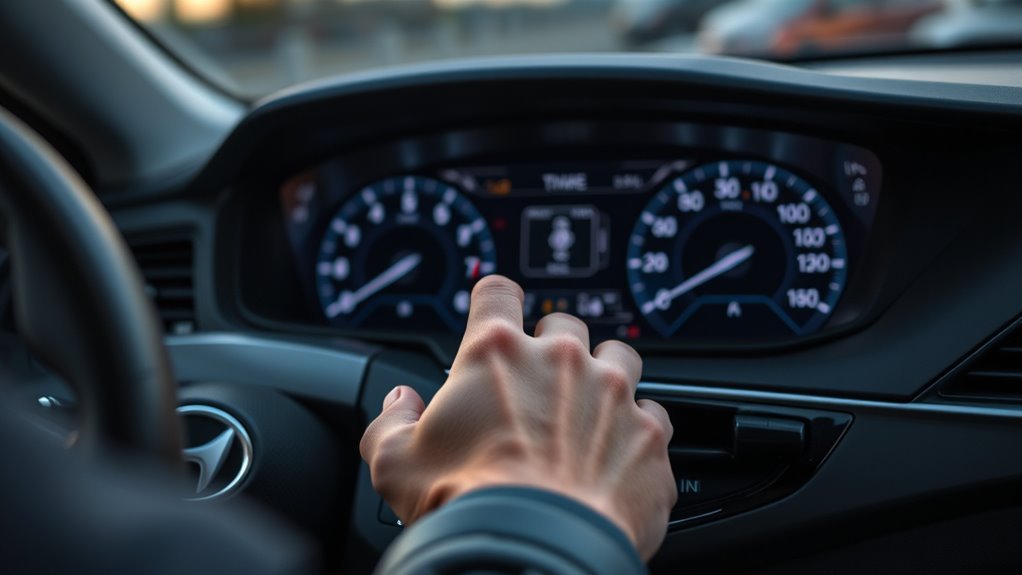
If Smart mode doesn’t seem to respond, first confirm the cluster actually shows SMART after pressing the Drive Mode button, and that the button isn’t sticking or blocked by debris. Keep in mind that Smart mode reacts gradually: it needs a stretch of driving to judge your style, so it may stay in an economical setting during gentle driving. Check for warning lights or messages, restart the vehicle to reset the control modules, and consult the owner’s manual for model-specific behavior. If the mode won’t select, the cluster shows warnings, or the car feels stuck in one setting, have a Hyundai dealer scan for fault codes.
| Checkpoint | Action | Result |
|---|---|---|
| Button | Inspect/clean | Physical restore |
| Cluster | Confirm SMART shows | Mode selected |
| Display | Note errors | Guides repair |
| Reset | Restart car | Clears glitches |
Should You Rely on Smart Mode or Pick a Fixed Mode?
Which mode you should pick depends on how much control you want versus convenience: you’ll trade manual consistency for adaptive responsiveness. Smart Mode benefits include automatic switching between Eco and Sport based on acceleration and braking, giving efficiency in urban commuting and responsive performance under hard throttle without manual input. If you want hands-off versatility, Smart Mode suits daily driving and variable conditions. If you prefer predictable behavior, choose a fixed setting.
Pick Smart Mode for hands-off adaptability; choose Eco or Sport fixed for predictable, consistent efficiency or performance.
- Use Smart Mode for mixed traffic and fuel-conscious routes.
- Choose Eco fixed to prioritize consistent fuel savings.
- Choose Sport fixed for deliberate, repeatable performance.
- Expect Smart Mode to revert to Comfort or Sport under hard acceleration.
- Weigh Smart Mode benefits against Fixed mode drawbacks when you need precise control.
Related Guides
- Eco Mode vs Sport Mode in Hyundai Sonata Explained
- Hyundai Sonata Drive Mode Select: Modes Explained
- Hyundai Sonata Eco Mode: Use, MPG & Safety Guide
- Hyundai Sonata MPG: 12 Ways to Improve Fuel Economy
Frequently Asked Questions
When Should I Put My Car in Smart Mode?
Use Smart mode for everyday mixed driving when you don’t want to change modes manually. It adapts automatically to your inputs, staying economical when you drive gently and sharpening response when you accelerate harder.
Does Driving in Smart Mode Save Gas?
It can, if you drive smoothly, because Smart mode stays in its economical settings during gentle driving. Results vary, and aggressive acceleration will shift it toward sportier settings and reduce fuel economy. Your driving habits matter more than the mode itself.
What Is the Difference Between Smart Mode and Eco Mode?
Smart Mode dynamically shifts between Eco and Sport for balanced performance features and a versatile driving experience; Eco Mode prioritizes fuel savings by limiting power and responsiveness, so you get efficiency over aggressive acceleration and control.
Conclusion
Think of Smart Mode as a responsive navigator that reads the road and your inputs, shifting subtly between Eco and Sport like light changing with cloud cover. You’ll see smoother throttle in traffic, firmer response on open stretches, and adaptive balance when conditions vary. It’s not magic—monitor performance, override when you need predictability, and troubleshoot sensors if it feels off. Use Smart for convenience, but choose fixed modes for deliberate control.