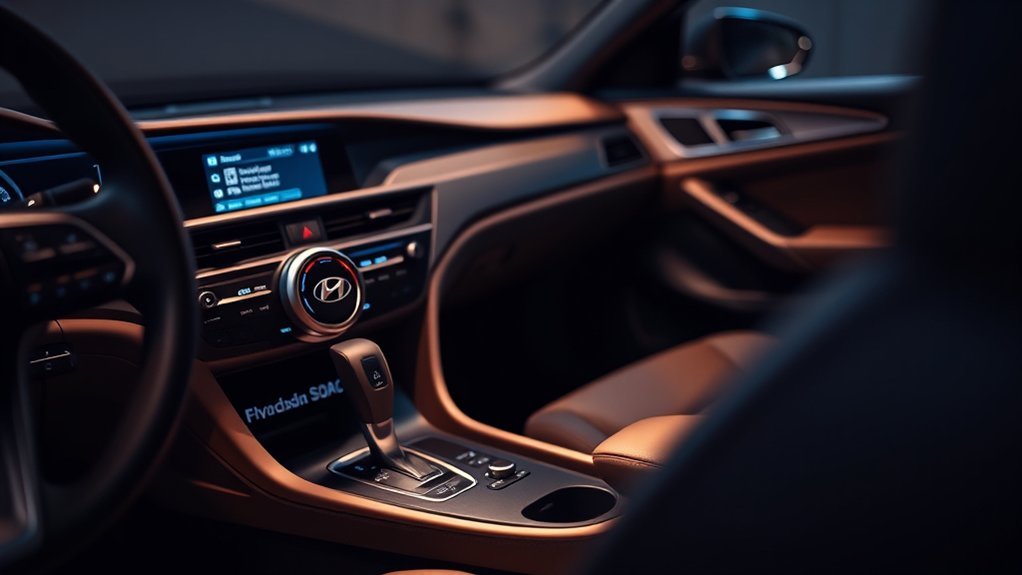
The Hyundai Sonata’s Drive Mode Select lets you customize your driving experience with five modes: ECO, NORMAL, SPORT, SMART, and SNOW. ECO optimizes fuel efficiency, while NORMAL strikes a balance for daily commutes. If you’re after excitement, SPORT sharpens responsiveness. SMART adapts to your driving style on-the-fly, and SNOW enhances traction in winter conditions. Switching modes enhances performance and comfort based on your needs. Discover how each mode can transform your drive further by exploring their unique features.
Understanding Drive Mode Select in the Hyundai Sonata
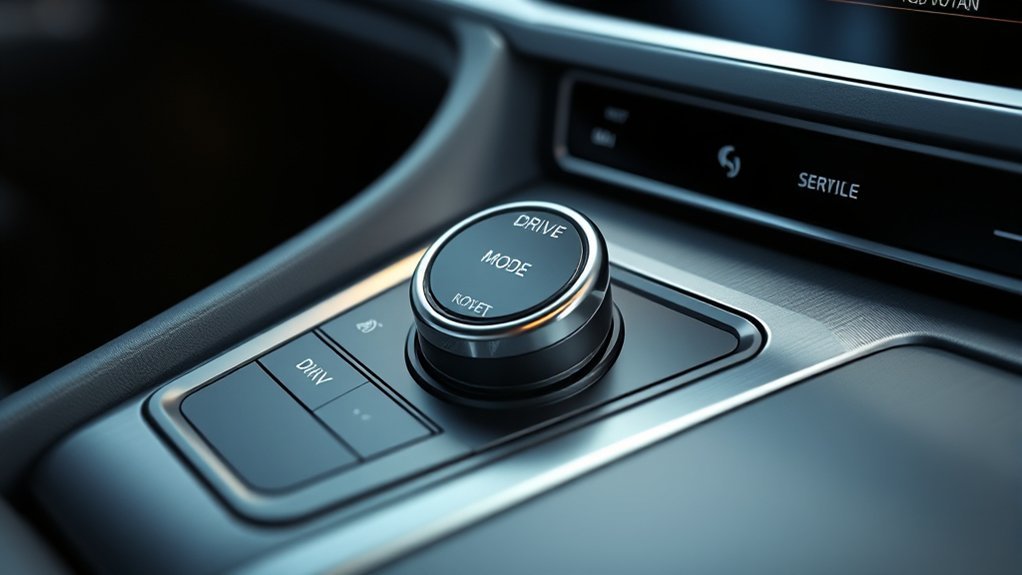
When you get behind the wheel of a Hyundai Sonata, understanding the Drive Mode Select feature can greatly enhance your driving experience. This system offers various drive modes—ECO, NORMAL, SPORT, SMART, and SNOW—each designed to optimize performance based on driving conditions.
ECO mode focuses on fuel efficiency, adjusting throttle response and transmission shifts to help you save at the pump. If you’re craving a more dynamic ride, SPORT mode delivers sharper acceleration and aggressive shifting for enhanced performance. NORMAL mode strikes a balance, perfect for everyday driving without drastic changes.
In unpredictable conditions, SMART mode adapts to your driving style, shifting between ECO, NORMAL, and SPORT as needed. For wintery roads, SNOW mode improves traction and stability, ensuring a safer drive. By leveraging these drive mode benefits, you can tailor your Sonata’s performance to match your needs and the environment, making each journey more enjoyable.
How Hyundai Sonata’s Eco Mode Boosts Fuel Efficiency
When you activate the Hyundai Sonata’s Eco Mode, you’ll notice significant adjustments in engine performance and throttle response aimed at boosting fuel efficiency. This mode alters transmission shift points to encourage a smoother, more economical drive, which can help you save on gas. While you might experience reduced acceleration and some limitations on air conditioning, the overall benefit is a more efficient ride tailored to your driving habits.
[Products Worth Considering]

This filter combo is designed for Hyundai Sonata gas models from 2015 to 2019, including non-hybrid 2.4L vehicles, and replaces both the engine and cabin air filters in one convenient set. It helps improve engine airflow while also refreshing the cabin environment with activated carbon odor control and high-efficiency particle filtration for cleaner, quieter driving.

This activated carbon cabin air filter is designed as a replacement for select Hyundai Sonata gas models and Kia Cadenza vehicles, helping improve in-cabin air quality. It is engineered to capture odors, VOCs, and common pollutants for a fresher driving environment, while matching multiple OE and reference numbers for convenient fitment confirmation.

This cabin and engine air filter kit is designed for compatible Hyundai Sonata gas models from 2015 to 2019 with a 2.4L engine. It helps improve airflow, capture dust and impurities, and support cleaner cabin air and efficient engine performance. The kit is engineered for long service life and simple installation, making routine maintenance easier.
Engine Performance Adjustments
The Hyundai Sonata’s Eco mode greatly enhances fuel efficiency by optimizing throttle response and adjusting transmission shift points. This feature encourages a more conservative driving style, helping you save fuel without sacrificing the driving experience. Here’s how Eco mode fine-tunes your engine performance:
- Engine tuning adjusts shift patterns for fuel economy.
- Performance metrics may vary based on your driving habits.
- Acceleration response is slightly reduced to promote efficiency.
- Air conditioner performance may be limited to lessen engine strain.
- Driving under diverse road conditions can influence Eco mode effectiveness.
Throttle Response Modifications
By optimizing throttle response, the Hyundai Sonata’s Eco mode greatly enhances fuel efficiency, making it an invaluable feature for everyday driving. This mode fine-tunes throttle control, moderating acceleration to promote smoother changes at lower RPMs. In urban settings, this adjustment considerably boosts driving efficiency while encouraging a more conservative driving style. Although you might notice increased engine noise during certain shifts, this trade-off pays off in fuel savings. Eco mode balances performance and efficiency, ensuring you enjoy a comfortable ride without sacrificing economy. By embracing these modifications, you’re empowered to maximize your Sonata’s potential, liberating yourself from frequent trips to the gas station while still enjoying the drive.
Enhanced Fuel Economy Benefits
Although many drivers prioritize performance, embracing the Hyundai Sonata’s Eco mode can transform your daily commute into a more fuel-efficient experience. By optimizing throttle response and adjusting transmission shift points, Eco mode promotes a more conservative driving style without compromising comfort. Here are some benefits to reflect on:
- Enhanced throttle response for better fuel economy
- Adjusted air conditioning performance to boost efficiency
- Tailored fuel economy based on driving habits
- Lower engine RPMs through modified transmission patterns
- Significant fuel savings for eco-conscious drivers
Comfort Mode: Ideal for Smooth and Relaxed Drives
When you switch to Comfort Mode in the Hyundai Sonata, you’ll immediately notice the enhanced suspension settings that create a smoother ride. This mode also adjusts throttle response, allowing for effortless acceleration as you navigate city streets or enjoy a leisurely drive. While it may feel less responsive than Sport Mode, Comfort Mode prioritizes a relaxing driving experience that’s perfect for everyday commutes.
Enhanced Suspension Settings
Comfort Mode in the Hyundai Sonata transforms your driving experience by prioritizing a smooth and relaxed atmosphere. This setting optimizes suspension tuning, enhancing ride quality and making every journey enjoyable. Here’s how it elevates your drive:
- Softer Suspension Setup: Absorbs road imperfections for a cushioned feel.
- Stable Handling: Maintains balance, even on uneven surfaces.
- Leisurely Driving Style: Encourages a relaxed approach, perfect for city navigation.
- Stress-Free Commutes: Reduces fatigue for both driver and passengers.
- Versatile Terrain Adaptation: Smooths out various road conditions effortlessly.
Throttle Response Adjustments
By adjusting the throttle response in Comfort mode, the Hyundai Sonata guarantees a smoother and more relaxed driving experience, making it perfect for leisurely drives or traversing busy city streets. This mode employs throttle calibration to enhance driving dynamics, ensuring a softer ride that minimizes abrupt acceleration. Whether you’re maneuvering through urban traffic or enjoying a long commute, Comfort mode prioritizes comfort without compromising performance. Additionally, suspension adjustments in this mode further cushion your journey, providing a stress-free environment for all passengers.
| Feature | Comfort Mode | Benefits |
|---|---|---|
| Throttle Calibration | Softer response | Reduced abrupt acceleration |
| Driving Dynamics | Enhanced ride comfort | Smoother navigation |
| Suspension Adjustments | Cushioned ride | Improved passenger comfort |
Comparing Driving Modes: Why Choose Sport Over Comfort?
Why opt for Sport mode over Comfort? If you’re seeking a more exhilarating driving experience, Sport mode is your go-to choice. Here’s why:
- Enhanced Responsiveness: Enjoy sharper throttle response and aggressive shifts.
- Performance Focus: Experience quicker acceleration and heightened engine responsiveness.
- Fuel Economy Trade-off: While it may reduce fuel efficiency, the thrill makes it worth it.
- Real-Time Adaptation: Feel in control during dynamic driving situations with responsive adjustments.
- User Preference: Many drivers find Sport mode more engaging and enjoyable than Comfort mode.
In essence, Sport mode amplifies your connection with the road, delivering a performance-driven experience that Comfort mode simply can’t match. If you crave liberation in your driving, switching to Sport mode is a step towards embracing that thrill.
[Products Worth Considering]

HAFIDI floor mats are custom-fit for select Kia Optima and Hyundai Sonata Hybrid models, using 3D laser scanning for precise coverage of the front and rear rows. Built from durable TPE with raised edges and anti-slip backing, they help contain dirt, water, snow, and spills while staying secure and easy to clean.
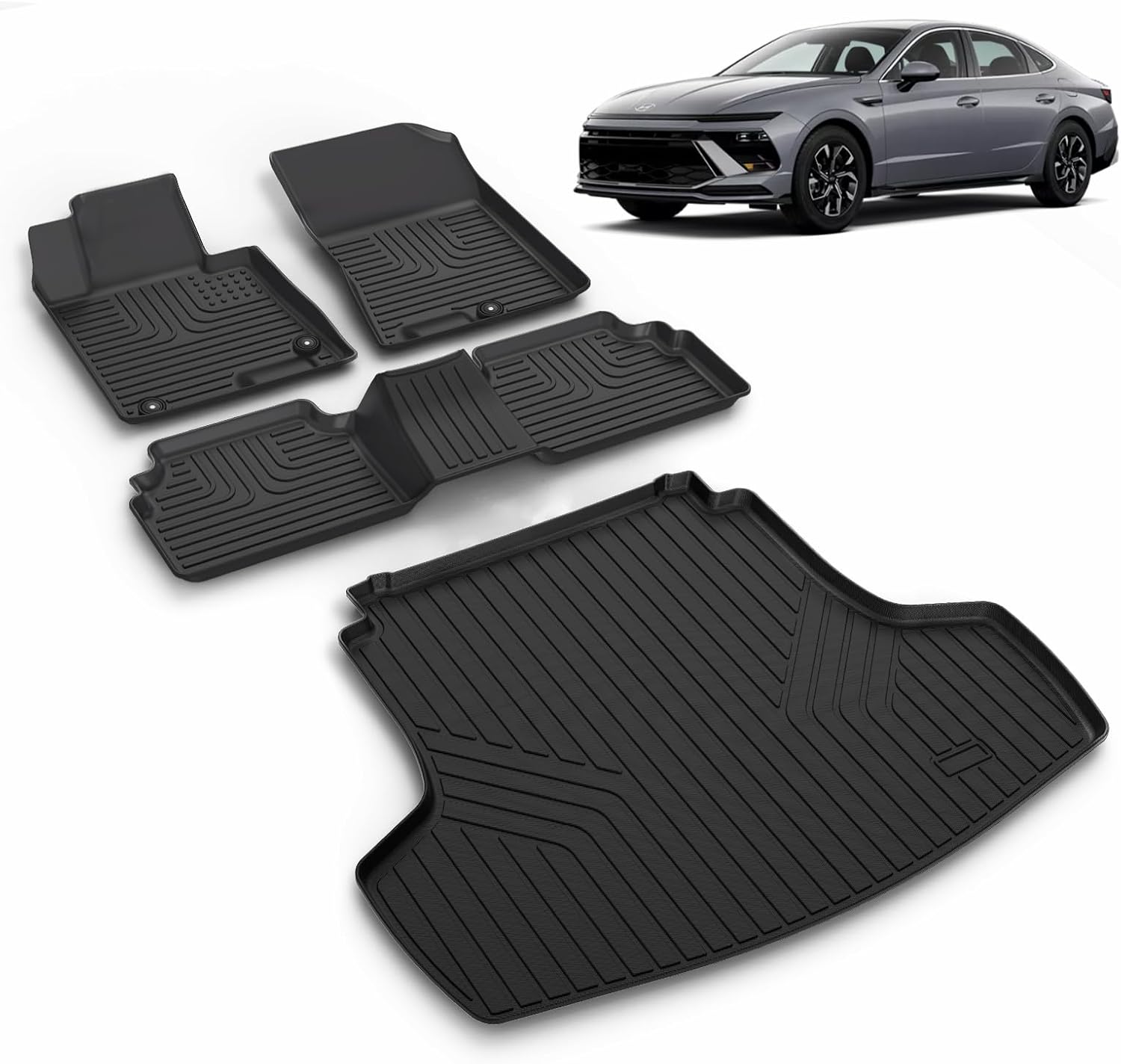
This custom-fit floor mat and cargo liner set is designed for select Kia K5 and Hyundai Sonata models to help protect your interior from dirt, spills, snow, and everyday messes. Made with durable TPE and shaped with raised edges and precise channeling, it offers secure coverage, easy cleanup, and reliable all-weather performance. The set includes front, rear, and cargo protection for a cleaner, safer driving experience.
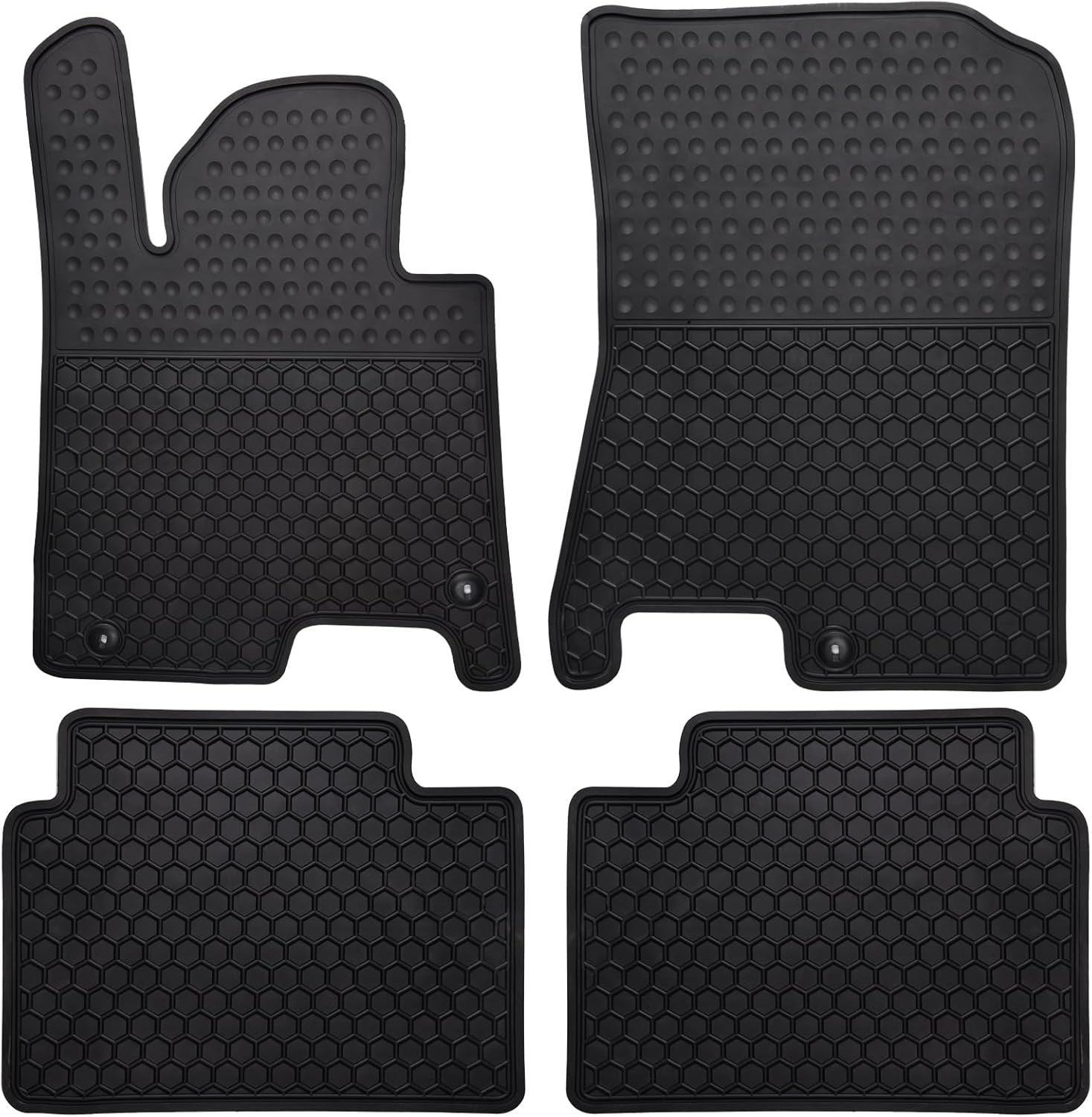
These custom-fit all-weather floor mats are designed for compatible Hyundai Sonata and Kia K5 models to help protect your vehicle's interior from mud, slush, dirt, and spills. Made from odorless, durable rubber with a deep hexagon pattern, they offer reliable anti-slip coverage and are easy to remove and clean with water or a damp towel. The set is built for long-lasting use in every season and helps keep your car looking clean while supporting resale value.
How Smart Mode Adapts to Your Driving Style in Real-Time
As you maneuver through different driving conditions, Smart Mode seamlessly adapts to your style, maximizing performance without you having to think twice. This adaptive technology employs advanced sensors and algorithms to monitor your driving dynamics in real-time, guaranteeing you get the best performance suited for the situation.
| Driving Style | Mode Change | Benefit |
|---|---|---|
| Mild Driving | ECO | Enhances fuel efficiency |
| Moderate Acceleration | NORMAL | Balances comfort and control |
| Aggressive Driving | SPORT | Delivers dynamic responsiveness |
| Varying Terrain | Adaptive Mode | Adjusts for peak handling |
| Extreme Temperatures | Limited Use | Ensures safety and reliability |
With Smart Mode, you’ll experience unmatched flexibility, whether cruising on the highway or maneuvering city streets. Let your vehicle respond to your instincts, giving you the freedom to drive with confidence.
Master Winter Driving With Snow Mode
When winter weather hits, mastering your vehicle’s capabilities becomes essential for safe driving. The Hyundai Sonata’s Snow Mode is your ally, specifically designed to enhance winter traction and guarantee icy stability. By adjusting throttle response and transmission settings, this mode empowers you to navigate confidently through snow with minimal risk of wheel spin.
Here’s how Snow Mode can transform your winter driving experience:
- Cautious Throttle Response: Helps maintain control on slippery surfaces.
- Optimized Performance: Tailors settings for challenging terrains.
- Enhanced Traction: Boosts grip on snow and ice.
- Safety Focused: Prioritizes stability for a secure ride.
- Comfortable Driving: Makes winter journeys less stressful.
Utilizing Snow Mode not only improves safety but also boosts your overall driving comfort during the harshest winter conditions. Embrace the power of this feature and drive with confidence!
[Products Worth Considering]

This custom-fit floor mat and cargo liner set is designed for select Kia K5 and Hyundai Sonata models, offering full interior coverage for the front row, second row, and trunk. Made from odorless TPE with raised edges and anti-slip backing, it helps block dirt, water, snow, and spills while staying securely in place. The durable, easy-to-clean design is ideal for daily driving, family use, and messy outdoor adventures.

These Jenofa floor mats and cargo liners are made for a precise fit in compatible Kia K5 and Hyundai Sonata models, helping protect the original floor and cargo area from daily messes. Built from durable TPE material with all-weather coverage, they resist heat, cold, mud, snow, and spills while remaining easy to clean and simple to install. The sleek noir design adds a clean, integrated look to the interior while delivering practical protection.

Replace worn or damaged key fob buttons with this rubber keypad insert designed for compatible Hyundai remote key cases. It restores the look and feel of your car key, offering a simple installation and a snug fit for supported Santa Fe and Sonata models. The set includes two replacement pads and a mini screwdriver for convenience.
Tips for Switching Driving Modes Effectively
Switching driving modes effectively can greatly enhance your experience behind the wheel of a Hyundai Sonata. To maximize drive mode benefits, consider your driving environment and preferences. If you’re focused on fuel efficiency, activate ECO mode; it improves throttle response and shifts for a more conservative driving style. For a smooth, balanced ride, stick with NORMAL mode—perfect for everyday driving without compromising comfort.
When you crave excitement, engage SPORT mode for enhanced acceleration and responsiveness, especially on winding roads. Alternatively, SMART mode automatically adjusts between ECO, NORMAL, and SPORT based on your behavior and road conditions, offering a hands-free approach to ideal driving.
Your Top Questions About Hyundai Drive Modes Answered?
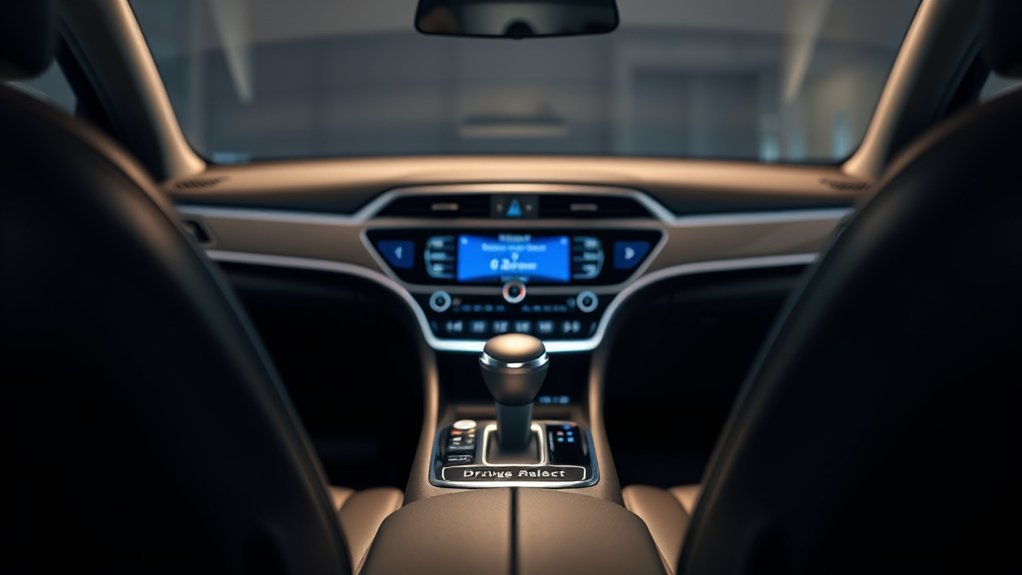
Understanding the nuances of Hyundai’s drive modes can greatly enhance your driving experience. With multiple options available, you can tailor your Sonata’s performance tuning to match your driving preferences. Here are some common questions you might have:
- What’s the difference between ECO and SPORT modes?
- How does SMART mode adapt to my driving style?
- Is NORMAL mode suitable for daily commuting?
- Can I switch modes while driving?
- Which mode is best for performance?
ECO mode enhances fuel efficiency, while SPORT delivers sharper acceleration and aggressive shifts. NORMAL offers a balanced experience for everyday use. SMART intelligently adjusts based on real-time conditions, making it a versatile choice. Many users prefer SPORT mode for its dynamic feel, especially in turbo models. Each mode serves a purpose, allowing you to liberate your driving experience according to your needs.
Frequently Asked Questions
What Is Hyundai Drive Mode Select?
Hyundai Drive Mode Select enhances your driving experience by allowing you to customize performance. Choose from modes like ECO for efficiency, SPORT for excitement, or SMART for adaptability, tailoring your vehicle’s response to your preferences.
Can I Change Drive Mode While Driving Hyundai?
Yes, you can change drive modes while driving your Hyundai. Whether you’re seeking performance or efficiency, switching modes enhances your experience, but always prioritize driving safety. Choose wisely to enjoy the freedom of adaptable driving.
What Does Drive Mode Mean in a Hyundai Sonata?
Drive mode in a Hyundai Sonata optimizes your driving experience through performance tuning. By selecting modes like ECO or SPORT, you can enhance fuel efficiency or responsiveness, adapting your vehicle to various conditions and personal preferences.
Conclusion
Incorporating the Drive Mode Select in your Hyundai Sonata is like having a tailored suit for every occasion. Whether you’re cruising in Eco mode for efficiency, embracing Comfort for a serene drive, or revving up in Sport for that adrenaline rush, you’ve got the power to adapt to any road. Embrace each mode and let your Sonata transform your driving experience, making every journey not just a trip, but an adventure waiting to unfold.