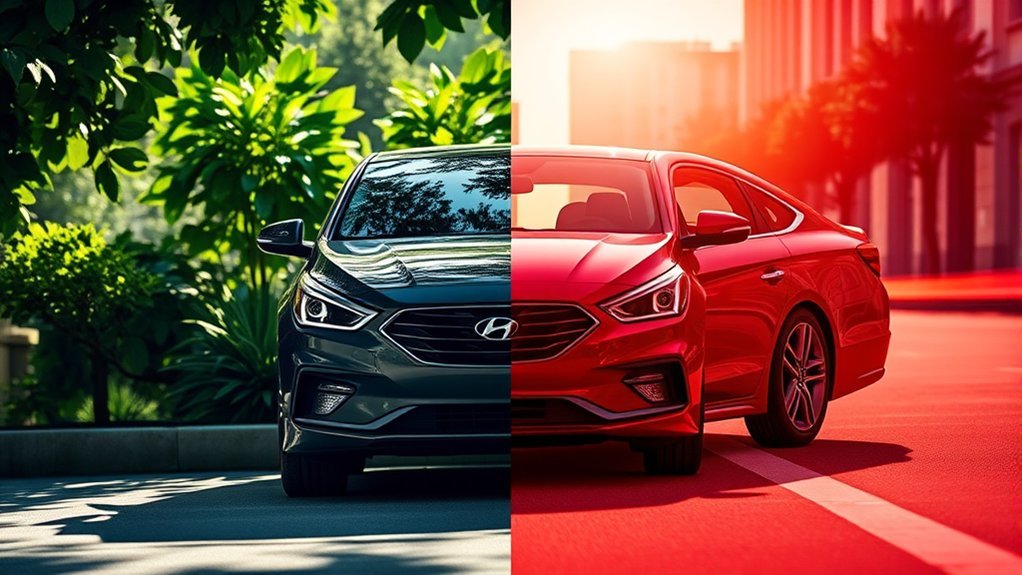
Hyundai Sonata Eco Mode vs Sport Mode comes down to efficiency versus response. Eco Mode can reduce accelerator sensitivity and change transmission or climate-control behavior to support better fuel economy. Sport Mode can hold engine RPM higher, delay upshifts, and—on some model years—use quicker throttle or heavier steering settings. Neither mode creates extra rated horsepower. Exact behavior, available modes, and restart rules vary by Sonata model year, trim, powertrain, and market.
Last updated: August 31, 2026. This guide was rechecked against Hyundai owner information and current EPA/Hyundai fuel-economy data. It does not claim instrumented road testing.
Quick Answer
Use Eco Mode for commuting, steady cruising, and times when better fuel economy matters most. Use Sport Mode when you want the transmission to stay ready for acceleration, such as during a merge or on a hilly road. Sport Mode changes control logic and response; it does not raise the engine’s published horsepower rating.
Key Takeaways
- Eco Mode can reduce accelerator response, alter shift logic, and on some Sonatas limit air-conditioning performance.
- Sport Mode can keep RPM higher and delay upshifts, making the car more ready to accelerate.
- Sport Mode does not add rated horsepower. The engine output is the same published rating; the car changes how that output is delivered.
- Use the physical Drive Mode control only when you can do so safely. Do not navigate infotainment Vehicle Settings while driving.
- Available modes and restart behavior vary by Sonata model year and powertrain, so check the owner’s manual for your exact car.
Quick Decision Guide
| Daily commute or traffic | Eco or Normal |
| Steady highway cruise | Eco or Normal |
| Merging or short passing response | Sport, when conditions are safe |
| Hills or winding roads | Sport can keep the powertrain more responsive |
| Want the car to adapt automatically | Smart, if your Sonata is equipped with it |
What Does Eco Mode Do in a Hyundai Sonata?
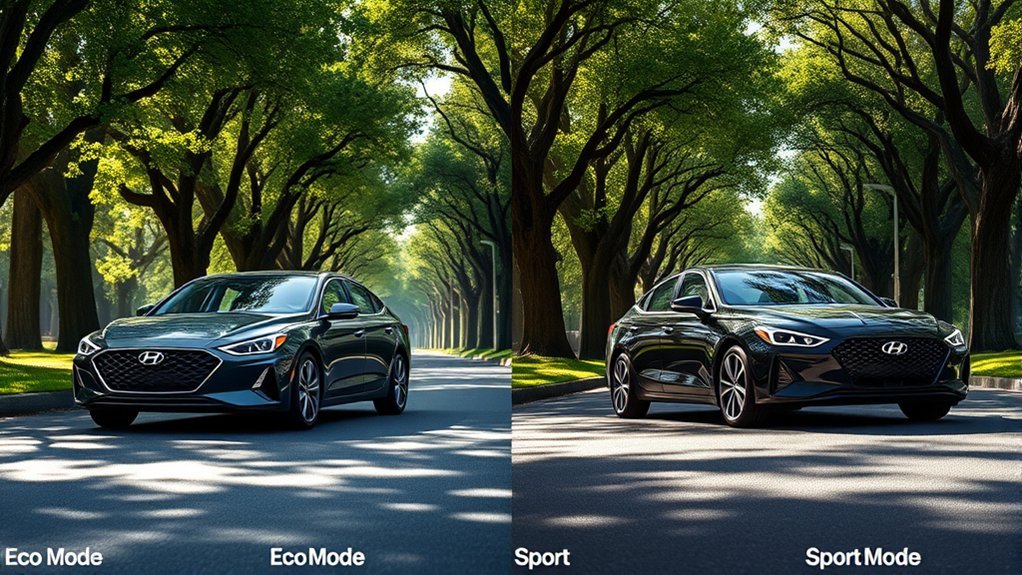
When you activate Eco Mode in a Sonata equipped with it, Hyundai changes powertrain behavior to favor efficiency. Owner’s-manual guidance says accelerator response may be slightly reduced during moderate pedal input, the transmission shift pattern may change, and air-conditioning performance may be limited on some versions. Hyundai also states that the fuel-economy result still depends on driving habits and road conditions.
From the driver’s seat, that can mean a softer response to small accelerator movements and earlier or more economy-focused shifting. The exact effect is not identical across every Sonata. Older Active ECO systems, newer gas models, and hybrid models use different control logic, so do not assume a video or forum post about another model year matches your car.
Eco Mode is not a magic fuel-saver by itself. It works best when you also drive smoothly, avoid hard braking, keep speeds reasonable, and remove unnecessary cargo. The U.S. Department of Energy notes that aggressive driving can lower gas mileage by roughly 15% to 30% at highway speeds and 10% to 40% in stop-and-go traffic, so your right foot still matters more than the mode button.
Pro Tip: For the best results in Eco Mode, accelerate gently, look ahead in traffic, coast early when safe, and avoid carrying roof cargo when you do not need it.
[Products Worth Considering]
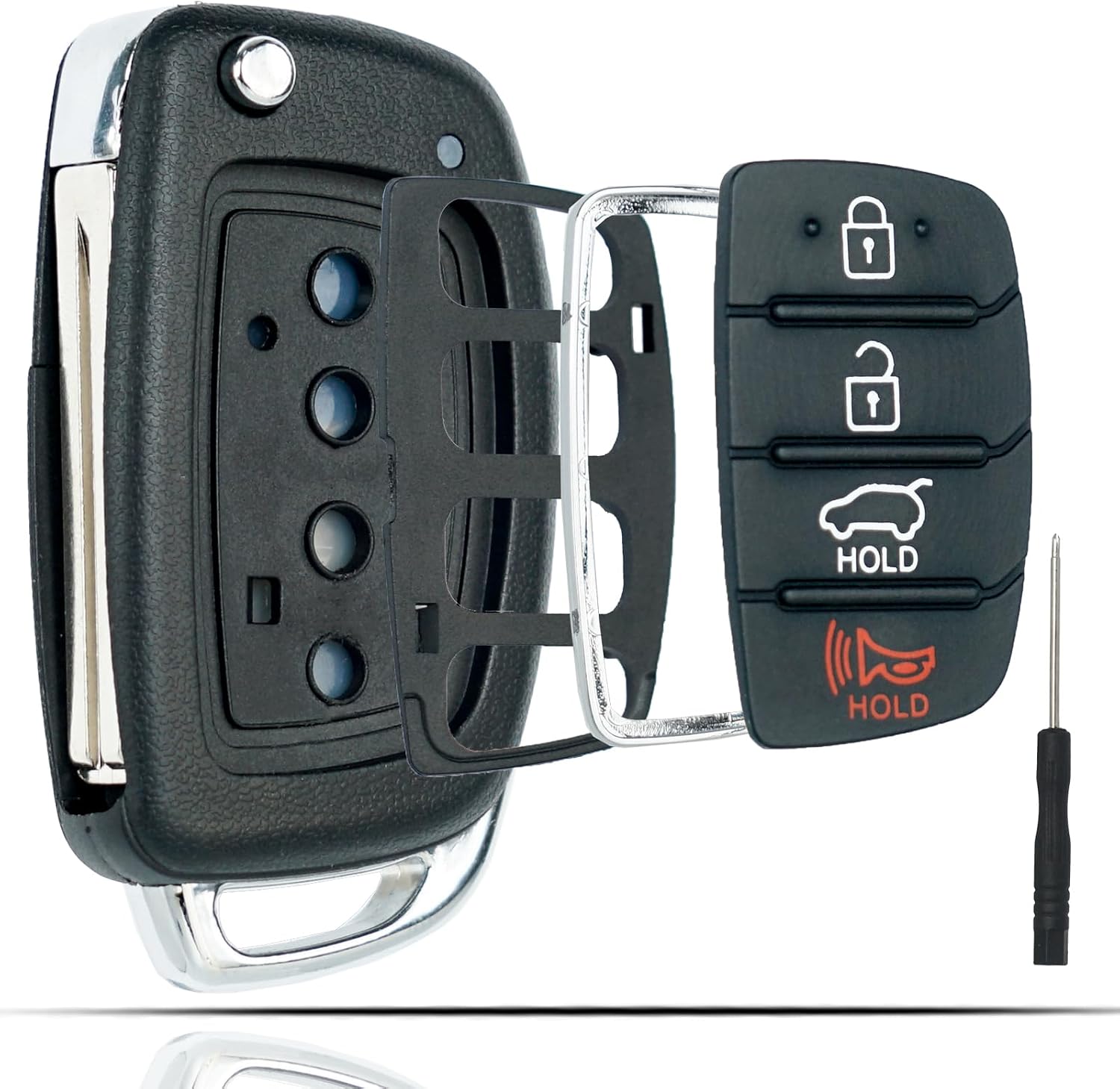
This flip key fob shell is a replacement case designed for compatible Hyundai Sonata and Santa Fe models, helping restore a worn or broken remote housing without replacing the electronics. It includes a 4-button layout and is made for easy transfer of your original internal components, with no reprogramming required. The durable metal and plastic construction makes it a practical fix for damaged key fobs, and the replacement blade must be cut by a locksmith or hardware store.

HAFIDI floor mats are custom-fit for select Kia Optima and Hyundai Sonata Hybrid models, using 3D laser scanning for precise coverage of the front and rear rows. Built from durable TPE with raised edges and anti-slip backing, they help contain dirt, water, snow, and spills while staying secure and easy to clean.

This filter combo is designed for Hyundai Sonata gas models from 2015 to 2019, including non-hybrid 2.4L vehicles, and replaces both the engine and cabin air filters in one convenient set. It helps improve engine airflow while also refreshing the cabin environment with activated carbon odor control and high-efficiency particle filtration for cleaner, quieter driving.
What Does Sport Mode Change in a Hyundai Sonata?
Sport Mode prioritizes response instead of maximum fuel economy. Hyundai’s owner information says Sport Mode can keep engine RPM elevated for a period after you lift off the accelerator and can delay upshifts during acceleration. Hyundai also warns that fuel economy may decrease in Sport Mode.
Throttle and steering changes are model-specific. Hyundai’s 2020 Sonata feature guide describes Sport as using quick throttle response, longer gear holding, quicker downshifts, and heavier steering. By contrast, an Edmunds long-term 2015 Sonata report found heavier steering and longer gear holding on that car but did not observe a throttle-sensitivity change. That is why model year matters.
Sport Mode does not raise the Sonata’s published horsepower rating. It changes control behavior—such as shift timing, RPM strategy, steering feel, or throttle mapping where equipped—so the same rated output can feel more immediately available.
Warning: Sport Mode can make the vehicle feel more responsive, but it does not change speed limits, road conditions, tire grip, or braking distance. Use it only where conditions allow safe driving.
Hyundai Sonata Eco Mode vs Sport Mode: What’s the Difference?
Eco and Sport change the Sonata in opposite directions, but not every year changes the same systems. The most consistent differences are efficiency-focused control in Eco and more aggressive RPM/shift behavior in Sport. Throttle, steering, climate, and restart behavior depend on the specific Sonata.
| Feature | Eco Mode | Sport Mode |
|---|---|---|
| Main goal | Better fuel economy | Sportier response |
| Throttle feel | May be gentler during moderate pedal input | May be quicker on models with Sport throttle mapping |
| Transmission behavior | Shift pattern may change for efficiency | Can hold RPM higher and delay upshifts |
| Climate control | A/C performance may be limited on some versions | Normally prioritizes response, not energy savings |
| Fuel economy | Usually better when paired with smooth driving | May decrease |
| Best use | Commuting, traffic, long trips, relaxed driving | Merging, passing, hills, winding roads, spirited driving |
Choose Eco when efficiency is the priority. Choose Sport when you want the powertrain to stay more ready for acceleration. Check your model-year manual before assuming either mode changes steering, throttle, or restart behavior.
[Products Worth Considering]
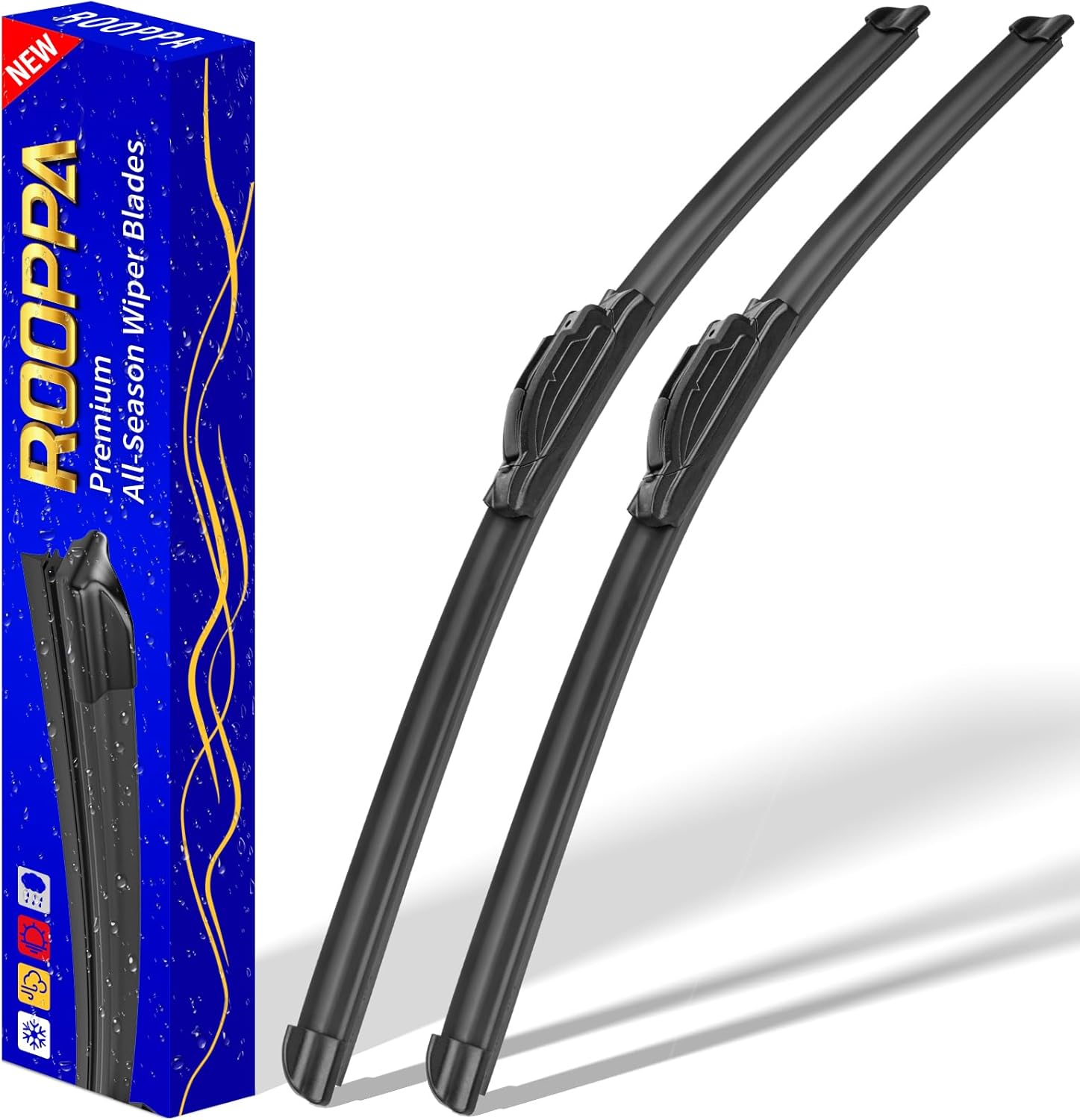
These front windshield wiper blades are designed as a direct replacement for compatible Hyundai models, helping restore clear visibility in rain and road grime. The hard-molded frame and stronger spring support smooth, reliable wiping performance, while the easy plug-and-play installation makes replacement simple. Included as a two-piece set, they are built for dependable everyday use with a one-year warranty for added confidence.

Replace worn or damaged key fob buttons with this rubber keypad insert designed for compatible Hyundai remote key cases. It restores the look and feel of your car key, offering a simple installation and a snug fit for supported Santa Fe and Sonata models. The set includes two replacement pads and a mini screwdriver for convenience.
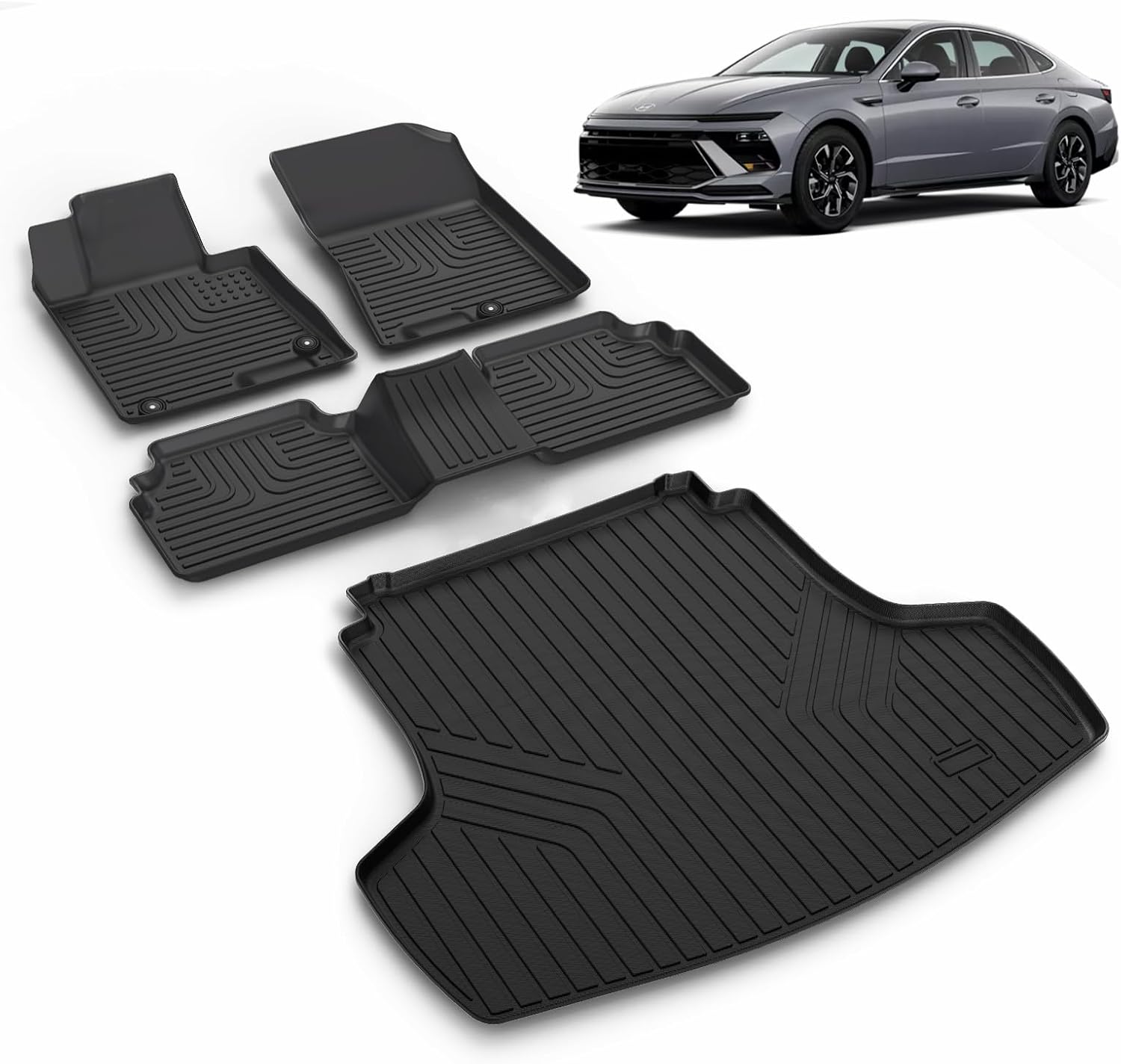
This custom-fit floor mat and cargo liner set is designed for select Kia K5 and Hyundai Sonata models to help protect your interior from dirt, spills, snow, and everyday messes. Made with durable TPE and shaped with raised edges and precise channeling, it offers secure coverage, easy cleanup, and reliable all-weather performance. The set includes front, rear, and cargo protection for a cleaner, safer driving experience.
How Do You Switch Between Eco and Sport Modes?
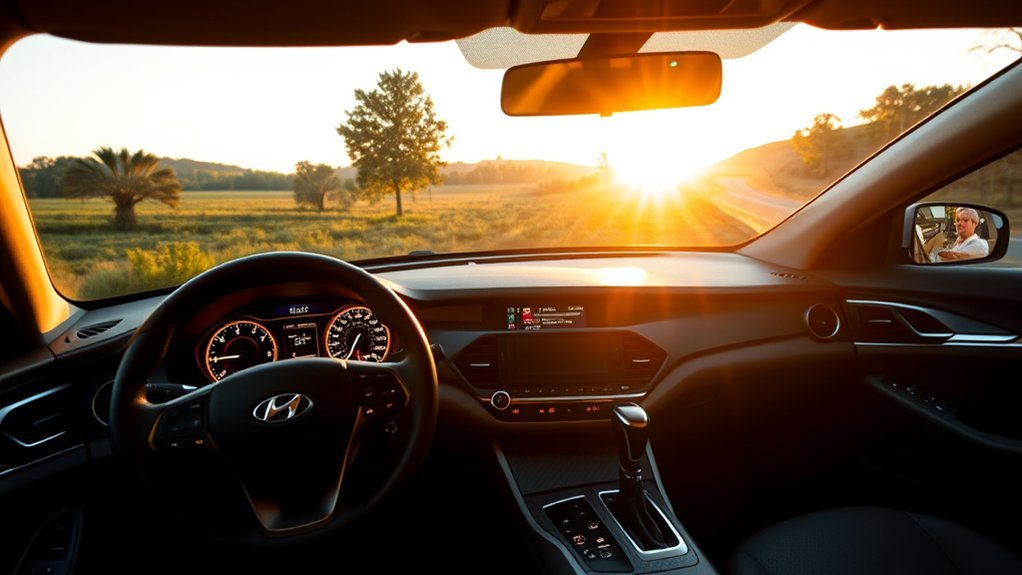
Depending on the Sonata’s year and trim, the physical Drive Mode control may be a button, knob, or switch. Hyundai describes this control as the normal way to select a mode for driver preference or road conditions. The exact mode sequence shown in the cluster varies by vehicle.
How to Change Drive Modes
- Keep your eyes on the road and wait for a safe moment.
- Press, turn, or toggle the Drive Mode control, depending on your Sonata’s layout.
- Watch the instrument cluster for the selected mode indicator.
- Choose Eco for smoother, more efficient driving or Sport for quicker response.
- Choose Normal, Smart, Comfort, or My Drive only if that mode is actually listed for your Sonata.
Can You Switch Modes While Driving?
Use the physical Drive Mode control only when you can do so without taking attention from the road. Hyundai manuals describe the mode changing when the Drive Mode button, knob, or switch is operated. However, Hyundai separately warns drivers not to operate infotainment Vehicle Settings while driving because that can cause distraction. If your change requires menus rather than the physical control, park first.
Note: Restart behavior is model-specific. Some gas Sonatas reset Sport to Normal or Comfort, while some Sonata Hybrids default back to Eco. A mode changing after restart is not automatically a fault.
Why Model Year and Powertrain Matter
Do not treat “Sonata Eco Mode” or “Sonata Sport Mode” as one fixed feature across every generation. Hyundai has changed the available modes, the names shown in the cluster, which systems each mode adjusts, and what happens after a restart. For example, some older cars use Comfort where newer cars use Normal, and Smart or My Drive availability depends on the year and powertrain.
The safest rule is to identify your model year and powertrain first, then check the Drive Mode section of that owner’s manual. This matters most when you are troubleshooting a mode that disappears after restart or when you are comparing advice from another Sonata owner whose car may use different logic.
Eco vs. Sport vs. Normal vs. Smart Mode
Eco and Sport are the most noticeable opposites, but many Sonata models include other drive modes too. Normal Mode is the balanced everyday setting. It is a good choice when you do not need maximum efficiency or a sportier feel.
Smart Mode, when equipped, can automatically choose a suitable driving character based on driver behavior, such as mild or dynamic pedal and steering input. Hyundai notes that Smart Mode may shift toward a sportier setting during abrupt acceleration or repeated steering input, but it can also be limited in certain situations, such as when Smart Cruise Control is active.
| Mode | Ideal Use Case |
|---|---|
| Eco Mode | Daily commutes, long drives, fuel-saving trips |
| Normal Mode | Balanced everyday driving |
| Sport Mode | Merging, passing, hills, and more engaged driving |
| Smart Mode | Drivers who want the car to adapt automatically |
What Will You Notice Behind the Wheel?
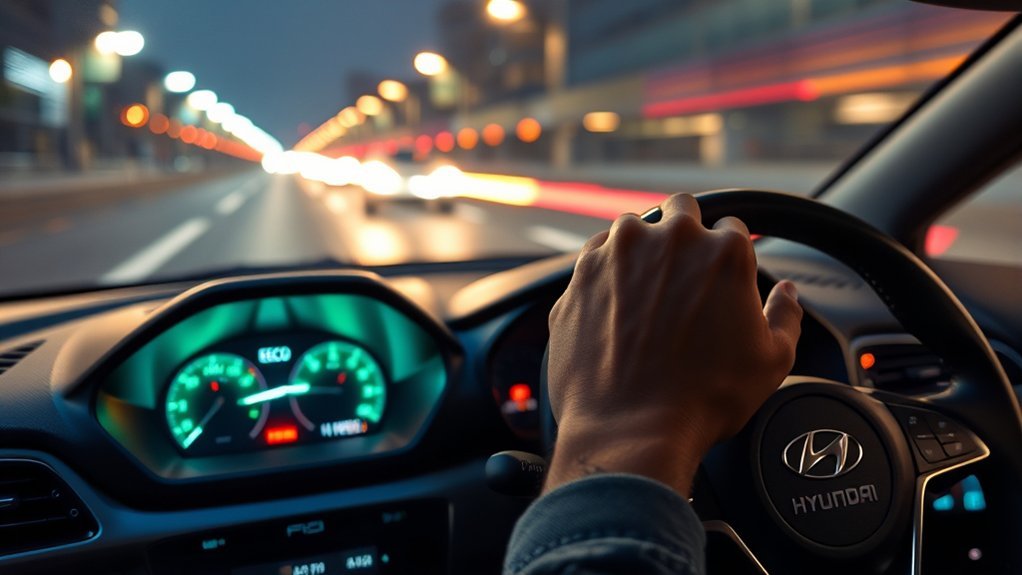
In Eco Mode, the most noticeable change may be a softer response to moderate accelerator input. You may also notice different shift timing or slightly reduced climate-control performance on versions where Hyundai uses those strategies. If you press the accelerator harder, the car can still respond when more power is needed.
In Sport Mode, the most repeatable change across Hyundai’s documentation is transmission behavior: RPM can stay elevated longer and upshifts can be delayed. Some model years also change steering or throttle mapping. That can make the car feel quicker to react without changing its rated engine output.
If your Sonata does not feel exactly like another owner describes, that can be normal. Hyundai has changed drive-mode calibration across generations. Compare advice only after matching the model year, engine or hybrid powertrain, transmission, and market.
When Should You Use Eco or Sport Mode?
Treat drive modes as situation-specific tools. Normal is the balanced default on many Sonatas. Choose Eco when efficiency matters more than immediate response, Sport when you want more aggressive powertrain behavior, and Smart when you want an equipped Sonata to adapt automatically.
[Products Worth Considering]

This cabin and engine air filter kit is designed for compatible Hyundai Sonata gas models from 2015 to 2019 with a 2.4L engine. It helps improve airflow, capture dust and impurities, and support cleaner cabin air and efficient engine performance. The kit is engineered for long service life and simple installation, making routine maintenance easier.
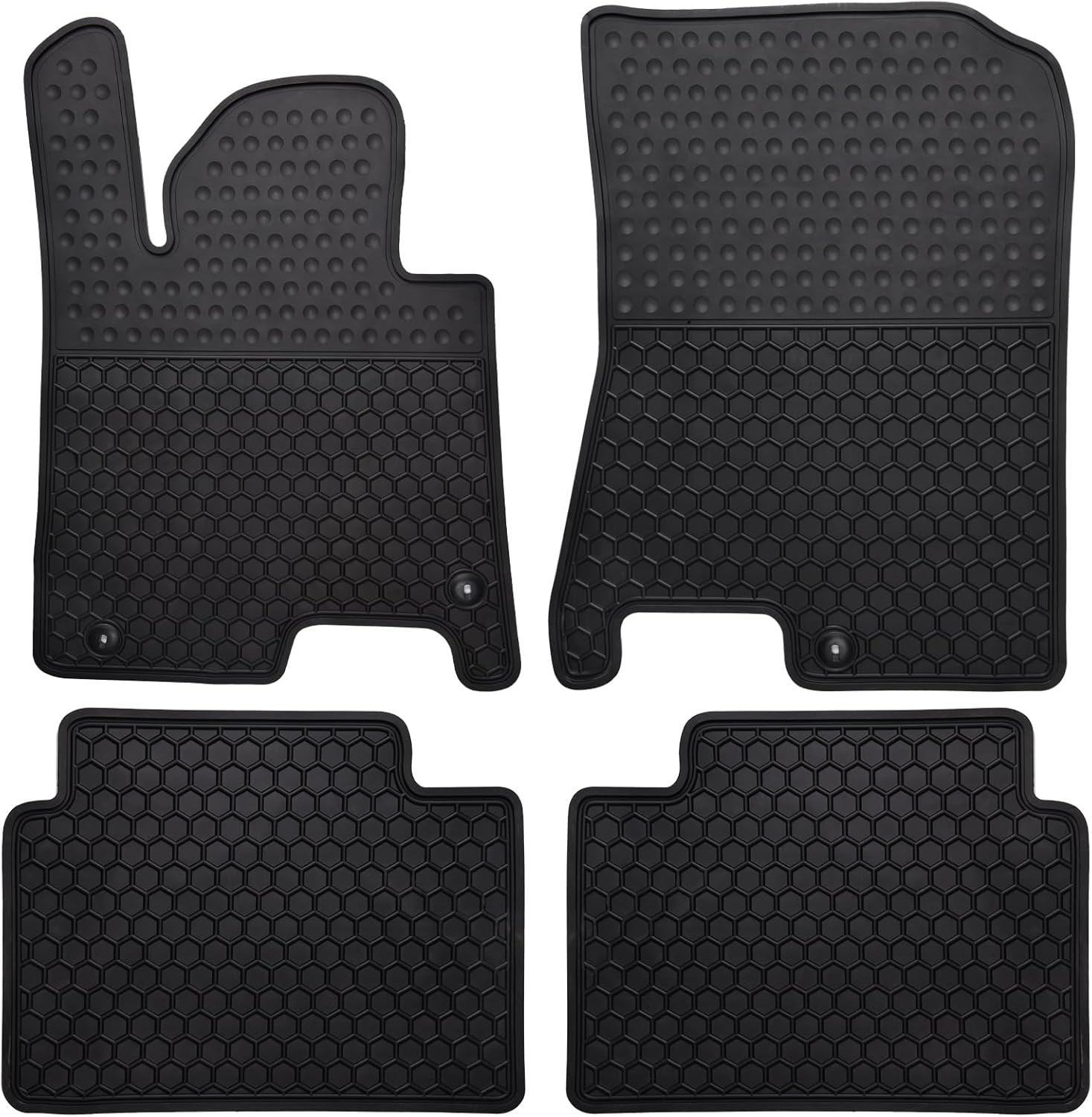
These custom-fit all-weather floor mats are designed for compatible Hyundai Sonata and Kia K5 models to help protect your vehicle's interior from mud, slush, dirt, and spills. Made from odorless, durable rubber with a deep hexagon pattern, they offer reliable anti-slip coverage and are easy to remove and clean with water or a damp towel. The set is built for long-lasting use in every season and helps keep your car looking clean while supporting resale value.

This custom-fit floor mat and cargo liner set is designed for select Kia K5 and Hyundai Sonata models, offering full interior coverage for the front row, second row, and trunk. Made from odorless TPE with raised edges and anti-slip backing, it helps block dirt, water, snow, and spills while staying securely in place. The durable, easy-to-clean design is ideal for daily driving, family use, and messy outdoor adventures.
When to Use Eco Mode
- Stop-and-go traffic
- Long highway trips at steady speeds
- Daily commuting
- Family drives where smoothness matters
- Any time fuel economy matters more than quick response
When to Use Sport Mode
- Highway merging
- Passing slower traffic when legal and safe
- Driving on hilly roads
- Winding roads where a more responsive feel is helpful
- Short bursts of spirited driving in safe conditions
How to Improve Fuel Economy Beyond Eco Mode
Eco Mode helps, but your habits still make the biggest difference. For better real-world mileage, keep tires properly inflated, follow the maintenance schedule, reduce roof cargo, avoid unnecessary idling, and drive smoothly. The EPA and U.S. Department of Energy list driving style, speed, cargo, idling, and maintenance as key factors that affect fuel use.
For context, 2026 Sonata Hybrid ratings differ by trim. Hyundai lists the Blue Hybrid at 47 city / 56 highway / 51 combined MPG, while the SEL Hybrid and Limited Hybrid are rated at 44 city / 51 highway / 47 combined MPG. FuelEconomy.gov listing ID 49321 shows 44 city / 51 highway / 47 combined MPG. Actual mileage varies with conditions, driving habits, options, and vehicle condition.
Why Won’t Eco or Sport Mode Change?
If Eco or Sport Mode does not behave the way you expect, the cause is often simple. First, confirm that your Sonata trim actually includes the mode you are trying to select. Not every model year or powertrain has the same drive mode list.
If the selected mode does not appear in the instrument cluster, check whether your vehicle is in a condition that limits drive-mode operation. Hyundai manuals show that a cluster or system fault can force some Sonatas to remain in a default mode and prevent Sport from being selected. The default may be Normal, Comfort, or Eco depending on the vehicle. Temperature, manual-shift use, Smart Cruise Control, and other conditions can also limit certain mode functions on some versions.
If a mode warning appears, the mode will not select, or the vehicle feels abnormal, return to the normal/default drive setting specified for your car and have the vehicle checked by a Hyundai dealer or qualified technician if the problem continues.
Frequently Asked Questions
What is the difference between Eco and Sport Mode on a Hyundai Sonata?
Eco Mode prioritizes efficiency and may soften accelerator response, change shift logic, or limit A/C performance on some Sonatas. Sport Mode prioritizes response by keeping RPM higher and delaying upshifts, with throttle or steering changes on some model years. Exact behavior varies by vehicle.
Can I switch from Eco to Sport while driving?
Use the physical Drive Mode control only when you can do so safely and without looking away from the road. Hyundai separately warns not to adjust infotainment Vehicle Settings while driving. If the change requires on-screen menus, park first.
Does Sport Mode make the Hyundai Sonata faster?
Sport Mode can make a Sonata feel more ready to accelerate because it can hold RPM higher, delay upshifts, and change throttle mapping on some models. It does not raise the engine’s published horsepower rating.
Does Eco Mode always save gas?
No. Eco Mode can support better fuel economy, but mileage still depends on traffic, speed, road grade, weather, tire pressure, cargo, maintenance, and driving style.
Does Eco Mode reduce air-conditioning performance?
It can on some Sonatas. Hyundai owner information says A/C performance may be limited when Eco Mode is active. The effect depends on model year and powertrain, so check the manual for your exact vehicle.
Why does my Sonata leave Sport Mode after I restart it?
That can be normal. Some Sonatas reset Sport to Normal or Comfort after restart, while some hybrid configurations return to Eco. Check the Drive Mode section of the owner’s manual for your exact year and powertrain.
Which mode should I use for everyday driving?
Normal is the balanced everyday setting on many Sonatas. Use Eco when efficiency matters most, Sport when you want more aggressive powertrain response for a specific situation, and Smart when your equipped Sonata can adapt the driving character automatically.
Conclusion
For most Sonata drivers, the choice is simple: use Eco Mode when efficiency matters and Sport Mode when you want the powertrain to stay more responsive. Normal remains the balanced default on many models, while Smart can adapt automatically when equipped. Because Hyundai changed drive-mode behavior across generations, match any advice to your exact model year and powertrain before troubleshooting a reset, missing mode, or unexpected response.
Sources
- Hyundai Owner’s Manual — Drive Mode — supports Eco, Normal, and Sport behavior, mode indicators, restart behavior, and fuel-economy notes.
- Hyundai Owner’s Manual — Drive Mode Features — supports Smart Mode behavior, Sport Mode fuel-economy warnings, and My Drive details.
- MyHyundai — 2020 Sonata Technical Features — supports the model-specific throttle, steering, engine, and transmission mapping changes described for the 2020 Sonata.
- Hyundai USA — 2026 Sonata Hybrid — supports current trim-specific EPA fuel-economy figures.
- FuelEconomy.gov — 2026 Hyundai Sonata Hybrid — supports the 44 city / 51 highway / 47 combined MPG listing and vehicle specification data.
- FuelEconomy.gov — Driving More Efficiently — supports fuel-saving guidance related to driving style, speed, cargo, idling, and maintenance.
- Edmunds — 2015 Hyundai Sonata Long-Term Road Test — provides a first-hand example showing that Sport Mode behavior differed on an earlier Sonata.
- Hyundai Manuals & Warranties — official resource for checking the correct owner’s manual for a specific Sonata model year and trim.