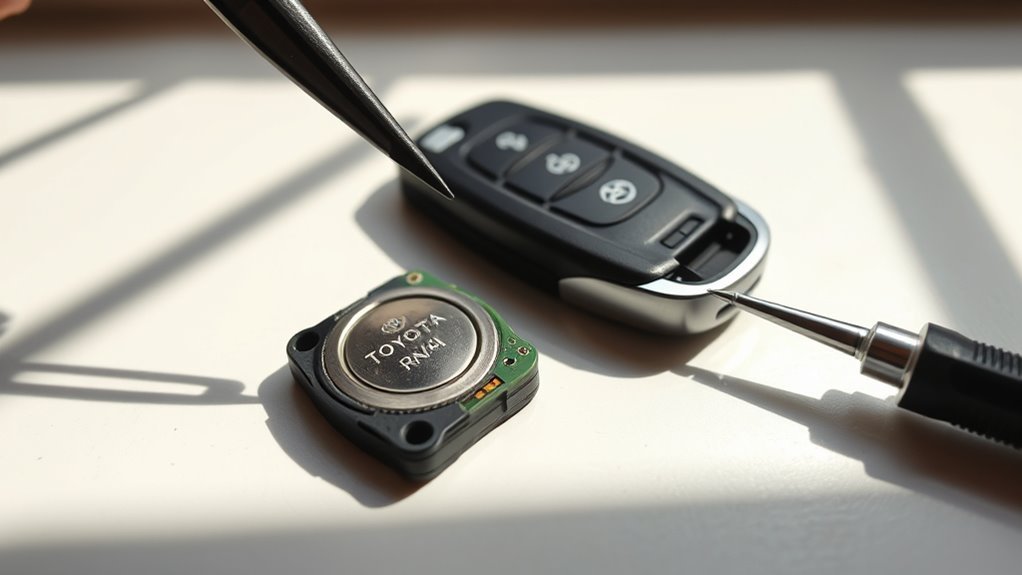
A weak Toyota RAV4 key fob battery can make the remote work only at close range, stop the red indicator light from flashing, or leave the smart key system acting unreliable. For many late-model RAV4 and RAV4 Hybrid electronic keys, Toyota lists a CR2032 lithium coin battery, and replacing it is a quick DIY job when you open the fob carefully and match the old battery’s orientation.
Quick Answer
To replace a Toyota RAV4 key fob battery, remove the mechanical key, gently pry the fob open at the seam, lift out the old CR2032 battery, install a fresh CR2032 in the same orientation, snap the case closed, return the mechanical key, and test every button.
Key Takeaways
- Most late-model Toyota RAV4 smart keys use a CR2032 3V lithium coin cell, but you should confirm by checking the old battery or your owner’s manual.
- The mechanical key usually doubles as the easiest pry tool for opening the fob without scratching the case.
- Battery orientation matters: match the old cell and the compartment marking before snapping the fob closed.
- A battery swap should not erase key programming; if the fob still fails, check seating, contacts, the spare key, and the vehicle battery before replacing the fob.
- Old coin batteries should be kept away from children and recycled or handled according to local waste rules.
At a Glance
| Time Required | 2–5 minutes |
| Difficulty | Easy beginner DIY |
| Tools Needed | Mechanical key, small flathead screwdriver if needed, clean cloth |
| Cost | Usually the cost of one CR2032 battery |
Quick Steps: Replace a RAV4 Key Fob CR2032 Battery
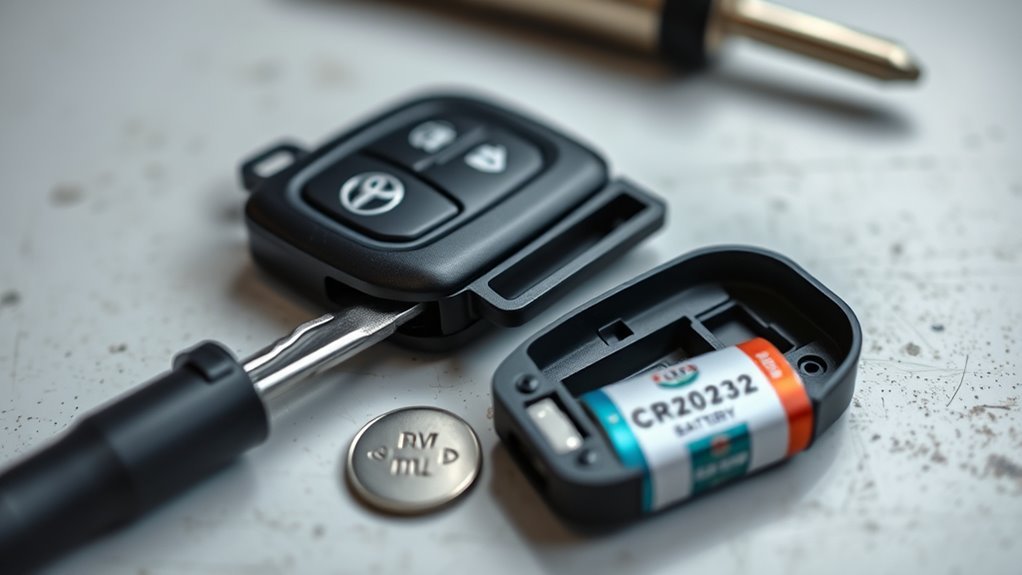
Start by sliding the release on the fob and removing the mechanical key. Insert that key into the small slot or seam and twist gently to separate the two halves. If the seam is tight, use a small flathead screwdriver with light pressure instead of forcing the case.
- Remove the mechanical key from the fob.
- Open the case at the seam with the key or a small flathead screwdriver.
- Note the old battery’s orientation before lifting it out.
- Install a fresh CR2032 in the same orientation as the old battery.
- Snap the fob closed, return the mechanical key, and test lock, unlock, hatch, and panic buttons if equipped.
Toyota’s owner information for late-model RAV4 keys lists a flathead screwdriver, small flathead screwdriver, and CR2032 lithium battery as the basic replacement items. If your RAV4 is an older model or has a different fob style, match the number printed on the old battery rather than guessing.
Warning: Coin batteries can cause serious injury if swallowed or inserted into the body. Keep new and used CR2032 batteries away from children and pets, and get emergency medical help immediately if a battery may have been swallowed.
What You Need: CR2032, Mechanical Key, Screwdriver
You only need a few items to change the RAV4 key fob battery safely. Work on a clean, well-lit table so the small battery, clips, and buttons do not fall onto the floor.
[Products Worth Considering]

This replacement key fob set is designed for select Toyota RAV4 and XB models with regular key systems, offering lock, unlock, and panic functions in a convenient two-pack. Each remote comes pre-tested with battery and electronics installed, and it must be cut and programmed by a qualified dealer or locksmith for proper use. Built from durable materials and backed by warranty support, it provides a reliable solution when replacing worn or missing remotes.

This keyless entry remote replacement is designed for select Toyota models and comes pre-tested with battery and electronics installed for ready-to-program convenience. It supports compatible part numbers and FCC IDs, making it a practical solution for replacing a lost or damaged fob. Programming and cutting by a qualified locksmith or dealership are required, and it is intended for regular key vehicles rather than push-start systems.

This keyless entry remote replacement is designed for a wide range of Toyota, Scion, and Lexus-compatible vehicles, offering a convenient way to restore remote locking and unlocking functions. Each fob is pre-tested, comes with the battery and electronics already installed, and is ready to be programmed for supported standard-key vehicles. It is a practical replacement choice for drivers who need a reliable, compatible remote for everyday use.
Required Tools And Parts
- CR2032 3V lithium coin battery — the battery Toyota lists for many late-model RAV4 electronic keys. Use a new, name-brand cell if possible.
- Mechanical key — slide it out of the fob and use it to open the case on many RAV4 fobs.
- Small flathead screwdriver — useful if the seam is tight or the old battery needs a gentle lift.
- Clean cloth or tray — helps protect the case and keeps small parts from rolling away.
Handling And Safety Tips
Handle the circuit board and battery by the edges. Avoid touching the flat battery faces more than necessary, and do not bend the metal contacts inside the fob. Before removing the old battery, look closely at which side faces up and whether the compartment has a “+” polarity mark.
If the fob has dirt, pocket lint, or light corrosion around the battery area, clean it gently with a dry cotton swab. For stubborn grime on the metal contacts, use a tiny amount of isopropyl alcohol on a swab, then let the area dry fully before installing the new battery.
Pro Tip: Take a phone photo of the old battery before removing it. That gives you an instant reference for polarity if the battery pops out or the markings are hard to see.
Access the Mechanical Key and Open the Fob
Hold the RAV4 key fob with the buttons facing you, then find the small release tab or slider on the back or side of the fob. Slide or press it while pulling the mechanical key straight out.
- Find the release: Look for the small latch that frees the metal key blade.
- Remove the key: Pull it out smoothly without twisting the housing.
- Find the seam: Locate the notch or split line where the two fob halves meet.
- Pry gently: Insert the mechanical key or small screwdriver into the notch and twist lightly until the case begins to separate.
- Work around the edge: If needed, move along the seam in small sections instead of forcing one point.
The case should open with controlled pressure. If it does not move, stop and recheck the notch location. Forcing the wrong spot can crack the shell or snap the plastic clips that hold the fob together.
[Products Worth Considering]
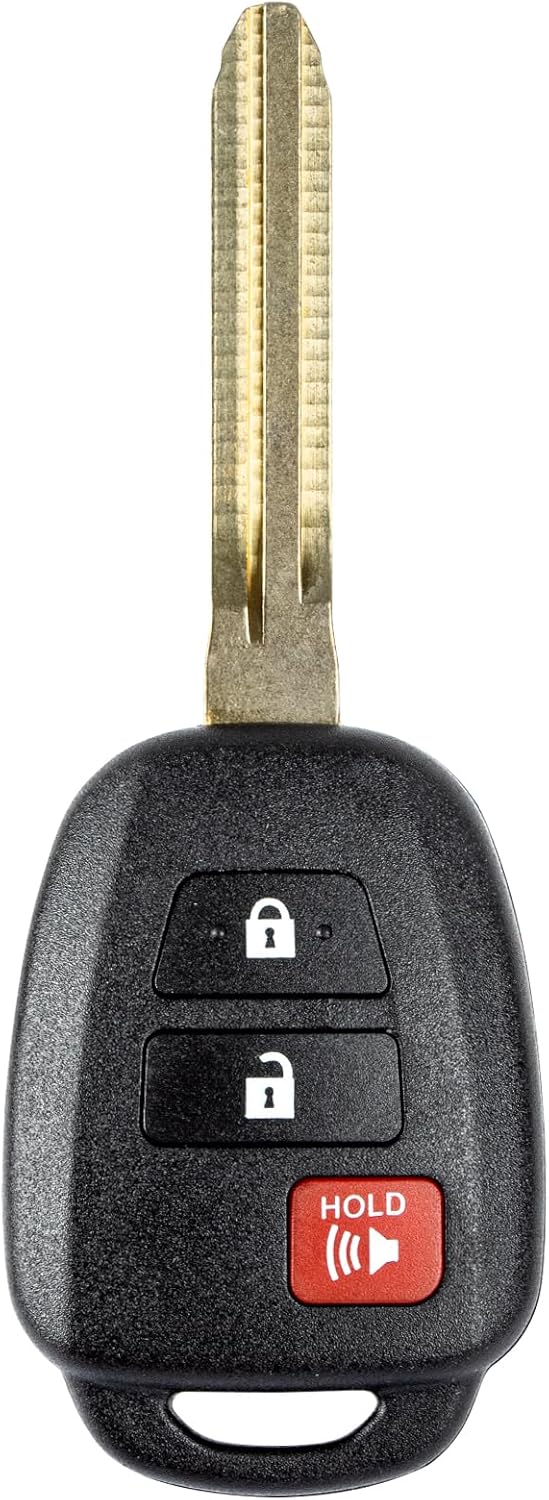
This replacement key fob is designed for select Toyota models and provides reliable keyless entry functionality with a factory-like fit and operation. It comes pre-tested with electronics and battery installed, making it a convenient solution when your original remote is lost, damaged, or worn out. Professional programming and cutting are required, and compatibility should be confirmed against the original remote and vehicle fitment details.

HIGH QUALITY: Thin flexible steel blade easily slips between the tightest gaps and corners.

【Universal】These spudger kit and pry tools professional designed for disassembling a variety of electronics - iPhone, android phone, laptop, tablet, apple watch, iPad, iPod, Macbook, computer, LCD screen, battery and more
Remove the Old CR2032 Battery Safely
Once the fob is open, you will see the round coin battery in its holder. Before touching it, pause and note the orientation. On many RAV4 fobs, the positive side is visible, but the safest rule is to match the old battery and any marking inside the compartment.
Remove Battery Carefully
Use the tip of the mechanical key or a small flathead screwdriver to lift the battery from the edge. Do not press down on the circuit board, and do not bend the small metal contact tabs.
- Lift from the open edge of the holder, not from the middle of the circuit board.
- Keep steady pressure until the old CR2032 pops free.
- Set the used battery aside where children and pets cannot reach it.
- Inspect the battery well for lint, corrosion, or a bent contact.
Check Battery Orientation
Correct polarity is the detail that prevents most failed battery swaps. Match the old battery’s position, and check for a “+” mark inside the compartment before installing the replacement.
| Check | What To Look For |
|---|---|
| Battery type | CR2032, 3V lithium coin cell |
| Polarity | Match old battery and compartment marking |
| Contacts | Clean, dry, and not bent |
| Battery fit | Flat, snug, and fully seated |
Install the New CR2032 With Correct Orientation
Place the new CR2032 battery into the holder in the same orientation as the old one. Press gently until the battery sits flat and secure. It should not rock, tilt, or sit partly above the retaining clip.
Install the CR2032 only after confirming polarity. A reversed or loose battery is one of the most common reasons a key fob still acts dead after replacement.
- Confirm the battery number: Use CR2032 unless your owner’s manual or old battery shows a different type.
- Line up the cell: Match the “+” side to the old battery’s orientation and the holder marking.
- Seat it evenly: Press gently at the edge until the spring contact holds the battery.
- Do a quick open-case test: If your fob has a red LED, press a button and look for a flash before snapping the case shut.
Note: Replacing the battery should not require reprogramming the key. If the fob worked before the battery died and the replacement is installed correctly, the original pairing should remain intact.
Reassemble the Fob and Return the Mechanical Key
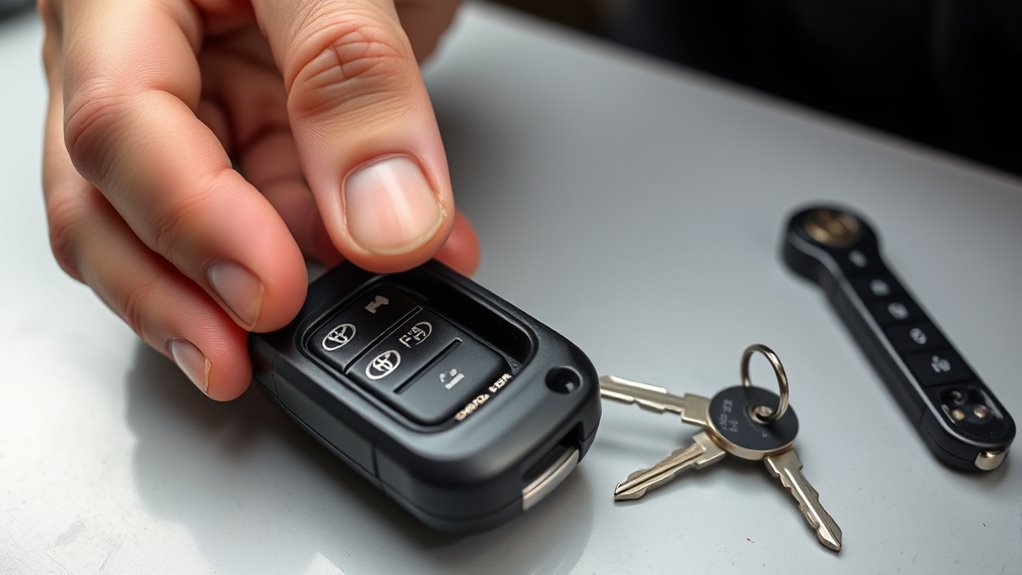
Align the two fob halves carefully before pressing them together. Make sure the buttons sit correctly in the shell and the rubber pad, if present, is not pinched or folded.
- Line up the shell: Match the edges and button openings before applying pressure.
- Snap the case closed: Press around the perimeter until the clips click into place.
- Check for gaps: The seam should sit flush with no loose corners.
- Return the mechanical key: Slide it back into the slot until it locks.
Do not use glue or tape to hold the fob together. If the case will not close after the battery change, reopen it and check that the CR2032 is fully seated and the internal pieces are aligned.
Verify the RAV4 Key Fob: Red Light And Button Test
After reassembly, test the fob before walking away. Press each button and watch for the red indicator light if your fob has one. Then test the fob near the vehicle.
- Check the LED: Press lock, unlock, hatch, and panic buttons if equipped. A flash usually means the fob has power.
- Check vehicle response: Stand near the RAV4 and confirm the doors lock and unlock.
- Check range: Step several feet away and test again. A fresh battery should restore normal range unless there is interference or another issue.
- Check smart entry: If equipped, try touching the door handle with the fob on you.
If the fob works close to the vehicle but not from a normal distance, reopen it and make sure the battery is new, seated flat, and touching clean contacts.
Troubleshooting: Battery Still Dead, Signal Issues, And Next Steps
If the RAV4 key fob still does not work after a battery replacement, do not assume the key is ruined. Most failures come from simple issues such as reversed polarity, a loose battery, dirty contacts, or a weak replacement cell.
[Products Worth Considering]

COMPATIBLE WITH AIRTAG & KEY FOBS: Works with Apple AirTag, all major car key fobs (Toyota, Honda, BMW, Ford, Chevrolet, Lexus), fitness trackers, glucose monitors, tire pressure sensors, and any CR2032 / 3V lithium coin battery device.

**Please confirm compatibility using the fitment guide located in the product images**

*Select your vehicle above*
No Red Light Or No Button Response
- Open the fob and confirm the CR2032 is installed in the correct orientation.
- Make sure the battery is not sitting at an angle.
- Try a second new CR2032 from a sealed package.
- Inspect the metal contacts for dirt, corrosion, or bending.
- Make sure the fob case is fully closed and no button is stuck.
Red Light Flashes But The RAV4 Does Not Respond
- Move away from dense electronics, wireless routers, large metal structures, or parking-garage equipment that may interfere with the signal.
- Try the spare key fob. If the spare also fails, the issue may be the vehicle battery, smart key settings, or the vehicle receiver rather than the fob battery.
- Check whether the smart key system or battery-saving mode has been enabled in vehicle settings on models that support those features.
- Contact a Toyota dealer or qualified automotive locksmith if the fob was dropped, washed, cracked, or exposed to moisture.
How To Use The RAV4 If The Key Fob Battery Is Dead
If the electronic key battery is depleted, Toyota’s emergency procedure for push-button models is to use the mechanical key to unlock the door, then hold the Toyota-emblem side of the electronic key near the engine switch or power switch while pressing the brake and starting the vehicle as directed in the owner’s manual. Treat that as a temporary measure and replace the fob battery as soon as possible.
Note: Unlocking the door with the mechanical key may trigger the alarm on some vehicles. Keep the fob with you and follow the owner’s manual procedure to start the vehicle and silence the alarm if it sounds.
Disposal, Storage, And When To Call A Pro
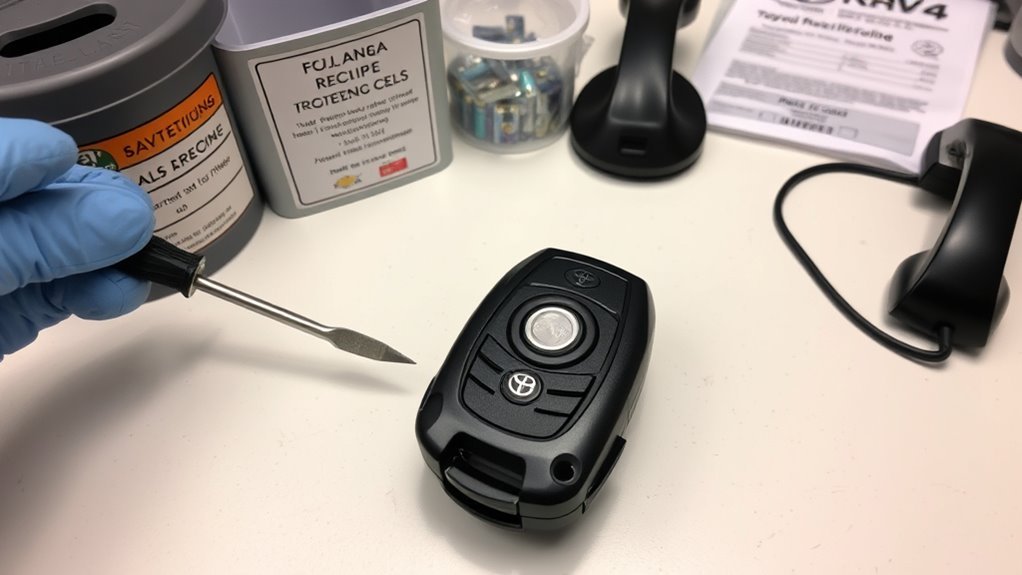
Used CR2032 coin cells should be handled carefully. The U.S. Environmental Protection Agency’s used household battery guidance says button-cell and coin batteries can be taken to specialized battery recyclers, participating retailers, or household hazardous waste programs, and recommends preventing terminal contact during storage or transport.
- Store spares safely: Keep new batteries in their original packaging, away from children, pets, moisture, and loose metal objects.
- Prepare used batteries for recycling: Place each used coin cell in a separate small bag or cover the terminals with non-conductive tape.
- Recycle locally: Use a retailer battery drop-off, municipal recycling program, or household hazardous waste collection option in your area.
- Call a pro when needed: If a fresh battery, clean contacts, and a spare-key test do not solve the issue, the fob, vehicle receiver, or vehicle 12V battery may need professional diagnosis.
You should also call a Toyota dealer or qualified locksmith if the fob case will not close securely, the fob has water damage, the mechanical key is broken, or you need a new key programmed.
Frequently Asked Questions
What size battery do I need for a Toyota RAV4 key fob?
Many late-model Toyota RAV4 and RAV4 Hybrid electronic keys use a CR2032 3V lithium coin battery. Always confirm by checking the old battery, the marking inside the fob, or your exact model-year owner’s manual before buying a replacement.
Which side of the CR2032 battery faces up?
Match the old battery’s orientation and any “+” marking in the battery holder. On many RAV4 fobs, the positive side of the CR2032 is visible, but the correct approach is to copy the original position before removing the old cell.
Do I need to reprogram the RAV4 key fob after changing the battery?
Usually, no. A normal battery replacement should not erase the key’s programming. If the fob still does not work, first recheck battery seating, polarity, contact cleanliness, and the vehicle response with a spare key.
Why is my RAV4 key fob still not working with a new battery?
The most likely causes are reversed polarity, a weak or expired replacement battery, dirty contacts, a loose battery, a stuck button, signal interference, water damage, or a separate vehicle-side issue such as a weak 12V battery.
How long does a Toyota RAV4 key fob battery last?
Battery life varies with use, storage, temperature, and signal activity. Replace it when range drops, button response becomes inconsistent, the red LED no longer flashes, or the vehicle displays a low key battery warning.
Can I drive my RAV4 if the key fob battery is dead?
On smart-key models, you can usually unlock the door with the mechanical key and start the vehicle by holding the Toyota-emblem side of the fob near the engine switch or power switch while following the owner’s manual procedure. Replace the fob battery immediately afterward.
Conclusion
Replacing a Toyota RAV4 key fob battery is a small job that prevents big access problems. Remove the mechanical key, open the fob carefully, replace the old coin cell with a correctly oriented CR2032, snap the case closed, and test every button before you rely on the remote again. If a new battery does not restore function, check the contacts, try a second battery, test the spare key, and get professional help if the fob or vehicle still will not respond.
Sources
- Toyota Owners: 2024 RAV4 Wireless Remote Control/Electronic Key Battery — backs the CR2032 battery type and tool requirements for late-model RAV4 key battery replacement.
- Toyota Owners: 2026 RAV4 Hybrid Electronic Key Battery — confirms CR2032 battery guidance for a current RAV4 Hybrid electronic key.
- Toyota Owners: 2025 RAV4 If The Electronic Key Does Not Operate Properly — backs the emergency start procedure when the electronic key battery is depleted.
- U.S. Environmental Protection Agency: Used Household Batteries — backs safe handling, recycling, and disposal guidance for button-cell and coin batteries.