What’s in This Article
- Symptoms You May See When Lane Assist Is Unavailable
- Common Causes for Lane Tracing Assist Unavailability
- Confirm Which Lane Assist System Your Camry Has
- Use the Driver Assist Menu Before Any Service Menu
- When Camera or Radar Calibration Needs a Technician
- Vehicle Settings to Check Before a Service Visit
- How to Troubleshoot Related Lane Assist Issues
- Alternative Solutions for Lane Tracing Assist Features
- When to Contact Toyota Support for Assistance
- Frequently Asked Questions
- Conclusion
- References
If your 2020 Toyota Camry shows Lane Tracing Assist (LTA) or Lane Departure Alert (LDA) as unavailable, the first step is to confirm which system your car actually has. Many 2020 Camry models use Toyota Safety Sense P (TSS-P), which includes Lane Departure Alert with Steering Assist, not full Lane Tracing Assist. Check that LDA is on, drive above about 32 mph on clearly marked roads, and clean the windshield camera area and front radar cover before you assume a deeper fault.
Quick Answer
A 2020 Toyota Camry may show lane assist as unavailable because the car has LDA with Steering Assist, not full LTA. The message can also appear when you drive below the speed threshold, the camera cannot see lane lines, the windshield is dirty, or the radar area needs cleaning. If the message stays on after basic checks, let a Toyota dealer inspect and calibrate the camera or radar system.
Key Takeaways
- Confirm whether your Camry has Lane Departure Alert or Lane Tracing Assist before you troubleshoot.
- Drive above about 32 mph on roads with clear lane markings before you judge LDA performance.
- Clean the windshield camera area and front radar cover with care before you seek service.
- A battery change, windshield replacement, bumper repair, or sensor impact can require calibration.
- Contact Toyota support or a dealer if warning messages remain after basic checks.
Warning: Don’t test lane assist by drifting out of your lane, because Toyota driver assist features don’t replace safe driving.
Symptoms You May See When Lane Assist Is Unavailable

When you drive a 2020 Toyota Camry, you may see messages such as “LDA unavailable” or “LDA unavailable below approx. 32 MPH.” That message often means the system has not met its operating conditions, not that a part has failed.
Toyota lists the 2020 Camry with Toyota Safety Sense P (TSS-P), which includes Dynamic Radar Cruise Control (DRCC), Lane Departure Alert with Steering Assist (LDA w/SA), Pre-Collision System with Pedestrian Detection, and Automatic High Beams. Full Lane Tracing Assist belongs to newer Toyota Safety Sense packages on many models, so your Camry may not have true lane-centering support.
LDA gives alerts and can add small steering input when your car starts to leave a detected lane. LTA goes further by helping keep a vehicle centered when DRCC is active and the system detects lane markers or a lead vehicle.
Common Causes for Lane Tracing Assist Unavailability
Lane assist can stop working or stay inactive for several normal reasons. Start with the simple causes before you assume your Camry needs a major repair.
- Your Camry has LDA with Steering Assist, not full LTA.
- Your speed sits below the LDA operating range.
- The road has faded, missing, wet, snowy, or confusing lane markings.
- The windshield area in front of the camera has dirt, fog, ice, or film on it.
- The front radar cover has dirt, snow, water drops, stickers, paint, or damage near it.
- You turned off LDA or Steering Assist in the driver assist settings.
- A recent windshield, bumper, grille, or battery service affected sensor setup.
Toyota says Lane Departure Alert with Steering Assist needs visible lane markings and operates above about 32 mph in many Toyota Safety Sense systems. If your message only appears below that speed, your car may work as intended.
Confirm Which Lane Assist System Your Camry Has
Before you chase an LTA fault, check your owner’s manual, window sticker, build sheet, or Toyota owner account for your exact trim and market. U.S. 2020 Camry information from Toyota lists TSS-P rather than Toyota Safety Sense 2.0, so many drivers will see LDA functions instead of LTA lane-centering functions.
Some Camry trims may include Full-Speed Range DRCC, but that does not automatically mean the car has LTA. LTA also needs the right feature package and control software, not just a camera and radar sensor.
Note: Toyota feature names can vary by model year, trim, and market, so your VIN-based owner information matters most.
Use the Driver Assist Menu Before Any Service Menu
For lane assist problems, start with the normal driver assist settings shown in the multi-information display. Hidden service menus may control display or camera guide-line settings, but they should not serve as your first fix for Toyota Safety Sense faults.
- Use the steering wheel controls to open the vehicle settings screen in the multi-information display.
- Find the LDA or lane assist settings and confirm that alerts and Steering Assist are on.
After you change a setting, drive on a safe road with clear lane markings and check whether the message returns. Keep your hands on the wheel and treat the system as support only.
Here’s a quick reference:
| Step | Action | Notes |
|---|---|---|
| 1 | Open driver assist settings | Use the multi-information display |
| 2 | Check LDA and Steering Assist | Turn them on if available |
| 3 | Test under safe conditions | Use clear lane lines and proper speed |
When Camera or Radar Calibration Needs a Technician

Camera and radar calibration affects Toyota Safety Sense performance, so don’t treat it as a basic dashboard setting. Toyota owner materials tell drivers to contact a Toyota dealer after certain sensor-related repairs, such as windshield replacement, radar removal, grille removal, or front bumper replacement.
You should also seek service if the front camera lens area looks damaged, the windshield has a crack near the camera, or the radar cover took an impact. A scan tool and calibration targets can confirm whether the camera and radar aim correctly.
If your reverse camera guide lines vanished after a battery change, that issue may involve a separate display or parking guide calibration. It does not prove that LDA or LTA calibration succeeded.
[Products Worth Considering]

The Autel MaxiCOM MK900BT is a professional bidirectional diagnostic scan tool built for modern vehicles with advanced system coverage and fast, accurate troubleshooting. It supports 3000+ active tests, 40+ service functions, all-system diagnostics, Auto VIN, pre/post scan reports, and newer vehicle protocols for broad compatibility. Designed for technicians and serious DIY users, it delivers efficient maintenance, smarter diagnostics, and expanded service capabilities across a wide range of makes and models.

This steering clock spring is designed to restore reliable steering wheel controls across a wide range of Toyota models. It supports audio, cruise control, and other multifunction commands while matching OEM part numbers for confident replacement fitment. Built for dependable signal transfer and straightforward installation, it is an effective solution for repairing steering column control issues.

This dash clock spring replacement is designed for a wide range of Toyota vehicles and helps restore reliable steering wheel control functions. It supports audio controls, cruise control, and other multi-function commands while using vehicle-specific connectors for easier installation. Built with durable materials and OEM-referenced part compatibility, it is a practical solution for repairing steering wheel signal issues.
Vehicle Settings to Check Before a Service Visit
Before you book a service visit, check the items you can inspect safely. These checks can solve simple warning messages and help you explain the problem clearly if you still need help.
- Confirm LDA or lane assist appears as active in the driver assist settings.
- Turn Steering Assist on if your Camry offers that menu option.
- Clean the windshield in front of the camera at the top center area.
- Clear dirt, snow, water drops, or debris from the front radar cover.
- Remove any sticker, tint, accessory, or coating that blocks the camera view.
- Check whether warning lights for ABS, VSC, TRAC, PCS, or other systems also appear.
Use a soft cloth when you clean the radar cover, and avoid harsh pressure on sensor areas. If the system still shows a warning, a dealer or qualified technician should inspect it.
How to Troubleshoot Related Lane Assist Issues
If your Toyota Camry shows lane assist messages, work from the easiest checks to the most serious causes. This order saves time and helps you avoid changing parts that do not need replacement.
Consider the following steps:
| Action | Purpose |
|---|---|
| Activate LDA | Confirms the feature is on |
| Clean sensors | Helps the camera and radar read the road |
| Check road and speed | Confirms system operating conditions |
| Schedule calibration | Corrects sensor aim after repair or impact |
Start on a road with clean, visible lane lines and drive above the LDA speed threshold. If the message disappears, your Camry likely responded to normal operating limits.
If the message stays on, clean the sensor areas and restart the car. If warning lights remain or the message returns on multiple roads, arrange a diagnostic inspection.
[Products Worth Considering]
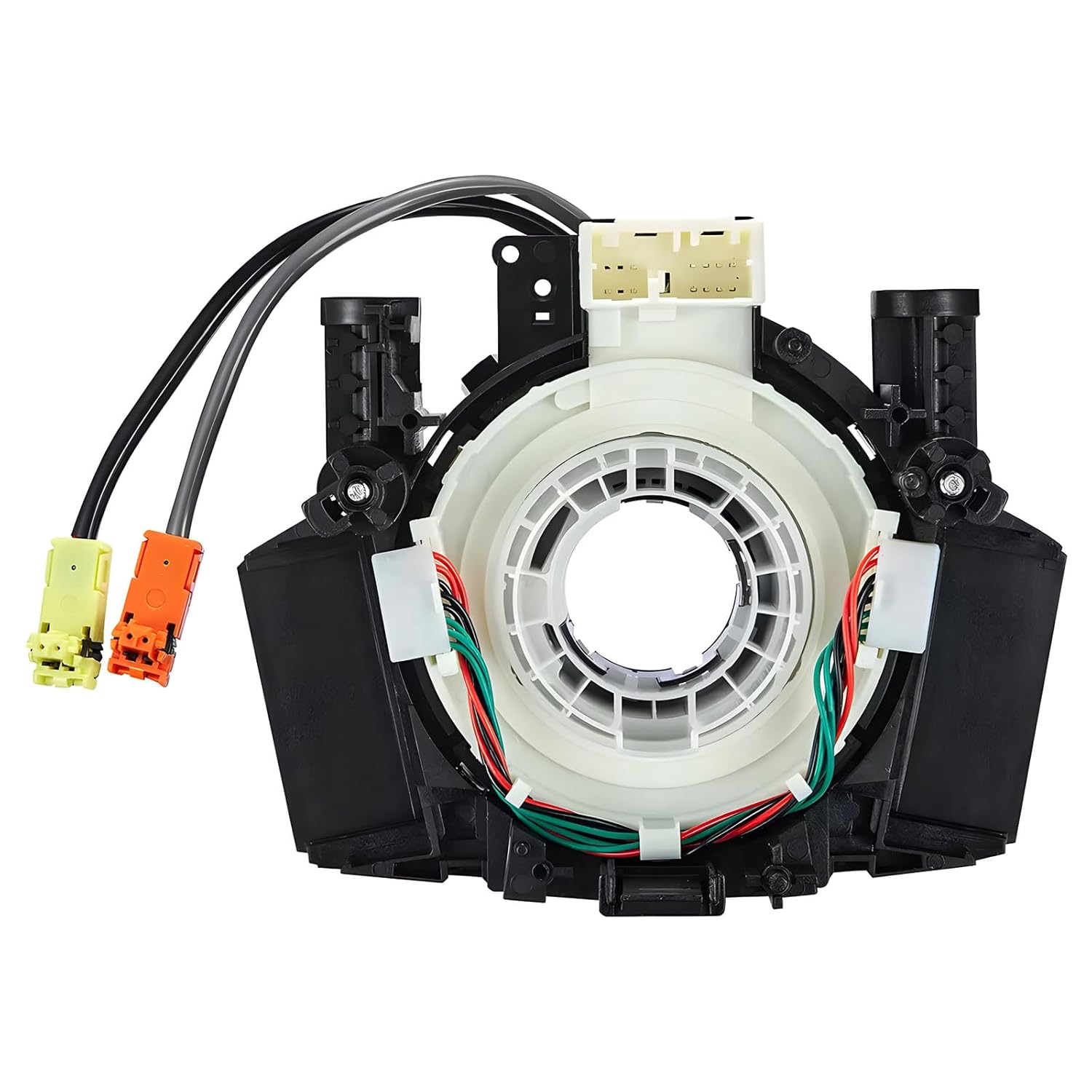
This steering clock spring assembly is an OEM-style replacement designed to restore steering wheel controls and related electronic functions in compatible Nissan vehicles. It supports audio, cruise control, and multi-function button operation while matching multiple factory part numbers for a reliable fit. Built for direct installation with vehicle-specific connectors, it helps return steering column electronics to proper working order.

This front bumper license plate bracket is designed for Toyota Camry and Camry Hybrid models from 2018 to 2026, offering a secure and street-legal way to mount your plate. Built from durable, rust-proof plastic with included screw bolts and a wrench, it helps protect your bumper paint while making installation straightforward. The bracket fits US and Canada plates and is made to keep your license plate and registration sticker visible.

This coolant electric water pump is designed as a replacement for select Toyota vehicles, helping maintain proper engine cooling performance and reliable temperature control. Built to OE specifications, it offers fitment support for compatible Avalon, Camry, and RAV4 models with 2.5L L4 engines. It also includes cross-reference part numbers for easier matching and comes with after-sales support for covered defects.
Alternative Solutions for Lane Tracing Assist Features
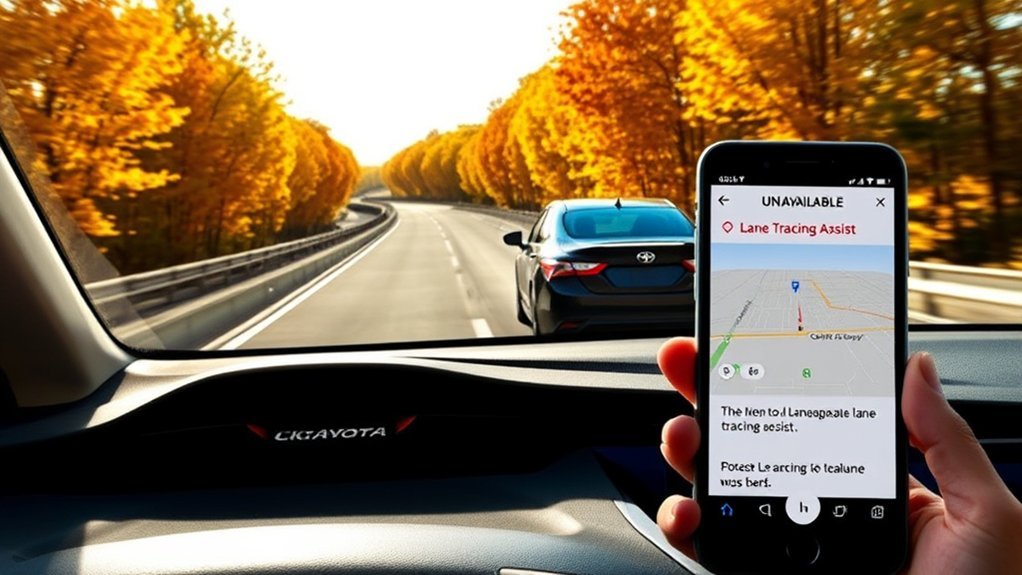
If your Camry does not have built-in LTA, you may feel tempted to add lane-centering support through aftermarket systems. Research those options with care, because Toyota does not treat aftermarket driver-assist changes as factory LTA.
Any modification that affects steering, radar, camera input, wiring, or driver-assist control can create safety and warranty concerns. Keep factory safety systems intact unless a qualified professional confirms the change will not interfere with them.
[Products Worth Considering]
This high output alternator is designed to fit select Toyota, Scion, and RAV4 2.5L applications, delivering reliable charging performance for everyday driving. Built with a 12-volt, 100-amp design and precision-engineered components, it helps support battery recharge, stable electrical output, and consistent operation when your vehicle shows signs of charging issues.

Upgrade your Toyota interior with this custom-fit steering wheel cover designed for a wide range of compatible models. Made from soft microfiber leather with an anti-slip lining, it enhances grip, adds comfort, and helps protect your steering wheel from everyday wear, dirt, fading, and scratches. The easy-to-install design makes it a practical way to refresh a worn steering wheel and improve your cabin’s look.

This aftermarket front bumper tow hook eye cover cap set is designed to fit Toyota RAV4 AX40 models from 2016 to 2018, providing a direct replacement for the original left and right covers. Made from durable ABS plastic, these caps offer a precise fit, weather resistance, and reliable protection while restoring the clean factory look of the bumper.
Aftermarket LTA Solutions
Some owners research aftermarket systems such as OpenPilot to add stronger lane-keeping behavior. Results can vary by trim, hardware, software support, installation quality, and driver skill.
Do not assume an aftermarket setup will match Toyota’s factory feature behavior. You remain responsible for steering, braking, lane position, and safe control at all times.
Software Upgrade Considerations
A software update can fix some warning messages, but it usually cannot add LTA to a Camry that lacks the needed feature package. LTA depends on the correct sensors, control modules, steering logic, and Toyota-approved calibration.
If Toyota released an update for your vehicle, a dealer can check it by VIN. Ask for a scan report if the car keeps showing lane assist faults after basic cleaning and settings checks.
When to Contact Toyota Support for Assistance
Contact Toyota support or a Toyota dealer if your Camry shows the same lane assist warning after you clean the windshield and radar cover. You should also get help after a windshield replacement, front bumper repair, grille repair, collision, sensor impact, or battery-related electronic issue.
Bring a clear description of the message, the road conditions, your speed, and any recent repairs. Photos of the message and sensor areas can also help the technician find the cause faster.
Frequently Asked Questions
What Does LDA Unavailable Mean on a Toyota Camry?
“LDA unavailable” means Lane Departure Alert cannot operate at that moment. Low speed, unclear lane lines, a dirty windshield camera area, blocked radar, or a system setting can cause the message.
Does a 2020 Toyota Camry have Lane Tracing Assist?
Many 2020 Toyota Camry models list Toyota Safety Sense P, which includes Lane Departure Alert with Steering Assist instead of full Lane Tracing Assist. Check your VIN-based owner information because features can vary by market and trim.
Why does my Camry say LDA unavailable below 32 mph?
That message usually means the system has not reached its operating speed. Toyota describes LDA with Steering Assist as a feature that works when the system detects lane markings above about 32 mph in many Toyota Safety Sense systems.
Can I calibrate the lane assist camera myself?
You should not attempt safety camera or radar calibration as a basic DIY setting. Toyota materials direct drivers to contact a dealer when the windshield, front camera, radar sensor, grille, or bumper work requires recalibration.
Will cleaning the windshield fix lane assist warnings?
Cleaning can help if dirt, fog, ice, or film blocks the front camera view. If the warning remains after cleaning and a safe road test, your Camry may need diagnostic service.
Safety Disclaimer: This article is for informational purposes only and does not replace your Toyota owner’s manual or a qualified technician’s inspection. Always keep control of your vehicle, follow traffic laws, and consult Toyota support or a certified repair professional before making safety-system repairs.
Conclusion
Most 2020 Toyota Camry lane assist concerns start with system limits, settings, dirty sensors, or confusion between LDA and full LTA. Confirm your exact feature package, check the driver assist menu, clean the camera and radar areas, and test only under safe road conditions.
If the warning remains, schedule a Toyota diagnostic inspection before you replace parts or try aftermarket changes. A careful, safety-first approach gives you the best chance of restoring reliable lane assist support.
References
- Toyota Gains More Traction on the Road and in the Sedan Segment with the Launch of Camry and Avalon All-Wheel Drive Models — Toyota USA Newsroom, 2020
- Toyota Camry Leads Midsize Sedan Segment While Revving It Up with First-Ever TRD Model — Toyota USA Newsroom, 2019
- Toyota Safety Sense Vehicle Safety Features — Toyota Owners
- Camry Owner’s Manual Excerpt for Driving Support Systems — Toyota Owners, 2022