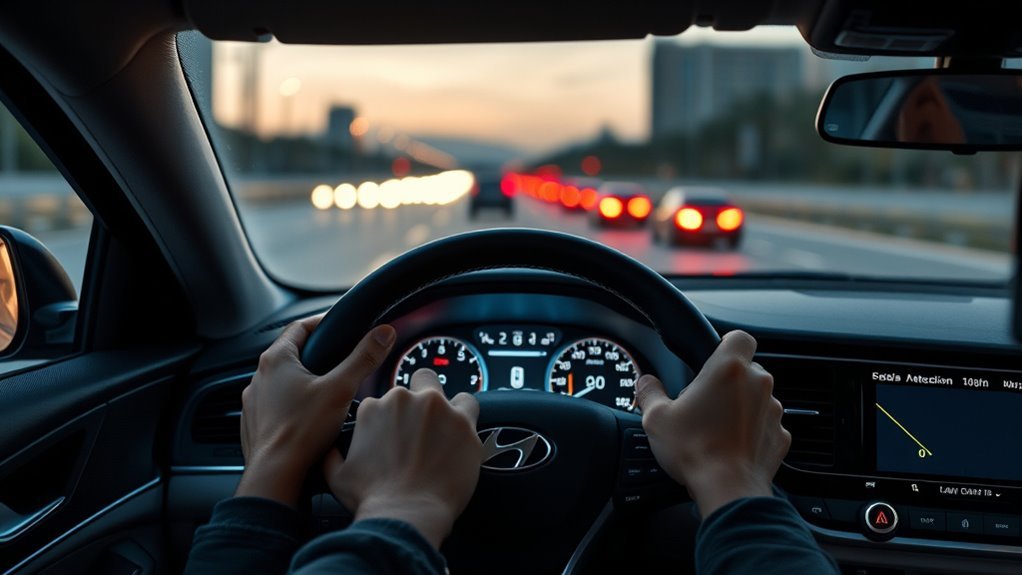
The Hyundai Sonata’s Driver Attention Warning is a driver-assistance feature that watches for patterns that may suggest reduced attention while you drive. It does not replace rest, safe judgment, or hands-on control, but it can warn you with a “Consider taking a break” message, a warning light, and a sound when your driving pattern suggests you may need a break.
Quick Answer
The Sonata Driver Attention Warning monitors your driving pattern while the vehicle is moving and recommends a break when your attention level appears low. Hyundai’s owner information says the system uses the front-view camera, may not warn in every situation, and should be adjusted only while parked safely.
Key Takeaways
- Driver Attention Warning is a supplemental safety feature; it cannot prove whether you are tired or distracted.
- Hyundai describes the front-view camera as the detecting sensor used to help detect driving patterns and leading-vehicle departure.
- The break warning will not appear if the total driving time is under 4 minutes or if 4 minutes have not passed since the last break suggestion.
- A dirty windshield, blocked camera area, heavy rain, snow, lane-assist control, or frequent intentional lane changes can limit performance.
- If you see “Check driver assistance system” or alerts continue after cleaning the camera area, have the vehicle inspected by a Hyundai dealer.
At a Glance
| Time Required | 1–3 minutes to check settings |
| Difficulty | Easy |
| Tools Needed | Your Sonata’s infotainment screen and a clean windshield cloth |
| Cost | Free, unless diagnosis or repair is needed |
What the Sonata Driver Attention Warning Is and Who Needs It
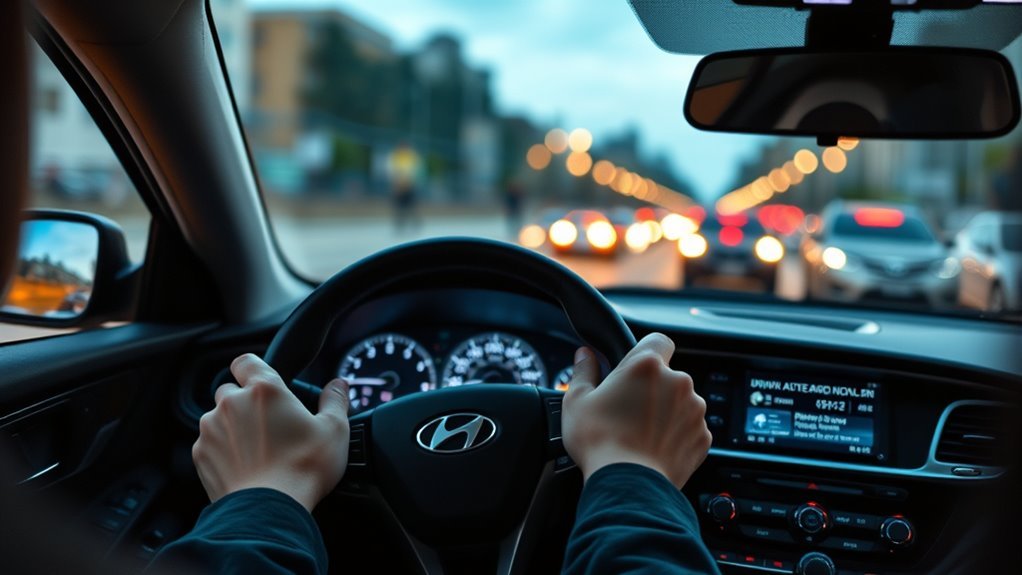
Think of the Sonata Driver Attention Warning as a backup reminder for long drives, stop-and-go traffic, and trips where fatigue can creep in. Hyundai’s owner information says Driver Attention Warning monitors your driving pattern while driving and recommends a break when the driver’s attention level falls below a certain level.
This matters because drowsy driving is a real safety risk. The National Highway Traffic Safety Administration reports that drowsy-driving crash numbers are difficult to measure precisely, but it estimates that 91,000 police-reported crashes in 2017 involved drowsy drivers, leading to about 50,000 injuries and nearly 800 deaths.
DAW is most useful for drivers who take highway trips, commute early or late, drive after a long workday, or spend a lot of time in steady traffic. It is also helpful for anyone who wants a reminder to pause before fatigue becomes dangerous.
Warning: Driver Attention Warning is only a supplemental system. If you feel sleepy, distracted, or unable to focus, pull over at a safe location and rest even if the Sonata has not shown a break warning.
How the Sonata Detects Reduced Attention
The Sonata’s DAW does not work like a medical fatigue test, and Hyundai’s official owner information does not describe it as an eye-tracking system for the Sonata. Instead, Hyundai identifies the front-view camera as the detecting sensor used to help detect driving patterns and leading-vehicle departure while the vehicle is being driven.
In simple terms, DAW looks for driving behavior that may suggest reduced attention. If your driving pattern falls below the system’s internal threshold, the system can show a break suggestion. Hyundai also notes that DAW may suggest a break based on your driving pattern or habits even if you do not feel tired.
The system works best when the front camera can see clearly. Snow, rain, windshield film, dirt, stickers, accessories, or anything blocking the windshield area near the camera can reduce detection performance or temporarily limit the feature.
When the System Warns You: Break Suggestions and Alert Criteria
When the Sonata’s Driver Attention Warning determines that your attention level has dropped below its threshold, the cluster can show a “Consider taking a break” message. The driver’s attention warning light may blink, and an audible warning may sound.
Hyundai’s DAW operation information says the system will not suggest a break when the total driving time is shorter than 4 minutes or when 4 minutes have not passed after the last break suggestion. It also says the break suggestion operates when vehicle speed is above 0 km/h.
Use the warning as a safety prompt, not as a command to stop in an unsafe place. Slow down smoothly, find a safe parking area, rest stop, fuel station, or other legal stopping point, and take a real break.
At highway speed, even a few seconds of reduced alertness can cover the length of a football field. NHTSA warns that brief “micro sleeps” can last four or five seconds, which is enough time to create serious crash risk.
How Driver Attention Warning Interacts With Lane Assist and Cruise Control
Driver Attention Warning is separate from Lane Keeping Assist, Lane Following Assist, and cruise control, but those systems can affect how your driving looks to DAW. Hyundai lists “the vehicle is controlled by Driver assistance system, such as Lane Keeping Assist” as a situation where Driver Attention Warning may not work properly.
That does not mean lane assist is bad or that you should stop using it. It means you should understand that driver-assistance systems can overlap. If lane assist is making many steering corrections, or if you are frequently crossing lane lines on purpose, DAW may have less reliable information about your normal driving pattern.
- Keep your hands on the wheel and stay involved, even when lane assist or cruise control is active.
- Do not assume DAW will catch every moment of fatigue or distraction.
- If alerts seem frequent during lane-assist use, test the system on a safe drive with the camera area clean and the vehicle settings unchanged.
- If a warning message appears or the system keeps behaving strangely, schedule a dealer inspection instead of ignoring it.
Note: Some Hyundai models and trims may include related features such as Leading Vehicle Departure Alert, Forward Attention Warning, or different warning-method settings. Availability and menu wording can vary by model year, trim, market, and software version.
[Products Worth Considering]

This dash clock spring replacement is designed for a wide range of Toyota vehicles and helps restore reliable steering wheel control functions. It supports audio controls, cruise control, and other multi-function commands while using vehicle-specific connectors for easier installation. Built with durable materials and OEM-referenced part compatibility, it is a practical solution for repairing steering wheel signal issues.

This anti-glare matte tempered glass screen protector is designed for compatible 2026 Toyota RAV4 and RAV4 Hybrid models with a 12.9-inch touchscreen. It helps reduce glare, resists scratches and fingerprints, and maintains responsive touch performance for a clearer, cleaner driving experience.
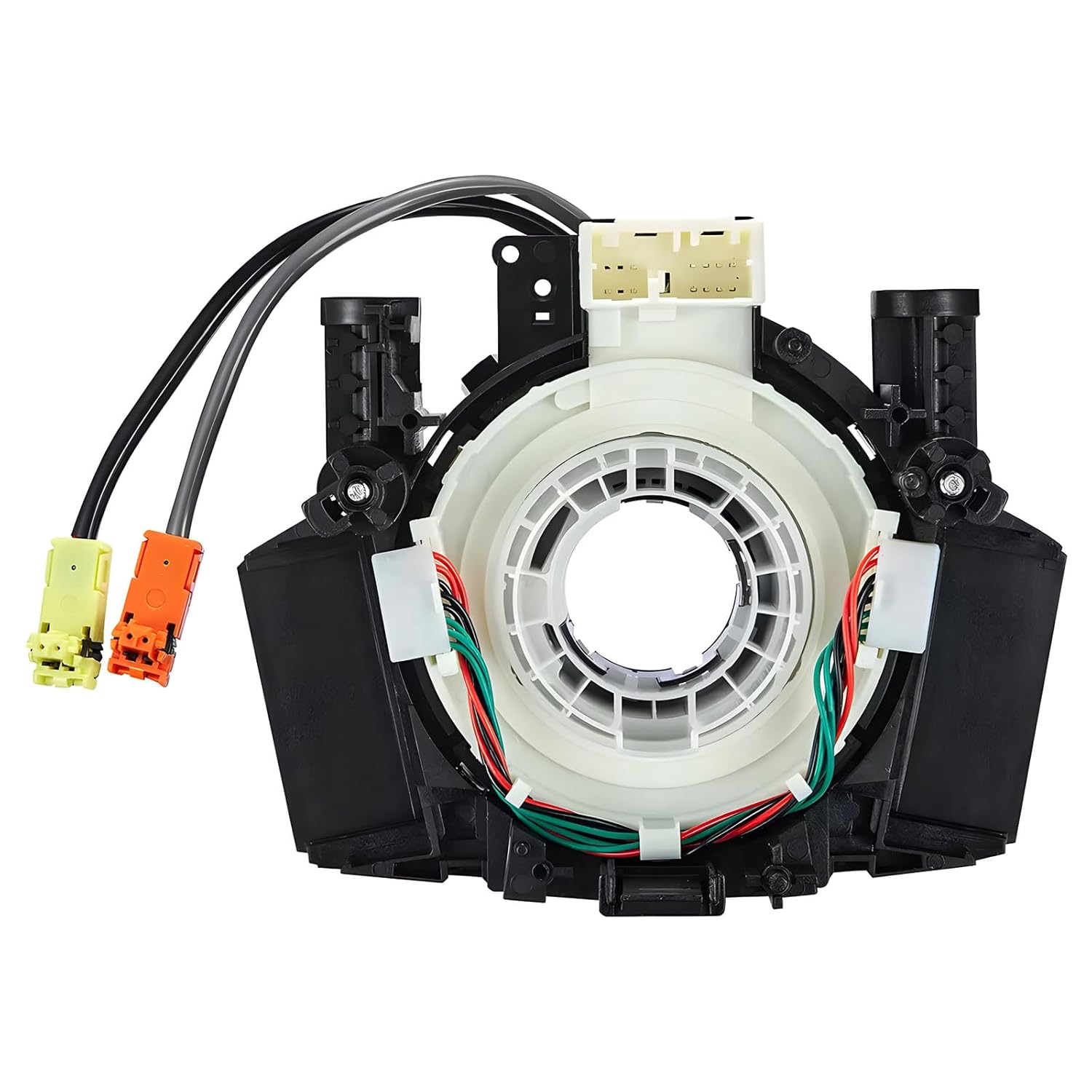
This steering clock spring assembly is an OEM-style replacement designed to restore steering wheel controls and related electronic functions in compatible Nissan vehicles. It supports audio, cruise control, and multi-function button operation while matching multiple factory part numbers for a reliable fit. Built for direct installation with vehicle-specific connectors, it helps return steering column electronics to proper working order.
How to Check, Activate, and Adjust Driver Attention Warning Settings
To check DAW settings, park safely first. Hyundai repeatedly advises changing driver-assistance settings only after parking the vehicle at a safe location. Menu wording can vary, but the common path is through the infotainment system’s vehicle or driver-assistance menu.
[Products Worth Considering]

This heavy-duty steering wheel cover is made from thick microfiber leather with a natural rubber inner layer for a secure, comfortable grip. Its anti-slip, full-surround design helps improve control and driving safety while staying breathable and odor-free for everyday use. Designed to fit standard steering wheels, it adds a sporty look and lasting protection to your vehicle interior.

This steering clock spring is designed to restore reliable steering wheel controls across a wide range of Toyota models. It supports audio, cruise control, and other multifunction commands while matching OEM part numbers for confident replacement fitment. Built for dependable signal transfer and straightforward installation, it is an effective solution for repairing steering column control issues.

AstroAI’s extra-long windshield cleaner kit makes interior and exterior glass cleaning easier with an extendable handle and 180° rotating head that reaches tight corners without strain. It includes reusable microfiber pads, a spray bottle, and a storage bag for streak-free, lint-free results at home or on the road. Designed for cars, SUVs, RVs, and household windows, it helps deliver clearer visibility with less effort.
Accessing DAW in Settings
Use these steps as a practical guide. If your screen wording differs, check the owner’s manual for your exact model year.
- Park the Sonata in a safe place and keep the vehicle on.
- Open the infotainment Setup or Settings menu.
- Select Vehicle.
- Select Driver Assistance.
- Choose Driver Attention Warning or DAW.
- Review the available DAW options, such as Leading Vehicle Departure Alert, warning volume, or other warning-method settings shown on your vehicle.
Pro Tip: After changing a driver-assistance setting, take a short familiar drive in good weather and daylight. That makes it easier to notice whether alerts feel normal before relying on the setup during a long trip.
Adjusting Warning Methods
Some articles describe DAW as having simple Low, Medium, and High sensitivity levels, but Hyundai’s official DAW settings pages more commonly describe feature toggles and warning-method settings. Depending on your Sonata, you may see options like Leading Vehicle Departure Alert, warning volume, or Driving Safety Priority rather than a DAW sensitivity slider.
| Setting or Option | What It Does | Best Use |
|---|---|---|
| Leading Vehicle Departure Alert | Alerts when a detected vehicle in front moves away from a stop | Helpful in traffic lights or stop-and-go driving |
| Warning Volume | Changes how loud system warnings sound, when available | Use a level you can hear clearly without startling yourself |
| Driving Safety Priority | May reduce other audio volume while a safety warning sounds | Useful if music or calls make alerts hard to hear |
What Leading Vehicle Departure Alert Does
Many Hyundai DAW systems include Leading Vehicle Departure Alert. Hyundai says this function informs the driver when a detected vehicle in front departs from a stop. When it activates, the cluster may show a message such as “Leading vehicle is driving away”, and an audible warning may sound.
This feature is convenient in traffic, but it is not a substitute for looking forward before moving. Hyundai warns that it may not alert every time the front vehicle departs. It may also be affected by cut-in vehicles, a sharply turning vehicle ahead, pedestrians or cyclists between vehicles, parking lots, tollgates, junctions, and areas where lanes merge or divide frequently.
Maintenance, Common False-Alarm Causes, and When to Contact Your Dealer
Although the Driver Attention Warning relies on automated sensing, you still need to keep the windshield and front-view camera area clean. Hyundai says the system can be limited or disabled when the windshield area where the front camera is located is covered by snow, rain, or foreign material.
Keep the front-view camera area clean and unobstructed. A blocked camera can reduce detection performance and trigger a “Driver assistance system limited. Camera obscured.” message.
- Clean the windshield area near the front-view camera with a safe glass cleaner and soft cloth.
- Remove snow, ice, stickers, dash reflections, or accessories that may block the camera’s view.
- Avoid judging the system during heavy rain, snow, construction zones, or confusing lane markings.
- Remember that violent driving, frequent intentional lane crossing, and driver-assistance steering control can affect DAW performance.
- If the system does not operate normally after the camera area is clean, contact a Hyundai dealer for diagnosis.
[Products Worth Considering]

This dual-lens borescope delivers sharp HD inspection views for tight, hard-to-reach areas, making it useful for automotive, plumbing, HVAC, electrical, and home repair tasks. Its flexible semi-rigid cable and waterproof probe help you inspect spaces with confidence, while the mobile app connection supports real-time viewing on compatible iOS and Android devices.

This flexible oil funnel is designed to make fluid changes cleaner and easier by guiding oil around obstacles like skid plates and crossmembers. Its shape-retaining core and silicone body can be molded for custom positioning, while the heat-resistant, leak-proof design helps prevent spills during draining and filter removal. Reusable and easy to clean, it works well for cars, trucks, motorcycles, and other hard-to-reach fluid fill or drain applications.

This handheld inspection camera helps you see inside tight, dark, and hard-to-reach spaces with a 4.3-inch color screen and a 1080P display for clear real-time viewing. It features 180° image rotation, adjustable LED illumination, and a long semi-rigid cable that bends and holds shape for easier navigation in pipes, walls, engines, and other confined areas. Designed for convenient standalone use, it is waterproof, dustproof, and ideal for automotive, plumbing, HVAC, and home repair inspections.
Troubleshooting Driver Attention Warning Messages
If DAW gives unusual alerts or stops working, use the cluster message as your first clue.
| What You See | Likely Meaning | What To Do |
|---|---|---|
| “Consider taking a break” | DAW believes your attention level may be low | Stop safely and rest; do not keep driving if you feel tired |
| “Driver assistance system limited. Camera obscured.” | The front camera area may be blocked by snow, rain, dirt, or other material | Clean the windshield/camera area and wait for normal operation to return |
| “Check driver assistance system.” | The system may not be working properly | Have the vehicle inspected by a Hyundai dealer |
| No break warning even when you feel tired | DAW cannot detect every case of fatigue or distraction | Pull over safely and rest; do not wait for the system to warn you |
Safe Driving Tips When DAW Warns You
A DAW alert should change what you do next. The safest response is not to silence the alert and keep pushing through fatigue.
- Grip the wheel, check traffic, and avoid sudden braking.
- Look for a safe, legal place to stop.
- Take a real break away from traffic. NHTSA recommends adequate sleep as the best protection against drowsy driving.
- If you are seriously sleepy, caffeine alone is not enough. NHTSA notes that caffeine may help for a short time, but it does not eliminate the risk of brief sleep episodes.
- Before long trips, plan rest stops and avoid driving during peak sleepiness periods, especially midnight to 6 a.m. and late afternoon.
Frequently Asked Questions
What does the Driver Attention Warning light mean?
It means the Sonata’s Driver Attention Warning system has detected a driving pattern that may suggest reduced attention. The cluster may show a “Consider taking a break” message, the warning light may blink, and an audible warning may sound.
What triggers the Driver Attention Warning?
Hyundai says DAW monitors your driving pattern while the vehicle is being driven. When the driver’s attention level falls below a certain level, the system recommends a break. It may also suggest a break based on driving habits even if you do not feel tired.
Does the Sonata Driver Attention Warning watch my eyes?
Hyundai’s Sonata DAW owner information identifies the front-view camera as the detecting sensor used to help detect driving patterns and leading-vehicle departure. It does not describe the Sonata DAW system as watching your eyes. Always check the manual for your exact model year and trim.
Can I turn Driver Attention Warning off?
Depending on model year and trim, DAW-related settings may be available under Setup or Settings > Vehicle > Driver Assistance > Driver Attention Warning. Some functions may maintain the last setting after restart, while other versions may turn inattentive-driving warning back on when the vehicle is restarted.
Why does my Sonata say the camera is obscured?
The windshield area where the front-view camera sits may be covered by snow, rain, dirt, film, or another obstruction. Clean the area and remove anything blocking the camera. If the warning remains after the area is clear, have the vehicle inspected.
Is Driver Attention Warning the same as Lane Keeping Assist?
No. Driver Attention Warning monitors driving patterns and may suggest a break, while Lane Keeping Assist helps with lane-related steering support. Hyundai notes DAW may not work properly in some situations when the vehicle is being controlled by another driver-assistance system such as Lane Keeping Assist.
Conclusion
The Sonata’s Driver Attention Warning is best understood as a helpful reminder, not a guarantee. It monitors your driving pattern, uses the front-view camera as a detecting sensor, and can recommend a break when your attention level appears low. Keep the camera area clean, review the settings while parked, and take every fatigue warning seriously. If the system shows a malfunction message or keeps acting abnormally after cleaning the windshield area, contact a Hyundai dealer for inspection.
Sources
- Hyundai Owner’s Manual: Driver Attention Warning (DAW) — explains what DAW monitors and identifies the front-view camera as the detecting sensor.
- Hyundai Owner’s Manual: Driver Attention Warning Operation — backs the “Consider taking a break” alert, 4-minute timing rule, moving-vehicle operation, and supplemental-system warnings.
- Hyundai Owner’s Manual: DAW Malfunction and Limitations — backs camera-obscured warnings, malfunction messages, and situations where DAW may not work properly.
- Hyundai Owner’s Manual: Driver Attention Warning Settings — backs infotainment settings for DAW-related functions.
- NHTSA: Drowsy Driving — backs drowsy-driving risk, crash estimates, sleepiness timing, and safe-rest guidance.