
Last updated: July 31, 2026 — verified menu paths for 2020–2026 ccNC and Gen5W systems, ADAS calibration protocols, and sensor troubleshooting.
To adjust Hyundai Sonata FCA settings, park safely with the vehicle running. On 2024–2026 Sonata models with the ccNC panoramic display, navigate to Setup > Vehicle > Driver Assistance > Driving Safety > Forward Safety, then configure Forward Safety Warning Timing. On 2020–2023 Sonatas, use User Settings > Driver Assistance > Forward Safety via the instrument cluster or infotainment screen to select between Active Assist, Warning Only, or Off, and adjust Warning Timing between Normal and Late.
Quick Answer: FCA Menu Paths by Model Year
- 2024–2026 Sonata (ccNC Infotainment):
Setup>Vehicle>Driver Assistance>Driving Safety>Forward Safety> Select Standard or Late. - 2020–2023 Sonata (Gen5W / Cluster):
User Settings>Driver Assistance>Forward Safety> Select Active Assist, then setWarning Timingto Normal or Late.
Key Takeaways
- Menu paths differ by generation: 2024+ models use a single Forward Safety toggle under Driving Safety, while 2020–2023 models offer Active Assist, Warning Only, and Off.
- Standard/Normal is the recommended default: Setting warning timing to Late delays the audible alert, compressing your available reaction time before autonomous braking initiates.
- Automatic safety reset: FCA automatically re-enables every time the vehicle restarts, though your customized warning timing and volume preferences remain saved.
- Sensor obstructions vs. faults: “Camera Obscured” or “Radar Blocked” messages usually resolve by cleaning the windshield or lower grille. A persistent “Check Driver Assistance” message indicates a hardware fault or calibration issue.
- Never test FCA manually: Never drive toward obstacles to test the system. FCA is an emergency mitigation backup, not an autonomous driving replacement.
At a Glance
| Time Required | 2–3 minutes |
| Difficulty | Easy (no mechanical tools required) |
| Interface | Center infotainment touchscreen or steering-wheel cluster controls |
| Applicable Trims | Hyundai Sonata SE, SEL, SEL Plus, N Line, and Limited (2020–2026) |
Safety Warning: Only configure FCA settings while parked in a secure location. Forward Collision-Avoidance Assist provides supplementary warnings and emergency braking, but cannot overcome severe weather limitations, excessive speed, or driver inattention.
What Is Forward Collision-Avoidance Assist and Why It Matters
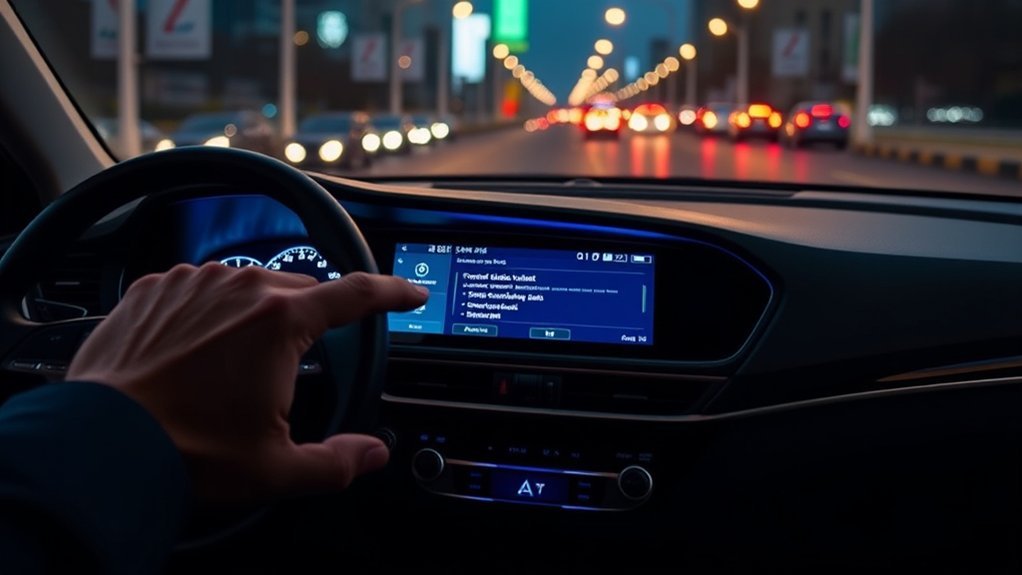
Forward Collision-Avoidance Assist (FCA) is Hyundai’s active safety technology designed to detect vehicles, pedestrians, cyclists, and powered two-wheelers ahead. The system relies on sensor fusion combining a high-resolution front windshield-mounted camera and a front radar transceiver mounted behind the lower bumper fascia.
When the system detects a closing speed that threatens a collision, it executes a three-stage mitigation sequence: visual instrument cluster warnings, audible alerts (and steering wheel haptic vibration on equipped trims), and automated emergency braking (AEB). Advanced trims may also feature Junction Turning, Direct Oncoming, and Evasive Steering Assist capabilities.
FCA is an emergency intervention system rather than an automated piloting feature. It cannot guarantee a collision will be avoided in all road conditions. Maintaining a safe following distance and scanning the roadway remains the driver’s primary responsibility.
Before You Adjust FCA Settings
Perform these baseline checks before modifying driver-assistance menus:
- Park on level ground with the transmission in Park (P) and the ignition or EV ready state active.
- Verify your Sonata’s model year and infotainment generation, as menu layouts changed significantly with the 2024 interior refresh.
- Inspect the top center of the windshield to ensure the optical camera window is free of road grime, frost, or interior haze.
- Clean the front radar cover located in the central lower grille area of dirt, snow, or bug splatter.
- Ensure no bumper stickers, license plate brackets, or aftermarket brush guards obstruct the radar’s field of view.
- Confirm tire pressures and condition; FCA braking physics depend directly on proper traction and tire tread depth.
Note: Depending on whether your vehicle is equipped with the dual 12.3-inch ccNC panoramic screen or the legacy Gen5W navigation unit, menu labels will read as either Setup or User Settings.
Which FCA Menu Path Matches Your Sonata?
Identify your Sonata’s model generation to locate the appropriate configuration screen:
| Model Years | Primary Interface Path | Available Settings |
|---|---|---|
| 2020–2023 | User Settings > Driver Assistance > Forward Safety | Active Assist, Warning Only, Off; Warning Timing (Normal/Late); Warning Volume |
| 2024–2026 | Setup > Vehicle > Driver Assistance > Driving Safety | Forward Safety toggle; Forward Safety Warning Timing (Standard/Late); Warning Methods |
On base trims without factory navigation, access these parameters through the instrument cluster LCD using the Mode and Select switches on the right side of the steering wheel.
How Do You Adjust Hyundai Sonata FCA Settings?
Follow the walkthrough tailored to your Sonata’s specific software generation.
For 2024–2026 Sonata Models (ccNC System)
- Park the vehicle safely with the engine or hybrid system running.
- Select Setup from the home infotainment screen.
- Press Vehicle.
- Select Driver Assistance from the left-hand navigation list.
- Tap Driving Safety.
- Ensure the checkbox next to Forward Safety is checked to enable automated intervention.
- Select Forward Safety Warning Timing.
- Choose Standard for everyday driving or Late if driving in congested low-speed traffic.
- Return to Driver Assistance and select Warning Methods to adjust alert volume and haptic vibration.
For 2020–2023 Sonata Models (Gen5W & Cluster Menus)
- Shift into Park and keep the ignition switched on.
- Press the Menu/Page button on the steering wheel to navigate to the User Settings gear icon in the cluster (or press Setup > Vehicle on the center screen).
- Scroll to and select Driver Assistance.
- Select Forward Safety.
- Choose Active Assist (full warning + autonomous braking), Warning Only (alerts without braking), or Off.
- Navigate to Warning Timing and select Normal or Late/Later.
- Select Warning Volume to adjust the acoustic chime intensity.
Should You Choose Standard, Normal, Late, or Later?
The warning timing setting modifies the Time-to-Collision (TTC) calculation threshold that triggers the initial acoustic chime and cluster warning. It does not alter the physical range of the camera or radar, nor does it increase mechanical braking pressure.
| Timing Mode | Recommended Driving Scenario | Operational Behavior |
|---|---|---|
| Standard / Normal | Standard highway and suburban driving (Default) | Provides early acoustic and visual warning, maximizing driver reaction time before AEB intervention. |
| Late / Later | Stop-and-go urban traffic, tight parking garages | Delays the initial chime. Note: This compresses the driver reaction window before emergency braking triggers. |
Default Recommendation: Keep timing set to Standard / Normal. Switching to Late reduces nuisance chimes in heavy traffic but leaves significantly less margin for driver reaction during sudden stops.
What Do Active Assist, Warning Only, and Off Mean?
On 2020–2023 Sonatas, the forward safety operational modes function as follows:
- Active Assist: Full protection mode. FCA issues visual/acoustic alerts and automatically applies emergency braking if an imminent collision is detected.
- Warning Only: Informational mode. The system provides audio-visual warnings and steering vibration but suppresses autonomous braking intervention.
- Off: Disables FCA for the current drive cycle. A yellow warning light illuminates on the dashboard. FCA automatically reactivates upon vehicle restart.
On 2024–2026 models, these modes are consolidated into a primary Forward Safety enable checkbox.
Selecting an operational mode arms the safety system; it does not mean FCA is actively braking or intervening during normal, unthreatened driving.
How Do You Adjust Warning Volume and Haptic Alerts?
While timing dictates when an alert sounds, the Warning Method menu dictates how the vehicle alerts you. Navigate to Setup > Vehicle > Driver Assistance > Warning Methods:
- Warning Volume: Adjusts chime loudness (High, Medium, Low, or Off). For safety compliance, setting volume to “Off” or “Low” maintains a soft audible chime.
- Haptic Warning: Toggles tactile steering wheel vibration. Note: Available primarily on Limited and N Line trims equipped with steering column haptic actuators.
- Driving Safety Priority: Temporarily lowers media playback volume when a driver-assistance alert sounds to ensure warnings are heard clearly.
Key Functions of Forward Collision-Avoidance Assist
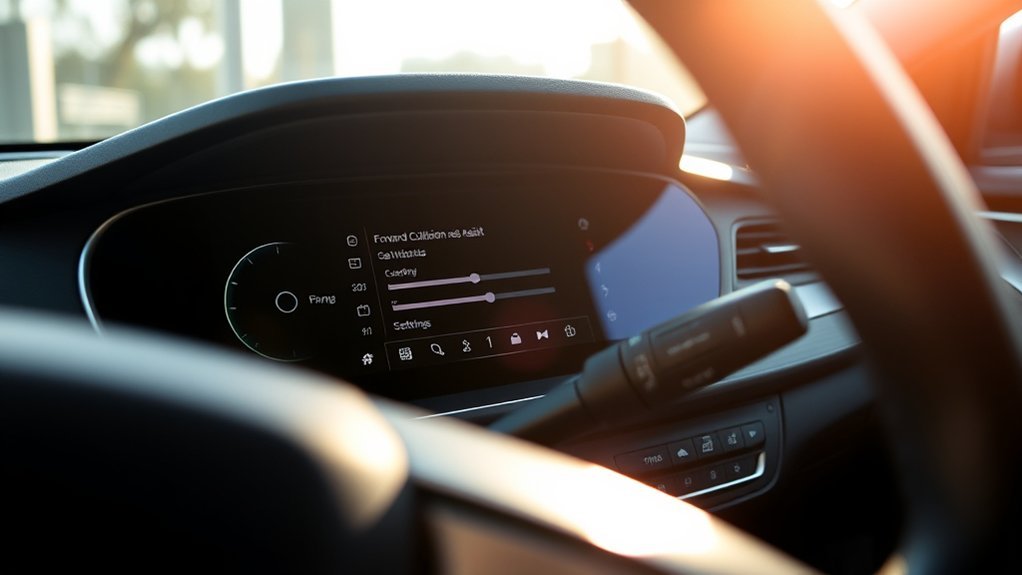
Hyundai Sonata FCA packages vary based on trim and factory-equipped sensor suites:
- Forward Vehicle & Pedestrian Detection: Tracks lead vehicles, bicycles, and pedestrians in your path using optical and radar fusion.
- Multi-Stage Collision Warning: Triggers visual cluster pop-ups, rapid audible beeping, and steering wheel vibrations.
- Autonomous Emergency Braking (AEB): Applies hydraulic brake pressure automatically if the driver fails to react to initial warnings.
- Post-Collision Braking Support: Maintains brake pressure momentarily after stopping to prevent secondary impacts.
- Junction Turning & Direct Oncoming (Equipped Trims): Detects oncoming traffic when turning left across intersections or approaching oncoming vehicles drifting over center lines.
Why Is FCA Disabled or Not Working?
Use this diagnostic reference table to identify warning lights and system limitations:
| Cluster Message / Light | Root Cause | Immediate Action |
|---|---|---|
| Yellow FCA Icon Illuminated | Forward Safety is toggled Off or system is initializing. | Open Driving Safety menu and re-enable Forward Safety / Active Assist. |
| Camera Obscured Warning | Windshield camera view is blocked by ice, condensation, dirt, or sun glare. | Clean top windshield glass; run front defroster to clear glass haze. |
| Radar Blocked Warning | Lower bumper radar fascia is coated in snow, mud, or road slush. | Clear snow/mud from lower central grille; remove aftermarket plate frames. |
| Check Driver Assistance System | Hardware diagnostic failure, misaligned radar, or uncalibrated camera. | Schedule an ADAS diagnostic scan and sensor calibration at an authorized dealer. |
What Causes Unexpected FCA False Warnings?
False alerts occur when sensor fusion misinterprets benign road objects as collision hazards. Common triggers include:
- Steel construction plates: Large metal road-work plates reflect radar pulses intensely, mimicking a stationary vehicle.
- Steep parking ramps & road dips: Rapid incline changes cause radar beams to reflect off the pavement directly ahead.
- Direct low-angle sun glare: Sunrise or sunset shining straight into the windshield camera aperture temporarily washes out optical object classification.
- Tight curves with roadside guardrails: Approaching metallic guardrails at high yaw angles can trigger momentary warning beeps.
If false alarms occur frequently on clear, flat roads, check sensor aiming rather than permanently setting timing to Late.
Does FCA Stay Off After Restart?
No. By design and safety compliance standards, Forward Collision-Avoidance Assist resets to ON / Active Assist every time the vehicle is restarted. However, your custom preferences for Warning Timing (Standard vs. Late) and Warning Volume remain stored in memory.
What Should You Do After Windshield or Front Bumper Replacement?
Whenever the front windshield is replaced or the front bumper is removed for collision repair, the ADAS suite requires professional recalibration:
- Static Calibration: Uses physical target boards positioned at precise distances and heights to align camera focal angles.
- Dynamic Calibration: Involves driving on well-marked roads at specified speeds while the vehicle’s onboard computer maps lane lines and radar returns.
Operating a vehicle with uncalibrated ADAS sensors can cause delayed emergency braking or erratic false-positive braking events.
Can an Infotainment Update Fix FCA?
Infotainment software updates via Hyundai Navigation Updates refresh UI menus and layout logic, but do not overwrite core ADAS ECU safety firmware. For persistent malfunctions or technical service bulletins (TSBs), check your VIN via the Hyundai Campaign Portal or the NHTSA Recall Database.
Recommended Everyday FCA Setup
For optimal real-world protection, configure your Hyundai Sonata with the following settings:
- Forward Safety: Active Assist / Checked
- Warning Timing: Standard / Normal
- Warning Volume: Medium or High
- Driving Safety Priority: Enabled
- Haptic Warning: Enabled (on equipped trims)
Frequently Asked Questions
What is the FCA warning on a Hyundai Sonata?
An FCA warning is an automated alert indicating an imminent risk of a frontal collision with a vehicle, pedestrian, or cyclist. Depending on settings, FCA will chime, vibrate the steering wheel, and apply emergency braking if the driver does not react.
Why is my Hyundai FCA disabled or showing a warning light?
FCA is disabled if the front camera is obscured by glass condensation/dirt, the lower radar is blocked by snow/mud, the system was manually switched off, or an internal sensor fault occurred. Clean the sensor zones and re-check settings in the Driving Safety menu.
Does FCA stay turned off after restarting the car?
No. Hyundai FCA automatically defaults back to Active Assist / Enabled every time you cycle the ignition. Warning timing (Standard/Late) and chime volume preferences do remain saved.
Should I choose Standard or Late warning timing?
Standard (Normal) is recommended for all general driving. Select Late only in dense, slow-moving city traffic where standard alerts trigger too frequently. Late shortens the driver reaction window before automated braking occurs.
Can I adjust FCA sensitivity on a Hyundai Sonata?
Sonata menus adjust alert timing (Standard vs. Late) rather than sensor sensitivity. Radar and camera detection sensitivity are fixed by factory safety software, but warning chimes and volume can be customized.
Why does FCA beep when there is no danger ahead?
False alerts are typically caused by radar reflections off metal road construction plates, steep parking garage ramps, low-angle sunrise/sunset glare blinding the windshield camera, or cars turning sharply out of your lane.
What is the difference between Active Assist and Warning Only?
Active Assist provides audible/visual warnings and automatically engages emergency braking when a collision is imminent. Warning Only provides the visual and audible alerts but suppresses automatic braking.
Conclusion
Customizing your Hyundai Sonata’s FCA settings ensures driver-assistance alerts match your commute without creating unnecessary noise fatigue. For standard driving, keep Forward Safety enabled with Standard/Normal warning timing. If you experience persistent blocked-sensor warnings, clean the camera and radar apertures; if the issue continues after windshield or bumper repair, have the system calibrated at a certified facility.
Sources
- Hyundai Owner’s Manual: Forward Collision-Avoidance Assist Settings — official ccNC interface documentation, warning timing, and default startup logic.
- Hyundai Owner’s Manual: Forward Collision-Avoidance Assist Operation — emergency braking operational thresholds, multi-stage alert cycles, and safety warnings.
- Hyundai Owner’s Manual: FCA Malfunction and Limitations — environmental operating limits, sensor cleaning requirements, and camera obstruction indicators.
- 2023 Hyundai Sonata Owner’s Manual: FCA Settings — historical reference for Gen5W menu structures and cluster-based Active Assist toggles.
- Official Hyundai Navigation & Display Audio Update Portal — official vehicle software update distribution portal.
- Hyundai Safety Recalls and Service Campaigns — official portal for VIN-specific safety campaign verification.
- NHTSA Recall Database — U.S. federal vehicle safety and ADAS compliance verification.

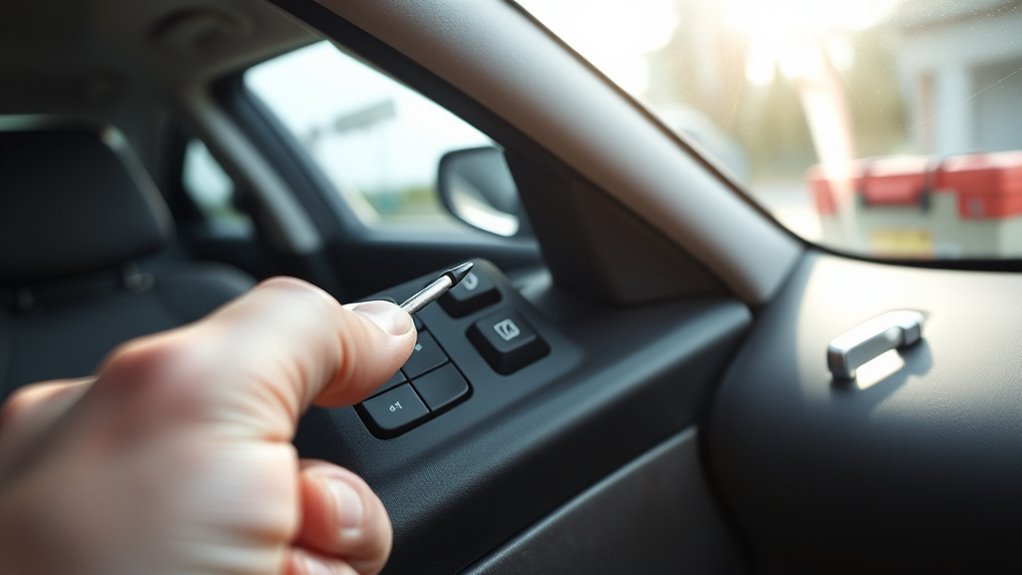
[…] Common options include Warning Volume, Driving Safety Priority, Lane Safety, Forward Safety, Blind-Spot Safety, Driver Attention Warning, Smart Cruise Control controls, Parking Safety, and Highway Driving Assist. Haptic Warning is available only on supported hardware. For collision-warning controls, see the Hyundai Sonata FCA settings guide. […]
[…] The 2026 Sonata owner’s manual says the Forward Safety setting includes the Basic function, Junction Turning, and Direct Oncoming. For model-specific wording, open the 2026 Sonata manual through Hyundai’s Manuals & Warranties portal. If you need older-year menu paths, see our Hyundai Sonata FCA settings guide. […]