How to Set Up a Charging Schedule on Your RAV4 Prime
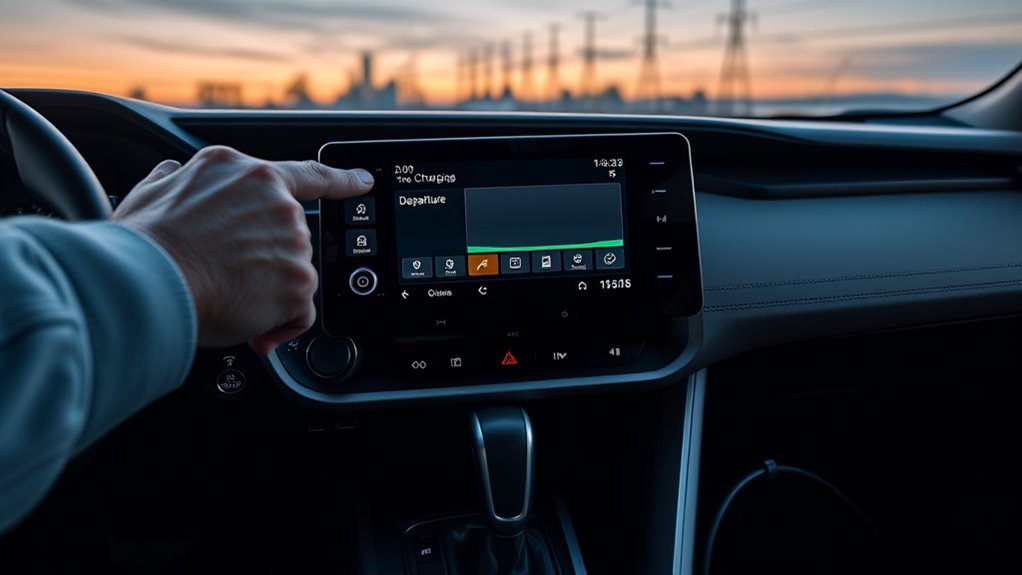
Tap the vehicle icon on your RAV4 Prime multimedia display, open the drop-down, and choose Charging Schedule. Tap “Add New Charging Schedule,” set precise start and finish times, select days or repeat windows, and define preferences like target state of charge or delayed start. The system saves your schedule instantly, and you can create distinct weekday and weekend plans. Use off-peak hours to cut costs and protect the battery.
Quick Answer
To schedule charging on your RAV4 Prime, tap the vehicle icon on the multimedia display, open the drop-down menu, and select “Charging Schedule.” Tap “Add New Charging Schedule,” set your start and finish times, pick your days, and save. Set your window to off-peak hours to lower your electricity costs and reduce battery wear.
Key Takeaways
- Access the charging schedule through the vehicle icon on the multimedia display, then open the drop-down and choose “Charging Schedule.”
- Set start and finish times during off-peak hours to cut your electricity bill by up to 50%, depending on your utility’s rate structure.
- Create separate weekday and weekend schedules to match different driving patterns without manual adjustments.
- Charging during cooler nighttime hours reduces heat-driven battery degradation and extends overall battery life.
- If a schedule won’t save, restart the vehicle or check for a pending multimedia system software update.
Before You Begin
Estimated time: About 5 minutes
Before setting your first charging schedule, confirm you have the following:
- Your RAV4 Prime plugged into a Level 1 or Level 2 charging outlet
- The multimedia display powered on (ignition in ACC or ON position)
- Your utility provider’s off-peak hours (check your electricity bill or provider’s website)
- Multimedia system running the latest software (verify in Settings before you start)
Access the RAV4 Prime Charging Schedule
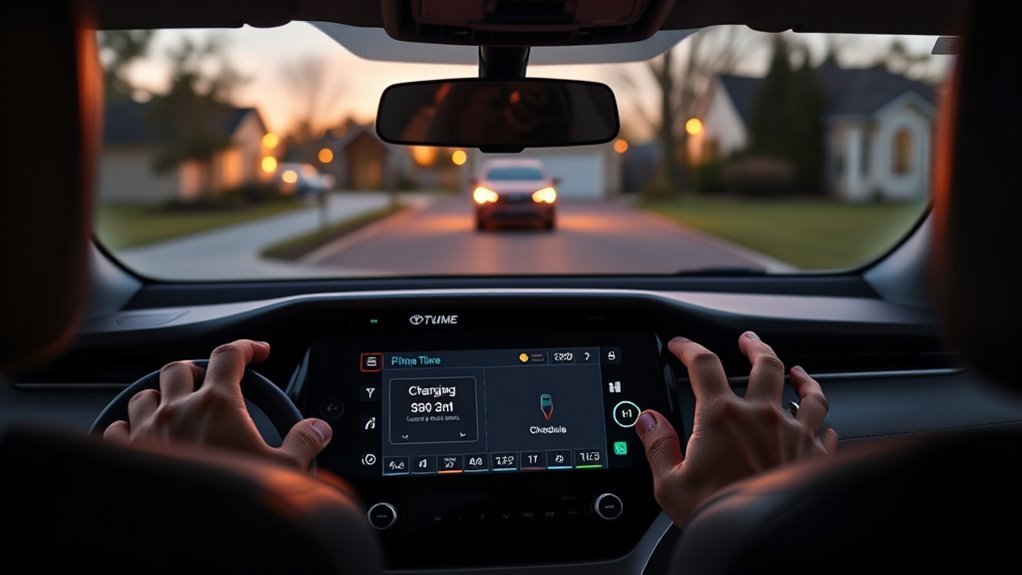
To reach the charging schedule menu, tap the vehicle icon on the multimedia display, open the drop-down menu, and select “Charging Schedule.” You’ll see options to add a new schedule by entering start and finish times, and you can create or adjust multiple schedules to match your routine.
The interface gives you direct control: select days, set repeated windows, and enable or disable individual entries. The display shows immediate feedback on active schedules and the next charge event, so you always know the vehicle’s status and timing.
[Products Worth Considering]

Protect your Toyota RAV4 interior with this custom‑fit windshield sun shade that blocks 99% of harmful UV rays and reduces cabin heat. The mirror cut‑out ensures a seamless fit without gaps, while durable 240T polyester and bendable wire keep it sturdy through repeated use. Foldable and stored in a convenient pouch, it offers easy installation and removal for everyday comfort.

The Autovir windscreen shade offers full windshield coverage for Toyota RAV4 models from 2019 to 2026, blocking up to 99.95% of UV rays and reducing interior heat. Its multi‑layer reflective material provides SPF 100 and UPF 80+ protection while keeping the dashboard, seats, and steering wheel cooler. The foldable design installs quickly and stores conveniently in the glove box, and reinforced stitching ensures long‑lasting durability for daily use.

The Autorder windshield sun shade umbrella provides full coverage for Toyota RAV4 models from 2019 to 2026, blocking heat and UV rays with its advanced ice crystal material. Its ten reinforced skeletons and anti‑puncture edges ensure durability and stability, while the effortless umbrella‑style deployment and compact storage bag make it convenient for everyday use. Keep your car interior cool and protected from sun damage with this easy‑setup, high‑performance sunshade.
Set Up a Charging Schedule (Step-by-Step)
Follow these steps to build a schedule that fits your routine.
- Tap the vehicle icon on the multimedia display to open the main vehicle menu.
- Open the drop-down menu and select “Charging Schedule” to enter the setup screen.
- Tap “Add New Charging Schedule” to begin building a new plan.
- Set your start and finish times. Prioritize off-peak hours to lower cost and reduce grid strain.
- Define your charging preferences, such as desired state of charge or a delayed start, so the vehicle charges only when you want it to.
- Select the days this schedule applies to — daily, weekdays, weekends, or specific days.
- Save the schedule and confirm it appears in the active list.
Review your schedules regularly to confirm readiness each morning. Adjust times if your commute or utility peak hours change.
[Products Worth Considering]

The KDOWES front windshield sun shade offers a custom fit for Toyota RAV4 SUVs, featuring a double‑layer heat shield that blocks up to 99% of solar rays and reduces interior temperature by up to 40°F. Reinforced steel rings and Velcro fasteners ensure easy installation and a secure fit, while the foldable cartilage steel ring allows convenient storage. This high‑quality, reflective fabric protects upholstery, dashboard, and electronics from UV damage, keeping the cabin cool and comfortable.

The KUST Black Dashboard Cover Mat offers a custom, eco‑friendly fit for Toyota RAV4 models from 2019 to 2025, protecting the dash from UV damage, scratches, and glare. Made from post‑consumer recycled polyester with a silicone anti‑slip underside, it stays soft, breathable, and odorless while securely adhering to the surface. Installation is quick and reversible, and the foldable design allows easy storage when not in use.
Create and Edit Multiple Charging Schedules
After you save your first plan, set up additional schedules to cover different days and driving patterns. Access the multimedia display, tap the vehicle icon, and choose “Charging Schedule” from the menu to create a new entry. Enter start and finish times and align each schedule with your routine or utility rate windows.
The system supports distinct weekday and weekend plans for varied driving needs:
| Schedule | Start Time | End Time |
|---|---|---|
| Weekday | 02:00 | 05:00 |
| Weekend | 03:00 | 06:00 |
To modify a schedule, select it from the list and adjust the times. The system saves your changes instantly. Label each schedule clearly so you can switch between them without confusion.
Why Scheduled Charging Saves Money and Protects the Battery
Plugging in at any time works, but scheduling charging lets you tap lower off-peak rates and utility incentives. Depending on your utility’s rate structure, off-peak electricity can cost up to 50% less than peak-hour electricity, which adds up quickly across a full year of charging.
Pro tip: Check your electricity bill or utility provider’s website for exact off-peak windows — many utilities run them from midnight to 6 a.m., but times vary.
Nighttime charging also protects battery health. Cooler overnight temperatures reduce heat-driven degradation inside the battery pack, which extends cycle life. Scheduling charge windows lets you match your target state of charge to daily needs and avoid deep, high-stress charge cycles.
Timed charging carries environmental benefits too. In many regions, overnight grid mix carries more renewable energy than midday peak periods, which lowers the lifecycle emissions of each charge session. Combining scheduled charging with utility incentives gives you financial savings, better battery longevity, and less reliance on fossil fuels.
Troubleshooting Common Setup Issues and Pro Tips
If you run into problems setting charging schedules, start with these checks:
- Verify you’re in the right menu. Go to the vehicle icon, open the drop-down, and confirm you selected “Charging Schedule” — not a related option.
- Check for software updates. Go to Settings and install any pending multimedia system updates, then reboot the display. Outdated firmware blocks schedule saving in many cases.
- Restart the vehicle. If a schedule won’t save after a reboot, cycle the ignition off and back on as an immediate reset.
- Recalibrate the touchscreen. If touch inputs don’t respond, use the diagnostics menu to recalibrate, or cycle power to the system.
- Consult the user manual. Record the exact error behavior before contacting Toyota customer support — specific details speed up resolution.
Note: Always keep your multimedia system on the latest software version — Toyota releases updates that fix scheduling bugs and improve charge management features.
Frequently Asked Questions
How do I schedule my EV charging on the RAV4 Prime?
Tap the vehicle icon on the multimedia display, open the drop-down menu, and select “Charging Schedule.” Tap “Add New Charging Schedule,” set your start and finish times, choose your days, and save. Aim for off-peak utility hours to reduce your electricity costs and minimize battery wear.
Should I charge my RAV4 Prime every night?
Charging nightly works well for most drivers and keeps your electric range available each morning. Use a scheduled timer and off-peak rates to keep costs low. If you drive short distances and rarely deplete the battery, you don’t need to charge every night — but a consistent schedule simplifies your routine.
How many charging schedules can I set on the RAV4 Prime?
The RAV4 Prime multimedia system lets you create multiple charging schedules, so you can set distinct plans for weekdays, weekends, or specific days. Select each schedule from the list to edit or disable it without deleting your other plans.
What should I do if my charging schedule isn’t working?
First, check that your multimedia system software is up to date and reboot the display. If the schedule still won’t save or activate, restart the vehicle. For persistent issues, consult the owner’s manual for error codes and contact Toyota customer support with a description of the exact behavior.
Scheduling charges during off-peak hours is one of the simplest ways to cut your running costs and protect your battery. Set up your first schedule today, run one charge cycle to confirm it works, and fine-tune your times as your commute or utility rates change. A five-minute setup now pays off every night.
References
- Electric Vehicle Charging at Home — U.S. Department of Energy, energy.gov
- Battery Technology Research — Argonne National Laboratory, anl.gov
- RAV4 Prime Official Product Page — Toyota USA, toyota.com