
By Auto Review Nest · Last updated: July 14, 2026
Your Toyota 4Runner’s OBD2 port is under the driver’s side dashboard on U.S.-market 1996–2026 models. Start below the steering column. On 1996–2002 models, look farther toward the center-console side and above your right shin. Later models keep the connector in the driver-accessible lower-dash area, although the trim opening and connector angle vary by generation.
This guide covers North American left-hand-drive 4Runners. An imported or right-hand-drive model may use a different dashboard layout. A 1995 or older 4Runner may use an earlier under-hood diagnostic connector instead of the standardized 16-pin OBD2 socket.
Quick Answer
The Toyota 4Runner OBD2 port is under the driver’s side dash. Look for a 16-pin, trapezoid-shaped connector below the steering column or slightly toward the center-console side. On most 1996–2026 U.S.-market models, you can reach it from the driver’s seat without removing a panel.
Key Takeaways
- Start under the driver’s side dashboard, below the steering column and near the center-console side of the footwell.
- Toyota calls the connector DLC3. Toyota Techstream supports DLC3/J1962 diagnostic functions on 1996 and later North American Toyota vehicles.
- Plug in the scanner with the ignition off. Then use ON mode with the engine stopped. On a hybrid model, keep READY off unless the scanner specifically requires it.
- If the scanner will not connect, check the plug, battery voltage, exact-year fuse information, connector pins, and scanner compatibility.
- Do not assume a 1995 or older 4Runner has the same 16-pin port. Check model-specific service information first.
At a Glance
| Time Required | 1–5 minutes |
| Difficulty | Easy |
| Tools Needed | Flashlight, compatible OBD2 scanner or Bluetooth OBD2 adapter |
| Vehicle Scope | North American 1996–2026 4Runner; older-model note included |
| Cost | Free to locate; scanner cost varies |
What’s in This Guide
Where Is the OBD2 Port on a Toyota 4Runner?
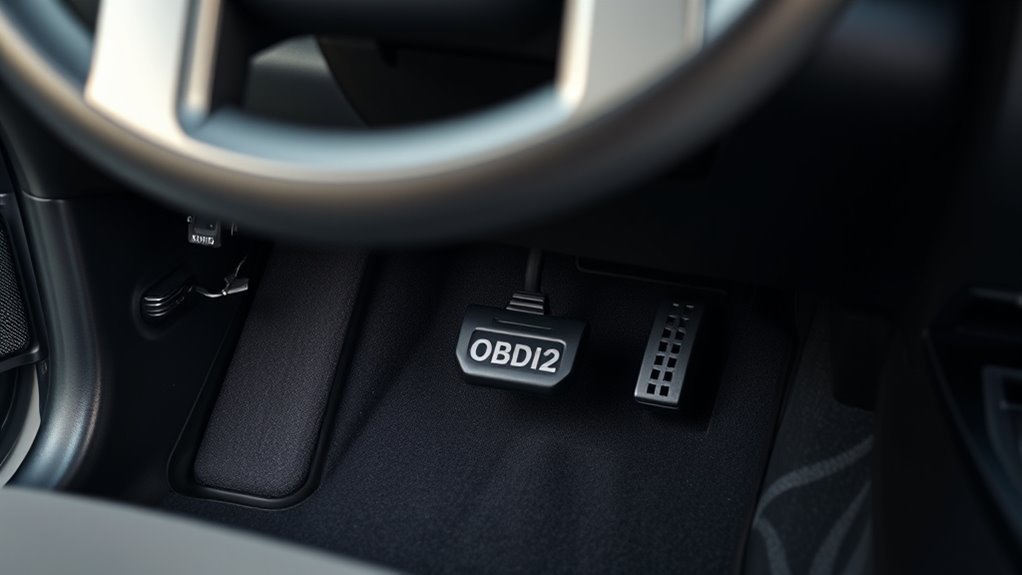
Look under the driver’s side dashboard. The connector is below or near the steering column and may sit slightly toward the center-console side of the footwell. Older 1996–2002 models often place it farther to the right of the steering column, while 2010–2024 models commonly place it below the column and in front of the pedals.
The port is a 16-pin trapezoid-shaped connector. It should be reachable without opening the hood or removing major trim. If you cannot see it, move the seat back, shine a flashlight upward from the pedal area, and feel gently along the underside of the lower dash.
Note: Toyota service information calls the OBD2 port DLC3, short for Data Link Connector 3. Toyota’s Techstream Lite documentation uses the DLC3/J1962 terminology.
Where Is the 4Runner OBD2 Port by Model Year?
U.S. emissions requirements standardized OBD-II access for 1996 and newer light-duty vehicles, and Toyota supports DLC3/J1962 diagnostic functions on its 1996 and later North American vehicles. The connector remains in the driver-accessible dashboard area, but the best physical landmark changes by generation. EPA guidance explains the 1996-and-newer OBD-II threshold.
| Model Years | First Place to Look | Useful Landmark |
|---|---|---|
| 1996–2002 | Under the driver’s dash, commonly to the right of the steering column. | Toward the center-console side and above the driver’s right shin or pedal area. |
| 2003–2009 | Under the driver’s lower dash near the steering column. | Check around the lower-dash opening above the parking-brake area. |
| 2010–2024 | Below the steering column in the driver footwell. | Look upward from in front of the gas and brake pedals. |
| 2025–2026 | Under the driver’s side lower dash near the steering column. | The sixth-generation trim differs, so check both sides of the lower column before removing anything. |
1996–2002 Location
On 1996–2002 Toyota 4Runners, look under the driver’s dashboard and toward the right side of the steering column. The connector may be closer to the center-console side than expected, above the driver’s right shin and near the gas-and-brake-pedal area. You should not need to remove a major panel.
2003–2009 Location
On 2003–2009 models, check under the driver’s lower dash near the steering column and parking-brake opening. The port may sit high enough that it is difficult to see from a normal seated position. Move the seat back and shine a flashlight upward from the open driver’s door.
2010–2024 Location
On fifth-generation 2010–2024 4Runners, the port is under the driver’s side lower dash, below the steering column and in front of the pedal area. The connector may face downward or slightly toward the driver. Look for the wide top and narrow bottom of the trapezoid socket.
2025–2026 Location
Toyota service material confirms that 2025 and 2026 4Runners use the DLC3 diagnostic connector. Start under the driver’s side lower dash near the steering column, but expect a different trim opening and connector angle from the 2010–2024 model. Check both sides of the lower steering-column area before pulling any trim. Toyota’s 2025 4Runner service bulletin and 2026 4Runner service bulletin both direct technicians to connect Techstream through DLC3.
What About 1995 and Older 4Runners?
Do not assume a 1995 or older 4Runner uses the standardized 16-pin connector. Earlier models may use a Toyota diagnostic box under the hood and a model-specific blink-code or test procedure. Check the exact model-year repair information before connecting or bridging any terminals, and do not force a modern OBD2 plug into a different connector.
How Do You Identify the 4Runner OBD2 Connector?
The OBD2 port is not a round plug, USB socket, or fuse slot. It is a 16-pin diagnostic connector with two rows of openings. Its slightly trapezoidal shape allows the scanner plug to fit in only one orientation.
[Products Worth Considering]

The XTOOL A30M V2.0 is a wireless OBD2 diagnostic scanner built for DIYers and home mechanics who want full-system coverage, active tests, and broad reset support in one portable tool. It offers lifetime free updates, bidirectional control, and up to 8 live data streams for faster troubleshooting, plus compatibility with many vehicles including newer FCA and GM models. With multilingual support and mobile app connectivity for Android and iOS, it helps simplify maintenance and diagnostics without subscription fees.

The OBDMATE OM901 is a handheld car diagnostic scanner designed to read and clear fault codes across ABS, SRS, engine, and transmission systems. It also offers full OBD2 functions like live data, freeze frame, I/M readiness, VIN retrieval, O2 sensor testing, EVAP testing, and onboard monitoring, making it useful for quick troubleshooting and emissions checks. With a large screen, battery voltage monitoring, DLC pin testing, and a protective carrying case, it is a practical tool for DIY drivers and professionals alike.

The BLCKTEC 460T is a professional-level OBD2 diagnostic scanner designed for home mechanics and repair shops that need broad vehicle coverage and advanced service functions. It reads and clears engine, ABS, SRS, and transmission codes, performs all-system diagnostics, supports live data graphing, and includes popular reset services such as oil, TPMS, EPB, BMS, SAS, DPF, and throttle relearn. With AutoVIN, AutoScan, free lifetime updates, and RepairSolutions2 app integration, it helps simplify troubleshooting and maintenance for many OBD2-compliant vehicles.
What Does the Connector Look and Feel Like?
The connector may be black, white, gray, or purple. It can be mounted flat under the dash or angled toward the driver. When you run your fingers across it, you should feel a firm plastic housing with a wider edge, a narrower edge, and two rows of small terminal openings.
- Shape: Trapezoid rather than a plain rectangle.
- Pin layout: 16 positions in two rows of eight.
- Location: Driver-side lower dash near the steering column.
- Access: Normally reachable without removing major trim.
Which OBD2 Pins Are Commonly Used?
The SAE J1962 connector assigns common functions to several positions. Pin 16 supplies vehicle battery power, while pins 4 and 5 provide ground connections. Vehicles using CAN communication commonly use pins 6 and 14. Other pin positions may be unused or assigned to vehicle-specific functions, so pin presence alone does not tell you which modules a scanner can access.
You do not need to probe any terminals for a normal code scan. If you are diagnosing a power, ground, or communication circuit, use the exact Toyota wiring diagram and a suitable digital multimeter, or have a qualified technician test the circuit.
Warning: Do not force a scan-tool plug into the port. If it does not slide in smoothly, stop, check the orientation, and inspect for debris, a bent terminal, or a damaged plug.
Can Trim Hide the Connector?
Most 4Runner OBD2 connectors are exposed, but a lower-dash edge or trim lip can block a straight view. If a small cover is present, open it gently by hand. Avoid sharp tools that could crack the plastic housing, damage nearby wiring, or bend a terminal.
How Do You Find and Connect to the Port While Seated?
You can normally locate and connect to the 4Runner’s diagnostic port without lying across the floor. Keep the vehicle parked and work in this order.
- Park safely. Put an automatic transmission in Park, set the parking brake, and keep the pedal area clear.
- Switch the ignition off. Connect the scan tool only after the vehicle is stationary and the engine is stopped.
- Move the seat back. Give yourself enough room to look under the steering wheel without pressing a pedal.
- Use a flashlight. Shine light above the pedal area and along the underside of the lower dash.
- Find the trapezoid connector. Check below the steering column and toward the center-console side.
- Inspect the port. Look for debris, damaged plastic, corrosion, or a bent terminal before inserting the plug.
- Align and connect the scanner. Match the wide and narrow sides, then push the plug straight in without forcing it.
- Turn the ignition to ON. Keep the engine stopped. On a hybrid model, keep READY off unless the scanner instructions specifically require it.
- Follow the scanner prompts. Save the diagnostic trouble code, freeze-frame data, and readiness status before clearing anything.
Pro Tip: Photograph or save every code and its freeze-frame data before using a clear command. That record can show the engine speed, temperature, load, and other conditions present when the fault was stored.
Where Should You Look If the Port Seems Hidden?
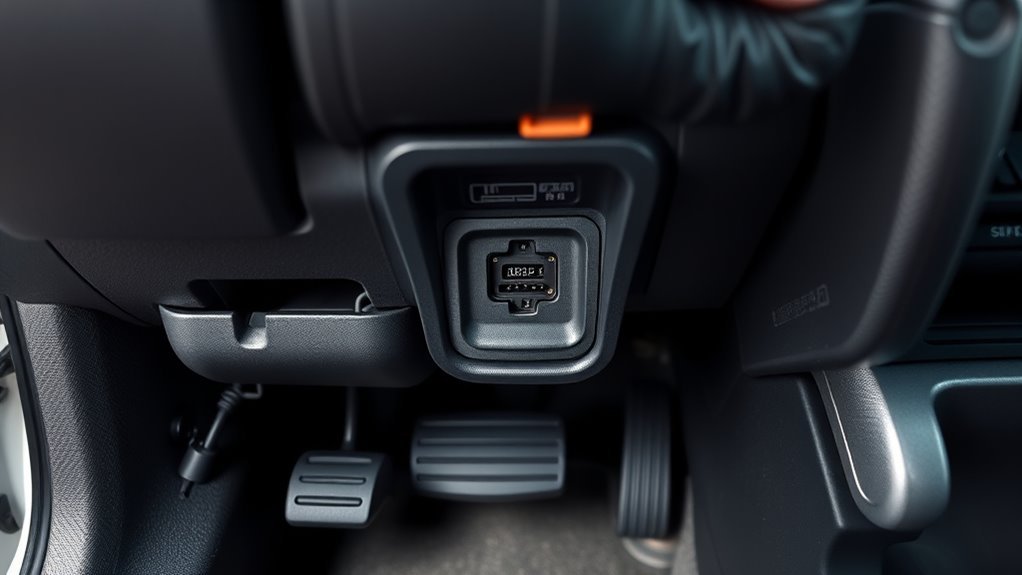
If the connector is not obvious, do not start pulling random panels. The standard port should remain in the driver-accessible lower-dash area. Most searches fail because the owner is looking too far left or right, not looking high enough above the pedals, or mistaking the fuse panel for the diagnostic socket.
On an imported or right-hand-drive 4Runner, stay in the driver footwell but use market-specific service information if the lower-dash layout does not match North American photos.
Check the Driver-Side Lower Dash Area
Inspect the underside of the knee bolster, the area around the steering column, and the space above the pedals. On a 1996–2002 model, extend your search toward the center-console side and above your right shin.
- Look from the driver’s seat first, then from the open driver’s door.
- Move the floor mat so it cannot block your view or interfere with a pedal.
- Check above the pedals and along the lower-dash edge.
- Feel gently for the connector if the dark trim makes it difficult to see.
Should You Remove the Glove Box?
The glove box is not the normal first place to look for the standard 4Runner diagnostic connector. Stay in the driver footwell unless an exact Toyota repair procedure directs you elsewhere. Use official Toyota Technical Information System documentation before removing passenger-side or lower-dash trim for a diagnostic procedure.
Check Behind the Lower-Dash Edge
A lower-dash lip can hide the connector from a straight-on view. Run your hand carefully behind the trim near the steering column. The correct socket has a trapezoid opening and two rows of terminal positions.
Note: Do not confuse the OBD2 port with the interior fuse box. A fuse box contains removable fuses and usually has a labeled cover. The OBD2 connector is a single socket shaped to accept a scan-tool plug.
Does Your 4Runner Use CAN Bus Through Pins 6 and 14?
Later-model 4Runners communicate with generic OBD2 scanners through CAN, which commonly uses pins 6 and 14. Earlier 1996–2007 OBD2 models may use another supported communication protocol. A modern all-protocol scanner should detect the vehicle automatically, while a cheap CAN-only adapter may power on but fail to communicate with an older model.
You do not need to inspect or probe the pins for a normal scan. If the scanner cannot identify the vehicle, confirm its supported protocols and Toyota coverage before treating the connector as faulty.
What Should You Do Before Plugging In a Scanner?
A few checks reduce the chance of a poor connection, misleading communication error, or damaged terminal.
- Park securely. Keep the vehicle stationary, set the parking brake, and clear the pedal area.
- Check the 12-volt battery. Low voltage can interrupt communication or create unrelated low-voltage faults.
- Turn accessories off. Switch off unnecessary lights, climate control, audio, chargers, and other loads.
- Inspect the connector. Look for debris, corrosion, damaged plastic, pushed-back terminals, or bent pins.
- Confirm tool coverage. A generic reader handles many engine and emissions codes. ABS, SRS, TPMS, body, transmission, hybrid, service-reset, and active-test functions require compatible enhanced coverage.
Review the difference between an OBD2 scanner versus code reader before buying a tool. Check the manufacturer’s coverage list for your exact model year rather than relying only on a general “works with Toyota” claim.
Toyota owner manuals are available through the official Toyota 4Runner manuals and warranties portal. Toyota service publications and wiring information are available through its technical information resources.
[Products Worth Considering]
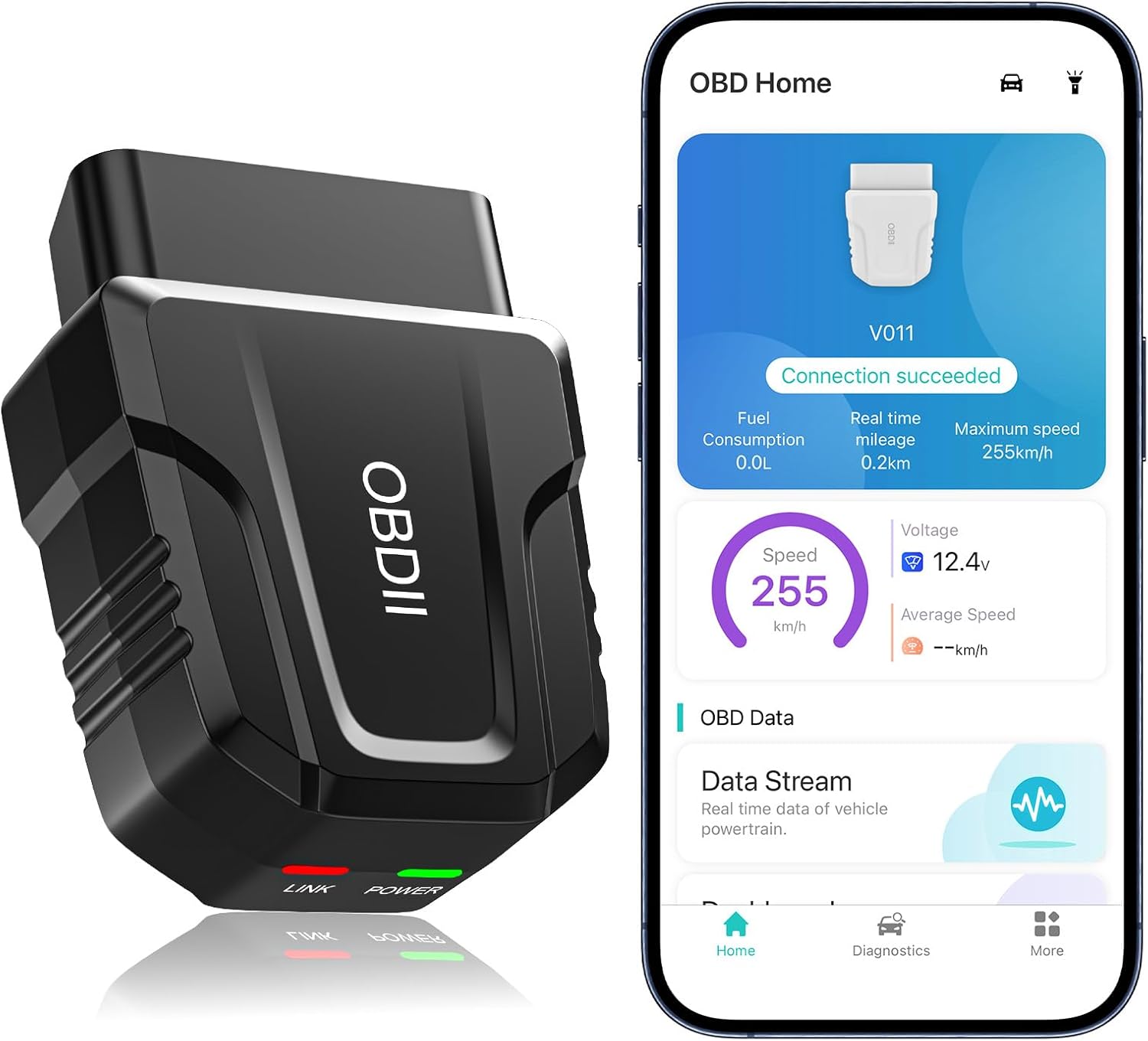
The UMEIJA V011 OBD2 scanner delivers comprehensive vehicle diagnostics with Bluetooth connectivity and a dedicated app for iOS and Android. It supports live data, fault code reading and clearing, readiness checks, freeze frame, sensor data, and performance testing to help drivers understand and monitor vehicle health. With broad compatibility across many car and truck models and easy-to-read data visualization, it is a practical tool for both beginners and experienced users.

FOXWELL NT201 is an easy-to-use OBD2 scanner designed to help drivers quickly read and clear check engine codes, view live engine data, and check emissions readiness. Its color screen, one-key I/M readiness test, and broad compatibility with most gasoline vehicles since 1996 make it a practical tool for everyday diagnostics and maintenance. With plug-and-play operation and lifetime free updates, it offers a simple way to understand vehicle issues without expensive shop visits.

This enhanced OBD2 scanner helps drivers quickly diagnose check engine light issues, read and clear trouble codes, and check emissions readiness before a smog test. It also adds EVAP and O2 sensor testing, live data, freeze frame capture, and a one-click battery health check in a simple plug-and-play tool with a bright color screen.
Why Won’t the OBD2 Scanner Connect?
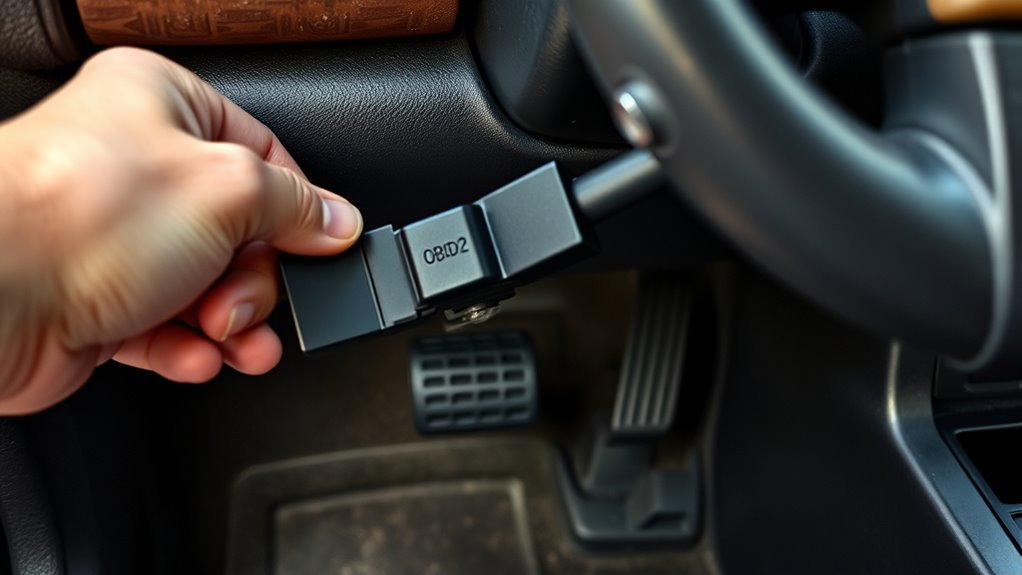
Use the scanner’s behavior to narrow the problem before replacing a part or pulling trim.
| Symptom | First Check | Next Check |
|---|---|---|
| Scanner stays off | Plug fit and 12-volt battery condition | Exact-year OBD/DLC fuse and pin 16 power |
| Scanner powers up but cannot connect | Ignition ON with engine stopped | Scanner protocol, Toyota coverage, and app profile |
| Connection drops repeatedly | Loose plug, debris, or damaged terminal | Test the scanner on another vehicle |
| Code returns after clearing | Save the code and freeze-frame data | Diagnose the system that set the code |
[Products Worth Considering]

This WEJOWE OBD2 scanner helps drivers quickly identify check engine causes, read and clear trouble codes, and view live vehicle data with built-in DTC lookup. It also includes battery voltage testing, I/M readiness checks, freeze frame retrieval, and support for printing diagnostic reports to help simplify repairs and maintenance. Designed for most OBDII vehicles since 1996, it offers an easy-to-use solution for DIY car diagnostics.

The MOTOPOWER MP69033 is a compact OBD2 scanner designed to help drivers quickly diagnose check engine issues and understand vehicle fault codes. It offers a range of practical functions including code reading and clearing, live data, freeze frame, vehicle information, and I/M readiness, all displayed on a clear LCD screen. Compatible with many OBD II and CAN vehicles, it is a convenient plug-in tool for routine engine diagnostics and basic troubleshooting.

This Yuirote universal car motor diagnostic tool helps drivers quickly detect engine fault codes and identify system issues for routine inspections and maintenance. It also supports electronic parking brake reset and emergency release functions, making it useful for handling EPB-related problems without a repair shop visit. Its compact, ergonomic design and broad vehicle compatibility make it a practical choice for car owners and DIY repair enthusiasts.
What If the Scanner Does Not Power On?
Many scan tools receive power through pin 16. If the scanner stays dark, unplug it and check the connector fit, vehicle battery, scanner cable, and the fuse that supplies the diagnostic connector.
Use the fuse legend, owner information, or wiring diagram for your exact model year. Fuse names, ratings, and locations can change between generations. Do not copy another model year’s fuse rating, and never install a higher-amperage fuse to keep the scanner powered.
What If the Scanner Powers On but Will Not Communicate?
Confirm that the ignition is in ON mode with the engine stopped. On a hybrid, keep READY off unless the tool specifically requests it. Then check that the scanner supports your model year’s OBD protocol and that a Bluetooth app has the correct adapter type and vehicle profile selected.
Low-cost adapters can power up without establishing stable communication. Test the adapter on another compatible vehicle or test a known-good scanner on the 4Runner before blaming the vehicle connector.
What If the Connector Feels Loose?
Unplug the scanner and inspect the port for cracked plastic, a loose mounting bracket, pushed-back terminals, bent pins, or debris. Do not twist or lever the plug aggressively. A damaged bracket or terminal should be repaired with the correct connector information rather than held in place by force.
Why Do Codes Return After Clearing?
Clearing a code does not repair the fault that stored it. If the warning returns, read the code again, save the freeze-frame data, and diagnose the affected system. Repeated clearing can erase useful evidence and reset emissions readiness monitors.
Some permanent emissions DTCs cannot be erased with a normal scan-tool clear command. They disappear only after the vehicle completes the required monitor and confirms that the fault is no longer present.
Warning: Do not clear emissions-related codes immediately before an inspection. Readiness monitors may reset to “not ready,” which can cause the vehicle to be rejected or fail the inspection process until the monitors run again.
How Can Photos or Apps Confirm the Port Location?
Use model-year photos or an app’s port-location guide as a visual aid. Dashboard trim can differ by generation, trim, market, and steering-wheel position, so confirm the connector by shape rather than trusting one photo alone.
- Search for the exact model year and generation.
- Match the steering column, pedals, parking-brake area, and lower-dash trim.
- Use a flashlight from the same angle shown in the reference image.
- Confirm that the socket has the standardized 16-position trapezoid shape.
When Should You Get Professional Diagnostic Help?
Locating the port is simple, but a diagnostic trouble code identifies a circuit or monitored condition, not an automatic parts-replacement instruction. Get professional help if the same code returns, the vehicle runs poorly, several modules report faults, or the scanner shows communication errors that basic checks cannot explain.
A qualified technician can use Toyota-capable equipment, wiring diagrams, service bulletins, and circuit tests to confirm the cause. Professional diagnosis is especially useful for misfires, transmission faults, ABS or airbag warnings, hybrid-system warnings, network faults, and intermittent electrical problems.
Frequently Asked Questions
Where is the OBD2 port on a 2002 Toyota 4Runner?
On a 2002 Toyota 4Runner, look under the driver’s dashboard to the right of the steering column and toward the center-console side. The 16-pin trapezoid connector is commonly above the driver’s right shin or pedal area.
Where is the OBD2 port on a 2025 or 2026 Toyota 4Runner?
On a 2025 or 2026 Toyota 4Runner, start under the driver’s side lower dash near the steering column. The sixth-generation trim differs from the 2010–2024 model, so use a flashlight and check both sides of the lower steering-column area before removing a panel.
Does every Toyota 4Runner have an OBD2 port?
U.S.-market Toyota 4Runners from the 1996 model year onward use the standardized OBD2-style diagnostic connector. A 1995 or older model may use an earlier Toyota diagnostic box and model-specific code-reading procedure instead.
What kind of OBD2 scanner works with a Toyota 4Runner?
A reputable all-protocol OBD2 scanner is normally enough for basic engine and emissions codes. For ABS, airbag, TPMS, transmission, body, hybrid, service-reset, or active-test functions, choose a tool that lists enhanced Toyota coverage for your exact model year.
Which fuse powers the Toyota 4Runner OBD2 port?
The fuse name, rating, and location can vary by 4Runner model year. Use the exact-year fuse legend or wiring diagram and look for the OBD, DLC, diagnostic, ECU, or related circuit identified by Toyota. Never replace it with a higher-amperage fuse.
Can I leave a Bluetooth OBD2 adapter plugged into my 4Runner?
A quality adapter with a verified sleep mode may be suitable for temporary monitoring, but an unknown adapter can continue drawing power or hang near the driver’s knees. Unplug it when it is not needed, especially before the vehicle will sit unused for an extended period.
Why won’t my scanner connect to my 4Runner?
Common causes include the ignition being off, low 12-volt battery voltage, a blown fuse, dirty or damaged terminals, a loose plug, an incorrect Bluetooth app setting, or a scanner that does not support the vehicle’s communication protocol or Toyota systems.
Conclusion
The Toyota 4Runner OBD2 port is under the driver’s side dash. Start below the steering column, then look toward the center-console side if you have a 1996–2002 model. Identify the 16-pin trapezoid connector, plug the scanner in with the ignition off, and then switch to ON mode with the engine stopped.
Record every code, freeze-frame value, and readiness result before clearing anything. Treat the code as a starting point, then use model-specific service information or a qualified technician to confirm the fault.
Sources
- Toyota Technical Information System: Techstream Lite: Toyota information on DLC3/J1962 diagnostic support for 1996 and later North American vehicles.
- Toyota Owners: 2026 4Runner Manuals and Warranties: Official owner-manual access and vehicle information.
- Toyota 2025 4Runner Pre-Delivery Service Bulletin: Toyota service procedure referencing the DLC3 diagnostic connector.
- Toyota 2026 4Runner and 4Runner HV Pre-Delivery Service Bulletin: Toyota service procedure referencing DLC3 on 2026 models.
- SAE International: J1962 Diagnostic Connector: Standard covering the diagnostic connector used for OBD access.
- U.S. EPA: Do You Drive a 1996 or Newer Car or Light Truck?: Consumer guidance on the 1996-and-newer OBD-II vehicle population.
- Electronic Code of Federal Regulations: Onboard Diagnostics: Current federal provisions covering diagnostic information and connector access.




[…] is easy to ignore until your Toyota 4Runner starts leaking, whistling on the highway, smelling musty after rain, or freezing shut in winter. […]
[…] manual, tire pressure gauge, OBD2 scanner, flashlight, service […]
[…] a warning light appears, recheck the connectors and procedure before clearing anything. Use a scan tool that can […]