Remote start is useful when your Toyota Camry has been sitting in freezing cold, heavy humidity, direct summer sun, or any weather that makes the cabin uncomfortable before you drive. For a current U.S. Camry, think of “preconditioning” as getting the cabin, glass, seats, and steering wheel ready—not as plug-in battery preconditioning.
Quick Answer
Use remote start on your Toyota Camry when you need a short comfort boost before driving: defrosting glass, cooling a hot cabin, or warming the interior. On equipped vehicles, Toyota Remote Climate can also adjust defrost, seat warmers, ventilated seats, and steering-wheel heat. Each Remote Start session runs up to 10 minutes.
Key Takeaways
- Remote start is best for cabin comfort, windshield defogging, and short warm-up or cool-down sessions.
- Current U.S. Camry models are hybrid vehicles, not plug-in hybrids, so do not treat Camry remote start as plug-in battery preconditioning.
- Toyota key-fob remote start requires a Remote Connect-capable vehicle and an active eligible Connected Services trial or subscription.
- Toyota says Remote Start runs up to 10 minutes per session, with a maximum of two remote-start sessions before you manually start the vehicle.
- Never remote-start your Camry in a garage or enclosed space because carbon monoxide can build up quickly.
At a Glance
| Time Required | 5–10 minutes for most comfort or defogging needs |
| Difficulty | Easy |
| Tools Needed | Toyota key fob or Toyota app with Remote Connect, if equipped |
| Cost | No extra cost during an eligible trial; paid Connected Services may be required after the trial |
When to Precondition Your Camry (Temperature & Conditions)
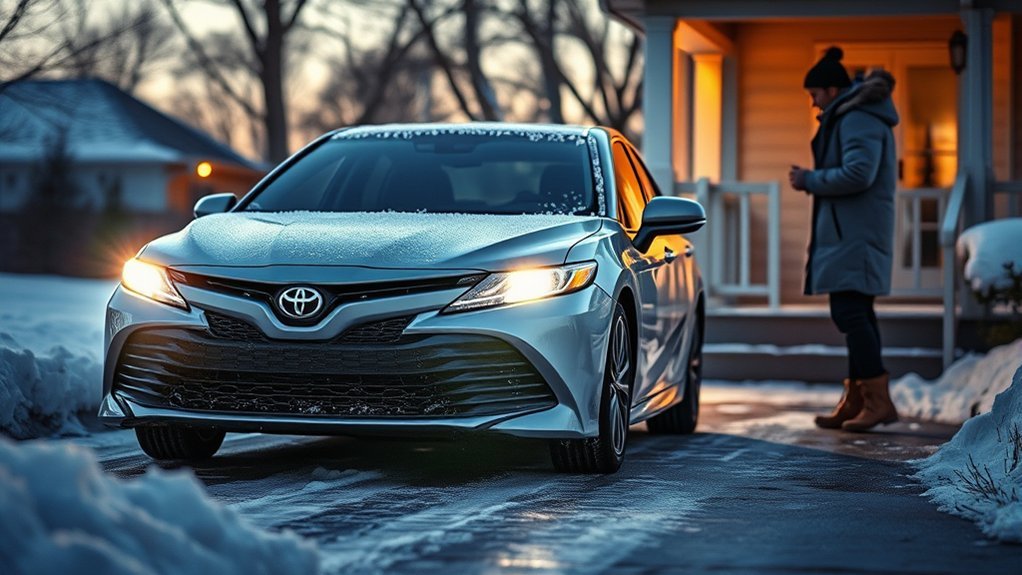
Use remote start when the cabin needs help before you get in. Good times include below-freezing mornings, icy or foggy glass, high humidity, or hot days when the car has been parked in direct sun. A practical rule is to start the Camry about 5–10 minutes before departure, then get in and drive gently once visibility is clear.
Remote start is not a replacement for scraping ice, clearing snow, or checking that your mirrors and cameras are clean. It is a short comfort and visibility tool. If the windshield is covered, clear the outside glass first, then use front defrost to help with frost, fog, or moisture inside the cabin.
Note: Toyota describes the current U.S. Camry as part of its Hybrid EV family with an all-hybrid powertrain. That means this guide focuses on cabin preconditioning through remote start and Remote Climate, not plug-in charging or plug-in battery preconditioning. See Toyota’s current Camry information here: Toyota Camry official page.
Choose: Key Fob Remote Start vs. Toyota App Remote Climate
You can usually precondition the Camry in two practical ways: the key fob or the Toyota app. The best choice depends on your equipment, subscription status, distance from the car, and whether your vehicle supports Remote Climate controls.
| Method | Best For | What to Know |
|---|---|---|
| Key fob remote start | Starting from home, driveway, or nearby parking | Requires a Remote Connect-capable vehicle and eligible active Connected Services |
| Toyota app Remote Start | Starting when the car is farther away | Requires app setup, vehicle registration, signal, and active service |
| Toyota app Remote Climate | Setting temperature, defrost, seats, or steering-wheel heat when equipped | Available functions vary by model year, trim, and equipment |
[Products Worth Considering]

This keyless entry remote replacement is designed for select Toyota models and comes pre-tested with battery and electronics installed for ready-to-program convenience. It supports compatible part numbers and FCC IDs, making it a practical solution for replacing a lost or damaged fob. Programming and cutting by a qualified locksmith or dealership are required, and it is intended for regular key vehicles rather than push-start systems.

This silicone key fob cover is designed to fit select Toyota Camry and Corolla Crown 4-button key fobs, helping protect them from scratches, wear, and everyday pocket damage. Made from food-grade silicone, it offers a soft, comfortable feel while keeping all buttons accessible and the signal unaffected. The fluorescent white buttons also make it easier to identify controls at night, and the set includes two covers with matching key chains.

This key fob shell is a replacement case and button pad designed to refresh worn or damaged Toyota remote housings. It fits select Camry, Corolla, RAV4, and Highlander models and installs without programming when you transfer your existing electronics and battery. It is a simple way to restore the look and function of your keyless entry remote.
Key Fob Remote Start Benefits
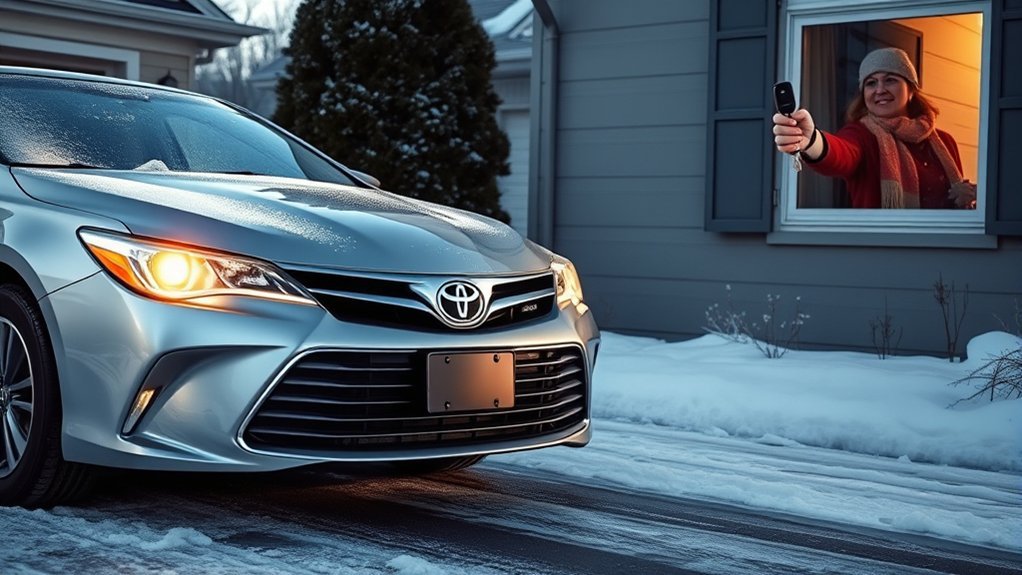
The key fob is the fastest option when you are near the Camry. Toyota’s official key-fob sequence is simple: press LOCK, press LOCK again within one second, then press and hold LOCK on the third press for about three seconds. Toyota notes that key-fob remote start requires the vehicle to be Remote Connect capable and to have an eligible active Connected Services trial or subscription. You can review Toyota’s key-fob guidance here: Toyota key-fob Remote Start support.
Toyota App Remote Climate Benefits
The Toyota app can be more useful when your Camry supports Remote Climate. On select 2022 and newer Toyota vehicles equipped with Remote Connect, Toyota says Remote Climate can set target temperature, heat or A/C, defrost, seat warmers, seat ventilators, and steering-wheel warmers when those features are equipped. Check Toyota’s Remote Climate details here: Toyota Remote Climate support.
Pro Tip: If the Toyota app shows Remote Climate options, use the app when you need a specific temperature, defrost setting, seat heat, seat ventilation, or steering-wheel heat. Use the key fob when you simply need a quick start from nearby.
Step-by-Step: Remote-Start Your Camry (Key Fob and App)
Before you remote-start the Camry, confirm the basics: the vehicle is in Park, the doors are locked, the hood and trunk are closed, the key is not inside the vehicle, the fuel level is not critically low, and there are no warning messages that need service.
[Products Worth Considering]
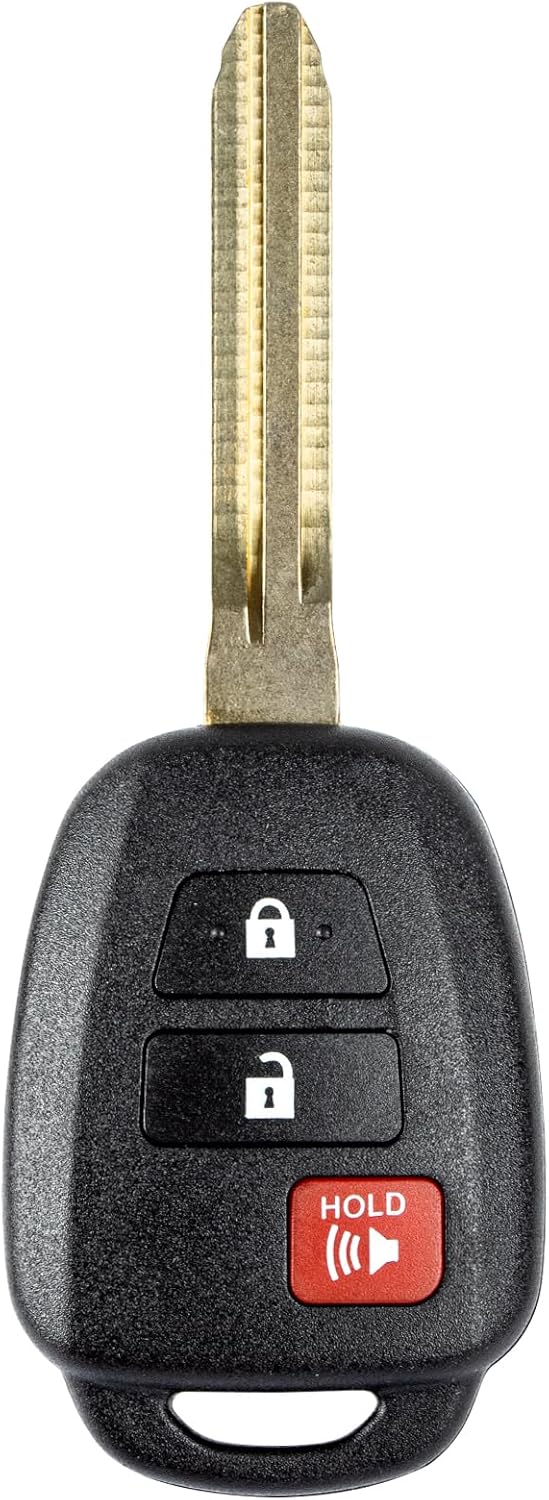
This replacement key fob is designed for select Toyota models and provides reliable keyless entry functionality with a factory-like fit and operation. It comes pre-tested with electronics and battery installed, making it a convenient solution when your original remote is lost, damaged, or worn out. Professional programming and cutting are required, and compatibility should be confirmed against the original remote and vehicle fitment details.
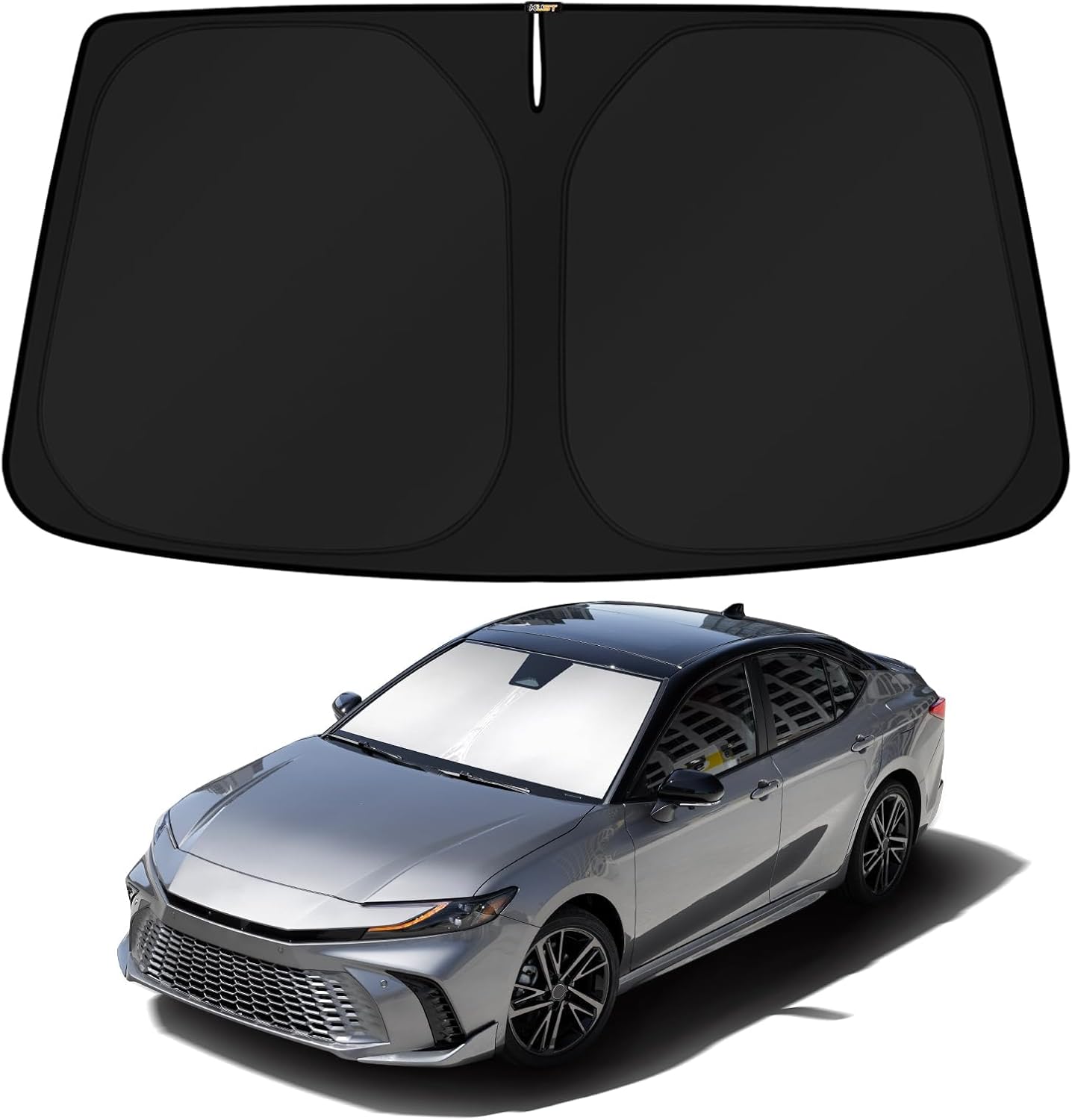
This custom-fit windshield sun shade is designed specifically for 2025-2026 Toyota Camry hybrid models, covering the front glass with no gaps for maximum protection. Its reflective double-layer construction helps block heat and UV rays to keep the cabin cooler, reduce AC strain, and protect dashboards and seats from sun damage. It folds and installs quickly without suction cups or adhesives, making it easy to use and store.

This keyless entry remote replacement is designed for a wide range of Toyota, Scion, and Lexus-compatible vehicles, offering a convenient way to restore remote locking and unlocking functions. Each fob is pre-tested, comes with the battery and electronics already installed, and is ready to be programmed for supported standard-key vehicles. It is a practical replacement choice for drivers who need a reliable, compatible remote for everyday use.
How to Remote Start With the Key Fob
- Stand within normal key-fob range and point the fob toward the Camry.
- Press LOCK once.
- Press LOCK a second time within one second.
- Press LOCK a third time and hold it for about three seconds.
- Watch for the vehicle lights to confirm the command. If equipped and conditions are met, the Camry should start.
How to Remote Start With the Toyota App
- Open the Toyota app and confirm your Camry is added to your account.
- Make sure Remote Connect is active and the app shows the remote controls for your vehicle.
- Use the app’s remote-start command and wait for confirmation.
- If Remote Climate is available, set the target temperature, defrost, seat, or steering-wheel options before sending the command.
- When you reach the vehicle, follow the prompts for your model year. Some vehicles shut off when opened; some equipped 2023 and newer vehicles may support Remote Start and Drive-Off through the app.
Toyota says each Remote Start session runs up to 10 minutes, and you can remote-start a maximum of two times before manually starting the vehicle. See Toyota’s runtime guidance here: Toyota Remote Start runtime support.
Warning: Never remote-start your Camry in a garage, carport with poor airflow, or any enclosed or semi-enclosed space. Carbon monoxide is odorless and can be deadly. The CDC explains the risk here: CDC carbon monoxide guidance.
Best Climate Settings Before You Exit (Seat, Steering, Fan, Temp)
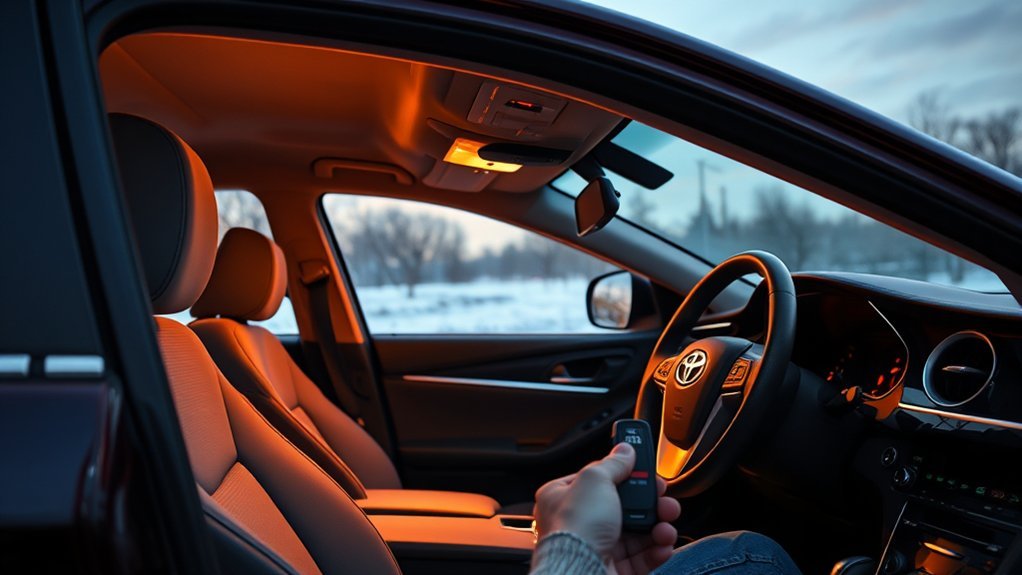
The settings you leave behind matter. If your Camry uses the last climate setting during remote start, set the cabin up before you turn the vehicle off. In winter, choose front defrost or a heat setting that clears the windshield. In summer, choose A/C or Auto mode so the cabin can cool quickly.
For cold weather, use heated seats and the heated steering wheel if equipped. For hot weather, use ventilated seats if equipped. If your vehicle supports Remote Climate in the Toyota app, you may be able to set these directly from your phone instead of relying only on the previous in-car settings.
Avoid extreme settings that waste energy without improving comfort. Setting the temperature to maximum heat does not always warm the cabin faster than a reasonable target temperature. For most drivers, a comfortable target around normal room temperature is enough.
Remote start works best when you treat it as a short pre-drive comfort step, not a long idle warm-up.
Battery Health & Safety Checks Before Using Remote Start
Remote start depends on healthy electronics, a reliable key fob, a good 12-volt battery, and working vehicle sensors. If the Camry has been slow to start, shows battery warnings, or has a weak key-fob battery, fix those issues before depending on remote start in extreme weather.
Also check the simple blockers: doors fully closed, hood latched, trunk closed, vehicle locked, gear selector in Park, and no key left inside the cabin. If the Toyota app says the command failed, walk to the vehicle, manually start it, let it run briefly, shut it off, lock it, and try again from a safe distance.
Cold weather can make drivers want to idle longer than necessary. The U.S. Department of Energy advises minimizing idling to warm a car and says most manufacturers recommend driving off gently after about 30 seconds because the engine warms faster while being driven. Read the DOE cold-weather guidance here: Fuel Economy in Cold Weather.
Finally, check local rules. Some cities and states restrict idling or unattended running vehicles. Remote start does not automatically exempt you from local idling rules, neighborhood rules, or parking restrictions.
Troubleshooting: No Seat Heat, Cold Air, or Runtime Limits
If remote start does not work, start with the most common causes before assuming the system is broken.
| Problem | Likely Cause | What to Do |
|---|---|---|
| Key fob sequence does nothing | Vehicle not Remote Connect capable, inactive service, weak fob battery, or out of range | Check Toyota app service status, replace fob battery if needed, and try closer to the car |
| Toyota app start fails | Poor cellular/GPS signal, inactive service, app not fully set up, or vehicle condition not met | Confirm Remote Connect is active, move vehicle out of weak-signal areas, and manually start once |
| Engine starts, then shuts off | Door, hood, brake, alarm, timeout, or model-specific security behavior | Review your Toyota app messages and owner’s manual for your model year |
| Cabin stays cold | Climate was left off, fan too low, wrong vent mode, or very cold outside air | Set heat, defrost, fan, and seat warmers before exiting or use Remote Climate if equipped |
| Seat heat does not turn on | Trim/equipment limitation or Remote Climate not available | Check whether your Camry supports seat control in the Toyota app |
| Remote start stops after 10 minutes | Normal Toyota runtime limit | Use one additional remote-start cycle if needed, then manually start the vehicle |
| Air never warms or cools after driving | Possible HVAC, coolant, refrigerant, sensor, or actuator issue | Schedule service; do not rely on remote start to mask a climate-system problem |
Note: Do not use remote start as a safety system in severe cold or heat. It is a convenience feature. If a passenger, child, or pet is in the vehicle, use direct supervision and follow all safety rules.
[Products Worth Considering]

This custom windshield sun shade is designed specifically for Toyota Camry 2025 and 2026 models, including LE, XLE, Hybrid, SE, and XSE trims. It helps block heat and harmful UV rays to keep the cabin cooler, protect interior materials, and add privacy while parked. The foldable design pops out quickly, then stores neatly in the included pouch for easy portability.

This Yangday steering wheel cover is designed for a custom fit on select Toyota models, helping improve grip, comfort, and control during everyday driving. Its breathable leather construction and non-slip inner lining offer a secure feel, while the sport-inspired design adds a stylish upgrade to the car interior. The cover is easy to install and helps protect the original steering wheel from heat, wear, and seasonal discomfort.

KAX CA10171 premium engine air filter is designed as a direct replacement for select Toyota Camry and Venza models, helping maintain clean airflow to protect critical engine components. Its high-performance filter media delivers strong filtration efficiency and long service life for dependable everyday driving. With a precise rectangular fit and easy replacement design, it supports better acceleration, consistent performance, and improved fuel economy.
Routines & Tips to Cut Battery Drain and Follow Local Rules
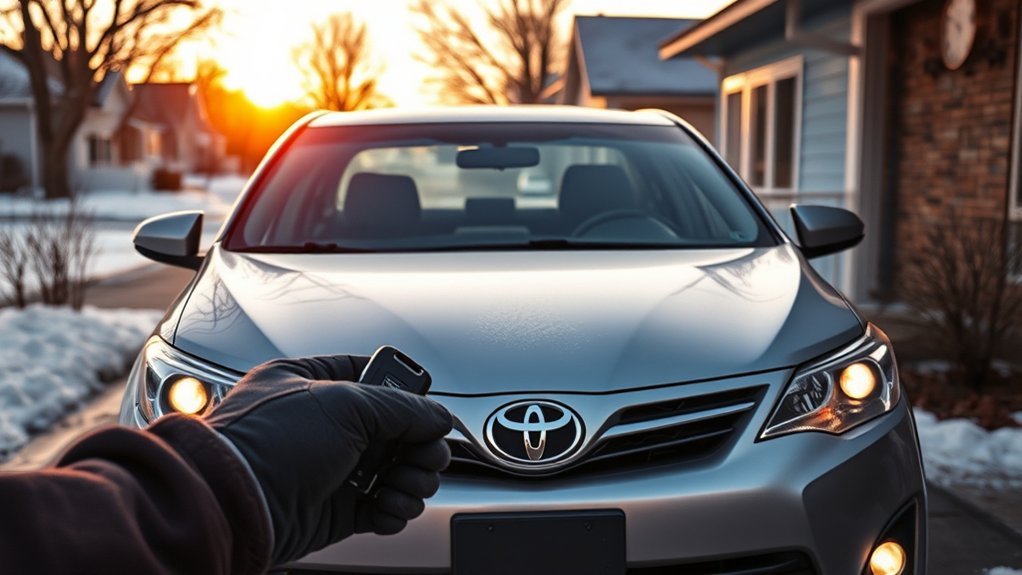
The best routine is simple: set the climate before you shut the Camry off, remote-start shortly before you leave, and drive gently once visibility is clear. This gives you comfort without turning remote start into a long idle habit.
- Use remote start when it solves a real problem: fog, frost, heat, cold, or passenger comfort.
- Keep the session short. Most days only need one 5–10 minute cycle.
- Use defrost when visibility matters more than cabin temperature.
- Use heated seats or steering-wheel heat for direct warmth instead of running maximum cabin heat for a long time.
- Check your local idling rules before making remote start part of a daily routine.
- Have the 12-volt battery tested if remote start becomes unreliable in cold weather.
Frequently Asked Questions
When should I turn on Camry preconditioning?
Turn it on about 5–10 minutes before you leave when the cabin is too hot, too cold, foggy, or icy. For a current U.S. Camry, this means cabin preconditioning through remote start or Remote Climate, not plug-in battery preconditioning.
How far away can I use remote start on a Toyota Camry?
Key-fob range varies with building walls, interference, fob battery condition, and where the vehicle is parked. If you are out of fob range, the Toyota app may work when your Camry has active Remote Connect service and a usable vehicle signal.
Does remote start warm the Camry hybrid battery?
Do not count on Camry remote start as user-controlled hybrid-battery preconditioning. Its practical benefit is cabin comfort and visibility. The hybrid system manages itself, while Remote Climate focuses on features such as temperature, defrost, seats, and steering-wheel heat when equipped.
Why does my Camry shut off when I open the door after remote start?
Many Toyota remote-start systems shut off for safety when a door is opened, the brake is pressed, the hood is opened, the alarm is triggered, or the run time expires. Some equipped 2023 and newer vehicles may support Remote Start and Drive-Off through the Toyota app, so behavior depends on model year and equipment.
Will the heated seats turn on with remote start?
They may, but only if your Camry is equipped and your Toyota app supports Remote Climate controls for seats. Toyota says Remote Climate can control seat warmers, ventilated seats, and steering-wheel warmers on select equipped vehicles.
Conclusion
Use remote start on your Toyota Camry when it makes the next drive safer or more comfortable: clearing fog, taking the edge off cold, cooling a hot cabin, or getting heated seats ready when equipped. Keep it short, use the right climate settings, and remember that current U.S. Camry preconditioning is mainly about the cabin—not plug-in charging or battery preconditioning. Park safely, avoid enclosed spaces, and treat remote start as a convenience feature, not a substitute for maintenance or direct supervision.
Sources
- Toyota Camry official page — current U.S. Camry hybrid positioning and model information
- Toyota key-fob Remote Start support — key-fob remote-start sequence and service requirements
- Toyota Remote Start runtime support — 10-minute session and two-cycle limit
- Toyota Remote Climate support — available climate, defrost, seat, and steering-wheel controls on equipped vehicles
- U.S. Department of Energy: Fuel Economy in Cold Weather — cold-weather idling and gentle driving guidance
- CDC Carbon Monoxide Poisoning Basics — carbon monoxide safety risk