
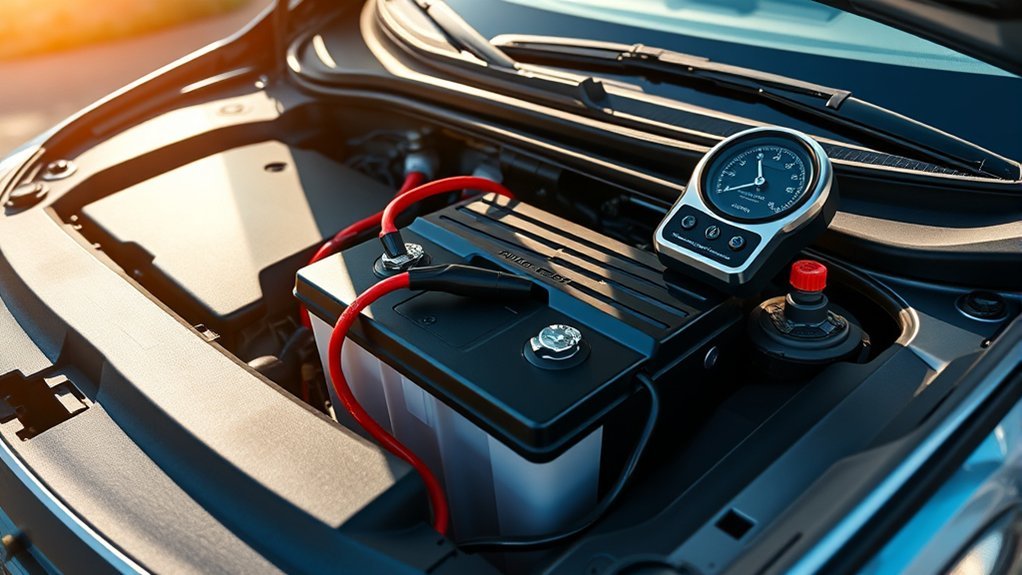
Your Hyundai Sonata’s 12V battery does more than start the engine. It also supports the lights, electronics, locks, sensors, and memory systems when the car is off. To keep it reliable, protect it from extreme temperatures, keep the terminals clean, secure the battery firmly, drive long enough to recharge it, and test it before it leaves you stranded.
Quick Answer
To maintain a Hyundai Sonata 12V battery, inspect it monthly, clean corrosion when it appears, keep the hold-down bracket tight, avoid repeated short trips, and test the battery yearly once it is more than three years old. Replace it if it fails a load test, leaks, swells, cracks, or causes repeated weak starts.
Key Takeaways
- Cold weather lowers battery output, while heat speeds up battery aging, so seasonal checks matter.
- White, blue, or green buildup on the terminals can weaken electrical flow and make the Sonata harder to start.
- Repeated short trips can keep a lead-acid starter battery undercharged and increase sulfation risk.
- A battery that is cracked, leaking, swollen, frozen, or giving repeated slow starts should be tested or replaced, not cleaned and ignored.
At a Glance
| Time Required | 5 minutes for inspection; 15 to 25 minutes for careful terminal cleaning |
| Difficulty | Easy for visual inspection; moderate for cleaning if you are comfortable disconnecting battery cables |
| Tools Needed | Gloves, eye protection, 10 mm wrench or socket, baking soda, water, small brush, clean cloth, and optional multimeter |
| Cost | Usually under $15 for cleaning supplies; battery testing is often low-cost or free at many auto parts stores or repair shops |
Warning: Do not clean, charge, or jump-start a Hyundai Sonata battery that is cracked, leaking, swollen, smells like rotten eggs, or may be frozen. Battery acid and hydrogen gas can be dangerous. Wear gloves and eye protection, keep sparks and flames away, and check your Hyundai owner’s manual for model-year-specific instructions before disconnecting or replacing the battery.
Protect Your Battery From Extreme Weather
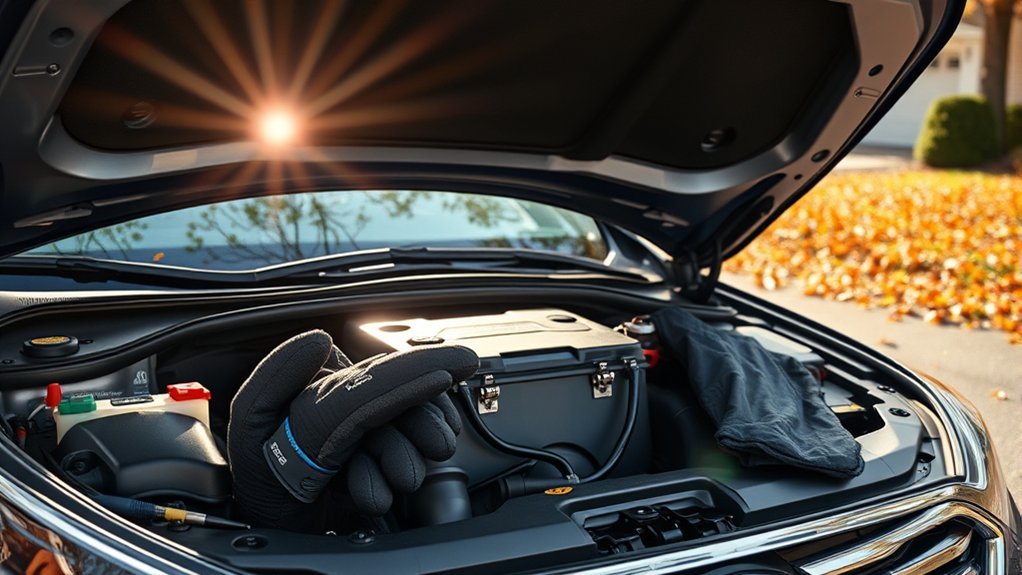
Extreme weather is one of the fastest ways to expose a weak Hyundai Sonata 12V battery. In cold weather, the battery has less available power and the engine needs more energy to crank. AAA guidance reported in 2026 notes that cold temperatures can reduce battery capacity and increase the power needed to start a vehicle.
Heat is just as important. High temperature speeds up lead-acid battery aging and can promote water loss, corrosion, and internal wear depending on the battery design. That is why a battery can feel fine in summer but fail during the first cold week of winter.
- Park in a garage, carport, or shaded area when possible.
- Before winter, test any battery that is more than three years old or already slow to start.
- In very cold climates, use only a battery blanket or maintainer that fits safely and does not interfere with the hold-down bracket, cables, or ventilation.
- After extreme heat, inspect the battery case and terminals before a long trip.
For the best model-specific guidance, use the official Hyundai manuals and warranties resource, especially if your Sonata is a hybrid or has a battery location that differs from the standard engine-bay setup.
Secure Your Battery to Prevent Damage
A loose battery can vibrate, strain the cables, and shorten battery life. Open the hood and confirm the battery sits flat in the tray. The hold-down clamp or bracket should keep the battery from sliding, bouncing, or rattling.
Look for missing hardware, rust on the tray, cracked plastic, or cables pulled tight at an angle. If the battery was recently replaced, this check is especially important because loose clamps often come from rushed installation.
Pro Tip: Try a gentle hand test only when the car is off and cool. If the battery moves in the tray, tighten the hold-down or have a technician secure it before driving on rough roads.
Clean Your Battery for Better Performance
Dirty or corroded terminals can reduce electrical contact between the battery posts and cable clamps. That can cause slow cranking, random electrical issues, or a no-start condition even when the battery still has some charge.
Do not clean the battery just because the calendar changed. Instead, inspect it monthly and clean the terminals when you see white, blue, or green buildup around the posts or cable ends.
[Products Worth Considering]

This smart automatic battery charger and maintainer helps keep automotive batteries charged and ready by delivering a full charge before switching to float mode for long-term maintenance. It supports 6V and 12V batteries with broad compatibility for lead-acid, AGM, gel, and lithium types, while built-in safety features like reverse polarity detection and spark-proof connection help ensure reliable use. Compact construction, included connection cables, and indicator lights make it a convenient choice for cars, SUVs, trucks, and storage maintenance.

This battery terminal cleaning and repair kit helps restore worn or damaged top-post battery connections for cars, RVs, boats, and other vehicles. It includes lead shims for improving fit, stainless steel brushes for removing corrosion and debris, and fiber washers to help reduce future buildup and maintain a reliable electrical connection.

The ANCEL BA101 helps diagnose 12V batteries quickly with clear readings for battery health, charge level, voltage, CCA, cranking, and charging system performance. Designed for a wide range of vehicles and battery types, it offers easy-to-read results, reliable clamp connections, and built-in protection to make testing safer and more convenient.
Prevent Corrosion Buildup
Corrosion usually looks like powder or crust around the battery posts. It can be caused by normal lead-acid battery reactions, acid vapor, overcharging, loose terminals, or aging cable ends. Battery University notes that terminal corrosion can eventually lead to a poor or open electrical connection.
- Inspect monthly: Look at both terminals, the cable clamps, and the top of the battery case.
- Keep the case dry: Wipe away dust and moisture with a clean cloth.
- Fix loose clamps: A loose cable can create resistance, heat, and charging problems.
- Clean only when needed: Heavy buildup should be removed carefully instead of ignored.
How to Clean Hyundai Sonata Battery Terminals Safely
Use this process only if the battery case is not cracked, leaking, swollen, or frozen. If you are not comfortable disconnecting the battery, ask a repair shop to clean and test it.
- Turn the Sonata off: Remove the key or keep the smart key away from the vehicle. Let the engine bay cool.
- Wear protection: Put on gloves and safety glasses.
- Check the battery: Stop if you see leaks, bulging, cracks, or a strong sulfur smell.
- Disconnect the negative cable first: Loosen the negative terminal and move it away from the post. Then disconnect the positive cable.
- Mix the cleaner: Stir 1 tablespoon of baking soda into 1 cup of water.
- Clean the buildup: Dip a small brush into the mixture and scrub the posts and cable clamps. Do not pour liquid into battery vents or openings.
- Rinse lightly and dry: Use a damp cloth to remove residue, then dry the area completely.
- Reconnect the cables: Connect the positive cable first, then the negative cable. Make sure both clamps are snug.
- Start the car: Confirm the engine starts normally and the battery/charging warning light does not stay on.
Enhance Electrical Conductivity
Clean, tight terminals help the alternator recharge the battery and help the starter draw power when you turn the Sonata on. If you clean the terminals and the car still cranks slowly, the problem may be a weak battery, failing alternator, loose ground, parasitic drain, or worn starter rather than surface corrosion.
Make Regular Battery Check-Ups a Habit
A quick inspection once a month can help you catch small problems before they become a no-start. Add the battery to your tire-pressure and fluid-level routine.
Monthly Inspection Routine
- Terminals: Check for white, blue, or green corrosion.
- Case condition: Look for cracks, swelling, leaks, or warping.
- Hold-down bracket: Confirm the battery cannot move in the tray.
- Cables: Look for frayed insulation, loose clamps, or rusted ends.
- Start behavior: Notice slow cranking, clicking, dim lights, or repeated jump-starts.
Test the Battery Before Winter and Road Trips
A visual inspection cannot tell you the full health of the battery. If your Sonata’s battery is more than three years old, test it at least once a year, ideally before winter or a long road trip. A shop or parts store can perform a load test or conductance test to estimate battery health under starting demand.
If you use a multimeter at home, a fully rested 12V battery is often around 12.6 volts when healthy and fully charged. A reading below that does not automatically mean the battery is bad, but it does mean you should charge and test it before relying on it.
Signs of Battery Trouble
Recognizing battery trouble early can save you from an unexpected breakdown. Watch for these signs:
- Slow engine cranking, especially on cold mornings.
- Rapid clicking when you try to start the car.
- Dim interior lights before startup.
- Battery or charging-system warning light staying on after the engine starts.
- Repeated need for jump-starts.
- Corroded, loose, or hot battery terminals.
- Battery case swelling, leaking, cracking, or a rotten-egg smell.
If the warning light stays on while driving, treat it as a charging-system issue until tested. The alternator, belt, battery sensor, or wiring may be involved.
Adopt Driving Habits to Extend Battery Life
Your driving pattern affects how well the Sonata keeps the 12V battery charged. Short trips with lights, climate control, phone charging, heated seats, and infotainment running can leave the battery undercharged.
A starter battery that never gets fully recharged is more likely to develop sulfation, which reduces the active material that helps the battery deliver strong starting power.
- Take a longer drive weekly: A steady drive gives the charging system more time to replenish the battery.
- Combine errands: One longer trip is easier on the battery than several short stop-and-start trips.
- Turn accessories off before shutdown: Lights, chargers, dash cams, and interior electronics can drain the battery if left active.
- Use a maintainer for storage: If the Sonata sits for weeks at a time, use a smart battery maintainer approved for the battery type.
Note: Some Hyundai Sonata Hybrid models may handle the 12V system differently from gas-only models. Always follow the owner’s manual for jump-starting, battery reset, and replacement instructions.
Recognize Signs Your Battery Needs Replacement
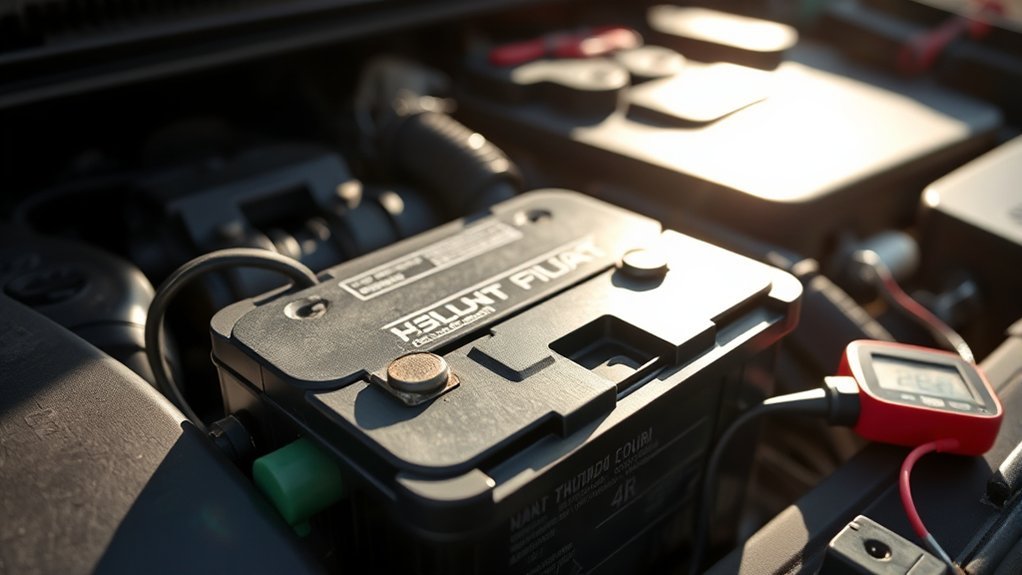
Good maintenance can extend battery life, but it cannot make an old or damaged battery reliable forever. Many 12V car batteries last about three to five years, but heat, short trips, vibration, heavy electrical use, and charging problems can shorten that window.
Replace or professionally test the battery if you notice repeated slow starts, corrosion that returns quickly after cleaning, a swollen case, leaks, cracks, or a battery warning light. If the battery is old and fails a load test, replacement is safer than waiting for one more start.
[Products Worth Considering]

The MOTOPOWER MP0514A makes it easy to check battery and charging system health with simple plug-and-test operation. Its digital LCD display and LED indicators provide clear voltage readings and alternator status, while built-in reverse connection and over-voltage protection help support safe use. Compact and portable, it is a practical tool for drivers and mechanics who want quick, reliable diagnostics.

The NOCO GENIUS5 is an all-in-one battery charging and maintenance solution for 6V and 12V lead-acid and lithium batteries. It features temperature compensation, dead-battery recovery, desulfation, and safe long-term maintenance to help extend battery life and performance. Compact and versatile, it works with a wide range of vehicles and comes with mounting accessories and a warranty.

The TOPDON BT100 helps you quickly check the health and charge status of 12V lead-acid batteries with clear analytical results, including state of health, state of charge, voltage, and cranking performance. It supports a wide range of battery types and vehicles, making it a practical tool for diagnosing starting and charging issues at home or in the shop. Compact and easy to use, it provides fast, reliable testing without needing to charge the device first.
What to Check Before Replacing the Battery
Before buying a new battery, confirm the problem is not caused by another part of the charging or starting system.
- Battery age: If it is more than three years old, test it before extreme weather.
- Alternator output: A weak alternator can leave a good battery undercharged.
- Loose or dirty terminals: Clean and tighten them before blaming the battery.
- Parasitic drain: Aftermarket alarms, dash cams, lights, or modules can drain the battery while parked.
- Correct battery size: Use the group size and rating recommended for your Sonata’s model year and trim.
When replacing the battery, keep the old battery upright and recycle it through a retailer, repair shop, or approved recycling location. Car batteries should not go into household trash.
[Products Worth Considering]

This fully automatic 5 amp, 12 volt battery charger and maintainer delivers a complete charge and then switches to float mode to keep batteries ready without overcharging. Designed for lead acid, AGM, gel, and lithium applications, it includes smart safety features like reverse polarity detection, spark-proof connection, and adaptive charging for dependable everyday use. With compact construction and long cord reach, it’s a convenient solution for keeping cars, SUVs, trucks, and other vehicles powered up.

The MOTOPOWER MP00205A is an automatic battery charger, maintainer, trickle charger, and desulfator designed for 12V lead-acid batteries, including flooded, AGM, gel, and sealed maintenance-free types. It uses pulse current technology to help reduce sulfation, optimize battery performance, and support long-term battery health without manual intervention. Built with energy-saving standby operation and multiple safety protections, it is a simple plug-in solution for reliable charging and maintenance.

The NOCO GENIUS10 is an all-in-one smart charger, maintainer, trickle charger, and desulfator designed to keep 6V and 12V batteries performing at their best. It supports lead-acid and lithium batteries, charges deeply discharged batteries, and uses temperature compensation for safer, more accurate charging in changing conditions. Compact and versatile, it is ideal for a wide range of vehicles and long-term battery maintenance.
Frequently Asked Questions
How do I maintain a Hyundai Sonata 12V battery?
Inspect it monthly, keep the terminals clean and tight, secure the battery in the tray, avoid repeated short trips, and test it once a year after it reaches about three years old. Clean corrosion only when it appears, and replace the battery if it fails a professional test or shows physical damage.
How can I prevent a 12V battery from dying?
Drive long enough for the charging system to recover power, turn off lights and accessories before parking, keep terminals clean, fix loose cables, and use a smart maintainer if the Sonata sits unused for long periods. If it keeps dying, test the battery, alternator, and parasitic draw.
How often should I clean Hyundai Sonata battery terminals?
Check the terminals monthly, but clean them only when you see corrosion or dirt that could affect the connection. Over-cleaning is not needed. When cleaning, wear gloves and eye protection, disconnect the negative cable first, and dry the area fully before reconnecting.
What are the signs of a weak Sonata battery?
Common signs include slow cranking, clicking when starting, dim lights before startup, recurring corrosion, repeated jump-starts, a swollen case, leaks, or a battery/charging warning light. A load test is the best way to confirm battery health.
Can short trips drain the Hyundai Sonata battery?
Yes. Short trips can use more starting power than the charging system has time to replace, especially with lights, climate control, heated seats, and phone charging running. Combine errands or take a longer weekly drive to help the battery recharge.
Is Sonata Hybrid 12V battery maintenance different?
It can be. Some hybrid models use different 12V battery layouts, reset procedures, or jump-start instructions. Check the Hyundai owner’s manual for your exact model year before disconnecting, charging, jump-starting, or replacing the battery.
Conclusion
Maintaining your Hyundai Sonata’s 12V battery comes down to a simple routine: protect it from harsh weather, keep it clean and secure, drive long enough to recharge it, and test it before it becomes unreliable. A few minutes of monthly inspection can help you catch corrosion, loose clamps, weak starts, and case damage early. If the battery is old, damaged, or failing a load test, replace it before it leaves you stuck.
Sources
- Hyundai Manuals & Warranties Resources – official source for model-year-specific Hyundai owner manual guidance.
- AAA cold-weather battery guidance reported by CT Insider – supports cold-weather starting strain and battery testing advice.
- Battery University: How to Prolong Lead-acid Batteries – supports moderate-temperature operation, charging, and deep-discharge prevention.
- Battery University: Corrosion, Shedding and Internal Short – supports terminal corrosion and internal battery wear guidance.
- Battery University: Sulfation and How to Prevent It – supports short-trip and undercharging guidance for lead-acid batteries.
- Lifewire: Why a Car Battery Keeps Dying – supports practical terminal cleaning and loose/corroded connection troubleshooting.



[…] Working key, matched replacement fob, compatible OBD-II key programmer, fresh fob battery, and stable vehicle battery […]
[…] tight battery terminals and ground connections matter because resistance can imitate a weak […]
[…] the negative battery cable before multi-fuse work or deeper electrical work, and consider leaving multi-fuse replacement to a […]
[…] pattern, climate-control demand, 12-volt battery condition, steering input, engine temperature, and the length of each stop all affect how often the system […]