Use the front defrost when windshield fog, condensation, or ice impairs your forward view: set defog airflow, turn recirculation off, max the fan, engage A/C and warm air to evaporate moisture quickly. Use the rear defogger (and heated mirrors) when rear glass or side reflections are hazy or frosted; it heats embedded elements and auto‑shuts after ~15 minutes. Follow safety steps and troubleshooting to restore full visibility—more practical control tips and fixes follow.
Quick: Defog Windshield Now (Front Defrost)
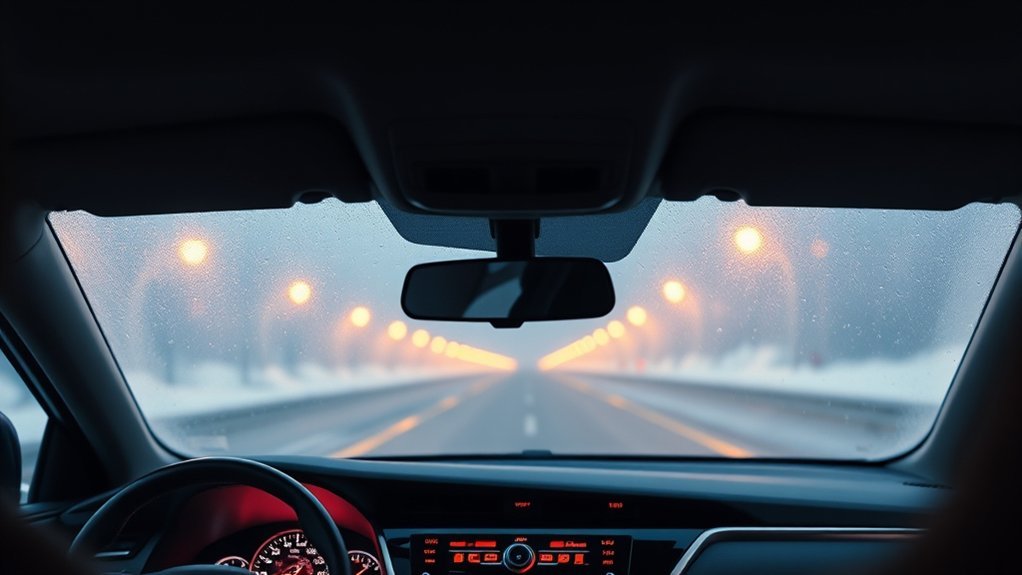
Reach for the front defrost when your windshield fogs or frosts: set the airflow to the defog position, switch off recirculation so fresh air is drawn in, raise the temperature, and crank up the fan to clear the glass quickly; once visibility is restored, return the controls to your normal comfort settings. You’ll activate a focused airflow pattern and introduce dry, warm air that rebalances cabin humidity and melts frost. Turn off recirculation to replace saturated interior air with drier outside air — that’s the core fog prevention tactic. Increase fan speed and temperature to accelerate thermal exchange at the glass surface, then monitor progress and reduce settings when clear. These visibility tips are procedural and efficient: act decisively, prioritize line-of-sight, then revert controls to conserve energy and comfort. You’re reclaiming control of the cabin environment; use the front defrost as an immediate, technical remedy to restore safe forward visibility without delay.
Activate Rear Defogger and Heated Mirrors
Press the rear defogger button on your Camry’s dash to engage the rear window heating grid and, simultaneously in many models, the electrically heated side mirrors; the system clears fog, dew, and frost by passing current through embedded resistive elements and will automatically shut off after about 15 minutes to preserve the battery. You’ll immediately restore rear sightlines and side reflections critical for confident lane changes and reversing. Use this as a targeted rear visibility tip when rear glass or mirror surfaces fog or ice but the windshield is manageable. Don’t touch mirrors while active; they can become hot and you’ll risk burns or damaging coatings. After the cycle ends, inspect mirror surfaces for trapped water or grit and perform regular mirror maintenance—clean with a soft cloth and appropriate cleaner to protect heaters and glass. Rely on the timed cycle to conserve electrical load; if conditions persist, reactivate briefly rather than run continuously to avoid unnecessary battery drain.
Set Controls for Fast Front Defogging
To clear the windshield quickly, set the airflow selector to the defog position, turn off recirculation so fresh air is drawn in, crank up the fan speed, and raise the temperature to deliver warm, high-volume airflow to the glass. Use measured defogging techniques and targeted airflow adjustments to regain clear sightlines and driving freedom.
- Set airflow selector to DEFOG to route warm air directly to the windshield.
- Disable recirculation so dry, outside air replaces humid cabin air.
- Increase fan speed to maximum to accelerate moisture removal.
- Raise cabin temperature to warm incoming air and boost evaporation.
Operate controls decisively: the defog position plus high fan and heat creates a high-volume, warm airstream that displaces humid air on the glass. You’ll restore visibility fast and maintain autonomy over conditions. Once clear, reset temperature and airflow to your comfort zone. These precise, technical steps minimize delay and maximize safety while aligning with a liberated driving mindset.
Turn Off Recirculation When Defogging
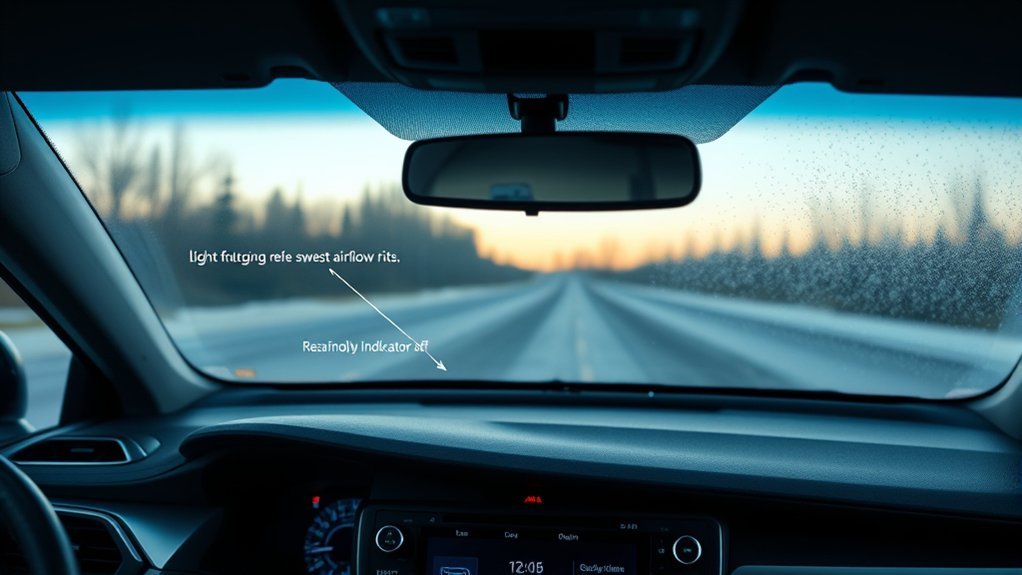
Because cabin air trapped in recirculation mode holds moisture, you should turn recirculation off when defogging so dry outside air can enter, lowering humidity and letting warm airflow clear the glass more quickly. Disable the recirculation settings immediately before engaging the defog vent and ramping fan speed. Fresh intake air provides effective humidity control; it dilutes and removes moisture that feeds window fog. Set the airflow selector to defog and increase fan speed to maximize exchange rate, and raise temperature moderately to accelerate evaporation. Think of this as reclaiming control: you’re expelling damp stagnation and forcing clear sightlines. Monitor the glass and, once visibility returns, restore your preferred temperature and airflow to balance comfort and efficiency. Avoid leaving recirculation engaged during defogging—doing so defeats humidity control and prolongs fog. Execute these steps deliberately; they’re simple mechanical acts that grant you immediate, reliable clarity and safer, more liberated driving.
Use A/C and Temperature to Reduce Cabin Humidity
While you run the defog vents, keep the air conditioning on and set the temperature toward warm so the system both cools and dehumidifies incoming air before it’s heated and blown onto the glass. You’ll use the A/C compressor to extract moisture, then warm air to speed evaporation from the windshield, achieving effective humidity control and improved cabin comfort.
- Disable recirculation so fresh, drier outside air replaces humid cabin air.
- Keep A/C engaged; it lowers absolute humidity even when you want warm output.
- Set temperature toward warm but maintain sufficient airflow to carry moisture away.
- Monitor glass clarity and adjust fan speed vs. temperature to prevent re-fogging.
Operate these steps with intent: you’re reclaiming visibility and movement freedom. The technique balances cooling, heating, and airflow to maintain lower dew point inside the cabin. Execute precisely to preserve sightlines and maximize cabin comfort without excessive energy use.
Deice Wipers and Protect Lower Windshield
Engage the windshield wiper deicing feature via the dashboard button before ice accumulates so blades stay flexible and clear, preserving sweep efficiency and driver visibility. You’ll activate a controlled heating cycle that prevents blade adhesion to the glass, central to wiper maintenance and ice prevention. Use it proactively in low temperatures; delaying increases mechanical strain and reduces clearing performance.
While the system runs, don’t touch the lower windshield glass—thermal expansion and moving blades can cause injury or glass stress. Follow the owner’s manual for cycle durations and intervals to optimize component life. Regular, judicious use reduces scraping, motor overload, and blade degradation, supporting consistent defrost performance across the sweep zone. Treat the deicing feature as part of a disciplined winter routine: preemptive activation, periodic inspection of blade condition, and adherence to manual guidance. That approach preserves your mobility and autonomy on ice-prone roads while minimizing repair needs and maintaining clear sightlines.
Troubleshooting: Defogger or Mirrors Not Working
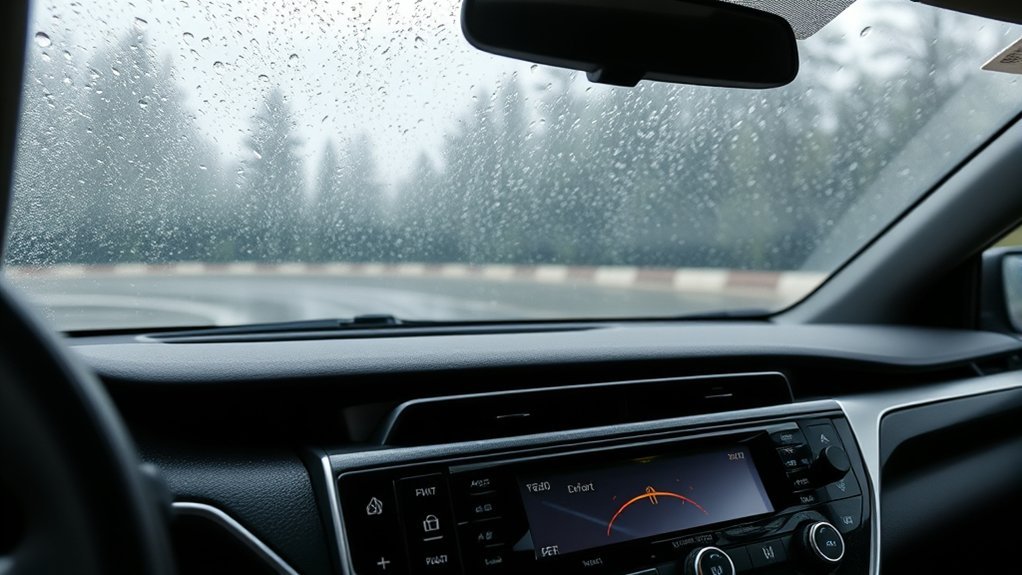
Having trouble with your defogger or heated mirrors? Start with basic checks so you regain control quickly. Verify the dashboard activation button is pressed — both systems need manual engagement. Confirm airflow is set to defog and recirculation is off, then raise fan speed and set warm air to accelerate clearing. Note rear defoggers may auto-stop after ~15 minutes; restart if needed. Review the owner’s manual for model-specific steps.
- Confirm activation button is on and indicator illuminates.
- Set airflow to defog, disable recirculation, increase fan speed, set warm air.
- If rear defogger stopped, restart after automatic ~15-minute shutoff.
- Consult owner’s manual for persistent faults or model-specific diagnostics.
These steps focus on practical defogger maintenance and restoring mirror functionality without needless parts replacement. You’ll reclaim visibility and independence by methodically ruling out simple control or setting errors before escalating.
Safety: What Not to Touch and Auto Shutoff
Because the rear defogger can heat the glass and mirror elements, don’t touch the heated mirrors or the lower windshield glass when the wiper deicing or defogger is active—they can become hot and cause burns. You’ll follow strict safety precautions: keep hands and bare skin away from mirror surfaces and the lower windshield while systems run. Activation of the rear defogger may also energize heated mirrors, so assume connected elements are live until systems stop.
The rear defogger and heated mirrors auto shut off after about 15 minutes to prevent battery drain; treat that interval as a safe-operational window, not a cue to handle hot components. For injury prevention, wait several minutes after shutoff before touching glass or mirrors. Consult the owner’s manual for specific timing and procedures; it’s the authoritative source. These measures protect you, preserve vehicle power, and reinforce personal autonomy: you control risk by applying clear, technical safety precautions and avoiding unnecessary contact with energized surfaces.
When to Use Front vs Rear: Practical Examples
After observing the safety rules about hot glass and the auto shutoff timing, you’ll want clear guidance on which system to use in common conditions. Use these practical examples to choose quickly, maintain visibility improvement, and control cabin humidity for liberation from fogged windows.
- Morning frost: Start front defrost with warm air, high fan, AC on, recirculation off to melt ice and clear windshield rapidly.
- Rear ice or haze: Activate rear defogger; it heats embedded elements and auto-shuts after ~15 minutes—recirculation off speeds moisture management.
- Sudden fog inside cabin: Use front defrost, increase fan, keep AC engaged to lower humidity; this yields the fastest visibility improvement.
- Mixed conditions (both windows fogged): Run front defrost and rear defogger simultaneously, AC on, recirculation off; coordinate timing so both clear efficiently without wasted runtime.
Apply these steps precisely to restore clear sightlines and maintain control over moisture management.
Frequently Asked Questions
When to Use Defrost Vs Defog?
Use defrost functions when ice or heavy frost obscures your windshield; use the rear defogger for condensation or light frost on the back glass. You’ll gain defogger benefits quickly, restoring clear sight and driving freedom.
When to Use Front Defogger?
Use the front defogger whenever your front windshield foggy conditions impair vision; deactivate recirculation, set defog airflow, increase fan and temperature, and enable A/C to lower cabin humidity so you reclaim clear, safe freedom to drive.
Conclusion
You’ll use front defrost the moment your windshield fogs and you can’t see lane markings, and you’ll hit the rear defogger when the back window and mirrors fog or ice over. Coincidentally, the front system clears a wide field fast while the rear and heated mirrors target glare and blind spots; together they restore full visibility. Toggle recirculation off, engage A/C as needed, and let the systems run until moisture and ice vanish for safe driving.