
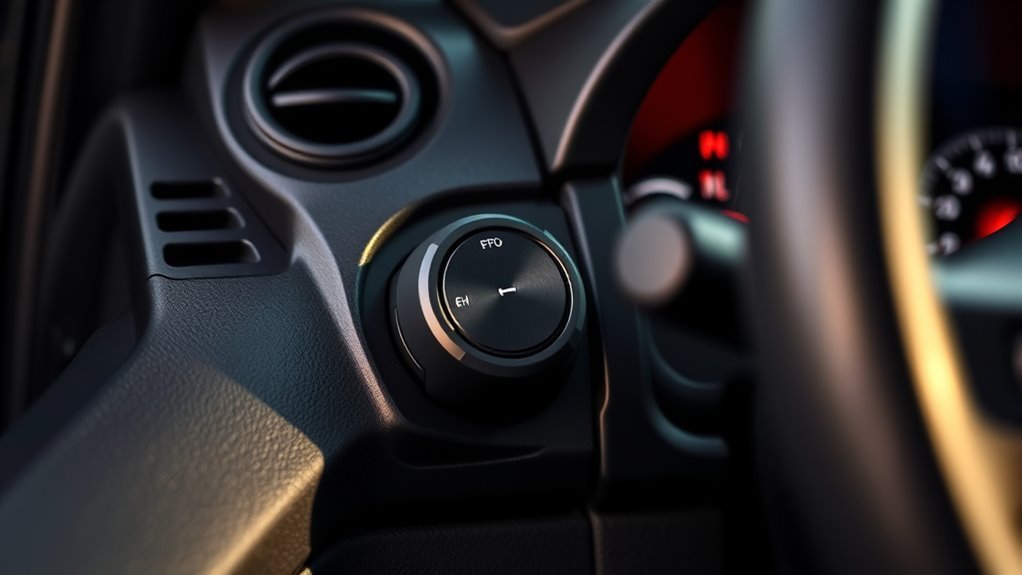
Your Toyota Tundra’s trailer brake controller is one of the most important towing controls in the cab. When it is set correctly, the trailer helps with the stop instead of pushing the truck. When it is set wrong, the trailer can grab, lag, lock its wheels, or feel like it is doing almost nothing. This guide explains what the factory controller does, how to choose the right brake type, how to set gain, and when to stop towing until the system is checked.
By [VERIFY: insert real author name/credentials] · Last updated: [VERIFY: insert actual last-updated date]
Quick Answer
The Toyota Tundra trailer brake controller uses the 7-pin trailer connector to operate compatible electric or electric-over-hydraulic trailer brakes. Select the correct brake type in the multi-information display, start gain at 5.0, then road-test at 20–25 mph and adjust until trailer braking is strong but just below wheel lock-up.
Key Takeaways
- A 7-pin connection is required for the factory controller to send trailer-brake output; a 4-pin light connector does not carry that brake-control circuit.
- Choose the trailer’s actual brake type: electric or electric-over-hydraulic. The wrong setting can cause poor or unpredictable braking.
- Toyota’s gain-setting method is to test on a level, traffic-free road at about 20–25 mph, starting at 5.0 and adjusting just below trailer wheel lock-up.
- The manual slider applies trailer brakes only, so it is useful for testing and brief trailer-only correction, not as a substitute for proper setup.
- Do not tow if the trailer lights, trailer brake response, 7-pin connection, breakaway system, or connection indicator is not working correctly.
At a Glance
| Time Required | 10–20 minutes after the trailer is hitched |
| Difficulty | Easy, but safety-critical |
| Tools Needed | Owner’s manual, properly loaded trailer, working 7-pin connector, level traffic-free test area |
| Cost | $0 if the truck and trailer brake system are already working |
What the Tundra Trailer Brake Controller Does

The factory Toyota Tundra trailer brake controller sends braking output to compatible trailer brakes through the truck’s 7-pin trailer connector. When you press the brake pedal, the trailer brakes receive an output signal through that connector. When you use the manual trailer brake slider, the trailer brakes can be applied without applying the truck’s service brakes.
The system is designed for trailers with electric brakes or electric-over-hydraulic brakes. It is not a magic towing-capacity upgrade. Your safe towing limit still depends on the Tundra’s tow rating, payload, gross combined weight rating, hitch rating, trailer weight, tongue weight, tire ratings, and required trailer equipment.
Warning: Do not use the brake controller to compensate for an overloaded trailer, bad trailer brakes, loose wiring, wrong tongue weight, worn tires, or a damaged hitch. Fix the trailer or load first.
Which Tundras Have a Factory Trailer Brake Controller?
Many 2016–2021 Tundras with the 5.7L i-FORCE V8 were equipped with Toyota’s integrated trailer brake controller, and Toyota promoted the system as standard on those 5.7L V8 models. On newer Tundras, equipment can vary by model year, trim, tow package, and market, so confirm your specific truck by checking the build sheet, window sticker, dashboard controls, and owner’s manual.
The feature didn’t stop with the 2016–2021 trucks. Toyota’s current-generation Tundra (2022 and later, including i-FORCE MAX hybrid models) continues to offer the integrated trailer brake controller as available equipment, using the same GAIN, brake-type, and manual-slider controls described in this guide. [VERIFY: confirm which current-generation trims and packages include it as standard vs. optional for the specific model year you’re covering] Don’t assume your truck lacks the feature just because it isn’t a 2016–2021 5.7L V8 — check your own dash and manual first.
Look for these factory controls and indicators:
- GAIN +/− buttons to raise or lower trailer brake output.
- TYPE or brake-type setting to choose electric or electric-over-hydraulic brakes.
- Manual trailer brake output slider to apply trailer brakes only.
- Multi-information display showing gain, brake type, manual output, and trailer connection status.
- 7-pin trailer connector at the hitch area.
Note: A 4-pin flat connector usually powers trailer lights only. It does not provide the factory trailer brake controller output needed for electric trailer brakes.
Before You Adjust Gain: Pre-Trip Brake Checklist
Set the controller only after the truck and trailer are ready to tow. A clean gain setting will not help if the trailer brakes, wiring, or load are wrong.
| Check | What to Verify | Why It Matters |
|---|---|---|
| Trailer brakes | Brakes are serviced, adjusted, and working normally | The controller cannot fix worn magnets, bad shoes, low hydraulic fluid, or a failed actuator |
| 7-pin connector | Pins are clean, seated, and not corroded | Poor contact can cause weak or intermittent brake output |
| Trailer lights | Brake lights, turn signals, hazards, and running lights work | Lighting faults can point to wiring or ground problems |
| Breakaway system | Breakaway switch and battery are present and maintained where required | This helps activate trailer brakes if the trailer separates from the tow vehicle |
| Load and hitch | Trailer is within ratings, loaded evenly, level, and secured with safety chains | Bad loading and hitch setup can cause sway, poor steering, and unstable braking |
The EPA trailer towing pre-trip checklist is a useful model for verifying trailer weight, distribution, hitching, lights, and safety equipment before a trip. Trailer brake and breakaway requirements vary by state and use case, so also check your local rules and the trailer manufacturer’s instructions.
How Do I Choose Electric vs. Electric-Over-Hydraulic Brake Type in the MID?
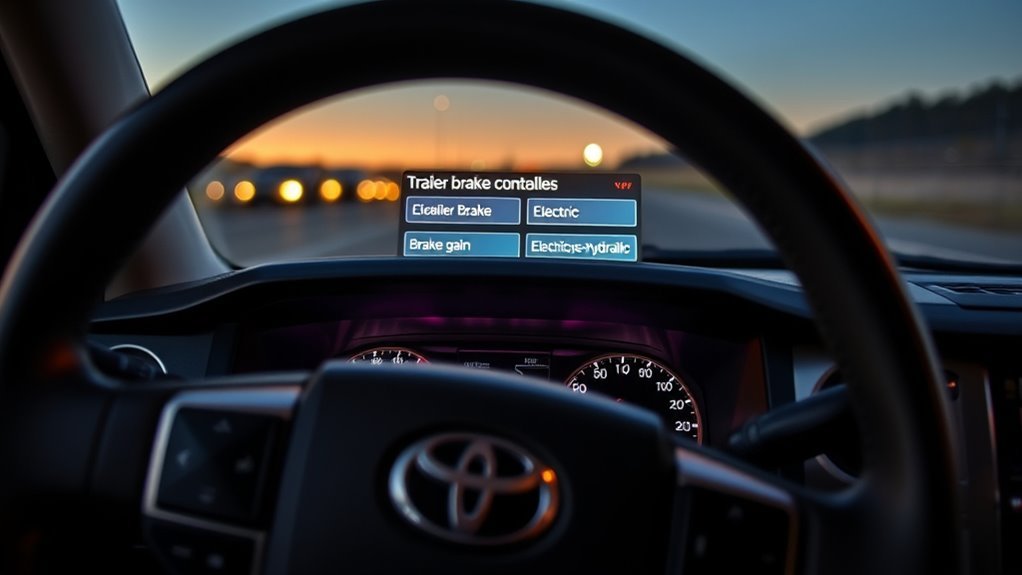
The brake type tells the controller what kind of trailer brake system it is operating. Toyota’s owner information describes two supported choices: electric and electric-over-hydraulic. Select the type that matches the actual trailer hardware before you set gain.
| Setting | Use It For | Common Trailer Type |
|---|---|---|
| Electric | Electric drum brakes using brake magnets | Utility trailers, campers, equipment trailers |
| Electric-over-hydraulic | An electric actuator that pressurizes hydraulic trailer brakes | Boat trailers, larger enclosed trailers, some heavy trailers |
On many Tundras, changing the trailer brake type can reset the gain setting. After changing brake type, check the displayed gain and set it again before towing.
Pro Tip: Recheck brake type every time you switch trailers. A utility trailer with electric brakes and a boat trailer with electric-over-hydraulic brakes may need different settings even behind the same truck.
[Products Worth Considering]

The CURT Venturer NEXT is a compact, time-delay electric trailer brake controller designed for dependable braking control from inside your vehicle. Its low-profile design, adjustable power and ramp time, and plug-and-play friendly setup make it a practical choice for towing with confidence. Built for 12-volt systems and compatible with electric over hydraulic brakes, it offers flexible installation without leveling or internal moving parts.

This proportional trailer brake controller provides smooth, responsive braking by automatically matching your tow vehicle’s stopping force for safer trailer control. The bright LED digital display makes it easy to monitor voltage output in real time, while adjustable braking and sync settings help tailor performance to different trailers and road conditions. Designed for quick installation and broad compatibility, it supports 1 to 4 axle trailers for dependable towing confidence.

This proportional electric brake controller automatically applies trailer brakes based on your vehicle's braking force and speed for smoother, more responsive stopping. It is compatible with a wide range of tow vehicles and trailer setups, and includes an LED display for easy setup, diagnostics, and manual braking control. The included mounting hardware and plug-and-play port help make installation simple and convenient.
How to Set Tundra Trailer Brake Gain
Gain controls how much power the controller can send to the trailer brakes. Toyota’s manual information describes gain as adjustable from 0, meaning no trailer brake output, to 10, meaning maximum output, in 0.5 increments.
Use this setup process when the trailer is connected, loaded as it will be towed, and the trailer brakes are in good condition:
- Hitch the trailer correctly. Connect the coupler, latch, safety pin, safety chains, breakaway cable, and 7-pin plug.
- Confirm the trailer connection. Check the trailer connection indicator and verify all lights work.
- Select the correct brake type. Choose electric or electric-over-hydraulic in the multi-information display.
- Find a safe test area. Use a level, straight, traffic-free road surface similar to your towing condition.
- Start at gain 5.0. This is Toyota’s recommended starting point for the gain-setting procedure, not a universal final setting.
- Drive about 20–25 mph. Keep the truck and trailer straight.
- Fully apply the manual trailer brake slider. This applies trailer brakes only for the test.
- Adjust just below wheel lock-up. Increase gain if the trailer does not brake enough. Decrease gain if the trailer tires squeal, skid, smoke, or grab.
- Repeat the test. Confirm the trailer brakes firmly and smoothly without locking the wheels.
The goal is not the highest gain number. The goal is the strongest smooth trailer braking you can get without wheel lock-up for that load, road, and weather condition.
[Products Worth Considering]
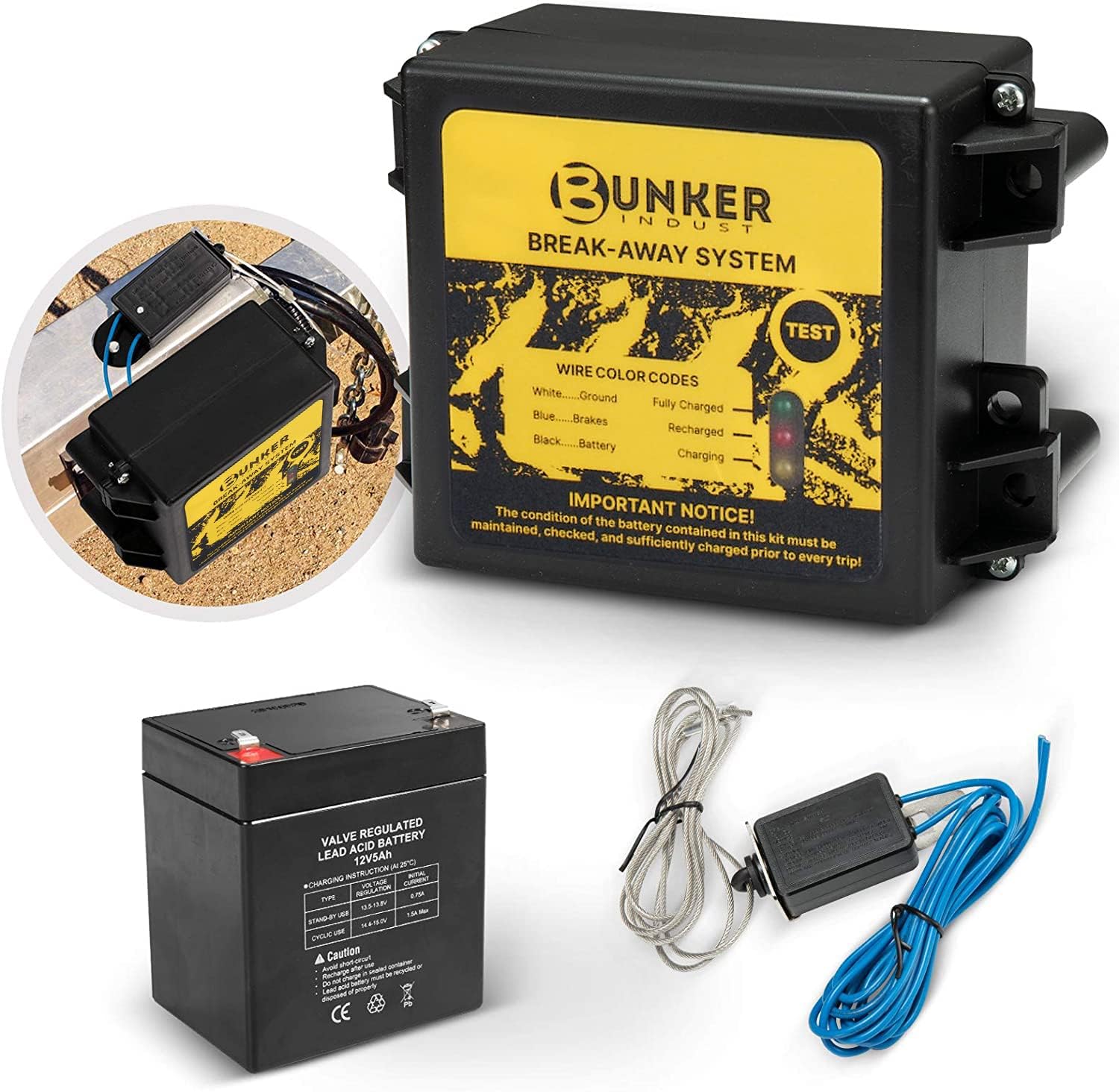
This trailer breakaway kit is designed for trailers with an existing electric brake system, helping activate the brakes if the trailer separates from the tow vehicle. It includes a battery, breakaway switch, and charger with an LED display for easy status checks, making it a practical safety upgrade for caravans and trailers. The side-mount design supports quick installation, while weather and corrosion resistance help it stand up to outdoor use.

The CURT 52010 Trailer Breakaway Switch helps keep towing safer by automatically engaging trailer brakes if the trailer disconnects from the tow vehicle. It features silver contact points for a dependable electrical connection, plus a nylon case and pull pin assembly designed to handle outdoor use and secure activation. The included metal mounting tab makes installation simple on trailers with electric brakes.
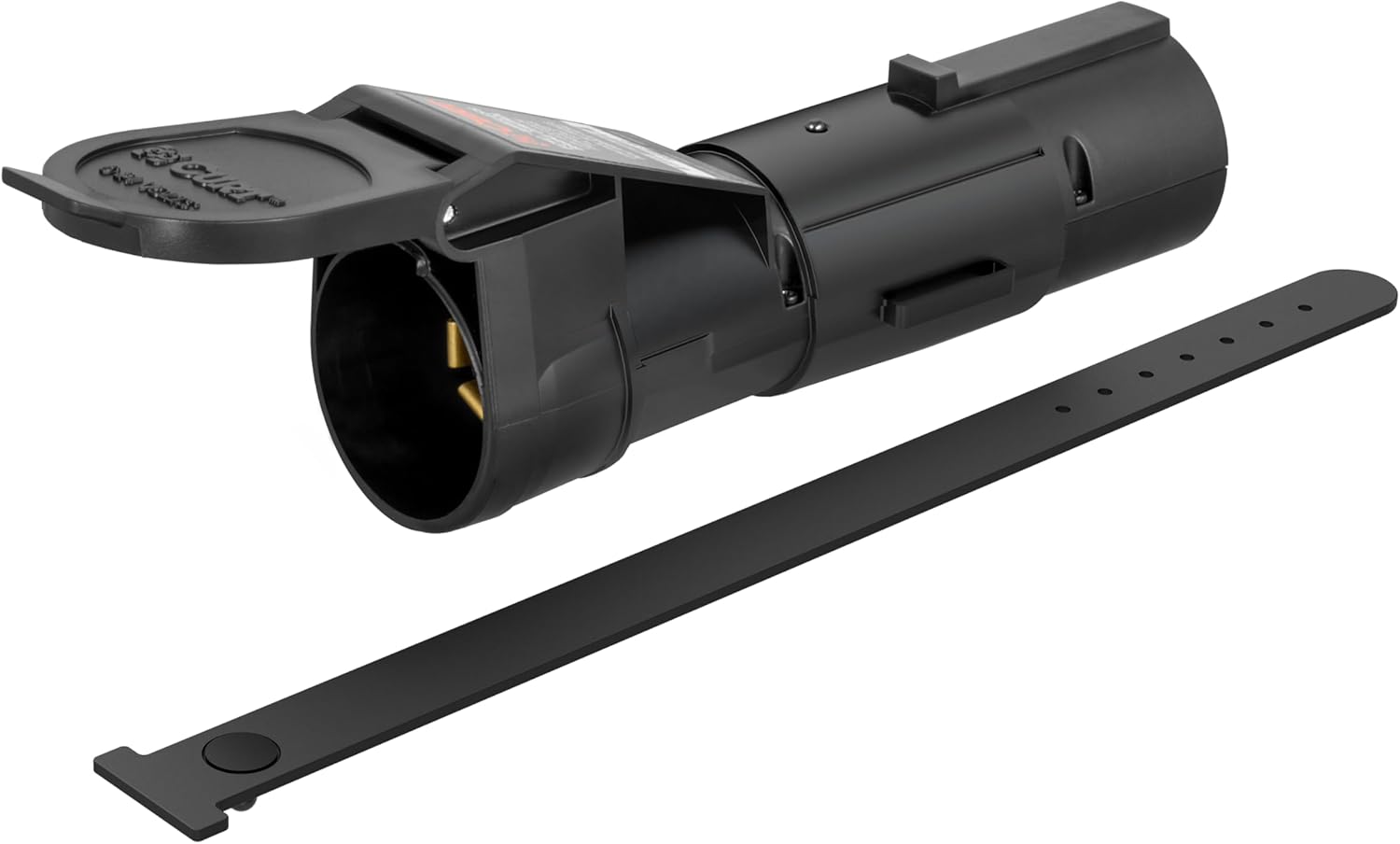
The CURT Echo mobile trailer brake controller offers smart, smartphone-based brake control with a simple plug-and-play design that connects between your vehicle and trailer 7-way plugs. Its portable construction makes it easy to transfer between compatible towing setups, while the durable potted enclosure helps protect against weather and vibration. With proportional braking support and app-based profile management, it delivers a modern, responsive towing experience.
When to Recheck or Change Gain
Do not treat gain as a set-it-once setting. Recheck it when anything about the towing condition changes.
- The trailer is loaded heavier or lighter than usual.
- Cargo weight moves forward, rearward, or side to side.
- You switch to a different trailer.
- You change from dry pavement to rain, gravel, snow, or steep grades.
- The trailer brakes have been serviced.
- The truck battery or 12-volt system [VERIFY: link to a Tundra-specific battery/electrical guide once one is published] has been disconnected and the stored gain is reset.
- You change the trailer brake type setting in the MID.
If the trailer is heavily loaded, the wheels may not lock even at a high gain setting. In that case, use the highest setting that still gives smooth, stable braking for the condition, and inspect the trailer brake system if braking remains weak.
Use the Manual Output Slider Carefully
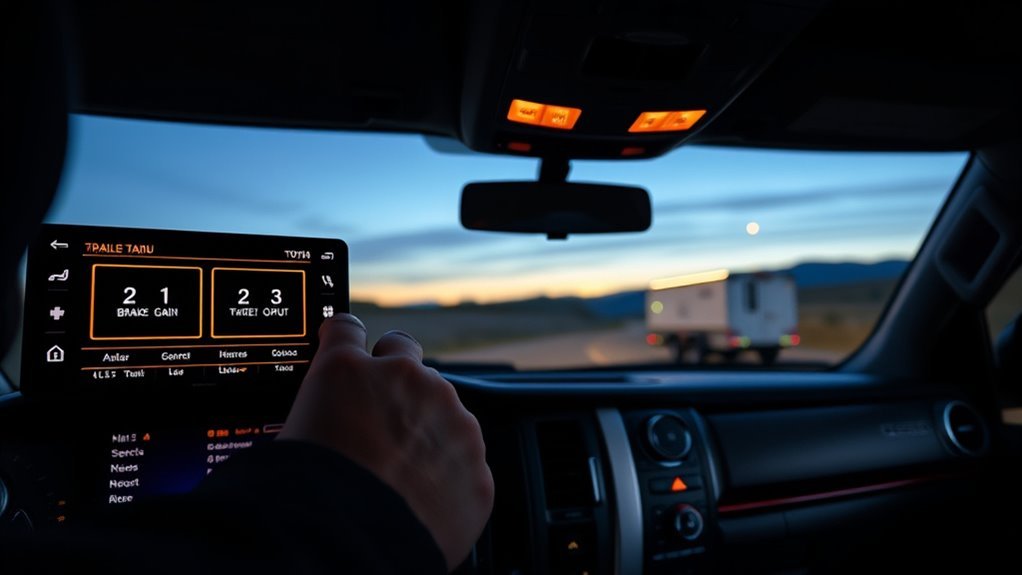
The manual output slider applies the trailer brakes without applying the Tundra’s service brakes. It is mainly useful for gain testing, low-speed control checks, and brief trailer-only correction when the trailer starts to push the truck.
| Situation | How to Use the Slider | What to Avoid |
|---|---|---|
| Gain setup | Fully apply at 20–25 mph during the test procedure | Testing in traffic or on a curved road |
| Slow maneuvering | Use short, light inputs if the trailer pushes | Dragging the brakes for long periods |
| Downhill control [VERIFY: confirm/add a Tundra-specific Downhill Assist Control guide URL] | Use brief, controlled trailer-only input when needed | Relying on the slider instead of proper gear selection and service brakes |
| Slick surfaces | Use very light input only if needed | Locking trailer wheels, which can reduce control |
If you use the manual slider while pressing the brake pedal, Toyota’s system sends the greater of the two outputs to the trailer brakes. Use smooth inputs and release the slider when the trailer is stable.
What the MID Output Meter and Indicators Tell You
The multi-information display can show the selected trailer brake type, gain value, manual output, and trailer connection status. Use it as a confirmation tool, but do not rely on the display alone. The trailer still needs to prove itself during a real brake test.
- Gain value: Shows the selected output level from 0 to 10.
- Brake type: Confirms electric or electric-over-hydraulic mode.
- Manual output meter: Shows output when the slider is applied.
- Trailer connection status: Helps confirm the truck detects the trailer connection.
Note: On Tundras with parking sensors or parking assist, follow the owner’s manual for towing settings. A connected trailer may trigger rear sensors if those systems are left active.
Troubleshooting the Tundra Trailer Brake Controller
Most trailer brake problems come from one of four places: the truck setting, the 7-pin connection, the trailer wiring, or the trailer brake hardware. Start with the simple checks before replacing parts.
| Symptom | Likely Cause | What to Do |
|---|---|---|
| No trailer connection indicator | Loose 7-pin plug, corrosion, damaged wiring, poor ground | Clean and reseat the plug, inspect pins and ground, then retest |
| Dash shows “Trailer Brake Controller Error, see Dealer” or a “n.c.” reading | A circuit fault the controller can’t clear itself — a wiring or connector fault, a blown fuse, or occasionally a wheel-speed sensor issue that also trips ABS/traction-control lights; “n.c.” alone usually just means no trailer is detected as plugged in | Reseat and inspect the 7-pin plug and pins first; if the error message persists, have the wiring, fuse, and related sensors checked before towing |
| Trailer brakes do nothing | Gain at 0, wrong brake type, open brake circuit, failed actuator or magnets | Check gain, brake type, manual slider output, trailer wiring, and brake hardware |
| Trailer wheels lock | Gain too high, empty trailer, slick surface, brake adjustment issue | Reduce gain in 0.5 steps and retest on a safe road |
| Braking feels delayed or weak | Gain too low, heavy load, worn trailer brakes, low actuator output | Increase gain gradually; service trailer brakes if output remains weak |
| Braking is jerky | Wrong brake type, uneven brake adjustment, contaminated brakes, wiring fault | Confirm brake type and inspect the trailer brake system |
| Manual slider unresponsive | Controller, wiring, fuse, connector, actuator, or brake circuit fault | Stop towing and have the truck and trailer inspected |
[Products Worth Considering]

The REDARC Tow-Pro Liberty delivers smooth proportional braking for confident everyday towing on roads and highways. Its compact remote design helps preserve cabin space while supporting 1 to 2 axle trailers and integrating with compatible vehicle wiring harnesses for a factory-style fit. Built for demanding towing conditions, it offers reliable control for RVs, campers, trailers, and boats.
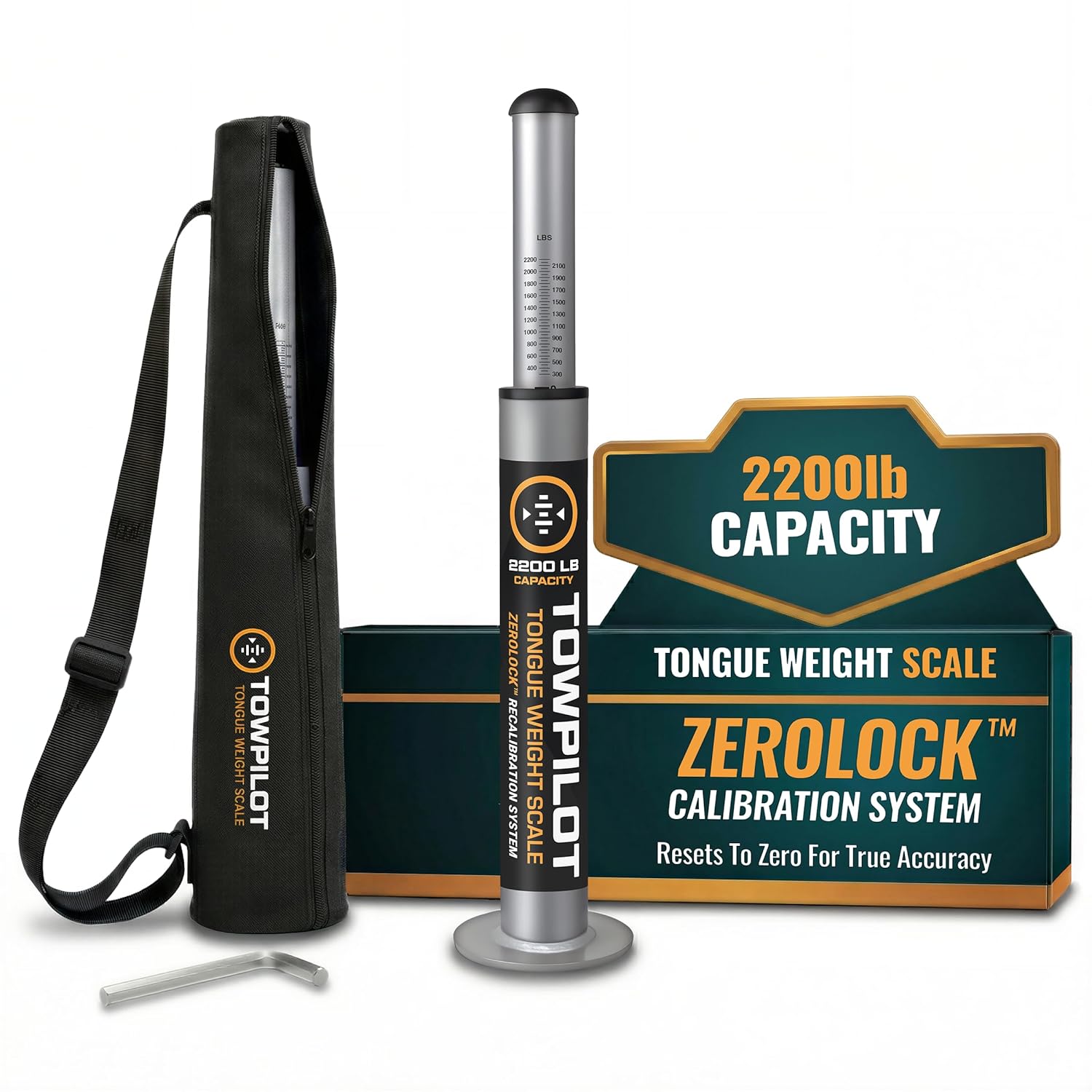
This trailer tongue weight scale helps you check hitch weight quickly and accurately before towing, reducing sway and improving overall safety. Built with durable steel and a spring mechanism, it works without batteries and includes a recalibration feature to maintain true-zero accuracy over time. It is designed for RVs, campers, and utility trailers, with a top plate that helps protect your coupler during use.

This Andersen Hitches weight distribution hitch kit is designed to improve towing stability with a grease-free friction cone and tension chain system that helps reduce sway and bounce. It features a universal setup with a 2-inch ball and 4-inch drop/rise to suit many bumper-pull trailer applications, while making hitching and unhitching faster and easier than traditional spring bar systems. Built in the USA, it offers dependable performance for travelers, workers, and outdoor enthusiasts who need confident towing control.
When to Get Professional Service
Get a qualified technician involved if the trailer connection indicator will not stay on, the manual slider does not apply the trailer brakes, the MID shows a persistent warning, the trailer brakes lock unpredictably, or braking remains weak after proper gain setup. Use Toyota service information, the trailer manufacturer’s manual, and a proper trailer brake tester instead of guessing.
Do Not Tow Until Fixed If…
- The 7-pin connector is damaged, loose, melted, or badly corroded.
- The trailer brakes do not respond to the manual slider.
- The trailer lights fail a pre-trip check.
- The breakaway cable, switch, or battery is missing or not maintained where required.
- The trailer is overloaded or the tongue weight is unknown.
- You cannot confirm whether the trailer uses electric or electric-over-hydraulic brakes.
Frequently Asked Questions
Does the Toyota Tundra come with a trailer brake controller?
Many Tundras have a factory integrated trailer brake controller, but availability depends on model year, trim, market, and tow-package equipment. Check for the GAIN buttons, brake-type setting, manual trailer brake output slider, trailer connection indicator, 7-pin connector, and your truck’s build sheet or owner’s manual.
What should my Tundra trailer brake gain be set to?
Start at 5.0 for Toyota’s setup procedure, then test at about 20–25 mph on a level, traffic-free road. Apply the manual slider and adjust gain up or down until trailer braking is strong but just below wheel lock-up. The correct final number depends on trailer weight, brake condition, road surface, and weather.
Can I use trailer brakes with a 4-pin connector?
Not with the factory Tundra trailer brake controller. A 4-pin connector is generally for trailer lighting circuits. The factory controller needs the 7-pin connector so it can send brake output to compatible electric or electric-over-hydraulic trailer brakes.
Why did my trailer brake gain reset?
On many Tundras, gain can reset after changing the trailer brake type or after battery terminals are disconnected and reconnected. Always check the displayed gain before towing, especially after service work, battery work, or switching trailers.
Should I choose electric or electric-over-hydraulic?
Choose electric for standard electric trailer brakes that use brake magnets. Choose electric-over-hydraulic if the trailer has an electric actuator that pressurizes hydraulic brakes. If you are unsure, check the trailer manual or ask the trailer manufacturer before towing.
Do I need an aftermarket brake controller?
If your Tundra has a working factory controller and your trailer is compatible, you usually do not need an aftermarket unit. Consider professional diagnosis or an aftermarket controller only if your truck lacks the factory system, the factory controller is not compatible with your trailer, or a technician confirms the factory setup cannot be repaired or configured correctly.
What does “Trailer Brake Controller Error” mean on my Tundra?
It means the controller has detected a fault it can’t work around — commonly a loose or corroded 7-pin connection, a blown fuse, damaged trailer wiring, or occasionally a wheel-speed sensor issue that also trips ABS or traction-control warnings. A “n.c.” reading on the display instead just means the controller doesn’t detect a trailer plugged in. Reseat the connector and recheck first; if the error persists, don’t tow until a technician traces the fault.
Conclusion
Using the Tundra trailer brake controller correctly comes down to four habits: connect through the 7-pin plug, choose the correct brake type, set gain with a real 20–25 mph road test, and recheck the setting whenever the load or conditions change. The controller is a valuable towing tool, but it is only one part of the full safety system. Good trailer brakes, correct loading, working lights, safety chains, a maintained breakaway system, and a properly rated hitch matter just as much.
Sources
- Toyota Owners: 2025 Tundra Hybrid Trailer Brake Controller — supports 7-pin operation, brake type selection, gain, manual output, and MID display behavior.
- Toyota Owners: 2022 Tundra Trailer Brake Controller — supports gain setup procedure, 20–25 mph testing, starting gain 5.0, and wheel lock-up adjustment.
- Toyota Owners: 2025 Tundra Hybrid Trailer Towing — supports towing pre-checks and owner’s-manual guidance.
- EPA Trailer Towing Pre-Trip Safety Inspection Checklist — supports pre-trip inspection, trailer compatibility, and load-distribution checks.
- eCFR 49 CFR § 393.43 — supports breakaway and emergency braking requirements for covered commercial motor-vehicle applications.
- NHTSA Search Safety Issues — useful for checking trailer, tow vehicle, and equipment recalls or safety investigations.



[…] a different trailer, or a change in road conditions. For a fuller setup explanation, see the Tundra trailer brake controller gain guide and the manual override […]