Quick Answer: How to Use Toyota Tundra Drive Modes
Last updated: July 7, 2026. Reviewed against Toyota owner-manual resources, Toyota Canada 2026 Tundra product-summary data, and federal fuel-economy guidance.
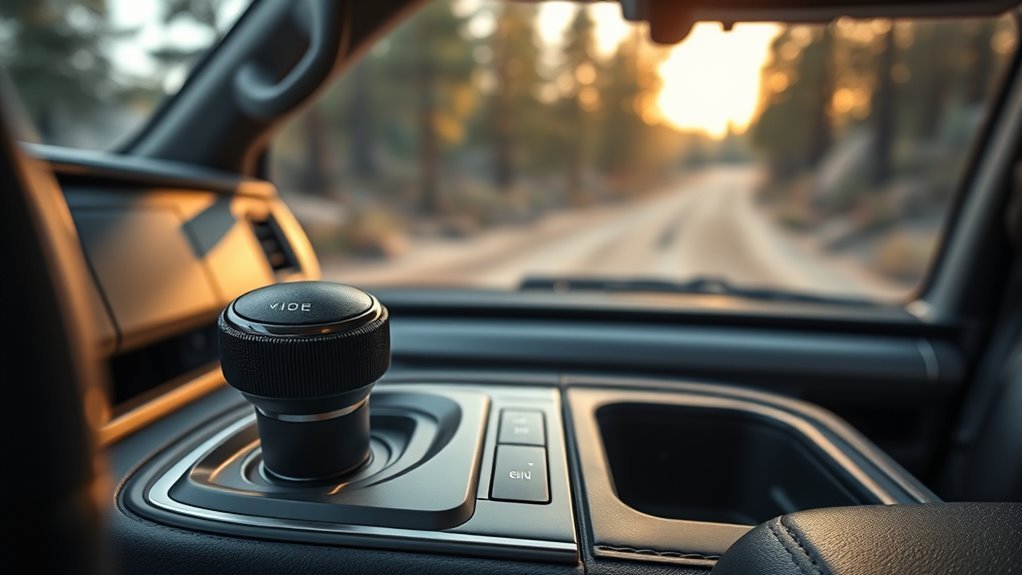
You can change the Tundra’s drive mode with the center-console knob in seconds on equipped models. Use Normal for most daily driving, Eco for steady fuel-saving trips, and Sport when you want sharper response for merging, passing, or winding roads. Some equipped hybrid trucks may show extra modes, such as Sport S, Sport S+, or Custom, so always treat your display and owner’s manual as the final guide.
Quick Answer
Use Normal for most trips, Eco for steady fuel-saving drives, and Sport when you want faster response. Turn the drive mode knob on the center console, then check the multi-information display to confirm the mode. Some modes may reset, deactivate, or change when you use Tow/Haul, four-wheel-drive low range (4L), Multi-Terrain Select, Downhill Assist Control, or other drive systems on equipped models.
Key Takeaways
- Choose Normal when you want the best balance for daily driving.
- Choose Eco when you want smoother inputs and better fuel-saving habits.
- Choose Sport when you need quicker response for passing or merging.
- Some equipped hybrid trucks may add Sport S, Sport S+, or Custom.
- Check the display after each change so you know which mode the truck uses.
- Confirm your owner’s manual because mode behavior can vary by year, trim, drivetrain, and equipment.
What Tundra Drive Modes Change
Tundra drive modes change how the truck responds to your right foot and driving conditions. Depending on your model and equipment, they can adjust throttle feel, transmission behavior, steering feel, suspension behavior, and climate-control operation.
Toyota Canada’s 2026 Tundra product summary lists Drive Mode Select with Sport, Eco, and Normal modes on many trims. It also lists a 5-mode Drive Mode Select system on some 2026 Tundra Hybrid advanced-package trims. That means the correct mode list depends on your exact truck.
Before You Begin
Estimated time: About 10 seconds once you know where the knob sits.
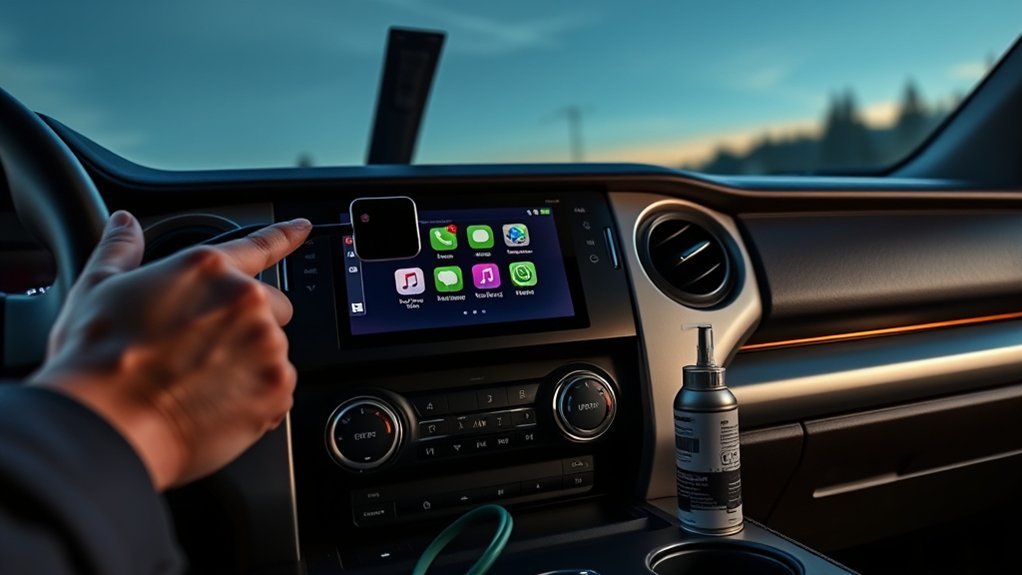
Turn the truck on, find the center-console drive mode knob, and glance at the multi-information display. Keep your main focus on the road if you change modes while driving.
How to Change Tundra Drive Modes (Quick Steps)
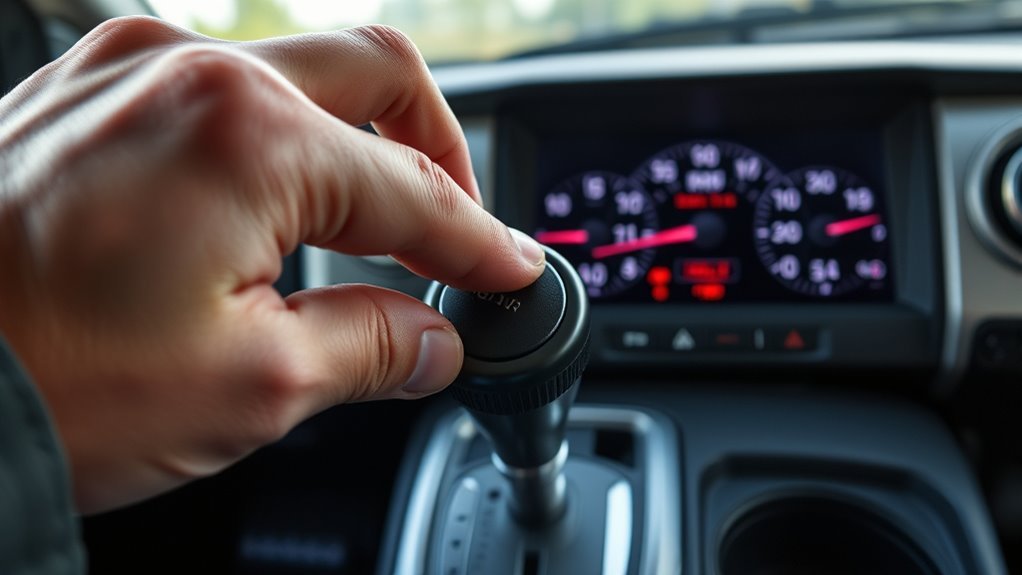
- Find the drive mode knob. Look on the center console near the gear shift.
- Turn the knob. Select Normal, Eco, or Sport, based on your driving goal.
- Check the display. Confirm the selected mode on the multi-information display.
- Test the feel. Use light throttle first so you can feel how the truck responds.
Normal gives you balanced performance, Eco supports more efficient driving, and Sport sharpens response. You can change modes as road conditions, traffic, or driving needs change.
Quick Compare: Normal vs Eco vs Sport
Each mode changes how the truck feels from behind the wheel. Use this simple guide when you want a fast answer.
| Mode | Best For | What You’ll Feel |
|---|---|---|
| Normal | Daily driving, errands, and long trips | Balanced throttle, smooth shifts, and steady comfort |
| Eco | Steady roads, light throttle, and highway cruising | Softer throttle response and more efficient climate behavior |
| Sport | Passing, merging, and winding roads | Quicker response and a more alert driving feel |
If your Tundra shows Sport S, Sport S+, or Custom, your truck has an expanded system. Those modes are covered below because they do not appear on every trim.
[Products Worth Considering]

Protect your Toyota Tundra CrewMax with custom-fit floor mats designed for precise coverage and everyday durability. Built from flexible TPE with a high-wall design, these liners help contain rain, snow, mud, and spills while offering a secure, non-slip fit. They are easy to remove and clean, making them a practical upgrade for keeping your truck’s interior neat and protected.

These paddle shifter extension trims are designed to improve driving feel and add a sporty look to compatible Toyota models. Made from premium aluminum alloy, they offer a precise fit, stronger grip, and easy adhesive installation without damaging the original paddle shifters. The set includes left and right covers with tape for a secure upgrade.

This replacement bed cleat tie down anchor kit restores secure cargo management for compatible Toyota truck bed rail systems. Designed to match OEM dimensions and fit, these anchors help keep gear, tools, and luggage firmly in place during daily hauling. Built for dependable use in demanding pickup truck conditions, the kit offers a practical replacement for worn factory tie-downs.
Normal Mode: Best for Daily Driving
Normal Mode gives you the easiest choice for most trips. It balances throttle response, shift behavior, comfort, and everyday drivability.
Use Normal Mode for commuting, errands, mixed city roads, and long highway drives. It helps you avoid constant mode switching while keeping the truck predictable.
[Products Worth Considering]

Designed for Toyota Tundra CrewMax Cab models, these custom-fit all-weather floor mats use 3D scanning for precise coverage and raised edges to help protect the interior from rain, slush, snow, mud, and spills. Made from premium unscented TPE, they are durable, flexible, easy to clean, and built to stay in place without curling or deforming. They also come with a lifetime warranty for added peace of mind.

This custom 3-piece floor mat set is designed specifically for Toyota Tundra CrewMax Cab models from 2022 through 2026, delivering a precise fit with full front and rear coverage. Made from durable all-weather TPE, it helps protect your cabin from mud, snow, rain, sand, and everyday spills while staying securely in place and easy to clean.

This custom-fit center console organizer set is designed to add a second storage level inside compatible Toyota RAV4 models, helping keep everyday essentials neatly separated and easy to find. Made from durable ABS plastic with sponge pads for a secure fit, it helps reduce shifting and protect interior surfaces while maintaining access to the USB port. Installation is quick and tool-free, making it an easy upgrade for a more organized cabin.
Eco Mode: Best for Fuel-Saving Trips
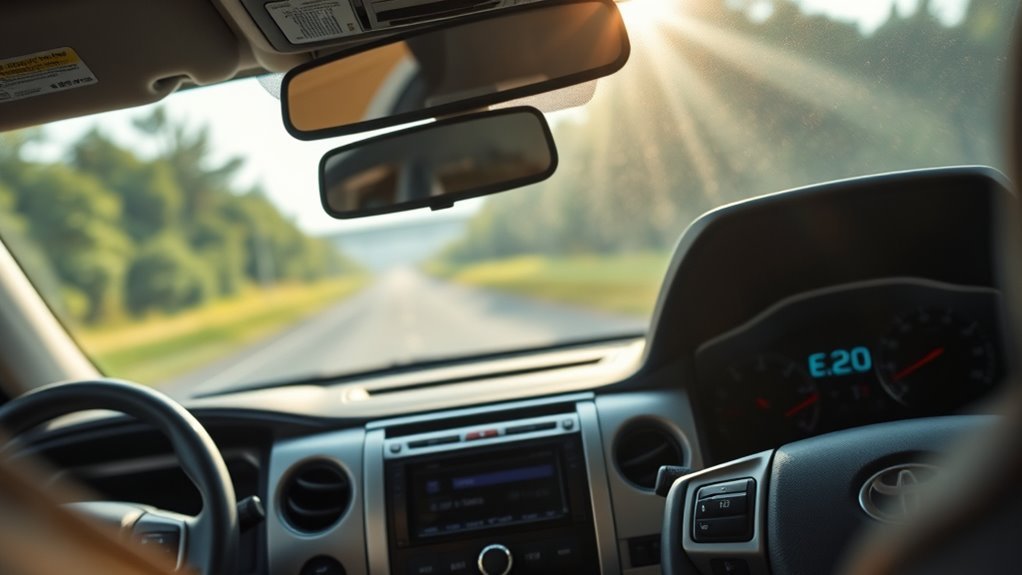
Eco Mode supports fuel efficiency by using gentler throttle behavior and more efficient climate-control operation. You’ll notice smoother acceleration, especially when you drive with a light foot.
- Use Eco on steady highway drives and calm commutes.
- Avoid hard acceleration if you want the best result from Eco.
- Switch out of Eco when you need faster response.
- Adjust fan speed or switch modes if cabin heating or cooling feels too weak.
- Watch the display so you know the selected mode stays active.
Eco works best when traffic and terrain feel predictable. FuelEconomy.gov notes that aggressive driving, including speeding, rapid acceleration, and braking, can lower gas mileage by roughly 15% to 30% at highway speeds and 10% to 40% in stop-and-go traffic. Eco can help your driving feel calmer, but it does not guarantee a fixed fuel-saving percentage.
[Products Worth Considering]

This center console armrest cover is designed to fit the 2026 Toyota RAV4 for added comfort and a cleaner interior look. Made with breathable vegan leather and a thick cushioned feel, it helps reduce arm fatigue on long drives while protecting the console from pet paws, dirt, and sticky fingerprints. The band-secured design installs easily with no tools required and blends with the OEM-style interior.

These all-weather floor liners are designed for Toyota Tundra CrewMax Cab models, providing a precise fit for the first and second rows. Made from durable TPE material, they help protect your interior from mud, water, dirt, and everyday messes while offering a non-slip surface for added driving confidence. Raised edges and easy-clean construction make them a practical choice for keeping your truck floorboard cleaner in every season.

These custom-fit floor mats are designed for Toyota Tundra CrewMax models to provide full interior coverage without trimming. Made from durable TPE, they help protect against mud, snow, water, and debris while offering a secure, anti-slip fit for safer everyday driving. They are easy to remove and clean, making them a practical all-weather accessory for maintaining your truck's interior.
Sport Mode: Best for Faster Response
Sport Mode gives your Tundra a more responsive feel. It can sharpen throttle response and adjust transmission behavior so the truck reacts faster.
Use Sport when you merge onto a highway, pass slower traffic, or drive a winding road. Switch back to Normal or Eco when you no longer need that sharper response, since Sport can use more fuel than calmer driving modes.
What About Sport S, Sport S+, and Custom?
Some equipped Tundra Hybrid models show more than Normal, Eco, and Sport. Toyota Canada lists a 5-mode Drive Mode Select system on some 2026 Tundra Hybrid advanced-package trims, while owner-manual text for the Tundra Hybrid describes Sport S, Sport S+, and Custom functions.
- Sport S supports acceleration response and precise handling by adjusting transmission, engine, and steering behavior.
- Sport S+ supports a sportier feel by integrating steering, suspension, transmission, and engine control on equipped models.
- Custom lets you set powertrain, chassis, and air-conditioning preferences through the multimedia system on equipped models.
If you do not see these choices on your display, your truck may not have the package or equipment that supports them.
When to Use Tow/Haul Instead of Drive Mode Select
Tow/Haul serves a different job than Normal, Eco, or Sport. Use it when you tow a trailer or carry a heavy load, if your Tundra has that feature.
Tow/Haul can change shift behavior to better support load control. Do not use Eco as a substitute when the truck needs towing support.
Why Drive Mode Select May Not Work or Look Unavailable
A drive mode may be unavailable when another vehicle system has priority. On 4WD models, owner-manual text says the drive mode select switch can be operated when the 4WD control switch is in 2H or 4H. It may not behave the same way in 4L.
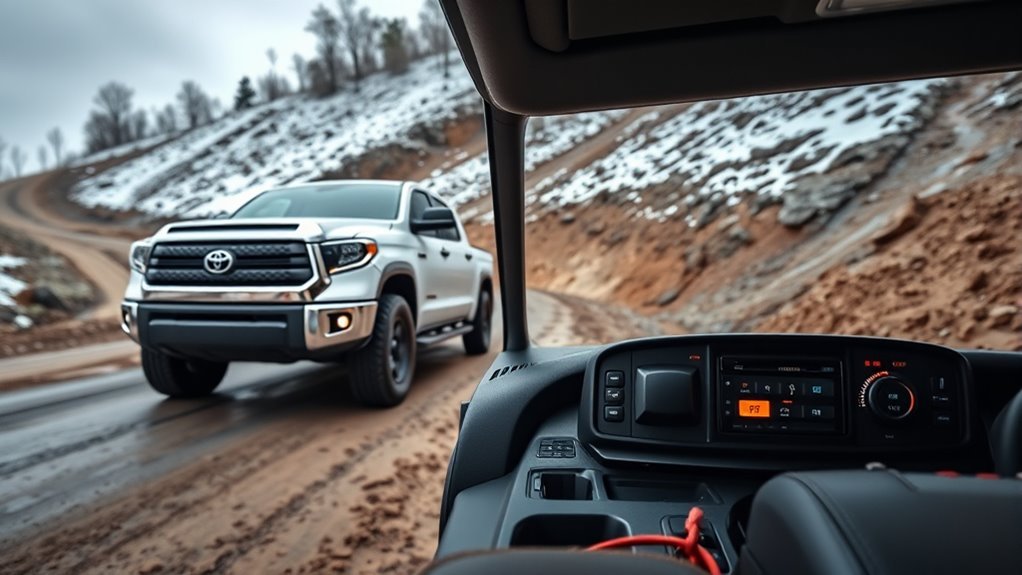
If the mode will not change, check whether 4L, Multi-Terrain Select, Downhill Assist Control, Tow/Haul, or Tow+ is active on an equipped truck. These systems can limit or override normal drive-mode behavior.
Why Your Tundra May Reset Drive Modes
Your selected mode may not stay active in every driving condition. On equipped models, the truck may return to Normal or deactivate some drive modes after you turn the power off, use 4L, turn on Multi-Terrain Select, use Downhill Assist Control, or turn on Tow/Haul.
Note: Check your owner’s manual because exact drive-mode behavior can vary by year, trim, drivetrain, and equipment.
Common Mistakes to Avoid
- Do not assume Eco will save fuel if you still use hard throttle.
- Do not use Sport longer than needed if fuel economy matters most.
- Do not use Eco instead of Tow/Haul when towing or carrying a heavy load.
- Do not ignore the display after changing modes.
- Do not expect every Tundra trim to show the same mode list.
Frequently Asked Questions
What is the best drive mode for a Toyota Tundra?
Normal works best for most Tundra drivers because it gives a balanced feel for daily driving. Choose Eco for steady fuel-saving trips and Sport when you need quicker response.
Can you change Tundra drive modes while driving?
You can usually change common Tundra drive modes with the center-console knob while driving. Keep your eyes on the road and confirm the mode with a quick glance at the display.
Does Eco Mode always save gas in a Tundra?
Eco Mode can support better fuel economy, but your result depends on speed, load, terrain, tires, weather, and throttle use. Smooth driving matters more than the mode alone.
Why does Eco Mode affect heating or air conditioning?
Owner-manual text says Eco Mode can control heating, cooling, and fan-speed operation to enhance fuel efficiency. If cabin comfort drops, adjust fan speed or switch out of Eco Mode.
What are Sport S, Sport S+, and Custom modes on some Tundras?
Some equipped Tundra Hybrid models show extra modes. Sport S supports acceleration response and precise handling, Sport S+ adds more integrated control for sporty driving on equipped models, and Custom lets you set powertrain, chassis, and air-conditioning preferences through the multimedia system.
Why did my Tundra switch back to Normal mode?
Some Tundra drive modes can deactivate or return to Normal after certain system changes. This can happen when you restart the truck or use features like 4L, Multi-Terrain Select, Downhill Assist Control, Tow/Haul, or Tow+ on equipped models.
Can I use Eco Mode instead of Tow/Haul?
No. Eco Mode supports smoother, more efficient driving, while Tow/Haul supports towing or heavy-load shift behavior on equipped trucks. Use Tow/Haul when the truck needs towing support.
Do Tundra drive modes change towing capacity?
Drive modes do not change the truck’s rated towing capacity. They change how the truck responds, so you should still follow your door label, owner’s manual, payload limits, and towing limits.
Conclusion
Tundra drive modes help you match the truck’s response to the road and your driving goal. Use Normal for most miles, Eco for smoother fuel-saving trips, and Sport when you need faster response.
If your display shows extra modes or a mode resets, check whether 4L, Multi-Terrain Select, Downhill Assist Control, Tow/Haul, or trim-specific equipment is changing the available choices. The display and owner’s manual give the final answer for your exact truck.
References
- 2026 Toyota Tundra Owner’s Manual resources, Toyota, 2026
- 2026 Toyota Tundra Specifications, Toyota, 2026
- 2026 Tundra Product Summary, Toyota Canada, 2026
- Toyota Tundra Hybrid Owner’s Manual, driving mode select section, Toyota manual text republished by Manuales.mx, 2024
- Driving More Efficiently, FuelEconomy.gov, U.S. Department of Energy and U.S. Environmental Protection Agency