
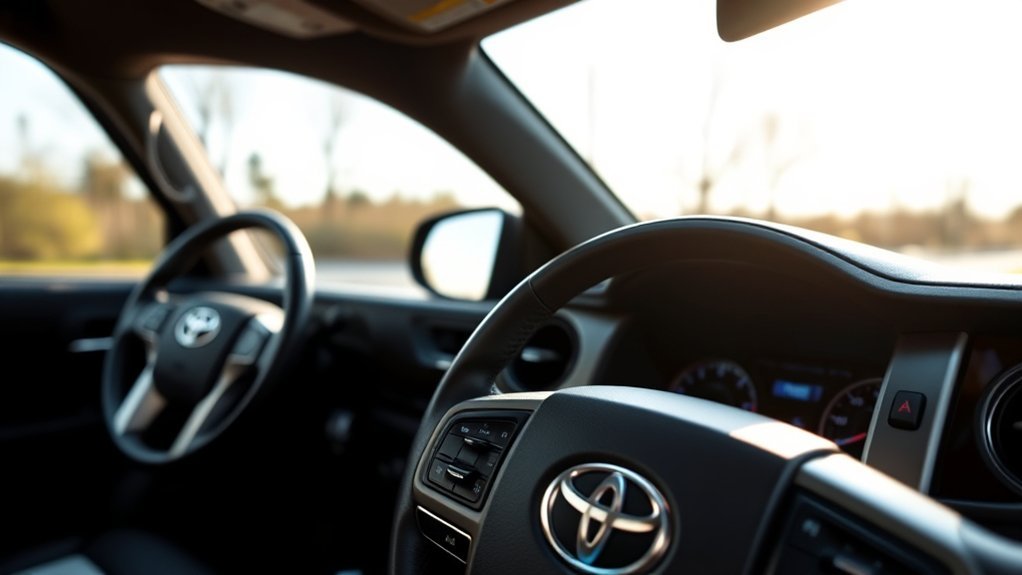
The Toyota Tacoma’s push button start system is simple once you know what the truck is checking for: the Smart Key, the brake or clutch pedal, the correct shift position, and a short press of the engine switch. This guide explains how the system works, how to start and stop your Tacoma correctly, what to do when it will not respond, and which common mistakes to avoid.
Quick Answer
To start a Toyota Tacoma with push button start, keep the Smart Key inside the cabin, press the brake pedal for automatic models or clutch pedal for manual models, make sure the shifter is in Park or Neutral as required, then press the engine switch briefly and firmly.
Key Takeaways
- The Smart Key must be detectable by the Tacoma, usually inside the cabin, for normal push button starting.
- Automatic models need the brake pedal pressed; manual models use the clutch pedal; hybrid models show a “READY” indicator when ready to drive.
- Press the button briefly and firmly. You do not need to hold it down during normal starting.
- If the key fob battery is weak, you may still be able to start the truck by holding the Smart Key near the START button.
- For 2024 and newer Tacoma models, Toyota states that Smart Key with push-button start is standard on all grades.
At a Glance
| Time Required | Less than 1 minute |
| Difficulty | Easy |
| Tools Needed | Smart Key fob or key card, if equipped |
| Cost | Free, unless the key fob battery needs replacement |
What Is the Toyota Tacoma Push Button Start System?
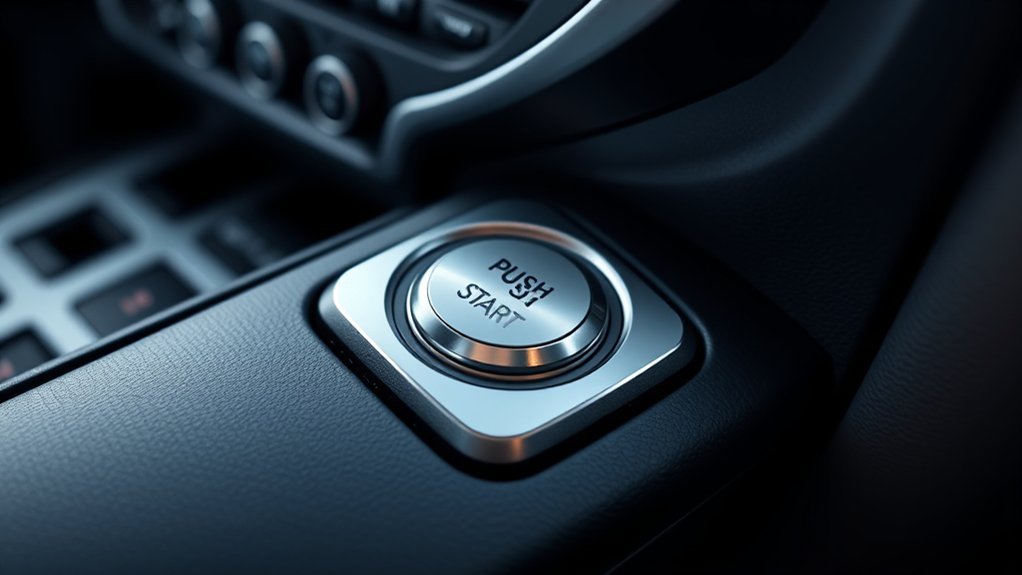
The Toyota Tacoma push button start system lets you start the truck without inserting a metal key into an ignition cylinder. Instead, the truck looks for a registered Smart Key signal and then allows the engine switch to start the engine or, on i-FORCE MAX hybrid models, bring the hybrid system to the ready-to-drive state.
In normal use, you carry the Smart Key or key card, sit in the driver’s seat, press the correct pedal, and press the engine switch. The system adds convenience because the key can stay in your pocket or bag, but it still relies on the vehicle detecting the correct electronic key.
Note: Toyota’s own quick reference guide says the Smart Key must be carried to enable the start function. For 2024 Tacoma models, Toyota also lists Smart Key with push-button start as standard on all grades, though older Tacoma years can vary by trim.
How to Start Your Tacoma With a Button
Starting the Tacoma depends on whether you have a gas automatic, gas manual, or i-FORCE MAX hybrid model. The process is similar, but the pedal and dashboard confirmation are different.
Gas Tacoma With Automatic Transmission
- Make sure the Smart Key is inside the vehicle.
- Confirm the shifter is in Park.
- Press and hold the brake pedal firmly.
- Press the ENGINE START/STOP switch once, briefly and firmly.
- Keep the brake pedal pressed until the engine starts.
Gas Tacoma With Manual Transmission
- Carry the Smart Key into the vehicle.
- Confirm the shifter is in Neutral.
- Press the clutch pedal fully.
- Press the engine switch briefly and firmly.
- Release the clutch only when it is safe to do so.
Tacoma i-FORCE MAX Hybrid
- Carry the Smart Key into the vehicle.
- Put the shift lever in Park.
- Press and hold the brake pedal.
- Press the POWER button briefly and firmly.
- Keep pressing the brake until the READY indicator appears.
Pro Tip: A brief, firm press is enough. Holding the button down is usually unnecessary because the Tacoma’s system handles the starting sequence after you press the switch correctly.
How to Turn Off the Engine or Hybrid System
When you are done driving, bring the truck to a complete stop before pressing the button again. For automatic and hybrid models, shift into Park, set the parking brake when needed, then press the engine or power switch. For manual models, stop safely, shift as appropriate, set the parking brake, and switch the engine off.
Do not leave the truck in a drive gear and assume the button will solve everything. The safest habit is: stop fully, secure the vehicle, then power it down.
Warning: Never leave the Tacoma running in an enclosed garage or poorly ventilated space. Exhaust gases can be dangerous, and remote or push-button starting does not remove that risk.
How Does the Key Fob Operate With Push Button Start?
The Smart Key communicates with antennas and control modules in the Tacoma. When the registered key is in the correct detection area, the vehicle can unlock, change power modes, and start. For starting or changing engine switch modes, the electronic key generally needs to be inside the vehicle.
There are a few details owners should know. Toyota notes that radio-wave conditions, key placement, a weak key battery, and even having the key too close to a window can affect detection. So if the truck says the key is not detected, move the fob closer to the start button, remove it from a bag with other electronics, and try again.
Without pressing the brake pedal, pressing the power button can cycle the truck through accessory and ignition-on modes instead of starting the engine. This is useful for running certain electronics, but it can drain the 12-volt battery if left on too long.
[Products Worth Considering]

The NOCO GENIUS10 is an all-in-one smart charger, maintainer, trickle charger, and desulfator designed to keep 6V and 12V batteries performing at their best. It supports lead-acid and lithium batteries, charges deeply discharged batteries, and uses temperature compensation for safer, more accurate charging in changing conditions. Compact and versatile, it is ideal for a wide range of vehicles and long-term battery maintenance.
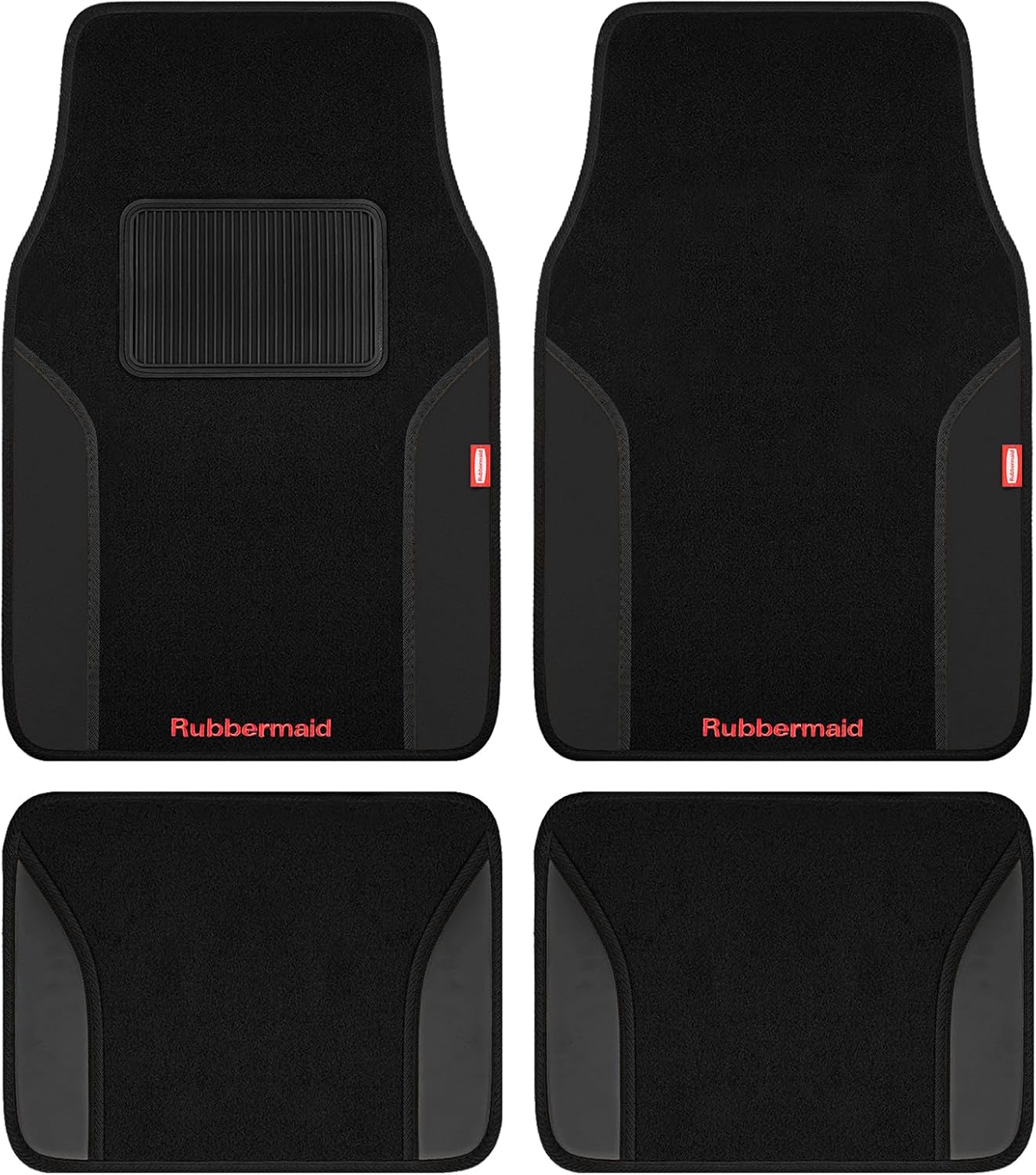
Upgrade your vehicle interior with Rubbermaid carpeted floor mats designed for everyday comfort, style, and protection. The two-tone look with faux leather accents adds a refined touch, while the reinforced heel pad helps handle frequent driver wear. Built for all-season use and easy cleaning, these universal-fit mats help keep cars, trucks, and SUVs looking neat and well protected.

This trailer coupler lock provides visible, dependable protection for your trailer with a rugged all-metal build and bright yellow finish that helps deter theft. Its universal adjustable design fits common coupler sizes and offers multiple locking positions for a secure, convenient setup. Built for all-weather use, it features protective rubber caps and anti-corrosion plating to help keep the locking mechanism working reliably.
Mistakes to Avoid With Push Button Start
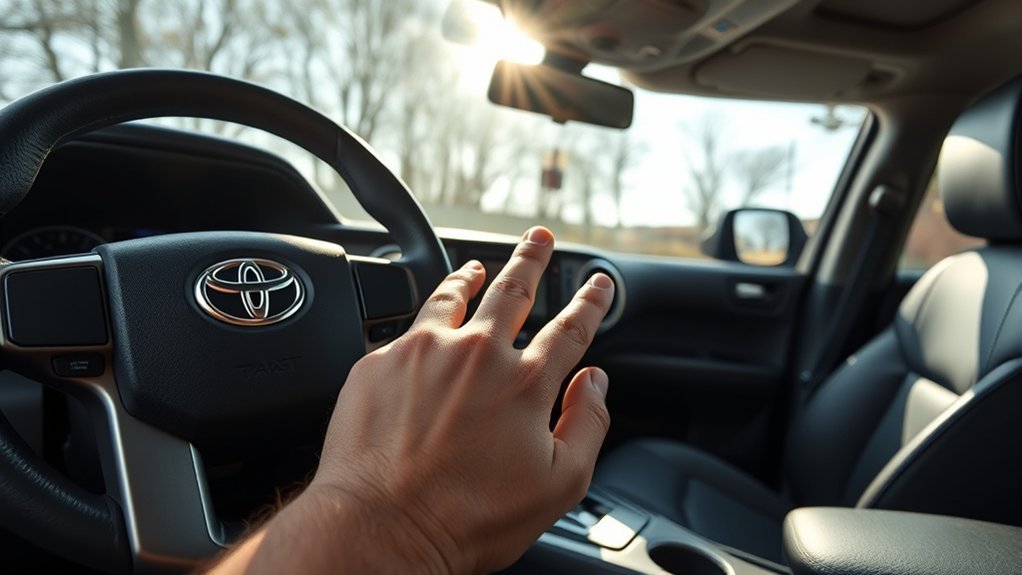
Using the push button start in your Toyota Tacoma is easy, but small mistakes can make the system seem broken. Start by checking the basics before assuming there is a mechanical problem.
- Leaving the Smart Key outside the truck: The Tacoma normally needs the registered key inside the cabin to start.
- Not pressing the pedal firmly enough: Automatic and hybrid models need the brake pedal; manual models need the clutch pedal.
- Trying to start in the wrong shift position: Automatic and hybrid models should be in Park for normal starting. Manual models should be in Neutral.
- Holding the button too long: A short, firm press is the correct habit for normal starting.
- Confusing accessory mode with engine start: If you press the button without the brake pedal, the truck may turn on electronics without starting the engine.
- Ignoring a weak key fob battery: Reduced range or intermittent detection can mean the key battery is getting low.
Safety Features of the Push Button Start System
The push button start system is designed to prevent casual or accidental starting. The truck checks for the correct electronic key, the correct pedal input, and the proper operating condition before it starts.
Key Security Protocols
The Tacoma’s Smart Key system helps prevent unauthorized starting by requiring a recognized electronic key signal. The mechanical key hidden inside the Smart Key can unlock the driver’s door if the fob battery is weak, but it does not replace the electronic authorization needed for normal push-button starting.
Toyota also warns that electronic key systems can be affected by radio-wave interference. If the truck does not detect the key, check whether the key is near a phone, charger, laptop, metal object, or other electronics before you assume the vehicle has a larger problem.
User Safety Measures
Good habits matter just as much as the built-in system. Keep your foot on the brake during starting, confirm the truck is secured before shutting it off, and do not let children play with the Smart Key or engine switch.
Drivers with implanted pacemakers or cardiac defibrillators should review Toyota’s owner information and consult the medical device manufacturer for distance guidance around Smart Key antennas. This is a precaution for electronic-key systems, not a sign that the Tacoma is unsafe for most drivers.
Comparing Push Button Start Across Tacoma Models
For the redesigned 2024 and newer Tacoma generation, Toyota states that Smart Key System with push-button start is standard on all grades. That means the old idea that only higher trims get push button start no longer fits the latest Tacoma lineup.
| Tacoma Model Years | Push Button Start Availability | Owner Note |
|---|---|---|
| 2024 and newer Tacoma | Toyota lists Smart Key with push-button start as standard on all grades. | Button labels vary: gas models use ENGINE START/STOP, while hybrid models use POWER. |
| Older Tacoma models | Availability can vary by year, trim, package, and market. | Check the original window sticker or owner’s manual for your exact truck. |
| Manual transmission models | Push button start may still apply when equipped. | Use the clutch pedal instead of the brake pedal for starting. |
[Products Worth Considering]

This anti-theft license plate screw kit helps secure front or rear plates with a tamper-proof design that resists common removal tools. Made from rustproof 304 stainless steel, it is built for durable outdoor use while helping reduce plate vibration and paint scratching. The kit includes screws, nuts, caps, washers, a screwdriver, and nylon plugs for broad compatibility with cars, trucks, motorcycles, and trailers.

These battery terminal anti-corrosion washers help protect battery connections from buildup and extend battery life in 6V and 12V systems. The set includes color-coded red and green rings for easy positive and negative identification, plus a removable inner ring to fit larger terminals when needed.

Premium Quality Material: Crafted from high-grade zinc alloy, this car engine start button cover boasts a refined metallic sheen. With superior craftsmanship, it opens and closes smoothly. Its high hardness, scratch resistance, rustproof, waterproof properties, along with fade and deformation resistance, ensure long-lasting use.
Troubleshooting Push Button Start Issues
If your Tacoma will not start, work through the simple checks first. Most push button start problems come from key detection, pedal input, shift position, or a weak battery.
[Products Worth Considering]

**Please confirm compatibility using the fitment guide located in the product images**

KEY FOB BATTERY INSTALLATION: This kit includes [qty 2] CR2016 batteries for an easy and secure replacement of your key fob battery for Toyota vehicles.

KEY FOB BATTERY INSTALL - This kit includes [qty 2] CR2450 coin battery and video guide for effortless installation for Toyota key fobs
If the Tacoma Says Key Not Detected
- Move the Smart Key closer to the engine switch.
- Take the key out of a backpack, purse, or pocket with other electronics.
- Move phones, laptops, chargers, and metal objects away from the key.
- Try the second key if you have one.
- Replace the key fob battery if the range has been getting shorter.
If the Smart Key Battery Is Dead
If the Smart Key battery is weak or depleted, use the mechanical key inside the fob to unlock the driver’s door. Once inside, Toyota says holding the Smart Key next to the START button while pressing the pedal may allow the engine to start. This is a temporary backup method, not a substitute for replacing the fob battery.
If the Button Turns On Lights but Not the Engine
You may be in accessory or ignition-on mode. Press the brake pedal firmly on automatic and hybrid models, or the clutch pedal on manual models, then press the engine switch briefly and firmly. Also confirm the shifter position is correct.
If Nothing Happens at All
If the doors, locks, interior lights, and dashboard are also weak or dead, the issue may be the truck’s 12-volt battery rather than the Smart Key. In that case, jump-starting or battery service may be needed. When in doubt, contact a Toyota dealer or qualified repair shop.
Note: A weak Smart Key battery and a weak vehicle battery can feel similar. If the fob has poor range but the truck’s lights are strong, suspect the fob battery. If the whole truck is electrically weak, suspect the 12-volt battery.
Tips for New Tacoma Owners to Master Vehicle Controls
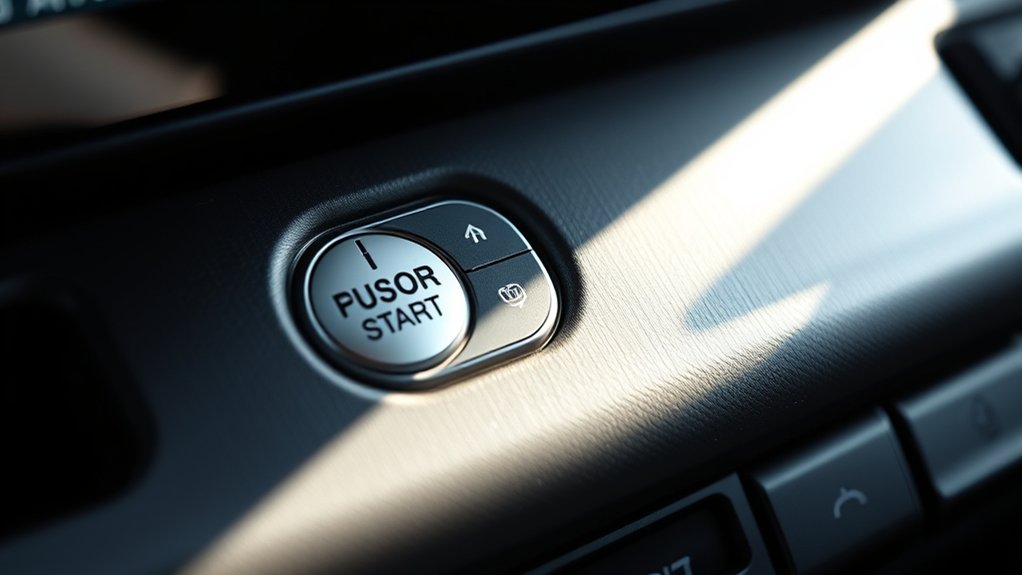
As a new Tacoma owner, getting comfortable with the controls makes every drive smoother. The push button start is only one part of the truck’s control layout, and newer Tacoma models can include drive modes, parking brake controls, off-road switches, cameras, trailer features, and hybrid-specific indicators.
Familiarize With Controls
Spend a few minutes parked in a safe place and look over the dashboard. Find the engine switch, shifter, electronic parking brake, hazard lights, drive mode controls, and climate controls before you need them on the road.
Practice Push Button Start
Practice the starting sequence a few times while parked: Smart Key inside, correct pedal pressed, shifter in the right position, short press of the button. Then practice shutting the truck off correctly. This builds muscle memory and prevents confusion later.
Engage With Community Resources
Tacoma owner communities, Toyota’s official manual, and dealership walk-throughs can all help. Community tips are useful for real-world habits, but use the owner’s manual as the final authority for safety procedures and model-specific details.
Engaging With the Tacoma Community: Share Your Experiences
The Tacoma community is full of owners who have learned the same buttons, alerts, and quirks through daily driving. Sharing your experience can help new owners understand what is normal and what needs attention.
| Common Confusion | What Usually Helps | Owner-Friendly Tip |
|---|---|---|
| Button pressed but engine does not start | Press the brake or clutch pedal firmly. | Look for messages on the multi-information display. |
| Key not detected | Move the key closer to the start button. | Keep the key away from phones and chargers. |
| Accessory mode instead of start | Press the pedal before pressing the button. | Accessory mode is normal when the brake is not pressed. |
| Hybrid model seems “too quiet” | Check for the READY indicator. | The gasoline engine may not run immediately on a hybrid. |
The Future of Keyless Ignition in Vehicles
Keyless ignition is now common across modern vehicles, and Toyota continues to connect it with features such as Smart Key access, Remote Connect, and available Digital Key. On equipped Tacoma models, Digital Key can allow a compatible smartphone to act as a key through Toyota’s app-based services.
That convenience comes with a practical reminder: always keep a physical Smart Key available when traveling far from reliable phone service, when your phone battery is low, or when lending the truck to someone who may not have app access.
The best push-button-start habit is simple: carry the Smart Key, press the correct pedal, check Park or Neutral, and press the switch briefly and firmly.
Frequently Asked Questions
What is behind the push to start button?
Behind the button is an electronic start system that works with the Tacoma’s Smart Key, brake or clutch pedal input, shift position, immobilizer system, and engine control modules. The button is the driver control, but the truck only starts when the required conditions are met.
Are you supposed to hold down the push to start button?
No. For normal starting, press the engine switch once, briefly and firmly, while pressing the brake pedal on automatic models or the clutch pedal on manual models. Holding the button down is not normally needed.
Why does my Tacoma say the key is not detected?
The Smart Key may be outside the cabin, too close to other electronics, in a spot where the truck cannot detect it well, or low on battery. Move the key near the start button, remove it from bags or pockets with electronics, and try again.
Can I start a Tacoma if the Smart Key battery is dead?
Usually, yes. Use the mechanical key inside the fob to open the driver’s door, then hold the Smart Key close to the START button while pressing the correct pedal. Replace the key battery as soon as possible.
Does every Toyota Tacoma have push button start?
For the redesigned 2024 and newer Tacoma, Toyota says Smart Key System with push-button start is standard on all grades. Older Tacoma model years may vary by trim and package, so check the owner’s manual or window sticker for your exact truck.
Conclusion
Mastering your Toyota Tacoma’s push button start comes down to a few repeatable habits: keep the Smart Key with you, press the correct pedal, confirm the proper shift position, and press the button briefly and firmly. If the truck does not respond, check key detection, the key fob battery, the shifter, and the vehicle’s 12-volt battery before assuming something major is wrong. Once those basics become second nature, the system feels quick, secure, and easy to use every day.
Sources
- Toyota Owners: 2024 Tacoma Smart Key System — supports Smart Key detection, effective range, and operation notes.
- Toyota Support: How Do I Start/Stop the Engine Using the Smart Key System? — supports the basic start and stop procedure.
- Toyota 2024 Tacoma Quick Reference Guide — supports the Smart Key start function, power modes, hybrid READY indicator, and owner safety guidance.
- Toyota USA Newsroom: All-New 2024 Toyota Tacoma — supports the statement that Smart Key with push-button start is standard on all 2024 Tacoma grades.
- Toyota Support: Alternate Way to Enter and Start if Smart Key Battery Dies — supports the dead-key-fob backup starting guidance.

[…] normal operation, start with the dedicated Toyota Tacoma push-button-start guide. Return to this page when the correct starting sequence still produces a no-crank, crank-no-start, […]