Last updated: July 14, 2026
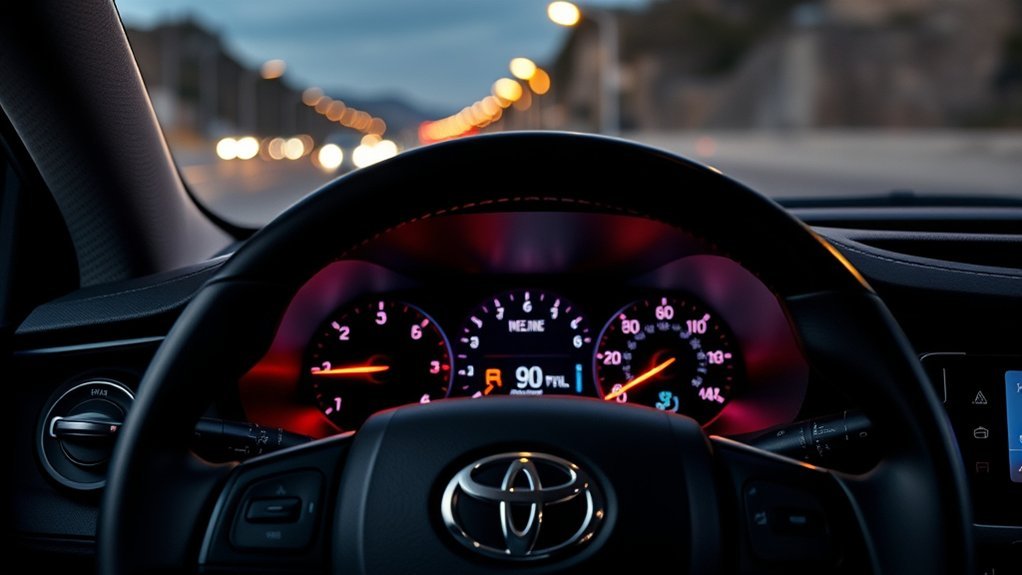
Toyota RAV4 warning lights should be handled by urgency. Stop in a safe place for a red brake warning, low engine oil pressure, high coolant temperature, a charging-system warning, or any message that tells you to stop the vehicle. Amber or yellow alerts usually allow a careful drive to a safe location when the RAV4 feels normal, but they still need inspection. Identify the exact symbol, read the multi-information display, and follow the owner’s manual for your model year.
Quick Answer
Red RAV4 warning lights usually need immediate attention, especially brake, oil pressure, coolant temperature, and charging-system alerts. Amber or yellow lights usually mean inspect soon, scan for codes, or correct a condition such as low tire pressure. If a light flashes, multiple warnings appear, or the vehicle drives abnormally, pull over safely and call for help.
Model-year scope: This guide covers common warning lights on gas, Hybrid, and Plug-in Hybrid RAV4 models. The 2026 U.S. RAV4 uses hybrid or plug-in-hybrid powertrains and a redesigned digital gauge cluster, so wording and symbols can differ from 2019–2025 models. Use the owner’s manual matched to your VIN and model year as the final authority.
Key Takeaways
- Red or flashing critical warnings—brake system, oil pressure, high coolant temperature, or charging system—mean stop in a safe place and get professional help.
- Amber lights such as check engine, ABS, tire pressure, or traction control usually allow a careful drive to a safe location, unless the vehicle shakes, overheats, loses power, or braking feels unsafe.
- Do not reset a warning light just to make it disappear. Fix the cause first, then clear the warning using the owner’s manual procedure or a diagnostic scan.
- Your exact RAV4 year and trim matter. Earlier gas-only, Hybrid, Plug-in Hybrid, and redesigned 2026 models can show different symbols and messages, so use your owner’s manual as the final authority.
At a Glance
| Time Required | 2–10 minutes for a safe visual check; longer if service is needed |
| Difficulty | Easy for basic checks; professional diagnosis for brake, oil, coolant, charging, ABS, airbag, hybrid, or steering warnings |
| Tools Needed | Owner’s manual, tire pressure gauge, flashlight, phone, and optional OBD-II scanner |
| Cost | Free for simple checks; diagnostic and repair costs vary by fault |
Immediate Red/Amber RAV4 Warning Lights: Stop & Quick Checklist
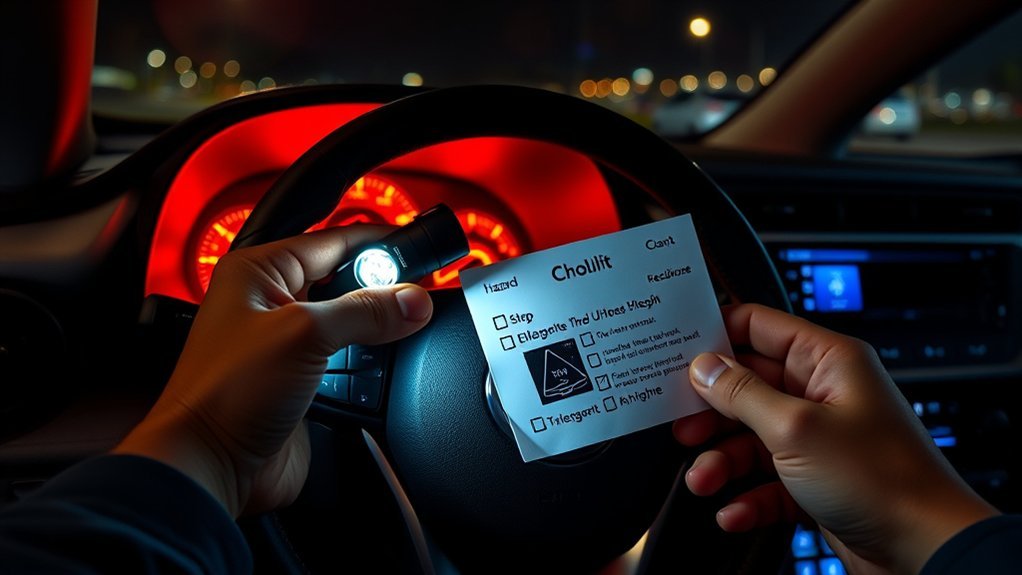
When a red or amber warning light appears on your RAV4, your first job is to make the vehicle safe. Toyota notes that warning icon colors vary by system status, with red icons requiring immediate attention and yellow icons marking items of importance. A red open-door or seat-belt reminder is different from a red oil-pressure or brake warning, so always match the color with the exact symbol and display message.
Warning: If the red brake warning, low oil pressure warning, high coolant temperature warning, charging-system warning, or a flashing warning appears while driving, pull over as soon as it is safe. Do not keep driving to “see if it clears.”
- Stay calm and reduce speed smoothly. Avoid hard braking unless traffic requires it.
- Move to a safe location. Use hazard lights if you must stop on the shoulder.
- Read the message display. Many newer RAV4 models show instructions on the multi-information display.
- Check the obvious cause only if it is safe. Examples include a loose fuel cap, low tire pressure, an open door, or a parking brake that is not fully released.
- Do not open a hot coolant cap, crawl under the vehicle, or touch orange high-voltage cables on hybrid models.
- Record the warning. Take a photo of the symbol, note the mileage, and write down symptoms such as noise, smell, smoke, overheating, soft brake pedal, vibration, or loss of power.
- Call roadside assistance or a Toyota dealer for critical warnings. Towing is cheaper than engine, brake, or hybrid-system damage.
Can I Keep Driving? When to Stop vs. Drive to Safety
The safest answer depends on the symbol, the color, whether the light is steady or flashing, and how the RAV4 feels. Toyota’s emergency guidance for the 2025 RAV4 says the red brake system warning, charging-system warning, high coolant temperature warning, and low engine oil pressure warning require stopping in a safe place and contacting a Toyota dealer or following the emergency procedure in the manual.
| Warning type | Can you keep driving? | Best action |
|---|---|---|
| Red brake system warning | No, if it stays on after the parking brake is released | Stop safely and contact a dealer or roadside assistance |
| Low engine oil pressure | No | Stop the engine to reduce the risk of severe engine damage |
| High coolant temperature or overheating message | No | Stop safely, let the engine cool, and follow the owner’s manual |
| Charging-system warning | Avoid continued driving | Stop safely and arrange service; the vehicle may stall or fail to restart |
| Steady check engine light | Usually only to a safe place if the vehicle drives normally | Tighten the fuel cap if applicable and schedule diagnostics promptly |
| Flashing check engine light or shaking | No, not safely | Reduce load, pull over, and request diagnosis or towing |
| Tire pressure warning | Only slowly to a safe air source if the tire is not flat | Check all tires cold and inflate to the placard PSI |
| ABS, SRS, EPS, PCS, LTA, RCTA, or parking-assist warning | Usually to a safe location if the vehicle feels normal | Drive cautiously and schedule inspection; safety aids may be limited |
Stop Immediately Indicators
Treat these RAV4 dashboard warnings as urgent:
- Red brake system warning: Toyota’s manual says this can indicate low brake fluid or a brake system malfunction and that continuing to drive may be dangerous.
- Low engine oil pressure warning: Stop the engine as soon as safely possible. This is not a low-oil-level reminder; it means oil pressure is too low.
- High coolant temperature warning: Stop safely and follow the overheating steps in the owner’s manual. Never remove a hot radiator or coolant reservoir cap.
- Charging-system warning: Turn off nonessential electrical loads, stop safely, and get service. A weak charging system can leave you stranded.
- Hybrid system overheat warning: On RAV4 Hybrid models, stop in a safe place and follow the manual. Do not touch high-voltage parts.
- Multiple warning lights at once: Stop if braking, steering, engine temperature, or electrical power seems affected.
Drive To Safe Location
Some amber or yellow alerts let you drive carefully to a safe place, but they still need action. A steady check engine light, ABS warning, traction/slip warning, tire pressure warning, parking-assist warning, or driver-assistance warning should not be ignored. Reduce speed, avoid aggressive acceleration, leave extra following distance, and schedule diagnostics if the warning remains.
Note: If a warning light comes on and then turns off, it may not always mean a current malfunction. If it repeats, appears with a buzzer, or returns after a restart, have the vehicle inspected.
RAV4 Dashboard Light Colors: What They Usually Mean
Color helps you prioritize, but it does not replace the owner’s manual. Use this quick guide as a first filter:
| Color | Common meaning | What to do |
|---|---|---|
| Red | Immediate attention, safety issue, or important reminder | Stop if it is brake, oil pressure, coolant temperature, charging, or another critical system warning |
| Amber/Yellow | System needs attention, is disabled, or has detected a fault | Inspect soon, scan for codes, correct tire pressure, clean sensors, or schedule service |
| Green/Blue/White | System is active or informational | Usually no repair needed unless the indicator behaves abnormally |
| Flashing light | Higher urgency or active fault | Slow down, read the display message, and stop if the vehicle feels unsafe |
RAV4 Amber/Info Lights: Meanings & Simple Fixes
Amber lights often give you time to respond, but they are not “optional.” The longer you ignore them, the more likely a small issue becomes a bigger repair.
Amber Engine Light
The amber check engine light, also called the malfunction indicator lamp, means the RAV4’s control system detected a fault. Possible systems include the engine control system, electronic throttle control system, emission control system, and the Stop & Start system on equipped gas models.
| Possible issue | Simple first check | Next step |
|---|---|---|
| Loose or damaged fuel cap | Tighten the cap until it clicks, if your model uses one | Drive normally for a few trips; scan if the light remains |
| Ignition coil, spark plug, or misfire | Watch for shaking, rough idle, or flashing light | Stop driving if flashing or shaking; diagnose promptly |
| Oxygen sensor, evaporative emissions, or fuel-system fault | Note fuel smell, poor economy, or hard starting | Read OBD-II codes and inspect the affected system |
| Catalytic converter or exhaust issue | Watch for poor power, rattling, or sulfur smell | Have the root cause diagnosed before replacing parts |
| Hybrid-system related fault | Read the display message | Use Toyota hybrid-qualified service |
Pro Tip: An OBD-II code tells you which system reported a problem; it does not automatically identify the failed part. For example, an oxygen-sensor code can be caused by wiring, exhaust leaks, fuel trim problems, or the sensor itself.
Tire Pressure Alert
The tire pressure warning light means one or more tires may be significantly underinflated, or the tire pressure monitoring system may have a fault. Federal TPMS rules require owner information explaining that each tire, including the spare if provided, should be checked monthly when cold and inflated to the pressure on the vehicle placard or tire inflation label.
Follow these steps:
- Park in a safe place and inspect for a visibly flat tire, puncture, sidewall damage, or a screw/nail in the tread.
- Check tire pressure when the tires are cold whenever possible. The recommended PSI is on the driver’s door-jamb placard, not the tire sidewall.
- Inflate all tires to the placard PSI. Check the spare too if your RAV4 is equipped with one.
- Drive for several minutes. If the light stays on, reset or initialize the system only according to your owner’s manual.
- If the light blinks for about a minute and then stays on, suspect a TPMS malfunction and schedule service.
Traction Control Notice
If the traction control or slip indicator flashes while accelerating on wet, icy, gravel, or loose surfaces, the system is likely helping reduce wheel slip. Ease off the accelerator and steer smoothly. If the light stays on, the system may have a fault or may have been turned off.
- Flashing briefly: Usually normal traction-control intervention.
- Steady after pressing TRAC OFF: Re-enable the system when normal driving resumes.
- Steady with ABS or brake warnings: Drive cautiously and get professional diagnostics.
- Steady after tire or brake work: A wheel-speed sensor, wiring, calibration, or related system may need inspection.
Safety-System & Status Lights: SRS, EPS, Master Warning, Security, Fuel
A few RAV4 dashboard lights don’t fit neatly into “engine” or “tire” categories, but they still matter. Here’s what the remaining common indicators mean.
| Light | What it means | What to do |
|---|---|---|
| SRS/airbag warning (seated person with a circle) | A fault in the airbag system, seatbelt pretensioners, or front passenger occupant classification system. Your airbags may not deploy correctly in a crash. | Have the vehicle inspected by a Toyota dealer as soon as possible; treat this as a safety-critical repair |
| EPS warning (steering wheel with exclamation point) | A fault in the Electric Power Steering system. Steering can suddenly become much heavier. | Grip the wheel firmly, reduce speed, and have the system inspected promptly |
| Master Warning Light (yellow triangle with “!”) | A general alert telling you to check the multi-information display for the specific condition; it commonly appears with a message or buzzer | Read the display text immediately to identify the actual system involved |
| Security/immobilizer indicator (blinking key or padlock) | Confirms the vehicle’s anti-theft system is armed when the vehicle is off, or flags a Smart Key System fault if it stays on while driving | Normal if blinking with the vehicle off; have it inspected if illuminated while driving |
| Low fuel warning (fuel pump icon) | Fuel has reached a model-specific reserve threshold; the exact amount varies by model year and calibration | Refuel promptly and do not rely only on the estimated distance-to-empty display |
Battery, Charging & Electrical Alerts: What to Do While Driving
A battery-shaped warning light does not always mean the battery itself is bad. On a gas-only RAV4, the cause may involve the alternator, drive belt, 12-volt battery, wiring, terminals, or charging controls. Hybrid and Plug-in Hybrid models use a DC-DC converter to support the 12-volt system instead of a conventional alternator, so diagnosis must match the powertrain. Toyota treats a charging-system warning as serious: stop in a safe place and arrange service.
| Situation | Immediate action | Next step |
|---|---|---|
| Charging light appears while driving | Turn off nonessential loads such as heated seats, rear defroster, and audio | Stop safely and arrange service |
| Dim lights, slow wipers, or electrical glitches | Reduce electrical load | Do not turn off the engine or READY mode until you are safely parked |
| Corroded or loose 12-volt battery terminals | Inspect only if the vehicle is parked safely | Clean or tighten only if you know the correct procedure |
| No-start after warning | Do not keep cranking repeatedly | Test the 12-volt battery and charging system |
Warning: Never disconnect the 12-volt battery while the engine is running or the READY indicator is on. That can damage vehicle electronics and will not diagnose a modern charging system safely.
[Products Worth Considering]
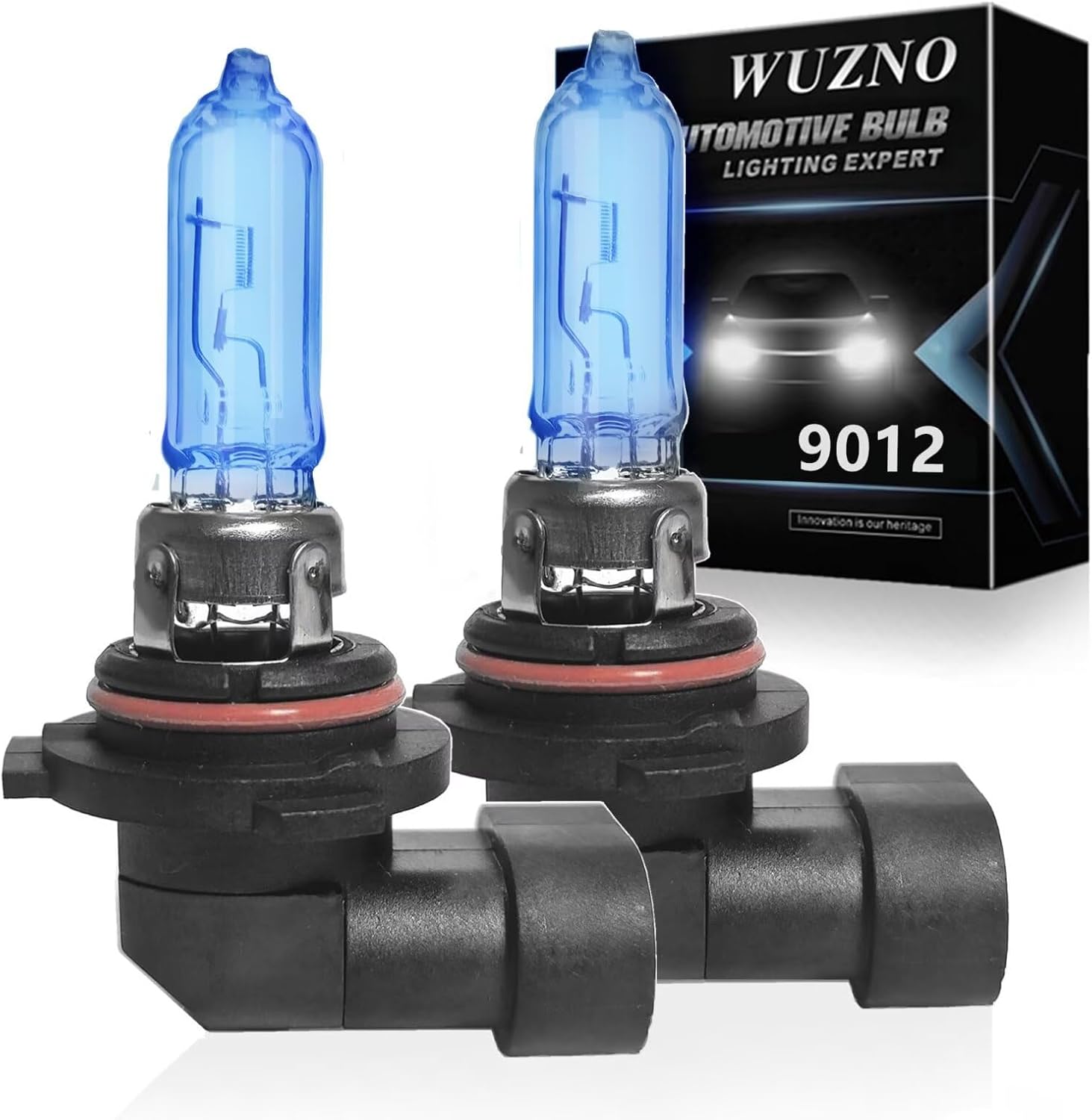
These halogen headlight bulbs are designed as a direct replacement for compatible Toyota models, offering plug-and-play installation with the same base and connector as the original bulbs. They deliver brighter, whiter light for improved visibility and a more modern look while helping reduce eye fatigue during night driving. Built for long life and reliable performance, this two-pack is ideal for restoring or upgrading your vehicle's headlight output.

These SYJIIP halogen headlight bulbs are designed for Toyota RAV4 models from 2013 to 2015, offering a plug-and-play replacement with stock-size fitment for easier installation. They deliver brighter warm white light for improved night visibility while maintaining a safe beam pattern with reduced flicker and fewer CANBUS issues. The four-pack makes it convenient to refresh multiple bulbs or keep spares on hand for reliable driving performance.

This three-piece windshield wiper set is designed for compatible Toyota RAV4 and Highlander models to help deliver clear visibility in everyday driving. The natural rubber blades feature a graphite-treated surface for quiet, smooth wiping performance and reliable weather resistance. Installation is quick and tool-free, making it easy to replace worn blades on the front and rear of your vehicle.
Hybrid and Plug-in Hybrid RAV4 Warning Lights
RAV4 Hybrid and RAV4 Plug-in Hybrid models can show warnings that do not appear on gas-only models. These may involve the hybrid system, regenerative braking, power control unit, traction battery temperature, charging equipment, or EV driving functions. The 2026 U.S. RAV4 lineup is electrified, making these warnings especially important for current-model owners.
- Hybrid system warning: Stop if the message instructs you to stop or if power is reduced. Contact Toyota service.
- Hybrid system overheat warning: Pull over safely, follow the owner’s manual, and avoid blocking battery cooling vents.
- Regenerative braking or electronically controlled brake warning: Treat brake warnings seriously. The brake feel may change, and stopping distance can increase.
- 12-volt battery warning on hybrids: The hybrid battery does not replace the 12-volt battery’s job. A weak 12-volt battery can still cause warning lights and no-start conditions.
- Orange high-voltage cables or components: Do not touch, disconnect, probe, or wash high-voltage components. Leave hybrid-system diagnosis to qualified technicians.
[Products Worth Considering]

This 3-piece windshield wiper set is designed for Toyota RAV4 models from 2019 to 2024 and also fits select Mazda 5 vehicles. It includes front and rear blades for a complete replacement, with Teflon-coated rubber for smooth, quiet wiping and reliable all-weather performance. The easy-install design helps match the original wiper arm structure for a simple, secure fit.

This oxygen O2 sensor set is designed for select Toyota Camry and RAV4 models with 2.4L engines, providing upstream and downstream replacement coverage in one package. Built to OEM specifications for plug-and-play installation, it helps improve fuel efficiency, support accurate air-fuel monitoring, and restore reliable engine performance. The stainless steel and heat-resistant construction is made for long-lasting durability and stable operation.
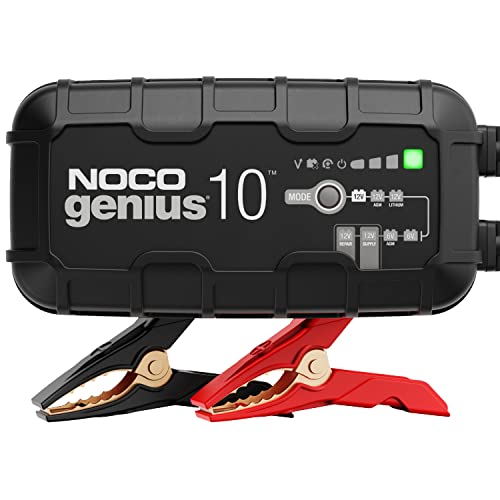
MEET THE GENIUS10 — Similar to our G7200, just better. It's 17% smaller and delivers over 115% more power. It's the all-in-one charging solution - battery charger, battery maintainer, trickle charger, plus desulfator.
Tires, Brakes, ABS & Traction Lights: DIY Checks and Safety Steps

Tires and brakes directly affect steering control and stopping distance, so treat tire pressure, brake, ABS, and traction warnings as safety priorities. You can do a few basic checks yourself, but you should not continue driving if the brake pedal feels soft, the vehicle pulls hard while braking, brake fluid is visibly leaking, or the red brake warning stays on.
- Check tire pressure. Use the driver’s door-jamb placard PSI and a reliable gauge.
- Inspect tire condition. Look for sidewall bulges, cuts, embedded objects, uneven wear, and a flat spare.
- Confirm the parking brake is fully released. If the red brake light remains, stop driving.
- Look at the brake fluid reservoir from outside the container. If it is very low, do not simply top it off and keep driving; low fluid can indicate brake wear or a leak.
- Take ABS warnings seriously. Normal braking may still work, but anti-lock braking and brake assist may be limited.
- Avoid aggressive maneuvers with traction or stability warnings. Slow down and drive smoothly until the system is inspected.
[Products Worth Considering]

The WYNNsky tire gauge is designed specifically to provide precision measurements for low pressure readings that higher PSI gauges are unable to provide
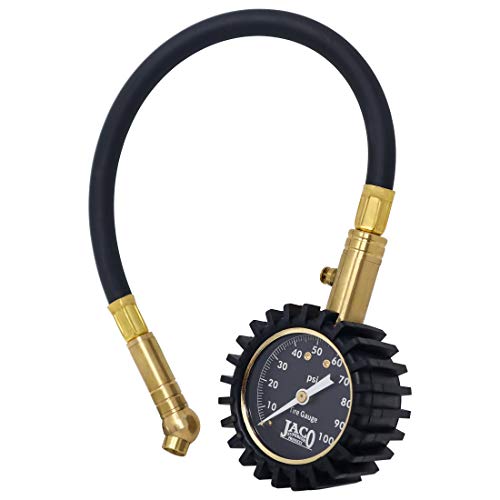
Mechanic Recommended - performance tested, certified, & calibrated accurate within ANSI Standards (±1.5%) at our ANSI accredited calibration facility, ensuring precise tire pressure readings without relying on batteries

🚕 The Brake Pressure Test Kit monitors domestic and import braking systems including both non-ABS and ABS systems.The kit diagnoses brake pull, uneven wear, and master cylinder problems to ensure proportional balance to all wheels
Advanced Safety System Warning Messages
Newer RAV4 models may display warnings for systems such as PCS (Pre-Collision System), LTA (Lane Tracing Assist), BSM (Blind Spot Monitor), RCTA (Rear Cross Traffic Alert), parking assist, Parking Support Brake, and dynamic radar cruise control. These alerts do not always mean a part has failed. Dirt, ice, heavy rain, direct sun, blocked radar sensors, a covered camera, low battery voltage, or a disabled stability-control system can temporarily limit driver-assistance features.
| Message or light | Common simple cause | What to do |
|---|---|---|
| PCS unavailable or PCS warning | Dirty windshield camera area, disabled VSC, weather, or system fault | Clean sensors, read the display message, and inspect if it remains |
| LTA orange indicator | Lane-assist fault or unavailable lane detection | Follow the display message and do not rely on lane assist |
| BSM/RCTA warning | Rear bumper radar area covered by dirt, snow, or ice | Clean the bumper sensor area and retest |
| Parking assist unavailable | Sensor blocked by dirt, ice, or accessories | Clean sensors; inspect if the light flashes with a buzzer |
| Radar cruise unavailable | Weather, sensor blockage, or temporary suspension | Drive manually and follow the owner’s manual message |
Note: Driver-assistance systems are support features, not substitutes for steering, braking, or checking blind spots. If a warning says a system is unavailable, drive as if that feature is off.
What If the RAV4 Dashboard Display Is Blank?
A blank digital gauge cluster is different from a single warning light. If the display stays blank after startup, park safely and confirm whether the speedometer, brake warning, tire-pressure warning, and message area are visible. Restart the vehicle once only after you are safely parked. If the display remains blank or repeatedly fails, do not assume the vehicle has no active warnings.
Certain recent U.S. Toyota vehicles, including some RAV4 variants, were recalled because the instrument panel could fail to show critical information. Check your VIN through the NHTSA recall lookup and Toyota’s recall portal before paying for diagnosis or repair.
Maintenance Reminders & Using the Owner’s Manual/Dealer Help
The Maintenance Required light or message is different from a red safety warning. Toyota says scheduled maintenance should be performed at specified intervals according to the maintenance schedule, and the reminder should be reset only after the required maintenance is completed. On many RAV4 models, the reminder is tied to routine maintenance such as tire rotation, inspections, and oil-service intervals listed in the maintenance guide.
| Prompt | Meaning | Action |
|---|---|---|
| Maintenance Required | Scheduled maintenance reminder | Complete the service, then reset using the manual procedure |
| Oil pressure warning | Low engine oil pressure, not a routine oil-change reminder | Stop immediately and get help |
| Low tire pressure | Tire pressure is low or TPMS detected an issue | Inflate tires cold to placard PSI and inspect for leaks |
| Check engine light | Stored powertrain or emissions fault | Scan codes and diagnose the cause |
| Warning message says “Visit Your Dealer” | A system or component needs professional inspection | Schedule Toyota service and share photos or codes |
What to Tell the Service Advisor
Good notes help a technician find the issue faster. Before calling for service, write down:
- The exact warning symbol and message text.
- Whether the light was red, amber, steady, or flashing.
- The speed, weather, road condition, and driving situation when it appeared.
- Any symptoms: vibration, burning smell, smoke, overheating, weak acceleration, soft brake pedal, steering stiffness, or electrical flicker.
- Recent work: battery replacement, tire rotation, brake work, aftermarket accessories, windshield replacement, collision repair, or software update.
- Any OBD-II codes, including pending codes and freeze-frame data if available.
Frequently Asked Questions
How often should dashboard warning lights be professionally scanned?
Scan a warning light as soon as it remains on, flashes, returns repeatedly, or appears with drivability symptoms. A routine scan is optional when no warning or symptom is present; it should not replace the maintenance schedule or a model-specific inspection.
Do software updates affect warning light behavior?
Yes. Software updates can change system calibration, diagnostic logic, display wording, or how certain warnings are handled. If a warning appears after service or an update, tell the dealer exactly when it started.
Can aftermarket parts trigger dashboard warnings?
Yes. Aftermarket wheels, tire sensors, LED bulbs, trailer wiring, remote starters, dash cameras, brake parts, suspension changes, and non-OEM sensors can trigger warnings if they affect voltage, communication, calibration, or sensor readings.
Is there a fuse that controls multiple warning lights?
Yes, one fuse, relay, ground point, wiring connector, or weak 12-volt battery can affect multiple systems. Use the fuse diagram in your owner’s manual, but do not replace fuses repeatedly without finding the cause of the failure.
Will jump-starting reset any warning lights?
Jump-starting may clear some temporary low-voltage behavior, but it will not reliably fix or erase stored faults. If warnings return after the battery is charged, test the 12-volt battery, charging system, and stored diagnostic codes.
Why did several RAV4 warning lights come on at the same time?
Multiple lights can appear together when one shared system fails. A low 12-volt battery, wheel-speed sensor fault, charging issue, brake-system problem, communication fault, or disabled stability-control system can trigger several alerts at once.
Can I reset a RAV4 warning light myself?
Reset only maintenance reminders or TPMS initialization when the required service or tire-pressure correction is complete and the owner’s manual says to do so. Do not clear brake, oil pressure, coolant, airbag, ABS, hybrid, or check-engine warnings without diagnosing the cause.
What should I do if the RAV4 dashboard screen is blank?
Park safely and check whether the speedometer, brake warning, tire-pressure warning, and message area are visible. Restart once only after parking. If the display remains blank, check your VIN for open recalls and arrange Toyota service because critical warnings may not be visible.
Conclusion
RAV4 warning lights are easiest to handle when you separate stop-now conditions from inspect-soon alerts. Stop safely for a red brake warning, low oil pressure, high coolant temperature, a charging-system warning, a hybrid-overheat or stop-vehicle message, or a flashing check-engine light with rough running. Have SRS/airbag, ABS, EPS, and persistent amber warnings inspected promptly. Use the owner’s manual, check only what is safe, record the symptoms, and arrange qualified service when braking, steering, temperature, charging, airbags, or hybrid systems are involved.
Verification note: Safety actions in this guide were cross-checked against Toyota warning-light guidance, model-specific RAV4 manuals, the current 2026 RAV4 page, and U.S. tire and recall resources. Symbol wording still varies by market, trim, and model year.
Sources
- Toyota Owners — Dashboard Warning Lights Explained — warning light color guidance and owner-manual direction
- Toyota Owners — 2025 RAV4: If a Warning Light Turns On or a Warning Buzzer Sounds — official actions for brake, oil pressure, coolant, charging, check engine, ABS, tire pressure, and safety-system warnings
- Toyota Owners — 2025 RAV4 Hybrid: Warning Light Emergency Actions — hybrid-system, regenerative-brake, and hybrid warning guidance
- Toyota Owners — 2025 RAV4 Maintenance Requirements — scheduled maintenance and reset guidance
- NHTSA TireWise — tire pressure, cold inflation, placard PSI, and tire safety guidance
- 49 CFR § 571.138 — Tire Pressure Monitoring Systems — federal TPMS owner-information requirements
- Toyota — 2026 RAV4 — current U.S. powertrain and digital-gauge-cluster context
- NHTSA Recalls — VIN-specific safety recall lookup
- Reuters — Toyota instrument-panel recall report — affected display systems and safety context