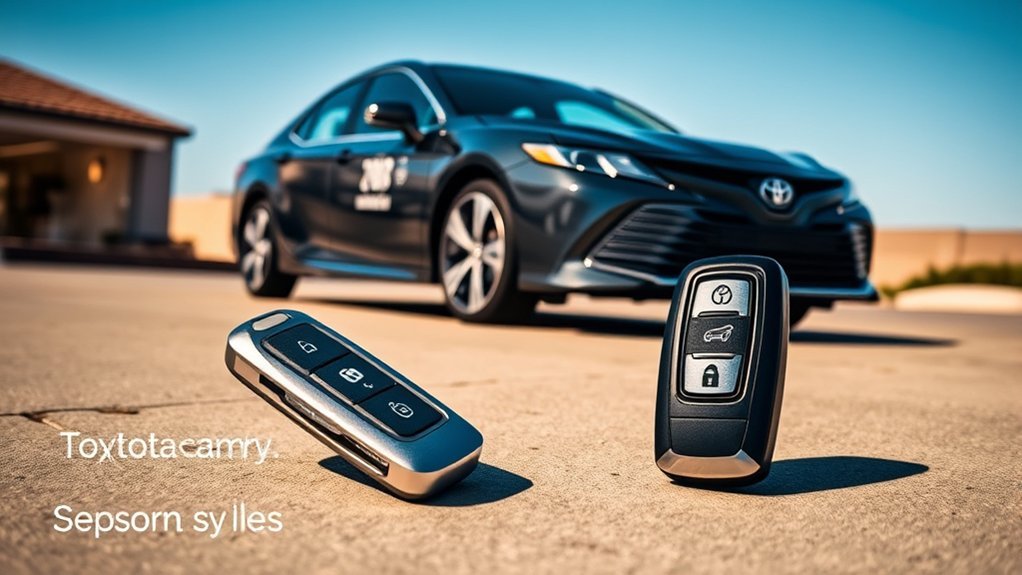
The Toyota Camry Smart Key System lets you lock, unlock, open the trunk, and start the vehicle without inserting a physical key, as long as the electronic key is with you. Exact features vary by model year, trim, market, and Connected Services status, so use this guide as a practical overview and confirm details in your Camry’s owner’s manual.
Quick Answer
The Toyota Camry Smart Key System is a keyless entry and push-button start feature. On equipped models, the car detects the electronic key near the front door handles or trunk release, lets you unlock with a touch, and allows starting only when the key is detected inside the cabin.
Key Takeaways
- Smart Key is not just a remote button system; it uses proximity detection so you can unlock and start the Camry while carrying the key.
- Toyota lists the effective detection range for the doors and trunk on the 2025 Camry Hybrid at about 2.3 ft. (0.7 m).
- Remote start is separate from basic Smart Key operation and may require a Remote Connect-capable vehicle plus an active trial or subscription.
- Weak key batteries, radio interference, wet door handles, nearby electronic keys, and metal objects can all cause delayed or failed operation.
- The mechanical key hidden inside the fob is your backup when the Smart Key or wireless remote function is not working.
At a Glance
| Time Required | 2–10 minutes to learn the main functions |
| Difficulty | Easy |
| Tools Needed | Electronic key, owner’s manual, and Toyota app if using Remote Connect |
| Cost | Basic Smart Key use is built into equipped vehicles; Remote Connect features may require a trial or paid subscription |
Understanding the Toyota Camry Smart Key System
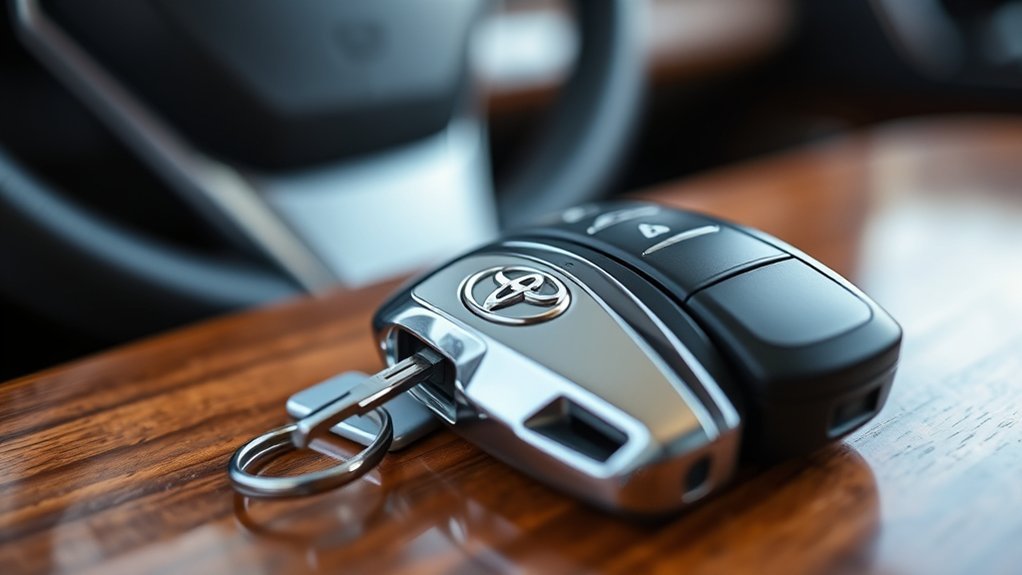
The Toyota Camry Smart Key System is designed to make everyday access easier. Instead of inserting a key into the door or ignition, you keep the electronic key in your pocket, purse, or bag. The vehicle communicates with the key using weak radio signals and antennas located around the vehicle.
According to the 2025 Toyota Camry Hybrid owner’s manual, the system can lock and unlock the doors, open the trunk, and start the hybrid system when the electronic key is detected in the correct area. For door and trunk entry on that model, Toyota lists the detection range at about 2.3 ft. (0.7 m).
That does not mean the doors open automatically just because you walk near the car. In normal use, you still touch the door handle sensor, press the key fob button, or press the trunk release button. The difference is that you do not need to take the key out or insert it anywhere.
[Products Worth Considering]

This key fob case is a practical replacement for damaged or worn Hyundai flip key shells, helping restore your remote’s appearance and usability. It fits select Hyundai Sonata and Santa Fe models and includes an uncut blade, replacement button pad, and basic tools for easy shell transfer. No electronics are included, so you can reuse your existing internals and have the blade cut to match your vehicle.
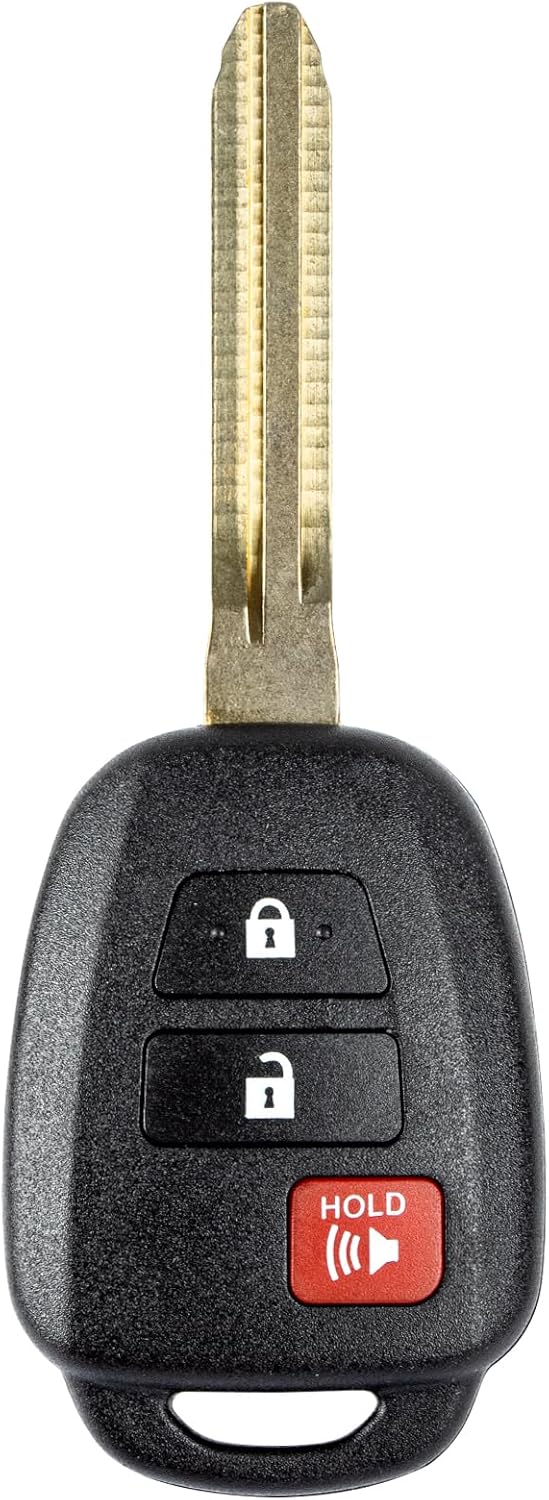
This replacement key fob is designed for select Toyota models and provides reliable keyless entry functionality with a factory-like fit and operation. It comes pre-tested with electronics and battery installed, making it a convenient solution when your original remote is lost, damaged, or worn out. Professional programming and cutting are required, and compatibility should be confirmed against the original remote and vehicle fitment details.
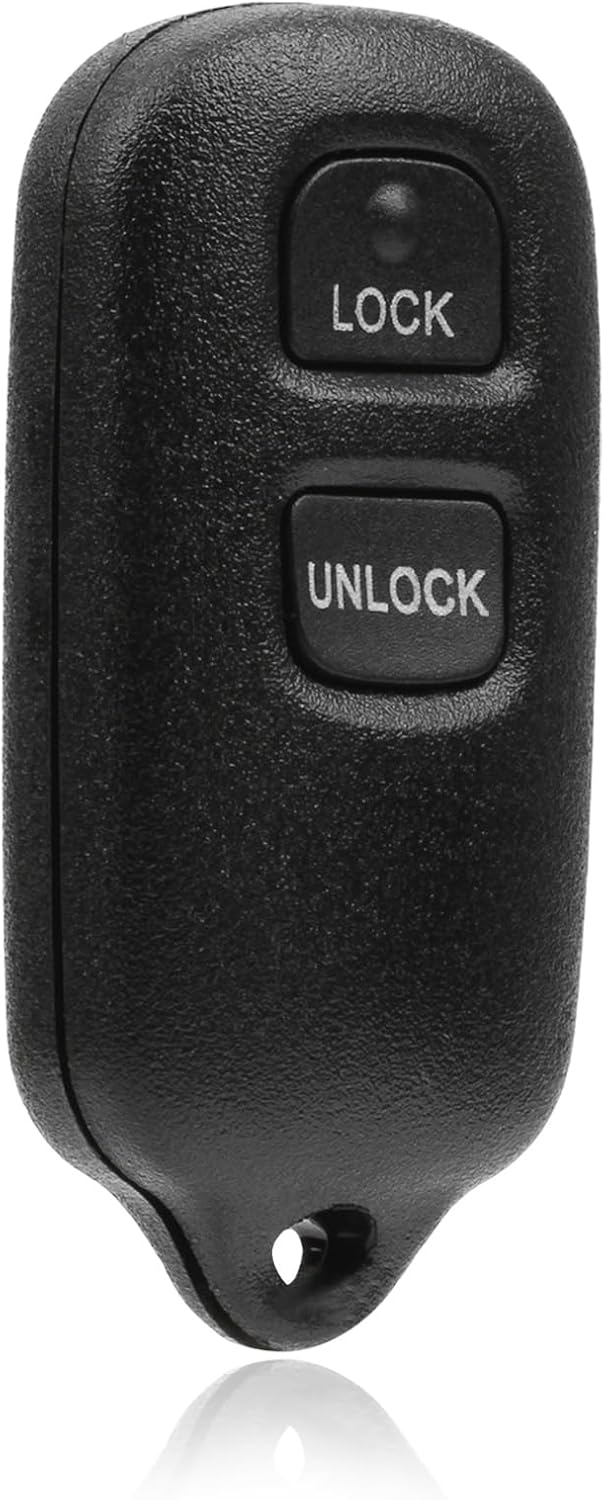
This USARemote key fob replacement provides convenient keyless entry for a wide range of Toyota and Scion vehicles. It is programmable, ready to use, and designed to help restore remote locking and unlocking functionality for compatible models. The compact black remote offers dependable everyday use for drivers needing a simple replacement solution.
How Keyless Entry Works
The Camry’s keyless entry feature works through short-range communication between the vehicle and your electronic key. When you touch the door handle or press a remote button, the car checks whether an authorized key is nearby. If it detects the correct key, it unlocks the door or allows the trunk to open.
Keyless Entry Mechanism
On equipped Camry models, Toyota places antennas outside and inside the vehicle. The outside antennas help detect the electronic key near the front door handles or trunk release area. The inside antennas confirm that the key is in the cabin before the vehicle can be started.
| Feature | How It Works | Why It Helps |
|---|---|---|
| Proximity Entry | The car detects the electronic key near the door handle | Lets you unlock without taking out the key |
| Door Handle Sensor | Touching the sensor locks or unlocks the door when the key is detected | Makes entry faster with full hands |
| Trunk Detection | The trunk release works when the key is near the release area | Useful when loading bags or groceries |
| Push-Button Start | The vehicle starts only when the key is detected inside the cabin | Adds convenience while keeping the immobilizer active |
| Mechanical Key Backup | A small metal key is stored inside the fob | Provides access if the fob battery is weak or communication fails |
Smart Key Functionality
The Smart Key can operate several functions, depending on your Camry’s equipment:
- Locking and unlocking the doors with the entry function
- Opening the trunk from the trunk release button
- Starting the engine or hybrid system with the power button
- Using wireless remote buttons for lock, unlock, trunk, and panic functions
- Using remote start on compatible vehicles with the required Remote Connect status
The driver should always carry the electronic key. If the key is outside the cabin, the vehicle may unlock or lock from the outside, but it should not normally start because the inside antennas must detect the key.
Note: Smart Key features vary by model year and trim. A 2025 Camry Hybrid may not behave exactly like a 2018 Camry, a 2024 Camry, or a non-U.S. model. Check the owner’s manual for your exact vehicle.
Enhanced User Convenience
The biggest benefit is simple: you can keep the key put away. That helps when your hands are full, when you are carrying a child, or when you do not want to search through a bag in bad weather. The system also supports security features such as warning buzzers and dashboard messages when the key is left in the trunk or when the vehicle is not locked correctly.
Exploring Your Camry’s Smart Key Features
Most Camry Smart Key functions are easy to use once you know what each button and sensor does. Your exact fob design may look different, but the core functions are similar across many equipped Camry models.
| Feature | What It Does | Best Use |
|---|---|---|
| Lock Button | Locks the doors and usually flashes the exterior lights | Securing the car as you walk away |
| Unlock Button | Unlocks the driver’s door or all doors depending on settings | Quick access from a distance |
| Trunk Button | Opens or releases the trunk on equipped models | Loading cargo without unlocking every door |
| Panic Button | Sounds the alarm to attract attention | Finding the vehicle or deterring suspicious activity |
| Power Button Start | Starts the vehicle when the key is inside and the brake is pressed | Keyless driving convenience |
Some Camry models also support remote start. Toyota’s official support explains that key fob remote start requires a Remote Connect-capable vehicle and, excluding Wi-Fi Connect, an active trial or subscription for at least one Toyota Connected Service. The usual key fob sequence is lock, lock again within one second, then press and hold lock for about three seconds, according to Toyota’s remote start support page.
[Products Worth Considering]
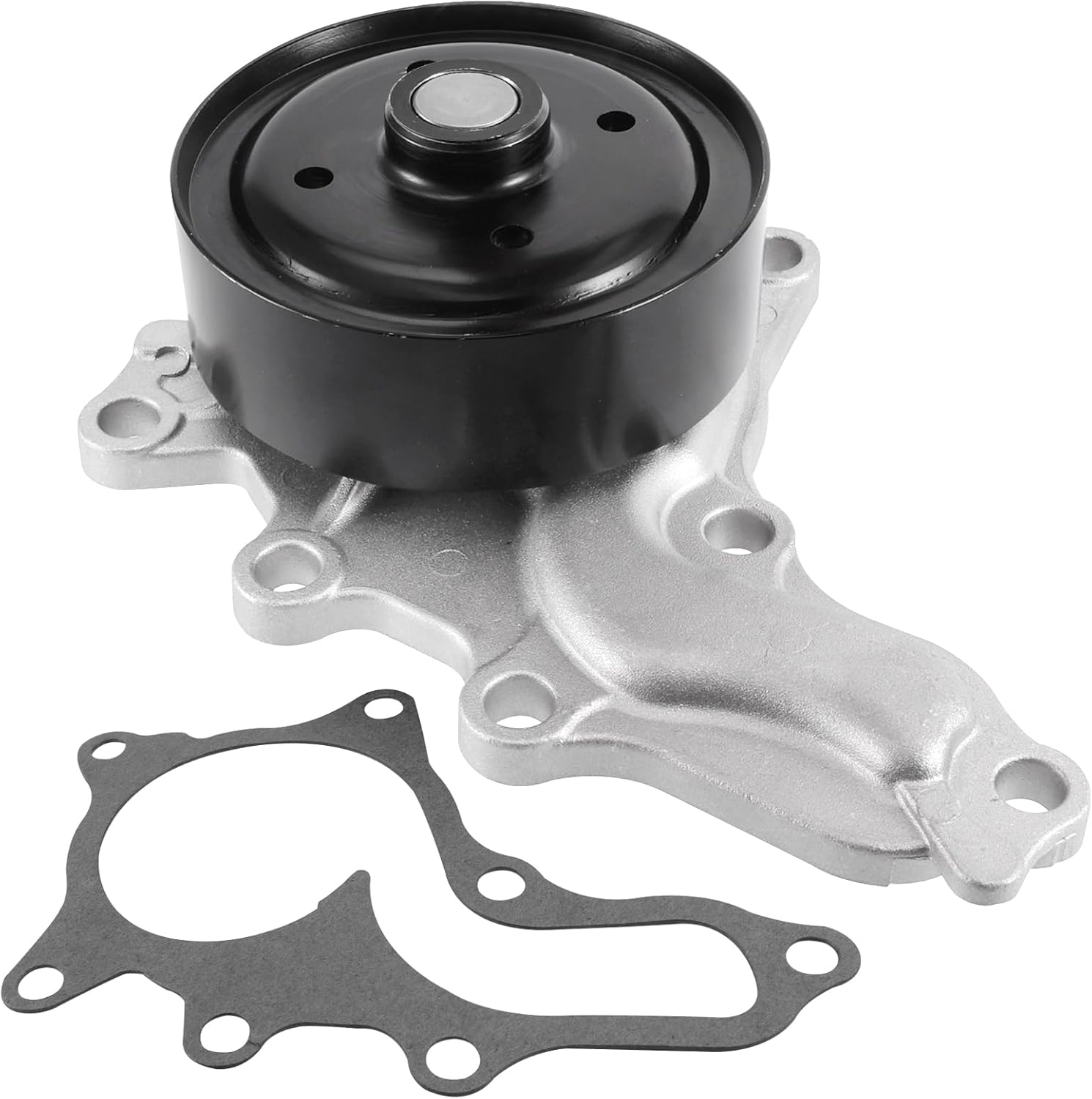
This AW6252 water pump is designed for a wide range of Toyota, Scion, and Lexus applications, helping maintain reliable engine cooling across compatible models. It features case hardened bearings for durability, a graphite-impregnated gasket for a secure seal, and 100% function and leakage testing for dependable performance. Built in TS16949 certified facilities, it offers a strong replacement option backed by service support.

This coolant electric water pump is designed as a replacement for select Toyota vehicles, helping maintain proper engine cooling performance and reliable temperature control. Built to OE specifications, it offers fitment support for compatible Avalon, Camry, and RAV4 models with 2.5L L4 engines. It also includes cross-reference part numbers for easier matching and comes with after-sales support for covered defects.

Compatible with Toyota Corolla 2023 2024 2025
Benefits of the Toyota Smart Key
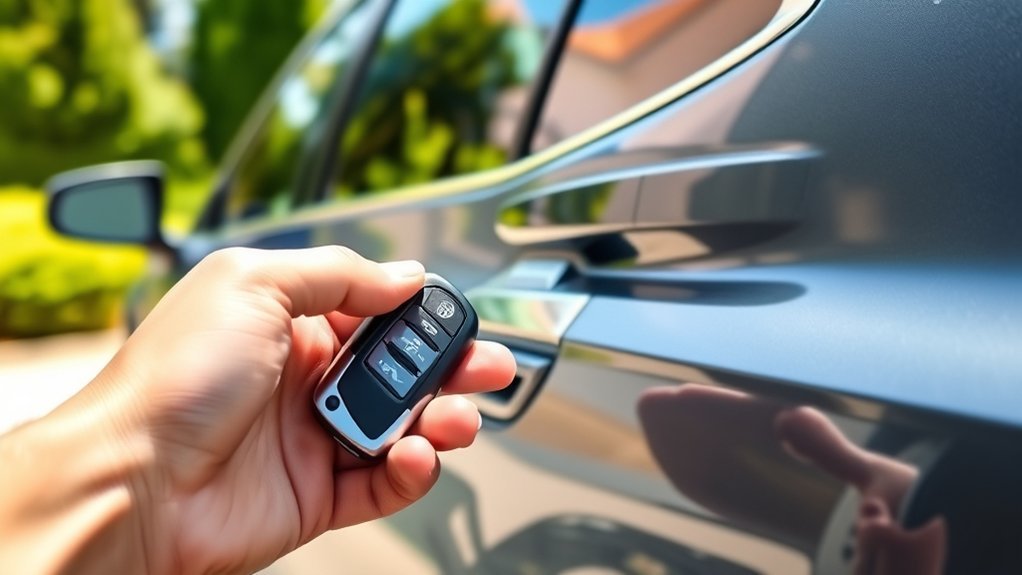
The Toyota Smart Key system improves daily convenience, but its value goes beyond opening the door faster. It also works with the vehicle’s immobilizer and warning systems to help prevent mistakes.
- Convenience: Unlock, lock, and start the Camry while keeping the key in your pocket or bag.
- Security: The vehicle checks for an authorized electronic key before allowing keyless entry or start.
- Backup access: The hidden mechanical key can help you unlock the vehicle if the fob battery is depleted.
- Custom settings: Many Camry models let you choose whether the driver’s door or all doors unlock first.
- Battery-saving features: Toyota includes battery-saving behavior to reduce electronic key and 12-volt battery drain during long periods of non-use.
Toyota lists the Smart Key detection range for door and trunk operation on the 2025 Camry Hybrid at about 2.3 ft. (0.7 m), which is why carrying the key close to the correct door or trunk sensor matters.
How to Optimize Your Smart Key Settings
You can get more from your Smart Key by adjusting the settings, learning the battery-saving mode, and knowing when to use the fob buttons instead of the door sensors.
Customize Unlocking Options
Many Camry models allow the unlock behavior to be changed. Depending on the year and trim, you may be able to set the entry function so the driver’s door unlocks first or all doors unlock together. This setting may be changed through the vehicle customization menu, the multi-information display, the Toyota app, or a Toyota dealer, depending on your model.
Choose driver-door-first unlocking if you often drive alone and want an extra layer of security in parking lots. Choose all-door unlocking if you usually carry passengers and want easier access for everyone.
Use the Key Fob Buttons Correctly
The fob buttons are useful when the door handle sensors are wet, icy, dirty, or not responding. In many cases, using the wireless remote button can also reset normal operation when the Smart Key entry function is temporarily delayed by battery-saving behavior.
- Lock the vehicle: Press the lock button once and confirm the lights or buzzer response.
- Unlock the vehicle: Press unlock once for the driver’s door or twice for all doors, if your Camry is set that way.
- Open the trunk: Press and hold the trunk button if your fob includes one.
- Use panic only when needed: Press the panic button to sound the alarm, then press a fob button again to stop it.
Use Battery-Saving Mode
Toyota’s 2025 Camry Hybrid manual says the Smart Key battery-saving function reduces battery depletion by stopping the electronic key from receiving radio waves. On that model, battery-saving mode is set by pressing a button twice while holding another button, then confirming that the electronic key indicator flashes four times. Because button layouts vary, follow the exact sequence in your own owner’s manual.
| Situation | What May Happen | What To Do |
|---|---|---|
| Key left near vehicle | Smart Key may take longer to unlock | Store the key away from the vehicle |
| Vehicle unused for several days | Battery-saving behavior may activate | Use the driver’s door, wireless remote, or mechanical key if needed |
| Electronic key stored long term | Fob battery may drain slowly | Set the electronic key to battery-saving mode |
| Fob range becomes short | Battery may be weak | Replace the battery with the correct type |
| Smart entry will not work | Battery-saving mode may be active | Press any electronic key button to cancel the mode |
Pro Tip: Do not store your Smart Key right next to the Camry in a garage. Toyota recommends keeping the electronic key away from the vehicle during long periods of non-use to help prevent battery drain and unintended detection.
Troubleshooting Common Smart Key Issues
If your Camry Smart Key stops working, do not assume the fob or vehicle is broken. Most problems come from battery condition, range, interference, sensor conditions, or the key’s location.
- Move closer to the correct sensor. Stand near the front outside door handle or trunk release area. Toyota lists the effective range on the 2025 Camry Hybrid at about 2.3 ft. (0.7 m).
- Check the key location. The vehicle may not start if the key is on the floor, near the door pocket, on the rear package tray, or too close to a window.
- Look for interference. Smart Key communication may be affected near TV towers, power plants, gas stations, large displays, airports, radio stations, battery chargers, computers, phones, or other wireless keys.
- Remove metal barriers. Metallic bags, coins, foil-lined items, and some electronic devices can weaken the signal.
- Dry or clean the door handle. Water, ice, snow, mud, or gloves may prevent the lock or unlock sensor from working correctly.
- Use the fob buttons. If the door handle sensor does not respond, try the wireless remote lock or unlock button.
- Use the mechanical key. If the fob battery is depleted, remove the hidden mechanical key and unlock the vehicle manually.
- Replace the fob battery. The 2025 Camry Hybrid electronic key battery section lists a CR2450 lithium battery for that model, but older Camry fobs may use a different battery, so confirm your manual or the old battery before buying a replacement.
Warning: Keep new and removed coin/button batteries away from children. Toyota warns that swallowing a button battery can cause severe chemical burns in as little as two hours and may lead to serious injury or death.
[Products Worth Considering]

**Please confirm compatibility using the fitment guide located in the product images**

Lithium Coin Battery: Duracell's 2450 3V coin batteries provide reliable, long lasting power for your medical devices, security devices, electronics and more.

" - Please check product image to confirm compatibility. (Opening/Pry Tool + Installation Video Included) "
Boost Your Vehicle’s Security With the Smart Key
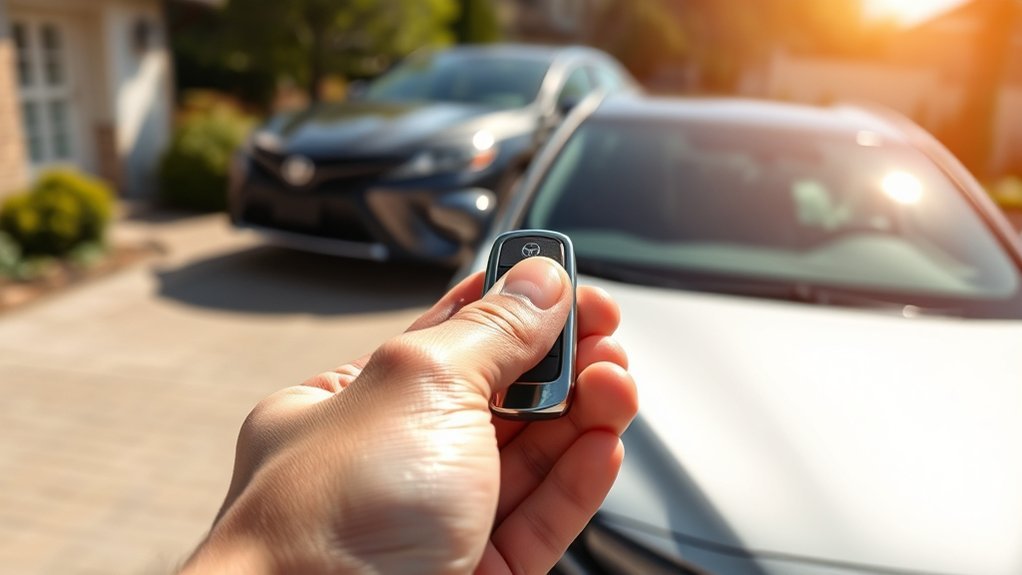
The Smart Key system adds convenience, but good habits still matter. Because the doors can be operated by anyone when the authorized key is within the effective range, never leave the key close to the vehicle where someone else can touch the handle and unlock it.
For better security, keep the key with you, store spare keys away from exterior doors and windows, and avoid leaving the electronic key inside the trunk or cabin. If you are parking for an extended period, consider using battery-saving mode and placing the key at least several feet away from the vehicle.
Smart Key systems may also be vulnerable to relay-style theft attempts in some situations, where thieves try to extend the signal from a key inside a home to a vehicle outside. A simple way to reduce that risk is to store the key away from the driveway side of the house or use a quality signal-blocking pouch or box.
Key Fob Functionality Explained
Your Camry key fob is more than a lock/unlock remote. It works with the Smart Key system, the immobilizer, the trunk release, the panic alarm, and, on some vehicles, remote start.
- Lock: Press once to lock the doors. The hazard lights or buzzer may confirm the command.
- Unlock: Press once or twice depending on whether your vehicle is set for driver-door-first or all-door unlocking.
- Trunk: Press and hold the trunk button on equipped fobs to open or release the trunk.
- Panic alarm: Press and hold the panic button to sound the alarm in an emergency or to locate the car.
- Remote start: On compatible Remote Connect-capable Camry models, use Toyota’s lock-lock-hold lock sequence if your vehicle and subscription status support it.
If the key fob becomes unreliable, first replace the battery with the exact type listed for your model. The 2025 Camry Hybrid manual lists a CR2450 battery, while some older Camry fobs use other coin-cell batteries. Using the wrong battery can damage the fob or cause poor operation.
Smart Key Safety Tips Every Camry Owner Should Know
Keyless ignition systems make driving easier, but they can also create new habits to watch. The National Highway Traffic Safety Administration warns that drivers should make sure a keyless vehicle is in Park, fully shut off, and not left running in a closed environment.
- Always press the power button to shut the vehicle off before leaving.
- Check the dashboard to confirm the vehicle is off, especially with quiet hybrid operation.
- Never remote start or leave the vehicle running in a closed garage.
- Apply the parking brake when parking on a slope.
- Do not leave the key in the trunk, cabin, or near the vehicle overnight.
- Keep the mechanical key available in case the fob battery dies.
Warning: Never run a gasoline or hybrid vehicle in an enclosed garage. Carbon monoxide is odorless and can become dangerous quickly in enclosed spaces.
Frequently Asked Questions About the Smart Key System
What is the Smart Key System on a Toyota Camry?
The Smart Key System is Toyota’s keyless access and push-button start system. On equipped Camry models, it lets you lock and unlock the doors, open the trunk, and start the vehicle while carrying the electronic key.
What is the difference between a keyless key and a Smart Key?
A basic keyless remote usually locks or unlocks the car when you press a button. A Smart Key adds proximity detection, so the vehicle can recognize the key near the door, trunk, or inside the cabin without you pressing a button every time.
How close does the Toyota Camry Smart Key need to be?
For the 2025 Camry Hybrid, Toyota lists the effective range for door locking/unlocking and trunk operation at about 2.3 ft. (0.7 m). Other model years may differ, so check your owner’s manual.
Can I start my Camry if the Smart Key battery is dead?
Yes, in many cases you can still unlock the vehicle with the mechanical key and use Toyota’s emergency start procedure for a depleted fob battery. The exact method varies by model year, so follow the emergency section in your Camry owner’s manual.
Why is my Camry Smart Key not unlocking the door?
Common causes include a weak fob battery, the key being too far away, radio interference, metal objects blocking the signal, a wet or dirty door handle sensor, gloves, or battery-saving behavior after the vehicle has been unused.
Does every Toyota Camry Smart Key include remote start?
No. Remote start depends on model year, equipment, market, and Connected Services status. Toyota says key fob remote start requires a Remote Connect-capable vehicle and an active trial or subscription for a qualifying Connected Service.
Frequently Asked Questions
What is the Smart Key System on a Toyota Camry?
It is Toyota’s keyless entry and push-button start system. When the electronic key is detected near the vehicle or inside the cabin, the Camry can unlock, open the trunk, and start without inserting a metal key.
What is the difference between keyless entry and a Smart Key?
Keyless entry often means pressing a remote button to lock or unlock. A Smart Key adds proximity sensing, so equipped Camry models can respond when the key is close to the door, trunk, or cabin.
How do I turn on battery-saving mode for my Camry Smart Key?
The exact button sequence depends on your key design and model year. Toyota’s 2025 Camry Hybrid manual describes pressing one button twice while holding another and confirming four indicator flashes. Use your owner’s manual for the exact icons and sequence.
What battery does a Toyota Camry Smart Key use?
It depends on the model year and key design. Toyota lists a CR2450 lithium battery for the 2025 Camry Hybrid electronic key, but older Camry keys may use a different battery. Always confirm the manual or the marking on the old battery.
Conclusion
The Toyota Camry Smart Key System is one of the easiest features to take for granted, but understanding it helps you avoid lockouts, weak-battery surprises, and remote start confusion. Keep the key with you, learn your unlock settings, use battery-saving mode when storing a spare key, and check your owner’s manual before replacing the battery or relying on Remote Connect features. With those habits, the Smart Key system becomes a safer, smoother part of your daily drive.
Sources
- Toyota Owners: 2025 Camry Hybrid Smart Key System — detection range, entry function, trunk operation, battery-saving behavior, interference conditions, and warning behavior.
- Toyota Owners: 2025 Camry Hybrid Keys — electronic key, wireless remote control, mechanical key, and key handling basics.
- Toyota Owners: 2025 Camry Hybrid Electronic Key Battery — replacement battery type, tools, reduced range symptoms, and button battery safety warning.
- Toyota Support: Using Toyota Key Fob Remote Start — Remote Connect requirements and lock-lock-hold lock remote start sequence.
- Toyota Connected Services — Toyota app, Remote Connect, trials, and subscription-based connected vehicle features.
- NHTSA: Keyless Ignition Systems — keyless ignition safety concerns, carbon monoxide risk, park confirmation, and vehicle shutoff guidance.