Your Toyota Camry’s flashing security system indicator light can look worrying, especially if the car won’t start. In many cases, the light only means the anti-theft system has armed after you removed the key or turned the car off. If the light keeps flashing while you try to start the engine, your Camry may not recognize the key, the fob battery may feel weak, or the immobilizer system may need diagnosis.
Quick Answer
A flashing security light after you shut off your Toyota Camry usually means the immobilizer or theft deterrent system has armed. If the light keeps flashing when you insert the key or press Start, check the key fob battery, try a spare key, unlock the driver door with the key or remote, and avoid forcing the ignition. If the car still won’t start, contact a Toyota dealer or qualified automotive locksmith for key and immobilizer diagnosis.
Key Takeaways
- A flashing light after shutdown usually shows that the anti-theft system has armed.
- A flashing light during starting may point to a key, fob battery, immobilizer, or ignition recognition issue.
- A locked steering wheel can stop the key from turning, even when the security system works normally.
- Avoid battery-disconnect resets as a first step because they can trigger the alarm or erase vehicle settings.
Understanding the Toyota Camry’s Security System Indicator Light

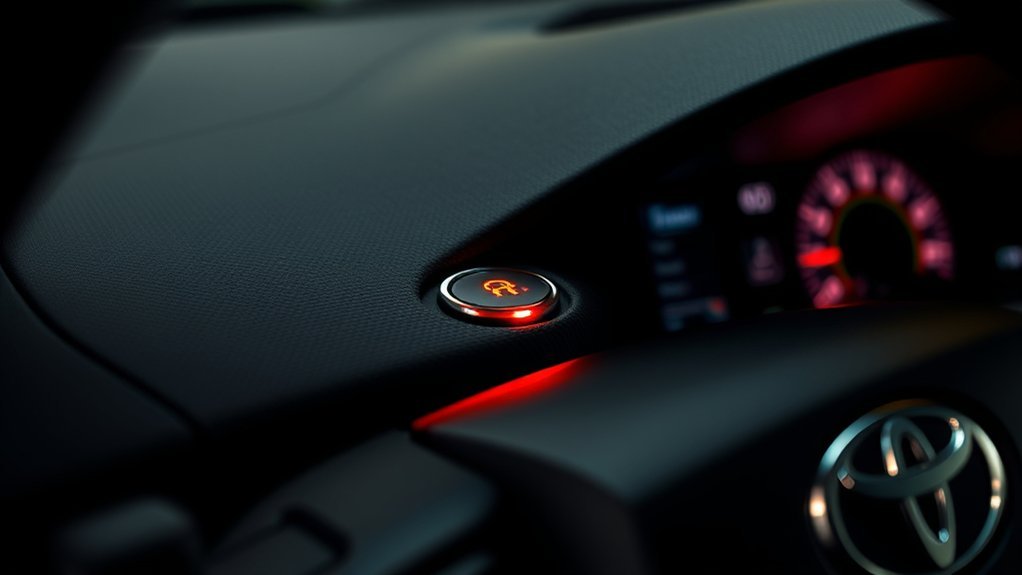
When you turn off your Toyota Camry, you may notice the security system indicator light flashing. Toyota owner’s manuals explain that the engine immobilizer system sets after you remove the key, and the indicator starts flashing to show that the system has armed.
That behavior helps protect the car from an unauthorized start. The light should go off when your Camry recognizes the registered key or valid smart key. If the light keeps flashing while you try to start the car, the system may not recognize the key signal.
A locked steering wheel can also make the problem feel like a security fault. Push the key in fully, then rock the steering wheel slightly while you turn the key gently. Do not force the key because you can damage the ignition cylinder.
Common Causes of a Flashing Security Light on Your Toyota Camry
A flashing security light while the car sits parked usually means the system works as intended. A flashing light during starting needs closer attention. Your Camry may block the start if it can’t confirm the key’s electronic code.
Common causes include:
- A weak key fob battery that limits the key signal.
- A damaged key, worn key head, or faulty transponder chip.
- A spare key that has not received proper programming.
- A locked steering wheel that keeps the key from turning.
- A weak 12-volt battery that causes low-voltage faults.
- An immobilizer or ignition system fault that needs scan-tool diagnosis.
Start with the simple checks before you replace parts. Try your spare key, replace the fob battery if the remote range feels weak, and make sure the 12-volt battery has enough charge.
Troubleshooting Non-Starting Issues With Your Camry
If your Toyota Camry won’t start, check the symptom before you reset anything. A no-start problem can come from the key, the steering lock, the battery, or the immobilizer. Use this table to narrow the cause.
| Issue | What to Try First |
|---|---|
| Security light flashes with key inserted | Try a spare registered key |
| Steering wheel will not move | Rock the wheel while turning the key gently |
| Remote range feels weak | Replace the key fob battery |
| Dash lights look dim | Test the 12-volt battery before replacing key parts |
| Problem returns after simple checks | Use a Toyota dealer or qualified locksmith for diagnosis |
After each check, insert the key or press Start and watch the security light. If the light turns off and the engine starts, the system has recognized the key. If the light keeps flashing, you likely need key programming, immobilizer diagnosis, or ignition system service.
[Products Worth Considering]

This keyless entry remote replacement is designed for a wide range of Toyota, Scion, and Lexus-compatible vehicles, offering a convenient way to restore remote locking and unlocking functions. Each fob is pre-tested, comes with the battery and electronics already installed, and is ready to be programmed for supported standard-key vehicles. It is a practical replacement choice for drivers who need a reliable, compatible remote for everyday use.
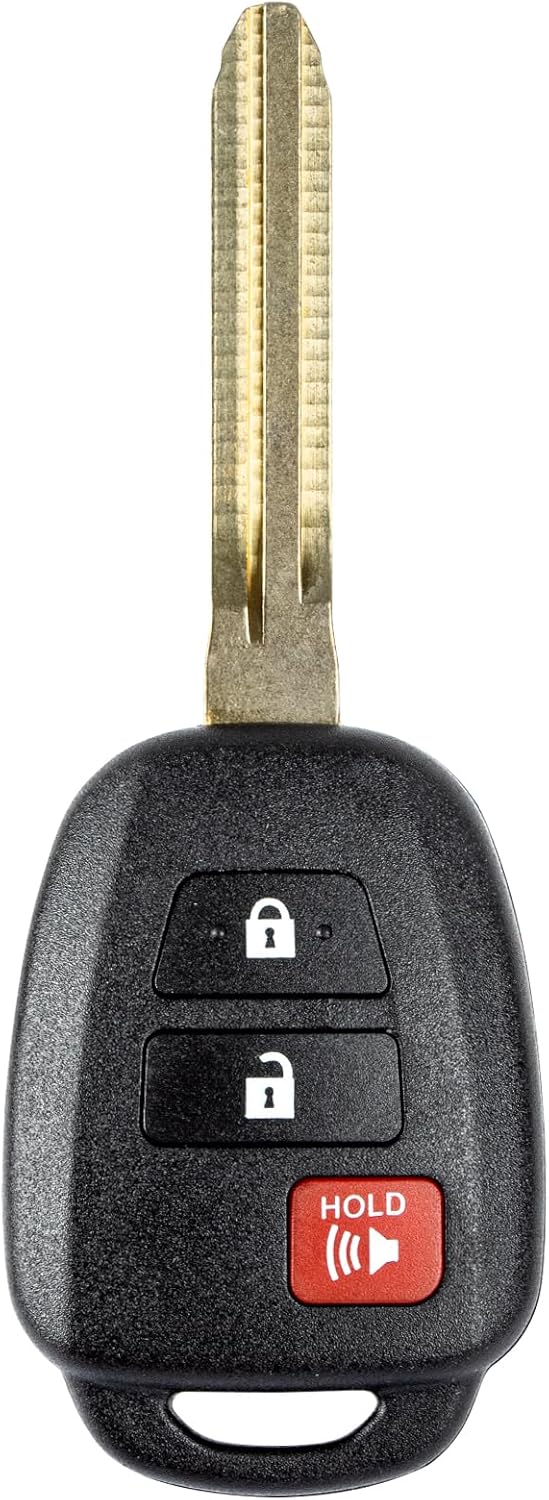
This replacement key fob is designed for select Toyota models and provides reliable keyless entry functionality with a factory-like fit and operation. It comes pre-tested with electronics and battery installed, making it a convenient solution when your original remote is lost, damaged, or worn out. Professional programming and cutting are required, and compatibility should be confirmed against the original remote and vehicle fitment details.
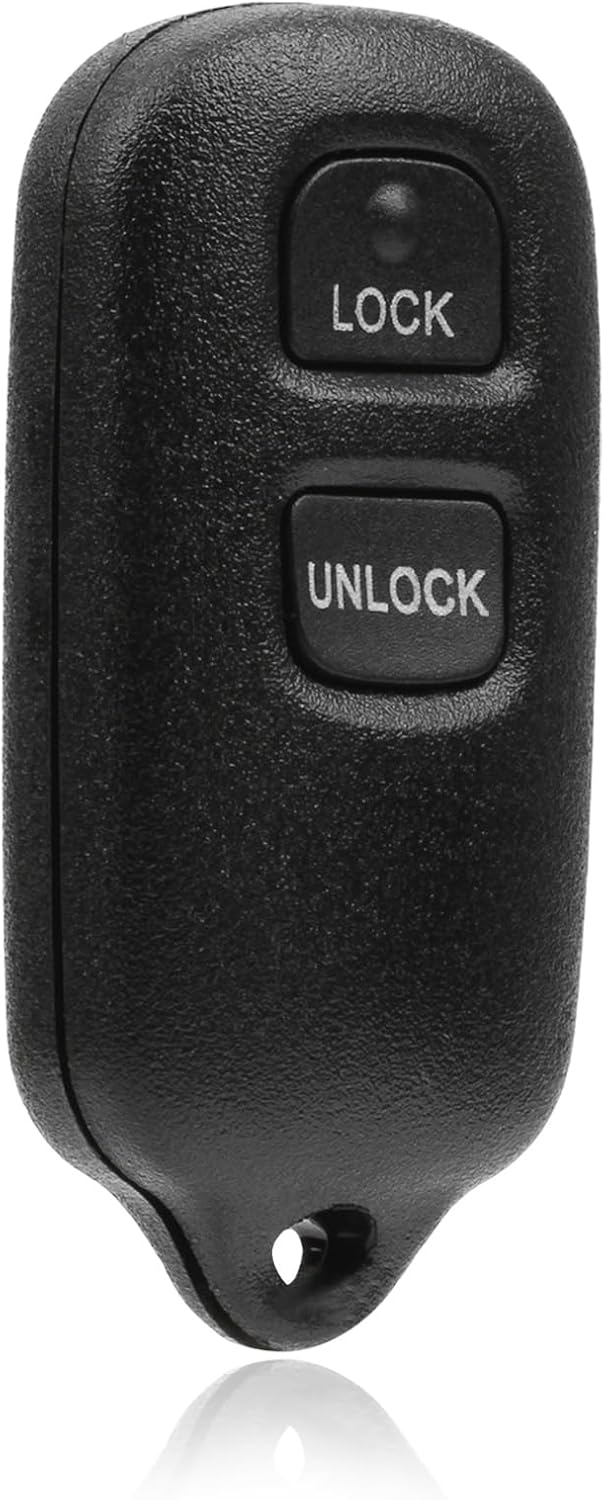
This USARemote key fob replacement provides convenient keyless entry for a wide range of Toyota and Scion vehicles. It is programmable, ready to use, and designed to help restore remote locking and unlocking functionality for compatible models. The compact black remote offers dependable everyday use for drivers needing a simple replacement solution.
How to Reset Your Camry’s Security System Safely
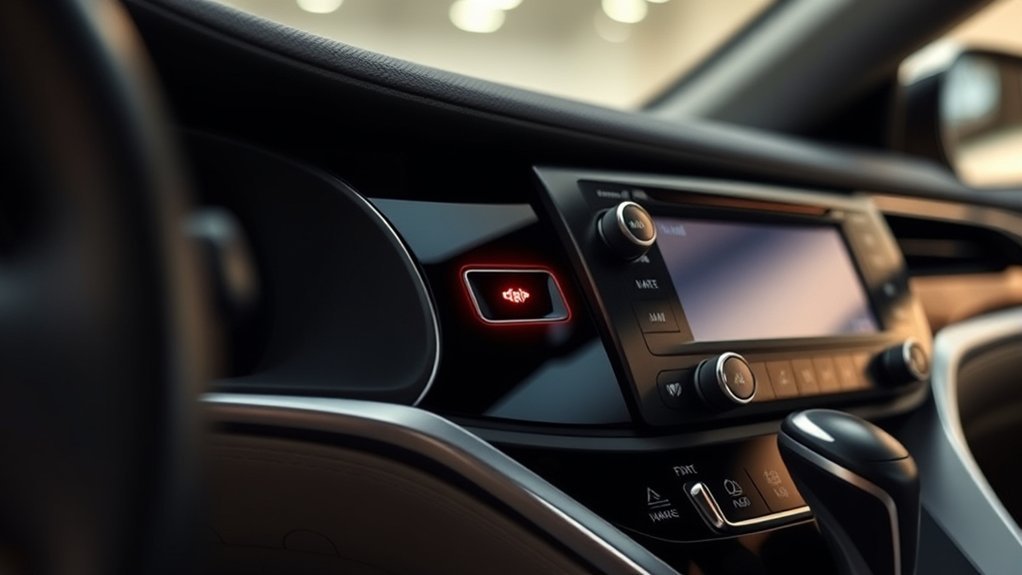
If your Toyota Camry’s security system acts up, start with the least risky reset steps. Toyota manuals list normal ways to cancel the theft deterrent system, such as unlocking the door with the key or wireless remote, opening the trunk with the remote on equipped models, or turning the ignition to the correct position.
Warning: Do not disconnect the battery as your first reset step because reconnecting it can trigger the alarm and may erase vehicle settings.
Use battery disconnection only when your owner’s manual allows it or a trained technician advises it. If you work near the battery, remove jewelry, keep tools away from both terminals, and follow the safety steps in your manual.
[Products Worth Considering]

This keyless entry remote replacement is designed for select Toyota models and comes pre-tested with battery and electronics installed for ready-to-program convenience. It supports compatible part numbers and FCC IDs, making it a practical solution for replacing a lost or damaged fob. Programming and cutting by a qualified locksmith or dealership are required, and it is intended for regular key vehicles rather than push-start systems.

This replacement key fob set is designed for select Toyota RAV4 and XB models with regular key systems, offering lock, unlock, and panic functions in a convenient two-pack. Each remote comes pre-tested with battery and electronics installed, and it must be cut and programmed by a qualified dealer or locksmith for proper use. Built from durable materials and backed by warranty support, it provides a reliable solution when replacing worn or missing remotes.

COMPATIBLE WITH AIRTAG & KEY FOBS: Works with Apple AirTag, all major car key fobs (Toyota, Honda, BMW, Ford, Chevrolet, Lexus), fitness trackers, glucose monitors, tire pressure sensors, and any CR2032 / 3V lithium coin battery device.
Common Security Issues That Stop a Camry From Starting
A flashing security light during a start attempt often points to a key recognition problem. The key transponder must send a code that matches the registered code in the vehicle. If the code does not match, the engine may crank without starting or may not start at all.
Check the easy items first. Replace a weak fob battery, try another registered key, and make sure the steering wheel has not locked against the ignition. If those steps fail, avoid repeated start attempts because they may drain the battery.
Safe Reset Steps to Try First
Follow these steps before you replace the key transponder or disconnect the battery:
- Unlock the driver door with the physical key or wireless remote.
- Insert the registered key fully, or place the smart key near the Start button if your manual gives that backup method.
- Rock the steering wheel gently while you turn the key or press Start.
- Try a second registered key if you have one.
- Replace the key fob battery if the remote works only at close range.
- Check the 12-volt battery if the dash lights look weak or flicker.
If the security light still flashes, schedule diagnosis. A Toyota dealer or qualified automotive locksmith can test the key, check stored fault codes, and program a replacement key if needed.
When to Replace Your Key Transponder for Your Toyota Camry?
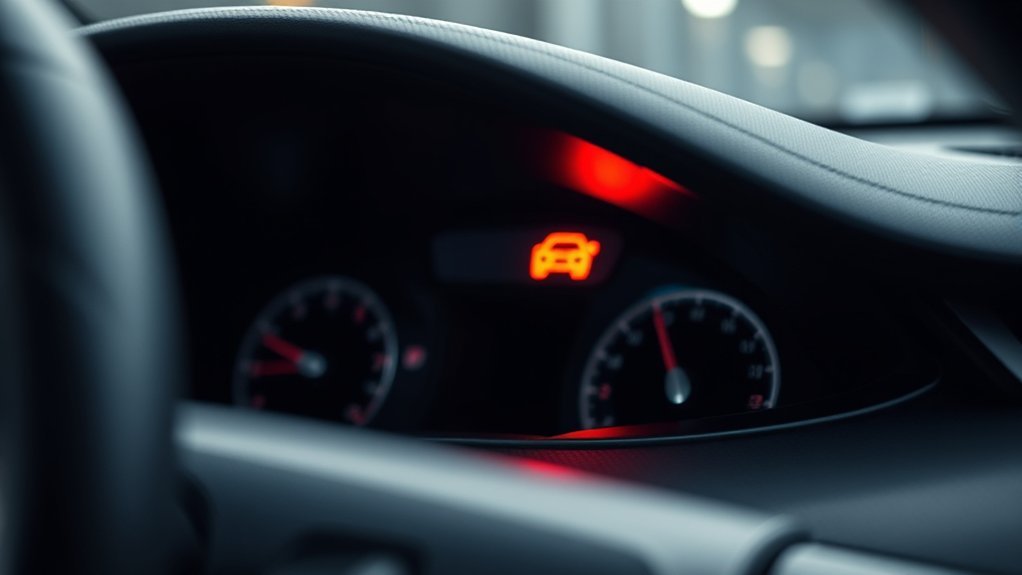
You should not replace the key transponder until you rule out simpler causes. A weak fob battery, weak car battery, locked steering wheel, or unregistered spare key can create similar symptoms. Start with a spare registered key before you pay for programming.
Use this quick reference to decide your next step:
| Condition | Action Needed |
|---|---|
| Security light flashes during starting | Try a spare registered key |
| Car fails to start with one key only | Inspect that key and test its transponder |
| Remote range feels weak | Replace the key fob battery first |
| No registered key works | Request immobilizer diagnosis |
| New key needs pairing | Use a Toyota dealer or qualified locksmith |
Inspect your key for cracks, water damage, or a loose key head. If your Camry needs a new transponder key, the replacement must match your vehicle and receive proper programming. A cut-only duplicate key will not cancel the immobilizer on transponder-equipped models.
[Products Worth Considering]

Replacement: For the car ignition key part numbers are TOY44D-PT. NOTE: Before purchasing, please check the information provided. If you don't know, check with your dealer to see if it will fit your vehicle.

【Replacement】For Chip: 4D-67, TOY44D-PT; P/N:89785-60160, 89785-08020, 89785-34020, 89785-60160, 5910834, HAT6016, HAT8020; Please Make Sure That Your Original Remote Has the Same Buttons on it

This is a brand new uncut transponder key for select Toyota vehicles. Please check product description for vehicle fit guide.
Essential Tips for Keeping Your Toyota Camry’s Security System Healthy
Good security-system care starts with the key and the battery. Your Camry needs a clear signal from the registered key and stable voltage from the 12-volt battery. Small issues in either area can create false signs of a larger immobilizer problem.
Regular Battery Checks
Regular battery checks help your Toyota Camry’s security system work smoothly. Low voltage can cause odd dashboard behavior, weak remote response, and no-start symptoms. Use these simple checks during routine maintenance:
| Tip | Details |
|---|---|
| Check Voltage Regularly | Test the 12-volt battery if starts feel slow. |
| Clean Terminals | Keep terminals clean, tight, and free from corrosion. |
| Replace Key Fob Battery | Change it when range drops or warnings appear. |
| Monitor dashboard lights | Watch for security, battery, and check engine lights. |
| Schedule Routine Checks | Use a certified service center for repeat faults. |
Key Transponder Maintenance
Care for your Toyota Camry’s key transponder by keeping the key dry, clean, and free from hard impacts. Do not pry the key head apart unless your manual tells you how to access the battery. Some keys contain small parts that can break easily.
Keep your key away from strong magnets and avoid storing it with heavy metal objects that can damage the case. If the security light continues to flash after you try a spare key and check the battery, ask a professional to test the key and immobilizer system.
When to Get Professional Help
Call a Toyota dealer or qualified automotive locksmith if no registered key starts the car. You should also get help if the security light stays on, flashes in an unusual pattern, or returns after battery and key checks.
Professional tools can read immobilizer and body-control fault codes that basic code readers may miss. A technician can also confirm whether the problem comes from the key, antenna, ignition switch, 12-volt battery, or immobilizer control module.
Frequently Asked Questions
Can the Security System Indicator Light Drain My Car Battery?
The small flashing security indicator should not drain a healthy battery quickly. If your Camry battery dies often, test the 12-volt battery and check for parasitic draw instead of blaming the light alone.
What Does a Solid Security Light Indicate?
A solid security light can mean the theft deterrent system has armed or that the system sees a fault, depending on the model and situation. Check your owner’s manual for your Camry year, then seek diagnosis if the light stays on during starting or driving.
Does the Security System Affect My Car Insurance?
Your factory anti-theft system may help with insurance discounts, but each insurer sets its own rules. Ask your provider whether your Camry’s theft deterrent or immobilizer system qualifies for a discount.
Can I Disable the Security System Temporarily?
You should not disable the factory security system as a workaround. Use the normal cancel methods in your owner’s manual, such as unlocking the door with the key or remote, then get diagnosis if the system keeps blocking starts.
How Can Weather Conditions Impact the Security System?
Weather usually affects the battery, key fob, locks, or wiring before it affects the immobilizer itself. Cold weather can expose a weak 12-volt battery, while moisture can worsen corrosion or key fob issues.
Safety Disclaimer: This article is for informational purposes only and does not replace your Toyota owner’s manual or professional automotive service. Always follow the safety steps in your manual, and contact a qualified technician before working near the battery, ignition, or security system.
Conclusion
A flashing Toyota Camry security system indicator light usually means the anti-theft system has armed, not that your car has a major fault. If the light keeps flashing during starting, check the key, fob battery, steering wheel lock, and 12-volt battery first.
Use safe reset steps before you disconnect the battery or replace parts. If simple checks do not solve the issue, let a Toyota dealer or qualified automotive locksmith test the system. That careful approach helps you protect your Camry and get back on the road with less guesswork.
References
- Toyota Camry Owner’s Manual, Engine Immobilizer and Theft Deterrent System – Toyota, 2006
- Wireless Remote Control and Electronic Key Battery Replacement – Toyota Owners, 2021
- What Does the Security Indicator Light Mean? – AutoZone