
What’s in This Article
- Identify the Type of No-Sound Problem
- Common Causes of No Sound in a 2012–2014 Camry
- Check the Correct Audio Fuses
- Why You Should Test Fuses, Not Just Look at Them
- Audio Fuse Checklist
- Diagnose the JBL Amplifier or Head Unit
- Troubleshoot Speaker Wiring and Shorts
- DIY Diagnostic Order
- When to Call a Professional
- Frequently Asked Questions
If your 2012–2014 Toyota Camry radio turns on but no sound comes from any speaker, first test another audio source and center the balance and fade controls. Next, check the audio-related fuses by label, location, and amperage, not by number alone. Gasoline and Hybrid models use different engine-compartment fuse positions, and gasoline models have a No. 35 audio fuse in both fuse boxes. If every fuse is good, the next likely areas are a shorted speaker circuit, a failed external JBL amplifier on equipped cars, a loose connector, or an internal head-unit fault.
Last updated: July 31, 2026. Fuse labels and locations were cross-checked against 2012–2014 Camry owner-manual fuse charts.
Quick Answer
For a gasoline 2012–2014 Camry, check the under-dash fuses labeled ECU-IG1 NO.2 (10A), PANEL (10A), BKUP LP (7.5A), and ECU-ACC (7.5A). In the engine-compartment box, check AMP (15A) and RADIO-B (20A). On Camry Hybrid models, the engine-compartment audio fuses are in different numbered positions, so use the Hybrid fuse chart. A fuse marked AMP supplies the audio system; it does not prove that every trim has a separate amplifier.
Key Takeaways
- Test FM/AM, CD, AUX, USB, and Bluetooth separately. One silent source is usually not a speaker or main-power failure.
- Use fuse labels and amperage ratings because the same fuse number can appear in both fuse boxes.
- Base six-speaker and premium 10-speaker/JBL systems do not use the same audio path.
- A shorted speaker circuit can make every speaker go silent because the radio or amplifier may shut down its output.
- Do not replace the radio, amplifier, or all speakers until power, ground, connectors, and speaker circuits have been tested.
Identify the Type of No-Sound Problem
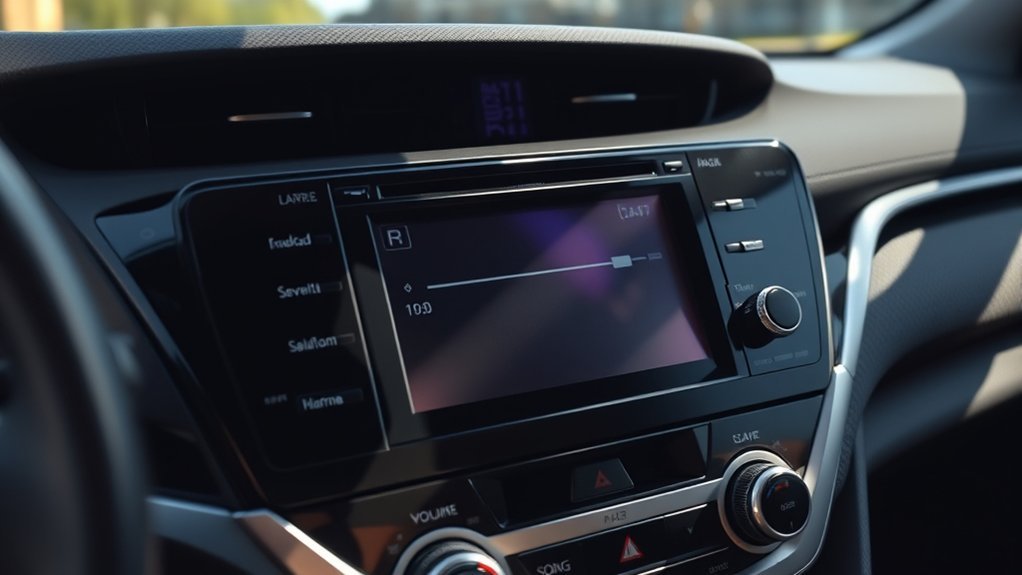
Before pulling fuses or removing trim, identify exactly what still works. This separates a source or settings problem from a system-wide electrical fault.
| What you observe | Most useful next check | Likely area |
|---|---|---|
| Radio screen is on, but every source and every speaker are silent | Check mute, balance/fade, AMP and RADIO-B fuses, then identify whether the car has an external JBL amplifier | Power feed, speaker-circuit short, amplifier, mute circuit, or head unit |
| Only Bluetooth, AUX, USB, or one app is silent | Try FM/AM or CD and reconnect the source device | Source, pairing, cable, app, or input setting |
| Only one side, one door, or the rear speakers are silent | Center balance/fade, then inspect and test the affected speaker circuit | Speaker, connector, or local wiring |
| Sound cuts in or returns when a door moves | Inspect the wiring where it flexes between the body and door | Broken or shorting door-harness wire |
| A replacement fuse blows again | Stop replacing fuses and locate the short or overload | Damaged wiring or failed component |
Also identify the audio configuration. A base six-speaker system can use the radio’s internal output stage, while a premium 10-speaker system routes sound through a separate stereo component amplifier. Toyota offered the JBL system as a factory option on certain V6 trims of this seventh-generation Camry (XV50) — look for a JBL logo on the head unit startup screen or front door speaker grilles, or an Entune Premium JBL Navigation designation on the build sheet. On equipped cars, owners and independent shops commonly report the amplifier mounted under the front passenger seat, but confirm the exact location and equipment from the vehicle build information or wiring diagram before testing amplifier terminals.
Common Causes of No Sound in a 2012–2014 Camry
Complete audio loss does not have one universal cause. Work through these categories in order:
- Settings or source problem: Mute is active, balance or fade is moved fully to one side, the selected source is disconnected, or only one input has failed.
- Audio power-supply problem: An AMP, RADIO-B, ECU-ACC, PANEL, or related audio fuse is open.
- Speaker-circuit short: A shorted speaker or wire can trigger output protection in the radio or external amplifier and silence all speakers.
- External-amplifier fault: On equipped 10-speaker/JBL systems, the amplifier may lack power, ground, control, input, or output.
- Head-unit fault: The display and controls can still operate even when the internal audio-output section has failed.
- Installation or connector fault: Problems often begin after a radio, speaker, battery, dash, door, alarm, or remote-start repair.
Several failed speakers are less likely than one shared fault when all speakers stop at the same time. However, one shorted speaker circuit can shut down the shared output, so speaker wiring still belongs in the diagnosis.
How to Check the Correct Audio Fuses
The 2012–2014 Camry has an engine-compartment fuse box and a fuse box under the instrument panel. Turn the ignition off before removing a fuse. Use the diagram on the fuse-box lid and the owner’s manual for your exact model, because gasoline and Hybrid charts differ.
[Products Worth Considering]

The FOXWELL NT301 is a plug-and-play OBD2 code reader designed to help drivers and home mechanics diagnose check engine light issues with ease. It reads fault codes, clears emissions-related warnings, displays live sensor data in graph form, and shows I/M readiness so you can quickly check vehicle status before an emissions test. With broad compatibility across many OBD2 vehicles and a clear color screen, it offers a practical, user-friendly way to monitor and troubleshoot engine performance.

This versatile car fuse assortment kit includes multiple fuse sizes and current ratings to help keep vehicles protected and ready for quick repairs. With organized color-coded fuses, a fuse puller, and installation guidance, it offers a convenient backup solution for a wide range of automotive and recreational vehicles. It's ideal for drivers who want a practical emergency replacement set for everyday use and travel.
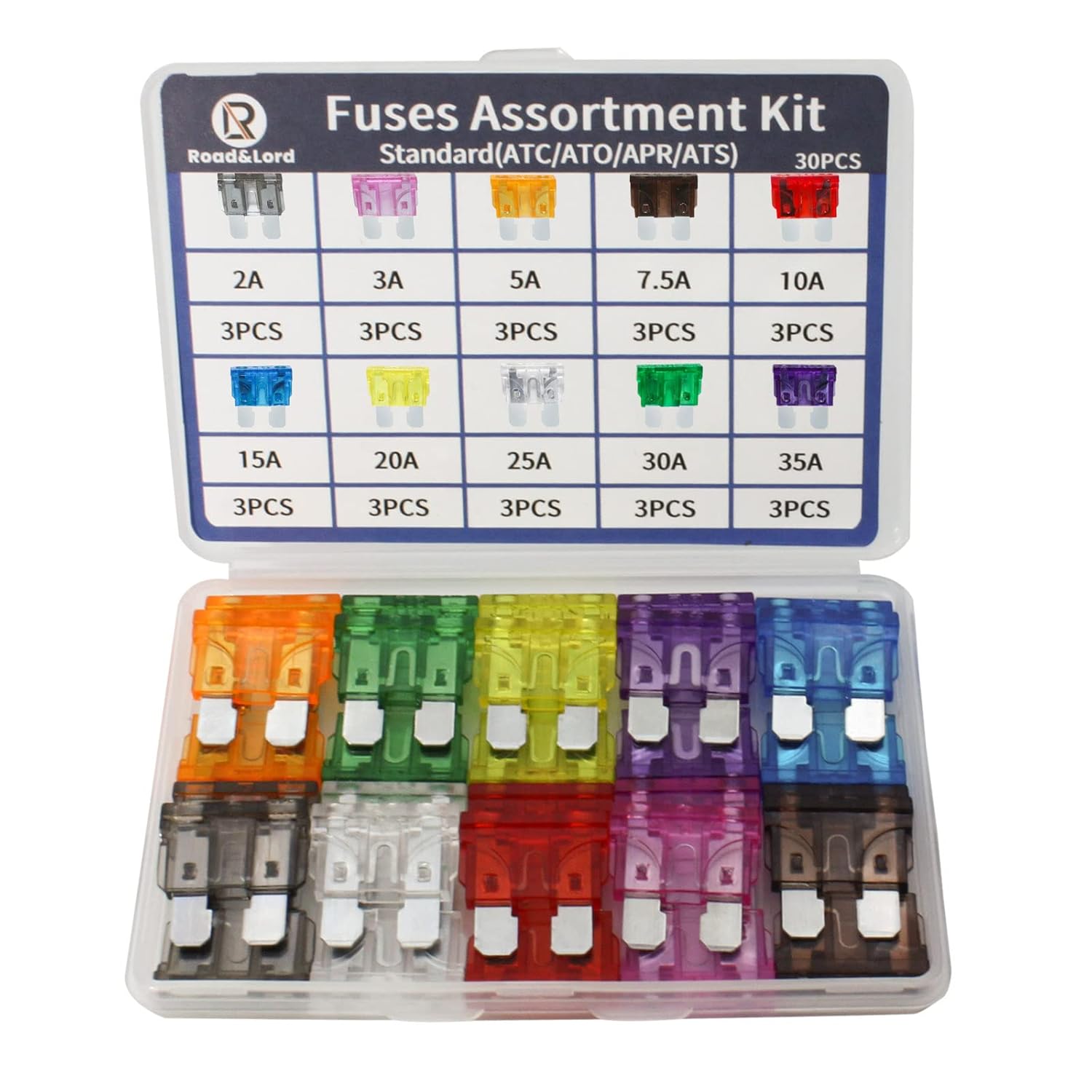
This standard blade fuse assortment kit provides a convenient selection of common amp ratings to help protect vehicle electrical systems from overloads, short circuits, and wiring damage. With transparent, color-coded housings and clearly marked ratings, it makes blown fuse replacement fast and easy for cars, trucks, boats, RVs, and other DC applications. The durable compact case keeps the fuses organized for reliable storage and quick access when needed.
Common Fuse Locations
For gasoline 2012–2014 Camry models, the owner-manual charts identify these audio-related fuses:
| Fuse-box location | Position and label | Rating | Audio-related role listed in the manual |
|---|---|---|---|
| Under the instrument panel | No. 1, ECU-IG1 NO.2 | 10A | Audio/navigation system among several circuits |
| Under the instrument panel | No. 3, PANEL | 10A | Audio/navigation and switch illumination among several circuits |
| Under the instrument panel | No. 12, BKUP LP | 7.5A | Audio/navigation among several circuits |
| Under the instrument panel | No. 35, ECU-ACC | 7.5A | Audio/navigation accessory feed among several circuits |
| Engine compartment | No. 24, AMP | 15A | Audio system |
| Engine compartment | No. 35, RADIO-B | 20A | Audio/navigation battery feed |
Hybrid warning: Do not use the gasoline position numbers on a Camry Hybrid. In the 2012–2014 Hybrid engine-compartment chart, AMP is No. 29 (15A) and RADIO-B is No. 40 (20A). Confirm the remaining cabin fuses from the Hybrid manual, and do not touch orange high-voltage cables or components.
You can access the correct year-specific documents through Toyota’s 2012 Camry manuals page, 2013 Camry manuals page, or 2014 Camry manuals page.
Testing Fuse Integrity
A visual check can find an obviously melted element, but it does not confirm electrical continuity. Use one of these methods:
- Continuity test with the fuse removed: Turn the ignition off, remove the fuse, set the multimeter to continuity or resistance, and touch one probe to each blade. A good fuse normally beeps or reads close to 0 ohms. OL, infinity, or no beep indicates an open fuse.
- Voltage test at the fuse test points: With the circuit powered as specified by the wiring diagram, check both exposed test points. Power on only one side indicates an open fuse. This method requires the battery to remain connected, so avoid bridging terminals with the probe.
Warning: Never replace a fuse with a higher rating, wire, foil, or another object. If the correct replacement blows again, stop and find the overload or short before installing another fuse.
Replacement Fuse Options
Replace a failed fuse only with the same type and amperage shown on the fuse-box lid or owner’s manual. Do not choose a fuse by color alone. After replacement, test every audio source and speaker. If the fuse opens again, the fuse did its job; the circuit still has a fault that needs diagnosis.
Why You Should Test Fuses, Not Just Look at Them
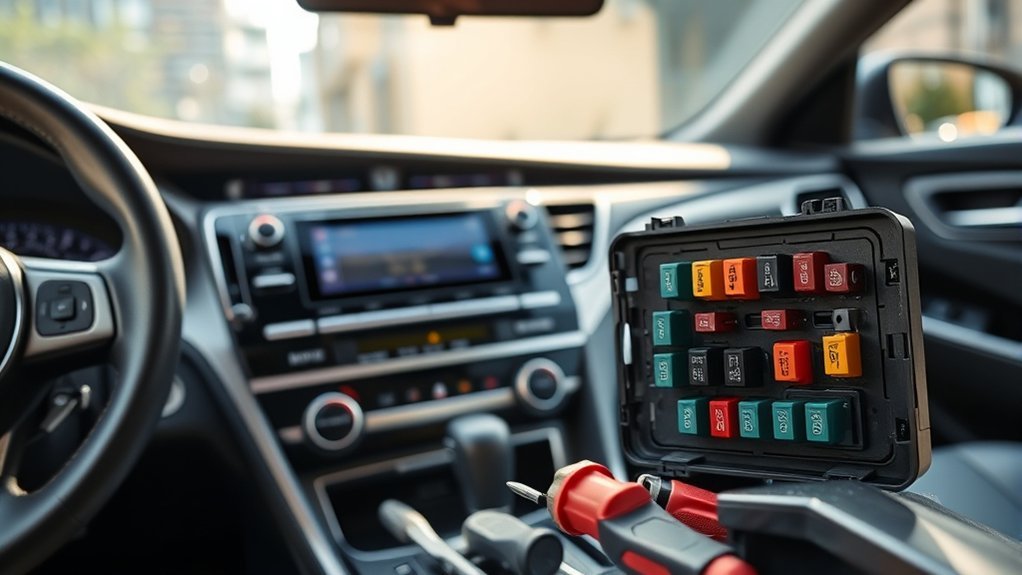
Testing prevents two common mistakes: declaring a cracked fuse “good” because the break is hard to see, and replacing expensive audio components before confirming their power feeds. It also reveals whether the replacement fuse immediately fails, which points toward a short or overload rather than a defective radio alone.
[Products Worth Considering]

This 23-piece oil filter cap wrench set is designed to make oil filter removal faster, safer, and more efficient across a wide range of vehicle applications. The socket-style grip helps reduce the risk of crushing filters, while the included adapter and storage case make it a practical, organized choice for maintenance work. Built from lightweight aluminum alloy, this professional tool kit offers durable performance for routine automotive service.

Designed for 2013-2024 Toyota 4Runner models with 5-passenger seating, this custom-fit set delivers full interior coverage with floor mats, a cargo liner, rear seat back protectors, and door sill guards. The all-weather TPE construction helps block spills, dirt, and pet messes while raised edges and secure clips keep everything in place for daily driving. Installation is simple, and cleaning is quick with just water.

[High-Quality Materials]: The automotive fuse tester is made of high-quality plastic material, possessing excellent wear resistance and high hardness, making it resistant to damage and deformation, and suitable for long-term use.
Common Fuse-Check Mistakes
- Using only a number: “Fuse 35” is ambiguous because gasoline models have a No. 35 audio-related fuse in the cabin and another No. 35 in the engine-compartment box.
- Assuming AMP means an external amplifier: The fuse label identifies an audio supply circuit. Some trims use the radio’s internal amplifier.
- Skipping shared feeds: ECU-ACC, PANEL, and other multi-purpose fuses can affect audio operation even though their labels do not say RADIO.
Why Fuse Testing Saves Money
A fuse test costs only a few minutes and establishes whether the radio or amplifier has a basic power path. It does not prove the component is good, but it prevents an unsupported parts swap. The same logic applies to power and ground tests at the component connector: verify the circuit before condemning the part.
Pro tip: A basic code reader usually does not diagnose factory audio circuits. Some audio systems require Toyota-capable diagnostic equipment and the correct service procedure. See what OBD2 can and cannot access before buying a scanner for this problem.
How Testing Prevents Wasted Repairs
Use a pass-or-fail chain: settings and sources, fuse continuity, component power and ground, speaker-circuit integrity, then amplifier or head-unit output. Each result narrows the next test. Replacing the radio first skips every lower-cost cause and can leave the original fault unchanged.
Audio Fuse Checklist
- Gasoline under-dash: No. 1 ECU-IG1 NO.2 (10A), No. 3 PANEL (10A), No. 12 BKUP LP (7.5A), and No. 35 ECU-ACC (7.5A).
- Gasoline engine compartment: No. 24 AMP (15A) and No. 35 RADIO-B (20A).
- Hybrid engine compartment: No. 29 AMP (15A) and No. 40 RADIO-B (20A); use the Hybrid manual for the cabin list.
- All models: Confirm the fuse-box lid and exact owner’s manual before removal because equipment and market specifications can differ.
How to Diagnose the JBL Amplifier or Head Unit
First determine whether the car has a separate stereo component amplifier. On a base six-speaker system, the radio can drive the speakers directly. On a premium 10-speaker/JBL system, a separate amplifier sits in the audio path. Testing the wrong architecture leads to incorrect conclusions.
For an equipped external amplifier, diagnosis follows this order:
- Confirm the AMP and RADIO-B fuses: Test continuity and verify the correct ratings.
- Inspect amplifier connectors: Look for a loose latch, water intrusion, corrosion, bent terminals, or aftermarket splices.
- Verify power and ground under load: A connector can show voltage with no load and still fail when the amplifier turns on. Use the Toyota wiring diagram and specified terminals.
- Check mute/control and signal circuits: A shorted mute circuit or missing input can leave a working amplifier silent.
- Check speaker outputs and speaker circuits: A short can place the amplifier in output protection.
Clicking or popping is a clue, not proof of amplifier failure. Do not substitute an unknown amplifier or connect a speaker directly to head-unit pins without the correct wiring diagram. Factory audio outputs can use circuit designs that are damaged by an improvised test. If power, ground, control, and speaker circuits pass, use a known-good component or the Toyota service procedure to distinguish the amplifier from the head unit.
[Products Worth Considering]

NOTE: Fit for Non-JBL System only; Please check your vehicle before order
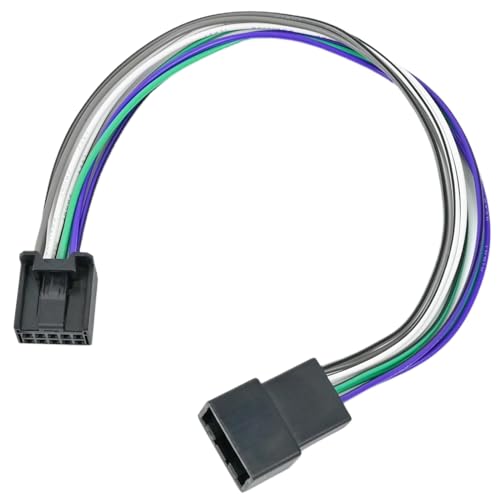
【Compatible with】: Add AMP Adapter fit for Non-JBL Camry 2018-2023, Tacoma 2020-2024, Corolla 2019-2023, Corolla Hatchback 2024, RAV4 2019-2023, RAV4 XLE 2024, 4 runner 2019-2021, 4Runner SR5 2023, Tundra 2020-2022, Sienna 2018-2022, Avalon 2019-2021, Prius 2022-2023, Highlander 2021-2022, Non-JBL System.

It can fit a lot other Compatible with Toyota models with factory amplifier( mostly car years under 2010)
Troubleshoot Speaker Wiring and Shorts
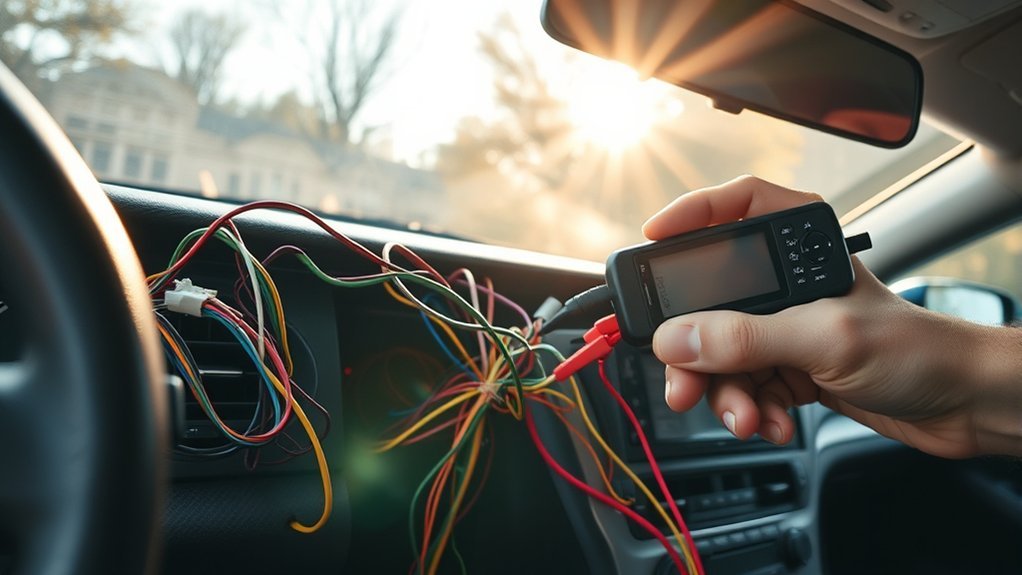
A loose connector can silence one speaker, while a shorted speaker circuit can silence the entire system if the radio or amplifier shuts down its outputs for protection. Focus first on places recently disturbed and areas where wiring moves or rubs.
Check Wiring Connections
- Review recent work: Check behind the radio and at any door, dash, alarm, remote-start, or speaker work completed before the failure.
- Inspect flexible door sections: Look where the harness passes through the rubber boot between the body and door.
- Check connectors: Confirm each lock is fully seated and look for corrosion, pushed-back pins, or damaged insulation.
- Test with power off: Disconnect the relevant components before checking wire continuity or a short to ground. Never measure resistance on an energized circuit.
A good wire normally shows low resistance end to end and no continuity to an unrelated circuit or body ground unless the wiring diagram specifies one. Use the exact connector pins from the service information rather than probing by wire color alone.
Inspect Speaker Integrity
Disconnect the speaker before measuring it. An open-circuit reading can indicate a broken voice coil, while an unusually low reading can indicate a short. Do not apply a universal 4–8 ohm rule to every factory speaker; nominal impedance varies by audio package. Compare the reading with Toyota service data or a matching known-good speaker.
If only one speaker is silent, swap testing can be useful when performed at the speaker connector with a matching, known-good speaker. If all speakers are silent, test the shared power, amplifier/head-unit path, and speaker circuits before assuming every speaker failed at once.
DIY Diagnostic Order
- Park safely and turn the audio system on: Confirm the display works and note whether volume changes appear on-screen.
- Test multiple sources: Try FM/AM, CD, AUX, USB, and Bluetooth where equipped.
- Reset settings, not parts: Turn mute off and center balance and fade.
- Identify the system: Determine whether it is the base six-speaker setup or the premium 10-speaker/JBL system.
- Test the correct fuses: Use labels, locations, and amperage ratings from the matching gasoline or Hybrid chart.
- Inspect recent-work areas and connectors: Check radio, amplifier, and speaker connections.
- Check for a speaker-circuit short: Disconnect power and use the correct wiring diagram.
- Escalate component testing: Verify amplifier or head-unit power, ground, control, input, and output before replacement.
A battery disconnect is not the first diagnostic step. It can erase presets and other learned settings without repairing a blown fuse, wiring fault, or failed component. Use it only when the owner’s or service manual specifies an initialization or reset procedure for the exact system.
When to Call a Professional
Stop DIY testing and use a qualified automotive-electrical or car-audio technician when:
- the correct replacement fuse blows again;
- you smell hot insulation, see melted wiring, or find water near a module;
- the vehicle has a Hybrid system and diagnosis would bring you near orange high-voltage components;
- the car has a factory JBL amplifier and power, ground, mute, and signal circuits need terminal-level testing;
- aftermarket wiring is spliced into the factory harness;
- all basic tests pass but the head unit or amplifier still has no output.
A technician with Toyota service information can follow the correct connector pinouts and use system-capable diagnostic equipment. That is safer and usually cheaper than replacing the radio, amplifier, and speakers by trial and error.
Cost expectations vary by shop and parts availability: a correct replacement fuse costs only a few dollars, while a professional diagnostic visit and a replacement JBL amplifier or head unit add significantly more. Confirming the fault first, rather than replacing parts on a guess, is what keeps the repair bill close to the low end.
Frequently Asked Questions
Why does my Toyota Camry radio turn on but have no sound?
The display and controls can receive power even when the audio-output path has failed. Check mute, balance, fade, and several audio sources first. Then test the correct AMP, RADIO-B, and cabin audio-related fuses. If they pass, check for a shorted speaker circuit, an external JBL amplifier fault on equipped cars, loose connectors, or a failed head-unit output stage.
Which fuse controls the radio sound on a 2012–2014 Camry?
Gasoline models use several audio-related fuses, not one universal radio fuse. The main engine-compartment fuses are No. 24 AMP (15A) and No. 35 RADIO-B (20A). The under-dash box also includes No. 1 ECU-IG1 NO.2, No. 3 PANEL, No. 12 BKUP LP, and No. 35 ECU-ACC. Camry Hybrid engine-compartment numbering differs: AMP is No. 29 and RADIO-B is No. 40.
Can one bad speaker make every Camry speaker stop working?
Yes, if the speaker or its wiring creates a short. The radio or external amplifier can detect a shorted speaker circuit and stop output to protect the system. A speaker that simply has an open voice coil usually affects that speaker alone, so the circuit must be tested before replacing all speakers.
What if only some Camry speakers have no sound?
Center the balance and fade controls first. If the same speaker remains silent on every source, inspect its connector and wiring, especially where the harness flexes at the door. Disconnect the speaker before measuring resistance, and compare it with Toyota service data or a matching known-good speaker rather than assuming every factory speaker should measure 4–8 ohms.
Does every 2012–2014 Toyota Camry have a separate amplifier?
No. A base six-speaker system can use the radio’s internal output stage, while a premium 10-speaker/JBL system uses a separate stereo component amplifier. The fuse labeled AMP is part of the audio power supply and does not, by itself, confirm that the vehicle has an external amplifier.
Conclusion
When a 2012–2014 Toyota Camry radio powers on but stays silent, diagnose the shared path before buying parts. Test multiple sources and settings, identify the base or JBL system, check the correct labeled fuses, and inspect speaker circuits for shorts. Then verify amplifier or head-unit power, ground, control, and output. If a fuse blows again or terminal-level testing is required, stop and have the circuit diagnosed professionally.


[…] TSBs work best as part of a structured repair plan, not as a one-size-fits-all fix. Start by matching your Camry’s symptom to the bulletin’s condition. A bulletin for engine hesitation will not diagnose an unrelated Camry radio no-sound problem. […]