When Sonata parking sensors stop working, the cause is usually dirt or ice on the sensors, the system being switched off, a blown fuse, or a damaged sensor or connector. Start by washing the sensors and checking the parking distance warning setting. If a warning message stays on, a scan tool can show which sensor has a fault.
Sensor equipment varies by trim and model year. Check your owner’s manual for the controls on your car.
Quick Checks When Your Sonata Parking Sensors Fail
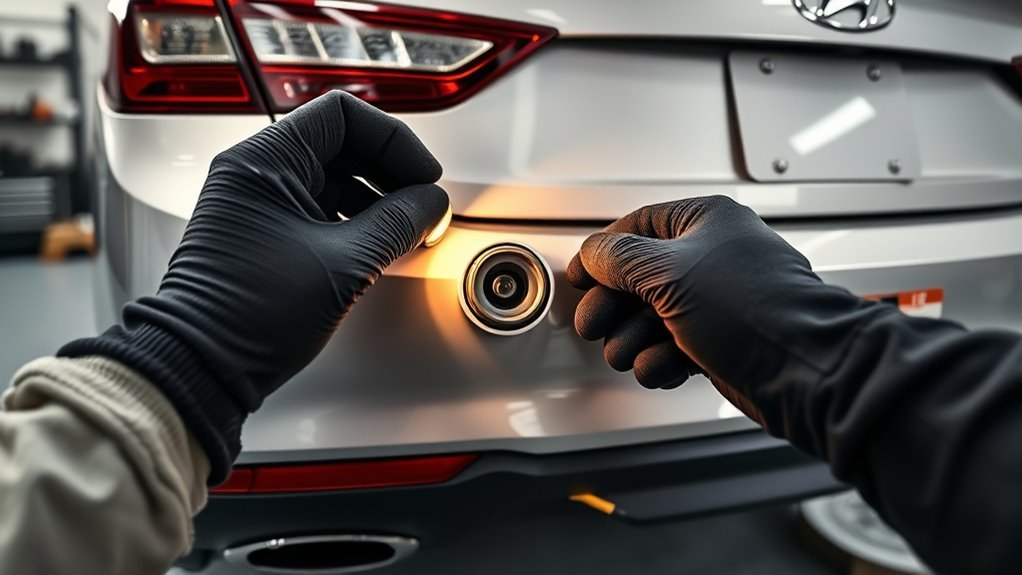
- Clean the sensors: wipe the small round sensors on the bumpers with a soft cloth and car-wash soap. Remove snow, ice, mud and wax residue.
- Check the system is on: look for a parking distance warning button or an on/off setting in the cluster or infotainment menu.
- Remove accessories: bike racks, license plate frames, trailer hitch balls or hanging items near the bumper can trigger false alerts.
- Look for damage: check for cracks, dents, loose sensors or a recent bumper repair.
- Try again: turn the car off, restart, shift to reverse and test with a large object like a wall, moving slowly.
How Sonata Parking Sensors Work
The system uses ultrasonic sensors in the bumpers. Each sensor sends out a sound pulse and listens for the echo. The control module turns the echo time into a distance and beeps faster as you get closer.
Because the sensors use sound, anything that blocks the face of a sensor or confuses the echo affects the system. Heavy rain, a coat of paint, ice or a thick layer of dirt can cause false alerts or no alerts.
Common Causes and What to Do
| Symptom | Likely cause | What to try |
|---|---|---|
| Constant beeping | Dirty sensor, accessory too close, faulty sensor | Clean, remove accessories, scan for codes |
| No beep at all | System turned off, blown fuse, module or wiring fault | Check settings, fuse and connectors |
| One zone silent | Single damaged or disconnected sensor | Inspect that sensor and its connector |
| Warning message on the cluster | Stored fault in the system | Scan with a tool that can read body modules |
| Works only in dry weather | Water in a connector or a damaged sensor | Dry, clean and reseat connectors |
| Failed after bumper work | Unplugged connector, wrong paint or sensor position | Return to the repair shop |
Step 1: Clean and Inspect the Sensors
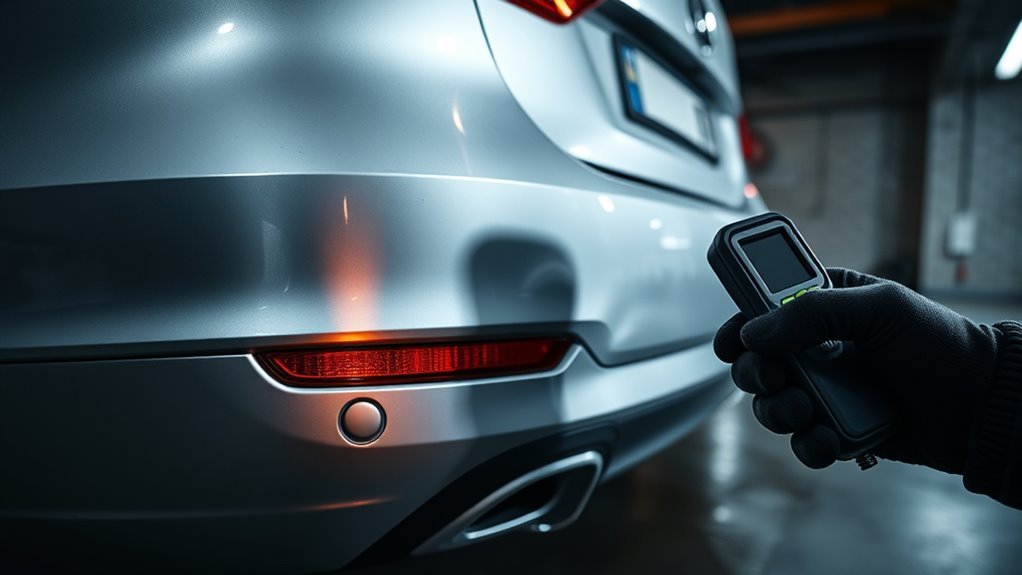
Use a soft cloth, water and a mild detergent. Avoid scraping ice and do not spray a pressure washer close to the sensor. Look for hairline cracks, deep scratches, thick paint or a sensor that sits crooked in the bumper.
Press gently on each sensor. It should sit firm and flush. A loose or pushed-in sensor can cause a constant warning.
Step 2: Check Settings and the Parking Distance Warning Button
Look for a parking distance warning button, usually near the dash or console. A light on the button usually shows when the system is on. If your car has an infotainment or cluster menu, check the driver assistance settings for a parking safety option.
The exact name and location vary by model year and trim, so confirm it in the manual. If you need the manual, see our guide to accessing the Hyundai Sonata owner’s manual online.
Step 3: Check the Fuse and Connectors
Use the fuse diagram in the owner’s manual to find the fuse for the parking assist system. Remove it and look for a broken strip. Replace only with the same amp rating.
If the fuse blows again, stop and have the wiring checked. A short circuit is the likely cause, and a bigger fuse is not a safe fix.
Next, inspect the connector behind each sensor if you can reach it. Look for moisture, corrosion, bent pins or a connector that has come loose. Reseat it firmly. Wiring in a bumper is easy to damage in a collision.
Step 4: Scan for Fault Codes
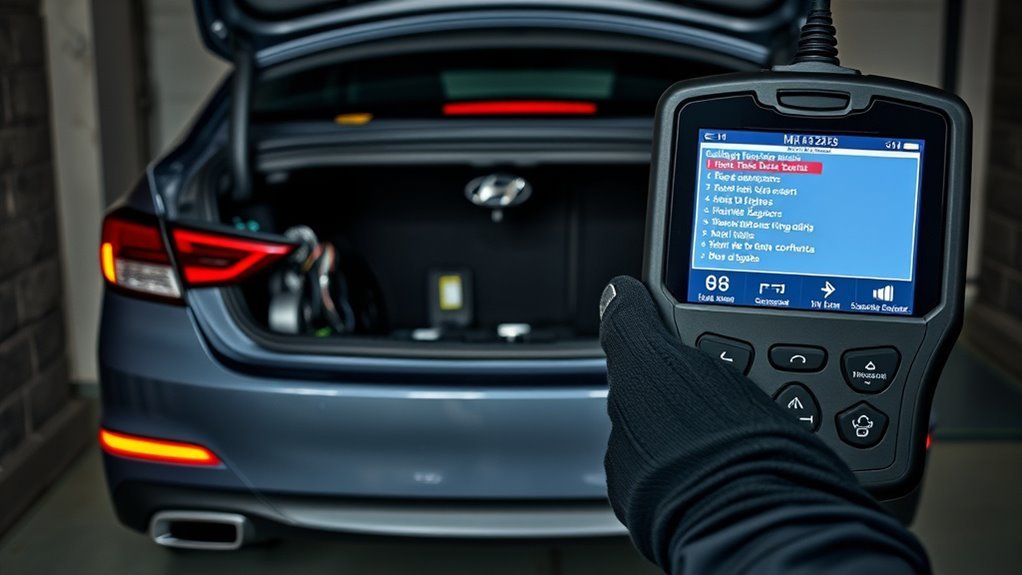
A generic OBD2 scanner reads engine and emissions codes (see our Sonata OBD2 port guide for where to plug in). Parking sensor faults are stored in a body or chassis control module, so you may need a scanner that supports Hyundai body systems.
The code or the sensor position it shows tells you which sensor to inspect. Write down the codes before clearing anything, since clearing them removes information a technician can use.
Step 5: Replace a Failed Sensor
Individual sensors can be replaced. The old one is usually pulled from the bumper with a clip or retaining ring, and the new one must match the part number for your model year and bumper position. Some require painting to match the bumper.
Do not guess at part numbers. Use your VIN and match the sensor’s position. Prices vary a lot, so get a quote for parts and labor. If bumper removal is needed, labor can exceed the cost of the part.
When to See a Mechanic
- Multiple sensors fail at the same time, which can mean a module or wiring fault.
- The fuse keeps blowing.
- The fault began after an accident or paint work.
- A warning message stays on after cleaning and a restart.
Warranty may cover some failures. Ask a Hyundai dealer if your car is still in warranty.
Using Parking Sensors Safely
Parking sensors are an aid, not a replacement for looking. They can miss thin poles, low curbs, children and fast-moving objects. Check mirrors and look over your shoulder, and use the rear camera if your car has one. Drive slowly.
Related Sonata Guides
Frequently Asked Questions
Why are my Hyundai Sonata parking sensors not working?
The most common reasons are dirt, snow or ice on the sensors, a parking distance warning button or menu setting that is switched off, a blown fuse, a damaged sensor after a bumper impact, or a connector problem. Clean the sensors and check the settings first, then scan for fault codes if the warning stays on.
Why do my Sonata parking sensors beep constantly?
Constant beeping usually means a sensor is blocked or dirty, a sensor is faulty, or something is mounted close to the bumper, like a bike rack or a trailer hitch accessory. Wash the sensors, remove accessories, and check for bumper damage. If it continues, have the system scanned.
How do I turn the Sonata parking sensors on or off?
Many Sonatas have a parking distance warning button near the center console or lower dash, and some have a setting in the instrument cluster or infotainment menu. Equipment varies by trim and model year, so check your owner’s manual for the exact control and the conditions it needs to work.
Can I fix parking sensors myself?
Often yes, for the basics: cleaning, checking the settings and the fuse, and inspecting connectors. Replacing a sensor means working at the bumper and may need a scan tool or calibration. If a bumper repair or paint job happened before the fault, the shop that did it should check the sensors.
Do parking sensors replace looking around me?
No. Parking sensors are a driver aid with blind spots. They can miss thin poles, low curbs, small objects and fast-moving targets. Always look around the car, use your mirrors and camera if equipped, and move slowly when parking.
Conclusion
Clean the sensors, confirm the system is switched on, then check the fuse, connectors and fault codes. Most problems are found in those steps, and a shop can handle anything involving the bumper or modules.