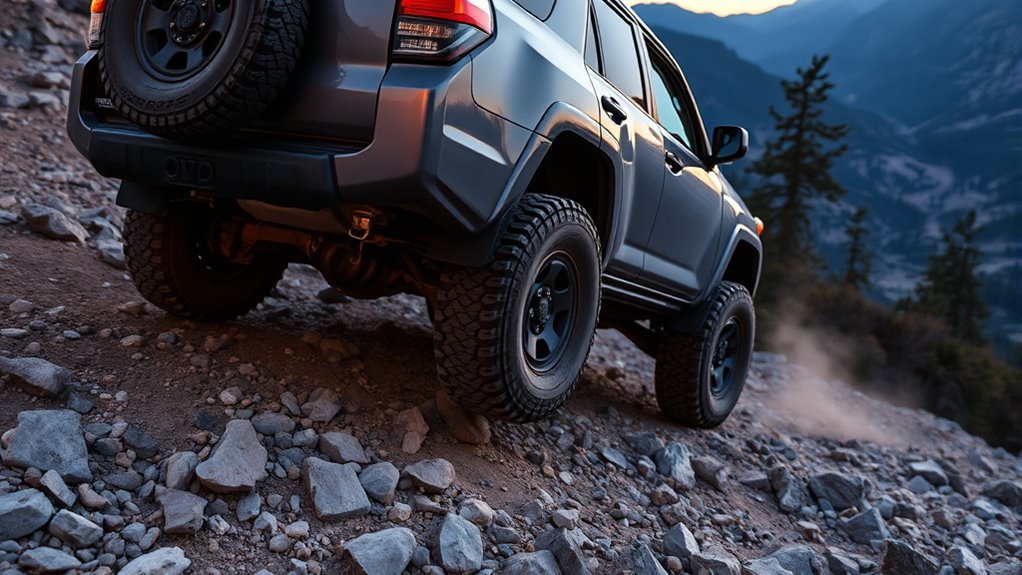
On a Toyota 4Runner equipped with Crawl Control, you do not feather the throttle or ride the brake through slow technical obstacles. The system manages low-speed acceleration and braking for you, helping the SUV move steadily over rocks, ruts, loose dirt, sand, mud, or steep trail sections while you focus on steering, tire placement, and the safest line.
Quick Answer
Toyota 4Runner Crawl Control is a low-speed off-road assist system. With the transfer case in 4-Lo on equipped models, it automatically manages engine output and brake pressure at five selectable crawl settings, so the driver can focus on steering and line choice.
Key Takeaways
- Crawl Control works only on equipped 4Runner models and is intended for difficult terrain at low speeds, not normal trail cruising or road driving.
- Shift into 4-Lo before using it; the Crawl button does not shift the transfer case for you.
- Use lower crawl settings for rocks and tight descents and higher settings for mud, sand, snow, gravel, or uphill terrain where some momentum helps.
- Watch for heat warnings, flashing indicators, odd delays, or system cancellation; prolonged use can heat the brake or transmission system.
- Treat Crawl Control as a helper, not a substitute for driver judgment; terrain, tire pressure, load, slope, and wheel placement still matter.
At a Glance
| Time Required | 30 seconds to engage once the vehicle is stopped and in 4-Lo |
| Difficulty | Easy to operate; requires good off-road judgment |
| Tools Needed | No tools; use the 4WD controls, Crawl Control switch, and speed selector |
| Cost | No added cost if your 4Runner is already equipped with Crawl Control |
How Crawl Control Works
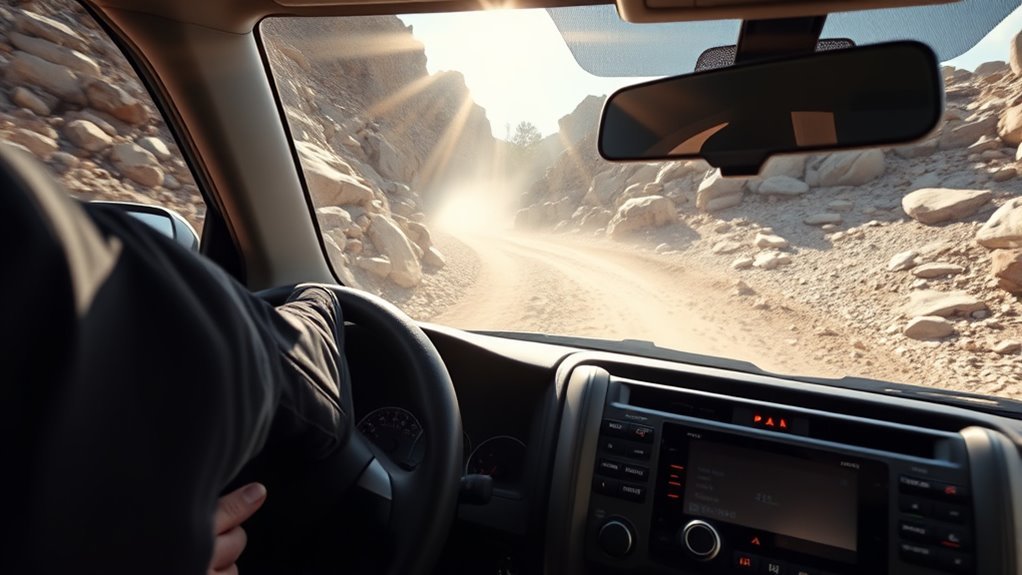
Toyota describes Crawl Control as a system that automatically modulates the throttle and brakes on five low-speed settings so the driver can focus on steering through difficult terrain. In real trail use, that means the 4Runner creeps forward or backward at a controlled pace without you constantly switching between the accelerator and brake pedal.
The system uses the vehicle’s brake and powertrain controls to limit wheelspin and help keep a steady crawl. It is especially helpful when your right foot would otherwise bounce on the pedal because of rocks, washouts, ledges, or steep grades. Instead of trying to hold a perfect pedal position, you choose a crawl setting and steer.
Crawl Control is best understood as off-road “pace control” for rough terrain: it helps manage low-speed movement, but it does not choose the line, read the obstacle, or overcome the vehicle’s physical limits.
On many fifth-generation 4Runner models, the owner’s manual lists five speed modes from low to high. Toyota’s 2024 4Runner materials also state that Crawl Control operates with five driver-selectable low-speed settings when the transfer case is shifted into low range.
Note: Controls, screen messages, trim availability, and exact operating behavior vary by model year and market. Before using Crawl Control on a trail, confirm the procedure in your specific 4Runner owner’s manual.
When to Use 4Runner Crawl Control
Use 4Runner Crawl Control when the trail is slow, technical, and rough enough that smooth pedal input becomes difficult. It is most useful when you need controlled progress more than speed.
| Terrain or Situation | Why Crawl Control Helps | Suggested Approach |
|---|---|---|
| Rock gardens | Keeps the vehicle moving steadily while you focus on tire placement | Use a low setting and steer carefully |
| Steep descents | Helps hold a controlled pace without constant brake pedal input | Start low and increase only if the vehicle feels too slow |
| Steep climbs | Reduces throttle surges that can cause wheelspin | Use enough speed to maintain momentum without bouncing |
| Mud, snow, gravel, or loose dirt | Helps regulate wheelspin on low-traction surfaces | Use a medium or higher setting if momentum is needed |
| Deep sand | Can help in slow sections, but too little momentum may bog the vehicle | Use carefully; manual throttle control may be better in very soft sand |
Do not use Crawl Control on normal roads, fast forest roads, or open trail where ordinary throttle control is smoother and safer. On many fifth-generation 4Runner manuals, Crawl Control is temporarily canceled when vehicle speed exceeds 15 mph, which is another reminder that it is built for slow, technical driving rather than general off-road cruising.
Warning: Off-roading can cause vehicle damage or injury. Crawl Control does not increase ground clearance, tire grip, approach angle, departure angle, rollover resistance, or driver visibility. Always inspect the obstacle, keep passengers belted, and be ready to stop.
Before You Use Crawl Control
Before pressing the CRAWL button, make sure the vehicle is ready. The original mistake many drivers make is assuming the Crawl Control switch puts the 4Runner into 4-Lo by itself. It does not. You must shift the transfer case into the correct low-range mode first.
- Confirm your 4Runner has Crawl Control. It is not on every trim or every model year. Toyota listed it on 2024 TRD Off-Road and TRD Pro models, and availability changed with the redesigned 2025+ generation.
- Stop the vehicle before shifting into 4-Lo. Follow the transfer-case instructions for your model year, because lever and dial controls vary.
- Shift out of Park and Neutral before activating Crawl Control. Many manuals list operation only when the shift lever is in a position other than P or N.
- Close the driver’s door. On many 4Runner models, opening the driver’s door cancels system operation.
- Check tire pressure, tire condition, and cargo load. Overloaded vehicles, low tires, or poorly secured gear can change how the vehicle behaves on slopes and obstacles.
- Choose your line before moving. Crawl Control manages speed, not steering or clearance.
[Products Worth Considering]

This plug-and-play AC button switch is designed to replace a faulty factory air conditioner switch in compatible Toyota vehicles. It installs easily without tools and is made to match the original part for a seamless fit and reliable operation. Built from durable ABS plastic, it offers a dependable replacement backed by warranty support and fitment guidance.

These X-BULL recovery traction tracks help drivers get unstuck from sand, snow, mud, or ice with a stable U-shaped elastic design and a wavy ramp that makes tire entry easier. Built from reinforced nylon, they are flexible, impact-resistant, and designed to perform in extreme temperatures while providing reliable emergency traction for a wide range of vehicles.
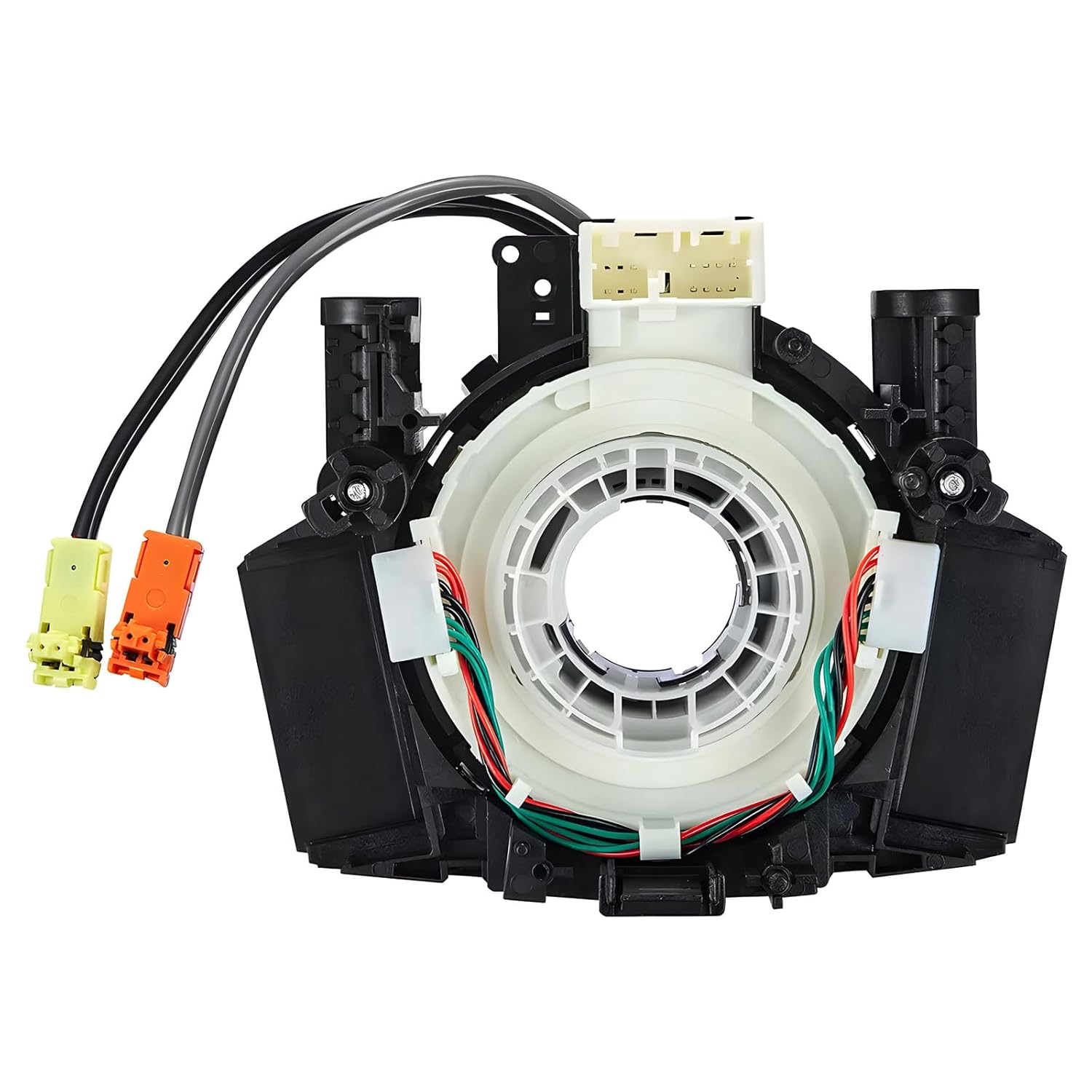
This steering clock spring assembly is an OEM-style replacement designed to restore steering wheel controls and related electronic functions in compatible Nissan vehicles. It supports audio, cruise control, and multi-function button operation while matching multiple factory part numbers for a reliable fit. Built for direct installation with vehicle-specific connectors, it helps return steering column electronics to proper working order.
Setting and Operating Crawl Control
Once the 4Runner is stopped, shifted into 4-Lo, and pointed at the obstacle, Crawl Control is simple to use. The exact switch location depends on model year; many fifth-generation models place the controls in the overhead console, while newer models may use console-mounted switches and screen prompts.
- Stop in a safe, straight position before the obstacle.
- Shift the transfer case into 4-Lo using the correct procedure for your 4Runner.
- Select Drive or Reverse depending on the direction you need to crawl.
- Press the CRAWL ON/OFF switch and confirm the Crawl Control indicator is on.
- Choose a speed setting with the selector dial or control switch.
- Release the pedals and steer while the system manages low-speed movement.
- Adjust the setting as terrain changes; reduce speed for ledges and tight rock work, increase slightly for loose uphill terrain.
- Turn the system off when you finish the obstacle or return to open trail.
| Action | Result |
|---|---|
| Shift into 4-Lo first | Prepares the transfer case for low-speed technical driving |
| Press the CRAWL button | Activates Crawl Control if all operating conditions are met |
| Rotate or adjust the selector | Cycles through the five low-speed crawl settings |
| Watch the indicator or display | Confirms whether the system is active, waiting, flashing, or canceled |
| Press the button again | Turns Crawl Control off when you no longer need it |
Pro Tip: Start one setting slower than you think you need. If the 4Runner feels like it is stalling against the obstacle or losing momentum in loose terrain, increase one step at a time instead of jumping to the highest setting.
[Products Worth Considering]

This brake bleeder bottle is designed to make fluid bleeding easier for one-person use with a built-in check valve and magnetic mount. The flexible hose fits most bleeder valves and helps reduce the chance of air entering the system during service. With a practical fluid capacity and universal fit, it is a handy tool for brake maintenance and repair.

Upgrade your Toyota 4Runner with these heavy duty roof rack cross bars designed for raised side rails and secure cargo transport. The aluminum construction, anti-theft locking system, and tie-down loops help keep gear stable on the road while the low-profile design helps reduce wind noise. Easy to install with no drilling required, they provide a durable and convenient solution for road trips, hauling, and outdoor adventures.

This EL-50448 TPMS relearn tool helps quickly activate and reset tire pressure sensors so your vehicle’s monitoring system stays accurate after tire rotations, sensor replacement, or seasonal tire changes. Designed for many GM-related vehicles and compatible with common 315 and 433 MHz TPMS systems, it offers simple one-button operation and reliable performance for clearing warning lights and relearning sensor positions.
Choosing the Right Crawl Control Speed
The best Crawl Control setting depends on traction, slope, obstacle size, and how much momentum the vehicle needs. Lower settings give you more time to place the tires. Higher settings help when the surface is loose and the vehicle needs steady movement to avoid digging in.
| Crawl Setting | Best For | Avoid When |
|---|---|---|
| Low | Rocks, ledges, downhill moguls, tight tire placement | Deep sand or mud where the vehicle may bog down |
| Low-Medium | Rutted climbs, rough gravel descents, uneven trail shelves | Large rocks that require very slow tire placement |
| Medium | Mixed trail with small rocks, dirt, shallow mud, or rolling ruts | Sharp ledges or off-camber sections |
| Medium-High | Loose uphill gravel, snow, mud, grass, and mild sand | Downhill rock steps or blind drops |
| High | Loose terrain where continuous low-speed momentum matters | Narrow obstacles, steep descents, or tight turns near hazards |
Listen to the vehicle. Brake pulsing, motor noise, and vibration can be normal while Crawl Control is working, but harsh bouncing, repeated wheelspin, or a flashing warning message means it is time to stop, reassess the line, or use a different traction tool.
Limits, Troubleshooting, and Failure Modes
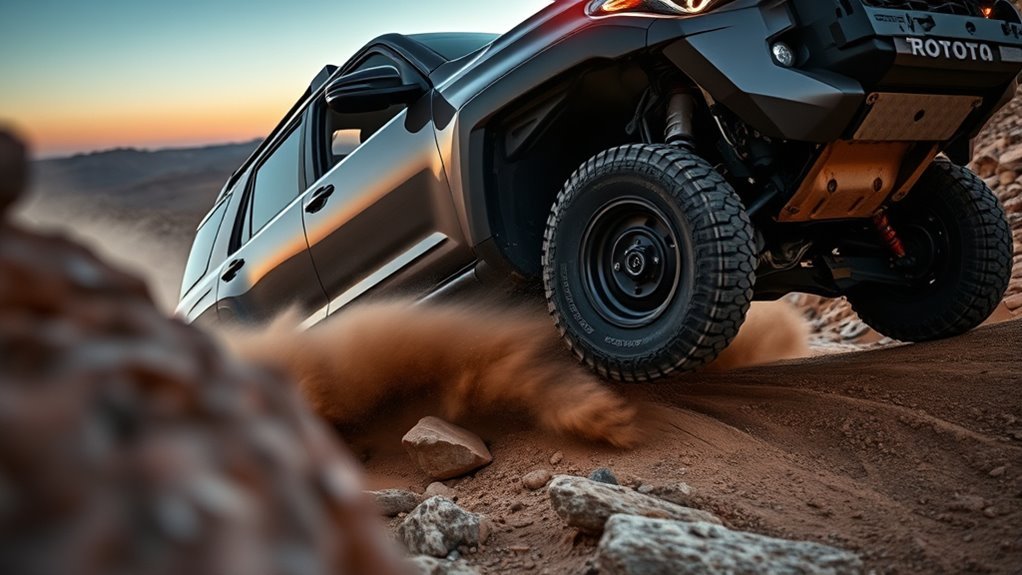
Because Crawl Control uses the brake system and powertrain controls repeatedly at low speed, it has real operating limits. Prolonged crawling can heat the brakes or transmission, and Toyota owner information notes that the system may temporarily cancel if the brake system or automatic transmission overheats. If that happens, stop safely and let the vehicle cool before trying again.
| Symptom | Likely Cause | What to Do |
|---|---|---|
| Crawl indicator flashes | System is not fully controlling the vehicle, conditions are not met, or speed is too high | Slow down, confirm 4-Lo, close the door, and check the display message |
| Buzzer or warning message appears | Brake heat, transmission heat, system fault, or operating condition not met | Stop in a safe place and follow the message in the multi-information display |
| Vehicle will not hold a steady crawl | Terrain is too steep, too uneven, too slippery, or the chosen setting is wrong | Pick a different line, change the speed setting, or switch to manual control |
| Excessive wheelspin | Loose sand, mud, snow, poor tire pressure, or not enough momentum | Air down appropriately where legal and safe, increase setting slightly, or use A-TRAC/MTS as appropriate |
| Grinding, harsh clunking, or drivetrain binding | Wrong 4WD mode, locked differential on high-traction surface, or mechanical issue | Stop, straighten the vehicle, verify drive mode, and inspect before continuing |
Warning: Do not force Crawl Control to keep working after repeated heat warnings or cancellation. Continuing to push the system can reduce braking performance, trigger limp behavior, or damage components.
Crawl Control vs. A-TRAC and Lockers: Which to Choose
Crawl Control, A-TRAC, Multi-Terrain Select, and locking differentials solve different trail problems. The right choice depends on whether you need speed control, wheelspin control, or mechanical axle lockup.
| System | Best Use | Main Limitation |
|---|---|---|
| Crawl Control | Low-speed rock crawling, steep climbs, controlled descents, tight obstacles | Can overheat with long use and may not maintain speed on extreme terrain |
| A-TRAC | Slippery starts, uneven traction, snow, mud, gravel, and mixed surfaces | Brake-based traction can also create heat during heavy use |
| Multi-Terrain Select | Matching wheelspin control to dirt, sand, mud, rocks, or moguls where equipped | Mode names and availability vary by model year |
| Rear Locker | Severe cross-axle traction where one rear tire may lift or spin freely | Can reduce turning ability and is not for high-traction pavement |
Choose Crawl Control when pedal smoothness is the problem. Choose A-TRAC or Multi-Terrain Select when wheelspin control is the problem but you still want to manage speed yourself. Choose the rear locker only when you need both rear wheels to turn together through a traction gap, and unlock it once the obstacle is cleared.
[Products Worth Considering]

This steering clock spring is designed to restore reliable steering wheel controls across a wide range of Toyota models. It supports audio, cruise control, and other multifunction commands while matching OEM part numbers for confident replacement fitment. Built for dependable signal transfer and straightforward installation, it is an effective solution for repairing steering column control issues.

This dash clock spring replacement is designed for a wide range of Toyota vehicles and helps restore reliable steering wheel control functions. It supports audio controls, cruise control, and other multi-function commands while using vehicle-specific connectors for easier installation. Built with durable materials and OEM-referenced part compatibility, it is a practical solution for repairing steering wheel signal issues.

The Masoll M13 Tire Pressure Monitoring System helps monitor tire pressure for sedans, SUVs, pickup trucks, RVs, and travel trailers with four tires. It features automatic reference pressure calibration, alerting you when pressure changes fall outside the set range, while solar charging and auto wake-up support convenient everyday use. With precise pressure detection, an easy-to-read color LCD, and adaptive backlighting, it is designed to improve driving safety and help protect tire life.
Common Crawl Control Mistakes
- Trying to activate it in 2WD or 4-Hi: Crawl Control is generally a low-range feature, so shift into 4-Lo first on models that require it.
- Using it too fast: Crawl Control is for slow technical terrain, not normal road speeds or high-speed trail driving.
- Picking too high a setting on rocks: A higher crawl speed can make the vehicle lurch, scrape, or climb too aggressively.
- Picking too low a setting in sand: Very soft sand often needs momentum; too little speed can dig the tires in.
- Ignoring tire pressure: Overinflated tires can reduce grip and make Crawl Control work harder.
- Over-relying on electronics: The system cannot see hidden rocks, deep holes, underbody clearance, rollover risk, or water depth.
Frequently Asked Questions
How does 4Runner Crawl Control work?
Crawl Control helps the 4Runner move at a fixed low speed over difficult terrain without the driver pressing the accelerator or brake pedal. It manages throttle and braking while you steer and choose the safest line.
Do I have to be in 4-Lo to use Crawl Control?
On many Toyota 4Runner models, yes. The common requirement is that the engine is running, the shift lever is not in Park or Neutral, the driver’s door is closed, and the transfer case is in L4 or 4-Lo. Always verify the exact steps for your model year.
Does Crawl Control shift the 4Runner into 4-Lo automatically?
No. The Crawl Control button activates the crawl system only after the correct operating conditions are met. You still need to shift the transfer case into 4-Lo using the proper procedure for your 4Runner.
How fast does 4Runner Crawl Control go?
Toyota describes Crawl Control as using five low-speed settings. On many fifth-generation 4Runner manuals, the system is temporarily canceled when vehicle speed exceeds 15 mph, so it should be treated as a walking-pace off-road tool rather than cruise control.
Is Crawl Control good in sand?
It can help in slow, uneven sandy sections, but deep soft sand often needs momentum. If the vehicle starts to bog down, use a higher crawl setting, choose a different line, or switch to careful manual throttle control.
Why does Crawl Control make noise or vibration?
Some brake pulsing, motor noise, and vibration can be normal because the system is actively managing brake pressure and low-speed movement. A warning light, buzzer, heat message, or harsh mechanical noise is different and should be checked before continuing.
Conclusion
Picture your 4Runner easing over rocks and ruts while Crawl Control quietly handles the throttle and brakes in the background. That is where the system shines: slow, technical terrain where smooth pedal input is hard and line choice matters most. Shift into 4-Lo first, choose the right crawl setting, monitor the indicators, and know when to switch to A-TRAC, Multi-Terrain Select, a locker, or manual throttle control. Crawl Control is a smart trail assistant, but the driver still makes the decisions.
Sources
- Toyota Support: What is Multi-Terrain Select and Crawl Control? — backs up Toyota’s description of Crawl Control and five low-speed settings.
- Toyota USA Newsroom: 2024 Toyota 4Runner Rugged Capability — backs up low-range operation, TRD Off-Road/TRD Pro availability, and five selectable settings for the 2024 4Runner.
- Toyota 2024 4Runner eBrochure — backs up Crawl Control, Multi-Terrain Select, A-TRAC, 4WD low range, and Toyota’s off-road safety disclaimer.
- Toyota Owners: 2024 4Runner Manuals and Warranties — official owner-manual source for model-specific controls, warnings, and operating requirements.
- Toyota Owners: 2025 4Runner Hybrid Crawl Control — backs up newer-generation Crawl Control warnings, temporary cancellation, and heat-related operation notes.