
Starting a Toyota RAV4 with a Smart Key is simple once you know what the button, brake pedal, shifter, and dashboard messages are asking for. The key must be inside the cabin, the vehicle should be in Park, and the brake pedal controls whether the button only turns on accessories or starts the engine/hybrid system.
Quick Answer
To start a RAV4 with a Smart Key, keep the key inside the cabin, press the brake pedal firmly, make sure the shifter is in Park, then press the Engine Start/Stop or Power button once. On hybrid models, drive only when the “READY” indicator appears on the instrument cluster.
Key Takeaways
- Foot off the brake usually changes power modes; foot on the brake starts the vehicle.
- The Smart Key must be inside the RAV4 for the start button to work normally.
- Hybrid RAV4 models may start silently, so confirm the “READY” light before shifting out of Park.
- If the key battery is weak, hold the Smart Key near the start button and replace the CR2032 battery as soon as possible.
- Before leaving the vehicle, shift to Park, set the parking brake, turn the system off, and confirm the display is no longer in Accessory or Power On mode.
At a Glance
| Time Required | Less than 1 minute |
| Difficulty | Easy |
| Tools Needed | Smart Key; optional CR2032 battery if the key is weak |
| Cost | Free for normal starting; usually a few dollars for a replacement key-fob battery |
Quick Start: RAV4 Push Button Start for Gas and Hybrid Models
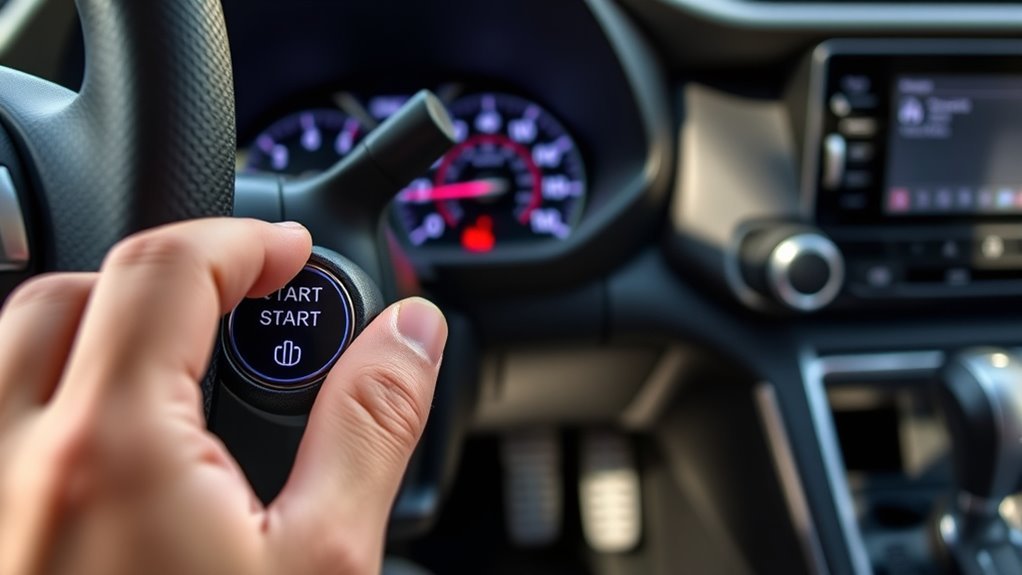
Use this basic sequence for RAV4 models equipped with Toyota’s Smart Key system. Some newer RAV4 models are hybrid-only, while earlier model years may be gas or hybrid, so always follow the wording on your own button and instrument cluster.
- Bring the Smart Key inside the cabin, preferably near the driver’s seat.
- Confirm the shifter or shift position is in Park.
- Press and hold the brake pedal firmly.
- Press the Engine Start/Stop or Power button once, briefly and firmly.
- For a gas RAV4, listen for the engine to start. For a hybrid RAV4, confirm the READY indicator is on before shifting into Drive or Reverse.
Toyota’s Smart Key system works by electronically verifying the correct key when you attempt to start the vehicle. Toyota’s owner information for the RAV4 Hybrid notes that the Smart Key must be inside the vehicle when starting the hybrid system or changing power switch modes.
Warning: A hybrid RAV4 can be ready to drive even when the gasoline engine is not running. Do not rely on engine noise. Check the “READY” indicator before shifting out of Park.
[Products Worth Considering]

This replacement key fob set is designed for select Toyota RAV4 and XB models with regular key systems, offering lock, unlock, and panic functions in a convenient two-pack. Each remote comes pre-tested with battery and electronics installed, and it must be cut and programmed by a qualified dealer or locksmith for proper use. Built from durable materials and backed by warranty support, it provides a reliable solution when replacing worn or missing remotes.
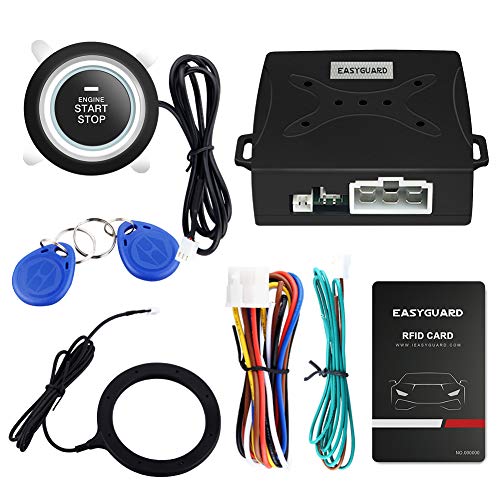
EASYGUARD RFID push start button system with transponder to arm or disarm your car easily & improve vehicle safety.

【High Quality】: This engine start stop decoration ring is made of high quality zinc alloy with sparkling crystal rhinestones. It not only has a lovely shape and high quality, but also is not easy to fade and can be used for a long time.
Use Accessory and On Modes Without Starting the Engine
You can turn on some electrical features without starting the RAV4 by pressing the start button while your foot is off the brake pedal. This is useful when you want to use the audio system, charge a phone, or check dashboard information without making the vehicle ready to drive.
In many Smart Key Toyota vehicles, pressing the button with your foot off the brake cycles through power modes such as Off, Accessory, and On or Power On. On RAV4 Hybrid models, Toyota describes this as changing power switch modes. The exact labels may vary by model year and display language, so use the multi-information display as your guide.
- Accessory mode: Powers limited features such as audio or some outlets, depending on equipment.
- On/Power On mode: Powers more vehicle systems but does not make the vehicle ready to drive if your foot is off the brake.
- Start/Ready mode: Requires the brake pedal and allows the vehicle to be driven once the engine starts or the hybrid “READY” indicator appears.
Note: Accessory mode can drain the 12-volt battery if you leave it on for a long time. Turn the vehicle fully off when you are done using accessories.
Start and Stop Safely: Brake, Shifter, and Parking Brake Checks
Most push-button start problems come from one of three things: the brake pedal is not pressed firmly enough, the vehicle is not in Park, or the Smart Key is not being detected. Build the habit of checking all three before pressing the button again.
Confirm Your Foot Is on the Brake
To start the engine or hybrid system, press the brake pedal firmly and keep it pressed while you push the start button. If the display does not show the expected start or readiness message, pause and check the brake pedal, Smart Key location, and Park position rather than repeatedly tapping the button.
If you press the button with your foot off the brake, you are more likely to enter Accessory or On mode instead of starting the vehicle. That is normal operation, not necessarily a malfunction.
Verify the Shifter Is in Park
The RAV4 should be in Park before starting or shutting down. On models with a traditional shift lever, confirm the lever is fully seated in “P.” On models with an electronic shift control or P position switch, check the instrument cluster for the correct Park indication.
- Look for “P” on the instrument cluster.
- Make sure the vehicle is fully stopped before selecting Park.
- Watch the multi-information display for warnings or instructions.
- Recheck Park before exiting the vehicle.
Engage the Parking Brake Securely
When shutting the vehicle off, stop completely, shift to Park, set the parking brake, then press the Engine Start/Stop or Power button. The National Highway Traffic Safety Administration recommends making sure a keyless-ignition vehicle is in Park, fully shut down, and secured with the parking brake before walking away.
Use the parking brake every time, especially on hills. It helps prevent rollaway and reduces load on the parking mechanism. If the parking brake feels weak, uneven, or does not hold the vehicle, have it inspected by a qualified technician.
RAV4 Hybrid: Starting Steps and MID Messages to Watch
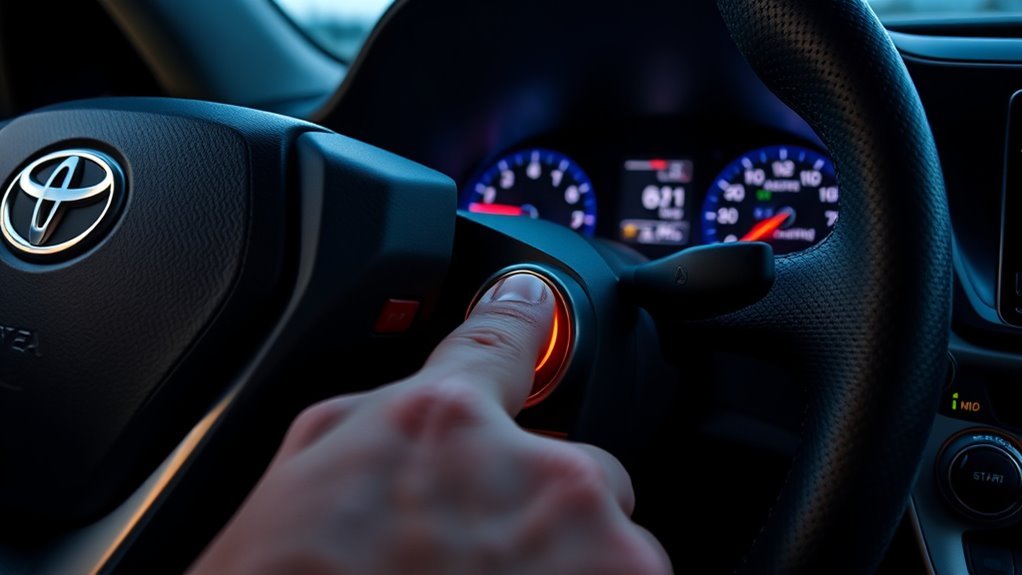
A RAV4 Hybrid does not always start with obvious engine noise. The hybrid system may use the electric motor first and start the gasoline engine later when needed. That is why the dashboard indicator matters more than sound.
- Carry the Smart Key into the cabin.
- Make sure the shift position is in Park.
- Press the brake pedal firmly.
- Press the Power switch once, briefly and firmly.
- Confirm the READY indicator appears on the instrument cluster.
- Keep the brake pressed, then shift to Drive or Reverse when it is safe to move.
The multi-information display may show messages if a door is open, the key is not detected, the brake is not pressed, the vehicle is not in Park, or another condition prevents starting. Follow the displayed instructions first; they are designed to prevent accidental movement and theft-related errors.
Pro Tip: If you are new to hybrids, make “READY means ready” your rule. Do not wait for engine noise, and do not shift until the READY light is on.
[Products Worth Considering]

*Select your vehicle above*

High-quality: Every Single Keyless Entry Remote Control Car Key Fob Is Fully Pre-tested by Professional Locksmith Tools before Shipping. All Our Key Fobs are Pre-installed with Battery and Electronics

【Fits Model】For 2025-2026 Camry,4Runner,2021-2026 RAV4 Prime,2021-2026 Sienna, 2023-2026 Collora,Collora Cross,Highland,Grand Highlander,Prius,Prius Prime,Sequoia,Crown,bz4X,GR86,Super 2019-2026 Land Cruiser,2021-2026 Venza,3/4/5/6 Button keyless entry remote control smart key.
Smart Key Issues: Low Battery, Detection, and Emergency Start Tips
If your RAV4 will not start, check the Smart Key before assuming there is a major vehicle problem. Toyota’s RAV4 Hybrid owner information says a depleted electronic-key battery can reduce operating range and prevent the Smart Key system or wireless remote from working properly. Toyota identifies the replacement battery as a CR2032 lithium battery for the 2026 RAV4 Hybrid electronic key.
Try these steps when the vehicle says the key is not detected or the button does not respond normally:
- Move the Smart Key inside the cabin and away from phones, laptops, metal cases, or other signal-blocking items.
- Press the brake pedal firmly and check that the vehicle is in Park.
- Hold the Toyota emblem side of the Smart Key close to the Engine Start/Stop or Power button.
- Press the button while keeping the brake pedal depressed.
- If the vehicle starts, replace the key battery soon; the close-to-button method is a temporary workaround, not a permanent repair.
If you have a second Smart Key, test it. If one key works and the other does not, the problem is likely the key battery or key itself. If neither key works, the RAV4 may have a low 12-volt battery, a Smart Key system issue, or another electrical fault that needs diagnosis.
[Products Worth Considering]

【High-Quality Car Smart Key】Every Alliskeys Keyless Entry Remote Key Fob is Fully Pre-tested by Professional Locksmith Tools before Shipping. All Our Key Fobs are Pre-installed with Battery and Electronics. Replace your lost or broken remote key quickly and easily with this Proximity Smart Key. Only fit for vehicles with Push-button Star.
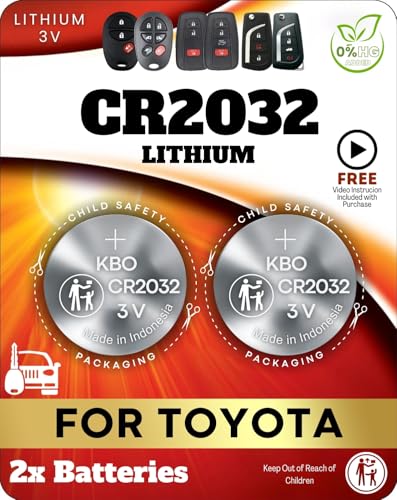
Reliable Power Solution – Includes two premium CR2032 lithium batteries, ensuring long-lasting and dependable power for your Toyota key fob.

BROAD COMPATIBILITY ACROSS BRANDS - Compatible with all major car brands, fits with TOYOTA, VOLKSWAGEN, HONDA, CHEVY, BMW, HYUNDAI, KIA, FORD, LEXUS, JEEP, AND ALL OTHERS. Most of the car key fobs use this type of CR2032 batteries. Direct battery replacement for your key fob.
RAV4 Security: Immobilizer and What Prevents Unauthorized Starts
The Smart Key system is part convenience feature and part security system. The RAV4 checks for an authorized electronic key before it allows the start button to make the vehicle ready. If the correct key is not detected inside the cabin, the system can prevent starting and show a warning message on the multi-information display.
This security behavior is helpful, but it also explains why weak key batteries, signal interference, or a key left outside the vehicle can feel like a starting failure. Before calling for service, confirm the key is actually in the cabin, try the close-to-button emergency method, and check the display for exact wording.
- Key detection: The Smart Key must be inside the vehicle to start or change power modes.
- Warning messages: The multi-information display can alert you to key, brake, shift, or system issues.
- Weak battery symptoms: Shorter range, intermittent detection, or remote lock/unlock problems.
- Temporary workaround: Hold the Smart Key near the start button and press the button with the brake depressed.
- Service clue: Record the exact warning message before visiting a Toyota dealer or repair shop.
Daily Checklist and Troubleshooting Steps for Common Problems
A short checklist keeps the push-button system predictable and helps you spot small issues before they strand you.
Before Starting
- Smart Key inside the cabin.
- Brake pedal pressed firmly.
- Shifter or shift position in Park.
- Dashboard free of key, brake, or system warnings.
- For hybrids, READY indicator confirmed before driving.
Before Shutting Off
- Vehicle fully stopped.
- Shift position in Park.
- Parking brake set.
- Power button pressed once, briefly and firmly.
- Display no longer shows Accessory, Power On, or READY.
If the RAV4 Will Not Start
| Symptom | Likely Cause | What to Try |
|---|---|---|
| Nothing happens when you press the button | Brake not pressed, key not detected, or low 12-volt battery | Press brake firmly, move key inside cabin, try the spare key, check for warning messages |
| Display says key not detected | Weak key battery or signal interference | Hold Smart Key near the button and replace the CR2032 battery |
| Accessories turn on, but vehicle does not start | Button pressed with foot off brake | Press the brake pedal and press the button again |
| Hybrid is silent after pressing Power | Normal hybrid operation, if READY is on | Check for the READY indicator before shifting |
| Warning says Smart Key system malfunction | Possible key, antenna, 12-volt battery, or system fault | Try the spare key, note the message, and schedule service if it persists |
Warning: Never leave a running or READY hybrid vehicle unattended in a garage or enclosed area. Keyless systems can be quiet, and NHTSA identifies carbon monoxide and rollaway risks when drivers mistakenly leave vehicles active.
Frequently Asked Questions
How do you completely turn off a push-to-start RAV4?
Stop the vehicle, shift to Park, set the parking brake, then press the Engine Start/Stop or Power button once. Before leaving, confirm the dashboard is not showing READY, Accessory, or Power On mode.
Why does my RAV4 turn on accessories but not start?
You probably pressed the start button with your foot off the brake. Press the brake pedal firmly, make sure the Smart Key is inside the cabin, confirm the shifter is in Park, and press the button again.
How do I start a RAV4 when the Smart Key battery is dead?
Hold the Smart Key close to the Engine Start/Stop or Power button, press the brake pedal, and press the button. If it starts, replace the key battery as soon as possible. For many RAV4 Hybrid keys, Toyota specifies a CR2032 lithium battery.
Is a RAV4 Hybrid on if the engine is silent?
Yes, it can be. A hybrid may be ready to drive even when the gasoline engine is off. Look for the READY indicator on the instrument cluster rather than listening for engine noise.
Can I drive if the RAV4 says “key not detected” after it starts?
Do not ignore the message. Move the Smart Key inside the cabin, replace a weak key battery, and check for signal interference. If the warning continues, the vehicle may not restart after you shut it off.
Conclusion
The RAV4 Smart Key system is easy to use once you separate accessory mode from start mode. Foot off the brake changes power modes; foot on the brake starts the gas engine or makes the hybrid system READY. For safe daily use, keep the key inside the cabin, confirm Park, press the brake firmly, watch the multi-information display, and set the parking brake before shutting down.
If the RAV4 will not start, begin with the simple checks: key location, brake pressure, Park position, key-fob battery, and dashboard warnings. If those do not solve the problem, record the exact message and have the vehicle inspected by a Toyota dealer or qualified technician.
Sources
- Toyota Owners: 2026 RAV4 Hybrid Owner’s Manual — official owner information for RAV4 Hybrid operation and warnings.
- Toyota Owners: Power (Ignition) Switch — starting, stopping, and power-switch mode guidance for the RAV4 Hybrid.
- Toyota Owners: Smart Key System — Smart Key detection range and warning-message guidance.
- Toyota Owners: Electronic Key Battery — symptoms of a depleted key battery and CR2032 replacement information.
- Toyota Owners: If the Electronic Key Does Not Operate Properly — temporary starting procedure when the key battery or communication is weak.
- NHTSA: Keyless Ignition Systems — safety guidance for Park, shutdown confirmation, parking brake use, rollaway risk, and carbon monoxide risk.


[…] Toyota’s RAV4 guide states that the Smart Key must be carried, the shifter must be in Park, and the brake must be depressed for the normal start function.[1] For a deeper explanation of accessory, ignition, and starting modes, see the RAV4 push-button start guide. […]