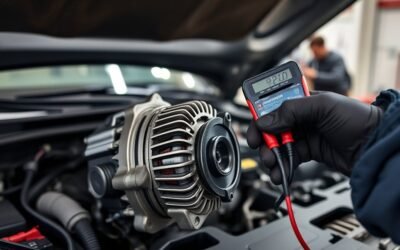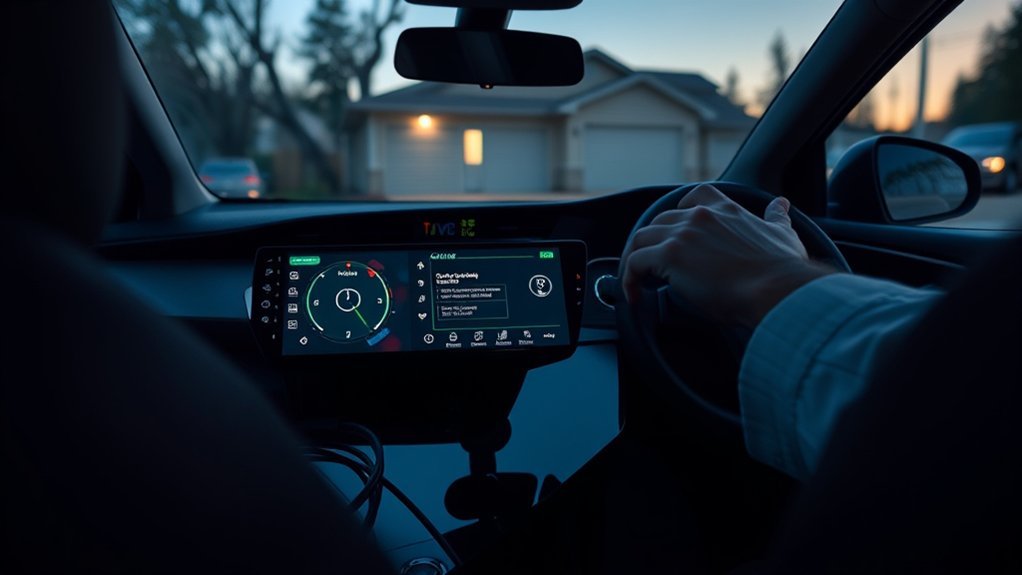
If your RAV4 Prime won’t follow scheduled charging, first verify the J1772 connector is fully seated and latched and check the EVSE CCID lights; then confirm start/departure times in the infotainment charging menu and Entune, resave departure times, or start charging manually from the app. Try a system restart (ignition off, remove key fob, wait 30s) and prefer a Level 2 charger. If issues persist, check 12V health and collect logs for dealer inspection — more troubleshooting steps follow.
Quick Fixes to Start Charging Now (Cable, App Override, Restart)
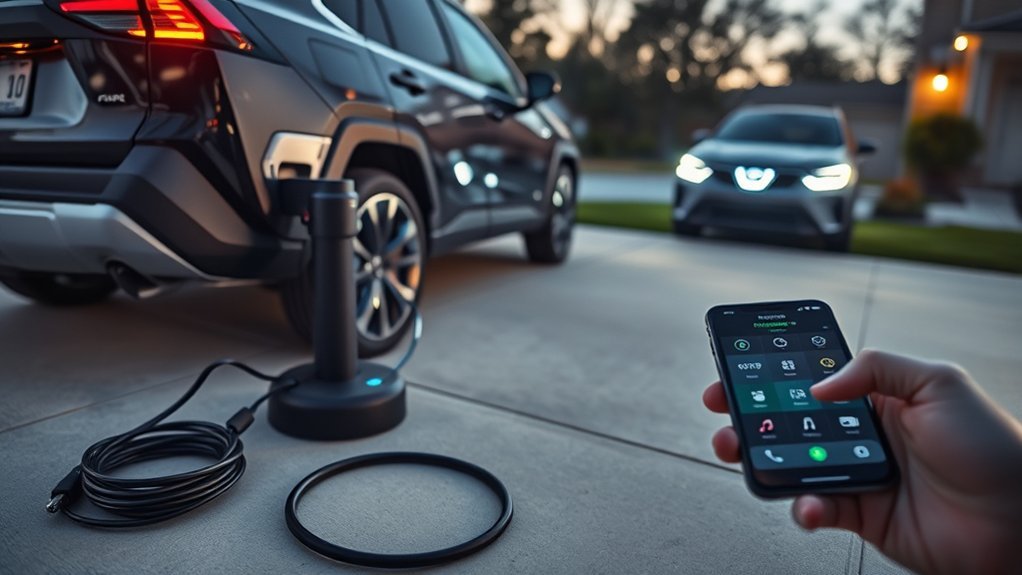
Start by checking the basics: make sure the J1772 connector is fully seated and locked, then confirm any scheduled charge settings on the infotainment screen so they match when you want charging to occur. If the connector isn’t locked, reseat it firmly — a secure latch is the simplest charging troubleshooting step. If scheduled charging refuses to start, open the mobile app and manually initiate charging; this app override often bypasses schedule-related faults and gives you control now. If neither cable nor app works, perform a system restart: turn off the ignition, remove the key fob, wait 30 seconds, then power up to clear transient glitches that can block charging. Prefer a Level 2 charger when possible; it reduces scheduled-charge complications compared with Level 1. Throughout, check vehicle settings for conflicts and keep actions decisive: you’re reclaiming control of energy, timing, and mobility without waiting.
Verify Scheduled Charging & “Next Departure” Settings
When verifying scheduled charging and the “Next Departure” setting, go into the infotainment charging schedule menu and confirm your desired start time and target departure time so the vehicle knows when to finish charging. Check that your charging preferences match routine needs and that schedule adjustments reflect any changed plans. Use Entune for remote confirmation and immediate edits. If the dash still shows no pending charge, re-open the menu and re-save the departure time.
| Item | Action |
|---|---|
| Start Time | Confirm preferred start |
| Departure | Set Next Departure target |
| App | Verify via Entune |
| Dashboard | Recheck saved settings |
Be systematic: verify the vehicle recognizes the plug via CCID lights, then double-check the infotainment and app for alignment. You want autonomy from surprises—accurate scheduling secures readiness. If settings are correct but charging won’t run, repeat saving the schedule and try alternate departure times before moving to connector diagnostics.
Check Connector and EVSE: J1772 Lock, CCID Lights, Outlet Tests
If your schedule and Next Departure settings look correct but charging still won’t begin, check the physical connection and EVSE next. First confirm the J1772 connector is fully seated and locked; a loose connector blocks communication and power. Re-seat the plug firmly to guarantee a proper latch. As part of routine connector maintenance, inspect the mating surfaces for debris, corrosion, or damage that could prevent a solid connection.
Next, read the EVSE CCID indicator lights. An amber CCID typically shows power present; a green light that goes out usually means no active charging. Use those signals to narrow the fault to vehicle, cable, or EVSE. Test the outlet feeding the EVSE for correct voltage and current delivery; insufficient supply will interrupt charging even if control signals look normal. For persistent failures, document light behavior and outlet readings, then escalate to EVSE troubleshooting or a qualified technician to replace or repair faulty equipment.
Cold-Weather & 12V Battery Checks That Affect Scheduling
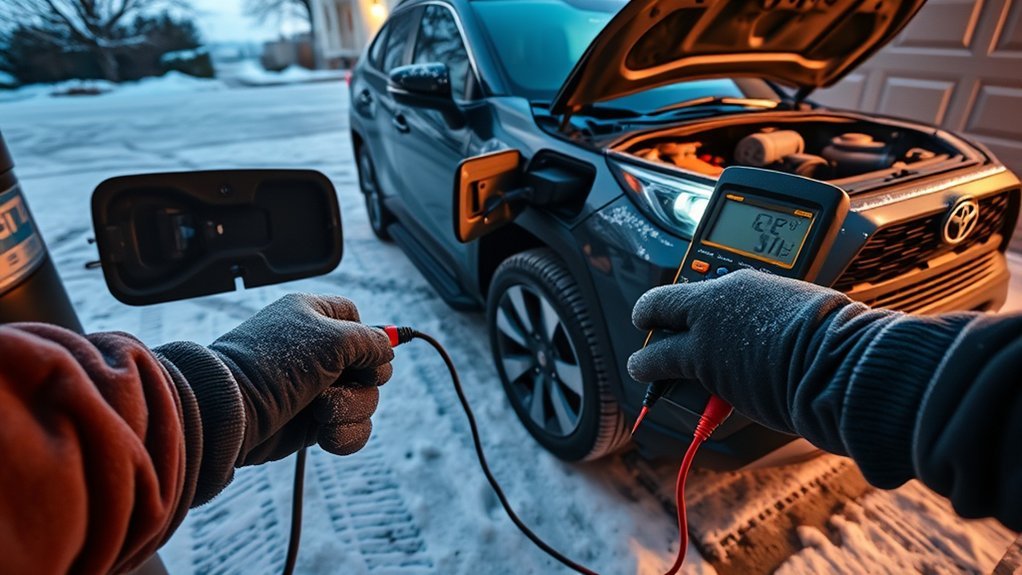
Because cold temperatures and a weak 12‑volt battery both alter how the RAV4 Prime manages auxiliary systems, you should check ambient temperature and the 12V state before troubleshooting schedules: cold weather around 35°F or below can force immediate charging to protect the traction battery, overriding your timer. First, monitor outside temperature and postpone conclusions if it’s near freezing. Next, test the 12V battery voltage and health; vehicles three to five years old commonly show decline. Low 12V voltage can make electronics unresponsive and interfere with shift, parking brake, and charge-scheduling commands. Inspect battery terminals for corrosion and tightness, and verify the charger is firmly connected. Check the dashboard scheduled-charging settings after confirming voltage is within spec. Practice routine battery maintenance—load testing, terminal cleaning, and timely replacement—to reduce cold-related failures. If you control these variables, you reclaim predictable charging behavior and avoid misdiagnosing scheduling faults.
When to Contact Dealer: Logs, Reproduce Steps, and What to Collect
Wondering what to bring to the dealer? Bring a clear charging history: dates, times, temperatures, and conditions for every scheduled charging failure. Log patterns so you can show a concise timeline. Attempt to reproduce the fault on-site under the same conditions; demonstrate the failure rather than just describe it.
Collect infotainment screenshots or photos of any error messages and note Entune or dashboard scheduling settings. Bring the OE Toyota cable and any third-party chargers you used so the dealer can test with identical gear. Prepare a short, methodical list of reproduction steps: how you set the schedule, when you plug in, what you expect, and what actually happens.
Ask the dealer to attach vehicle logs and run diagnostic tools; insist they save and share exported logs. This evidence-focused approach empowers you, speeds diagnosis, and prevents vague explanations. You’re partnering with the shop—bring facts, not frustration.
Frequently Asked Questions
Why Is My Ohme Not Charging When Scheduled?
Your Ohme’s not charging when scheduled because your charging settings may be wrong, the J1772 connection might be loose, or cold weather forced immediate charging; check app notifications, battery health, and secure the plug to regain control.
Why Does My EV Keep Stopping Charging?
Your EV keeps stopping charging because charging interruptions often stem from loose connector contacts, cold-induced immediate charging, or weak 12‑volt battery; check connections, monitor battery management, and try adjusting schedules or switching to Level 2 to regain control.
Conclusion
Picture your RAV4 Prime like a clocked engine: when scheduled charging skips a beat, use quick fixes (cable reseat, app override, restart) to get it ticking, verify Scheduled Charging and Next Departure, inspect connector/EVSE lights and outlet, and rule out cold or a low 12V battery. If it still won’t dance to schedule, collect logs, reproduce the fault, and call your dealer with clear steps — you’ll get it back in sync.