
By: Merrick Vaughn · Last updated: July 31, 2026
Method: This guide was checked against Toyota’s North American RAV4 Prime charging instructions, current Toyota Connected Services information, and current Ohme troubleshooting guidance.
Model-year scope: The verified menu behavior and indicator guidance below come from North American 2021–2024 RAV4 Prime owner information. Toyota renamed the model RAV4 Plug-in Hybrid for 2025. The redesigned 2026 RAV4 Plug-in Hybrid may use different menus and charging hardware, so confirm exact instructions in your model-year owner’s manual.
What’s in This Article
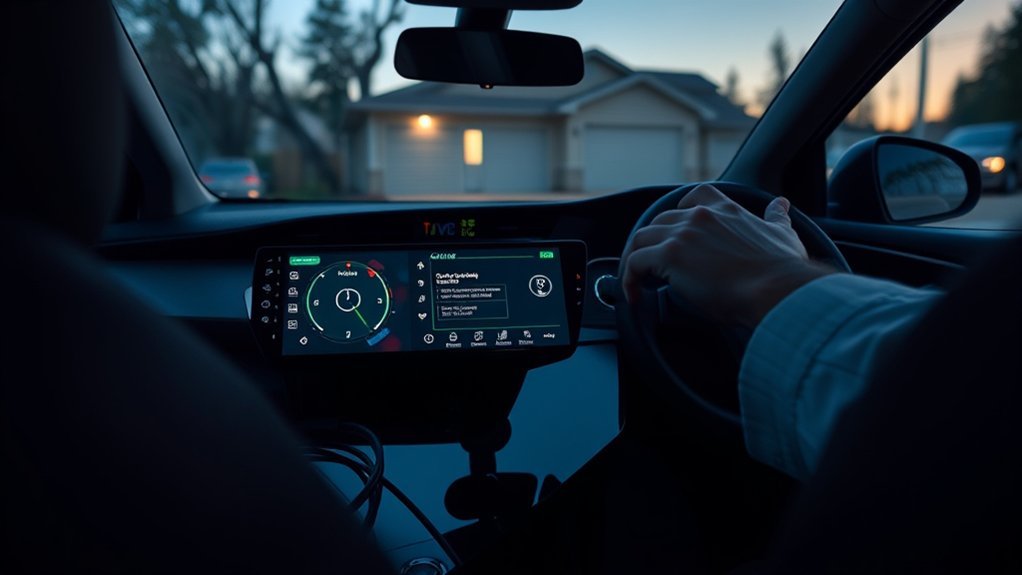
If your RAV4 Prime scheduled charging is not working, check the vehicle clock and calendar first. Confirm the schedule is enabled, the correct days are selected, the power switch is off, and the charging mode matches what you expect. Start mode begins at a selected time, while Departure mode chooses its own start time so charging can finish by the selected departure.
Save the schedule before connecting the cable, then check the charge-port indicator. A normal flash means the vehicle has recognized a schedule and is waiting. Rapid flashing points to an external-power or vehicle fault. If you need immediate charging, use Charge Now for a controlled test.
Quick Answer
Check the clock, calendar, selected days, schedule status, Start or Departure mode, Charge Now setting, and Next Event. Turn the power switch fully off, connect the cable after saving the schedule, and confirm that the charge-port indicator flashes normally. If Charge Now works but the saved schedule does not, focus on timer settings and competing app or charger schedules. If Charge Now also fails, test the connector, outlet, EVSE, and a second known-good charging source.
Key Takeaways
- A normally flashing charge-port indicator usually means the vehicle is waiting for a registered schedule.
- A rapidly flashing indicator points to an external-power or vehicle fault, not an ordinary timer delay.
- Departure mode may start earlier than expected when the vehicle needs more time to finish charging.
- A changed Next Event can temporarily override an otherwise correct weekly schedule.
- After a completed charge, unplug and reconnect the cable before relying on another scheduled session.
- Do not use a household timer or smart plug that cuts power to the Toyota portable charging cable.
Why Is RAV4 Prime Scheduled Charging Not Starting?
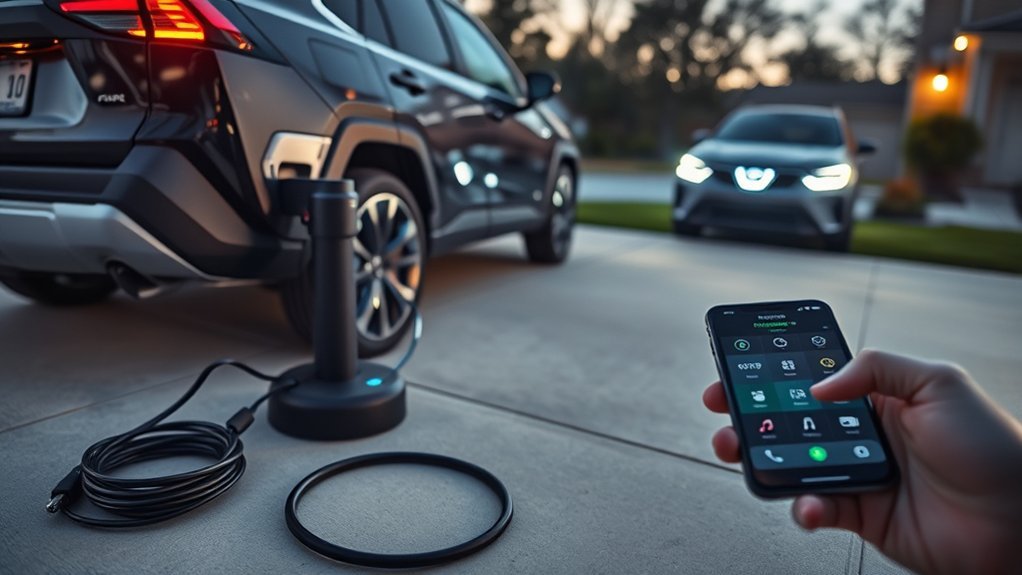
Use this order before changing parts or resetting multiple systems:
- Check the clock and date. A wrong time, date, time zone, or calendar day can move the event.
- Confirm the schedule is enabled. Verify the selected days and inspect the temporary Next Event.
- Check Start versus Departure mode. Start mode uses the chosen start time. Departure mode calculates when charging must begin.
- Turn Charge Now off when you want the saved schedule to control the session.
- Turn the power switch fully off. Do not leave the vehicle in ACC or ON.
- Connect the cable after saving the schedule. Push the connector straight into the charge port until it seats securely.
- Read the charge-port indicator. Its pattern tells you whether the car is waiting, charging, or reporting a fault.
What Does the RAV4 Prime Charge-Port Indicator Mean?
| Symptom | Likely Meaning | First Action |
|---|---|---|
| Indicator flashes normally | A charging schedule is registered and the vehicle is waiting | Wait for the event or select Charge Now |
| Indicator rapidly flashes | An external-power or vehicle malfunction may be present | Start the vehicle, read the displayed message, and stop ordinary timer testing |
| Indicator is illuminated | Charging is possible, charging is active, or battery temperature control may be operating | Check the vehicle and EVSE status before interrupting the session |
| Indicator does not illuminate or flash | The connector, outlet, EVSE, or vehicle may not have established a charging connection | Reseat the connector and check the CCID or EVSE indicators |
| Charging starts immediately | Charge Now may be on, the schedule may be off, or Departure mode may need to begin early | Check Charge Now, schedule status, mode, and departure time |
| A later scheduled session is skipped | The cable may have remained connected after the prior completed charge | Unplug and reconnect before the next planned session |
Use Charge Now as a Controlled Test
Turn on Charge Now without deleting the saved schedule. If charging begins, the connector, EVSE, outlet, and onboard AC charging path can at least support that session. Return to the clock, calendar, selected days, charging mode, Next Event, and competing schedule settings.
If Charge Now also fails, the problem is no longer schedule-only. Continue with the physical charging checks below or use the broader guide for a RAV4 Prime that will not charge manually.
Level 1 versus Level 2: Either compatible AC source can be used for a schedule test. Level 2 is faster, but it does not correct a wrong clock, disabled schedule, Next Event override, or conflicting timer. See the separate Level 1 versus Level 2 charging guide for charging-time differences.
How Do You Verify the Schedule, Clock, and Next Event?
Open the charging schedule menu and verify each setting separately. Do not assume the weekly calendar is the only active instruction. A temporary Next Event can override a repeated entry, while Charge Now can temporarily bypass the schedule.
| Setting | What to Check | Common Symptom |
|---|---|---|
| Clock and calendar | Correct local time, date, day, and GPS clock setting when applicable | Charging begins on the wrong day or misses the event |
| Selected days | The required weekday or weekend day is enabled | The time looks correct, but nothing happens that night |
| Start mode | The displayed time is the time charging should begin | The owner expects charging to finish at that time instead |
| Departure mode | The displayed time is when charging should be finished | Charging starts earlier than expected |
| Next Event | The temporary next event matches the intended night | Recurring schedules are visible but temporarily ignored |
| Charge Now | Off when the saved schedule should control charging | Charging begins immediately after connection |
| Schedule status | The required schedule is enabled, not merely saved | No event runs even though the entry is still listed |
| Power switch | Fully off before the vehicle waits for the event | Settings are visible, but the expected waiting state is not established |
Why Does Departure Mode Start Charging Immediately?
Start mode tells the vehicle when to begin charging. Departure mode tells the vehicle when charging should be complete. The vehicle estimates the time it needs and selects its own start time.
If the selected departure is close and the battery needs substantial charging, the vehicle may begin immediately. That does not necessarily mean the schedule failed. Move the departure time later or use Start mode for a test when you need to confirm a precise beginning time.
Can Next Event Override the Weekly Schedule?
Yes. A changed Next Event can temporarily take priority over the repeated weekly entries. For example, a Next Event set two days later can prevent an otherwise valid recurring event from running tonight.
Check the Next Event on the charging schedule screen or closing display when your model provides it. Correct or clear the temporary event before rebuilding the entire weekly schedule.
Why Is the Next Charge Skipped When the Cable Stays Connected?
After one charging session completes, a later consecutive schedule may not run while the cable remains continuously connected. Unplug the connector and reconnect it before relying on the next scheduled session.
This is different from unplugging merely to refresh a screen. It is a specific operating condition noted in Toyota’s charging-schedule guidance.
For instructions on creating or editing the events themselves, use the dedicated guide to set up a RAV4 Prime charging schedule.
Can the Toyota App or Smart Charger Conflict With the Vehicle?
Your RAV4 Prime, Toyota app, smart EVSE app, and utility charging program may each try to control when power flows. Two active schedules can create a narrow overlap in which the charger supplies power while the vehicle refuses it, or the vehicle requests power while the charger is waiting.
Use one schedule controller at a time during diagnosis:
- Disable the smart EVSE or utility schedule for one test.
- Leave the EVSE continuously available.
- Set one simple Start-mode event in the vehicle.
- Turn Charge Now off.
- Turn the vehicle fully off and connect the cable.
- Confirm the charge-port indicator flashes normally.
If that test works, the vehicle timer is functioning. You can then decide whether the car, the Toyota app, or the EVSE should control future sessions. Avoid re-enabling every schedule at once.
Toyota app note: Charge-management features depend on the vehicle, model year, account enrollment, active services, region, network access, and current app support. Check the in-vehicle schedule first when diagnosing a timer fault because it removes mobile-network and account variables.
[Products Worth Considering]

This steering clock spring is designed to restore reliable steering wheel controls across a wide range of Toyota models. It supports audio, cruise control, and other multifunction commands while matching OEM part numbers for confident replacement fitment. Built for dependable signal transfer and straightforward installation, it is an effective solution for repairing steering column control issues.

This custom-fit center console organizer adds a second level of storage to your Toyota RAV4, helping keep everyday items neatly separated and easy to reach. Its larger slot design accommodates wallets, cables, tissues, and phones with cases while non-slip mats and backing help prevent shifting and scratches. Made from durable ABS plastic with a matte finish, it is easy to clean and keeps the console tidy without blocking USB access.
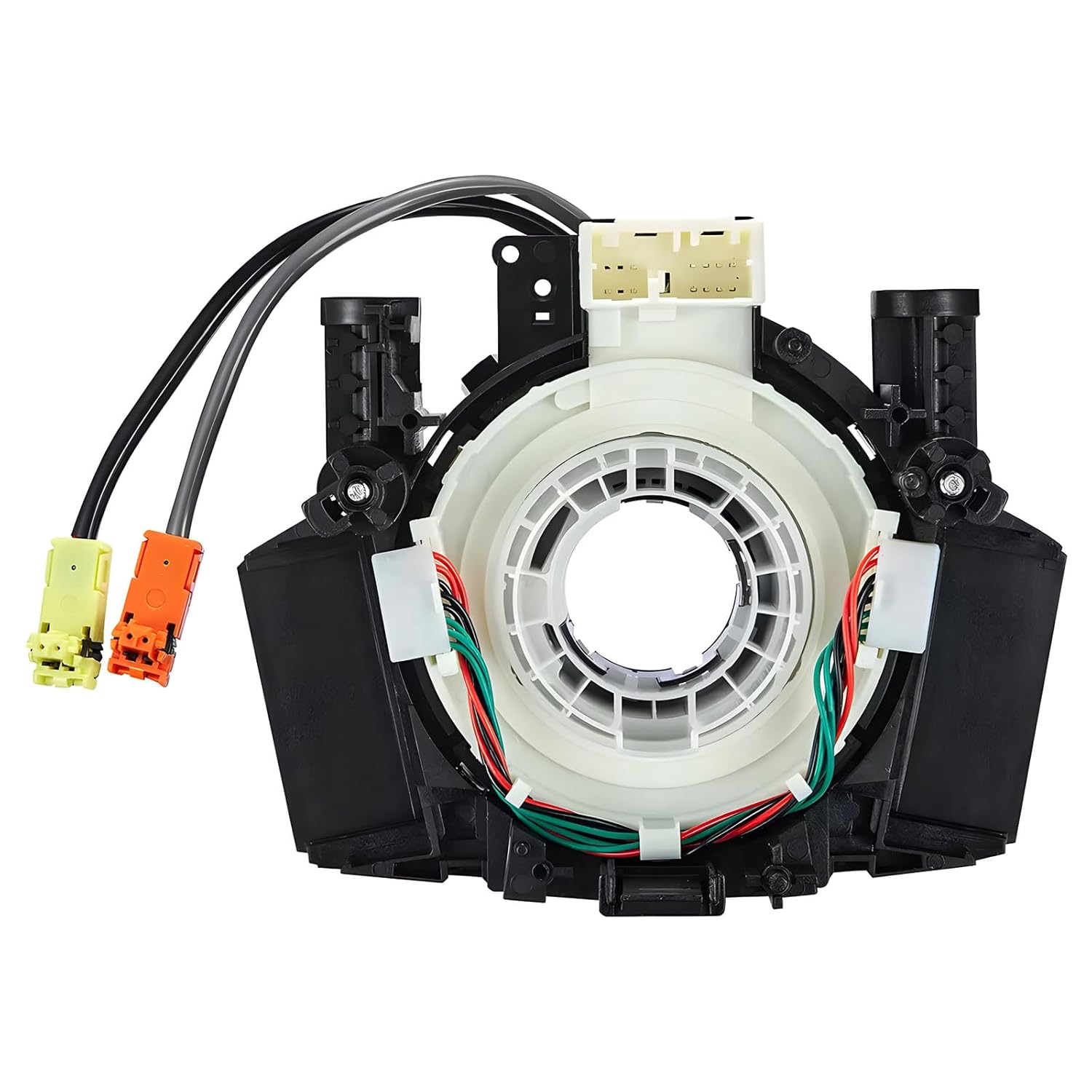
This steering clock spring assembly is an OEM-style replacement designed to restore steering wheel controls and related electronic functions in compatible Nissan vehicles. It supports audio, cruise control, and multi-function button operation while matching multiple factory part numbers for a reliable fit. Built for direct installation with vehicle-specific connectors, it helps return steering column electronics to proper working order.
Why Is Ohme Not Charging the RAV4 Prime When Scheduled?
Ohme advises disabling an in-vehicle schedule when Ohme is controlling the charge because the two schedules can conflict. During an Ohme-controlled test, turn off the RAV4 Prime schedule and confirm that Charge Now is not leaving the vehicle in an unexpected state.
In the Ohme app, check the active Routine or ready-by time, Dynamic Charging status, price cap, tariff hours, charger connectivity, and any “Suspended EV” message. If the vehicle controls the schedule instead, disable the Ohme Routine and make the charger continuously available.
Do not use a household timer or smart plug: Do not put the Toyota portable charging cable on a plug-in timer, smart plug, or other device that cuts outlet power. Use an outlet that continuously supplies power, or let a compatible EVSE manage its own schedule.
How Do You Check the Connector, CCID, EVSE, and Outlet?
If the clock, schedule, Next Event, and controller settings are correct but Charge Now also fails, inspect the physical charging path.
Push the SAE J1772 connector straight into the charge port until it seats securely. Do not hold the latch-release button while inserting it. Confirm that the latch is not stuck or being pressed after connection.
Inspect the connector and charge-port opening from outside for dirt, moisture, ice, corrosion, bent components, heat damage, or other visible damage. Do not insert tools, metal objects, liquids, or cleaning chemicals into the inlet.
[Products Worth Considering]

These power liftgate struts are designed to restore smooth, reliable rear hatch operation on Toyota RAV4 models from 2013 to 2018. Built for plug-in installation with original-style fitment, they help reduce noise and shock while delivering strong, dependable lift support. The units are engineered for durability and long service life, making them a practical replacement for worn electric tailgate actuators.

This replacement gas cap is designed to restore a tight fuel-tank seal, helping reduce vapor leaks, prevent check engine light issues, and maintain proper fuel system performance. Built in OE-style form for a wide range of Toyota and Lexus vehicles, it offers a direct DIY fix with durable materials for reliable, long-lasting use.

The ANCEL BA101 helps diagnose 12V batteries quickly with clear readings for battery health, charge level, voltage, CCA, cranking, and charging system performance. Designed for a wide range of vehicles and battery types, it offers easy-to-read results, reliable clamp connections, and built-in protection to make testing safer and more convenient.
What Do the CCID and EVSE Lights Mean?
On the Toyota portable charging cable, confirm that the CCID power indicator illuminates after the plug is connected to a suitable outlet. An error indicator can point to leakage detection, an unsuitable power source, or a cable or CCID fault. Follow the exact indicator table in your model-year owner’s manual.
For a wall-mounted EVSE, use the charger’s own manual to interpret its power, connected, scheduled, charging, suspended, and fault states. A charger that says “Scheduled” may be waiting normally, while “Suspended EV” may mean the vehicle is not accepting the power the EVSE is offering.
How Do You Separate a Schedule Fault From a Power-Source Fault?
- If Charge Now works on the original source, return to schedule settings.
- If Charge Now fails on the original source but works on a second known-good source, focus on the first outlet, circuit, EVSE, or charging cable.
- If Charge Now fails on two independent compatible sources, stop treating the issue as a timer-only fault.
- If charging starts but later stops, use the separate guide for RAV4 Prime charging that is interrupted after it begins.
Warning: Do not use an extension cord, improvised adapter, damaged receptacle, or overheated plug. Do not open an EVSE, repair an outlet, reset a repeatedly tripping breaker, or probe live wiring unless you are qualified to perform that work safely.
Can Cold Weather or the 12V Battery Affect the Schedule?
[Products Worth Considering]

This metal replacement center console latch is designed to restore secure closing performance for a wide range of Toyota and Scion vehicles. Built as an upgraded metal part, it helps solve broken latch issues and provides a more durable alternative to the original component. It is compatible with many popular models and includes the needed screws and screwdriver for installation.

The allsun EM415Pro helps you trace hidden automotive wires and cables without damaging insulation, making troubleshooting faster and more efficient. It detects open circuits and shorts with clear audio guidance, while the flexible probe reaches tight, congested wiring areas. Adjustable sensitivity improves accuracy when diagnosing complex DC vehicle electrical systems.

This replacement gas cap is designed to fit a wide range of Toyota and Lexus models, helping restore a secure seal for the fuel tank. It is built as a direct replacement for easy installation and reliable everyday use, with compatibility verified by part number to help ensure the right fit. Backed by warranty support and customer service, it is a practical solution for replacing a worn, cracked, or failing fuel cap.
Can Cold Weather Change the Expected Charging Time?
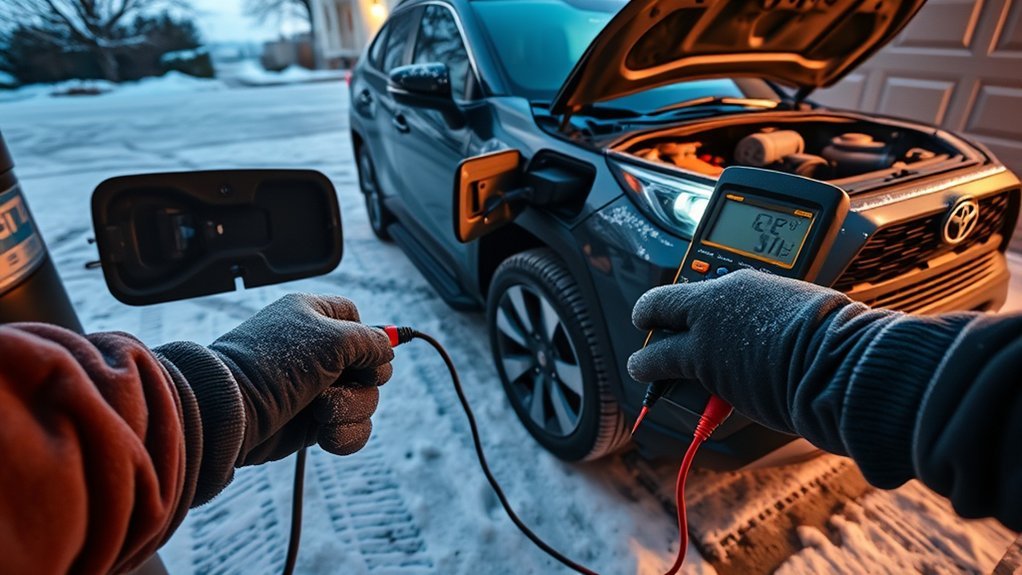
Yes. Battery Heater operation can extend charging time and make the charge-port indicator illuminate even when normal battery charging is not the only process occurring. Sudden temperature changes can also affect the system’s estimated completion time.
Toyota also describes an extreme-cold warming control for Alaska and Canada. When applicable, it can ignore the saved charging schedule and start charging after the AC cable has remained connected for about three days. Unexpected charging in those conditions may therefore be intentional temperature protection rather than a failed timer.
When Should You Test the RAV4 Prime 12V Battery?
Treat the 12-volt battery as a secondary check, not the first explanation for one missed event. Test it when the vehicle also shows other low-voltage symptoms, such as:
- Slow or weak door-lock operation
- Dim, lagging, or resetting displays
- Charging settings that repeatedly disappear
- Startup trouble or low-voltage warning messages
- Visible terminal corrosion or a loose connection
Do not replace the 12-volt battery solely because one schedule did not run. Confirm its state of charge and health with an appropriate test or have it evaluated professionally.
When Should You Stop Troubleshooting and Contact a Dealer?
Stop routine schedule testing and contact a Toyota dealer or qualified EV technician when any of these conditions applies:
- The charge-port indicator rapidly flashes or the vehicle displays a charging-system malfunction.
- Charge Now fails on two independent, compatible, known-good charging sources.
- The connector, cable, inlet, plug, outlet, or EVSE shows heat damage, melting, cracking, corrosion, or other physical damage.
- A breaker or GFCI trips again after one safe reset.
- The same timer fault returns after the clock, calendar, schedule mode, Next Event, Charge Now, and competing schedules have been verified.
- The vehicle repeatedly loses charging settings or shows wider low-voltage symptoms.
What Information Should You Bring to the Dealer?
Create one short reproduction record for each failed session:
- Vehicle model year and trim
- Date, clock time, and outside temperature
- Battery level before connection
- Start or Departure mode
- Selected event time and days
- Displayed Next Event
- Whether Charge Now was on or off
- Time the cable was connected
- Charge-port indicator pattern
- CCID or EVSE light pattern and app status
- Whether manual charging worked on another source
- Photos of vehicle messages and charger errors
Ask the technician to reproduce the same steps, check charging-related diagnostic trouble codes, verify applicable vehicle software, and test both scheduled and manual AC charging.
Safety Disclaimer: This article provides general troubleshooting information. Use a qualified Toyota technician or licensed electrician for high-voltage faults, damaged charging equipment, outlet or circuit problems, repeated protective-device trips, and faults that continue across known-good charging sources.
Frequently Asked Questions
Why is my RAV4 Prime not charging at the scheduled time?
Check the clock, calendar, selected days, schedule status, Start or Departure mode, Next Event, Charge Now setting, and power-switch state. Save the schedule before connecting the cable and confirm that the charge-port indicator flashes normally.
Why does my RAV4 Prime start charging immediately?
Charge Now may be on, the saved schedule may be disabled, or Departure mode may have calculated that charging must begin immediately to finish by the selected time. In severe cold, applicable battery warming control may also change the expected timing.
What does a flashing RAV4 Prime charge-port light mean?
A normal flashing pattern generally means a charging schedule is registered and the vehicle is waiting for the set event. Rapid flashing can indicate an external-power or vehicle malfunction and should be checked against the displayed vehicle message and owner’s manual.
What does Charge Now do on a RAV4 Prime?
Charge Now temporarily bypasses the saved charging schedule so the vehicle can begin charging when connected. Use it to obtain power immediately or to test whether the schedule, rather than the charging source, caused the delay.
Can Next Event override my RAV4 Prime weekly schedule?
Yes. A temporary Next Event can override recurring schedule entries and prevent charging until the temporary event arrives. Check Next Event separately even when the weekly calendar looks correct.
Why did my second scheduled charge not run?
If the charging cable stayed connected after the first completed session, unplug and reconnect it before the next scheduled charge. Toyota notes that a later consecutive schedule may not run until the cable has been reconnected.
Why is my Ohme charger not charging my RAV4 Prime when scheduled?
An Ohme Routine can conflict with the RAV4 Prime’s in-vehicle schedule. Choose one controller during testing. When Ohme controls charging, disable the vehicle schedule and check the Ohme ready-by time, Dynamic Charging, price cap, connectivity, and any Suspended EV message.
Can a weak 12V battery affect RAV4 Prime charging?
A weak 12-volt battery can contribute to wider electronic problems, but it should be a secondary check. Test it when charging trouble occurs with slow locks, resetting displays, lost settings, startup trouble, or other low-voltage symptoms.
Does this guide apply to the 2025 or 2026 RAV4 Plug-in Hybrid?
The verified menu and indicator guidance in this article comes from 2021–2024 North American RAV4 Prime owner information. Toyota renamed the model for 2025. The redesigned 2026 vehicle may use different menus and charging hardware, so follow its model-year manual.
Conclusion
Begin with the schedule logic, not replacement parts. Check the clock, calendar, selected days, Start or Departure mode, Next Event, Charge Now, power-switch state, and normal flashing indicator. Reconnect the cable after a prior completed session and use only one schedule controller during testing.
If Charge Now works, return to the timer settings and competing app or EVSE schedules. If Charge Now fails on two independent known-good sources, stop treating the problem as schedule-only and arrange charging-system diagnosis.
References
- 2023 RAV4 Prime: When Charging Cannot Be Carried Out — Toyota Owner’s Manual
- 2024 RAV4 Prime: Charging Methods — Toyota Owner’s Manual
- 2023 RAV4 Prime: Power Sources That Can Be Used — Toyota Owner’s Manual
- Toyota App and Charge Management — Toyota Connected Services
- My Car Isn’t Charging as Expected — Ohme Support
- Electric Vehicle Charging Options — U.S. Department of Energy Alternative Fuels Data Center
- RAV4 Prime Renamed RAV4 Plug-in Hybrid for 2025 — Toyota USA Newsroom
- 2026 RAV4 Plug-in Hybrid Redesign — Toyota USA Newsroom





[…] RAV4 Plug-in Hybrid owners dealing with charging controls can also review the RAV4 Prime scheduled-charging guide. […]
[…] immediate charging works but the event still does not trigger, use the RAV4 Prime scheduled-charging troubleshooting guide. If the vehicle will not charge even with the schedule bypassed, follow the broader RAV4 Prime […]
[…] help? Follow the full guide to set a RAV4 Prime charging schedule. Use the separate scheduled-charging troubleshooting guide when the timer saves but the session still will not […]