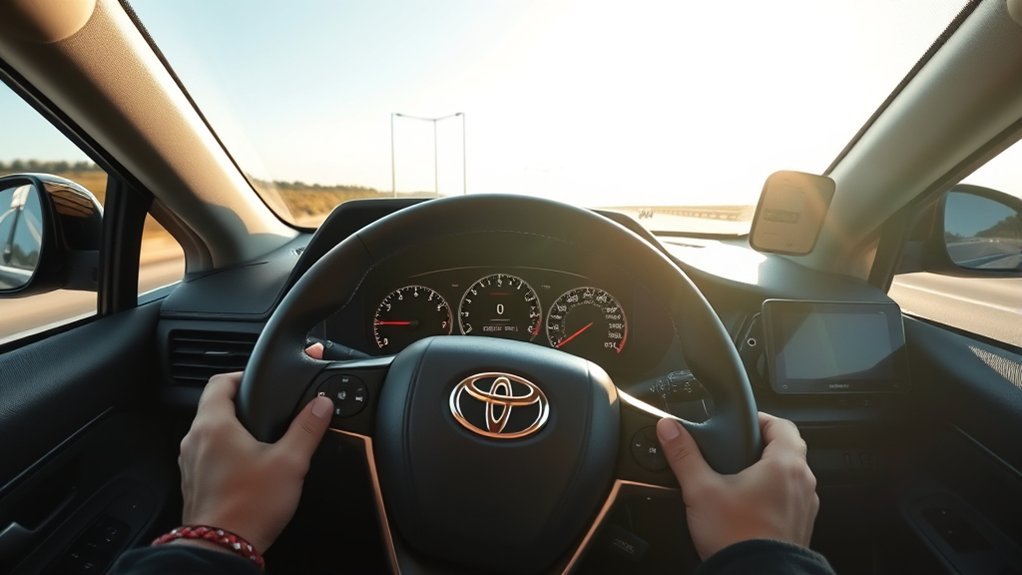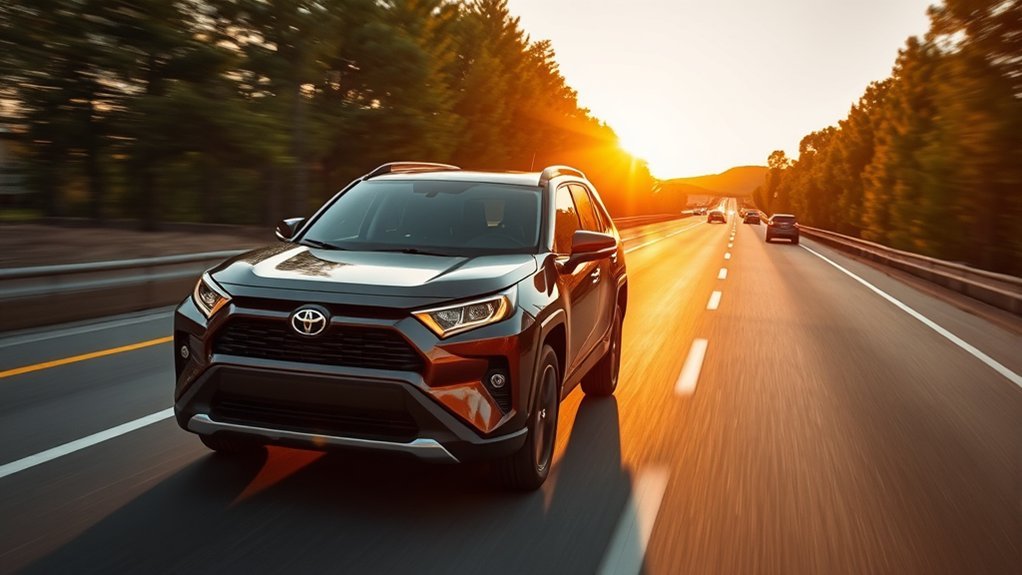
Toyota RAV4 radar cruise control is best used as a highway driving aid, not as hands-free driving. When traffic is predictable, the road is clearly marked, and weather is good, Dynamic Radar Cruise Control can help hold your set speed and keep a preset gap from the vehicle ahead. The key is knowing when to trust it, when to adjust it, and when to switch it off.
Quick Answer
Use your Toyota RAV4’s radar cruise control on freeways and highways when traffic is steady, visibility is clear, and the road is not sharply curved, slippery, or under construction. Keep your hands on the wheel, choose a longer following distance in faster traffic, and turn the system off whenever conditions become unpredictable.
Key Takeaways
- Dynamic Radar Cruise Control is intended mainly for freeway and highway use, especially on long, steady drives.
- Recent RAV4 systems with full-speed range can help accelerate, slow, and stop behind a vehicle ahead, but the driver remains responsible for braking, steering, and judging risk.
- Avoid using radar cruise control in bad weather, low visibility, sharp curves, steep hills, slippery roads, construction zones, and areas with pedestrians or cyclists.
- Use a longer following-distance setting at highway speeds or in poor conditions, and cancel the system with the brake pedal or cruise control switch when needed.
At a Glance
| Time Required | 1–2 minutes to turn on and adjust |
| Difficulty | Easy |
| Tools Needed | No tools; use the steering wheel or cruise control switches |
| Cost | Free if your RAV4 is equipped with the feature |
Understanding Toyota RAV4 Radar Cruise Control Features
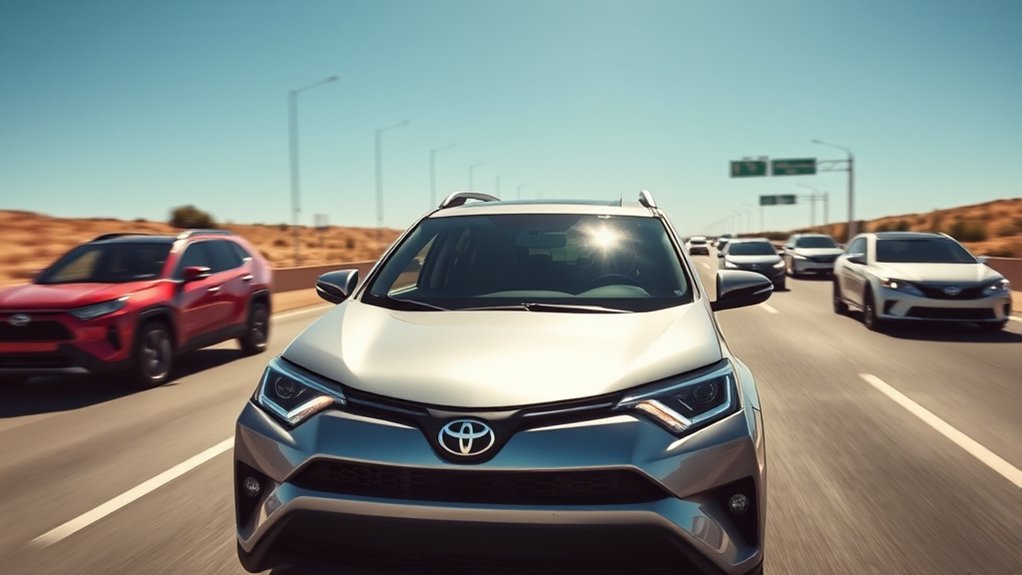
Toyota calls the system Dynamic Radar Cruise Control, often shortened to DRCC. On many recent RAV4 models, it works with a front radar sensor and camera to detect a vehicle ahead, then helps maintain a driver-selected following distance. Toyota’s official Safety Sense information describes Full-Speed Range Dynamic Radar Cruise Control as a highway-use feature designed to be set at speeds above 20 mph, while some older Toyota systems have different speed thresholds. Always check the owner’s manual for your exact RAV4 model year.
In vehicle-to-vehicle distance control mode, the system can help accelerate and decelerate as the vehicle ahead changes speed. On RAV4 models equipped with full-speed range functionality, it may also slow the vehicle to a stop and resume under the right conditions. That makes it especially helpful on long freeway drives and some stop-and-go freeway traffic.
Warning: Dynamic Radar Cruise Control is not self-driving. Toyota states that safe driving is the driver’s responsibility, and the system has limits. Keep your hands on the wheel, watch the road, and be ready to brake or steer at any time.
It is also important to separate DRCC from other Toyota Safety Sense features. Radar cruise control manages speed and following distance. It does not replace steering, does not make judgment calls for you, and should not be treated as collision prevention. Other systems, such as Pre-Collision System and Lane Tracing Assist, may work alongside it on equipped vehicles, but each system has separate limits.
[Products Worth Considering]

Fit for Toyota Avalon 2015-2018, Corolla 2016-2019, Highlander 2016-2019, Land Cruiser 2015-2020, Prius 2016-2019, Prius AWD-e 2019, Prius Prime 2017-2020, RAV4 2015-2018
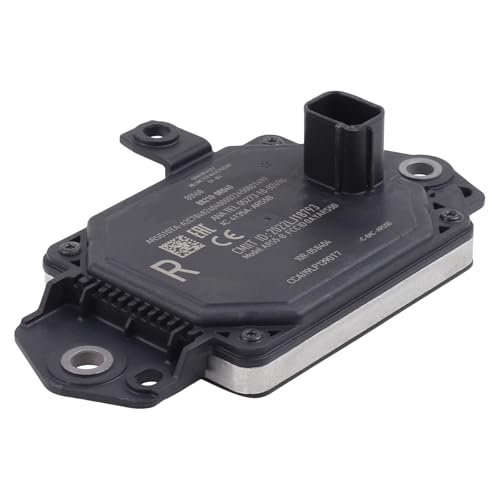
Compatible with Toyota RAV4 2019-2025

Best Times to Use RAV4 Radar Cruise Control
The best time to use your Toyota RAV4’s radar cruise control is when the road gives the system a simple job: follow a vehicle ahead, hold a steady set speed, and make smooth speed changes. These are the conditions where it can reduce fatigue without creating extra risk.
- Freeways and highways: This is the main use case Toyota recommends for Dynamic Radar Cruise Control.
- Light to moderate traffic: The system works best when vehicles are moving predictably and gaps are not constantly closing.
- Long, steady drives: Radar cruise control can reduce the need for small throttle adjustments during road trips and commutes.
- Clear weather and good visibility: The radar and camera need a clear view to perform well.
- Dry, well-maintained pavement: Smooth pavement helps the system make more natural speed changes.
Radar cruise control is most useful when traffic is predictable. If the road demands constant judgment, quick steering, or sudden braking, you should drive manually.
Situations to Avoid With Radar Cruise Control
While radar cruise control can make driving more comfortable, there are situations where it is better to switch it off. Toyota warns that inappropriate speed control can occur if the system is used outside its intended conditions.
| Avoid Using It When | Why It Matters | Better Choice |
|---|---|---|
| Roads have pedestrians, cyclists, or cross traffic | DRCC is not designed to judge complex urban movement | Drive manually |
| Traffic is heavy, chaotic, or constantly cutting in | The system may brake or accelerate at awkward times | Control speed yourself |
| Rain, snow, fog, dust, or glare limits visibility | Sensors and cameras may not detect vehicles reliably | Slow down and drive manually |
| Roads are icy, slippery, winding, or steep | Automatic acceleration or braking can feel abrupt or unsafe | Use careful throttle and braking |
| You are in a work zone or construction area | Lane shifts, cones, workers, and sudden stops require full attention | Turn DRCC off |
| You are towing or carrying a heavy load | Stopping distance and vehicle behavior change | Use extra caution and follow your manual |
Note: Full-speed range does not mean “use it everywhere.” It means the system may operate down to very low speeds or a stop when conditions allow. It is still mainly a highway and freeway driver-assistance feature.
How to Use Toyota RAV4 Radar Cruise Control
The exact buttons and display layout vary by model year, but the basic process is similar on recent Toyota RAV4 models. Use these steps only when conditions are safe and your vehicle is equipped with the feature.
- Get onto a suitable road. Choose a freeway or highway with clear visibility and predictable traffic.
- Reach your desired speed. Keep the speed legal and appropriate for traffic, weather, and road conditions.
- Turn cruise control on. Use the cruise control main switch on the steering wheel or control stalk, depending on your RAV4.
- Set the speed. Press the SET or -SET control when you are traveling at the speed you want the system to hold.
- Choose a following distance. Use the vehicle-to-vehicle distance button to select a longer or shorter gap.
- Watch the display. Confirm that the set speed and following-distance indicator appear on the multi-information display.
- Stay ready to take over. Brake, steer, or cancel cruise control whenever traffic or road conditions change.
Pro Tip: Start with the longest following-distance setting until you understand how your RAV4 responds. You can shorten the gap later in lighter traffic, but a longer gap gives you more time to react.
[Products Worth Considering]
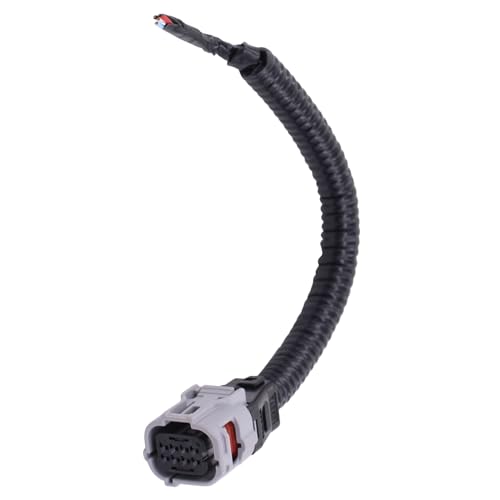
Compatible with Toyota Avalon 2013-2022; Camry 2018-2022; CHR 2017-2019;

OEM Number: 84632-34011. Manufacturer Part Number: 84632-34011/84632-08021/84632-34017

[Vehicle Fitment]: Compatible with Toyota Yaris 2007-2009, Venza 2009 & 2014-2015, Tundra 2005-2010 & 2014-2021, Tacoma 2005-2009 & 2014-2023, Solara 2004-2008, Sienna 2004-2010 & 2013-2015, RAV4 2004-2009, Prius 2004-2022, Matrix 2009-2010, Land Cruiser 2003-2009 & 2014-2021, Highlander 2005-2009, FJ Cruiser 2007-2009, Corolla 2009-2010 & 2014-2016, Camry 2005-2010 & 2014-2017, Avalon 2005-2013, 4Runner 2003-2009 & 2014-2019 --- without Adaptive Cruise Control & Collision Mitigation Braking
Adjusting Radar Cruise Control Settings for Optimal Safety
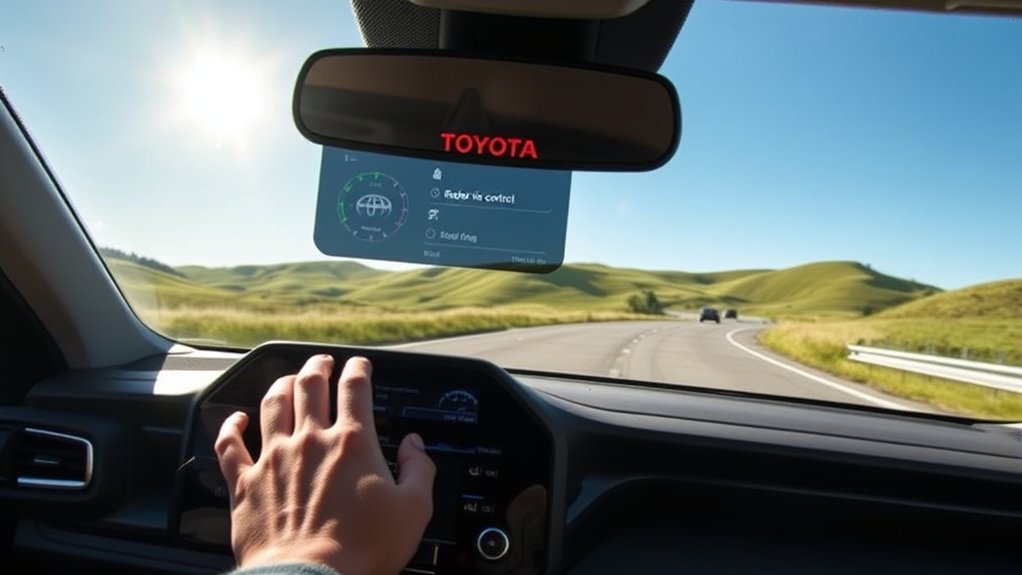
To use the RAV4’s Radar Cruise Control safely, set both the speed and the following distance for the conditions around you. A speed that feels fine in open traffic may be too fast in rain, curves, construction, or dense traffic. Toyota also reminds drivers that they are responsible for checking the set speed and choosing a speed appropriate for the limit, traffic flow, weather, and road conditions.
Proper Following Distance
The Dynamic Radar Cruise Control system lets you adjust the vehicle-to-vehicle distance. The display usually shows this as short, medium, or long bars rather than exact car lengths. Because actual distance changes with speed and model settings, treat the table below as practical guidance, not a fixed measurement.
| Setting | Best Use | Safety Benefit |
|---|---|---|
| Short | Light traffic at lower highway speeds | Less space for cut-ins, but less reaction time |
| Medium | Normal freeway driving | Balanced comfort and spacing |
| Long | Higher speeds, rain, night driving, or unfamiliar roads | More time to react and smoother braking |
In faster traffic, a longer setting is usually the safest choice. If other drivers cut into the gap, stay calm and let the system re-establish distance, or cancel cruise control and manage speed yourself.
Speed Adjustment Techniques
After you set Dynamic Radar Cruise Control, you can usually raise or lower the set speed with the +RES and -SET controls. Small taps make small changes, while holding the switch may change speed faster on some models. Use these controls only when you can do so without taking attention away from the road.
To cancel the system, press the brake pedal, use the cancel switch, or turn cruise control off with the main switch. Pressing the accelerator may temporarily increase speed, but it does not replace your responsibility to watch the set speed and traffic around you.
Using Radar Cruise Control in Stop-and-Go Traffic
Some Toyota RAV4 models with full-speed range Dynamic Radar Cruise Control can follow a vehicle down to a stop and may resume when traffic moves again. This can make freeway congestion less tiring, but it works best when traffic is still moving in an orderly lane.
Use extra caution in stop-and-go traffic because cut-ins, motorcycles, emergency vehicles, and abrupt stops can confuse the system or require faster action than the system provides. If traffic becomes aggressive or unpredictable, cancel DRCC and drive manually.
Warning: Do not use radar cruise control as a substitute for braking in traffic. If a vehicle ahead stops suddenly, a pedestrian enters the roadway, or another driver cuts in sharply, brake immediately.
Common Issues With Radar Cruise Control and Troubleshooting Tips
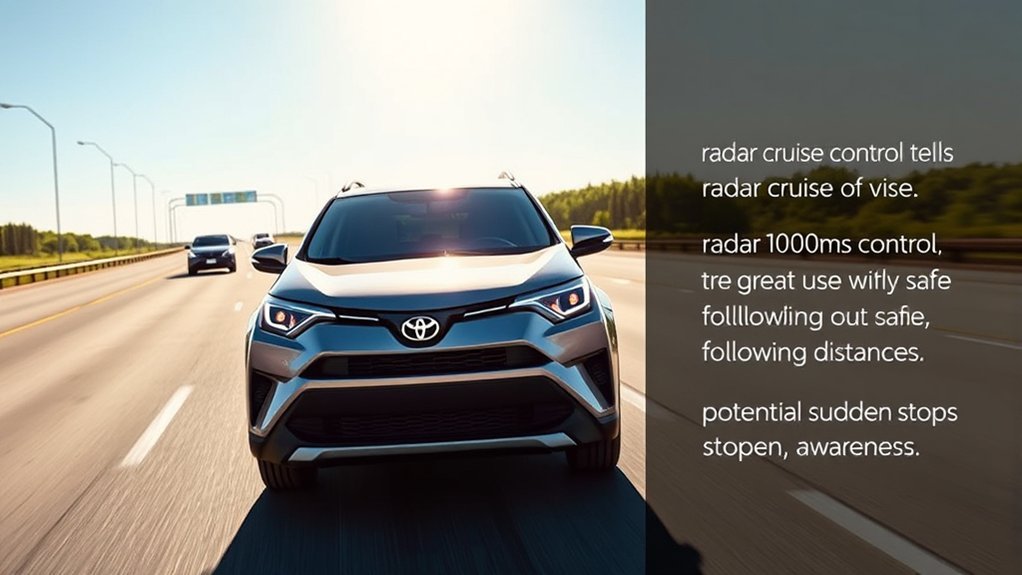
While radar cruise control is convenient, it can stop working or behave differently if the radar sensor, camera, road conditions, or vehicle systems limit operation. Toyota notes that sensors for driver-assist systems are located near the front grille area and behind the windshield on many recent RAV4 models, so dirt, ice, stickers, accessories, or windshield obstruction can affect performance.
Here’s a practical troubleshooting guide:
| Issue | Likely Cause | What to Do |
|---|---|---|
| Radar cruise control unavailable message | Blocked radar sensor, dirty grille, weather, or temporary system limit | Clean the front emblem/grille area and windshield camera area; try again when conditions improve |
| System will not set | Speed, gear, drive mode, door/seat belt status, or other operating condition not met | Check the display, confirm you are on a suitable road, and review your owner’s manual |
| Braking feels late or abrupt | Short following-distance setting, cut-in traffic, hills, or sensor detection limits | Increase following distance or cancel the system |
| System reacts to a vehicle in another lane | Curves, lane position, or vehicle detection angle | Steer and control speed manually until the road straightens |
| Cruise control turns off unexpectedly | Sensor limitation, slippery-road system activation, or driver input | Take control and wait until conditions are suitable again |
If a warning message remains after the sensors are clean and the weather is clear, schedule a service inspection. Do not cover the radar sensor area with stickers, aftermarket accessories, brush guards, or license plate frames that could interfere with detection.
[Products Worth Considering]

Compatible Vehicles: for Toyota RAV4 2019-2022. Before using, the product needs to be programmed OE Part Number: 88210-0R040 882100R040 Direct Fit: Design to have same form,...
Enhance Your Driving Experience With Radar Cruise Control Features
With Toyota RAV4 radar cruise control, you can make long highway drives calmer and smoother. The biggest benefit is reduced fatigue: instead of constantly adjusting the accelerator, you can let the system help maintain speed and distance while you focus on traffic, lane position, signs, and changing road conditions.
Improved Highway Comfort
On the highway, Dynamic Radar Cruise Control can hold your selected speed when the lane ahead is clear. When it detects a slower vehicle ahead, it can reduce speed to help maintain the selected gap. When the lane clears, it can accelerate back toward your set speed. This smooth speed management is where the feature feels most natural.
It is also helpful when used with Lane Tracing Assist on equipped RAV4 models, because Toyota notes that Lane Tracing Assist can work when Dynamic Radar Cruise Control is operating and lane markers or a preceding vehicle are detected. Even then, you must steer and supervise the vehicle at all times.
Enhanced Safety Awareness
The safest way to use radar cruise control is to treat it as a support system, not a decision-maker. It can help with following distance, but it cannot understand every road hazard. Do not rely on it to detect pedestrians, cyclists, road debris, animals, stopped emergency vehicles, or every vehicle cutting across your path.
- Check the set speed: Make sure it matches the speed limit, traffic flow, and road conditions.
- Watch the vehicle ahead: The system may detect a situation differently than you do.
- Keep both hands ready: Cancel, brake, or steer whenever the system response does not feel right.
Frequently Asked Questions
When should Toyota RAV4 radar cruise control be used?
Use it mainly on freeways and highways when traffic is steady, visibility is clear, and the road surface is dry and predictable. It is best for long drives, open highways, and moderate freeway congestion where vehicles are moving in the same direction.
What are the disadvantages of adaptive cruise control?
Adaptive cruise control can react late, brake abruptly, miss certain hazards, or perform poorly when sensors are blocked by weather, dirt, glare, or road shape. It can also make some drivers too relaxed, so you must stay alert and ready to take over.
Can I use RAV4 radar cruise control in rain or snow?
It is better to avoid using it in heavy rain, snow, fog, ice, or low visibility. Moisture, snow, ice, dirt, and glare can limit the radar sensor or camera, and slippery roads require smoother manual control.
Does Toyota RAV4 radar cruise control work in stop-and-go traffic?
Many recent RAV4 models with full-speed range Dynamic Radar Cruise Control can slow, stop, and resume behind a vehicle ahead under the right conditions. It is still not meant for chaotic city traffic, pedestrian-heavy roads, or situations where you need constant judgment.
How do I turn off radar cruise control quickly?
Press the brake pedal, use the cancel switch, or turn the cruise control main switch off. If the vehicle’s response ever feels wrong, brake and steer manually first, then reset the system only when conditions are safe.
Conclusion
Incorporating radar cruise control into your Toyota RAV4 driving routine can make highway travel smoother, but only when the road, traffic, and weather are right. Use it on predictable freeways, choose a safe following distance, and keep checking the display and traffic ahead. When visibility drops, roads get slippery, traffic becomes chaotic, or the system feels unsure, cancel it and drive manually. The technology is a helpful co-pilot, not a replacement for your attention.
Sources
- Toyota 2025 RAV4 Owner’s Manual: Dynamic Radar Cruise Control with Full-Speed Range — official system operation, warnings, intended highway/freeway use, and unsuitable conditions
- Toyota 2025 RAV4 Hybrid Owner’s Manual: Toyota Safety Sense 2.5 — radar sensor and front camera location, driver-assist system limits, and sensor cautions
- Toyota Safety Sense Official Safety Hub — Toyota’s official description of Full-Speed Range Dynamic Radar Cruise Control and related driver-assistance features
- NHTSA Driver Assistance Technologies — general safety context for driver-assistance systems and how they support, but do not replace, the driver
- IIHS Advanced Driver Assistance Research — driver responsibility and limitations of adaptive cruise control and lane-centering systems