Lane Departure Alert and Lane Tracing Assist sound similar, but they do different jobs in a Toyota RAV4. Lane Departure Alert is mainly a lane-drift warning with limited steering help. Lane Tracing Assist is the stronger highway feature that can help keep the RAV4 centered when Dynamic Radar Cruise Control is active and the system can see usable lane markings or a vehicle ahead.
Quick Answer
Use Lane Departure Alert when you want warnings if the RAV4 drifts out of its lane. Use Lane Tracing Assist when you want hands-on lane-centering help during highway-style driving with Dynamic Radar Cruise Control active. Neither system drives the vehicle for you, and both require full driver attention.
Key Takeaways
- Lane Departure Alert warns you with audio/visual alerts and may add gentle steering assist if you drift unintentionally.
- Lane Tracing Assist helps center the RAV4 in its lane, but the lane-centering function depends on Dynamic Radar Cruise Control.
- Most 2019 and newer U.S.-market RAV4 models use Toyota Safety Sense 2.0 or newer, which includes Lane Tracing Assist; 2018 and older RAV4s may not have it.
- Poor lane markings, rain, snow, glare, dirty camera glass, sharp curves, or recent windshield work can reduce or disable lane assistance.
- You can usually adjust sensitivity, sway warning, and lane-centering behavior through the steering-wheel controls, Multi-Information Display, or Toyota Safety Sense settings, depending on model year.
At a Glance
| Time Required | 2–5 minutes to check or adjust settings |
| Difficulty | Easy |
| Tools Needed | Owner’s manual and steering-wheel/menu controls |
| Cost | Free unless calibration or repair is needed |
Lane Tracing vs Lane Departure Alert: The Core Difference
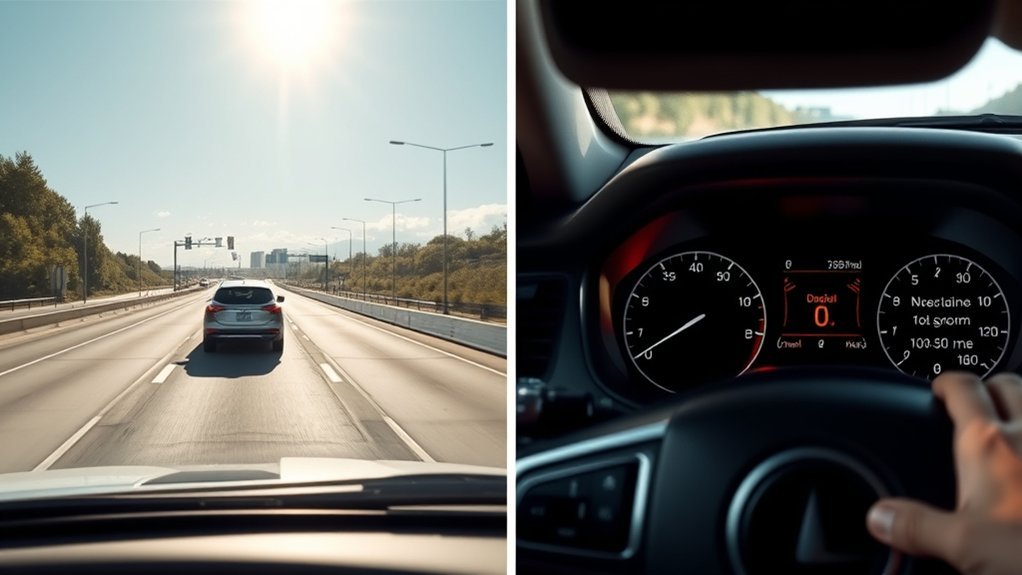
Lane Departure Alert, often shown as LDA or LDA with Steering Assist, is the simpler feature. It watches lane lines or certain road-edge boundaries and warns you if the RAV4 appears to leave its lane without a turn signal. On equipped models, Steering Assist can add a small corrective steering input, but the feature is not designed to keep the vehicle centered for long periods.
Lane Tracing Assist, usually shown as LTA, is the more active lane-support feature. When the right conditions are met, LTA can help keep the RAV4 near the center of the lane by applying steering support. In Toyota’s wording, LTA uses lane lines and/or a preceding vehicle to provide active driving assistance when Dynamic Radar Cruise Control is enabled.
| Feature | Lane Departure Alert | Lane Tracing Assist |
|---|---|---|
| Main job | Warns about unintended lane departure | Helps keep the RAV4 centered in the lane |
| Steering feel | Brief, gentle steering assistance on equipped models | More continuous steering support while active |
| Cruise control required? | No | Yes for lane-centering operation |
| Best use | Everyday driving where you want drift warnings | Highway/freeway driving with Dynamic Radar Cruise Control |
| Driver role | You steer; the system alerts and may nudge | You keep hands on the wheel and supervise steering support |
Warning: Lane Departure Alert and Lane Tracing Assist are driver-assistance systems, not self-driving systems. Toyota’s manuals warn drivers not to rely solely on LTA because the driver must still pay attention, hold the wheel, and take over whenever needed.
How the RAV4 Lane Systems Work: Camera, Radar, and Steering Assist
The RAV4 uses a forward-facing camera to identify white or yellow lane lines and, on newer Toyota Safety Sense versions, certain road-edge boundaries. Lane Tracing Assist can also use the front camera and radar sensor to detect a preceding vehicle, which helps the system support lane positioning when lane lines are temporarily hard to see.
The system does not “know” the road the way a driver does. It reacts to what its sensors can detect. That is why lane assistance may work smoothly on a clean, well-marked highway but feel inconsistent on roads with faded paint, temporary construction lines, snow, standing water, strong glare, or confusing lane splits.
When assistance is active, the electronic power steering system applies steering torque. In Lane Departure Alert, that torque is brief and corrective. In Lane Tracing Assist, the torque can feel more continuous because the system is trying to help maintain lane position while you supervise.
Note: Toyota’s exact menu names and operating speeds vary by RAV4 model year, Toyota Safety Sense version, market, and trim. Always check the owner’s manual for your VIN if a setting or warning behaves differently than expected.
Feature Comparison: Alerts, Steering Input, and Lane Centering
The easiest way to understand the difference is to separate the systems into three layers: warning, correction, and centering.
[Products Worth Considering]

This custom-fit center console organizer tray adds practical storage to the Toyota RAV4 2026, helping keep small essentials neatly separated and easy to reach. Designed with precise 3D scanning for a snug fit, it creates extra usable space in the armrest area while reducing clutter and rattling. The durable insert installs easily without tools and includes a non-slip mat to help keep items in place.

This steering clock spring is designed to restore reliable steering wheel controls across a wide range of Toyota models. It supports audio, cruise control, and other multifunction commands while matching OEM part numbers for confident replacement fitment. Built for dependable signal transfer and straightforward installation, it is an effective solution for repairing steering column control issues.
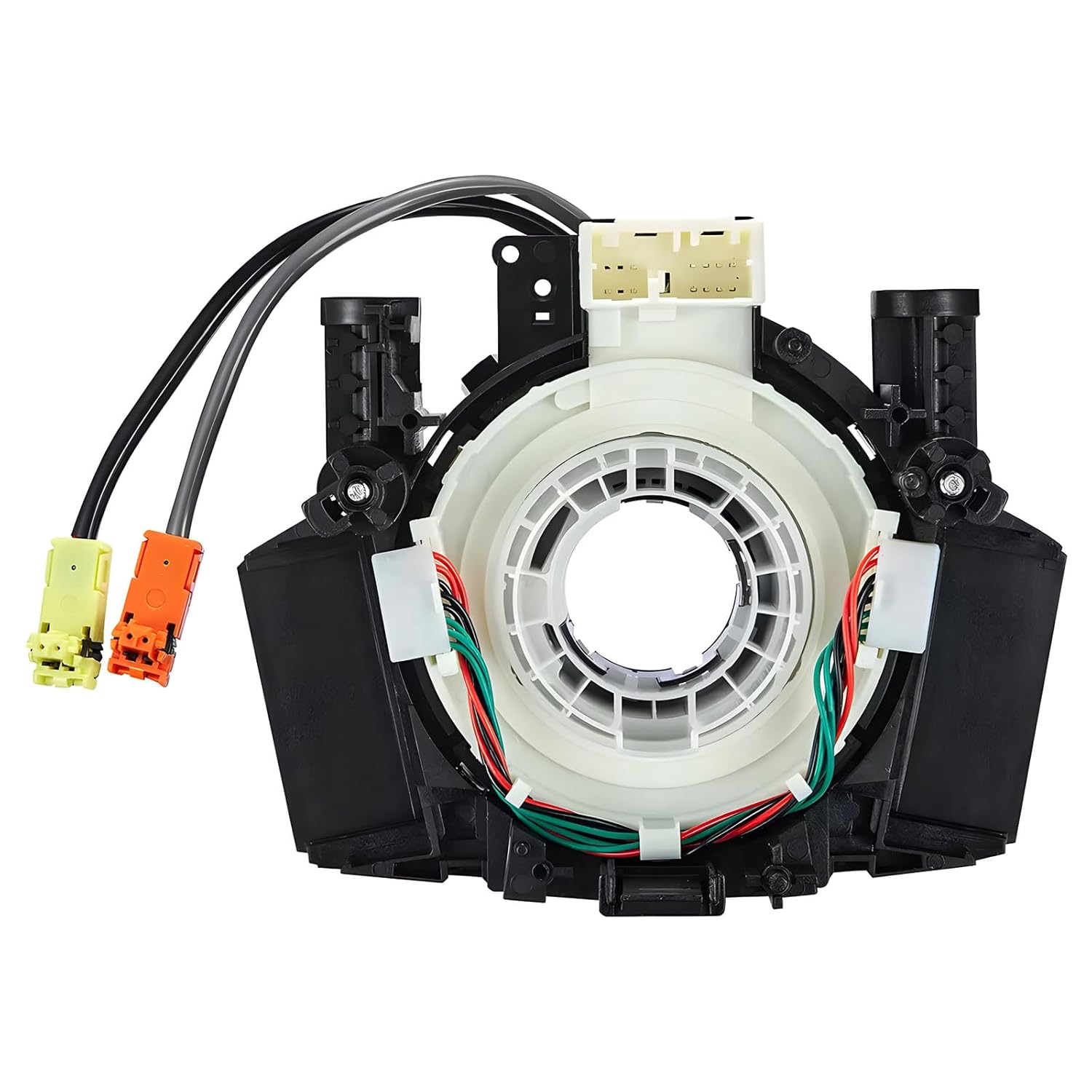
This steering clock spring assembly is an OEM-style replacement designed to restore steering wheel controls and related electronic functions in compatible Nissan vehicles. It supports audio, cruise control, and multi-function button operation while matching multiple factory part numbers for a reliable fit. Built for direct installation with vehicle-specific connectors, it helps return steering column electronics to proper working order.
Lane Departure Alert: Warning and Small Corrections
Lane Departure Alert is designed to catch an unintentional drift. If the system detects that the RAV4 may leave its lane, it can warn you with a buzzer, dashboard message, or indicator. On models with Steering Assist, it can also provide gentle steering input if you do not correct the drift yourself.
LDA is useful when you want a backup warning, but it does not replace normal lane control. It is not meant to steer through long curves or hold the center of the lane for you.
Lane Tracing Assist: Continuous Lane Support
Lane Tracing Assist is designed for more sustained help. When Dynamic Radar Cruise Control is operating and lane markers or a preceding vehicle are detected, LTA can help keep the RAV4 centered in its current lane. This makes it most useful on highways and freeways where lane markings are clear and traffic flow is steady.
You may feel light steering resistance or small adjustments as the system helps position the vehicle. That feel is normal, but you should be able to override it by steering manually.
Lane Centering Is Not the Same as Lane Departure Warning
Lane centering tries to keep the RAV4 near the middle of the lane. Lane departure warning waits until the vehicle appears to be leaving the lane and then warns or nudges you back. That difference is why LTA feels more active than LDA.
Think of Lane Departure Alert as a guardrail reminder and Lane Tracing Assist as a hands-on highway helper. One reacts to drift; the other helps maintain lane position when cruise control and sensor conditions allow.
When Lane Tracing Requires Dynamic Radar Cruise Control
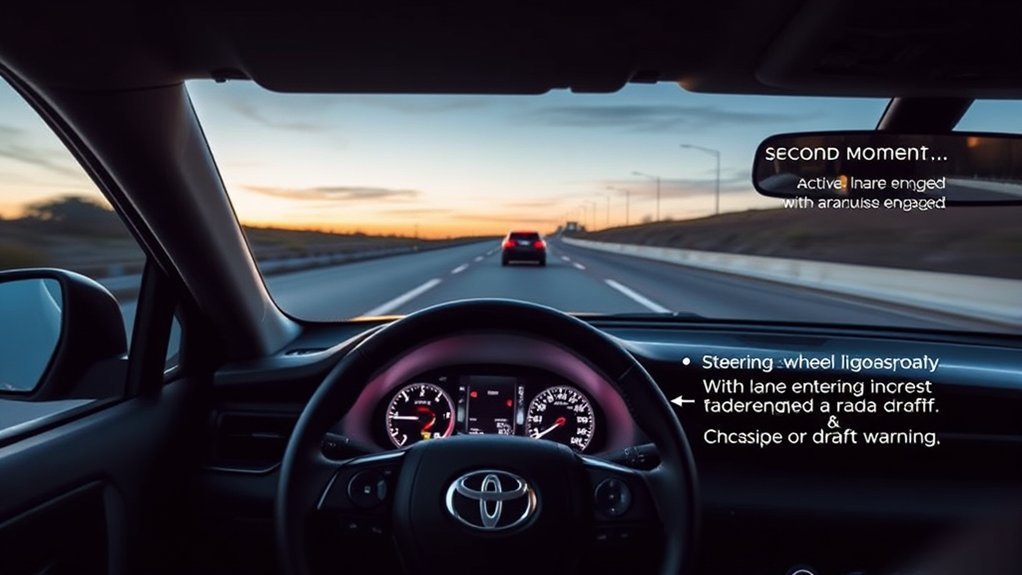
Lane Tracing Assist’s lane-centering function is linked to Dynamic Radar Cruise Control. In plain English, the RAV4 generally needs DRCC active in vehicle-to-vehicle distance control mode before LTA can provide its full centering assistance. If DRCC is off, LTA may still provide lane-departure-related alerts or steering support on some models, but the centering function will not operate the same way.
To use LTA properly, follow this basic sequence:
- Turn on the LTA system using the LTA button or the driver-assistance settings menu.
- Activate Dynamic Radar Cruise Control, not regular constant-speed cruise, if your RAV4 offers both modes.
- Confirm that the lane markers and cruise-control indicators show the system is ready.
- Keep your hands on the steering wheel and watch for prompts on the Multi-Information Display.
- Take over immediately if the system cancels, gives a warning, or does not track the lane smoothly.
Pro Tip: If LTA is on but does not seem to center the vehicle, check whether Dynamic Radar Cruise Control is actually active and following-distance mode is selected. LTA centering will not feel the same if cruise control is off or unavailable.
[Products Worth Considering]
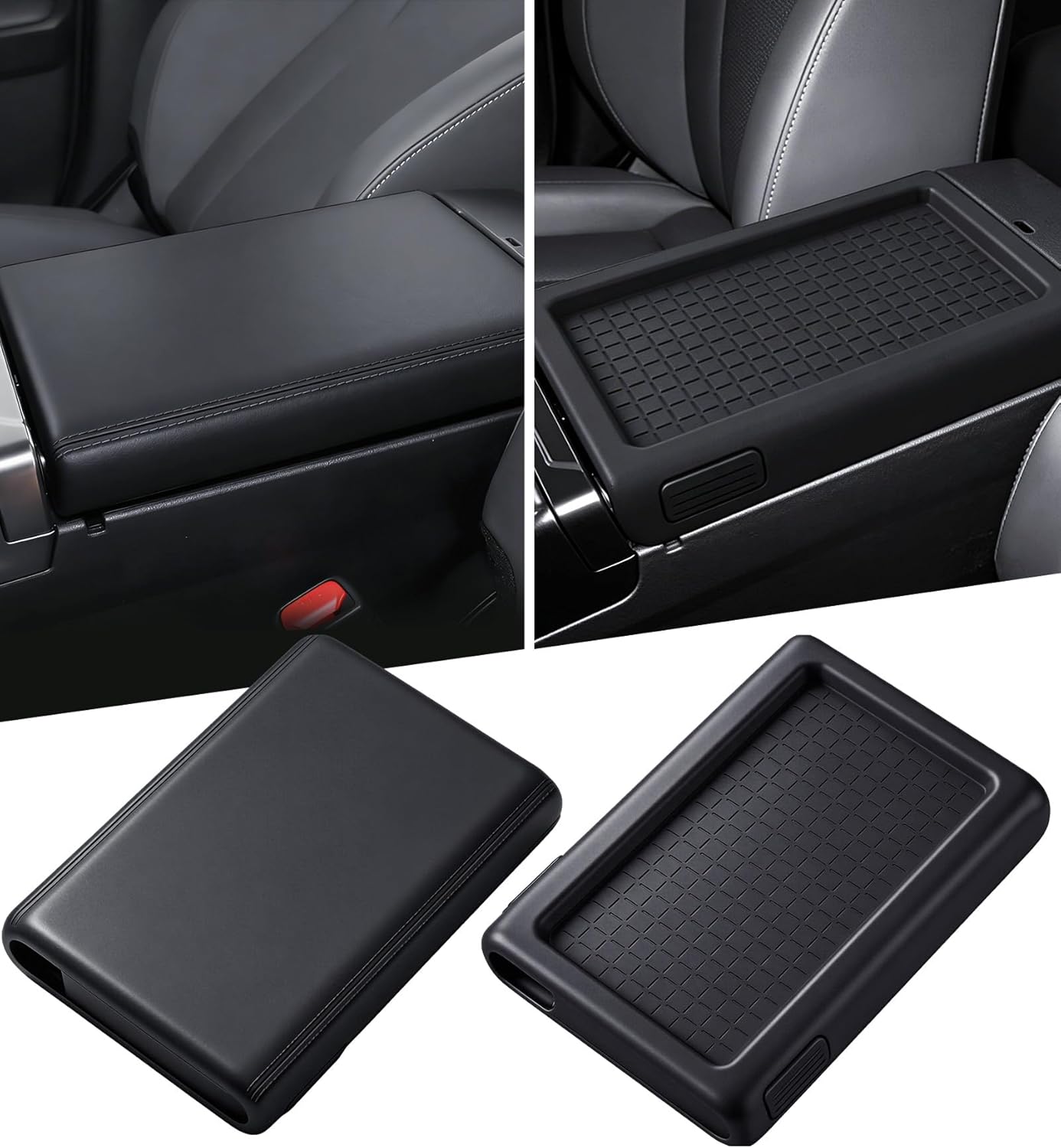
This center console cover is designed for a custom fit on the Toyota RAV4 2026, helping protect the armrest area from dirt, pet claws, and everyday wear. Made from soft silicone, it adds comfort for your arm and a clean, stylish look to the vehicle interior while being easy to install without tools.

This dash clock spring replacement is designed for a wide range of Toyota vehicles and helps restore reliable steering wheel control functions. It supports audio controls, cruise control, and other multi-function commands while using vehicle-specific connectors for easier installation. Built with durable materials and OEM-referenced part compatibility, it is a practical solution for repairing steering wheel signal issues.

These custom-fit mud flaps are designed for Toyota RAV4 and RAV4 Hybrid models across multiple years to help protect your vehicle from snow, salt, sand, rocks, and road debris. Made from durable black ABS plastic, they offer strong resistance to wear, cold, and aging while helping keep your lower body panels cleaner. The set includes front and rear splash guards for a complete exterior protection upgrade.
Lane Tracing Sensitivity, Sway Warnings, and the Coffee-Cup Alert
Many RAV4 models let you change lane-assist behavior through the settings menu. Depending on model year, you may be able to adjust Lane Departure Alert sensitivity, steering assist, Lane Tracing Assist, sway warning, and the lane-centering function. The available choices vary, but the goal is the same: match the system’s alerts and steering feel to your road conditions and driving preference.
Sensitivity Adjustment Options
Sensitivity changes how soon the vehicle warns you or how quickly it responds to lane movement. A higher setting can make warnings arrive sooner, which may help on long highway drives. A lower setting can reduce nuisance alerts if the system feels too eager on narrow or poorly marked roads.
Use this adjustment process:
- Park safely before changing driver-assistance settings.
- Open the vehicle settings, driver-assistance menu, or Toyota Safety Sense menu.
- Find the LDA/LTA sensitivity or steering-assist option.
- Move one step at a time instead of changing several settings at once.
- Test the change on a clear, low-traffic road with good lane markings.
Sway Warning and the Coffee-Cup Icon
The sway warning looks for repeated side-to-side movement within the lane. If the system detects a pattern that may suggest fatigue or wandering attention, it can warn you and show a coffee-cup-style break reminder on the display.
If the coffee-cup alert feels intrusive, check the sway-warning setting before turning off broader lane assistance. Turning off sway warning may remove the break reminder, but it also removes one fatigue-related alert that can be useful on long drives.
Note: A coffee-cup icon does not mean the vehicle has diagnosed your condition. It is only a driver-assistance prompt based on detected vehicle movement. If you feel tired, pull over safely and rest.
Driver Experience: Steering Feel, Toggles, and When to Disable Centering
Lane Tracing Assist can make the steering feel firmer because the system is adding torque to help keep the RAV4 positioned in the lane. Some drivers like that steady guidance on open highways. Others find it distracting in narrow lanes, construction zones, or areas with patched pavement and confusing lane lines.
Steering Resistance Explained
Steering resistance from LTA is usually the feel of shared steering control. The RAV4 is not locking the wheel; it is adding assistance. You remain in charge and can override the system with normal steering input.
- Use LTA centering on clear highways when you want reduced steering workload.
- Lower sensitivity if alerts or corrections feel too frequent.
- Turn centering off if the vehicle feels like it is fighting your intended path.
- Keep LDA active if you still want lane-departure warnings without strong centering.
- Take control immediately if the system loses the lane, warns you, or behaves unexpectedly.
When to Disable Centering
Disable lane centering when it does not match the road. Common examples include construction zones, temporary lane markings, sharp curves, narrow lanes, roads with cyclists or debris near the edge, snow-covered roads, or areas where old and new lane lines overlap.
You may also prefer to disable centering on familiar roads where you want a lighter, more traditional steering feel. That does not mean the safety feature is “bad”; it means the best setting depends on the driving environment.
RAV4 Model Differences and Compatibility by Year
The original article’s common “pre-2024 versus 2024+” split is too simple. Lane Tracing Assist did not suddenly appear on the RAV4 in 2024. In the U.S., the fifth-generation 2019 RAV4 launched with Toyota Safety Sense 2.0, and Toyota listed Lane Tracing Assist as part of that package. Later RAV4 model years use newer Toyota Safety Sense versions, but the basic LDA-versus-LTA difference remains similar.
| RAV4 Model Range | What to Expect | Best Check |
|---|---|---|
| 2018 and older | May have Lane Departure Alert, but Lane Tracing Assist is generally not part of these older RAV4 systems. | Check the owner’s manual and steering-wheel buttons. |
| 2019–2021 | U.S. fifth-generation RAV4 models introduced Toyota Safety Sense 2.0 with LTA and Full-Speed Range DRCC. | Confirm feature availability for your trim and market. |
| 2022–2025 | Many models use Toyota Safety Sense 2.5 or 2.5, with LDA, LTA, and Full-Speed Range DRCC listed in the owner’s manual. | Review the Toyota Owners digital manual for your exact year. |
| 2026 and newer | Newer Toyota Safety Sense versions may add updated settings, displays, and driver-assist logic. | Use the VIN-specific manual and Toyota Safety Sense guide. |
The safest rule is simple: do not rely on model-year shortcuts alone. Look for the LTA button, check the Toyota Safety Sense section of your owner’s manual, and confirm whether your RAV4 has Full-Speed Range Dynamic Radar Cruise Control.
[Products Worth Considering]

These cup holder inserts are designed specifically for the Toyota RAV4 2026 to deliver a precision fit and added protection for your center console. Made from durable silicone, they help prevent slipping, reduce rattling noise, and resist spills, stains, and scratches while keeping your interior looking clean. Installation is simple and tool-free, and maintenance is easy with a quick wipe or rinse.

This custom-fit passenger storage organizer mat is designed for the Toyota RAV4 2026 to help protect and organize the center console storage area. Made from soft silicone with an anti-slip surface, it keeps small items neatly in place while adding a clean, refined look to the interior. Installation is quick and tool-free, making it an easy upgrade for everyday convenience.
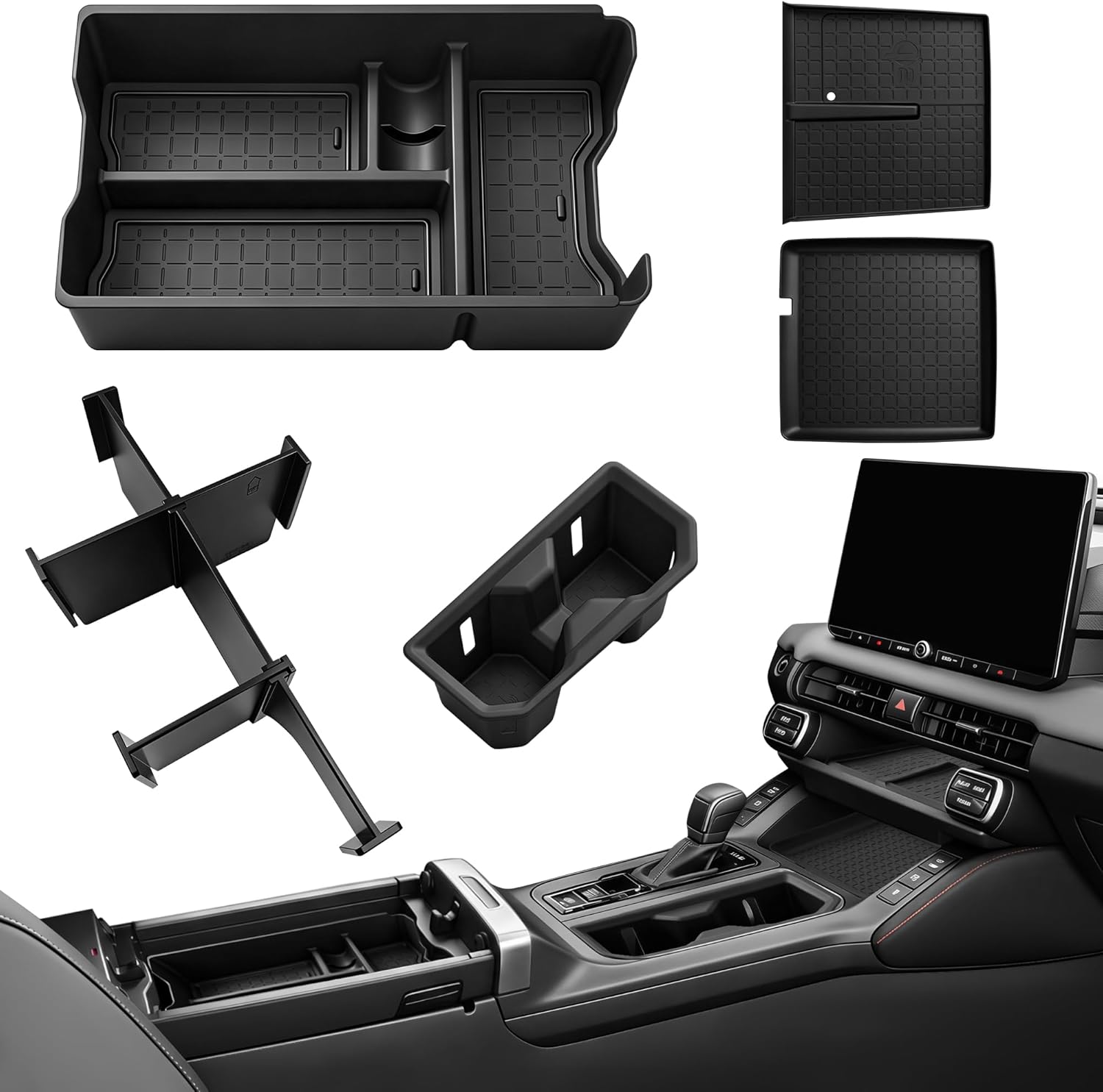
This custom-fit center console organizer is designed for Toyota RAV4 2026 LE, SE, XLE Premium, Woodland, and XSE models, helping you turn cluttered storage into a neat, functional space. The double-layer design with silicone lining reduces rattles and keeps items securely separated, while the hidden compartment and included cup holder liner add privacy and convenience. It installs easily with no tools and delivers an OEM-style look that blends seamlessly with your interior.
Settings to Try for Better Lane Guidance
If Lane Tracing Assist feels too weak, too strong, or inconsistent, adjust one setting at a time. Do not try to “fix” the system by changing every option at once because you will not know which setting helped.
- Clean the windshield area in front of the camera. Dirt, fog, stickers, ice, or a dash reflection can reduce detection.
- Turn LTA on. Use the LTA button or settings menu, depending on model year.
- Activate Dynamic Radar Cruise Control. Lane-centering support depends on DRCC operation.
- Increase sensitivity one step if warnings arrive too late or lane support feels delayed.
- Decrease sensitivity one step if the RAV4 warns too often or feels too busy.
- Toggle lane centering if you want either stronger lane-holding help or a more manual steering feel.
- Keep sway warning on for long drives unless it becomes distracting in your normal conditions.
Pro Tip: Test lane-assist settings on the same road after each change. A setting that feels perfect on a wide freeway may feel annoying on a narrow rural road, so keep notes on where the behavior improves.
Troubleshooting Common Lane Assist Issues
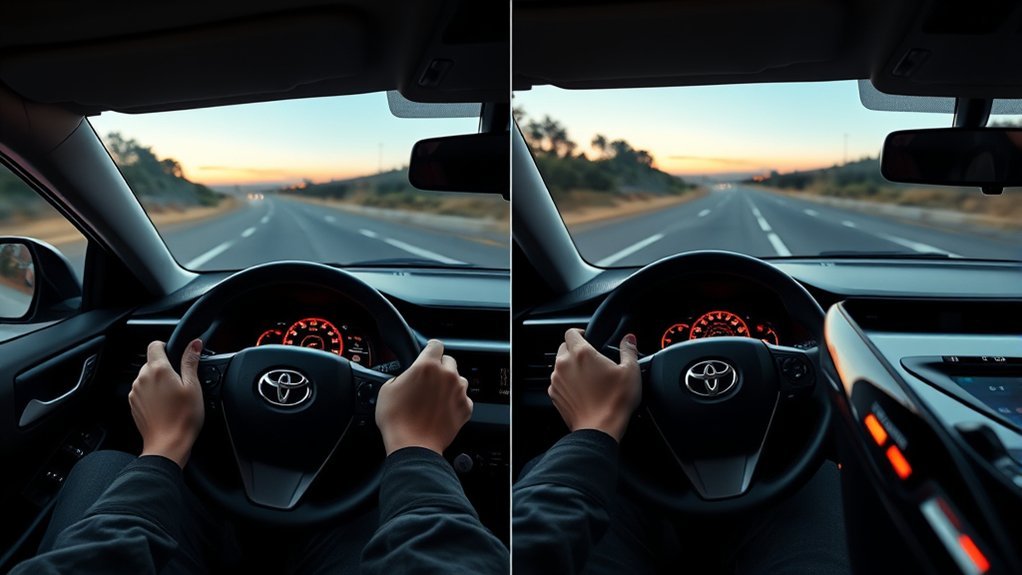
If Lane Departure Alert or Lane Tracing Assist is unavailable, weak, or too aggressive, start with the simple causes before assuming the system is broken.
LTA Will Not Center the RAV4
- Make sure Dynamic Radar Cruise Control is active.
- Confirm the system is in vehicle-to-vehicle distance control mode.
- Check that lane lines are visible on both sides or that a preceding vehicle is detected where supported.
- Look for driver-attention or hands-on-wheel prompts.
- Review whether the road is too curved, too narrow, or poorly marked.
Lane Departure Alert Warns Too Often
- Lower the sensitivity setting if your model offers it.
- Use turn signals for intentional lane changes.
- Check whether the road has old lane paint, temporary markings, or seams that confuse the camera.
- Clean the windshield and camera area.
Lane Assist Turns Off or Shows Unavailable
- Check for rain, snow, fog, glare, mud, or ice blocking the sensor view.
- Make sure the windshield area near the camera is clear.
- Restart the system only when parked safely.
- If the windshield was replaced, ask a Toyota dealer or qualified repair facility whether camera calibration is needed.
- Schedule service if warnings remain after the vehicle is clean and road conditions are normal.
Warning: Do not cover, move, unplug, or modify the forward camera or radar sensor. Sensor alignment affects safety-system performance, and calibration should be handled by a qualified technician when required.
Best Real-World Setup for Most RAV4 Drivers
For most drivers, the best everyday setup is to keep Lane Departure Alert on, keep sway warning on, and use Lane Tracing Assist mainly on highways with Dynamic Radar Cruise Control. This gives you lane-drift protection during normal driving while saving the stronger centering feature for the roads where it works best.
If steering corrections feel too firm, reduce sensitivity or disable lane centering before turning off the whole lane-assistance system. If warnings feel late or too subtle, increase sensitivity one step and retest.
Frequently Asked Questions
What is the difference between Lane Keep Assist and Lane Tracing Assist?
Lane Keep Assist is a general industry term for systems that help prevent lane departure. In Toyota language, Lane Departure Alert with Steering Assist warns and may add a brief steering nudge, while Lane Tracing Assist is the lane-centering feature that works with Dynamic Radar Cruise Control to help keep the RAV4 centered.
What is the difference between Lane Departure Warning and Lane Assist?
Lane Departure Warning only alerts you when the vehicle may leave its lane. Lane assist can include steering support. In the RAV4, Lane Departure Alert may warn and gently correct, while Lane Tracing Assist can provide more continuous steering support when DRCC and lane-detection conditions are met.
Does Lane Tracing Assist work without Dynamic Radar Cruise Control?
The lane-centering function of Lane Tracing Assist is linked with Dynamic Radar Cruise Control. If DRCC is not operating, the RAV4 may still provide lane-departure-related warnings or steering support on some models, but it will not provide the same full lane-centering assistance.
Why does my RAV4 show a coffee-cup icon?
The coffee-cup icon is tied to the sway warning or fatigue-reminder function. It appears when the vehicle detects repeated lane sway that may suggest the driver should take a break. It is not a medical alert; it is a driving-support reminder.
Did RAV4 get Lane Tracing Assist only in 2024?
No. In the U.S., the fifth-generation 2019 RAV4 launched with Toyota Safety Sense 2.0, and Toyota listed Lane Tracing Assist as part of that package. Feature availability can still vary by market, trim, and production details, so check your owner’s manual or VIN-specific Toyota Owners information.
Can I turn off Lane Tracing Assist but keep Lane Departure Alert?
On many RAV4 models, you can adjust or disable specific lane-assistance functions separately, such as lane centering, LTA, LDA sensitivity, and sway warning. The exact menu depends on model year and Toyota Safety Sense version, so use the steering-wheel controls and owner’s manual for your vehicle.
Conclusion
Choose Lane Departure Alert for basic drift warnings and light corrective help. Choose Lane Tracing Assist when you want stronger, hands-on lane-centering support during highway driving with Dynamic Radar Cruise Control active. The most important difference is timing: LDA reacts when you start to leave the lane, while LTA helps maintain lane position before that happens.
For the best experience, keep the camera area clean, use LTA on roads with clear markings, adjust sensitivity gradually, and turn off centering when conditions make the steering feel unnatural. Most importantly, treat both systems as assistance only. Your hands, eyes, and judgment remain the RAV4’s primary safety system.
Sources
- Toyota Owners: 2024 RAV4 Lane Tracing Assist — LTA operating conditions, DRCC link, lane centering, and sway warning.
- Toyota Owners: 2026 RAV4 Hybrid Lane Tracing Assist — Current Toyota manual language for LTA functions.
- Toyota Owners: 2019 RAV4 Hybrid Toyota Safety Sense 2.0 — Confirms 2019 RAV4 Toyota Safety Sense 2.0 system contents.
- Toyota Safety Sense Hub — Toyota’s official overview of LDA, LTA, DRCC, and Toyota Safety Sense versions.
- Toyota USA Newsroom: 2019 RAV4 Technology — Launch details for the fifth-generation RAV4 and Toyota Safety Sense 2.0.
- NHTSA Driver Assistance Technologies — General driver-assistance safety context and consumer guidance.