You’ll activate Smart Cruise by pressing CRUISE, accelerating above 30 km/h, then locking speed with the Driving Assist button; use the speed switch for 1 mph tweaks or hold for tens, and cycle following distance between short, medium, and far. The radar‑based system maintains set speed, brakes and accelerates for traffic, and offers stop‑and‑go in congestion. It’s best on highways; remain alert and clear sensors as needed. Continue for detailed operation, features, and troubleshooting.
How to Activate, Set Speed & Change Following Distance
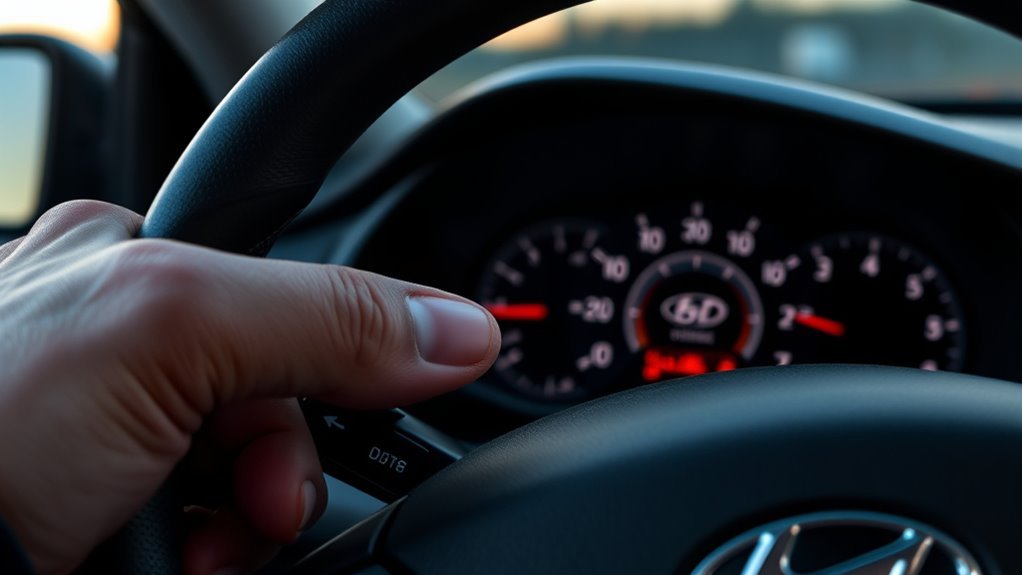
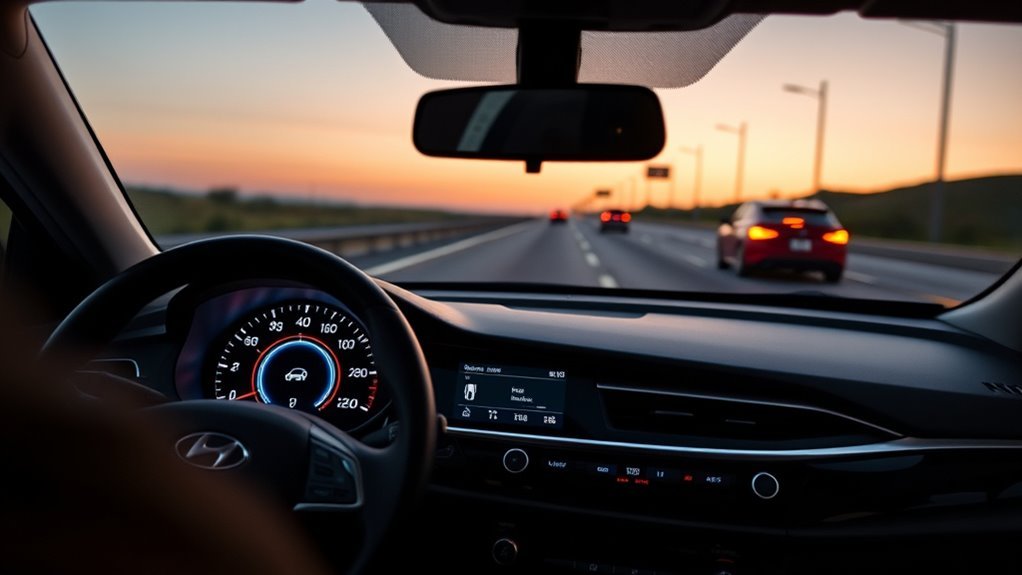
Activate Smart Cruise Control by pressing the CRUISE button on the steering wheel until the Cruise Control indicator lights on the instrument panel; then accelerate above 30 km/h and press the Driving Assist button to lock in your speed. You’ll engage Smart features that free you from constant throttle management while retaining control. Set speed increments precisely: tap the speed control switch for 1 mph adjustments or hold it to jump to the next multiple of ten. Change following distance by pressing the Smart Cruise Control button to cycle short, medium, or far gaps, matching traffic flow and your risk threshold. Deactivate immediately by pressing the brake or the Cruise Control button again. These steps deliver user convenience with predictable, assertive behavior that enhances your autonomy on the road.
How Sonata Smart Cruise Control Works : And When to Use It
Now that you know how to engage Smart Cruise Control, understand how it actually operates and when to rely on it. You’ll use radar-based sensors that monitor the vehicle ahead, maintaining a preset speed while automatically adjusting to preserve your chosen following distance. The system adapts to changing traffic, decelerating or accelerating without your intervention, delivering clear adaptive technology benefits that reduce workload and risk. Activate above 30 km/h and confirm system readiness; avoid heavy traffic and adverse weather where sensors can be degraded. Set speed and distance via steering-wheel controls, then let the system manage routine speed changes to free you for higher-level decisions. Prefer highway driving for ideal highway driving efficiency and reduced fatigue on long trips.
Smart Cruise Features : What Each One Does (Speed, Distance, Stop‑and‑Go)
While you set a target speed, Smart Cruise Control continually adjusts throttle and brakes to maintain that velocity relative to traffic, using radar and camera inputs to automate acceleration and deceleration. You control three core features: speed adjustments that modulate velocity to traffic flow; distance settings selecting short, medium, or far following gaps; and stop-and-go capability that halts and resumes in congested conditions. These automate routine tasks so you reclaim attention for higher priorities.
| Feature | Function | Benefit |
|---|---|---|
| Speed | Dynamic speed adjustments | Smooth flow conformity |
| Distance | Short/Med/Far distance settings | Customized safety margin |
| Stop-and-Go | Full stop/resume | Urban convenience |
Trust the system to reduce workload while keeping you liberated and in command.
Sonata Smart Cruise vs. Regular Cruise: Practical Differences & When to Choose
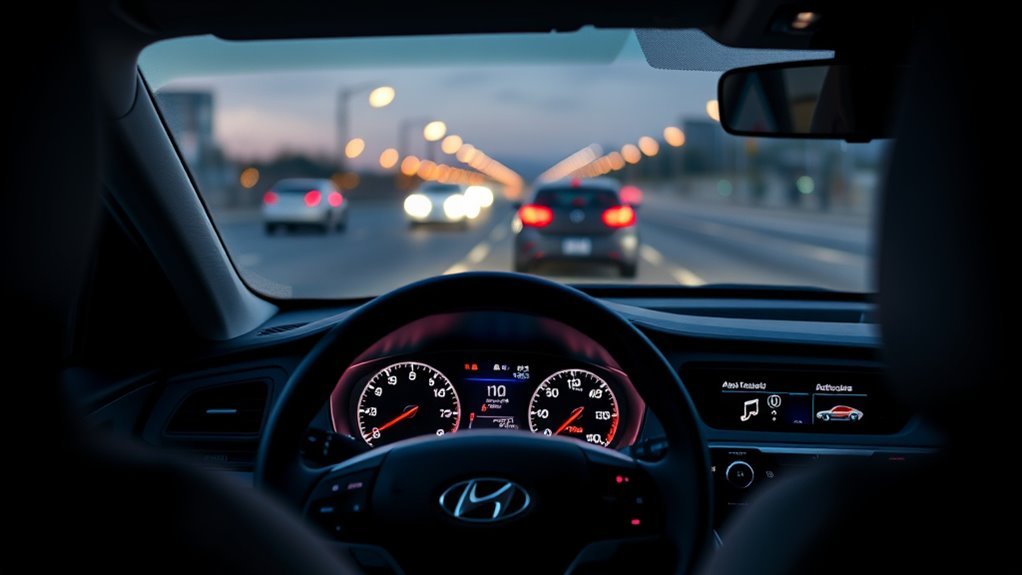
Because it uses radar and camera inputs to manage speed and following distance, Sonata Smart Cruise Control handles changing traffic and can slow to a stop and resume, whereas regular cruise control simply holds a set speed and leaves any adjustments to you. You’ll prefer Smart Cruise when you want reduced workload on congested highways, stop-and-go commutes, or variable-speed zones—its smart cruise benefits include adaptive braking and gap maintenance. Regular cruise fits steady, open-road driving where you want straightforward speed holding and manual control. Choose Smart Cruise to reclaim time and reduce fatigue; opt for regular cruise when you need predictability on long, empty stretches or when sensor-based systems aren’t desired. Match system to driving scenarios for efficient, liberated control.
Safety, Limitations & Quick Troubleshooting
Although Smart Cruise Control reduces collision risk by automatically adjusting speed and following distance, you must stay alert and ready to take over because the system has clear limits: it can be degraded by heavy traffic, poor weather, steep grades, or sensor obstruction, and it temporarily disengages when you press the brake pedal. You should treat the feature as an assist, not autonomy; set speeds below limits and monitor the road. Address safety concerns proactively: clear sensors, avoid relying on ACC in poor visibility, and anticipate manual intervention on hills or in dense traffic. For system reliability issues—indicator persistence, unexpected disengagement—consult the manual, check sensor obstructions, and seek dealer diagnostics if faults persist. Stay free and in control.
Frequently Asked Questions
What Is the Difference Between Hyundai Cruise Control and Smart Cruise Control?
Smart Cruise Control adapts speed and following distance using adaptive technology, while regular cruise control holds a fixed speed; you’ll gain driving convenience, reduced fatigue, and automated stop‑and‑go capability for safer, freer travel.
How Does Smart Cruise Control Work?
It acts like a vigilant co-pilot: adaptive technology uses radar and cameras to sense traffic, automatically adjusting speed, braking and restarting to maintain your chosen distance, giving driving convenience while freeing you to focus and feel liberated.
Conclusion
You’ve learned how to activate and set Smart Cruise, adjust following distance, and use stop‑and‑go; now apply it confidently. Treat it like a steam‑driven autopilot of modern highways: it maintains speed, follows safely, and halts when traffic stops, but won’t replace vigilance. Use Smart Cruise for steady traffic, switch to regular cruise on clear highways, and remember sensors and cameras have limits. Check system status, restart if needed, and stay ready to take over immediately.