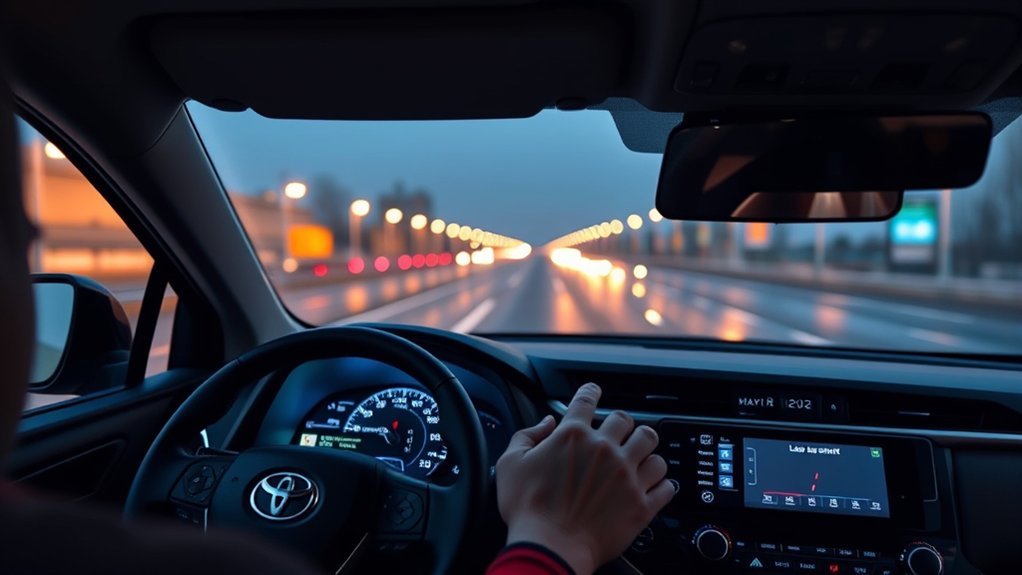
If your Toyota RAV4 shows “Lane Tracing Assist Unavailable”, read the exact dashboard text before cleaning sensors or disconnecting anything. On 2019–2025 RAV4 models, Toyota defines the plain “LTA Unavailable” message as a temporary cancellation caused by an operating condition or a sensor other than the front camera. Turn LTA off, wait briefly, and turn it back on. If no warning message appears but the lane-centering lines disappear, verify that Dynamic Radar Cruise Control (DRCC) is active, Lane Center is enabled in the cluster, and road markings are visible.
Last updated: July 23, 2026 · Medically & Mechanically Reviewed by Automotive ADAS Diagnostics Specialist
Quick Answer
Identify the exact Multi-Information Display (MID) wording first. On 2019–2025 RAV4 models (Toyota Safety Sense 2.0/2.5), “LTA Unavailable” indicates a temporary system cancellation or radar/sensor condition—park safely, switch LTA off, wait 5 seconds, and switch it back on. “LTA Unavailable at Current Speed” requires reducing speed. “LTA Malfunction Visit Your Dealer” indicates a permanent fault code or calibration failure requiring professional diagnostics. If lane centering does not engage without any warning, confirm LTA is turned on, the Lane Center menu setting is enabled, and Dynamic Radar Cruise Control is active with distance-control mode.
Key Takeaways
- Differentiate the exact message: “LTA Unavailable,” “LTA Unavailable at Current Speed,” and “LTA Malfunction Visit Your Dealer” indicate distinct operating states and repair pathways.
- Lane centering requires cruise control: Continuous lane-centering steering assistance operates only when Dynamic Radar Cruise Control (DRCC) is actively tracking in vehicle-to-vehicle distance mode.
- Do not disconnect the 12V battery to reset LTA: Battery disconnection erases the Steering Angle Sensor learned zero-point calibration and stored diagnostic freeze-frame data, which can trigger additional ADAS error codes.
- Clean exterior glass only: Clean the outside windshield and front radar emblem with automotive glass cleaner on a microfiber cloth. Never touch, wipe, or spray cleaner directly on the internal forward-recognition camera lens.
- Windshield replacement requires optical recalibration: Toyota Safety Sense forward-facing cameras must undergo static and/or dynamic target recalibration following windshield replacement or front suspension alignment.
At a Glance
| Time Required | 5–15 minutes for message verification, cluster settings, and windshield cleaning; 1–2 hours for professional ADAS calibration |
| Difficulty | Beginner for control toggles and glass cleaning; Professional for ADAS diagnostic scans and target alignment |
| Tools Needed | Microfiber cloth, automotive glass cleaner, Toyota owner’s manual, and a bidirectional OBD-II scan tool (Techstream / ADAS-capable) if a warning persists |
| Estimated Cost | $0 for driver-setting fixes and cleaning; $150–$400 for professional ADAS optical/radar target recalibration |
Model-Year & TSS Generation Scope: The exact warning definitions and indicator sequences below apply to 2019–2021 RAV4 models (Toyota Safety Sense 2.0) and 2022–2025 RAV4 models (Toyota Safety Sense 2.5 / 2.5+). The redesigned 2026 RAV4 uses Toyota Safety Sense 3.0/4.0 architecture with updated operating envelopes and cluster graphics. Confirm your vehicle’s specific equipment in the Toyota owner’s manual for your VIN.
What Does the Exact RAV4 LTA Message Mean?
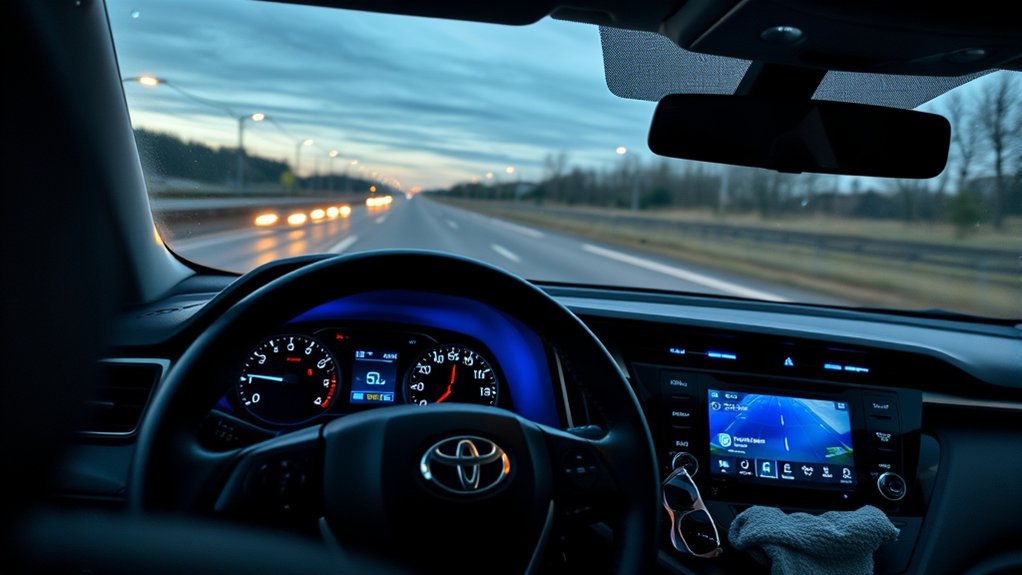
Start by reading the exact text displayed on the Multi-Information Display (MID). A named hardware malfunction message represents an electrical or calibration fault, whereas disappearing lane graphics indicate that the camera cannot detect road boundaries or that an operating prerequisite is unmet. Toyota’s 2025 RAV4 driving-support manual outlines distinct procedures for each dashboard message.
| Message or Display Symptom | Root Cause / System State | Required Driver Action |
|---|---|---|
| No warning text, but lane graphics are black or missing | The forward camera cannot resolve lane markings or road edges, DRCC is not engaged in distance-tracking mode, or speed/steering limits are exceeded. | Confirm LTA and Lane Center are turned on, activate DRCC, keep both hands on the wheel, and test on a well-marked road. |
| “LTA Unavailable” | Temporary system cancellation caused by an operating condition or a sensor/radar state outside normal limits (other than forward camera blinding). | Park safely, switch LTA off, wait 5–10 seconds, and turn LTA back on. If the warning returns, perform an ADAS diagnostic scan. |
| “LTA Unavailable at Current Speed” | Vehicle speed is outside the operational envelope for lane tracing assist. | Adjust speed safely to within the standard highway operating range. |
| “LTA Malfunction Visit Your Dealer” | A permanent diagnostic trouble code (DTC) is stored in the forward camera, millimeter-wave radar, or Skid Control ECU. | Drive manually without relying on driver assistance. Schedule a diagnostic scan and sensor calibration check. |
| “Front Camera Blinded / Clean Windshield” | Direct low sun glare, heavy condensation, frost, mud, or glass optical distortion is obstructing the camera’s view. | Run the front windshield defogger, clean the exterior glass with glass cleaner, and allow the camera housing temperature to normalize. |
For redesigned 2026 RAV4 models equipped with Toyota Safety Sense 3.0/4.0, consult the dedicated manual. Toyota’s 2026 RAV4 Plug-in Hybrid driving-support excerpt provides updated operating guidance and specifies that LTA lane centering is engineered primarily for controlled-access highways and expressways.
Warning: Lane Tracing Assist is a Level 2 driver-support feature, not an autonomous driving system. The National Highway Traffic Safety Administration (NHTSA) stresses that lane-centering and adaptive cruise control require the driver to maintain continuous hands-on steering control and full situational attention.
How Do You Restore LTA When No Malfunction Message Appears?
When the lane-centering lines disappear or steering assistance does not engage without a named warning message, the cause is almost always an unmet operating prerequisite. Work through the following verification sequence.
1. Cluster Settings and LTA Activation
On 2019–2025 RAV4 models, pressing the LTA button on the steering wheel turns on the overarching system, but lane centering itself requires a specific menu toggle. For a comprehensive comparison of how these sub-features interact, see the detailed guide to Lane Keeping Assist vs. Lane Tracing Assist.
- Bring the vehicle to a safe stop or check settings while parked.
- Press the LTA switch on the right spoke of the steering wheel to confirm LTA is turned on.
- Use the left-hand steering wheel controls to navigate to the Settings (Gear Icon) menu in the MID.
- Select LTA, then scroll to Lane Center and confirm it is set to ON.
- Verify the Steering Assist option is enabled and set Sensitivity to Standard or High.
- Return to the main driving-support display screen to monitor lane status.
2. Dynamic Radar Cruise Control & Road Conditions
LTA provides two separate levels of lateral support. Lane Departure Alert (LDA) provides reactive steering tugs when crossing a line, but continuous Lane Centering operates only when Dynamic Radar Cruise Control is engaged in vehicle-to-vehicle distance-control mode.
- Merge onto a clearly marked highway with gentle curves.
- Press the DRCC button on the steering wheel and set your cruising speed.
- Verify the radar distance graphic appears, confirming vehicle-to-vehicle tracking is active.
- Place both hands on the steering wheel with light rotational pressure so the capacitive or torque sensors detect your grip.
- Check the MID: the lane lines must fill in as solid white borders, and the steering wheel icon must turn green to indicate active steering assistance.
Active steering assist temporarily suspends during turn-signal usage, sharp cornering exceeding the Electronic Power Steering (EPS) torque limits, heavy acceleration or braking, or during active intervention by Vehicle Stability Control (VSC) or Pre-Collision System (PCS). If cruise control fails to engage, reference the RAV4 adaptive cruise control troubleshooting guide.
Pro Tip — Curve Radius Limits: On 2022–2025 models with TSS 2.5+, Curve Speed Management slows the vehicle if a curve is too sharp for lane tracing. If the curve exceeds the camera’s tracking geometry or steering torque threshold, the steering icon turns from green back to white. This is designed behavior, not an LTA fault.
How Should You Clean the Windshield and Sensor Areas?
The forward recognition camera reads lane markings through a trapezoidal glass window at the top center of the windshield. Road grime, oily traffic film, ice, and improper cleaning chemicals directly impair optical lane recognition.
| Step | Safe Cleaning Action | Safety Precaution / Escalate When |
|---|---|---|
| 1 | Inspect the exterior windshield glass directly in front of the forward camera aperture. | Do not operate LTA if the glass is cracked, chipped, or pitted in the camera sweep zone. |
| 2 | Apply automotive glass cleaner directly to a clean microfiber towel and clean the exterior glass. | Never spray liquid cleaner into the interior camera housing, defroster vents, or rearview mirror trim. |
| 3 | Turn on the front windshield defogger and A/C to clear interior glass condensation and frost. | If moisture or haze is trapped inside the sealed camera shroud, dealer service is required. |
| 4 | Inspect windshield accessories and remove poorly positioned toll tags, stickers, or dash cameras mounted within the wiper sweep path. | Do not remove or unclip the factory plastic camera shroud or rear-mirror wiring harness. |
| 5 | Wipe dirt, slush, snow, and bug splatter off the front Toyota grille emblem (housing the millimeter-wave radar). | Do not use abrasive scouring pads or harsh solvents on the radar emblem cover. |
| 6 | After windshield replacement, verify that dynamic optical target calibration was completed by the glass installer. | Non-OEM windshields with optical distortion (refractive index errors) will cause persistent LTA errors. |
Never touch, wipe, or attempt to clean the forward camera lens directly. If the inner glass surface within the camera housing becomes contaminated, visit an authorized Toyota dealer for shroud disassembly and calibration.
Optical Limitations: Clean glass does not overcome poor environmental visibility. Direct low-angle sunlight (sun glare blinding the optical sensor), heavy rain, unplowed snow, faded double-lines, rain glare on fresh asphalt, and lane splits through construction zones will cause LTA to suspend lane centering temporarily.
[Products Worth Considering]
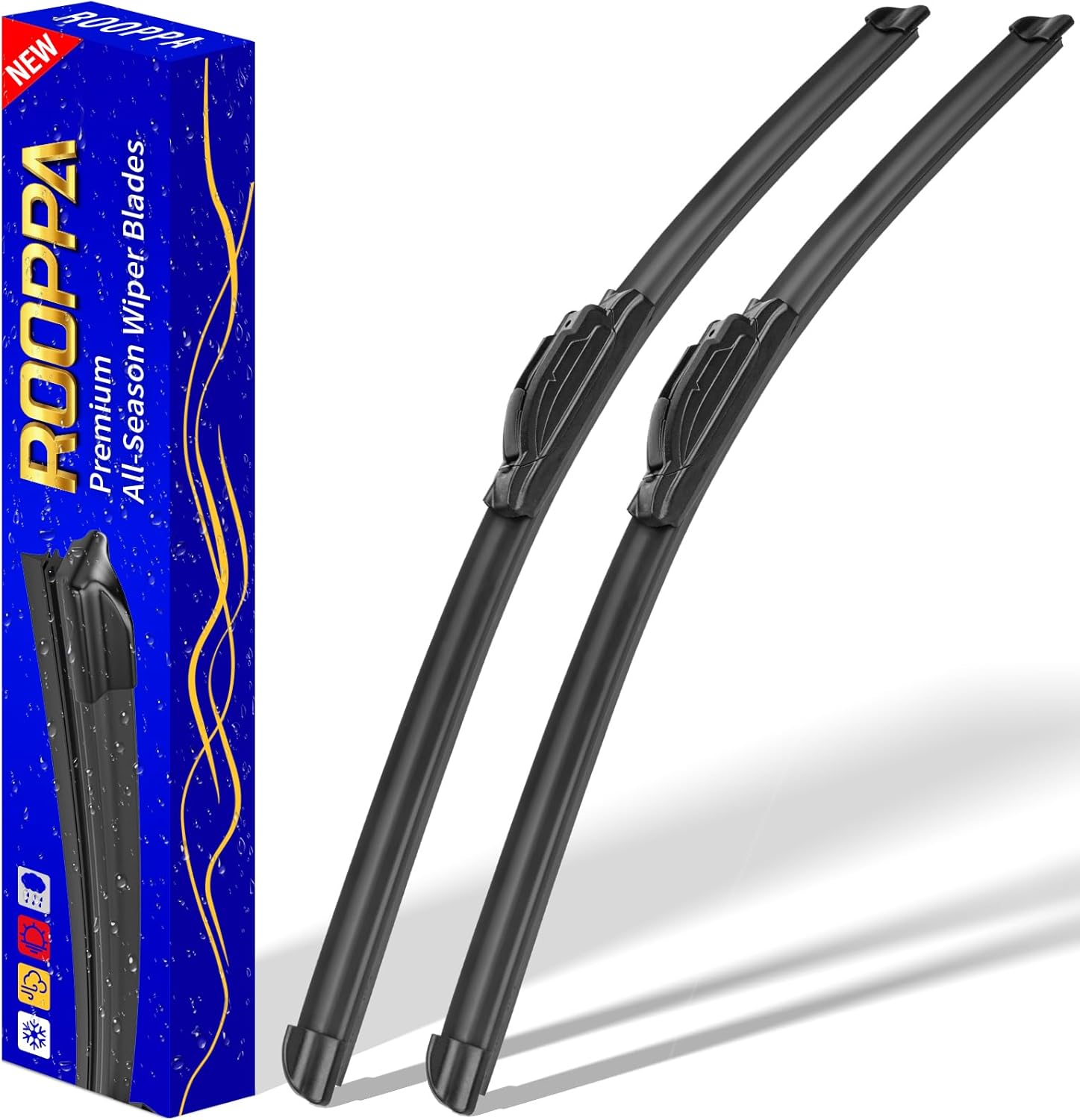
These front windshield wiper blades are designed as a direct replacement for compatible Hyundai models, helping restore clear visibility in rain and road grime. The hard-molded frame and stronger spring support smooth, reliable wiping performance, while the easy plug-and-play installation makes replacement simple. Included as a two-piece set, they are built for dependable everyday use with a one-year warranty for added confidence.

Designed for 2013-2024 Toyota 4Runner models with 5-passenger seating, this custom-fit set delivers full interior coverage with floor mats, a cargo liner, rear seat back protectors, and door sill guards. The all-weather TPE construction helps block spills, dirt, and pet messes while raised edges and secure clips keep everything in place for daily driving. Installation is simple, and cleaning is quick with just water.
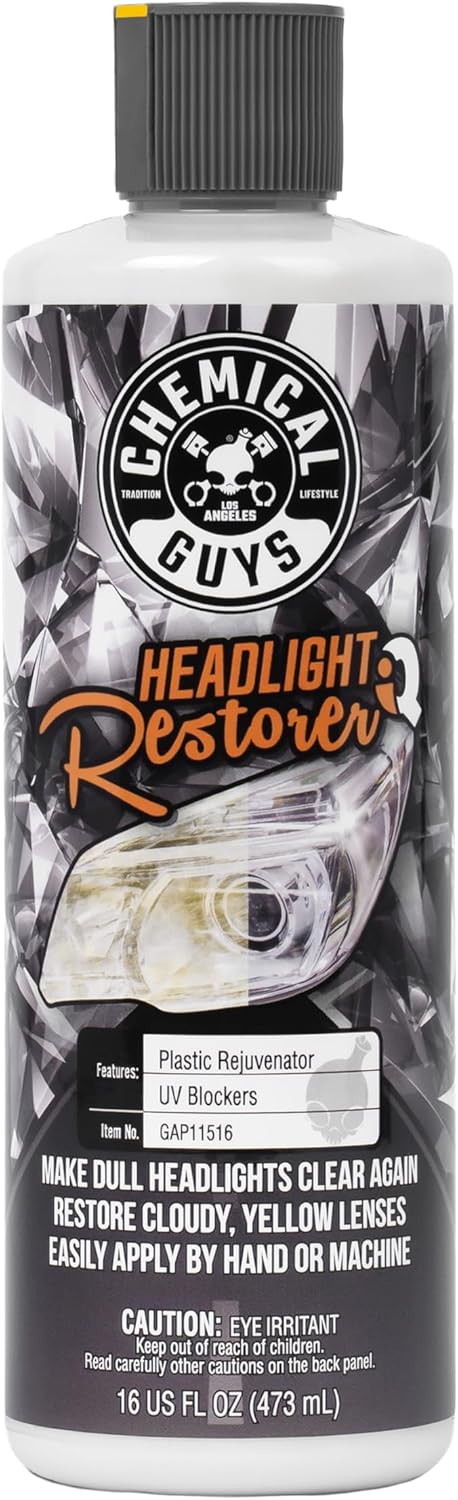
Chemical Guys Headlight Restore & Protect is an all-in-one solution designed to clean, restore, and shield cloudy plastic lenses for better clarity and safer nighttime driving. It removes yellowing, haze, oxidation, and light surface marks while leaving a durable protective layer that helps resist future fading and discoloration. Suitable for headlights, taillights, fog lights, and turn signals, it delivers quick, easy results by hand or machine.
What Do the RAV4 LTA Icons and Lane Lines Mean?
The Multi-Information Display communicates the active operational state of both Lane Departure Alert and Lane Tracing Assist through color-coded icons and lane boundary graphics.
| Cluster Display Indicator | Operational Meaning (2019–2025 RAV4) |
|---|---|
| LTA icon illuminated White | The LTA system is powered on and in standby, but lane-centering steering assist is not actively steering (DRCC off, speed out of range, or lane lines unconfirmed). |
| LTA icon illuminated Green | Steering assistance is actively operating to keep the vehicle centered in the lane. |
| LTA indicator Flashing Orange + Audible Beep | Lane Departure Alert has detected an unintended lane crossing or boundary departure. |
| Displayed lane lines shown as Solid White | The forward camera recognizes clear lane markings or supported road edges on both sides. |
| Displayed lane lines shown as Black / Hollow Outlines | The camera cannot detect lane markings or road boundaries, or lane tracing has temporarily canceled. |
| Outer side markers displayed on both sides | Full lane-centering assistance is active and tracking both lane boundaries. |
| Outer side marker displayed on one side only | The system recognizes only one boundary line; steering assistance is restricted to departure prevention on that side. |
Navigating to the Driving-Support Screen
If your instrument cluster is configured to show fuel economy, audio, or trip data, the driving-support graphics may be minimized. Use the left-side steering wheel directional pad to scroll to the Driver Assistance / LTA screen to observe real-time lane recognition status.
For model-specific steps on managing departure sensitivity and alert volume, review the RAV4 Lane Departure Alert control guide.
Common RAV4 LTA Symptoms, Trouble Codes, and Next Steps
When diagnosing persistent LTA failures, matching the dashboard message with potential OBD-II diagnostic trouble codes (DTCs) clarifies whether the issue is environmental, mechanical, or electrical.
| Dashboard Symptom / Message | Common Associated DTCs | Diagnostic Category | Recommended Resolution |
|---|---|---|---|
| “LTA Unavailable” (clears upon restart) | None (Status lockout) | Temporary operating condition or transient sensor pause | Toggle the LTA switch off, wait 5 seconds, and turn back on. |
| “LTA Malfunction Visit Your Dealer” | C1A67 (Forward camera optical axis misalignment) C1A57 (Millimeter-wave radar optical axis) |
Camera / Radar physical misalignment or calibration fault | Perform static target calibration using a Toyota Techstream or ADAS-compatible optical board. |
| “LTA Unavailable” + ABS / VSC Warning Light | C1201 (Engine control system malfunction) C1241 (Low 12V auxiliary battery voltage) |
Brake control, ABS, or low battery voltage issue | Test 12V battery health and scan Skid Control / Engine ECU for root codes before clearing. |
| Warning appears immediately after windshield replacement | C1AA8 (Forward recognition camera internal fault / incomplete learning) | Missing post-glass installation calibration or non-OEM optical haze | Return to the auto glass facility for dynamic/static camera calibration or glass verification. |
| Multiple TSS warnings after bumper or grille repair | U0100 / U023A (Lost communication with Front Radar / Camera) | Wiring harness disconnect or damaged radar bracket | Inspect front grille radar connector, mounting bracket alignment, and CAN bus wiring. |
Can You Reset RAV4 Lane Tracing Assist?
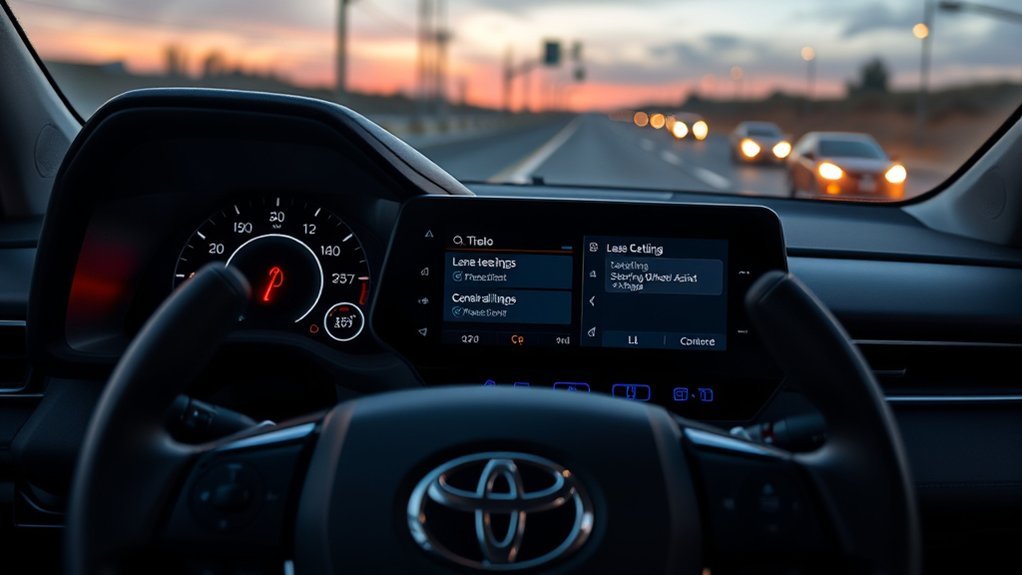
There is no consumer “button combination” or hidden cluster menu that recalibrates the RAV4 Lane Tracing Assist system. Toggling the LTA button or power-cycling the ignition clears temporary software lockouts, but neither action fixes sensor misalignment, damaged wiring, or uncalibrated camera optics.
Standard System Toggle Procedure (2019–2025 RAV4)
- Bring the vehicle to a complete stop and shift into Park.
- Press the LTA switch on the steering wheel to turn the system completely off.
- Wait 5–10 seconds with the ignition in the ON / READY state.
- Press the LTA switch to turn the system back on.
- Observe the MID: if the warning clears and displays the white standby icon, test LTA on a clear road with DRCC engaged.
Standard Vehicle Sleep Cycle
- Park safely, turn off the ignition completely, and remove the key fob from proximity.
- Wait 2–3 minutes to allow all vehicle CAN-bus modules to enter sleep mode.
- Restart the vehicle into READY mode.
- Confirm LTA and Lane Center settings in the MID.
Warning — Why 12V Battery Disconnection Is Not Recommended: Disconnecting the 12-volt battery does not recalibrate ADAS sensors. On Toyota TNGA-K platform vehicles, power disconnection resets the Steering Angle Sensor zero-point learning in the Skid Control ECU. This can disable LTA and VSC until the vehicle is driven straight on a flat road at speeds above 22 mph (35 km/h) or re-initialized with a scan tool.
How Is a Persistent LTA Warning Diagnosed?
If basic toggles do not resolve the message, a complete all-module diagnostic scan is necessary. Generic handheld code readers only access standard OBD-II emissions codes (P0xxx) and fail to read Toyota chassis (C-codes), body (B-codes), and network communication (U-codes) stored in the Forward Recognition Camera, Millimeter Wave Radar, and Skid Control modules.
- Perform a complete health check: Scan all onboard ECUs using Toyota Techstream or an ADAS-capable scan tool (e.g., Autel MaxiSys, Snap-on, Bosch).
- Document freeze-frame data: Record all active and history DTCs, vehicle speed, steering angle data, and battery voltage at the time of failure before clearing codes.
- Verify optical axis learning status: Check live data parameters for the forward recognition camera (e.g., Optical Axis Learning: Completed / Incomplete).
- Inspect mounting hardware: Verify that the radar bracket behind the Toyota front emblem is not bent or loose from a parking impact, and check that the camera is seated firmly in its windshield bracket.
- Perform sensor calibration: Complete static target calibration using Toyota-specified target boards or dynamic road learning per factory repair manual instructions.
What Should You Avoid When LTA Is Unavailable?
- Do not assume missing lane lines mean a broken sensor: Check whether low sun glare, worn road markings, snow, or inactive cruise control are simply preventing lane recognition.
- Do not clean or wipe the internal camera lens: Touching the internal optical lens leaves oil residue and scratches that permanently degrade machine vision.
- Do not spray glass cleaner directly onto the camera housing: Always spray cleaner onto a microfiber cloth first to prevent liquid seepage into the camera shroud.
- Do not mount dash cams, radar detectors, or toll passes in the upper windshield sweep area: Objects within the camera’s field of view cause intermittent recognition dropouts.
- Do not attempt DIY optical calibration with printed paper targets or tape: Millimeter-level errors in target placement cause improper steering assistance and unsafe lane tracking.
- Do not repeatedly clear codes without diagnosis: Clearing codes erases diagnostic freeze-frame records without repairing the underlying fault.
[Products Worth Considering]

Rain-X WeatherBeater wiper blades are conventional replacement blades designed to meet or exceed OEM standards for quality, durability, and dependable performance. The pre-installed multi-adapter helps simplify installation on many vehicles, while the natural rubber squeegee and galvanized steel frame deliver a clean wipe, rust resistance, and long-lasting all-weather reliability.

The VIOFO A229 Plus delivers sharp 2K front and rear recording with dual Sony STARVIS 2 sensors for improved night clarity, reduced noise, and better motion handling. HDR support helps preserve license plate detail and balanced exposure in challenging light, while voice control, quad-mode GPS, and fast 5GHz Wi-Fi make daily use simple. With multiple parking modes and a user-friendly interface, it is built to protect your vehicle on the road and while parked.

Camera Lens Cleaning Kit (14 pieces), including, air blower, lens pen, cleaning brush, lint-free cloth, lens pen, storage bag, etc.
When Should You Visit a Toyota Dealer or Qualified ADAS Facility?
Schedule a professional diagnostic appointment when “LTA Malfunction Visit Your Dealer” appears, when “LTA Unavailable” does not clear after a toggle, or when the issue immediately follows a windshield replacement, front-end collision, or suspension lift/leveling kit installation.
Provide the service advisor with specific details to expedite diagnosis:
- A photo of the exact MID warning message and cluster indicator colors taken while safely parked
- The specific road, speed, and weather conditions when the warning occurred (e.g., highway driving, rain, direct morning sun)
- Details of any recent glass replacement, bumper removal, grille badge replacement, suspension work, or battery service
- Any stored OBD-II trouble codes retrieved during a preliminary scan
- Your vehicle’s VIN and current mileage to verify open Technical Service Bulletins (TSBs) via Toyota’s Safety Recall Lookup or the NHTSA Recall Database
Ask the technician to provide a pre-scan report, verify camera/radar optical alignment live data, confirm that factory calibration targets were utilized, and supply a post-calibration dynamic drive validation report.
Use the exact dashboard message to guide your troubleshooting: disappearing lane graphics require operating-condition checks and cruise activation, while a persistent LTA Malfunction message requires professional diagnostic scanning and target recalibration.
Frequently Asked Questions
Why does my Toyota RAV4 say Lane Tracing Assist is unavailable?
On 2019–2025 RAV4 models, the exact “LTA Unavailable” message indicates a temporary system pause caused by an operating condition or a sensor/radar state outside normal parameters (other than front camera obstruction). Turn LTA off using the steering wheel button, wait 5–10 seconds, and turn it back on. If the warning persists across drive cycles, schedule an ADAS diagnostic scan.
Does RAV4 Lane Tracing Assist work without cruise control?
Continuous lane-centering steering assistance requires Dynamic Radar Cruise Control (DRCC) to be active in vehicle-to-vehicle distance mode. Without DRCC engaged, the system operates only in basic Lane Departure Alert (LDA) mode, providing reactive warnings or steering nudges if you cross a boundary line rather than continuous centering.
Can a dirty windshield disable Toyota Lane Tracing Assist?
Yes. The forward-facing recognition camera requires an unobstructed view through the upper windshield glass. Road grime, frost, interior condensation, insect residue, and direct low-angle sun glare can prevent the camera from detecting lane lines. Clean the exterior glass in front of the camera and use the front defogger to remove interior condensation.
Can I clean the forward camera lens myself?
No. You should clean only the exterior windshield glass and the front grille emblem. Never remove the interior camera shroud or touch the camera lens, as oils, lint, and cleaning chemicals can permanently damage the optical sensor. If the glass inside the camera shroud is hazy, an authorized dealer must service the assembly.
Why did LTA stop working after windshield replacement?
Whenever the windshield is replaced, the forward recognition camera must undergo optical target recalibration (static target alignment and/or dynamic road learning). If the glass company did not perform calibration or if the replacement glass has optical distortion in the camera trapezoid, the system stores DTC C1A67 or C1AA8 and disables LTA.
Will disconnecting the 12V battery reset Lane Tracing Assist?
No. Disconnecting the 12V battery does not calibrate camera optics or repair hardware faults. Furthermore, disconnecting power resets the Steering Angle Sensor zero-point learning in the Skid Control ECU, which can disable LTA and trigger additional warning lights until driven straight above 22 mph or recalibrated via Techstream.
What does “LTA Unavailable at Current Speed” mean?
This message indicates the vehicle is traveling outside the programmed speed range for lane tracing assist. Adjust your vehicle speed to normal highway cruising speeds within the Dynamic Radar Cruise Control operating window.
Why do the lane lines disappear without an LTA warning message?
Missing or hollow lane lines without an error message mean the system is functioning normally but cannot detect road boundaries or an operating condition is not met. Common causes include faded paint, road construction, heavy rain glare, sharp curves exceeding torque assist limits, or Dynamic Radar Cruise Control not being engaged.
Conclusion
Diagnosing a Toyota RAV4 Lane Tracing Assist issue starts with reading the exact Multi-Information Display message. A plain “LTA Unavailable” message calls for cycling the LTA steering wheel switch off and on, while an “LTA Malfunction Visit Your Dealer” alert indicates an underlying hardware or calibration fault that requires an ADAS-capable diagnostic scan. When lane centering drops out without an error message, verify that DRCC is engaged, the Lane Center setting is enabled, and road markings are clear.
Keep the exterior windshield sweep area and front radar emblem clean, never touch the internal camera lens, and ensure certified optical recalibration is performed whenever the windshield is replaced or front suspension geometry is altered.
Sources
- 2025 Toyota RAV4 Owner’s Manual Excerpt for Driving Support Systems — official LTA warning definitions, operating conditions, indicators, camera precautions, and calibration guidance
- 2026 Toyota RAV4 Plug-in Hybrid Owner’s Manual Excerpt for Driving Support Systems — Toyota Safety Sense 3.0/4.0 LTA operation, driver warnings, camera precautions, and operating conditions
- Toyota Safety Sense — Toyota’s overview of Lane Tracing Assist, Dynamic Radar Cruise Control, and related driver-assistance features
- Toyota Owners Manuals and Warranties — official model-year-specific control and warning lookup
- Toyota Safety Recalls and Service Campaigns — official Toyota VIN lookup
- NHTSA Driver Assistance Technologies — definitions and driver-responsibility guidance for lane-centering and adaptive-cruise systems
- NHTSA Recall Database — federal VIN and recall lookup