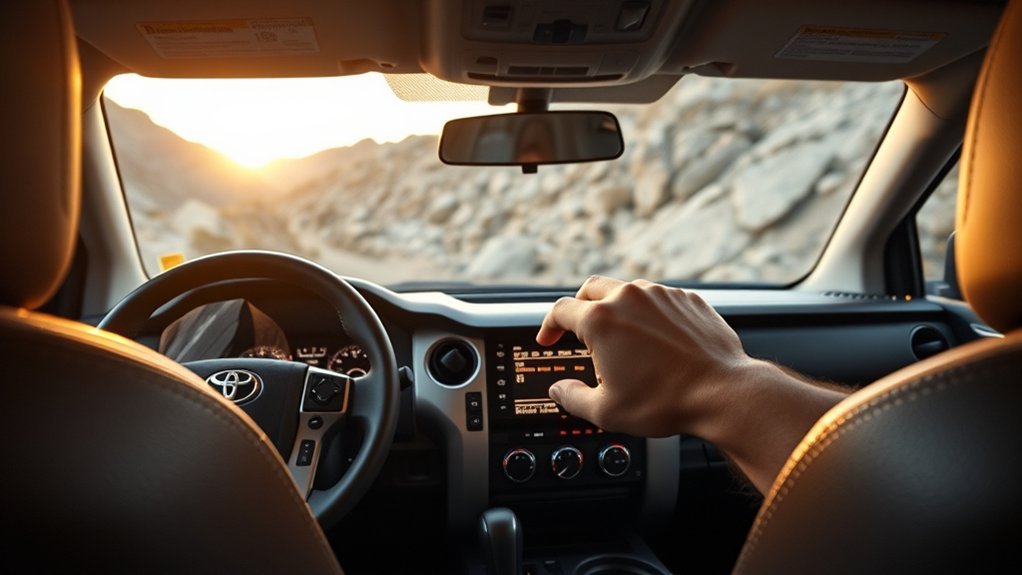
Downhill Assist Control (DAC), when equipped on a Toyota Tundra, helps the truck hold a controlled low speed on steep downhill slopes so you can focus on steering and choosing a safe line. On the 2025 Tundra, Toyota lists DAC as a 4H feature that works below about 18 mph and lets you set a target speed of approximately 3 to 18 mph with the mode select switch.
Quick Answer
To use Downhill Assist Control in a Toyota Tundra, shift the transfer case to 4H, make sure the truck is moving below about 18 mph, press the DAC/CRAWL switch, then turn the mode select switch to choose a downhill speed of about 3–18 mph. Steer carefully while DAC manages descent speed.
Key Takeaways
- DAC is for controlled, low-speed downhill driving in 4H, not normal road driving or high-speed descents.
- Toyota lists the set-speed range as approximately 3–18 mph, and the system operates only below about 18 mph.
- The DAC indicator, slip indicator, brake lights, and multi-information display help confirm what the system is doing.
- Use Crawl Control in 4L for slower, more technical obstacle work when your Tundra is equipped with it.
- Do not rely on DAC to overcome poor traction, unsafe terrain, driver error, or the vehicle’s physical limits.
At a Glance
| Time Required | Less than 1 minute once you are in the right drive mode |
| Difficulty | Easy, but use only in suitable off-road or steep-descent conditions |
| Tools Needed | No tools; use the DAC/CRAWL switch and mode select switch |
| Cost | No cost if your Tundra is equipped with DAC |
Quick Start: Turn On Downhill Assist Control (DAC) Now
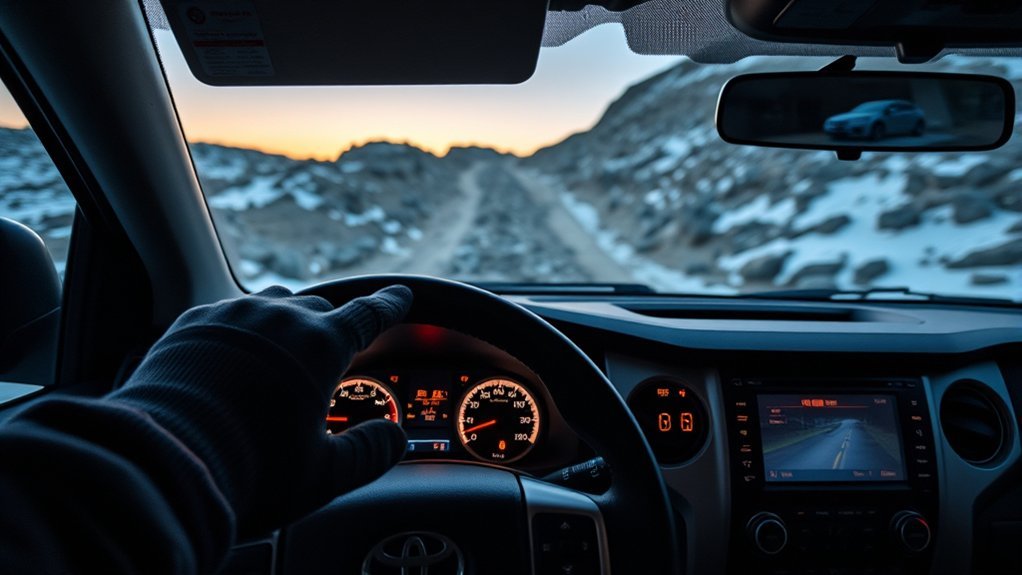
Before you start, confirm that your Tundra is equipped with Downhill Assist Control. Toyota marks DAC as an if equipped system, so availability can depend on trim, package, drivetrain, and market.
- Slow down before the descent. DAC is designed for low-speed downhill control and operates below about 18 mph.
- Select 4H. The transfer mode must be in 4H for DAC to operate.
- Make sure the shift lever is not in Park. Toyota says DAC will not operate when the shift lever is in P. For better control on a descent, select a lower shift range when appropriate.
- Turn off Brake Hold if it is active. Toyota notes that Brake Hold and DAC cannot be activated at the same time.
- Press the DAC/CRAWL switch. Watch for the downhill assist control indicator on the multi-information display.
- Set your speed. Turn the mode select switch to choose a target of about 3–18 mph.
- Steer and monitor traction. Keep both hands on the wheel and be ready to brake manually or cancel DAC if the terrain changes.
Warning: DAC helps control downhill speed, but it does not increase the Tundra’s traction, ground clearance, braking ability, or rollover resistance. Check the route first, avoid unsafe slopes, and take manual control whenever the truck is not responding predictably.
Requirements Before Using DAC (4H, Speed, Shift Position, and Brake Hold)
The most important DAC setup requirements are simple: the truck must be in 4H, moving below about 18 mph, and not in Park. The brake system also needs to be cool enough for the system to operate. If the brake system overheats, the DAC indicator may flash and the system may not work until the brakes cool.
Transfer Mode Selection
Use DAC in 4H. If the front-wheel drive control switch is changed to a mode other than 4H, the downhill assist control indicator may flash and the system will not operate. Do not use DAC as a substitute for choosing the right route, tire pressure, and speed before a descent.
Shift Range and Parking Brake Check
Toyota does not list “Drive only” as the DAC requirement. Instead, the system will not operate in P, and Toyota recommends selecting a lower shift range to make effective use of the system. Before moving, also make sure the parking brake warning is off and that the truck is ready to roll normally.
| Check | What to Do | Why It Matters |
|---|---|---|
| Transfer Mode | Select 4H | DAC operates in 4H |
| Vehicle Speed | Stay below about 18 mph | Higher speed prevents operation |
| Shift Lever | Do not use P | DAC will not operate in Park |
| Brake Hold | Turn it off | Brake Hold and DAC cannot be active together |
| Brake Temperature | Let brakes cool if warned | Overheated brakes can stop DAC operation |
Step-By-Step: Activate DAC and Set Downhill Speed
Once you are lined up for the descent, use a calm sequence. The goal is to engage DAC before the slope becomes too steep or loose, not halfway down after the truck has already picked up speed.
Gear and Mode Requirements
Slow the Tundra, select 4H, and keep the shift lever out of P. If you are on a steep grade, choose a lower shift range when appropriate so the truck is better prepared for a controlled descent. Press the DAC/CRAWL switch and confirm the downhill assist control indicator on the multi-information display.
Set and Adjust Speed
After DAC is active, turn the mode select switch to set the downhill speed. Toyota lists the adjustable range as approximately 3 mph to 18 mph. Start slower on loose, rocky, muddy, or unfamiliar surfaces. Increase speed only when the route is clear and traction is steady.
- Confirm activation: Look for the DAC indicator and the selected speed on the multi-information display.
- Choose a target speed: Use a lower setting for steep or rough terrain and a higher setting only on smoother, more predictable descents.
- Keep steering: DAC manages descent speed, but you still choose the line, avoid obstacles, and decide when to stop.
- Cancel when needed: Brake manually, change your setup, or turn DAC off if the system is not matching the terrain.
Pro Tip: Set the speed before the steepest part of the hill. Adjusting the dial while the truck is already sliding, bouncing, or turning sharply can distract you from steering and traction.
What DAC Controls During a Descent (Braking, Speed, and Driver Control)
DAC helps prevent excessive speed on steep downhill slopes by managing descent speed. When the system is operating, Toyota notes that the slip indicator may flash, the stop lights and high-mounted stop light may illuminate, and system sounds may occur. Those signs can be normal while DAC is working.
You still remain responsible for steering, braking decisions, and route choice. DAC does not steer the vehicle, judge whether the hill is safe, or guarantee traction. If the truck starts sliding sideways, the route has a sudden drop-off, or you need more direct control, brake manually and turn DAC off.
DAC is best treated as a low-speed descent aid, not an autopilot for off-road driving.
Set Speed: Using the Dial and Digital Display Feedback
The mode select switch lets you fine-tune the DAC target speed. The selected speed appears on the multi-information display, so check the screen before committing to a steep descent.
- Turn the mode select switch slowly. Watch the display so you know which speed you selected.
- Use slower settings first. On a steep, loose, or rocky hill, slower is usually safer.
- Adjust only when stable. If the surface changes from firm dirt to loose rock, mud, or sand, slow down before the truck loses traction.
- Do not fight the system with constant pedal inputs. Use the brake when you need to take over, but avoid unnecessary throttle or brake inputs when DAC is holding the descent cleanly.
Note: A sound or vibration during DAC operation does not automatically mean something is broken. If a warning message appears, the DAC indicator flashes, or the system turns off, stop in a safe place and check the owner’s manual guidance.
When to Use DAC vs. Crawl Control (4H vs. 4L, Use Cases)
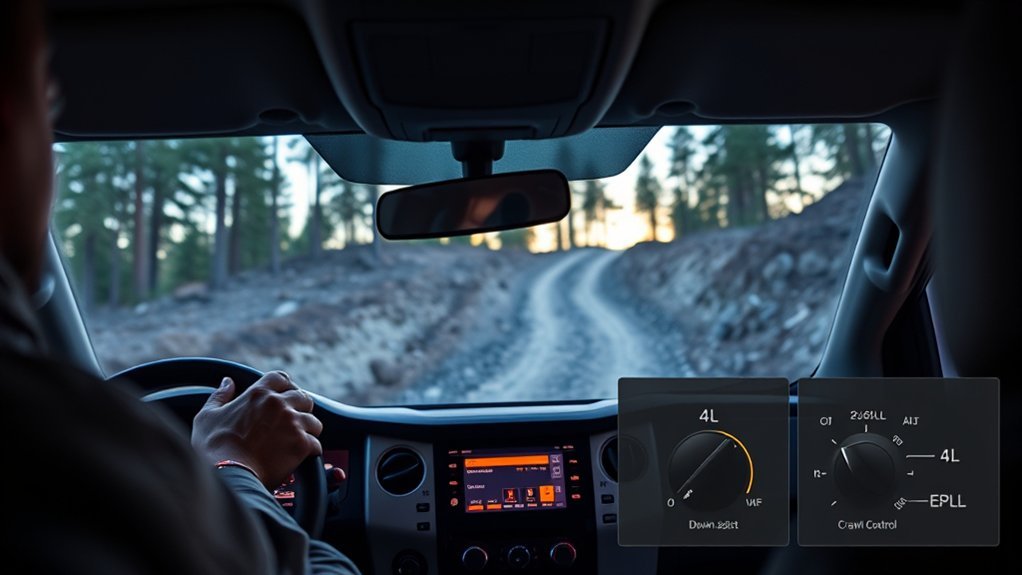
Use DAC when the main challenge is a downhill grade and you want the truck to hold a steady, low descent speed in 4H. Use Crawl Control, when equipped, for slower technical driving in 4L, such as rocks, ruts, ledges, and uneven terrain where throttle and brake control need to be very precise.
| System | Transfer Mode | Best Use |
|---|---|---|
| Downhill Assist Control | 4H | Steady low-speed downhill control on steep slopes |
| Crawl Control | 4L | Very slow technical obstacles, mixed climbs and descents, rocks, ruts, and uneven terrain |
| Manual Control | As conditions require | Unpredictable terrain, tight maneuvering, pavement, or any situation where system control is not ideal |
For Crawl Control, Toyota lists operating conditions that include the engine running, the shift lever in a position other than P or N, the transfer mode in 4L, and the driver’s door closed. If the system cancels or flashes a warning, stop safely and reset your approach before continuing.
[Products Worth Considering]

The CURT Venturer NEXT is a compact, time-delay electric trailer brake controller designed for dependable braking control from inside your vehicle. Its low-profile design, adjustable power and ramp time, and plug-and-play friendly setup make it a practical choice for towing with confidence. Built for 12-volt systems and compatible with electric over hydraulic brakes, it offers flexible installation without leveling or internal moving parts.

These heavy-duty running board side steps are designed to improve access to your Toyota Tundra without reducing ground clearance. Built for Double Cab and CrewMax front door applications, they offer practical convenience for everyday entry, roof loading, and off-road use. The durable iron construction and easy no-drill installation make them a reliable upgrade for rugged driving.

This windshield sun shade umbrella is designed for Toyota Tundra models from 2007 to 2026, helping block harsh sunlight and reduce interior heat buildup. Its reflective cooling coating and high-density fabric work together to protect dashboards, seats, and trim while keeping the cabin more comfortable. The umbrella-style design installs quickly, folds down easily, and stores neatly for everyday convenience.
Using DAC in Rocks, Mud, and Sand: Practical Tips
Different surfaces need different speeds and steering inputs. DAC can help keep speed steady, but tire grip still decides how much control you really have.
- Rocky terrain: Use a slow DAC setting and pick a line before you roll over the crest. Avoid sudden steering, throttle, or braking that can unload a tire and reduce traction.
- Muddy conditions: Start slow and watch for sliding. If the truck begins to drift sideways, take manual control rather than waiting for DAC to correct a traction problem it cannot fix.
- Sandy descents: Avoid stopping abruptly in deep sand because the tires can dig in. Use a steady, moderate-low speed and steer around soft pockets when possible.
- Loose gravel: Keep speed low and leave extra distance. Gravel can make the truck feel stable until braking or steering demand suddenly exceeds available grip.
Warning: Do not use DAC to descend terrain you would not attempt manually. Walk the route first when visibility is poor, the grade is unknown, or the trail may hide ledges, washouts, or deep ruts.
[Products Worth Considering]

These off-road traction boards are designed to help vehicles recover from mud, sand, and snow with reliable grip and easier ramp-up. Their double-sided diamond construction, cross-shaped teeth, and contoured ramps improve traction while the durable polypropylene build stays flexible in harsh conditions. Convenient mounting points, ergonomic handles, and a visible leash make them practical to carry, store, and retrieve when recovery is needed.
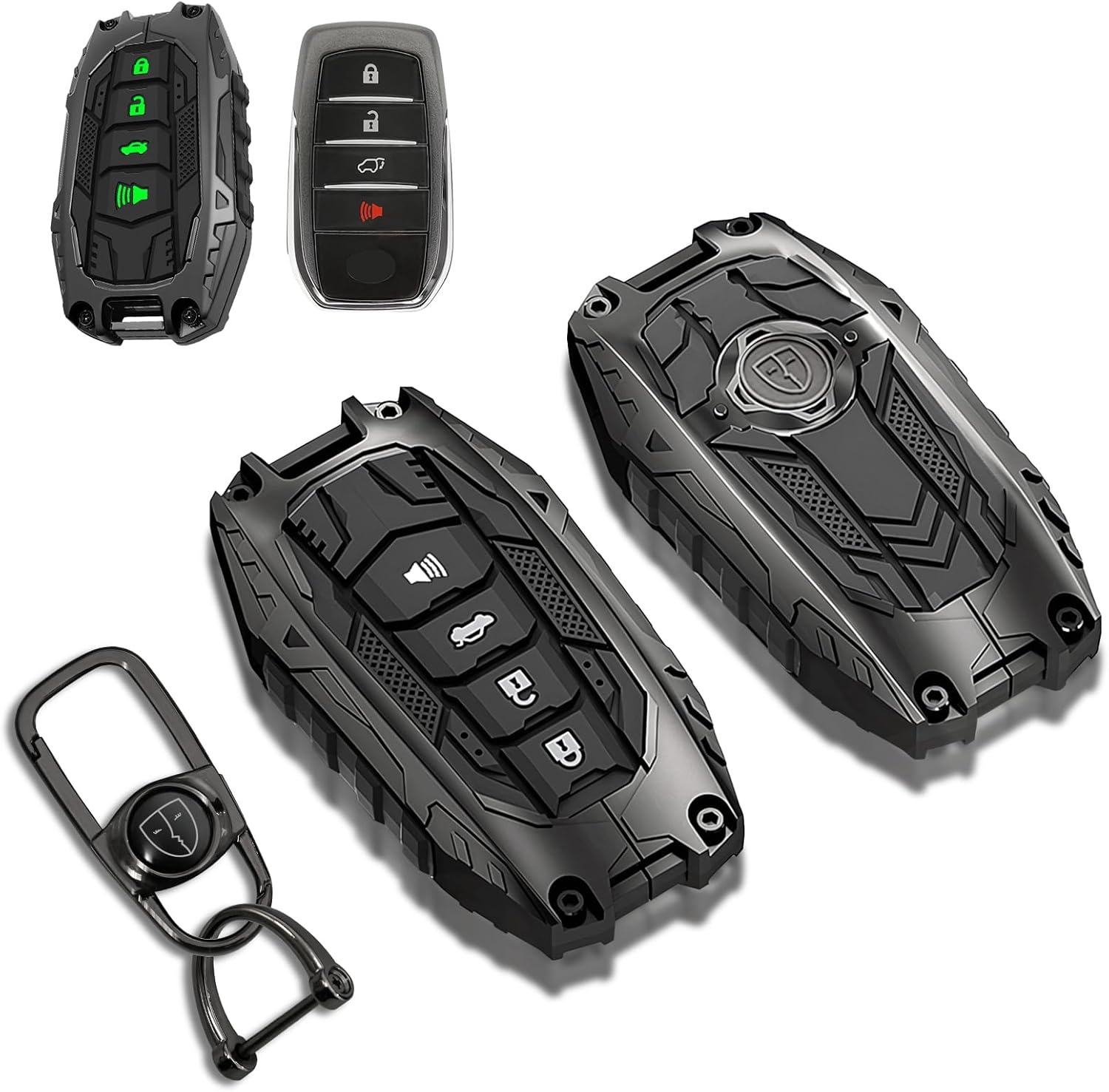
This mech-style metal key fob cover adds a sleek armored look while helping protect your Toyota key from scratches, drops, and everyday wear. Designed for compatible 4-button Toyota smart keys, it preserves full remote functionality with no signal interference and includes glow-in-the-dark buttons for easier nighttime use.

This coolant thermostat is a direct replacement designed for a wide range of Toyota, Lexus, and Scion vehicles. It helps maintain proper engine temperature, supports reliable cooling system performance, and installs easily without special tools or programming. Built to meet OEM standards, it offers durable, stable operation and dependable fitment for compatible models.
Troubleshooting DAC: Why It Won’t Engage and Quick Fixes
If the downhill assist control indicator flashes or DAC will not engage, work through the basics first. Most activation issues come from the wrong transfer mode, too much speed, the shift lever in Park, Brake Hold being active, or overheated brakes.
| Problem | Quick Check | Fix |
|---|---|---|
| DAC indicator flashes | Transfer mode is not 4H | Select 4H before using DAC |
| System will not operate | Shift lever is in P | Move out of Park when ready to drive |
| System refuses to engage | Vehicle speed is above about 18 mph | Slow down before pressing DAC/CRAWL |
| Brake warning or message appears | Brake system may be overheated | Stop safely and let the brakes cool |
| DAC and Brake Hold conflict | Brake Hold is active | Turn Brake Hold off before using DAC |
| Unexpected cancellation | Mode, speed, heat, or warning message changed | Stop safely, read the message, and reset the system only when conditions are correct |
If warning lights or warning messages continue after you correct the setup, do not force the system to work. Drive manually at a safe speed and have the truck inspected by a Toyota dealer or qualified technician.
[Products Worth Considering]

This replacement keyless entry remote set is designed for a wide range of Toyota, Scion, and related models, offering a convenient solution when your original fob is lost, damaged, or no longer working. Each remote comes pre-tested with battery and electronics already installed, and the set supports self-programming for compatible vehicles with a working key. It is intended for regular key vehicles and provides reliable remote locking and unlocking functionality.

This proportional trailer brake controller provides smooth, responsive braking by automatically matching your tow vehicle’s stopping force for safer trailer control. The bright LED digital display makes it easy to monitor voltage output in real time, while adjustable braking and sync settings help tailor performance to different trailers and road conditions. Designed for quick installation and broad compatibility, it supports 1 to 4 axle trailers for dependable towing confidence.

The Masoll M13 Tire Pressure Monitoring System helps monitor tire pressure for sedans, SUVs, pickup trucks, RVs, and travel trailers with four tires. It features automatic reference pressure calibration, alerting you when pressure changes fall outside the set range, while solar charging and auto wake-up support convenient everyday use. With precise pressure detection, an easy-to-read color LCD, and adaptive backlighting, it is designed to improve driving safety and help protect tire life.
Safety: When to Disable DAC Immediately and Best Practices
Turn DAC off immediately if the truck is sliding sideways, the descent becomes too rough, the trail narrows, or you need more precise manual braking. DAC is not meant for flat pavement, normal commuting, high-speed driving, or terrain where you need to stop and reposition frequently.
- Disable on unstable slopes: If the surface is loose, off-camber, icy, or broken by sudden drop-offs, manual control may be safer.
- Disable for tight maneuvering: On narrow trails or around obstacles, precise pedal control can matter more than a preset descent speed.
- Disable on pavement: DAC is an off-road/steep-descent aid. Do not use it on normal roads just to slow the truck.
- Watch the display: If the DAC indicator flashes, a warning message appears, or the system stops operating, slow down and reassess.
Pro Tip: Practice DAC on a mild, open dirt descent before relying on it on a steep trail. Learn how the system sounds, how the display reacts, and how the truck feels when DAC is holding speed.
Frequently Asked Questions
When should I use Downhill Assist Control in a Toyota Tundra?
Use DAC on steep, low-speed downhill sections where you want the truck to help hold a controlled descent speed. It is best for off-road or slippery downhill terrain, not for normal pavement driving.
What speed does Toyota Tundra DAC use?
Toyota lists the set-speed range for the 2025 Tundra downhill assist control system as approximately 3 mph to 18 mph. The system operates when the vehicle is traveling below about 18 mph.
Does DAC work in 4H or 4L?
DAC works in 4H on the 2025 Tundra. Crawl Control, when equipped, is the system Toyota lists for 4L technical driving conditions.
Why is my Tundra DAC light flashing?
The DAC indicator may flash when the truck is not in 4H, the shift lever is in Park, vehicle speed is above about 18 mph, or the brake system has overheated. Slow down, stop safely if needed, and correct the condition before trying again.
Is DAC the same as Crawl Control?
No. DAC is mainly for holding a controlled downhill speed in 4H. Crawl Control is for slower technical driving in 4L, where the truck helps manage throttle and braking over obstacles.
Conclusion
To use Downhill Assist Control on a Toyota Tundra, slow down, select 4H, press the DAC/CRAWL switch, and set a low target speed of about 3–18 mph with the mode select switch. Watch the multi-information display, steer carefully, and stay ready to brake or cancel the system. Use DAC for steady downhill control, and use Crawl Control in 4L for slower technical terrain when your Tundra is equipped with it.
Sources
- Toyota Owners: 2025 Tundra Downhill Assist Control System — DAC operating conditions, warning, indicator behavior, and set-speed range.
- Toyota Owners: 2025 Tundra Crawl Control — Crawl Control operating conditions, cancellation behavior, and system limitations.
- Toyota Owners: 2025 Tundra Multi-terrain Select — off-road system context and terrain-mode guidance.
- Toyota Owners: 2025 Tundra Brake Hold — Brake Hold conflict with downhill assist control and 4L mode.
- Toyota Owners: 2025 Tundra Manuals and Warranties — official owner-manual access and model-specific reference point.