If your Toyota Tundra key fob is dead, you are not stuck. The Smart Key includes a small mechanical key for the driver’s door, and push-button-start Tundras have an emergency recognition method that can start the truck even when the fob battery is depleted. After you get in and start the truck, replace the fob battery with the exact type your fob or owner’s manual specifies.
Quick Answer
Remove the mechanical key from the Tundra fob and use it on the driver’s door. To start a push-button-start Tundra, press the brake, touch the Toyota-emblem side of the fob to the engine switch, wait for detection, then press the switch. Replace the fob battery right away.
Key Takeaways
- A dead fob battery usually stops remote lock/unlock, but the hidden mechanical key can still unlock the driver’s door.
- For push-button-start models, Toyota’s emergency method is to touch the Toyota-emblem side of the fob to the engine switch while following the brake/start prompts.
- Do not assume every Tundra fob uses CR2032. Current 2025 Tundra Smart Key guidance lists CR2450, while older fobs may differ.
- If both the fob and power door locks act dead, the truck’s 12-volt battery may be weak, not just the fob battery.
At a Glance
| Time Required | 5–10 minutes for battery replacement after you have the right cell |
| Difficulty | Easy |
| Tools Needed | Mechanical key, small flathead screwdriver or plastic pry tool, clean cloth, correct coin-cell battery |
| Cost | Low; usually just one correct replacement coin-cell battery |
Get Into Your Tundra: Remove the Mechanical Key and Unlock the Driver Door
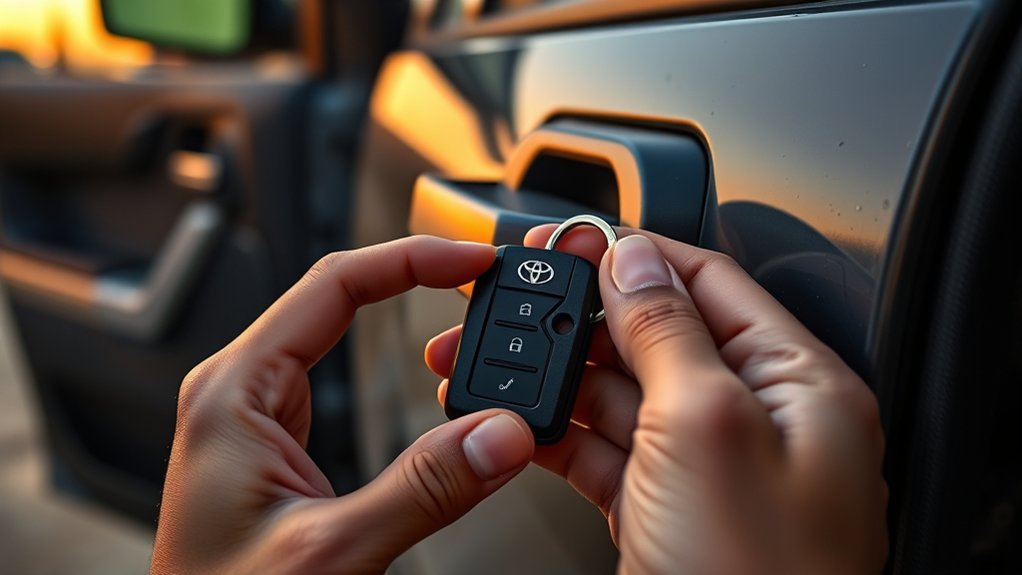
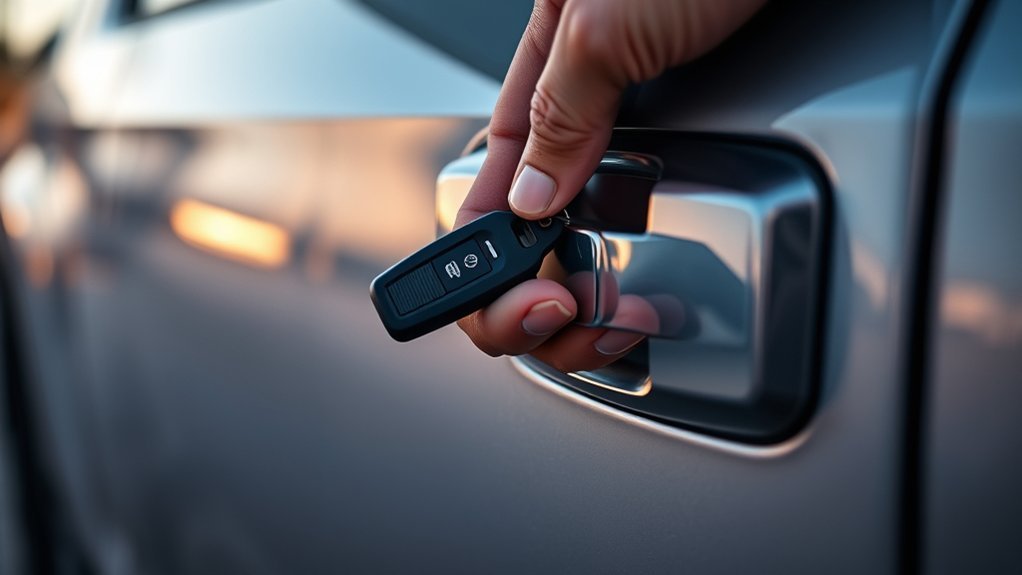
Look for the small release latch on the Toyota Tundra key fob. Slide or press it, then pull out the hidden mechanical key. Insert that key into the driver’s door lock. If your model has a cover over the key cylinder, remove the cover gently before inserting the key.
Turn the key gently in the direction that unlocks the door. Do not force it. If the cylinder resists, pull the key out slightly, reinsert it straight, and try again with steady pressure. Dirt, ice, a bent key blade, or a worn lock cylinder can make the key feel stuck.
Note: Toyota’s current Tundra manual says using the mechanical key can unlock the driver’s door first, and another turn may unlock the other doors. If the alarm was armed, unlocking manually may trigger it. Starting the truck with the recognized fob usually silences the alarm.
After you regain access, keep the mechanical key with the fob and replace the fob battery as soon as possible. The mechanical key is meant for access, not as a long-term substitute for a working Smart Key.
[Products Worth Considering]

This portable 12V tire inflator delivers fast, convenient inflation for cars, SUVs, trucks, motorcycles, and other inflatables. It features a digital display, bright LED lighting, auto shutoff, and multiple nozzle adapters to help you inflate accurately and safely, even in low-light situations. The long power cord and air hose make it easy to reach all tires and handle roadside emergencies or routine maintenance.

This battery terminal cleaning and repair kit helps restore worn or damaged top-post battery connections for cars, RVs, boats, and other vehicles. It includes lead shims for improving fit, stainless steel brushes for removing corrosion and debris, and fiber washers to help reduce future buildup and maintain a reliable electrical connection.

This dog car seat cover helps keep your back seat protected while giving your pet a safer, more comfortable ride. Built with waterproof, scratch-resistant, non-slip materials, it helps block fur, dirt, moisture, and messes from reaching your vehicle interior. Its universal fit and quick installation make it a practical travel accessory for everyday drives and longer trips.
Start Your Tundra With a Dead Key Fob
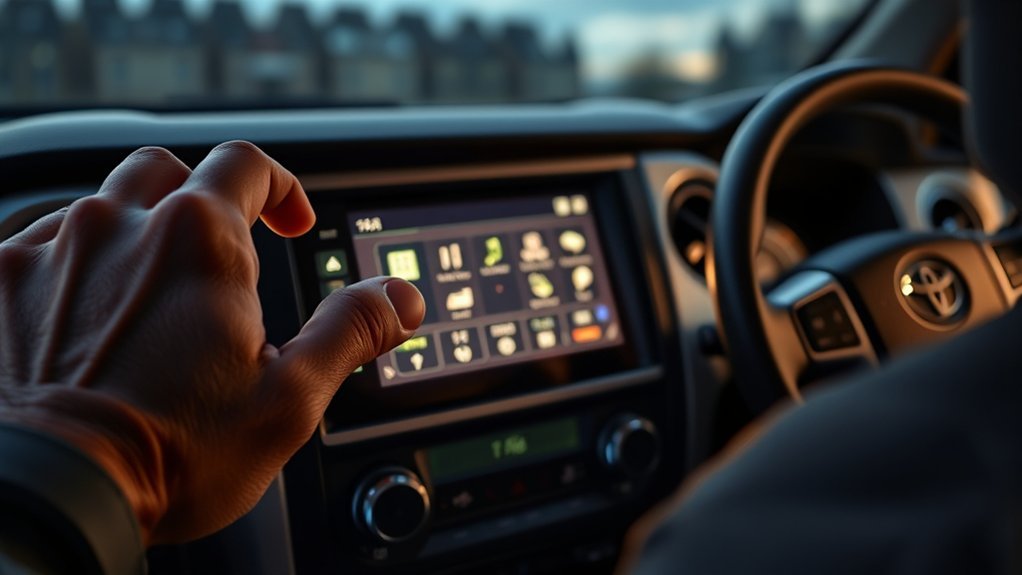
If your Tundra has push-button start, a depleted fob battery does not always prevent the truck from starting. Toyota’s emergency method uses short-range recognition between the electronic key and the engine switch.
- Make sure the shift lever is in P.
- Press the brake pedal firmly.
- Touch the Toyota-emblem side of the electronic key to the engine switch.
- Wait for the truck to detect the key. A buzzer may sound and the engine switch may change modes.
- Keep the brake depressed, check the multi-information display, then press the engine switch shortly and firmly.
This is a temporary way to get moving when the fob battery is weak or dead. Replace the fob battery immediately after using this method. Toyota’s emergency-start procedure is documented in the 2025 Tundra owner’s manual section on electronic-key failure.
Warning: If the power door locks, interior lights, and start button all seem dead, the problem may be the truck’s 12-volt battery rather than the key fob battery. Do not keep pressing the start button repeatedly. Check the vehicle battery or contact roadside assistance.
[Products Worth Considering]

KEY FOB BATTERY INSTALLATION: This kit includes [qty 2] CR2016 batteries for an easy and secure replacement of your key fob battery for Toyota vehicles.
![PHILIPS CR2450 Battery, [5-Pack] cr2450 3v Lithium Coin Cell Batteries, Long-Lasting 2450 batteries, 10-Year Shelf Life, CR 2450 Battery for Car Key Fob, Medical Devices, MyQ battery, Remote Controls.](https://m.media-amazon.com/images/I/41CQv39v+wL._SL500_.jpg)
LONG-LASTING PERFORMANCE: The CR2450 button battery is built to last, offering reliable power for up to 10 years in storage. Perfect for key fobs, garage door opener sensors, and other everyday devices, ensuring they’re always ready to go.

**Please confirm compatibility using the fitment guide located in the product images** Your key fob must have a silver Toyota logo on the front and be model year 2021 or newer
Replace the Tundra Key Fob Battery Step by Step
Before opening the fob, confirm the correct battery. Current Toyota guidance for the 2025 Tundra electronic key lists a CR2450 lithium battery, not CR2032. Some older Tundra fobs may use a different coin cell, so the safest check is the marking on the battery you remove or the owner’s manual for your exact model year.
Warning: Coin-cell batteries are dangerous if swallowed. Keep new and used batteries away from children and pets. If a battery is swallowed or placed inside any part of the body, seek emergency medical help immediately. Replace the cell only with the same or equivalent type recommended for your fob.
[Products Worth Considering]

Lithium Coin Battery: Duracell's 2450 3V coin batteries provide reliable, long lasting power for your medical devices, security devices, electronics and more.

KEY FOB BATTERY INSTALL - This kit includes [qty 2] CR2450 coin battery and video guide for effortless installation for Toyota key fobs

Keyless entry remote fob not included: This listing is for OEM Original replacement batteries as provided by Manufacturer for (Smart Key) Remote Fobs. Bundle of One (1) CR2450 Remote Fob Battery and Opening/Pry Tool.
Confirm the Correct Battery First
Do not buy a battery based only on a generic online list. Toyota’s 2025 Tundra electronic-key battery instructions list CR2450, but fob designs vary by year, trim, market, and replacement-key type. If your old battery says CR2450, use CR2450. If it says CR2032, CR2016, or another size, match that marking unless your owner’s manual says otherwise.
Remove the Mechanical Key
Slide the small release latch and pull the mechanical key straight out of the fob housing. Avoid twisting the blade because the emergency key is small and easy to bend. Set it on a clean surface where it cannot roll away.
- Check the latch direction before applying pressure.
- Pull the key straight out of the fob.
- Keep the key close; you may need it to open the fob case.
- Inspect the blade for dirt, bends, or burrs.
Swap the Correct Coin-Cell Battery
Use the mechanical key, a plastic pry tool, or a small flathead screwdriver to open the fob case at the seam. Work slowly so you do not crack the shell or scratch the circuit board. Once the case is open, note the battery’s orientation before removing it. The positive side is usually marked with a plus sign.
Remove the old battery gently. Wipe the contact area with a clean, dry cloth if you see dust or residue. Insert the new battery in the same orientation as the old one, making sure it sits flat and contacts the terminals firmly.
Pro Tip: Take a phone photo before removing the old battery. The photo gives you a quick reference for battery orientation, clip position, and circuit-board placement during reassembly.
Reassemble and Test
Line up the fob halves and press them together until the edges click evenly. Reinsert the mechanical key fully into its slot. Do not leave a gap in the case because moisture, dust, or a loose circuit board can cause intermittent fob problems.
- Confirm the battery is the correct type and polarity.
- Make sure the circuit board sits flat.
- Snap the case shut evenly on every side.
- Reinsert the mechanical key until it locks into place.
- Test lock, unlock, panic, tailgate, and push-start recognition if equipped.
Test the Fob After Reassembly: Lock/Unlock, Push-Start Recognition, and Range Check
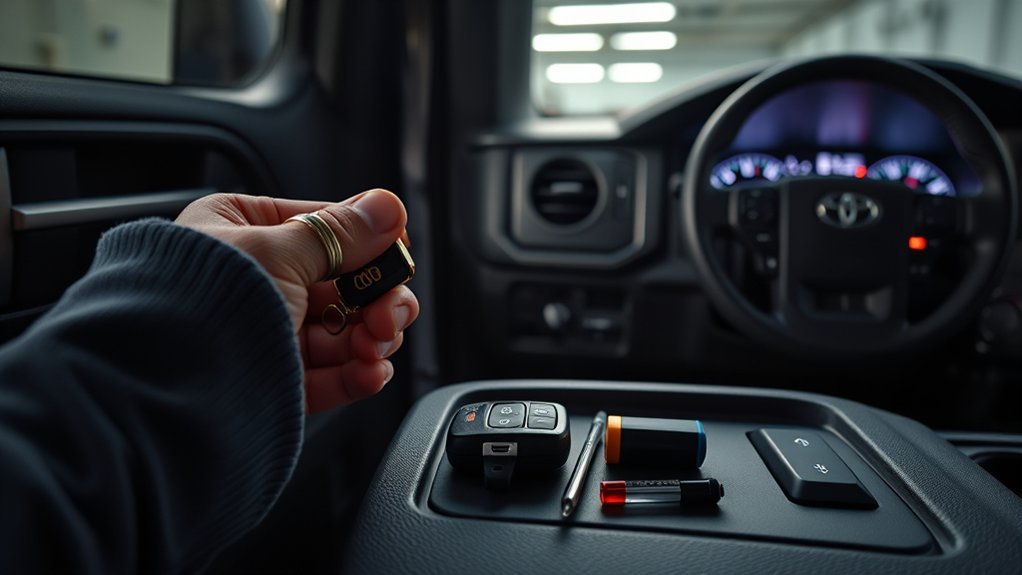
Test the fob before you walk away from the truck. Stand beside the Tundra and press lock and unlock. Watch for the lights, listen for the door actuators, and confirm the driver’s door responds normally.
Next, test push-start recognition. Sit in the driver’s seat, press the brake, and start the truck normally with the fob inside the cabin. If the truck still says the key is not detected, hold the Toyota-emblem side of the fob near the engine switch and try the emergency-start method again.
Finally, test range. Step back several feet and try lock/unlock again. If range is still poor, reopen the fob and check that the battery is seated flat, the contacts are clean, and the case is fully snapped together. Toyota notes that smart-key operation can also be affected by interference, nearby electronics, metallic objects, and key position, as explained in the Tundra Smart Key System manual section.
If Your Tundra Still Won’t Unlock or Start: Focused Troubleshooting Steps
If the fob still does not work after a new battery, slow down and isolate the problem. Random parts-swapping can waste money and make diagnosis harder.
| Symptom | Likely Cause | What to Try |
|---|---|---|
| No lock/unlock response | Wrong battery, reversed polarity, dirty contacts, or damaged fob | Check the battery marking, polarity, and contact points. |
| Short range only | Weak battery, poor contact, interference, or fob stored near metal/electronics | Reseat the battery and test away from phones, laptops, metal wallets, and other fobs. |
| Truck says key not detected | Dead fob battery, battery-saving mode, interference, or Smart Key issue | Touch the Toyota-emblem side of the fob to the engine switch while pressing the brake. |
| Power locks and start button both seem dead | Possible weak 12-volt vehicle battery | Check the truck battery or call roadside assistance. |
| One fob works and the other does not | Bad battery or damaged individual fob | Replace the battery in the failed fob; if still dead, have the fob tested. |
- Verify the replacement battery is the same type as the old cell or the owner’s manual specification.
- Check battery polarity before closing the fob.
- Clean visible dirt or corrosion from the terminals with a dry cloth.
- Try the spare fob if you have one.
- Move the fob away from phones, laptops, wireless devices, and metallic wallets.
- Confirm the Smart Key system has not been disabled in vehicle settings.
- If the fob was dropped, soaked, crushed, or opened roughly, have it tested by a Toyota dealer or qualified automotive locksmith.
Preventive Care for Tundra Key Fobs: Spare Batteries, Checks, and When to Get Help
Check your Tundra fob before it fails completely. Weak range, delayed unlocking, repeated “key not detected” messages, or needing to press buttons more than once are signs that the battery may be nearing the end of its life.
Keep one correct spare coin-cell battery in a safe place at home, not loose in a cup holder or glove box where children can reach it. Store spare batteries in original child-resistant packaging until you need them. Recycle used lithium coin cells through an appropriate battery-recycling option rather than leaving them loose in the truck.
A working fob battery is cheap insurance. The mechanical key and emergency-start method can rescue you once, but a fresh, correct coin cell prevents repeat lockout problems.
Get professional help if the fob still fails after a correct battery replacement, if the mechanical key is damaged, if the door lock cylinder will not turn, or if you lost all registered keys. A replacement fob usually must be programmed to the vehicle, and the mechanical insert key must be cut to match your truck.
Frequently Asked Questions
Can a dead fob prevent the truck from locking with the power door locks?
A dead fob battery can stop remote lock and unlock commands from working, but it should not disable the truck’s interior lock switches by itself. If the power locks also do not work, check for a weak 12-volt vehicle battery or an electrical issue.
Will the Toyota App unlock a Tundra without the fob?
It may, but only if your Tundra is compatible, Remote Connect is active, the vehicle has cellular connectivity, and your Toyota account was set up before the lockout. The app can be helpful, but it is not a guaranteed backup for every truck or every situation.
Can I start the Tundra remotely with a dead key fob?
Key-fob remote start may not work if the fob battery is dead. Toyota App Remote Connect may still start compatible vehicles with an active service, but remote start does not replace the need for valid key recognition when you enter and drive the truck.
What battery does a Toyota Tundra key fob use?
It depends on the fob and model year. Toyota’s current 2025 Tundra manual lists CR2450 for the electronic key battery. Older fobs may use a different coin cell, so match the marking on the old battery or check the owner’s manual for your exact truck.
Does replacing the key fob battery require reprogramming?
No, a simple battery replacement in the same working fob usually does not require reprogramming. A new or replacement fob, however, must be programmed to the truck, and the mechanical insert key must be cut.
Does a damaged mechanical key still operate the door lock?
It may work if the blade is only lightly worn, but do not force it. A bent, cracked, or badly worn mechanical key can damage the door lock cylinder. Have the insert key replaced or cut by a dealer or qualified locksmith if it does not slide in cleanly.
Are there valet or dealer override procedures for lost fobs?
Yes. A Toyota dealer or qualified automotive locksmith can replace and program keys after verifying ownership, VIN, and identification. Bring every remaining key with you because the vehicle may need all active keys present during service.
Conclusion
A dead Toyota Tundra key fob is frustrating, but it usually has a simple path forward: use the hidden mechanical key to unlock the driver’s door, use Toyota’s emergency push-start recognition method, then replace the fob battery with the exact cell your fob or owner’s manual requires. For current 2025 Tundra Smart Keys, Toyota lists CR2450, but older fobs may differ. If the truck still will not unlock or start after the correct battery is installed, check for interference, battery-saving mode, fob damage, or a weak 12-volt vehicle battery before replacing parts.
Sources
- Toyota 2025 Tundra Owner’s Manual — If the electronic key does not operate properly — backs up mechanical-key access and emergency-start procedure.
- Toyota 2025 Tundra Owner’s Manual — Electronic key battery — backs up CR2450 guidance and battery warnings.
- Toyota 2025 Tundra Owner’s Manual — Smart key system — backs up smart-key range, interference, and battery-saving notes.
- Toyota Support — If the battery in the Smart Key dies — backs up mechanical-key access, START-button backup, and vehicle-battery distinction.
- Toyota App / Remote Connect — backs up app-based remote lock, unlock, and start availability on compatible vehicles.
- U.S. Consumer Product Safety Commission — Button cell and coin battery guidance — backs up button/coin battery ingestion safety concerns.