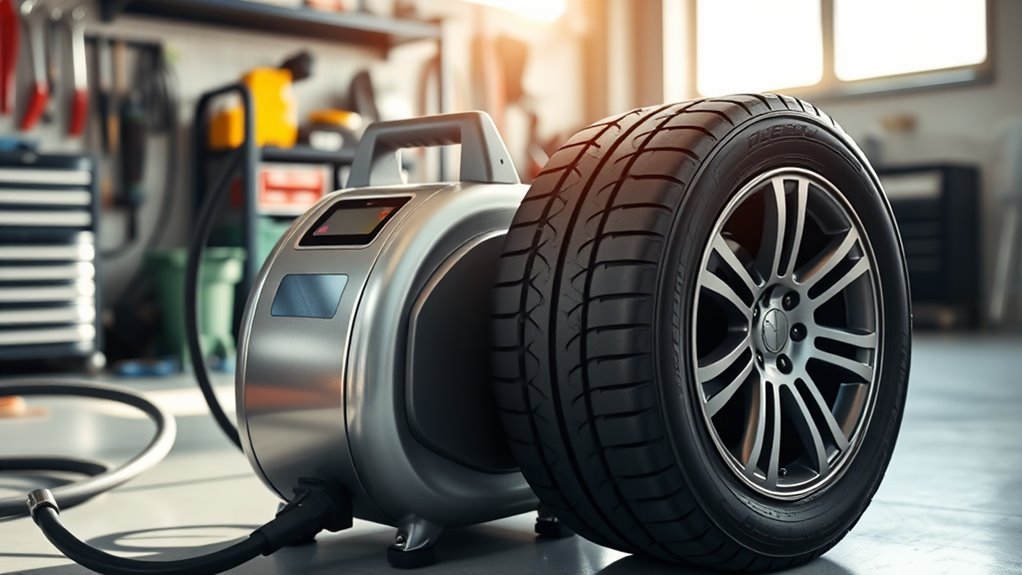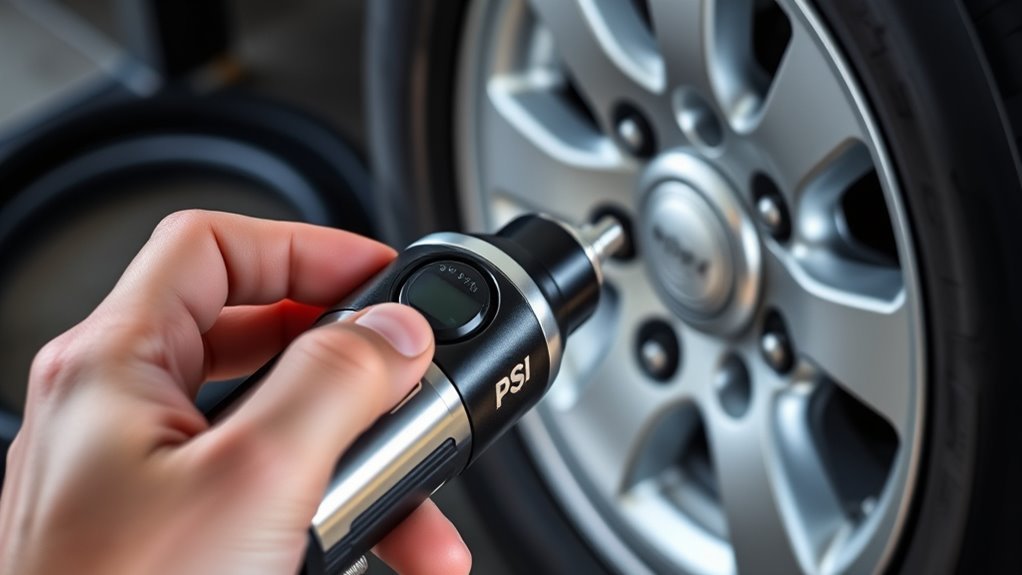
Setting the target PSI on a digital or pre-set tire inflator is usually simple: find your vehicle’s recommended cold tire pressure, enter that number on the inflator, connect the hose securely, and let the unit inflate until it reaches the set pressure. The important part is choosing the right PSI. Use the vehicle placard or owner’s manual—not the maximum pressure printed on the tire sidewall.
Quick Answer
To set target PSI on a digital tire inflator, check the recommended cold tire pressure on the driver-side door jamb placard or owner’s manual. Turn on the inflator, use the +/− or mode buttons to enter that PSI, attach the hose to the valve stem, start inflation, and verify the final pressure after the reading stabilizes.
Key Takeaways
- Always set the inflator to the vehicle manufacturer’s recommended cold tire pressure.
- Look for the PSI on the driver-side door jamb placard, certification label, fuel door, glove box, or owner’s manual.
- Do not use the maximum PSI molded into the tire sidewall as your target pressure.
- Pause briefly before taking the final reading because pressure can fluctuate while air is flowing.
- Automatic shutoff is helpful, but you should still confirm the final PSI with the inflator display or a separate tire gauge.
At a Glance
| Time Required | 5–10 minutes for all four tires |
| Difficulty | Easy beginner task |
| Tools Needed | Digital or pre-set tire inflator, tire valve caps, and optionally a separate tire pressure gauge |
| Cost | Usually free if you already own an inflator; gas-station air may cost a small fee |
Why Use a Digital or Pre-Set Tire Inflator?
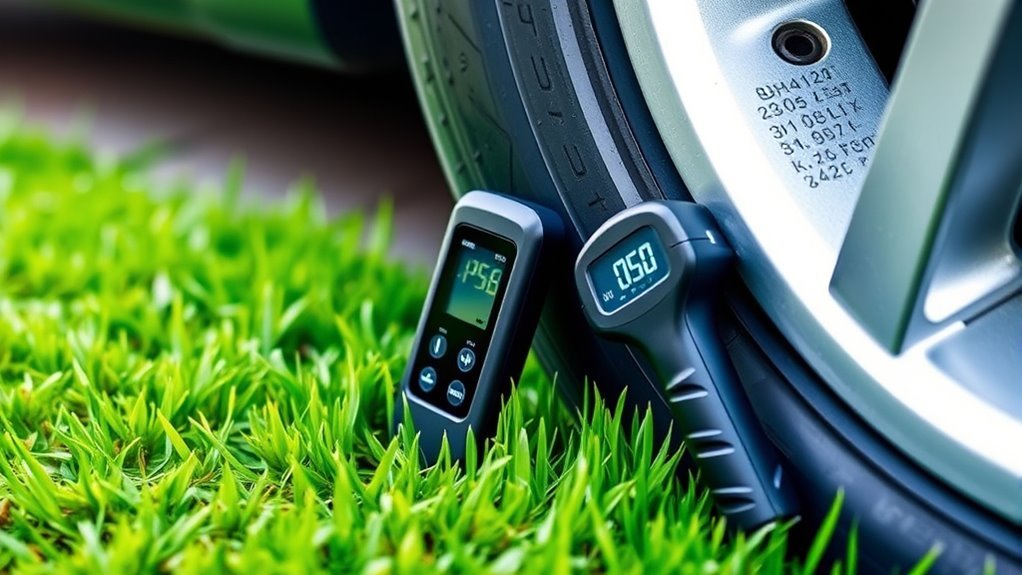
A digital or pre-set tire inflator makes tire maintenance easier because you can enter a target PSI and watch the pressure on a digital display. Many models also include automatic shutoff, which stops inflation when the selected pressure is reached. That feature is convenient, but it does not replace paying attention to the tire, the hose connection, and the final pressure reading.
Correct tire pressure matters for safety, handling, tire wear, and fuel use. NHTSA tire-safety guidance says to use the vehicle manufacturer’s recommended pressure, and FuelEconomy.gov notes that properly inflated tires are safer, last longer, and can improve gas mileage.
Warning: Do not set your target PSI from the number printed on the tire sidewall. That number is typically the tire’s maximum cold inflation pressure, not the recommended pressure for your vehicle. Use the vehicle placard, certification label, or owner’s manual instead.
[Products Worth Considering]

【Powerful Inflation】Delivers up to 150 PSI on CUSTOM MODE, inflating a 195/65 R15 tire from 30–36 PSI in under 1 minute—fast, reliable performance for roadside emergencies.

Anti-Slip & Shock-Resistant Silicone Protection: This silicone sleeve shields the tire inflator fromdrops, bumps and scratches while improving grip and reducing noise and vibration. It also boosts durability, portability, and safety to deliver a better user experience.Suitable as a Father's Day gift for your dad.

ADVANCED TRUEGAUGE SCREEN: This battery tire inflator includes updated sensor technology, capable of collecting pressure data from tire inflators at a frequency of 200 times per second. Its valid data rate is higher than 80%, which is 60% better than the market average. From routine maintenance to roadside emergencies, its accurate readings ensure confident pressure checks and a safer driving experience.Suitable as a Father's Day gift for your dad.
Understanding Tire Pressure Basics
Tire pressure is commonly measured in PSI, or pounds per square inch. Some inflators also display kPa, bar, or kg/cm². For most U.S. passenger vehicles, the number you need is the recommended cold PSI listed by the vehicle manufacturer.
“Cold” means the vehicle has been parked long enough for the tires to cool, ideally before driving or after the vehicle has been sitting for several hours. If you inflate after driving, the tire pressure may read higher because the tires are warm. In that case, inflate to the recommended pressure for safety, then recheck when the tires are cold.
- Find the recommended PSI: Check the driver-side door jamb placard first. If it is not there, check the glove box, fuel door, certification label, or owner’s manual.
- Check front and rear values: Some vehicles use different PSI settings for front and rear tires.
- Check all tires: Include the spare if your vehicle has one that requires inflation.
- Use a stable reading: Pressure can fluctuate while air is moving. Pause inflation briefly and read the display after it settles.
Proper tire pressure is not a guess. It is the vehicle manufacturer’s cold inflation pressure for your specific vehicle, load rating, and tire size.
Digital Tire Inflator Features That Matter
Digital inflators vary by brand and model, but the most useful features are the ones that help you set, monitor, and stop inflation accurately.
[Products Worth Considering]

RAPID INFLATION & ROAD-READY PORTABILITY: Powerful 120W motor delivers up to 35L/min airflow—inflates a standard car tire (195/65 R15) from 30 to 36 PSI in under 1 minute under ideal operating conditions. Weighs only 2.2 lbs and fits glove compartments or trunks for daily commutes, road trips, and emergencies. Plugs into standard 12V DC car outlet with 15A fuse protection. AIRUN H features its cordless counterpart H2 Pro.

The Slime 8-piece Medium Tire Plug Kit includes everything you need to plug up those nasty tire punctures

RAPID INFLATION & ROAD-READY PORTABILITY: Powerful 120W motor delivers 35L/min airflow—inflates a standard car tire (195/65 R15) from 30 to 36 PSI in under 1 minute. Weighs only 2.2 lbs and fits glove compartments or trunks for daily commutes, road trips, and emergencies. Plugs into standard 12V DC car outlet with 15A fuse protection.AIRUN H features its cordless counterpart H2 Pro.
Automatic Shut-Off Feature
An automatic shutoff feature lets you set a target PSI and start inflation without holding the trigger the entire time. When the inflator reaches the chosen pressure, it stops or alerts you, depending on the model.
This feature helps reduce the chance of overinflation, but you should still watch the tire and confirm the final pressure. If the hose leaks, the chuck is not seated properly, or the gauge is not calibrated, the automatic stop may not give the result you expect.
Digital Pressure Display
A digital pressure display shows the current tire pressure and, on many models, the target pressure. Backlit displays are helpful at night, and unit buttons let you switch between PSI, bar, and kPa.
Note: A digital display is only as useful as its calibration and connection. If your inflator consistently disagrees with a trusted tire gauge, follow the manual’s reset or calibration instructions, or use the separate gauge as your final check.
How to Power On Your Tire Inflator
Before setting the target PSI, make sure the inflator has power and is ready for high-pressure tire inflation. The exact controls differ, so use these steps as a general guide and follow your model’s manual for button names and duty-cycle limits.
Locate Power Button
Find the power button, usually marked with a power symbol or labeled “Power,” “On,” or “Start.” Press it once, or press and hold if your inflator requires that. Wait for the display to turn on before attaching the hose or entering the target PSI.
Connect to Power Source
For a 12-volt inflator, plug it into the vehicle’s 12V outlet with the vehicle parked safely. For a corded household model, plug it into the correct AC outlet. For a cordless inflator, make sure the battery pack or built-in battery is charged and locked in place.
Check Battery Level
If your model has a battery indicator, check it before you begin. A weak battery can slow inflation or stop the inflator before the tire reaches target PSI. If the display dims, the motor slows, or the unit shuts off unexpectedly, charge the battery or switch to the correct power source before continuing.
Setting the Target PSI: Step-by-Step Guide
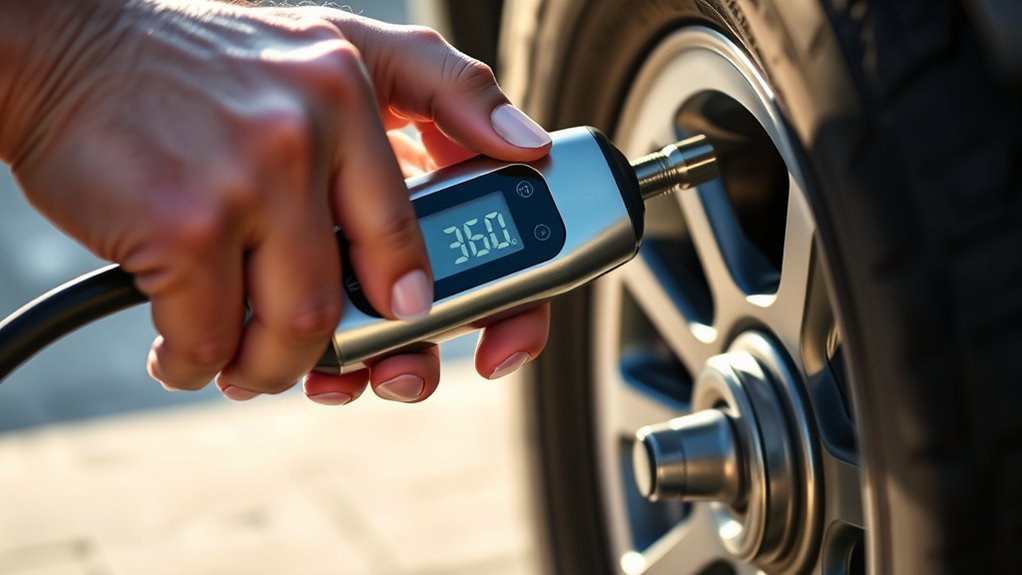
Use this step-by-step process to set the target PSI on most digital or pre-set tire inflators.
| Step | Action | Why It Matters |
|---|---|---|
| 1 | Find the recommended cold PSI on the vehicle placard or owner’s manual. | This is the correct target pressure for your vehicle. |
| 2 | Turn on the inflator and select PSI if the display shows another unit. | Unit mix-ups can cause serious overinflation or underinflation. |
| 3 | Use the +/− buttons, dial, or preset control to enter the target PSI. | The inflator needs the correct target before inflation starts. |
| 4 | Attach the hose securely to the valve stem. | A loose connection leaks air and gives poor readings. |
| 5 | Start inflation and monitor the display until the inflator stops or reaches the target. | Automatic shutoff is helpful, but you should still watch the process. |
| 6 | Pause, let the reading stabilize, and verify the final PSI. | The final stable reading is more reliable than a reading taken while air is flowing. |
Pro Tip: If your tire needs only 1–2 PSI, inflate in short bursts and pause between bursts. This makes it easier to avoid overshooting the target pressure.
[Products Worth Considering]

Convenience: Plug directly into Cigarette Lighter Socket of your Vehicle. 12VDC, 10 to 15 amps, 120 to 180W. Equipped with 12V-DC Cigarette Lighter Socket Plug, NOT 110V AC plug.

TRUSTED BY OVER 3 MILLION USERS: Based in Garden Grove, California, AstroAI serves customers in more than 15 countries worldwide. Known for professional-grade accuracy and durable construction, this digital tire inflator with gauge is a trusted choice for drivers, mechanics, and DIYers who rely on dependable tools.
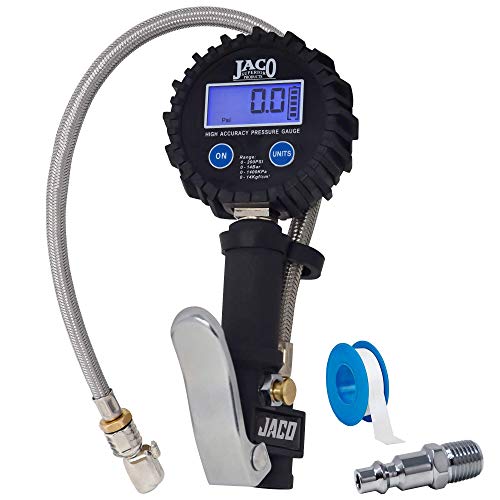
ANSI 1A ACCURACY: Performance tested & calibrated accurate to ±1% full scale with 0.5 PSI resolution for precise tire inflation. Bright 200 PSI LCD display & auto-off feature conserve battery life.
How to Attach the Inflator to Your Tire Valve
A secure hose connection is the difference between a quick inflation and a frustrating leak. Follow these steps carefully:
- Park safely: Stop on a flat surface away from traffic, set the parking brake, and keep the hose away from hot or moving parts.
- Find the valve stem: It is the small rubber or metal stem on the wheel.
- Remove the valve cap: Turn it counterclockwise and place it in a pocket or cup holder so it does not roll away.
- Attach the chuck: Push, clamp, thread, or lock the inflator chuck onto the valve stem according to your inflator design.
- Check for leaks: A short hiss while attaching is normal. A continuous hiss means the chuck is not seated correctly.
Once the hose is attached and the display shows a reading, start inflation. If the reading is clearly unrealistic or does not change, stop and reconnect the hose.
Monitoring the Inflation Process Effectively
During inflation, watch both the tire and the digital display. Do not walk away completely, even if your inflator has automatic shutoff. Compact inflators can get warm, hoses can shift, and a loose chuck can leak air.
When the inflator reaches the target PSI, let the motor stop or release the trigger. Wait a moment for the pressure reading to stabilize. If the reading is slightly below target, add air in a short burst. If it is above target, gently press the valve core to release a little air, then check again.
Note: A tire pressure monitoring system, or TPMS, is a warning system. It does not replace checking tire pressure monthly, before long trips, and whenever the warning light appears.
Steps After Reaching Target PSI
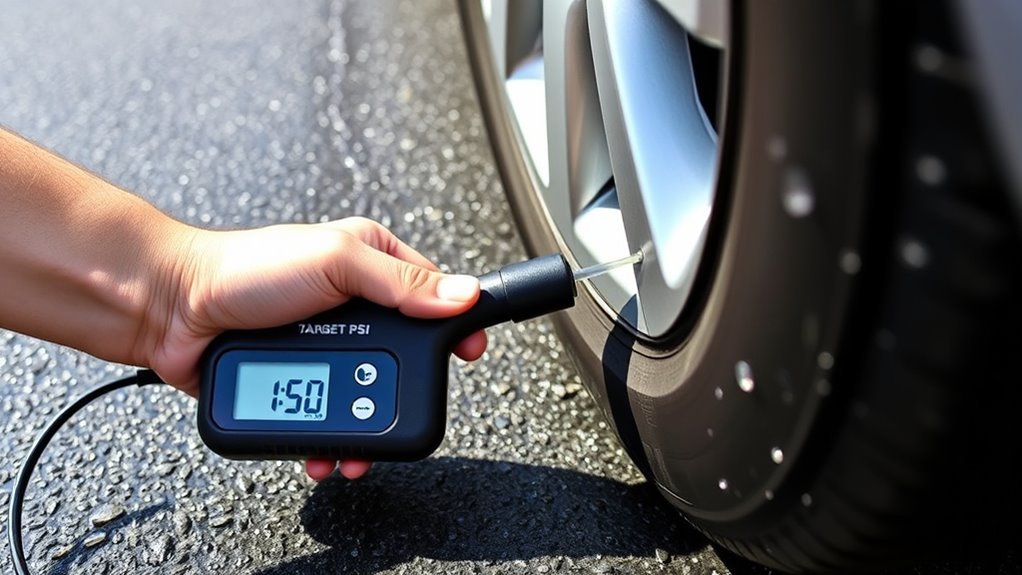
After the tire reaches the target PSI, finish carefully so you do not lose unnecessary air or miss signs of tire damage.
Detach Hose Safely
Turn the inflator off, then remove the hose from the valve stem with a smooth motion. A quick puff of air is normal. If air keeps escaping, the valve core may be loose or damaged and should be checked before driving.
Replace the valve cap immediately. The cap helps keep dirt and moisture away from the valve core.
Check Tire Condition
Before moving to the next tire, inspect the sidewall and tread. Look for cuts, cracks, punctures, bald spots, bulges, exposed cords, or uneven wear. Do not continue inflating or driving on a tire that looks damaged or unsafe.
Also check whether the tire loses pressure again soon after inflation. A repeated pressure drop can point to a nail, rim leak, damaged valve stem, or other leak that needs repair.
Store Inflator Properly
Let the inflator cool if it feels hot. Coil the hose without kinking it, store adapters in their holder, and keep the unit in a dry place. If it uses a rechargeable battery, store it according to the battery manufacturer’s instructions.
Common Mistakes to Avoid
- Using the sidewall PSI: The sidewall number is not the normal target pressure for your vehicle.
- Ignoring cold pressure: Warm tires can show a higher reading than cold tires.
- Mixing units: PSI, bar, and kPa are different. Make sure the display is set to the unit you intend to use.
- Assuming all four tires use the same PSI: Some vehicles specify different front and rear pressures.
- Walking away from the inflator: Automatic shutoff helps, but you should still monitor the process.
- Skipping the final check: Verify the stable final reading after the motor stops.
Troubleshooting Common Tire Inflator Issues
| Problem | Likely Cause | What to Do |
|---|---|---|
| Inflator will not turn on | Weak battery, loose plug, blown vehicle outlet fuse, or wrong power source | Check the outlet, plug, battery charge, and manual before trying again. |
| Pressure does not increase | Loose chuck, leaking hose, punctured tire, or valve issue | Stop, reseat the chuck, listen for leaks, and inspect the tire. |
| Reading jumps around | Air is flowing, hose is shifting, or gauge needs reset | Pause inflation, let the display settle, and reset the gauge if your manual allows it. |
| Inflator shuts off early | Battery is low, duty-cycle protection triggered, or target PSI was set too low | Check the target setting, recharge the battery, and let the unit cool if needed. |
| Tire loses air after inflation | Puncture, rim leak, damaged valve stem, or loose valve core | Do not ignore it. Have the tire inspected and repaired by a qualified tire shop. |
Maintenance Tips for Your Tire Inflator
A tire inflator is easiest to use when it is clean, charged, and stored with all adapters in one place. These habits help keep it ready:
- Keep the hose and chuck clean: Dirt inside the chuck can cause leaks or poor valve contact.
- Avoid overheating: Follow the duty cycle in your manual. Many compact inflators need cooldown breaks during longer use.
- Protect the display: Store the inflator where heavy tools will not crack the screen.
- Charge batteries regularly: If the inflator is cordless, do not wait until an emergency to discover the battery is dead.
- Check accuracy occasionally: Compare the inflator display with a trusted tire gauge. If readings drift, reset or service the inflator according to the manual.
Frequently Asked Questions
How do you use a digital tire inflator with a pressure gauge?
Turn the inflator on, select PSI, set the target pressure from your vehicle placard, attach the hose to the valve stem, and start inflation. When the inflator stops or reaches the target, pause for a stable reading and verify the final pressure.
How do I find my target tire pressure?
Look for the recommended cold tire pressure on the driver-side door jamb placard first. If you cannot find it there, check the owner’s manual, certification label, glove box, or fuel door. Do not use the maximum PSI printed on the tire sidewall.
How do I reset a digital tire pressure gauge?
Most digital gauges have an on/reset button or a button combination that returns the display to zero. Remove the gauge from the valve, make sure it is not under pressure, then follow the reset instructions in the gauge or inflator manual.
How do I calibrate a digital tire inflator?
Some inflators can be reset, but many consumer models cannot be field-calibrated. Compare the inflator reading with a trusted tire pressure gauge. If the difference is consistent, follow the manual’s calibration or service instructions, or use the trusted gauge for the final reading.
Should I add extra PSI before a long trip?
Use the vehicle manufacturer’s recommended cold PSI unless your owner’s manual gives a different pressure for heavy loads, towing, or high-speed driving. Check all tires before the trip and inspect them for damage, uneven wear, and missing valve caps.
Why did my TPMS light come on after a cold night?
Cold air can lower tire pressure enough to trigger the TPMS warning. Check the pressure when the tires are cold and inflate to the vehicle placard PSI. If the warning returns soon after inflation, inspect the tire for a leak or have it checked by a tire professional.
Conclusion
To set the target PSI on your digital or pre-set tire inflator, start with the vehicle’s recommended cold tire pressure, enter that number on the inflator, connect the hose securely, and monitor the display until the tire reaches the target. After the motor stops, let the reading stabilize, verify the final pressure, replace the valve cap, and inspect the tire for damage.
Used correctly, a digital inflator makes tire maintenance faster and easier. The best results come from using the right PSI source, checking tires cold, and treating automatic shutoff as a convenience—not a substitute for a final pressure check.
Sources
- NHTSA TireWise — vehicle placard PSI, cold tire pressure, TPMS guidance, and tire safety basics.
- FuelEconomy.gov: Keeping Your Vehicle in Shape — fuel-economy impact of proper tire inflation and where to find recommended PSI.
- Tire Industry Association: Tire Inflation Pressure — monthly checks, cold-tire checks, and basic inflation steps.
- NTSB Safety Alert SA-044 — use the vehicle label/manual, inspect tires for damage, and check pressure monthly.
- U.S. Tire Manufacturers Association Tire Care & Safety Guide — proper inflation, vehicle loading, and risks of underinflation or overinflation.