Charging a cordless tire inflator is simple, but the safest method depends on your model. Some inflators have a built-in USB-C rechargeable battery, some use a removable battery pack and charging stand, and some 12V adapters power the inflator without charging the internal battery. Use the cable and charger type listed in your manual, charge the unit in a dry, cool place, and unplug it when the battery indicator shows full.
Quick Answer
To charge a cordless tire inflator battery, turn the inflator off unless your manual says otherwise, plug the supplied USB-C cable or approved charger into the charging port, connect it to a compatible wall charger or vehicle USB power source, and watch the battery indicator. Unplug it once the display or light shows a full charge.
Key Takeaways
- Use the charging cable, charger rating, and charging method listed in your inflator’s manual.
- Most built-in-battery inflators should be charged while turned off and should not be used while charging unless the manual clearly allows it.
- A tire-pressure auto-stop feature stops inflation at the target PSI; it does not control battery charging.
- For storage, recharge the battery every 3–4 months, or follow the interval in your product manual.
- Before inflating tires, use the pressure shown on the vehicle placard or owner’s manual, not the maximum PSI printed on the tire sidewall.
At a Glance
| Time Required | 2–5 minutes of hands-on setup; full charging time varies by model and battery size. |
| Difficulty | Easy |
| Tools Needed | Inflator, supplied USB-C cable or charger, compatible wall charger or vehicle USB power adapter, and the product manual. |
| Cost | Usually $0 if you already have the included cable and a compatible USB wall or car charger. |
How to Charge Your Cordless Tire Inflator
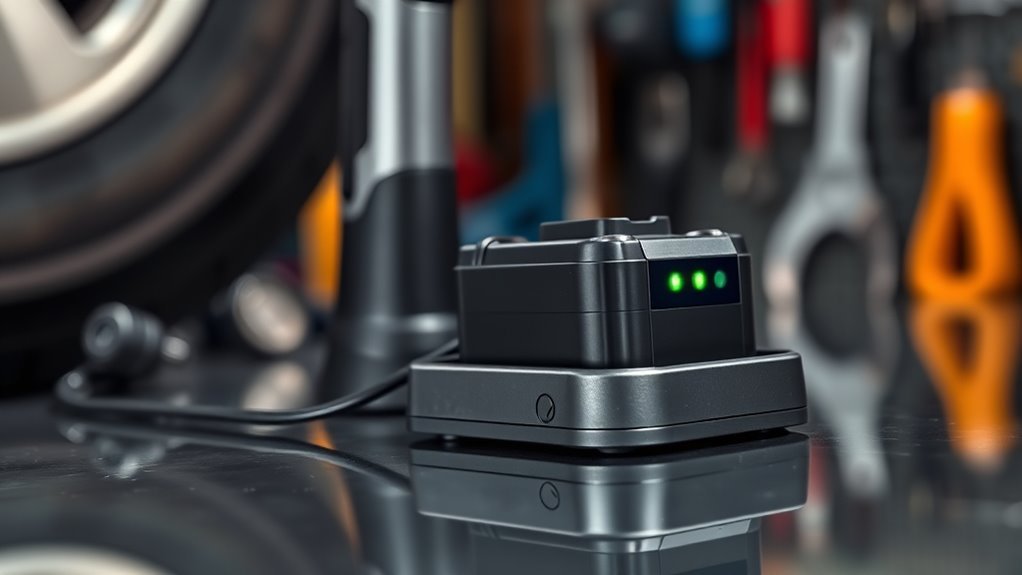
Start by checking the charging label on the inflator or the instructions in the manual. If your model uses USB-C, plug the supplied USB-C cable into the inflator’s charging port, then connect the other end to a compatible wall charger, USB car charger, or approved vehicle power adapter. If your inflator uses a removable battery pack, charge the battery only on the matching charging stand.
For most built-in USB-C models, the safest routine is to charge the inflator while it is turned off. Some models let you long-press the power button to check the screen or battery bars, but that does not always mean the unit should be left on while charging. If the manual says to charge in the shutdown state, follow that instruction.
Watch the battery indicator as it charges. Depending on the model, a full charge may be shown by four solid bars, a green light, a full battery icon, or a charger light changing from red to green. Battery capacity also varies by inflator, so avoid assuming every cordless tire inflator has the same mAh rating or the same runtime.
Warning: Do not charge a cordless tire inflator if the battery case is swollen, cracked, unusually hot, wet, or giving off a burning smell. Stop using it, unplug it if it is safe to do so, and follow the manufacturer’s disposal or service instructions.
[Products Worth Considering]

This portable jumper cable adapter is designed for seamless compatibility with Milwaukee M18 batteries, helping you jump-start a dead or weak vehicle battery quickly and conveniently. Built with 8 AWG cables and simple clamp connections, it supports a range of vehicles including cars, SUVs, and trucks. It offers a practical, tool-battery-powered solution for emergency starting, with clear usage steps and safety guidance for dependable operation.

This USB panel mount car charger provides a clean flush-fit extension solution for compatible Toyota dashboards, delivering both charging and data transfer through a male to female USB connection. Designed for plug-and-play installation, it supports a wide range of Toyota models and helps replace broken or outdated USB ports while protecting devices from overcurrent, overheating, and overcharging. Its durable PVC and copper construction supports reliable use for phones, tablets, GPS units, and CarPlay or Android Auto accessories.

The LISEN Retractable Car Charger is a versatile in-vehicle charging solution designed to power multiple devices while reducing cable clutter. With retractable USB-C and legacy iPhone cables, dual USB ports, and support for standard 12V cigarette lighter sockets, it is ideal for daily commuting, road trips, and family travel. Its adjustable, shockproof design and fast charging capabilities make it a practical accessory for drivers who want organized, reliable power on the go.
Why Proper Charging Is Essential
Most cordless tire inflators use lithium-ion battery technology because it stores a useful amount of energy in a compact pack. That convenience comes with a rule: the battery, charger, cable, and inflator should be treated as one system. The U.S. Consumer Product Safety Commission notes that battery-powered products should be designed with thermal protection and charge/discharge protection as part of the product system.
Using the wrong charger may cause slow charging, no charging, overheating, or long-term battery damage. The Occupational Safety and Health Administration also warns that charging lithium-ion devices without following the manufacturer’s instructions can damage the battery, especially when a fast charger is not approved for that device.
Proper charging keeps the inflator ready for emergencies, but it also protects the battery from avoidable stress. Heat, complete discharge, damaged cables, and long periods without recharging can shorten battery life.
Select Your Charging Method
Choose the charging method that matches your inflator, not just the cable that happens to fit. A USB-C plug can look universal, but the inflator still needs the correct voltage, current, and power source.
[Products Worth Considering]

This car emergency roadside assistance kit helps drivers handle unexpected breakdowns and roadside incidents with confidence. It includes jumper cables and a tire inflator to support quick, practical solutions in emergencies, while the compact bag keeps everything organized in the trunk. Ideal for new drivers, families, road trips, and seasonal travel, it is a thoughtful and useful safety essential for any vehicle.

Be ready for roadside emergencies with this comprehensive car safety kit designed to help you handle common breakdown situations quickly and confidently. It includes a portable air compressor for fast tire inflation, jumper cables for dead batteries, and a self-contained emergency set with essential tools and first aid supplies. Built for all-weather preparedness, this kit helps keep drivers, passengers, and families safer on the road.
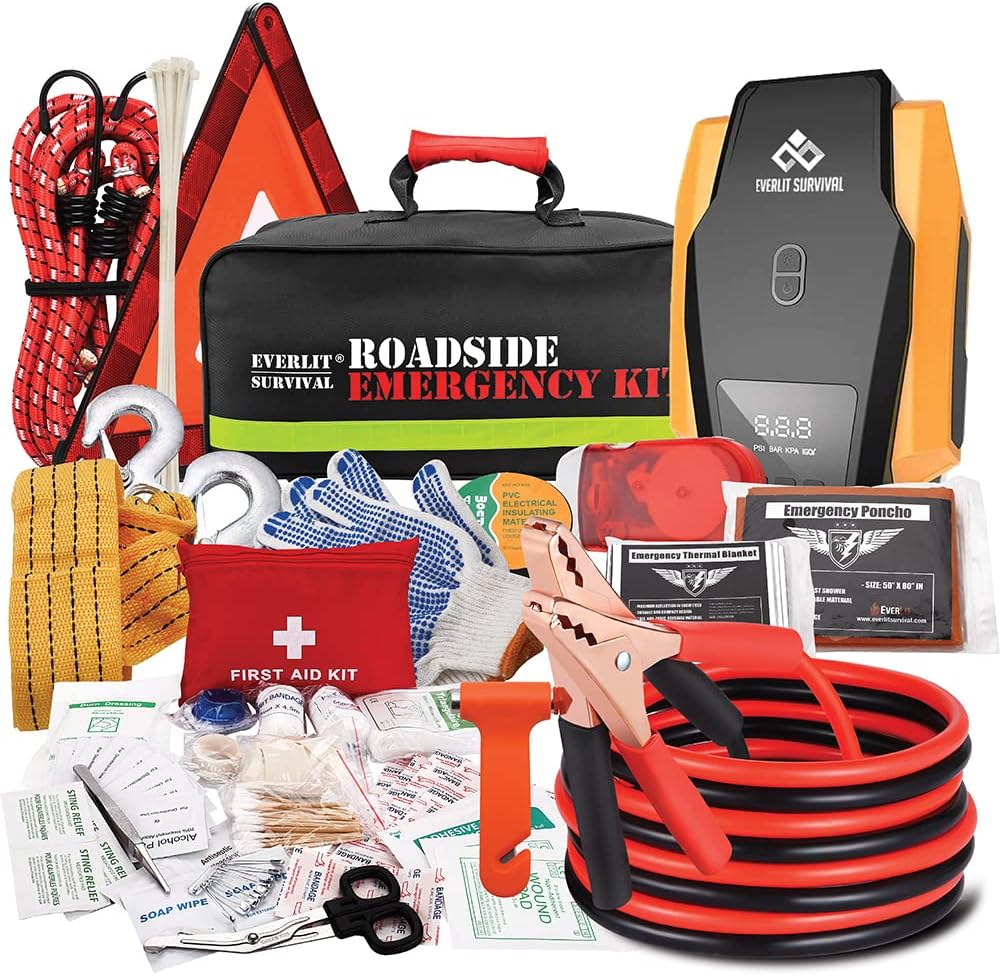
This roadside emergency kit packs essential tools to help drivers handle unexpected breakdowns and stay prepared on the road. It includes a digital tire inflator, jumper cables, first aid supplies, and other safety accessories to support quick, practical roadside response. Designed for everyday drivers and road trips alike, it offers peace of mind for emergencies day or night.
Wall Charger Benefits
A wall charger is usually the best choice at home because it provides steady power and lets you charge the inflator before a trip. Use a phone or tablet-style USB charger only if it meets the inflator’s input rating. For example, some cordless inflator manuals specify USB charging and give a charging time based on a certain USB output. If your manual lists “5V/2A,” “5V/2.1A,” or another input rating, use a charger that matches it.
Avoid cheap, damaged, or no-name chargers. A high-watt laptop fast charger is not automatically better unless the inflator’s manual says it supports that type of charging.
Car Power Adapter
A vehicle power source is useful during road trips, but make sure you know what the adapter does. Some accessories are USB car chargers that recharge the inflator’s built-in battery. Others are 12V power adapters that run the inflator directly from the vehicle socket but may not recharge the internal battery.
If you are charging from a vehicle, keep the vehicle in a safe, ventilated place and avoid draining the car battery. If the manual tells you to run the engine while using the power socket, do that only in an open area, never in a closed garage.
USB Type-C Connection
USB-C is common on newer portable inflators, but the cable still matters. Use the included cable when possible, keep the connector clean, and replace the cable if it is frayed, kinked, loose, or overheating. The USB Implementers Forum explains that certified USB-C cables are tested and marked for specific power capabilities, which is another reason to avoid unknown or damaged cables.
| Charging Method | Best For | What to Check |
|---|---|---|
| USB-C cable + wall charger | Charging at home before storage or a trip | Manual input rating, cable condition, charging indicator |
| USB car charger | Recharging during travel | Vehicle battery condition and whether the port supplies enough output |
| 12V vehicle adapter | Running some inflators directly from the vehicle | Whether it charges the battery or only powers the inflator |
| Removable battery charging stand | Inflators with detachable tool-style battery packs | Use only the matching charger; remove the battery when full if the manual says to |
Step-by-Step Charging Instructions
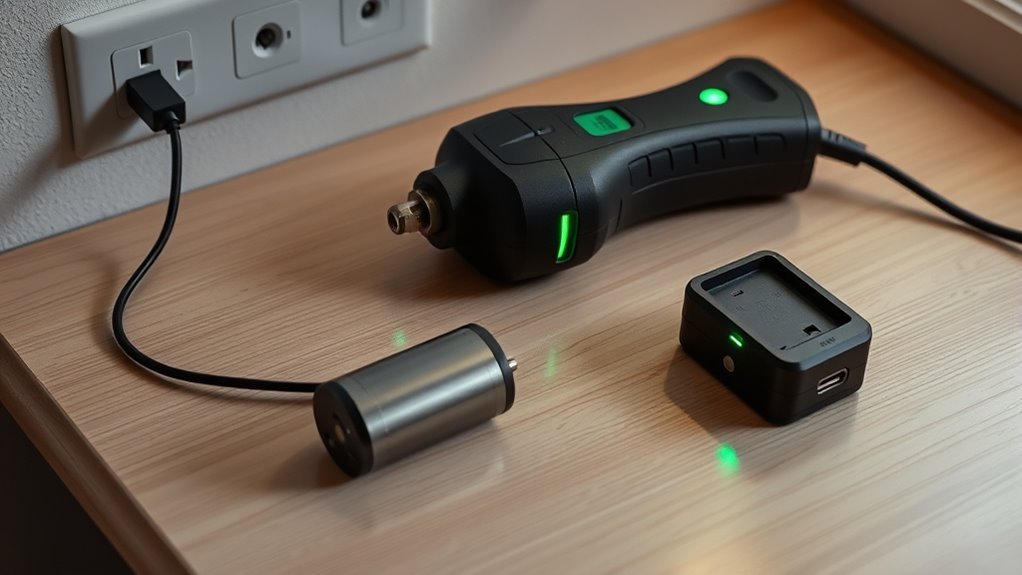
Use these steps for most built-in USB-C cordless tire inflators. If your manual gives different instructions, follow the manual first.
- Turn the inflator off. Do not run the pump while charging unless the manufacturer specifically says it is allowed.
- Inspect the cable and port. Look for bent pins, debris, looseness, fraying, corrosion, or heat damage.
- Connect the cable to the inflator. Insert the USB-C plug gently. Do not force it if it does not seat correctly.
- Connect to a compatible power source. Use the wall charger, USB car charger, or charging stand recommended for your model.
- Watch the charging indicator. The display may show flashing bars, a red light, a percentage, or another charging symbol.
- Let it finish charging. Full charge may be shown by solid bars, a full icon, or a green light, depending on the model.
- Unplug and store it safely. Disconnect the charger, coil the cable loosely, and keep the inflator in a dry place away from extreme heat.
[Products Worth Considering]

This Toyota RAV4 center console USB hub adds fast charging convenience with a clean, factory-style fit and eye-catching RGB lighting. It features retractable cables, multiple charging ports, and included adapters to power phones, tablets, earbuds, and other devices while helping keep the interior organized. Designed for Toyota RAV4 models from 2020 to 2025, it installs easily and enhances both function and style.

This dash cam power adapter is designed for Toyota and Lexus vehicles with the Lane Trace System gray 12-pin connector, making it a simple plug-and-play solution for compatible models. It provides power for dash cams and similar devices through included Mini USB, Type-C, and Micro USB output cables, with automatic on/off operation tied to vehicle ignition. Built for convenience and compatibility, it helps users avoid hardwiring while ensuring proper power delivery for supported dash cams.

The ANCEL BA101 helps diagnose 12V batteries quickly with clear readings for battery health, charge level, voltage, CCA, cranking, and charging system performance. Designed for a wide range of vehicles and battery types, it offers easy-to-read results, reliable clamp connections, and built-in protection to make testing safer and more convenient.
Charging Methods Explained
The wall charger is the most predictable charging method. A USB car charger is convenient on the road, but it may charge more slowly if the vehicle port has low output. A 12V vehicle adapter may be designed to power the pump directly instead of charging the internal battery, so do not assume it recharges the inflator unless the manual says it does.
Monitoring Charge Levels
Battery indicators are approximate. Four bars usually mean full or nearly full, but the exact meaning varies by model. If your inflator has been stored for months, charge it before relying on it for a roadside emergency, even if the display still shows some power.
Pro Tip: Charge the inflator the night before a long drive, then pack the cable, valve adapters, and air hose together in the same pouch so you are not searching for parts during an emergency.
Monitoring Battery Status and Performance
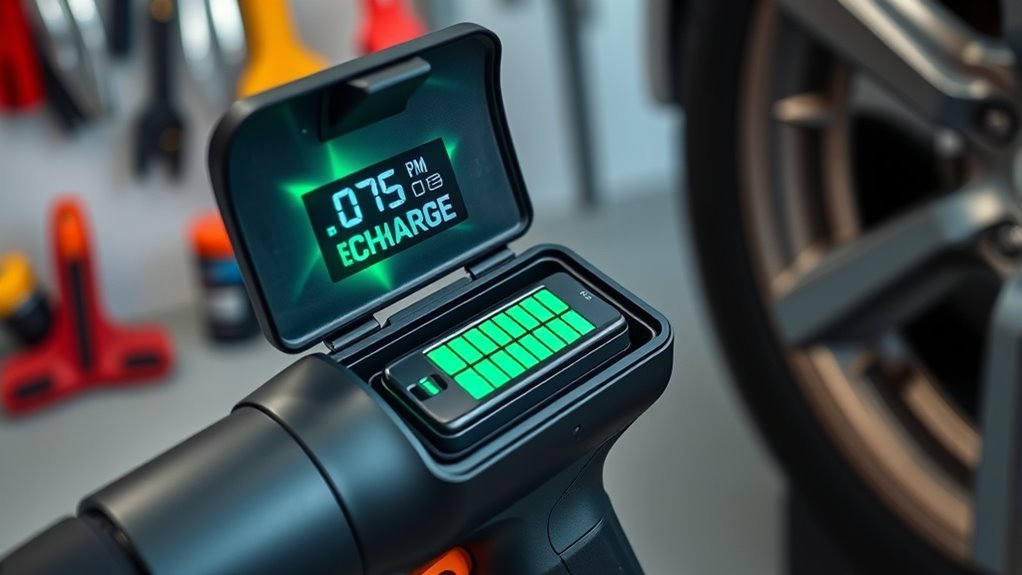
A cordless tire inflator may still turn on when the battery is low, but it may slow down, shut off early, or struggle under load. Check the battery before inflating car tires, especially in cold weather or after long storage. Lithium-ion batteries can lose performance in very cold conditions, and heat can also shorten battery life.
Battery capacity is usually listed in mAh or Wh, but those numbers are not the same across models. A larger battery may run longer, but motor efficiency, tire size, target pressure, ambient temperature, and starting PSI all affect how many tires you can top off per charge.
If your inflator has a power-bank USB output, remember that charging a phone or other device will reduce the power left for tire inflation.
How to Prevent Overcharging Your Tire Inflator
The most important fix is understanding what “automatic shut-off” means. On most digital tire inflators, automatic shut-off stops the pump when the tire reaches the preset pressure. It does not mean the inflator’s charger will stop at the right battery level. Battery charging protection depends on the charger, battery-management circuit, and product design.
To reduce charging risk, use the manufacturer-approved charger, unplug the inflator when it shows full, avoid charging on beds or flammable surfaces, and never leave a questionable battery charging unattended.
| Action | What It Does | What It Does Not Do |
|---|---|---|
| Unplug when the battery indicator shows full | Reduces unnecessary time on the charger | Does not fix a damaged battery or unsafe charger |
| Use tire-pressure auto-stop | Stops inflation at the target PSI | Does not prevent battery overcharging |
| Follow the manual’s charging time and input rating | Keeps charging within the product’s intended limits | Does not make every USB-C charger compatible |
Fixing Common Charging Problems
If your cordless tire inflator will not charge, start with the simple checks first. Most problems come from a weak power source, a worn cable, debris in the port, a battery that has been stored too long, or using the wrong adapter.
| Problem | Likely Cause | Fix |
|---|---|---|
| No charging light or display | Dead outlet, weak USB port, bad cable, or loose connector | Try a known-good wall charger and the supplied cable; inspect the port. |
| Charges very slowly | Low-output charger or computer USB port | Use a wall charger that matches the manual’s input rating. |
| Battery drains quickly after charging | Aging battery, cold weather, high load, or long storage | Fully recharge, test at room temperature, and contact the manufacturer if runtime stays poor. |
| Inflator or charger gets hot | Wrong charger, blocked ventilation, damaged battery, or high ambient heat | Unplug it, let it cool in a safe area, and do not recharge until the cause is known. |
| Car adapter does not charge it | Adapter may be power-only or vehicle outlet may be off | Check whether the adapter is meant to charge the battery or only run the pump. |
Storing Your Charging Cords Effectively
Store your charging cords in a designated pouch, glove-box compartment, or the inflator’s storage case. Coil the USB-C cable loosely instead of sharply bending it, and keep the valve adapters with the charging cable so the kit stays complete.
Keep cords away from standing water, oil, sharp tools, and extreme heat. A cable that looks crushed, frayed, melted, or loose should be replaced before the next charge. Labeling the storage pouch can also help if you keep multiple inflators, chargers, or power-bank cables in the vehicle.
Tips for Optimal Tire Inflator Performance
For the best battery life, do not store the inflator completely dead. Recharge it every 3–4 months during storage, or use the interval in your manual. Some manuals recommend every three months, while others recommend every four months, so the safest answer is to follow your specific model.
Before using the inflator on vehicle tires, set the target pressure from the tire placard on the driver’s door jamb or the owner’s manual. The National Highway Traffic Safety Administration explains that the recommended pressure is for a cold tire, meaning the vehicle has not been driven for at least three hours. If you inflate a warm tire as a temporary fix, recheck and adjust it when the tire is cold.
Do not leave the inflator running unattended. Small portable compressors can heat up during longer inflation jobs, so pause and let the unit cool if the hose, motor housing, or manual recommends a duty-cycle break. Never overinflate a tire, ball, or inflatable item beyond its rated pressure.
Note: The maximum PSI printed on a tire sidewall is not the normal recommended inflation pressure for your vehicle. Use the vehicle placard or owner’s manual for tire pressure.
Frequently Asked Questions
How do you charge a cordless tire inflator?
Turn the inflator off, plug the supplied USB-C cable or approved charger into the charging port, connect it to a compatible wall charger or vehicle USB power source, and watch the battery indicator. When the indicator shows full, unplug the charger and store the inflator in a dry place.
Should the tire inflator be on or off while charging?
Most built-in-battery inflators should be off while charging. Some screens may turn on briefly to show battery status, but that is different from running the pump. Follow your manual if it says to charge in the shutdown state or not to use the unit while charging.
Can I charge a cordless tire inflator in my car?
Yes, if your inflator supports charging from a vehicle USB power source or an approved car adapter. Check the manual first. Some 12V adapters power the pump directly but do not recharge the internal battery.
How long does a cordless tire inflator take to charge?
Charging time depends on battery size, charger output, and model design. Many compact inflators take a few hours to charge from low to full. Use the charging time in your manual instead of guessing from another brand’s specifications.
What are common mistakes when recharging tire inflator batteries?
Common mistakes include using the wrong charger, charging with a damaged cable, leaving the inflator in extreme heat, storing the battery completely dead, assuming a 12V adapter charges the battery, and confusing tire-pressure auto-stop with battery charge protection.
What is the correct way to charge a lithium-ion inflator battery?
Use the manufacturer-approved charger and cable, charge on a dry nonflammable surface, keep the device away from heat, monitor the charge indicator, and unplug it when full. Do not use ultra-fast charging unless your inflator manual lists it as supported.
Why will my cordless tire inflator not hold a charge?
The battery may be aged, deeply discharged from long storage, exposed to extreme temperatures, or damaged. Fully recharge it with the correct charger and test it at room temperature. If it still drains quickly, contact the manufacturer or replace the battery if your model supports replacement.
Conclusion
Charging a cordless tire inflator battery is mostly about matching the inflator to the right power source and avoiding shortcuts. Use the supplied or approved cable, charge the unit while off unless the manual says otherwise, unplug it when the indicator shows full, and recharge it during long storage. When it is time to inflate tires, use the vehicle’s recommended cold tire pressure and do not rely on the tire sidewall’s maximum PSI as your target.
Sources
- U.S. Consumer Product Safety Commission — Batteries — battery-powered product safety and charge/discharge protection.
- OSHA — Preventing Fire and/or Explosion Injury from Small and Wearable Lithium Battery Powered Devices — lithium-ion charging safety and manufacturer-instruction guidance.
- NHTSA TireWise — Tire Safety Ratings and Awareness — cold tire pressure and tire inflation guidance.
- Slime Cordless Tire Inflator product guidance — USB-C rechargeable inflator example and storage charging interval.
- eFOLDi Smart & Portable Tyre Inflator User Manual — Type-C charging, no-use-while-charging warning, and maintenance charging interval example.
- USB-IF — Cables and Connectors — USB-C cable certification and power-marking information.