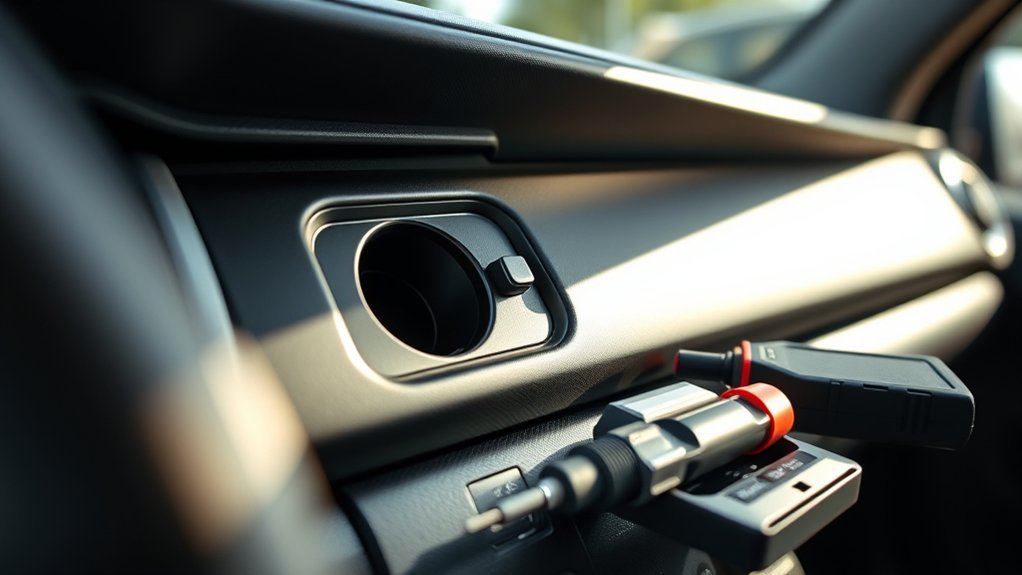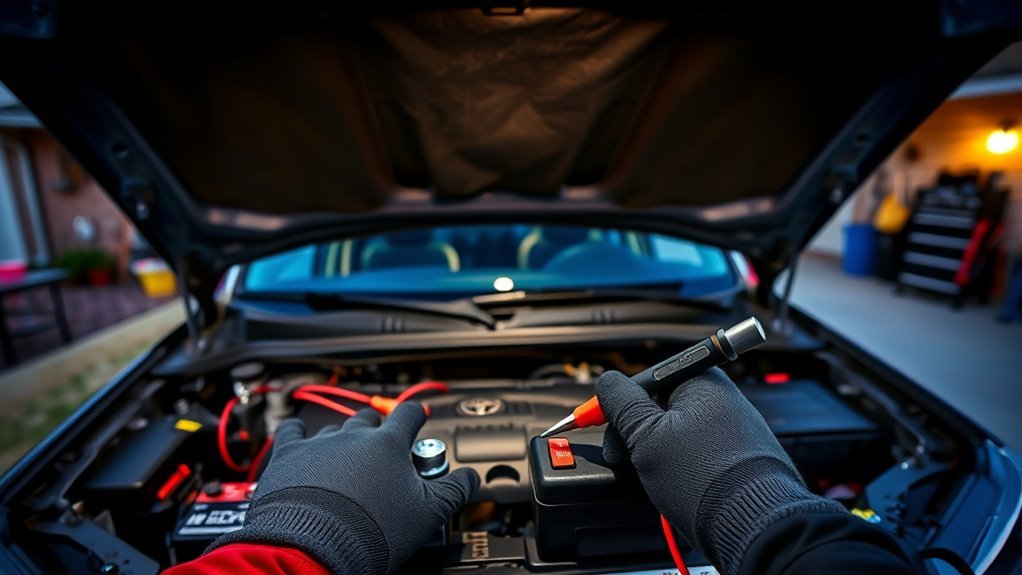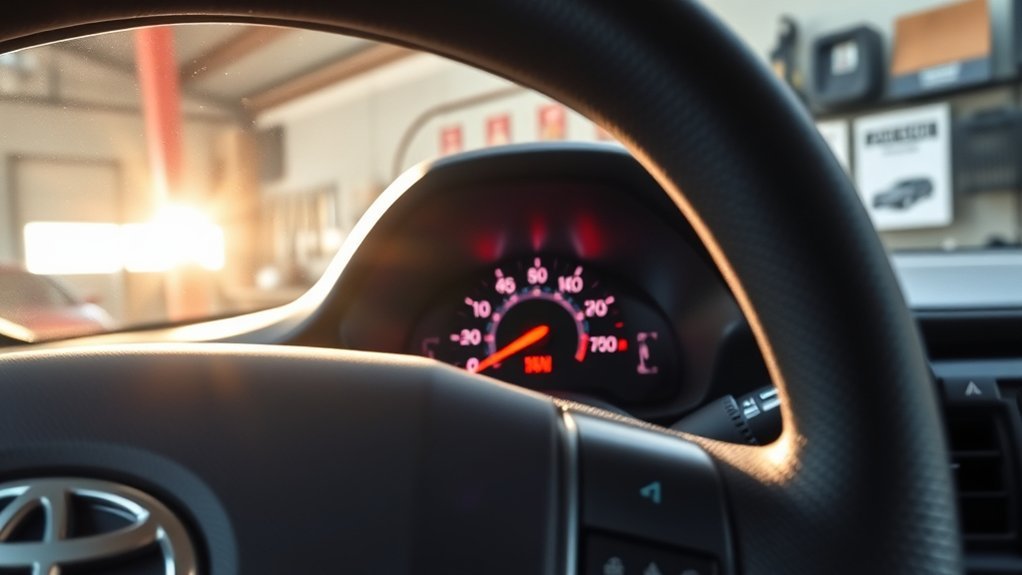
The safest way to clear the Check Engine Light in your Toyota Tacoma is to read the diagnostic trouble codes first, fix or document the cause, and then use an OBD2 scanner to erase the codes. Clearing the light without diagnosing the problem may turn the warning off temporarily, but it will not repair the issue that triggered it.
Quick Answer
Plug an OBD2 scanner into the Tacoma’s diagnostic port under the driver-side dashboard, turn the ignition to ON, read and save the codes, then choose “Clear Codes” or “Erase Codes.” Start the truck afterward and confirm the light stays off. If it returns, diagnose the underlying fault before clearing it again.
Key Takeaways
- Always read and write down the diagnostic trouble codes before clearing the Check Engine Light.
- A loose or damaged gas cap, faulty oxygen sensor, EVAP leak, misfire, catalytic converter efficiency code, or MAF sensor issue can trigger the light.
- Clearing codes also resets emissions readiness monitors, which can matter if your Tacoma is due for an inspection.
- If the light flashes, the engine runs rough, or the truck loses power, stop driving when safe and arrange professional diagnosis.
At a Glance
| Time Required | 5–15 minutes to scan and clear codes; longer if repairs are needed |
| Difficulty | Easy for scanning; moderate if diagnosis or part replacement is required |
| Tools Needed | OBD2 scanner or Bluetooth OBD2 adapter with a compatible app |
| Cost | Usually $0 if you already have a scanner; about $20–$150+ for a basic DIY scanner |
Understanding the Check Engine Light in Your Tacoma
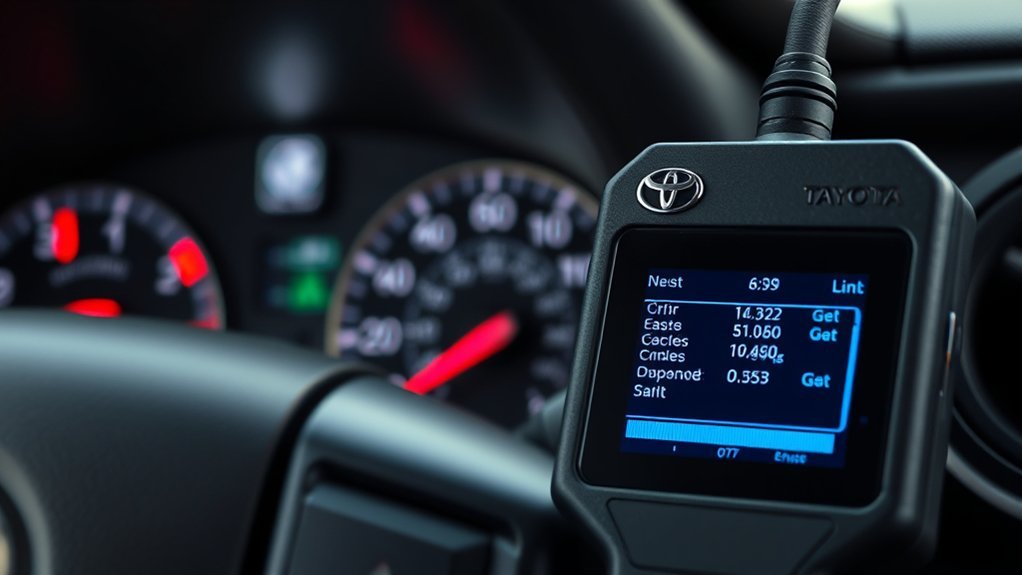
The Check Engine Light, also called the Malfunction Indicator Lamp or MIL, is part of your Tacoma’s onboard diagnostic system. According to the U.S. Environmental Protection Agency’s OBD guidance, onboard diagnostics monitor emissions-related systems and can illuminate the MIL when a malfunction or deterioration is detected.
On modern Tacomas, the light can point to anything from a loose fuel cap to a problem with the electronic engine control system, electronic throttle control system, or emissions control system. Toyota’s official warning-light guidance says a malfunction indicator lamp means the vehicle should be inspected by a Toyota dealer immediately, especially if the warning remains on or is paired with abnormal driving symptoms.
Warning: Do not keep driving normally if the Check Engine Light is flashing, the truck is shaking, power drops suddenly, or you smell fuel or exhaust. Pull over when it is safe and arrange a professional diagnosis. A flashing warning can indicate a severe fault that may damage expensive emissions or engine components.
Before You Clear the Light, Read This First
Clearing the Check Engine Light should be the last step, not the first. Your Tacoma stores diagnostic trouble codes that help identify where the problem started. If you erase those codes before writing them down, you may lose useful diagnostic information.
Also, clearing codes does not fix a failed sensor, air leak, misfire, wiring problem, or emissions fault. If the condition is still present, the light will usually come back after the Tacoma’s computer runs its self-tests again.
Note: Clearing codes or disconnecting the battery can reset emissions readiness monitors. If your Tacoma is due for a state emissions test, you may need to complete normal drive cycles before the truck reads “Ready” again.
Common Issues That Trigger the Check Engine Light
Several problems can trigger the Check Engine Light in a Toyota Tacoma. The code stored in the computer is your starting point, but the most common causes usually involve fuel vapor leaks, air-fuel mixture problems, ignition faults, or emissions components.
Loose or Damaged Gas Cap
A loose, missing, cracked, or poorly sealing gas cap can trigger an EVAP-system code because the evaporative emissions system cannot hold pressure correctly. If you recently refueled and the light came on soon afterward, tighten the cap until it clicks, inspect the seal, and drive normally for a few trips. If the cap is damaged, replace it with an OEM-quality cap.
Faulty Oxygen Sensor
Oxygen sensors measure oxygen in the exhaust so the engine computer can adjust the air-fuel mixture. A failing upstream or downstream oxygen sensor may reduce fuel economy, increase emissions, and trigger codes related to sensor performance, heater circuits, or catalyst efficiency. Do not replace an oxygen sensor only because a code mentions it; exhaust leaks, wiring faults, or rich/lean running can also affect sensor readings.
Engine Misfire or Ignition Problem
Misfire codes, such as P0300 or cylinder-specific P0301–P0306 codes, can come from worn spark plugs, ignition coil problems, fuel delivery issues, compression problems, vacuum leaks, or wiring faults. Misfires should be diagnosed quickly because unburned fuel can overheat and damage the catalytic converter.
EVAP Leaks, MAF Sensor Issues, and Catalyst Codes
EVAP leak codes, lean mixture codes, mass airflow sensor codes, and catalytic converter efficiency codes are also common Check Engine Light triggers. These can overlap. For example, a vacuum leak or dirty MAF sensor can cause lean fuel mixture codes, while an exhaust leak can contribute to a catalyst-efficiency warning.
Preparing Your Tools: What You Need for an OBD2 Reset
Before you begin, gather the right tools and make sure your scanner works with OBD2 vehicles. Nearly all consumer scanners can read generic powertrain codes, but more advanced tools can show freeze-frame data, live sensor data, pending codes, permanent codes, and emissions readiness status.
| Tool | Purpose | Tip |
|---|---|---|
| OBD2 Scanner | Reads and clears diagnostic trouble codes | Choose one that shows pending codes and readiness monitors |
| User Manual or Scanner Guide | Explains the scanner’s menus and symbols | Check how your model labels “Erase,” “Clear,” or “Reset” |
| Phone or Notepad | Records codes and freeze-frame data | Save the exact code numbers before clearing anything |
| Basic Flashlight | Helps locate the OBD2 port | The port is usually under the driver-side dashboard |
[Products Worth Considering]
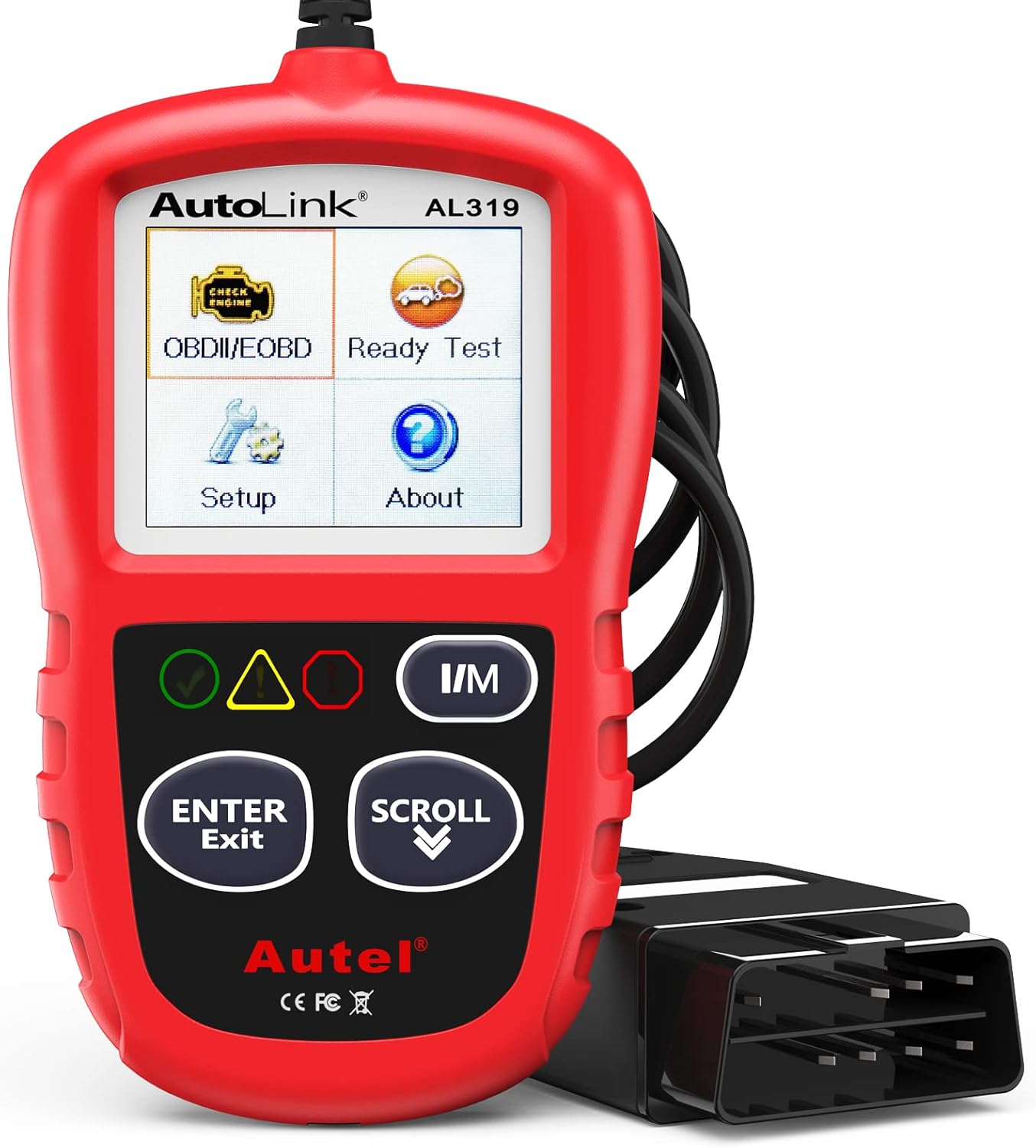
The Autel AL319 is a user-friendly OBD2 scan tool designed to help drivers quickly diagnose check engine light issues and understand vehicle fault codes. It supports reading and clearing DTCs, live data, freeze frame, I/M readiness, and vehicle information, making it a practical choice for DIYers and everyday car owners. With plug-and-play operation, a color display, built-in speaker, and broad vehicle compatibility, it delivers fast, reliable diagnostics without complicated setup.
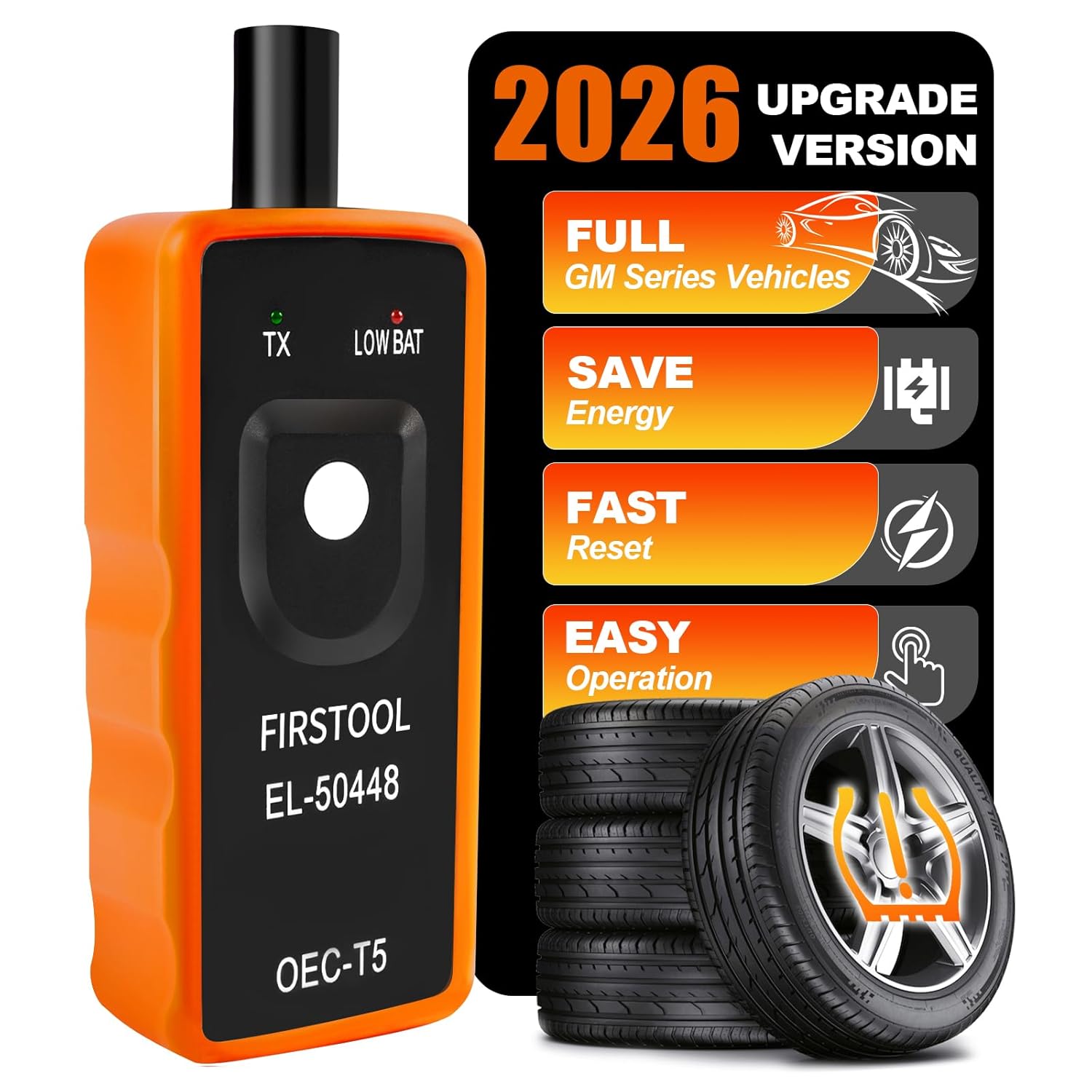
This EL-50448 TPMS relearn tool helps quickly activate and reset tire pressure sensors so your vehicle’s monitoring system stays accurate after tire rotations, sensor replacement, or seasonal tire changes. Designed for many GM-related vehicles and compatible with common 315 and 433 MHz TPMS systems, it offers simple one-button operation and reliable performance for clearing warning lights and relearning sensor positions.

The ANCEL AD410 helps drivers quickly read and clear engine-related fault codes, view live data, and understand why the check engine light is on before heading to a repair shop. With built-in code definitions, readiness checks, and support for common OBD2 functions, it makes basic diagnostics straightforward for beginners and DIY users. Powered directly from the vehicle and easy to use with no app required, it offers practical value for everyday vehicle troubleshooting.
Step-by-Step Guide to Connecting Your OBD2 Scanner
Connecting an OBD2 scanner to your Tacoma is straightforward. Work with the truck parked on a level surface, the parking brake set, and the transmission in Park or Neutral depending on your model.
- Turn the Tacoma off. Remove accessories from the charging ports if they are in the way.
- Find the OBD2 port. Look below the dashboard on the driver’s side, near the steering column and lower dash panel.
- Plug in the scanner. The connector only fits one way, so do not force it.
- Turn the ignition to ON. On push-button models, press the start button without pressing the brake so the electronics power up without starting the engine. Follow your scanner’s instructions.
- Let the scanner communicate. Select Toyota if your scan tool asks for the make, then choose the engine or OBD2/EOBD menu.
- Read the codes first. Save stored, pending, and permanent codes, plus freeze-frame data if available.
Pro Tip: Freeze-frame data can show the engine speed, coolant temperature, vehicle speed, and load when the code set. That snapshot can help you or a technician reproduce the condition instead of guessing.
How to Clear the Check Engine Light on Your Tacoma Using an OBD2 Scanner
Once you have recorded the diagnostic codes and addressed any obvious issue, you can clear the Check Engine Light with the scanner.
- Connect the OBD2 scanner to the Tacoma’s diagnostic port.
- Turn the ignition to ON without starting the engine unless your scanner tells you otherwise.
- Select “Read Codes” and record every stored, pending, and permanent code.
- Review freeze-frame data if your scanner provides it.
- Choose “Clear Codes,” “Erase Codes,” or “Reset MIL.” The wording depends on the scanner.
- Confirm the command when the scanner warns that codes and related data may be erased.
- Turn the ignition off and unplug the scanner.
- Start the engine and confirm the Check Engine Light is off.
- Drive normally and recheck for pending codes if the light returns or the truck feels abnormal.
If the Check Engine Light comes back right away, the fault is likely still active. If it returns after a few drive cycles, the Tacoma’s computer may have detected the same problem again after running its readiness monitors.
[Products Worth Considering]

Masoll’s TPMS sensor set includes four advanced sensors and a relearn tool to help GM vehicle owners replace factory tire pressure sensors at home. Designed for broad compatibility with GM vehicles after 2006, it supports dual-frequency operation for easier fitment across Chevy, GMC, Buick, Cadillac, Pontiac, and select trucks. With low power use, high accuracy, and DIY installation, it offers a convenient way to clear TPMS warnings and restore proper tire pressure monitoring.

The ANCEL AD410 PRO combines engine diagnostics and 12V battery testing in one easy-to-use tool, helping you read and clear check engine codes while checking battery health, cranking, and charging performance. It also provides live data, freeze frame details, and I/M readiness checks to help you diagnose issues faster and prepare for emissions testing. With plug-and-play operation, a clear screen, and broad vehicle compatibility, it is a practical solution for home mechanics and everyday drivers.

📢⚠️【Please Read Carefully before Purchasing】- ▶ This is just a 22Pin to 16Pin converter cable ONLY, not a diagnostic scanner. ▶Please comfirm that your cars support the OBD2 protocol, and your scanner being compatible with your cars with the functions you need – none of which is related to our cable. ▶ This 22pin OBD port does not provide a power supply. Any question, pls conta.ct us via 📩Autelchoice @ outlook . com📩.
What Do Your Error Codes Mean?
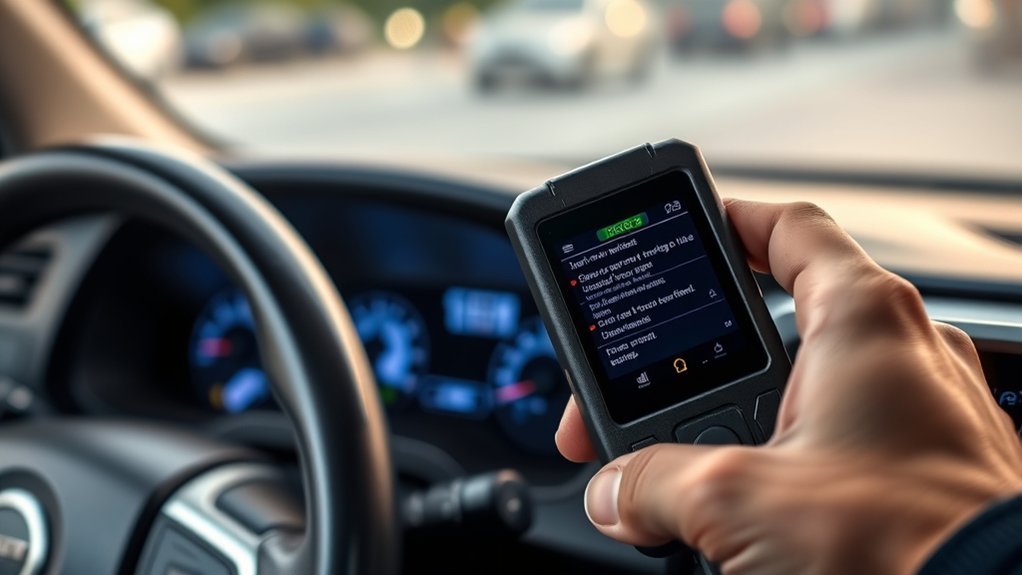
OBD2 codes point you toward the system that needs diagnosis. They do not automatically prove that a specific part is bad. For example, a lean code may involve a vacuum leak, dirty MAF sensor, fuel delivery issue, exhaust leak, or sensor problem.
| Error Code | What It Usually Means | Possible Causes |
|---|---|---|
| P0171 | System too lean | Vacuum leak, dirty MAF sensor, fuel delivery issue, exhaust leak |
| P0300 | Random or multiple-cylinder misfire | Spark plugs, ignition coils, fuel issue, compression issue, vacuum leak |
| P0420 | Catalyst system efficiency below threshold | Failing catalytic converter, exhaust leak, oxygen sensor issue, misfire history |
| P0440 | EVAP system malfunction | Loose gas cap, EVAP leak, purge valve issue, vent valve issue |
| P0455 | Large EVAP leak detected | Loose or missing gas cap, cracked hose, damaged EVAP component |
A trouble code is a clue, not a final diagnosis. Read the code, inspect the related system, and confirm the fault before replacing parts.
[Products Worth Considering]

【Diagnose Check Engine Light in Seconds – No Mechanic Needed】The FOXWELL NT301 OBD2 scanner instantly reads & clears engine fault codes (DTCs) with one click. Simply plug into the 16-pin DLC port, turn ignition on, and get accurate results within seconds—No prior car knowledge required. Save hundreds on dealership fees by knowing exactly what’s wrong before you visit a shop. The #1 choice car scanner for DIYers and car owners who want to take control of their vehicle’s health

⚠️【Important Tips Before Purchcase】1. Compatible with standard OBD II vehicles from 1996 onward in the US market. ⚠️2. Due to the Safe Gateway (SGW) / FCA AutoAuth security system, this tool cannot access OBDII modules to clear codes for FCA vehicles (including Chrysler, Dodge, Jeep, etc.) manufactured after 2017. ⚠️And vehicle brands equipped with a SGW are not supported either. ⚠️3. Not support TPMS or other service functions. Only the basic OBDII code reader. Functions not universal, please s-end mes-sage via Ama-zon or 📞autelofficial @ outlook . com📞 to check before order.

Multi-Functions - Practical Multi-Functions OBD2 code reader features built-in OBD2 DTC lookup library, which help you to determine the cause of the engine light, read code, erase code, view freeze frame, I/M ready, vehicle information, data flow, real-time curve, get vehicle speed information, calculate load value, engine coolant temperature, get engine speed.
How to Diagnose Underlying Problems Before Resetting the Light
Before you erase the code, do a quick inspection. Many Check Engine Light problems start with simple issues you can spot without taking anything apart.
| What to Check | How to Inspect It | Why It Matters |
|---|---|---|
| Gas cap | Tighten it until it clicks and inspect the seal | A poor seal can trigger EVAP leak codes |
| Battery voltage | Check for weak battery symptoms or recent jump-starts | Low voltage can cause communication and sensor faults |
| Air intake | Look for disconnected intake tubes or cracked hoses | Unmetered air can cause lean mixture codes |
| Wiring and connectors | Inspect visible connectors near sensors and ignition coils | Loose or corroded connections can mimic failed parts |
| Engine behavior | Note rough idle, hesitation, smells, smoke, or poor fuel economy | Symptoms help narrow the diagnosis |
If your scanner supports live data, look at basic values such as coolant temperature, short-term fuel trim, long-term fuel trim, MAF readings, and oxygen sensor activity. If those terms are unfamiliar, save the codes and data and share them with a qualified technician.
What Happens After You Clear the Codes?
After clearing codes, the Check Engine Light may turn off immediately, but your Tacoma’s emissions monitors may show “Not Ready.” These readiness monitors are self-checks used by inspection programs to confirm the vehicle has completed emissions-system tests. The federal OBD inspection procedure in 40 CFR 85.2222 includes readiness-code rules for model-year 2001 and newer vehicles.
To reset readiness monitors, drive the Tacoma through normal conditions: cold starts, city driving, steady highway speeds, idle time, and deceleration. Avoid clearing codes right before an emissions inspection because the truck may be rejected or fail if too many monitors are incomplete.
What to Do If the Check Engine Light Comes Back
If the light returns after you clear it, scan the truck again and compare the new codes with the ones you saved. A returning code means the computer still sees a fault or the issue has reappeared under specific driving conditions.
- Same code returns immediately: The fault may be active right now, such as an unplugged sensor, wiring issue, or major leak.
- Same code returns after several trips: The system may fail only after a monitor runs, such as an EVAP or catalyst test.
- Different codes appear: You may have more than one issue, or the first repair changed how the computer sees the system.
- Permanent codes remain: Some permanent codes clear only after the vehicle verifies the repair through its own drive cycle.
Preventative Tips for Your Tacoma
Preventing Check Engine Light problems starts with routine maintenance and quick attention to small changes in how your Tacoma drives. Toyota recommends following the scheduled maintenance guide for your specific model year, engine, drivetrain, and driving conditions.
- Follow the maintenance schedule. Use the official Toyota owner manuals and maintenance guides for your model year.
- Check the gas cap after refueling. A loose cap is one of the simplest EVAP-related causes to prevent.
- Replace filters on schedule. A dirty engine air filter can affect airflow and drivability.
- Do not ignore rough running. Misfires and hesitation can become more expensive if you keep driving.
- Keep maintenance records. Dates, mileage, codes, and repairs help you spot repeat problems.
- Scan periodically. A quick scan can reveal pending codes before the warning light becomes a bigger headache.
When to Seek Professional Help for Persistent CEL Issues
Get professional help if the Check Engine Light stays on after repairs, returns repeatedly, flashes, or appears with poor performance, shaking, overheating, smoke, fuel smell, or unusual noises. You should also see a technician if the scanner shows misfire codes, catalyst codes, throttle-control codes, or multiple unrelated codes.
A professional scan tool can access more Toyota-specific data than a basic code reader. A technician can also perform smoke testing for EVAP leaks, fuel-pressure testing, compression testing, oscilloscope checks, and guided diagnostics that prevent unnecessary parts replacement.
Maintaining Your Tacoma for Long-Term Performance
Long-term Tacoma reliability depends on consistent maintenance, clean fluids, healthy ignition components, sealed intake and exhaust systems, and prompt diagnosis when warning lights appear. For oil changes, tire rotations, filters, spark plugs, coolant, brake fluid, and driveline service, follow the Toyota maintenance guide for your exact year and usage.
If you drive in dusty conditions, tow, idle often, take short trips, or use the truck off-road, check the severe-service notes in your maintenance guide. Those conditions can shorten service intervals and increase the chance of sensor, filter, and emissions-related issues.
Frequently Asked Questions
How do you clear the Check Engine Light on a Toyota Tacoma?
Connect an OBD2 scanner to the diagnostic port under the driver-side dashboard, turn the ignition to ON, read and save the codes, then choose “Clear Codes” or “Erase Codes.” Start the Tacoma afterward and verify the light is off. If it comes back, diagnose the cause instead of repeatedly clearing it.
Can you clear the Check Engine Light with an OBD2 scanner?
Yes. An OBD2 scanner can clear stored diagnostic trouble codes and turn off the Check Engine Light if the scanner supports code clearing. However, the light will return if the Tacoma’s computer detects the same fault again.
Will disconnecting the battery reset the Check Engine Light?
Disconnecting the battery may clear some stored information on some vehicles, but it is not the best method. It can reset readiness monitors and may erase useful diagnostic data. Use an OBD2 scanner instead so you can read and save the codes first.
Why did my Tacoma’s Check Engine Light come back after I cleared it?
The light came back because the truck detected the fault again. This can happen immediately if the issue is active, or after several trips if the problem appears only when a readiness monitor runs. Scan the truck again and compare the new codes with the original ones.
Is it safe to drive a Tacoma with the Check Engine Light on?
If the light is steady and the truck drives normally, you can usually drive a short distance while arranging diagnosis. If the light flashes, the engine runs rough, power drops, or you smell fuel or exhaust, stop driving when safe and get the truck inspected.
Conclusion
Clearing your Tacoma’s Check Engine Light is simple with an OBD2 scanner, but the smart approach is to read the codes first, understand what they mean, fix the cause, and then erase the warning. A reset should confirm a repair, not hide a problem. When the light returns, flashes, or appears with drivability symptoms, professional diagnosis is the safer and more cost-effective next step.
Sources
- Toyota Owners — 2026 Tacoma warning lights and buzzers — backs up Toyota’s guidance on malfunction indicator lamp warnings.
- Toyota Owners — Tacoma manuals and maintenance guides — backs up using the official model-year maintenance schedule.
- U.S. EPA — On-Board Diagnostic Regulations and Requirements — backs up how OBD systems monitor emissions-related components and illuminate the MIL.
- U.S. EPA — Vehicle Emissions Inspection and Maintenance Information — backs up the role of OBD readiness in emissions inspection programs.
- eCFR — 40 CFR 85.2222 Onboard diagnostic test procedures — backs up federal OBD inspection and readiness-code rules.