Dynamic Radar Cruise Control (DRCC) on an equipped Toyota Supra automatically adjusts speed to help maintain your selected gap from a vehicle ahead. On 2026 U.S. GR Supra models, Toyota lists Full-Speed Range DRCC for automatic-transmission cars with the applicable package, while manual-transmission models use conventional cruise control. DRCC is driver assistance, not automated driving, so you must keep watching traffic and be ready to brake or steer.
Last updated: August 31, 2026 — availability and operating guidance rechecked against current Toyota GR Supra information and owner-manual guidance.
Quick Answer
To use Toyota Supra DRCC, first confirm that your car is equipped with Full-Speed Range DRCC. Switch cruise control on, store or adjust the desired speed with the steering-wheel SET/rocker controls, and use the distance buttons to change the following gap. Brake or use the pause control to interrupt DRCC; use the continue/resume control only after confirming the stored speed and road conditions are safe.
Key Takeaways
- DRCC is adaptive cruise control: it helps maintain a set speed and selected following distance, not drive the car for you.
- Current Supra owner-manual guidance says DRCC operates from about 20 mph/30 km/h for normal speed setting, while the maximum set speed depends on the vehicle and equipment version; full-speed-range operation can also support stop-and-go behavior within system limits.
- Use the rocker switch for speed changes: small presses adjust by 1 mph/1 km/h, while pressing past the resistance point changes by up to 5 mph/10 km/h.
- The instrument cluster shows four following-distance levels, and the actual gap changes with vehicle speed.
- Do not rely on DRCC for red lights, pedestrians, cross traffic, oncoming traffic, sudden cut-ins, or situations where weather or curves limit sensor detection.
At a Glance
| Time Required | 1–2 minutes to learn the controls |
| Difficulty | Easy, once you know the steering-wheel buttons |
| Tools Needed | Your Supra’s steering-wheel controls and instrument cluster |
| 2026 U.S. Availability | Full-Speed Range DRCC is offered on automatic-transmission models with the applicable package; manual models use conventional cruise control |
How to Turn On Toyota Supra DRCC and Set Speed
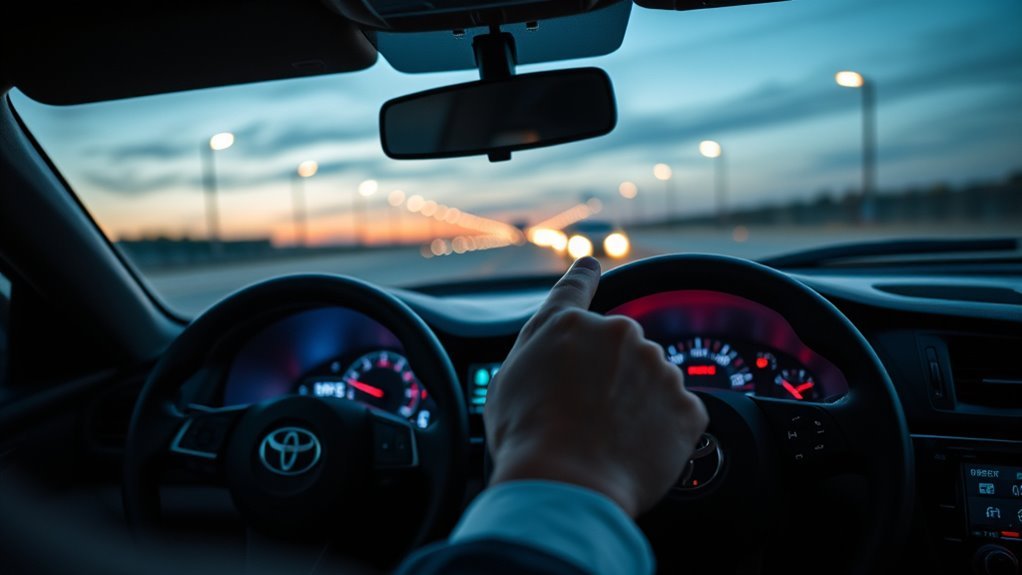
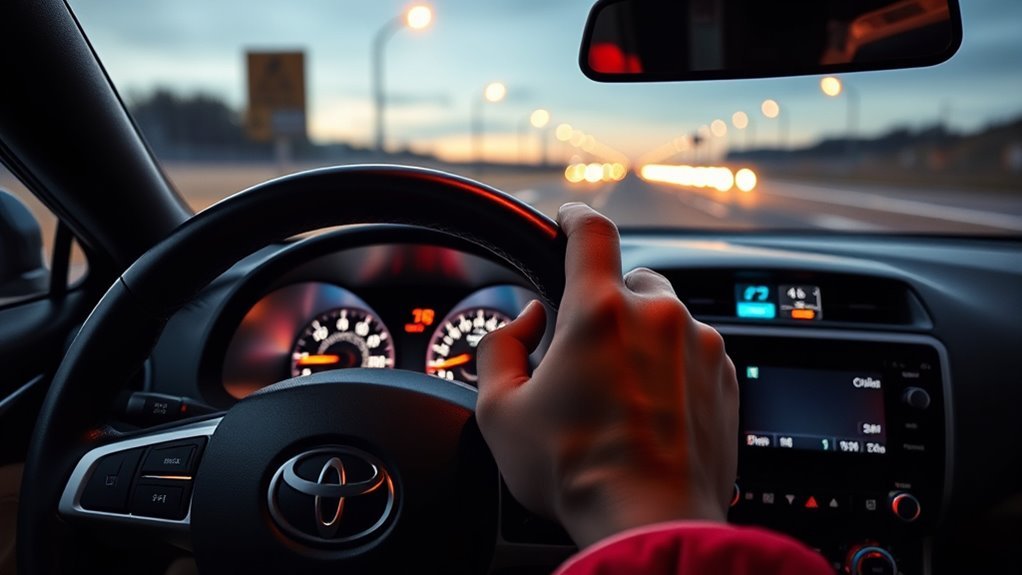
Start on a suitable road with a clear sensor view and steady traffic. Press the cruise control on/off button and confirm the cruise indicator in the instrument cluster. Then use the SET/store control or rocker switch, as shown for your model year, to store or adjust the desired speed.
- Make sure the windshield area in front of the camera and the front radar area are clean.
- Press the cruise control/DRCC on-off button on the steering wheel and confirm the indicator.
- Use the SET/store control or rocker switch shown in your model-year manual to store the current speed or adjust the desired speed.
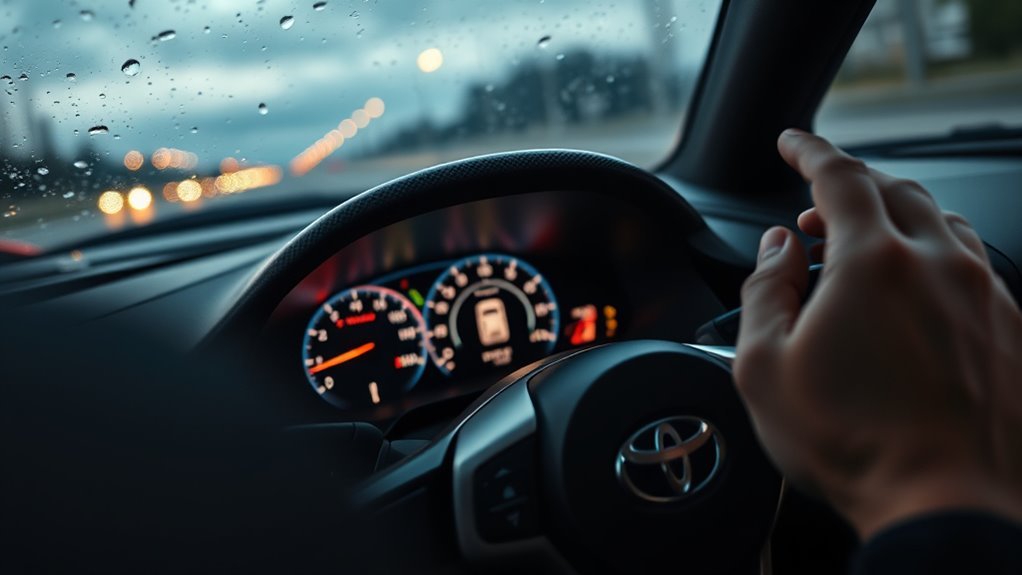
- Check the instrument cluster for the set speed and DRCC status indicator.
- Keep your foot near the brake and continue watching traffic.
Toyota’s current Supra owner-manual guidance says the system is functional from about 20 mph/30 km/h for normal speed setting, while the maximum set speed depends on the vehicle and equipment version. Full-speed-range DRCC can also be activated while stationary and can follow a vehicle that stops and moves again within the system’s limits.
Warning: DRCC is not a substitute for safe driving. Toyota’s manual states that the system cannot independently react to all traffic situations. Always watch the road and be ready to brake or steer.
[Products Worth Considering]
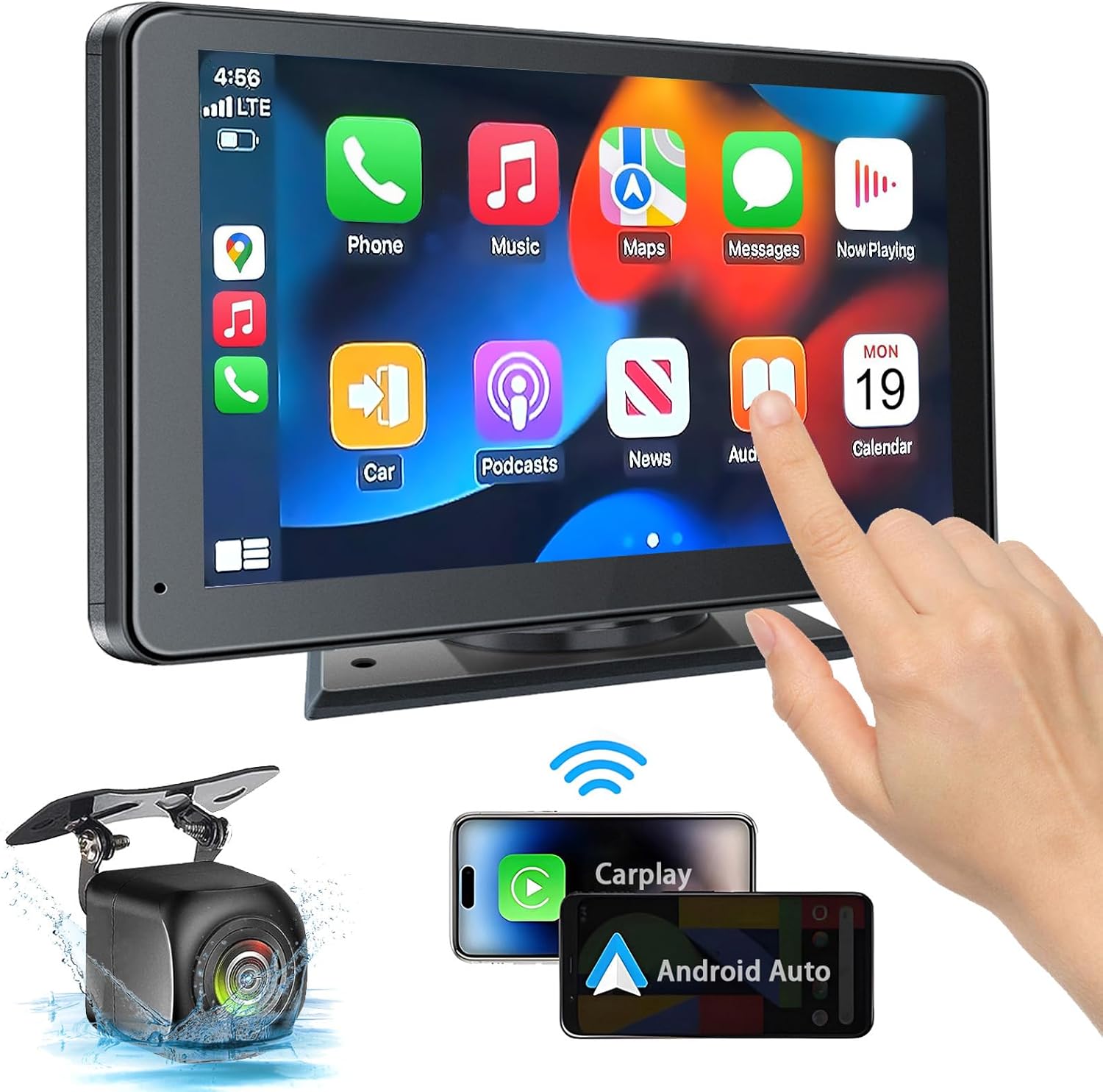
This portable car stereo adds wireless and wired Apple CarPlay and Android Auto to almost any vehicle, giving you easy access to navigation, calls, messages, and music with hands-free voice control. Its 7-inch HD touchscreen, Bluetooth 5.2, mirror link support, and multiple audio output options help create a flexible and safer in-car entertainment setup. The included backup camera and simple dashboard mounting make installation convenient for cars, trucks, RVs, and more.

This 2-in-1 wireless adapter converts factory-wired CarPlay into a cable-free experience for compatible vehicles, helping you enjoy seamless phone integration with less clutter. It supports automatic reconnection, stable Bluetooth and Wi-Fi pairing, and broad compatibility with many factory-installed CarPlay systems. Built with a durable metal and acrylic design, it also includes firmware updates and lifetime technical support for continued convenience.
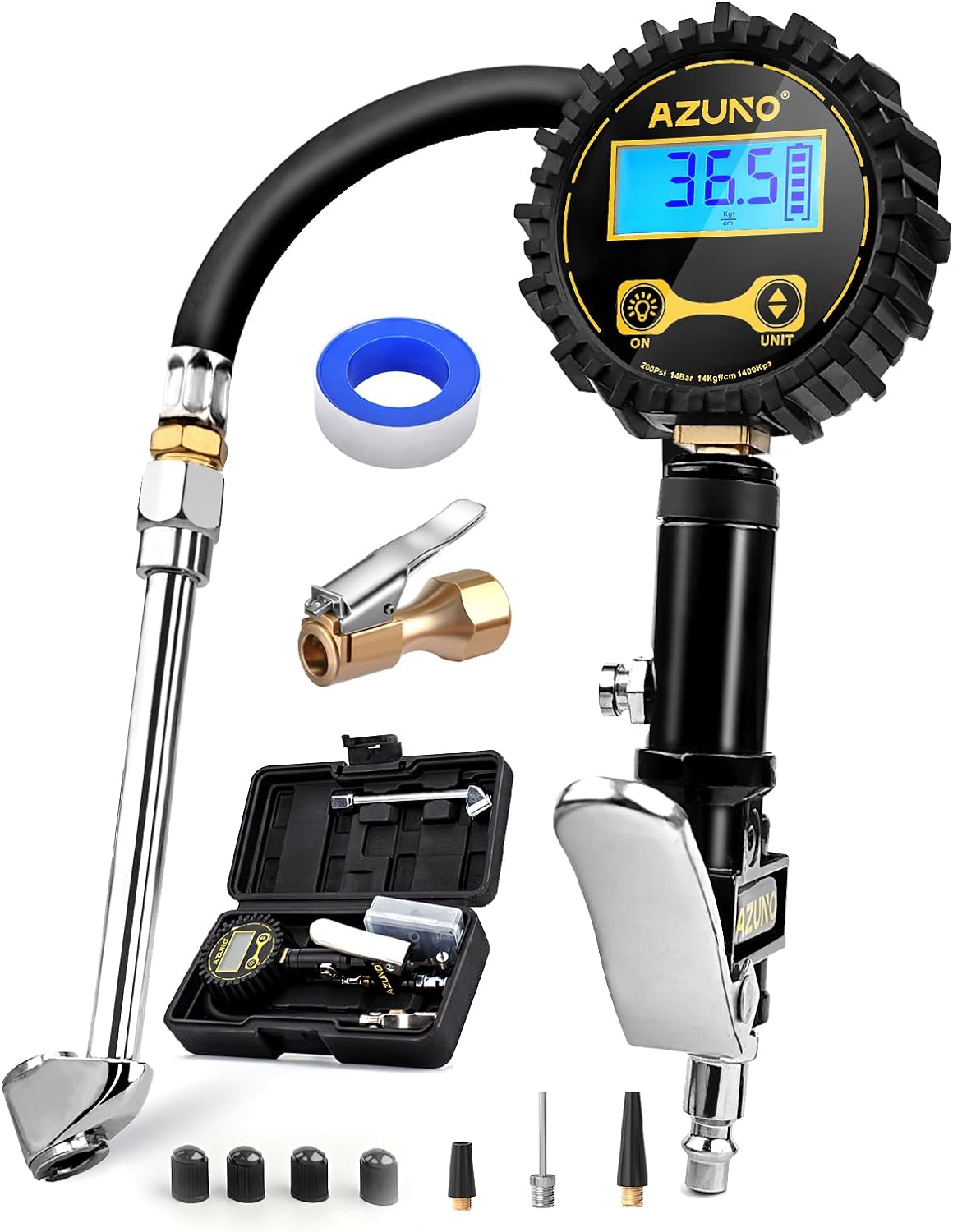
This digital tire inflator delivers accurate, easy-to-read pressure measurements with a bright backlit LCD and precise 0.1 resolution for confident inflation. Designed for single-handed use, it makes it simple to inflate or deflate tires while staying organized in the included portable carrying box. Built for a wide range of vehicles, it is a practical air compressor accessory for cars, trucks, SUVs, motorcycles, and more.
Adjust Speed in 1 MPH Increments and Hold for Larger Changes
With DRCC active, use the rocker switch to fine-tune the set speed. Toyota’s Supra manual states that each press to the resistance point changes the desired speed by 1 mph/1 km/h, while pressing past the resistance point changes it by up to 5 mph/10 km/h. Holding the switch repeats the action.
Use small taps for normal highway adjustments. Use larger changes only when traffic is clear and the new speed is still safe for the road, weather, and posted limit.
Pro Tip: Before pressing resume, check the gap between your current speed and the stored speed. If the difference is large, the car may accelerate or brake more strongly than expected.
Set or Change DRCC Following Distance
The Supra’s DRCC following distance is adjusted with the steering-wheel distance buttons. Toyota’s owner’s manual shows four distance levels, displayed in the instrument cluster as Distance 1 through Distance 4. The manual also notes that the actual distance depends on vehicle speed.
Choose a gap that fits traffic, weather, and local following-distance rules. DRCC can brake late because of system limits, so the selected distance never replaces your responsibility to maintain a safe gap and brake when needed.
| Distance Setting | Relative Gap |
|---|---|
| Distance 1 | Shortest preset |
| Distance 2 | Short-to-medium preset |
| Distance 3 | Medium-to-long preset |
| Distance 4 | Longest preset |
[Products Worth Considering]

This plug-and-play OBD2 scanner helps drivers quickly read and clear engine error codes while providing live data, freeze frame information, I/M readiness, and MIL status for more confident troubleshooting. It adds a built-in voltage test and clear status indicators to support electrical checks and faster diagnostics, making it a practical choice for home users, car enthusiasts, and repair professionals. Compatible with most OBDII vehicles since 1996 and designed with an easy-to-use interface, it offers broad coverage and simple operation in one compact tool.

This portable tire inflator delivers fast, convenient inflation for cars, bikes, motorcycles, and balls with dual power options from a rechargeable battery or a 12V car cord. Its digital LCD pressure gauge and automatic shutoff help prevent over-inflation, while multiple preset modes and a custom setting make it easy to use for different inflation tasks. Built-in flashlight and USB power ports add extra emergency utility on the road.
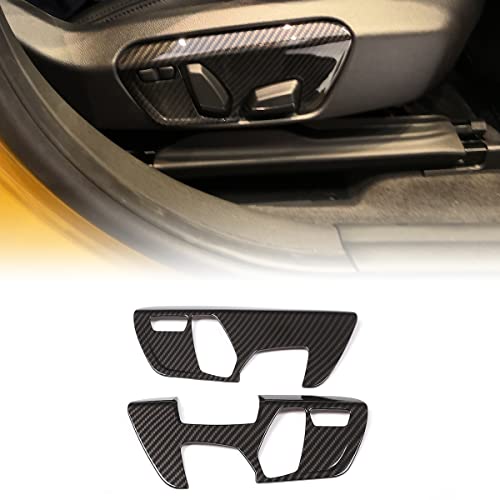
【Perfect Fitting】: This seat adjustment switch cover compatible with Toyota Supra GR A90 A91 MK5 2018-2022, The size of the original car is customized. The dimension of 8.3 in*3.9 in*1.2 in.
Switch Between DRCC and Conventional Cruise Control
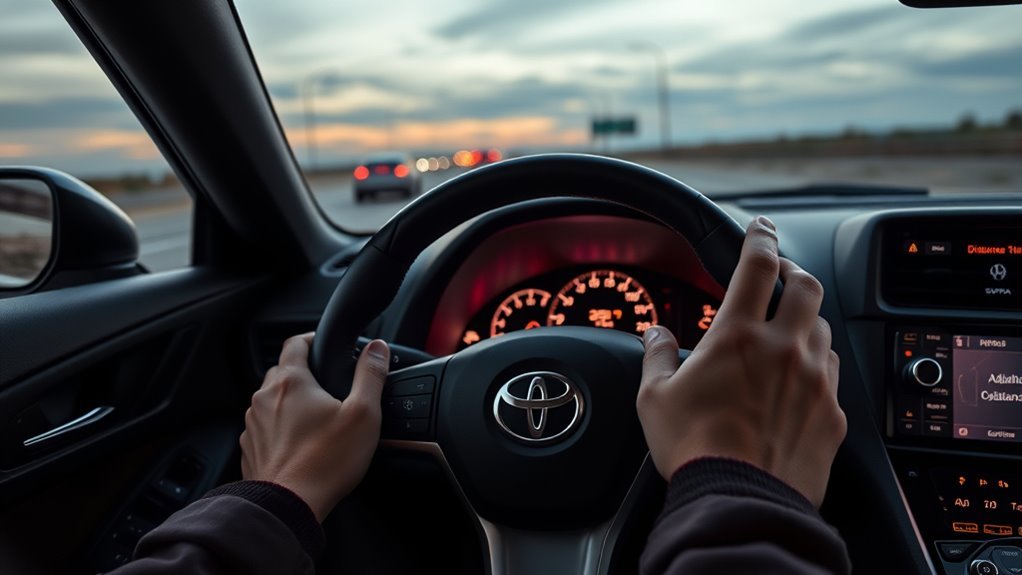
On equipped Supra models, the steering-wheel distance-control buttons can switch distance control on or off. With distance control on, DRCC adjusts speed to help maintain the selected gap from a detected vehicle ahead. With distance control off, cruise control no longer provides adaptive following, so you must control the gap to traffic ahead yourself.
Always confirm the mode in the instrument cluster before relying on it. If the display no longer shows distance-control information, do not expect the vehicle to slow for traffic ahead.
Note: Button labels, icons, and available modes can vary by model year, market, transmission, and equipment package. Your owner’s manual is the final source for your exact Supra.
Cancel vs. Turn Off Cruise Control: What’s the Difference?
Canceling, interrupting, and turning off cruise control are not the same thing.
- Cancel or interrupt: Press the pause/cancel button or brake. DRCC stops actively controlling speed, but the stored speed can usually be resumed.
- Turn off: Press the cruise control on/off button. The display goes out and the stored desired speed is deleted.
- Drive-ready off: Switching the vehicle off also clears the stored speed.
Use cancel when you only need temporary manual control. Turn the system off when you no longer want cruise control available.
Resume a Saved Speed on Toyota Supra DRCC
To resume an interrupted DRCC session, press the continue/resume control after checking the stored speed and traffic gap. The system resumes with the stored values when its operating conditions are met.
Resume With the Button or Rocker Switch
If DRCC was interrupted, use the continue/resume control shown in your model-year manual. Watch the instrument cluster to confirm that the system is active again and that the stored speed is appropriate for current traffic.
Memory Retention Behavior
The stored speed remains available after a normal interruption, such as braking or pausing the system. It is deleted when the cruise control system is switched off or when the vehicle’s drive-ready state is switched off.
When Resume Is Disabled
Resume may not work if the system was fully switched off, the stored speed was cleared, traction mode is active, VSC is off or intervening, the radar/camera view is impaired, or another operating condition is not met. If a red distance/vehicle warning appears or an acoustic warning sounds, take manual control immediately and follow the instrument-cluster message.
Troubleshooting: DRCC Won’t Engage or Responds Late
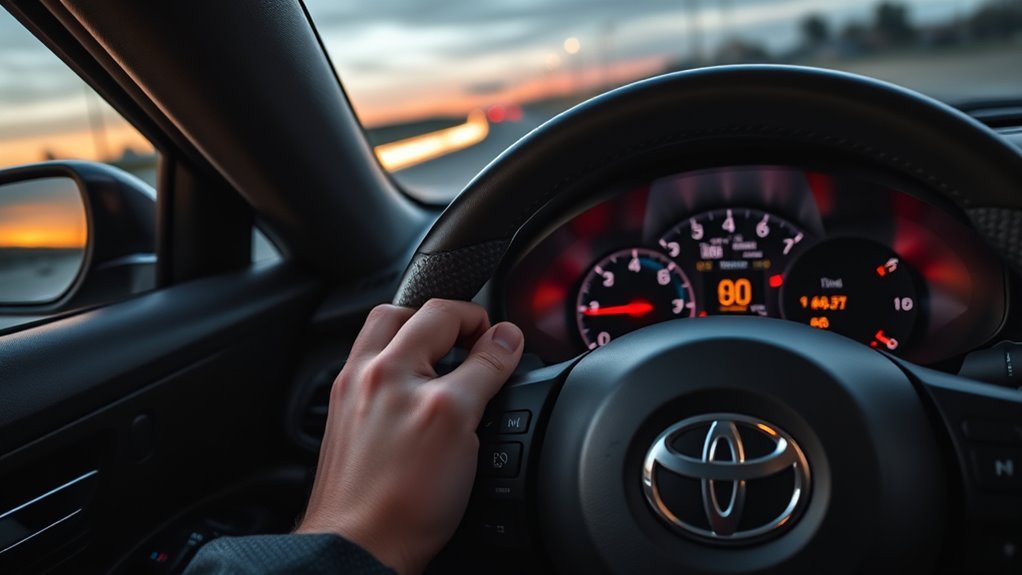
If DRCC will not engage, cancels itself, or responds late, check the basics before assuming the system has failed.
- Confirm speed and road conditions. Current Supra manual guidance says the system is best used on well-constructed roads and is functional from about 20 mph/30 km/h for normal speed setting.
- Check the vehicle and stability systems. DRCC can interrupt if the transmission is no longer in the required drive state, traction mode is active, VSC is off or intervening.
- Clean the sensors. Dirt, fog, snow, slush, glare, a dirty windshield, or a blocked front radar area can impair detection.
- Look for warning messages. A vehicle message may appear if the radar is misaligned, the camera is dirty, or the system has a fault.
- Restart only when safe. Cancel the system, drive manually, and re-engage only after the warning clears and the road is suitable.
- See a Toyota dealer if warnings persist. Radar alignment and camera faults require proper diagnosis and calibration.
Toyota’s Supra owner’s manual says DRCC detection and automatic braking are limited; two-wheeled vehicles may not be detected, and the system does not decelerate for pedestrians, red traffic lights, cross traffic, or oncoming traffic.
[Products Worth Considering]
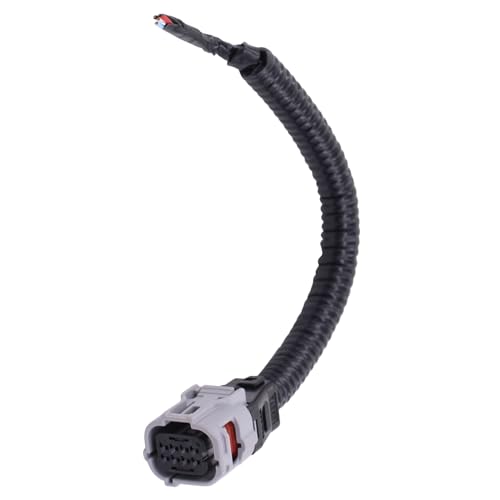
Compatible with Toyota Avalon 2013-2022; Camry 2018-2022; CHR 2017-2019;

Part Name: 8-Way Front Radar/Sonar Sensor Connector

【Symptom Alert】A failing millimeter wave radar sensor can cause the Pre-Collision System warning light to illuminate, disable Adaptive Cruise Control, or trigger false forward alerts with no hazard present. Left unaddressed, distance-keeping and forward collision detection both go offline. A direct replacement helps restore stable radar signal output and reliable ADAS communication
Best Practices: When and How to Use Cruise Control Safely
Use DRCC where traffic is predictable, the road is well constructed, and the front camera and radar have a clear view. Toyota positions the feature as highway-oriented driver assistance, and NHTSA classifies adaptive cruise control as Level 1 driver assistance: the driver remains responsible for monitoring and control.
Avoid relying on DRCC in these situations:
- Heavy rain, snow, slush, fog, or glare
- Tight curves or roads with poor visibility
- Intersections, red lights, cross traffic, and oncoming traffic
- Pedestrians, cyclists, motorcycles, or other small/slow road users
- Fast approaches to stopped or much slower vehicles
- Sudden cut-ins from adjacent lanes
- Roads with unclear shoulders, sparse traffic, or poor sensor reference points
The National Highway Traffic Safety Administration says adaptive cruise control provides continuous assistance with acceleration and braking while the driver remains fully engaged. Treat Supra DRCC the same way: useful speed-and-gap assistance, not autonomous driving.
How Model Year, Transmission, and Package Affect Supra DRCC
GR Supra driver-assistance features vary by model year, market, transmission, and package. For the 2026 U.S. GR Supra, Toyota’s current materials list Full-Speed Range DRCC with applicable automatic-transmission packages, while manual-transmission versions use conventional cruise control. For older model years or other markets, verify the exact equipment in that vehicle’s owner’s manual.
Model-Year Feature Variations
Do not assume every Supra has the same cruise-control setup. The modern A90/A91 GR Supra can be equipped with Full-Speed Range DRCC, but availability differs by transmission, package, model year, and market. Earlier Mk4 Supras do not use this modern DRCC system.
| Supra Era | What to Check |
|---|---|
| Older Mk4 Supra | Does not use the same modern GR Supra DRCC/TSS-style setup. |
| 2020+ GR Supra | Check transmission, package, and market before assuming DRCC is fitted; use the model-year manual for button layout and limits. |
| 2026 U.S. GR Supra | Toyota lists Full-Speed Range DRCC for automatic-transmission cars with applicable packages; manual-transmission models use conventional cruise control. |
DRCC Hardware and Sensor Checks
The Supra manual describes cameras behind the windshield and a front radar sensor. Keep the windshield and radar area clean and unobstructed. Dirt, snow, heavy fog, damage, or changes around the sensor area can reduce detection performance.
Software and Calibration Differences
If a sensor is replaced, the windshield or front bumper is repaired, or the radar area is damaged, the driver-assistance sensors may require inspection or calibration. If a warning remains after the sensors are clean and conditions are normal, have the system diagnosed by a qualified Toyota service facility.
Find Your Supra’s DRCC Settings: Owner’s Manual and Online
The best place to confirm your exact DRCC controls is the Toyota owner’s manual for your model year. Start with Toyota’s official manuals page, then search the manual for “Dynamic radar cruise control,” “distance control,” “cruise control,” and “continuing cruise control.”
- Go to the official Toyota Owners manuals and warranties page.
- Select your Supra model year.
- Open the digital or PDF owner’s manual.
- Search for the DRCC section and review the button diagram, warnings, and system limits.
- Practice the controls on a calm road before using DRCC in heavier traffic.
Frequently Asked Questions
Do you need to press the accelerator when using DRCC?
No. Once DRCC is active and conditions are suitable, the system helps maintain the set speed and selected following distance. You can still press the accelerator to override acceleration temporarily, but you remain responsible for speed, braking, and steering.
What speed can Toyota Supra DRCC be set at?
Current Supra owner-manual guidance says DRCC is functional from about 20 mph/30 km/h for normal speed setting. The maximum set speed depends on the vehicle and equipment version. Full-speed-range operation can also function at very low speed or while stationary within the system’s limits.
How many following-distance settings does Supra DRCC have?
Toyota’s Supra owner’s manual shows four distance levels, labeled Distance 1 through Distance 4 in the instrument cluster. Use a longer distance at higher speeds, in poor weather, or whenever you want more reaction time.
Why does DRCC cancel by itself?
DRCC can interrupt itself if you brake, leave Drive, turn off or alter stability/traction settings, unbuckle the belt and open the door while stopped, block the radar/camera view, drive in heavy fog, or remain stopped for an extended period after the system has braked the vehicle.
Can DRCC stop for red lights or pedestrians?
Do not rely on it for that. Toyota’s Supra manual states that the system does not decelerate for pedestrians or similarly slow-moving road users, red traffic lights, cross traffic, or oncoming traffic. Brake manually whenever the situation requires it.
Does a manual-transmission Toyota Supra have Full-Speed Range DRCC?
For the 2026 U.S. GR Supra, Toyota lists Full-Speed Range DRCC with applicable automatic-transmission packages, while manual-transmission models use conventional cruise control. Availability can differ for older model years and other markets, so check the exact vehicle’s owner’s manual and equipment list.
Conclusion
Use Toyota Supra DRCC as speed-and-gap assistance, not autopilot. First confirm that your Supra is actually equipped with Full-Speed Range DRCC, then use the steering-wheel controls to activate it, set or adjust speed, and choose a following distance. Brake or pause the system whenever traffic demands manual control, and never expect DRCC to stop for red lights, pedestrians, cross traffic, or every sudden cut-in. For exact button behavior and limits, use the owner’s manual for your model year, transmission, and market.
Sources
- Toyota Supra Owner’s Manual PDF — DRCC controls, speed range, distance settings, warnings, and system limits.
- Toyota Owners Manuals and Warranties — official source for model-year-specific Supra owner’s manuals.
- Toyota Safety and Convenience — current Toyota guidance distinguishing conventional cruise on manual-transmission GR Supra models from Full-Speed Range DRCC on automatic-transmission models.
- 2026 Toyota GR Supra Brochure — current U.S. package and transmission availability for Full-Speed Range DRCC.
- NHTSA Driver Assistance Technologies — driver responsibility and limitations of driver-assistance systems.