Published By: AutoReviewNest Editorial Team • Last Updated: August 2026 • Verified On: 2020–2026 Toyota GR Supra (2.0 & 3.0 Trims) & A80 Supra
To set the clock on a modern Toyota Supra, navigate to My Vehicle > System settings > Date and time > Time. Turn and press the center console Toyota Supra Command controller to set the hour and minutes. This menu path applies to all 2020–2026 Toyota GR Supra models (A90/A91). Older Supras equipped with a standalone digital dashboard clock use physical adjustment buttons instead.
Quick Answer: 2020–2026 GR Supra Clock Setting
Park the vehicle with the ignition on. Using the rotary controller on the center console, select My Vehicle > System settings > Date and time > Time. Rotate the dial to choose the hour, press down to confirm, rotate to set the minutes, and press down again to lock in the time.
Key Takeaways
- The standard menu path for modern GR Supras is My Vehicle > System settings > Date and time.
- Manual adjustment requires rotating and pressing the central Toyota Supra Command controller.
- Automatic time setting relies on onboard telematics and GPS; disable it if you need to override the clock manually.
- Apple CarPlay and Android Auto display phone time on their interface, but do not override the vehicle’s native instrument cluster clock.
- Classic Mk4 (1993–2002) Supras adjust using physical H (Hour), M (Minute), and :00 (Zero Reset) buttons.
At a Glance
| Time Required | 1–2 minutes |
| Difficulty | Easy (No tools required) |
| Interface | Toyota Supra Command rotary dial or steering wheel voice button |
| Applicable Models | 2020–2026 GR Supra (3.0, 3.0 Premium, 2.0, 45th Anniversary) & Classic Generations |
Which Clock Controls Does Your Supra Use?
Before adjusting the time, confirm whether your vehicle uses the central infotainment interface or dedicated analog/digital dash buttons.
| Supra Generation / Year | Clock Control System | Adjustment Method |
|---|---|---|
| 2020–2026 GR Supra (A90/A91) | Toyota Supra Command / Central Display | My Vehicle > System settings > Date and time |
| 1993–2002 Supra (A80 / Mk4) | Digital Dashboard Clock Unit | Physical H, M, and :00 buttons beside the clock |
| 1986.5–1992 Supra (A70 / Mk3) | Dash-mounted Digital Clock | Recessed physical buttons on instrument panel surround |
How Do You Set the Clock on a 2020–2026 Toyota GR Supra?
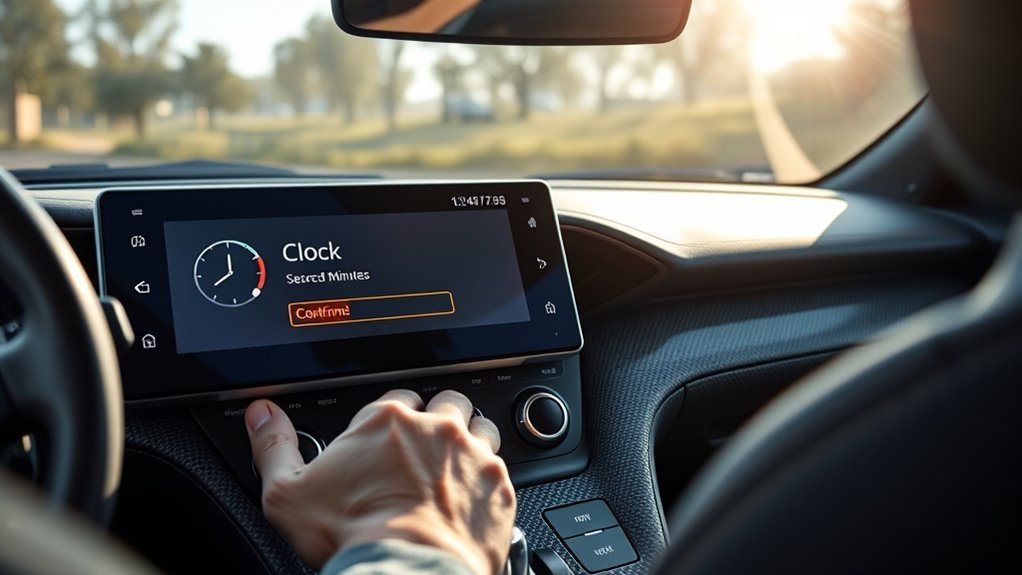
The 2020–2026 Toyota GR Supra utilizes the BMW-derived iDrive architecture branded as Toyota Supra Command. The clock is controlled primarily through the console-mounted rotary dial rather than a touchscreen-only interface.
- Park the car safely. Keep the ignition in accessory mode or run the engine while parked.
- Open My Vehicle. Press the MENU button near the rotary dial, then highlight and select My Vehicle.
- Select System settings. Scroll down the submenu and press the controller.
- Open Date and time. Select the date and time menu from the list.
- Select Time. (If this option is grayed out, turn off Automatic time setting first).
- Set the hour. Rotate the dial to the correct hour, then press down to confirm.
- Set the minutes. Rotate the dial to the correct minute, then press down to lock in the setting.
- Confirm changes. Press the BACK button on the console to exit; the updated time will reflect on both the central display and the digital instrument cluster.
Safety Warning: Configure time and display settings only when parked. Adjusting menus via the rotary dial while driving creates cognitive distraction.
[Products Worth Considering]
Keep cargo secure in your Toyota Tundra with this Essentials Series cargo net designed for 2007-2026 models equipped with factory deck rails. It features a 6mm premium latex bungee, a 6-inch grid system, upgraded carabiners, and patented bed rail integration for quick, dependable hauling. Built for everyday use, it installs directly to the factory bed rails without extra hardware and is backed by a lifetime warranty.

APPLICABLE MODELS: The center console air conditioner switch panel trim frame compatible with Toyota Supra GR A90 A91 MK5 2019-2026, The size of the original car is customized.

► Compatible with 2020 2021 2022 2023 2024 2025 2026 Toyota GR Supra Door Cup Arm Box Storage Mat Pad, 2020-2025 2026 GR Supra Accessories.
How Do You Use Automatic Time Setting on a Supra?
When active, Automatic time setting uses onboard cellular telematics and satellite data to maintain accurate time across time zone borders and daylight saving transitions. According to official Toyota Supra Technical Documentation, automatic updates manage the time, date, and local zone dynamically.
To enable or disable automatic synchronization:
- Navigate to My Vehicle > System settings > Date and time.
- Highlight Automatic time setting.
- Press the controller down to check (enable) or uncheck (disable) the box.
Note: Menu options may vary slightly based on production year, region, and software version. Refer to the Toyota Owner’s Portal for trim-specific firmware updates.
Does the GR Supra Sync Its Clock With Apple CarPlay or Android Auto?
Connecting a smartphone via Bluetooth or wireless Apple CarPlay does not automatically set the Supra’s internal vehicle clock. While the Apple CarPlay home screen mirrors your phone’s time, the GR Supra’s primary instrument cluster and native status bar rely solely on the vehicle’s internal clock settings.
If your gauge cluster shows the incorrect hour, do not re-pair your phone. Instead, adjust the Time zone or toggle Automatic time setting in the native vehicle menu.
Does the GR Supra Use GPS Time?
The GR Supra utilizes a combined GPS and cellular telematics feed rather than a standalone user-facing “GPS Sync” button. If the automatic system is out of sync, manually select your time zone or disable automatic mode to set the time manually.
Pro Tip: If the minutes are exact but the hour is off by one or more full increments, the clock is functioning properly but set to the wrong Time zone.
How Do You Change the Supra Time Zone?
To update the local time zone manually:
- Open My Vehicle > System settings > Date and time.
- Select Time zone.
- Rotate the dial to choose your local region (e.g., Eastern, Central, Mountain, Pacific) and press to select.
- If the option is uneditable, uncheck Automatic time setting first.
How Do You Manually Set the Supra Date and Time?
Manual clock configuration is required if automatic sync is unavailable or when setting a custom offset.
- Park the vehicle and turn the accessory power on.
- Go to My Vehicle > System settings > Date and time.
- Uncheck Automatic time setting.
- Select Time to adjust the hour and minute values.
- Select Date (if visible) to adjust the day, month, and year using the rotary controller.
- Select Date format to choose between DD.MM.YYYY or MM/DD/YYYY.
How Do You Change the 12-Hour or 24-Hour Clock Format?
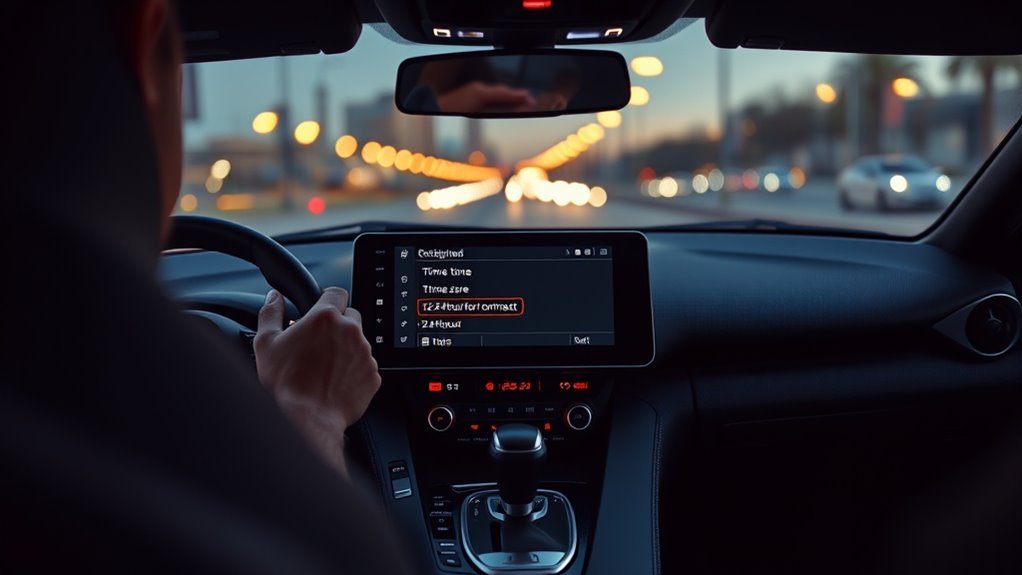
Switching between standard 12-hour (AM/PM) and 24-hour military time formats affects display presentation across the entire digital dashboard without resetting the stored time value.
- Open My Vehicle > System settings > Date and time.
- Scroll down and select Time format.
- Choose either 12 h or 24 h and press the dial to save.
Can You Open the Supra Clock Menu With Voice Commands?
Yes. The Toyota GR Supra features native voice recognition to access deeper submenus quickly:
- Press the Voice Command button on the right side of the steering wheel.
- Speak clearly: “My Vehicle.”
- At the next prompt, say: “System settings,” then “Date and time.”
- Use the center console controller to complete the final digit adjustment.
Voice commands can navigate directly to the Date and Time submenu, but exact numeric hour/minute inputs must be finalized using the physical Toyota Supra Command controller.
Why Won’t the Toyota Supra Clock Change? (Troubleshooting)
[Products Worth Considering]

AUTHENTIC DESIGN: Highly detailed 1:36 scale die-cast metal Toyota GR Supra Concept Racing Edition with authentic styling and sporty features

【Precision Fit for GR Supra A90/A91】Specially designed for 2019-2025 GR Supra A90/A91, this carbon fiber steering wheel offers a direct OEM replacement for your factory unit. It retains full compatibility with your vehicle’s original airbag, buttons, and paddle shifters, delivering a seamless factory integration with a premium upgrade feel.
1. Manual Time Setting Is Grayed Out
- Cause: Automatic time setting is currently active, locking manual input fields.
- Fix: Return to the top of the Date and time screen, uncheck Automatic time setting, and re-enter the Time submenu.
2. Clock Shows the Wrong Hour but Correct Minutes
- Cause: The system is set to an adjacent time zone or failed to adjust for Daylight Saving Time.
- Fix: Open Time zone and select the appropriate geographic region.
3. Automatic Time Fails to Update
- Cause: Blocked GPS signals (e.g., parking in multi-level underground garages) or inactive telematics.
- Fix: Move the vehicle into an open area with clear sky visibility. Toggle Automatic time setting off and on, or switch to manual input.
4. Clock Resets After Battery Disconnection or Service
- Cause: Disconnecting the 12V battery clears volatile memory buffers. Review our guide on Toyota Supra battery maintenance for proper power restoration steps.
- Fix: Re-enter the Date and time menu, toggle your preferred automatic or manual settings, and confirm memory retention after cycling the ignition.
How Do You Set the Clock on an Older Toyota Supra (Mk4 / A80)?
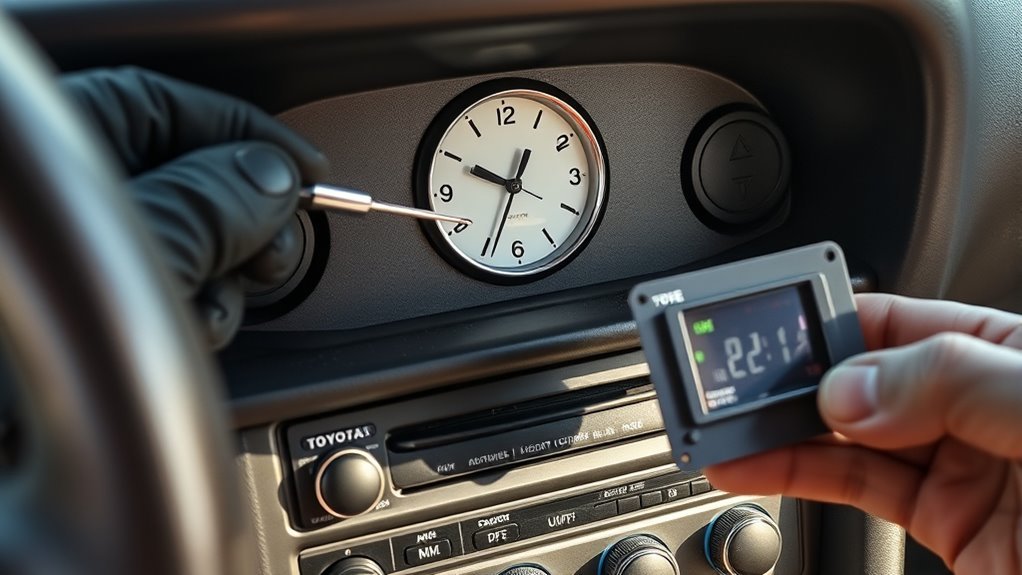
Fourth-generation (1993–2002) Toyota Supras feature a standalone digital LCD dashboard clock located to the right of the main instrument cluster. The official 1998 Toyota Supra Owner’s Manual outlines the three-button operation:
- Turn the ignition key to the ACC or ON position.
- H (Hour Button): Press repeatedly or hold to advance the hours.
- M (Minute Button): Press repeatedly or hold to advance the minutes.
- :00 (Reset Button): Rounds the time to the nearest full hour. (For example, pressing :00 between 1:01 and 1:29 snaps to 1:00; pressing it between 1:30 and 1:59 snaps to 2:00).
If power is disconnected via the battery or fuse removal, the Mk4 dashboard clock automatically defaults to 1:00 upon power restoration. For older pre-1990 A70 models, technical documentation is accessible via the Toyota Technical Information System (TIS).
Frequently Asked Questions
How do I adjust my Toyota Supra clock settings?
On a 2020–2026 GR Supra, open My Vehicle > System settings > Date and time > Time. Turn and press the Toyota Supra Command controller to set the hour, then repeat the process for the minutes.
Can I set the Toyota Supra clock by voice?
You can use voice commands to open the clock menu. Press the voice activation button and say “My Vehicle,” followed by “System settings,” “Date and time,” and the setting you need. Apply the final change with the center-console controller.
Why is the manual time option grayed out?
Manual time may be unavailable while Automatic time setting is enabled. Turn the automatic setting off, return to Time, and try the manual adjustment again.
Does the Toyota Supra clock update automatically for daylight saving time?
It may update automatically when the required equipment is present and Automatic time setting is enabled. If the hour remains wrong, check the time zone or set the clock manually.
Why does my Supra clock show the right minutes but the wrong hour?
The selected time zone is likely wrong. Open My Vehicle > System settings > Date and time > Time zone and select the correct zone.
How do I set the clock on an older Toyota Supra?
On a 1998 U.S.-market Supra, turn the key to ACC or ON, press H to change the hour, press M to change the minutes, and press :00 to move to the nearest full hour. Check the exact owner’s manual if your older Supra uses different controls.
Conclusion
On all 2020–2026 Toyota GR Supra models, clock adjustments are managed via My Vehicle > System settings > Date and time using the center console rotary controller. Toggle Automatic time setting for automated network synchronization, or manually adjust the Time, Time zone, and Time format (12h/24h) to suit your driving preferences. On classic Mk4 Supras, use the dedicated physical H, M, and :00 dashboard buttons. If custom settings repeatedly fail to save across ignition cycles, inspect the 12V battery terminal condition or have an authorized dealer diagnose the multimedia telematics module.
Sources
- Toyota 2026 Supra Interactive Manual: General Settings — Official reference for Automatic time setting, Time, Time zone, and Time format.
- Toyota 2020 Supra Quick Reference Guide — Official Toyota Supra Command controller navigation sequence.
- Toyota UK: How to Adjust the Time on Your Toyota’s Clock — Official GR Supra voice command structures and infotainment distinctions.
- Toyota 2026 Supra Manuals and Warranties — Model-year specifications and portal directory.
- Toyota 1998 Supra Owner’s Manual — Official A80 digital clock adjustment instructions.
- Toyota Technical Information System — Technical service bulletins and legacy repair publications.