A Tacoma touchscreen collects dust, fingerprints, sunscreen, food oils, and cabin film quickly, but it does not need aggressive cleaning. The safest method is simple: turn the display off, let it cool, remove loose dust first, then wipe with a clean, soft, slightly damp microfiber cloth. Toyota’s own guidance is the best rule to follow: use lukewarm water on a soft cloth and avoid solvents, alcohol, gasoline, alkaline cleaners, acidic cleaners, and harsh household products.
Quick Answer
To clean a Toyota Tacoma touchscreen safely, turn the screen off, let it cool, dust it with a clean microfiber cloth, then lightly wipe it with a soft cloth dampened with lukewarm water. Do not spray liquid directly on the screen, and avoid alcohol, ammonia, solvents, abrasive cleaners, paper towels, and excessive pressure.
Key Takeaways
- Use Toyota’s preferred method first: a clean, soft cloth dampened with lukewarm water.
- Never spray cleaner directly onto the screen; moisture can run into edges, buttons, or electronics.
- Avoid alcohol, ammonia glass cleaner, solvents, acidic cleaners, alkaline cleaners, paper towels, and abrasive pads.
- Dust before wiping so grit does not drag across the display and create fine scratches.
- A Tacoma-sized screen protector can make routine cleaning easier, but clean the original display gently before installation.
At a Glance
| Time Required | 3–5 minutes for routine cleaning |
| Difficulty | Easy |
| Tools Needed | Clean microfiber cloths, lukewarm water, optional soft detailing brush |
| Cost | Usually free if you already have microfiber cloths; under $10 for a basic cloth pack |
Warning: Toyota advises against using substances such as solvents, kerosene, alcohol, gasoline, alkaline solutions, or acidic solutions on vehicle touch screens because they can stain or discolor the panel. Use water-dampened microfiber first unless your owner’s manual for your exact model year says otherwise.
Quick Steps to Clean Your Tacoma Touchscreen
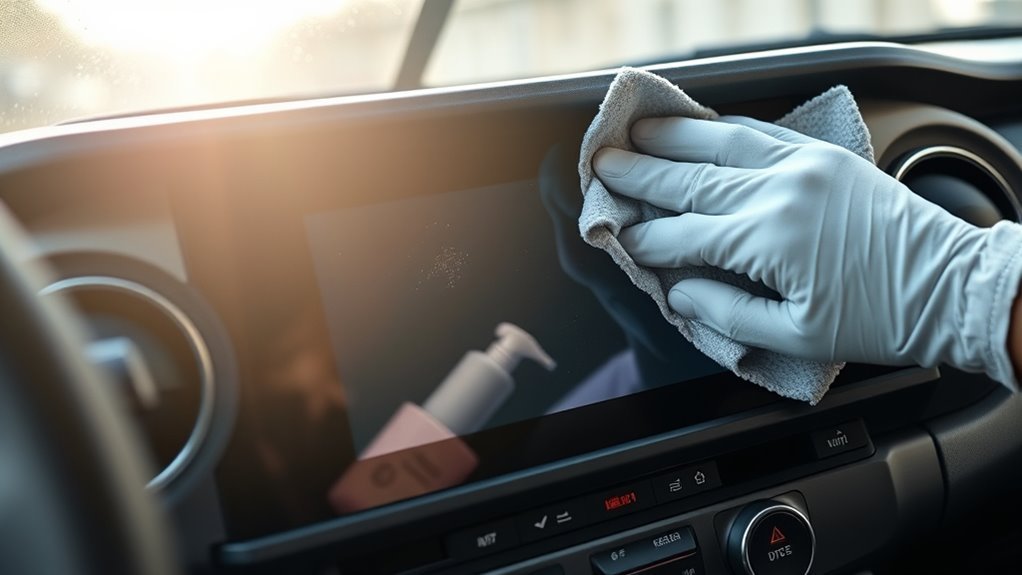
- Park safely and turn the screen off. A dark screen makes fingerprints and streaks easier to see and reduces accidental taps.
- Let the display cool. If the cabin has been sitting in direct sun, wait until the screen is close to room temperature.
- Remove loose dust first. Use a dry, clean microfiber cloth or a very soft detailing brush around the edges.
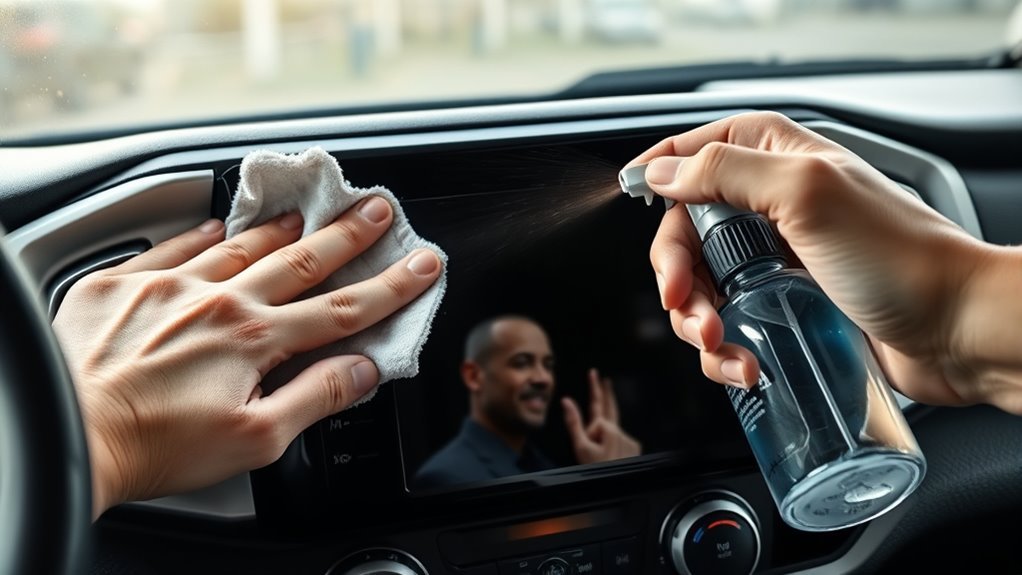
- Dampen the cloth, not the screen. Use lukewarm water and wring the cloth until it is barely damp, not wet.
- Wipe gently side to side. Use light pressure and overlapping horizontal passes across the panel.
- Dry immediately. Finish with a second clean, dry microfiber cloth so no moisture remains near the bezel.
- Inspect from an angle. Look for streaks, lint, or residue before turning the screen back on.
This routine is enough for normal fingerprints, light dust, and everyday smudges. If the touchscreen still looks hazy, repeat the same gentle process rather than switching to harsh chemicals.
Safe Cleaners, Cloths, and Tools for Tacoma Screens
The safest cleaning kit for a Tacoma screen is small: two clean microfiber cloths, lukewarm water, and an optional soft brush for dust around the screen edges. Toyota recommends a soft damp cloth and specifically warns against strong chemical substances on touch screen panels, so treat household glass cleaner, ammonia cleaner, degreaser, disinfecting sprays, and solvent-based products as off-limits for the factory display.
| Item | Use It For | Safe Practice |
|---|---|---|
| Clean microfiber cloth | Dusting and wiping | Use a lint-free cloth reserved for screens only |
| Lukewarm water | Fingerprints and light smudges | Apply to the cloth, never directly to the screen |
| Soft detailing brush | Edges, corners, and dry dust | Use light strokes and avoid stiff bristles |
| Dry second microfiber | Final drying pass | Dry the bezel and lower edge carefully |
Note: Some screen-wipe brands make products for phones, tablets, and TVs, but a Tacoma’s factory screen should still be cleaned according to Toyota’s guidance first. If you install a screen protector, follow the protector manufacturer’s instructions for cleaning the protector surface.
[Products Worth Considering]

These HOMEXCEL microfiber cleaning cloths deliver excellent absorbency and gentle, scratch-free cleaning for cars, homes, and glass surfaces. The soft, lint-free towels help remove dirt, water, and streaks quickly for a polished finish, and they are machine washable for repeated everyday use.

This anti-glare matte tempered glass screen protector is designed for compatible 2026 Toyota RAV4 and RAV4 Hybrid models with a 12.9-inch touchscreen. It helps reduce glare, resists scratches and fingerprints, and maintains responsive touch performance for a clearer, cleaner driving experience.
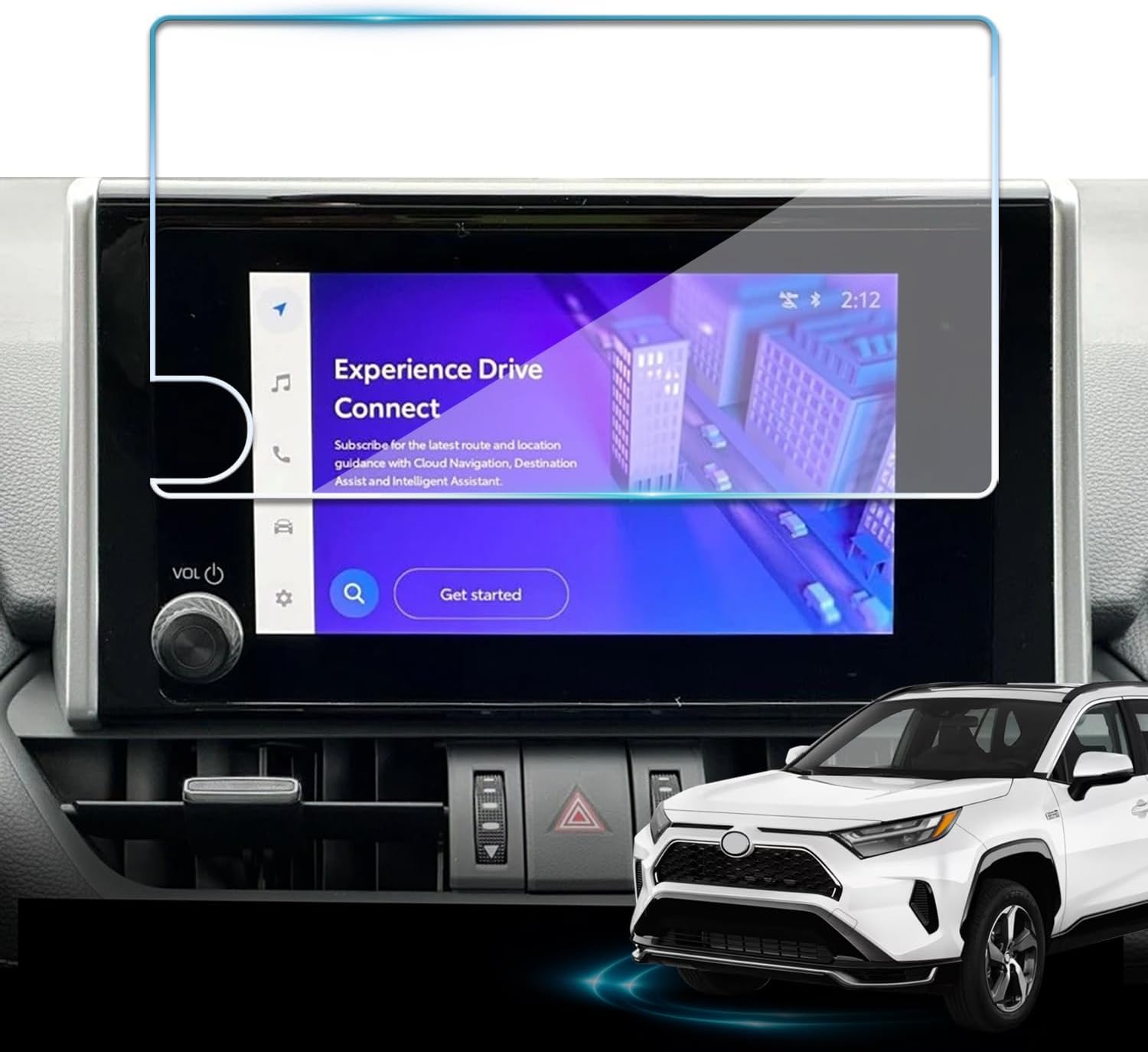
Protect your Toyota RAV4 infotainment display with this tempered glass screen protector designed for 2023-2025 LE, XLE, Adventure, XLE Premium, SE, and Woodland Edition models. It helps guard against scratches and fingerprints while preserving touch sensitivity and delivering a clear, low-glare viewing experience. Installation is quick and convenient with the included tools and guidance.
Turn Off, Cool Down, and Protect Interior Parts First
Before you touch the display, turn off the infotainment screen and give it time to cool. A hot screen can make moisture evaporate unevenly, which leaves streaks and encourages extra rubbing. A powered-off display also makes dust and fingerprints more visible.
Drape a clean towel or spare microfiber over the center console, gear selector area, vents, and nearby trim if you are cleaning carefully after a dusty trip. The goal is not to soak anything; it is to keep stray moisture away from buttons, seams, piano-black trim, and soft-touch surfaces.
Check the cloth before it touches the screen. A microfiber towel that has been used on wheels, exterior paint, glass cleaner, or interior dressing can carry grit or chemical residue. For screen work, keep one or two cloths separate and wash them without fabric softener, which can leave streaky residue on smooth surfaces.
How to Wipe: Motions, Pressure, and Stain-Removal Tips
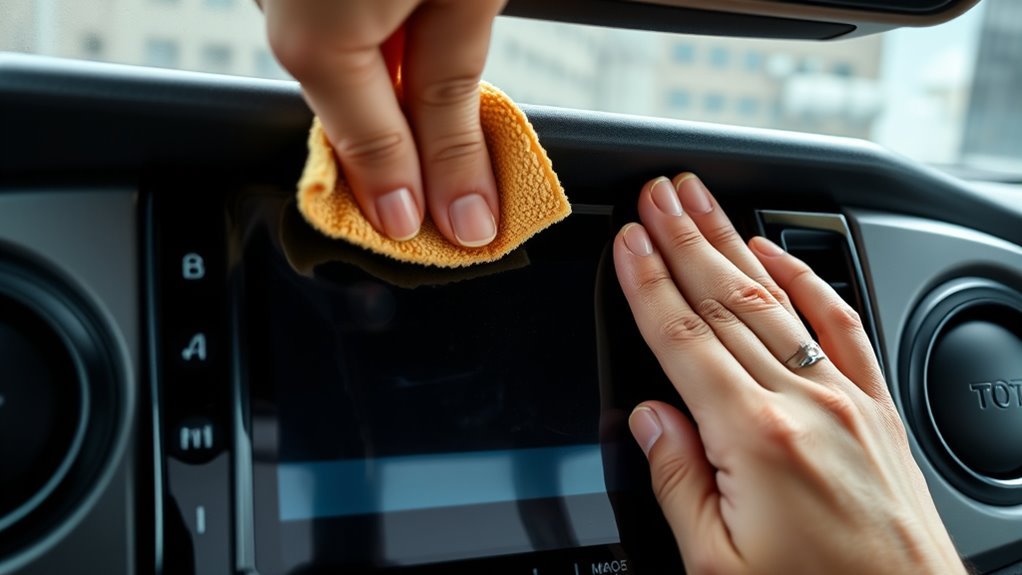
Use gentle horizontal strokes with a lint-free microfiber cloth and very light pressure. Start at the top of the screen and move side to side in overlapping passes. This keeps your motion controlled and helps prevent missed strips, streaks, and concentrated pressure in one spot.
For fingerprints, slightly dampen the cloth with lukewarm water, wring it well, and wipe the affected area again. For oily smudges from sunscreen, lotion, or food residue, hold the damp cloth on the spot for a moment to soften the residue, then wipe gently. Do not scrape with a fingernail, card, paper towel, or plastic tool.
After the damp pass, immediately use a dry microfiber cloth to remove moisture. Pay extra attention to the lower edge of the screen and any seam around the display, because pooled liquid can travel where it does not belong.
Pro Tip: Fold the microfiber cloth into quarters before wiping. When one side picks up oil or dust, flip to a clean side instead of dragging the same residue across the screen.
What Not to Use on a Tacoma Touchscreen
The fastest way to damage a touchscreen is to treat it like household glass. Avoid anything that can strip coatings, leave haze, push liquid into the display edge, or grind dust into the surface.
- Do not use ammonia glass cleaner. Products made for windows can be too harsh for coated screens.
- Do not use alcohol on the factory screen. Toyota’s touch-screen cleaning guidance says to avoid alcohol and other chemical substances that can stain or discolor the screen.
- Do not use solvents, gasoline, kerosene, acidic cleaners, or alkaline cleaners. These are much too aggressive for the display surface.
- Do not use paper towels, napkins, tissues, shop towels, or abrasive pads. They can leave lint or create fine scratches.
- Do not spray water or cleaner directly on the display. Apply moisture to the cloth only.
- Do not press hard. If a mark does not come off, re-dampen the cloth and repeat gently.
Fixing Swirls, Streaks, and Sticky Residue on Tacoma Screens
Swirls, streaks, and sticky spots usually come from one of three problems: dust was not removed first, the cloth was dirty, or too much liquid was used. Correct those causes before cleaning again.
[Products Worth Considering]
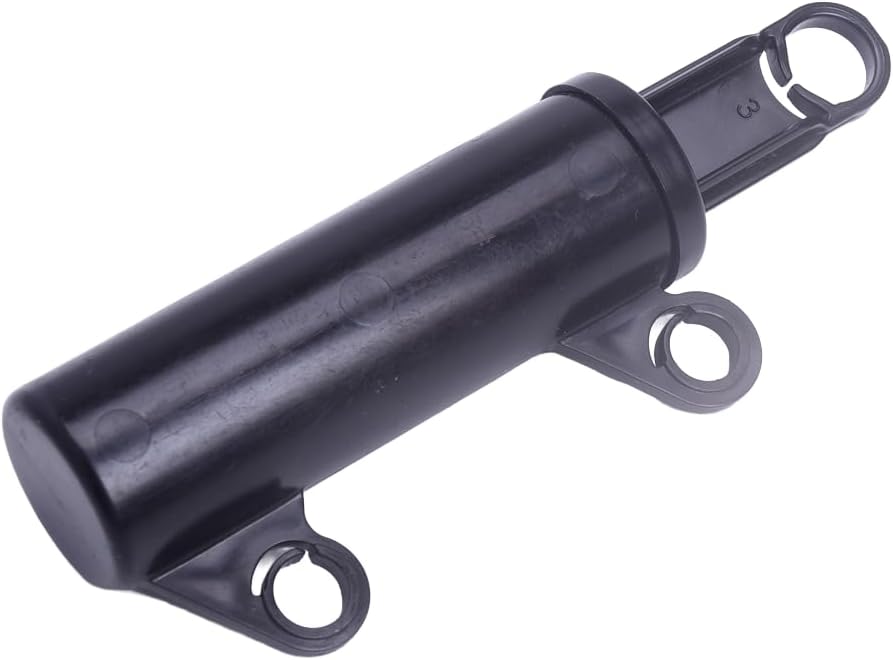
This glove box damper support helps restore smooth, controlled opening and closing for compatible vehicle glove compartments. Designed as a replacement for the original damper, it offers an easy installation process and comes tested for reliable performance. It is a practical fix for improving glove box function on select Toyota and Subaru models.

This car interior detailing brush is designed to gently remove dust from vents, dashboards, consoles, and other hard-to-reach areas without scratching surfaces. Its soft bristles and comfortable grip make routine interior cleaning easier, while the compact size allows convenient storage in your glove box. It also works well for household cleaning tasks like keyboards, fans, and window tracks.

This portable car stereo brings wireless Apple CarPlay and Android Auto to your vehicle for easier access to navigation, music, calls, and messages. The large HD touch screen supports mirror link and multiple audio output options, while voice control adds safer hands-free use on the road. An included backup camera and simple dashboard mount make installation quick and convenient without replacing your original radio.
Remove Dust First
Dust the screen before any damp cleaning. Use a clean, dry microfiber cloth and light side-to-side strokes. If dust is packed near the bezel, loosen it with a soft detailing brush before wiping the main display. This prevents grit from acting like sandpaper when moisture is added.
Tackle Sticky Residue
Sticky residue can come from food, drinks, hand lotion, sunscreen, or previous cleaners. Lightly dampen a microfiber cloth with lukewarm water, hold it on the sticky area for a few seconds, then wipe gently. Repeat as needed and dry right away. Avoid alcohol-based residue removal on the factory screen because Toyota’s guidance warns against alcohol on touch screen panels.
Minimize Swirl Marks
If you see swirl marks, stop using the cloth that caused them. Switch to a fresh microfiber cloth, remove dust first, and wipe in straight, gentle passes instead of scrubbing. True scratches cannot be polished out safely at home, but many apparent “swirls” are actually oily streaks that disappear after a careful water-dampened wipe and dry buff.
How to Disinfect the Screen Without Risking Damage
Cleaning and disinfecting are not the same. Cleaning removes visible dust, oil, and fingerprints. Disinfecting uses chemicals to reduce germs. For electronics, public-health guidance commonly says to follow the manufacturer’s instructions first. In a Tacoma, that means Toyota’s screen guidance should come before general disinfecting advice.
If someone has coughed on the screen or you need extra hygiene, the safest approach is to clean the screen gently, wash your hands, and disinfect surrounding high-touch hard surfaces only with products that are safe for those materials. Do not soak the touchscreen, spray disinfectant into the dashboard, or use strong disinfecting wipes on the factory display unless Toyota guidance for your exact vehicle says they are safe.
Cleaning Around Buttons, Vents, and the Bezel
The touchscreen surface is only part of the job. Dust and crumbs often collect along the bezel, physical buttons, volume knob, and nearby vents. Use a dry microfiber cloth wrapped around a fingertip for wide edges. For tight seams, use a soft detailing brush and brush outward so debris moves away from the screen instead of into the gap.
Keep moisture away from openings. If you use a damp cloth on nearby trim, it should be barely damp and followed by a dry cloth. Never spray cleaner into vents, buttons, USB ports, or seams around the display.
Preventive Care: Dusting, Screen Protectors, and a Simple Schedule
A light routine prevents most screen-cleaning problems. Dust the display weekly with a clean microfiber cloth, and do a damp wipe only when fingerprints or haze remain after dry dusting. If you drive on dusty roads, carry pets, or park with the windows open often, dust more frequently.
[Products Worth Considering]

Lifeproof Ceramic Coating Spray Kit helps protect kitchen and bath surfaces with an ultra-slick, hydrophobic finish that repels stains, grime, water spots, soap scum, and fingerprints. It is designed for easy spray-and-buff application on many hard surfaces, leaving a clean, invisible layer that makes routine cleanup simpler and helps surfaces stay protected for months.

Replace a cracked or unresponsive navigation screen with this touch screen glass digitizer designed for compatible Toyota infotainment units. It restores touch functionality for supported RAV4, Prius C, Corolla, and Camry models with a precise 12-pin interface and the correct cable position requirements. Built with a slim 1.5mm profile, it is a practical repair solution for keeping your factory navigation system working properly.

Chemical Guys Swift Wipe Waterless Car Wash Spray lets you clean, shine, and protect your vehicle without a hose or bucket. Its high-lubrication formula lifts dirt and grime while helping reduce scratches and swirl marks, leaving a glossy, streak-free finish on paint, glass, wheels, chrome, and plastic. Ideal for quick detailing anywhere, it adds a protective layer that helps repel dust and keep your vehicle looking freshly washed longer.
Regular Dusting Routine
Keep one small microfiber cloth in the glove box or center console in a clean pouch. Once a week, turn the display off and dust the screen using light side-to-side strokes. This takes less than a minute and prevents loose particles from building up into grime that requires more wiping later.
| Situation | Best Routine | Why It Helps |
|---|---|---|
| Normal commuting | Dust weekly | Prevents fingerprint haze and light dust buildup |
| Dusty roads or trails | Dust after each dusty drive | Removes grit before it scratches during wiping |
| Heavy fingerprints | Damp microfiber, then dry microfiber | Removes oil without harsh chemicals |
Screen Protector Options
A quality tempered-glass or PET screen protector sized for your Tacoma’s model year can reduce wear on the factory display and make fingerprints easier to remove. Choose a protector that matches your exact screen size and trim, clean the original screen gently before installation, and install it in a dust-free cabin.
A protector is not a reason to clean aggressively. It is a sacrificial layer, not a license to soak the dashboard. Follow the protector maker’s instructions for the protector surface, and replace it if it becomes scratched, hazy, or starts lifting at the corners.
Common Mistakes That Leave Streaks
- Using too much water: The cloth should be barely damp, not dripping.
- Skipping the dry pass: Always finish with a clean, dry microfiber cloth.
- Using a dirty cloth: Old cleaner, dashboard dressing, or dust in the fibers can smear the screen.
- Cleaning in direct sun: Heat dries moisture too quickly and can leave streaks.
- Pressing harder instead of repeating gently: More pressure increases risk without improving the result.
Frequently Asked Questions
How do I safely clean a Toyota Tacoma touchscreen?
Turn the screen off, let it cool, remove loose dust with a clean microfiber cloth, then wipe gently with another microfiber cloth lightly dampened with lukewarm water. Dry the screen immediately with a separate clean cloth.
What should I clean my car touchscreen with?
For a Tacoma, use a soft, clean microfiber cloth dampened with lukewarm water. Apply water to the cloth, not the screen. Avoid household glass cleaner, alcohol, ammonia, solvents, acidic cleaners, alkaline cleaners, and abrasive towels.
Can I use alcohol wipes on a Tacoma touchscreen?
Toyota’s touch-screen cleaning guidance says not to use alcohol on the screen because it may stain or discolor the panel. Use a water-dampened microfiber cloth instead unless Toyota guidance for your exact model year says otherwise.
Can I use Windex or ammonia glass cleaner on the screen?
No. Do not use ammonia glass cleaner or household window cleaner on the touchscreen. These products are made for glass surfaces and can be too harsh for coated electronic displays.
Should I spray cleaner directly on the Tacoma screen?
No. Never spray water or cleaner directly onto the display. Put a small amount of lukewarm water on the cloth, wring it until barely damp, wipe gently, and dry the screen immediately.
What does Toyota recommend for cleaning the dashboard and screen?
For touch screen panels, Toyota recommends using a clean, soft cloth soaked in lukewarm water and lightly wiping the surface. Toyota also warns against chemical substances such as solvents, kerosene, alcohol, gasoline, alkaline solutions, and acidic solutions on the screen.
Conclusion
A clean Tacoma touchscreen improves visibility, reduces glare from fingerprints, and makes the infotainment system easier to use. The safest method is also the simplest: power the screen off, dust first, wipe with a barely damp microfiber cloth, and dry right away. Skip alcohol, ammonia, solvents, sprays, paper towels, and heavy pressure. With a dedicated cloth and a weekly dusting habit, you can keep the display clear without risking the factory screen coating or nearby electronics.
Sources
- Toyota Customer Service: How should I clean the touch screen panel in my vehicle? — supports Toyota’s recommendation to use a soft cloth with lukewarm water and avoid alcohol, solvents, acidic solutions, and alkaline solutions.
- Toyota Owners: 2026 Tacoma Digital Owner’s Manual — official Toyota owner manual hub for Tacoma model-specific guidance.
- CDC: Cleaning and Disinfecting — supports the principle of following manufacturer instructions before disinfecting surfaces and electronics.
- Dell Support: Damage to Monitor Through Incorrect Cleaning Methods — supports general display-care warnings about not spraying liquid directly on screens and avoiding harsh chemicals on display panels.
- ZEISS Lens and Screen Cleaning — supports the use of proper optical/screen cleaning materials and keeping grit away from delicate coated surfaces.