How to Check Rotor Wear on Your Hyundai Sonata
What’s in This Article
- Before You Begin: Tools, Time, and Safety
- How to Identify Signs of Rotor Wear in Your Hyundai Sonata?
- How to Inspect Your Sonata Rotors Safely
- Measuring Rotor Thickness: Tools and Techniques
- What Happens If Your Rotors Are Below Minimum Thickness?
- Steps to Take If Your Hyundai Rotors Are Worn or Damaged
- Why Regular Brake System Maintenance Is Crucial
- How Hyundai OEM Parts Impact Brake Performance and Safety
- Frequently Asked Questions
- Conclusion
Rotor wear can turn a normal Hyundai Sonata brake pedal into a noisy, shaky, or slow-stopping problem. You can catch many warning signs before they become a bigger safety risk. This guide shows you how to inspect the rotor surface, measure thickness, compare the result with the correct service limit, and decide when to call a brake technician.
Quick Answer
To check rotor wear on your Hyundai Sonata, look for deep grooves, scoring, cracks, blue heat marks, heavy rust, and pedal vibration. Then measure rotor thickness with a micrometer or rotor gauge at several points. Compare the thinnest reading with the minimum thickness listed in your exact service information or stamped on the rotor. If the rotor falls below that limit or shows serious damage, replace it before you keep driving.
Key Takeaways
- Check both the rotor surface and rotor thickness because a smooth-looking rotor can still measure too thin.
- Use the minimum thickness for your exact Sonata year, trim, rotor position, and brake setup.
- Measure the rotor at several points because uneven wear can hide in one part of the disc.
- Treat grinding, pulsing, steering shake, cracks, and blue heat marks as warning signs.
- Ask a qualified technician to inspect the brakes if you lack the tools, space, or experience to work safely.
Before You Begin: Tools, Time, and Safety
Estimated total time: Plan on 20 to 40 minutes for a basic visual check and thickness measurement. Give yourself more time if rust, stuck lug nuts, or low light makes the job harder.
Gather the right tools before you lift the car. You need a flat work area, wheel chocks, a lug wrench, a floor jack, jack stands, gloves, a flashlight, brake cleaner, a clean rag, and a micrometer or rotor gauge.
- Use jack stands every time you remove a wheel.
- Keep your hands clear of hot brake parts after driving.
- Clean the measuring area before you take readings.
- Use your model-specific service manual when you need torque specs or brake limits.
Warning: Brake work can cause injury or unsafe driving if you use the wrong tools, skip jack stands, or reinstall parts incorrectly.
[Products Worth Considering]
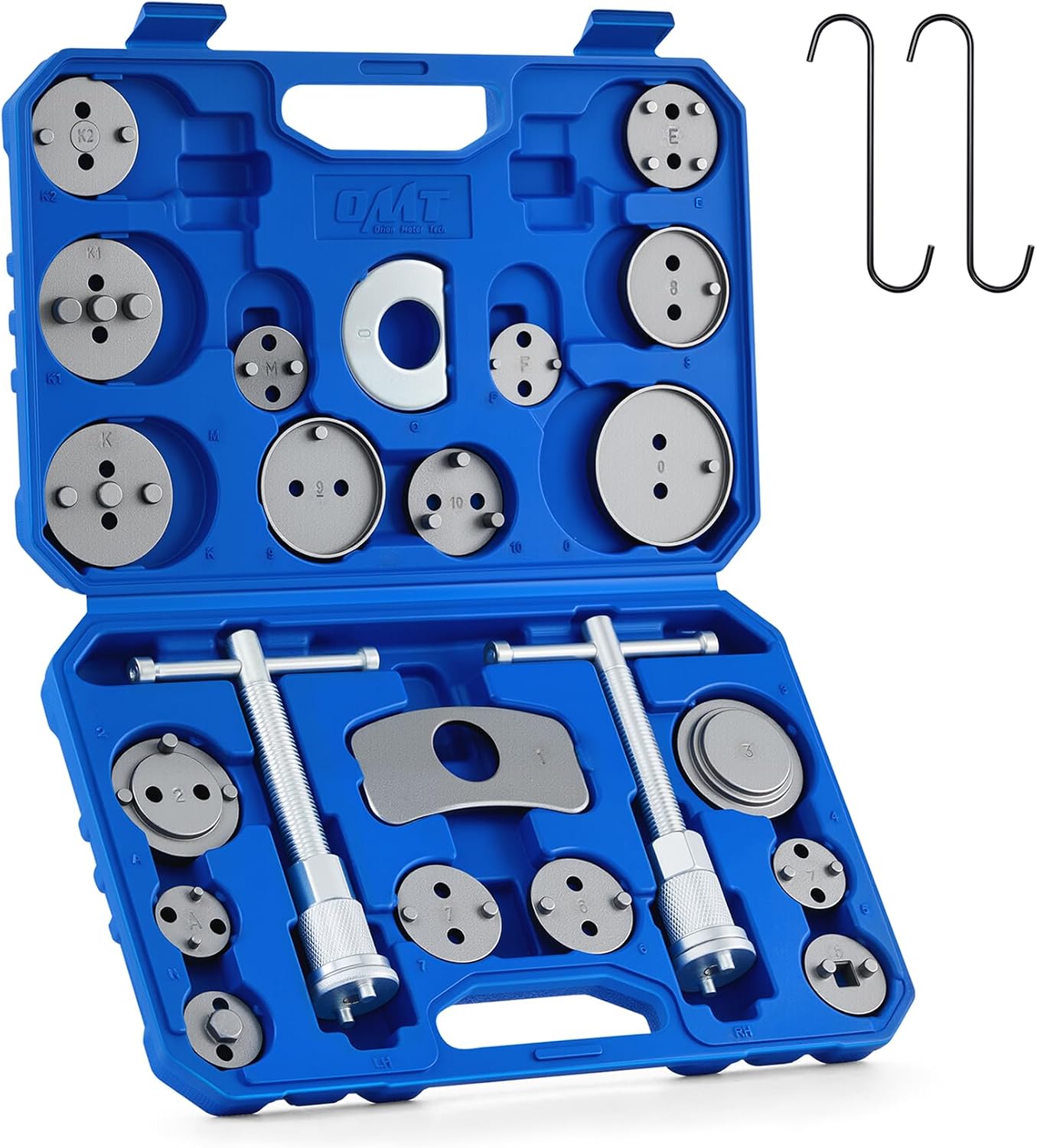
This 24-piece brake caliper compression tool set helps you quickly and safely rotate pistons back into the caliper during brake pad service. It includes multiple adapters, retaining plates, thrust bolt assemblies, and hangers for broad vehicle compatibility, while the heavy-duty steel construction and organized storage case make it ideal for reliable shop or home repairs.

Bosch QuietCast premium ceramic rear brake pads are engineered for quiet, reliable stopping power with low dust performance. Featuring pre-attached multilayer shims, corrosion-resistant backing plates, and OE-style slots and chamfers, this set is designed for smooth fitment and long-lasting durability. It includes pads for one axle, plus hardware and lubricant where available, making installation easier for compatible Lexus, Pontiac, and Toyota vehicles.
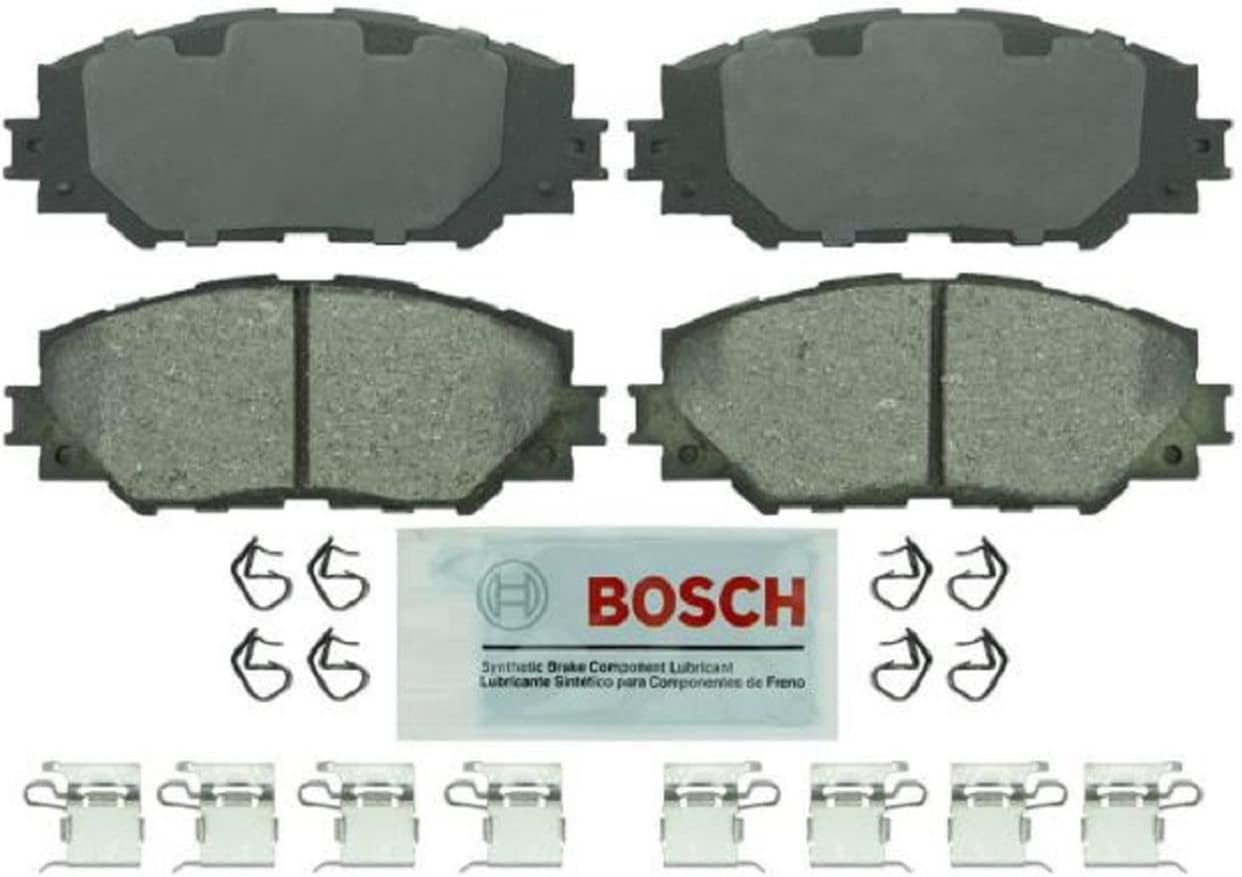
Bosch Blue ceramic front brake pads deliver dependable stopping power with platform-specific friction material designed for select Lexus, Pontiac, Scion, and Toyota vehicles. OE-style shims, slots, and chamfers help promote quiet braking, while the rust-inhibitive coating supports long-lasting performance and cleaner operation. The set includes hardware and synthetic lubricant for easier installation on one axle.
How to Identify Signs of Rotor Wear in Your Hyundai Sonata?
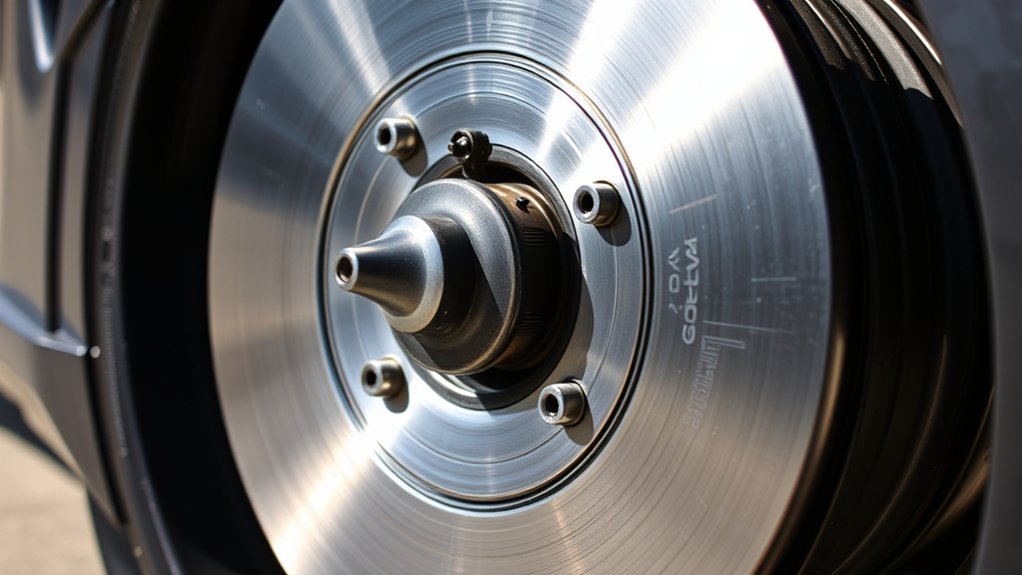
Start with the rotor surface. Look for deep grooves, scoring, cracks, heavy rust, or blue and purple heat marks. Light surface rust after rain or a short parking period usually clears after a few normal stops, but heavy pitting needs a closer inspection.
Listen during low-speed braking. Squeaking, grinding, scraping, or a metal-on-metal sound can point to worn pads, damaged rotors, or debris trapped near the brake hardware. Feel the brake pedal too. Pulsing under your foot can signal rotor runout or disc thickness variation (DTV).
Watch how the car behaves when you brake on a smooth, safe road. Steering wheel shake, longer stopping distance, or pulling to one side can point to brake wear, tire issues, suspension problems, or alignment trouble. A brake inspection helps you find the real cause before you replace parts.
How to Inspect Your Sonata Rotors Safely
Use the same order each time you inspect your rotors. A simple routine helps you avoid missed damage and bad measurements.
- Park and secure the car. Stop on flat ground, shift to Park, set the parking brake, and block the wheels that stay on the ground.
- Loosen the lug nuts. Break the lug nuts loose before you lift the car, but do not remove them yet.
- Lift and support the vehicle. Raise the Sonata at the proper lift point and place it on jack stands.
- Remove the wheel. Take off the lug nuts and wheel so you can see the rotor face clearly.
- Clean the rotor surface. Wipe dirt and loose rust from the measuring area so the gauge can sit flat.
- Inspect the rotor face. Look for scoring, cracks, blue heat marks, heavy rust, and an uneven outer lip.
- Measure the thickness. Use a micrometer or rotor gauge at several points around the rotor.
- Compare the result. Match your thinnest reading to the correct minimum thickness for your exact Sonata and rotor position.
- Reinstall the wheel correctly. Tighten the lug nuts in a star pattern and use the torque value from your service information.
Hyundai brake service guidance tells technicians to measure rotor thickness before and after machining. It also tells them to use the applicable vehicle shop manual for the minimum thickness. That means you should not trust one fixed number for every Sonata model year and brake setup.
Measuring Rotor Thickness: Tools and Techniques
Rotor thickness tells you how much usable metal remains on the braking surface. A visual check helps, but the measurement gives you the real safety limit.
[Products Worth Considering]
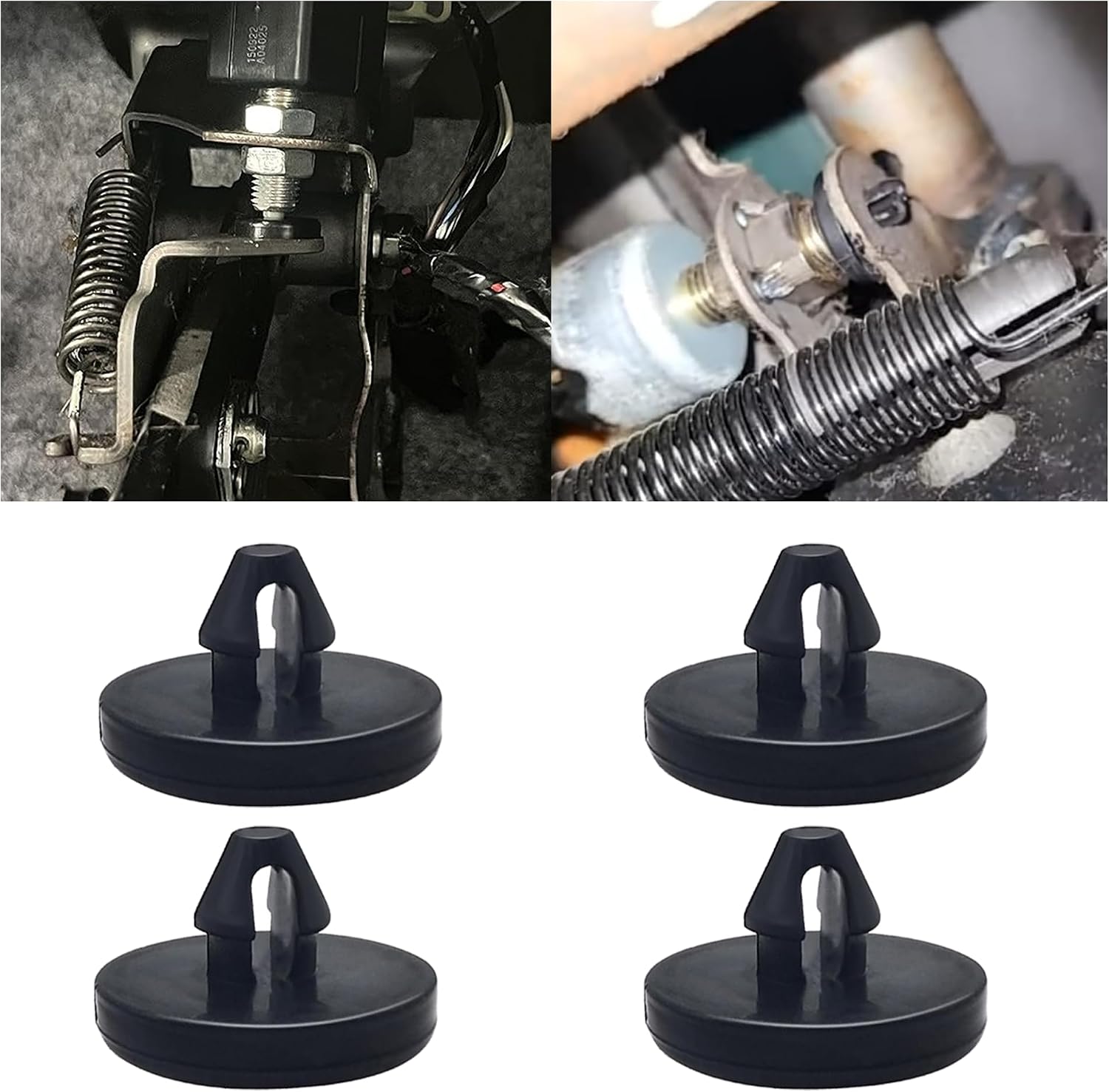
This brake pedal stop pad set is designed as an OEM replacement for compatible Toyota, Lexus, and Scion models, helping restore proper brake light switch function when the brake light stays on. Made from durable nylon, these compact stoppers are built for reliable long-term use and quick, tool-free installation. The set includes multiple pieces for convenient replacement and sharing.

This brake caliper compression tool helps make disc brake pad replacement and caliper servicing faster, safer, and more controlled. Its universal ratcheting design supports multi-angle operation in tight wheel spaces, while the sturdy steel build and widened contact plate help reduce slipping and uneven force during maintenance. Two caliper hooks are included to simplify solo brake work and keep components organized.

Bendix Premium Ceramic Front Brake Pads are engineered to match original equipment fit, form, and function for a straightforward replacement. Built with durable materials to help resist wear and corrosion, they support consistent braking performance and reduced brake fade for everyday driving. These pads are a dependable choice for compatible Pontiac, Scion, Toyota, and related vehicles.
Essential Measuring Tools
Use a micrometer or rotor gauge for the most useful reading. Basic calipers can help with a quick check, but many calipers struggle to reach the worn braking surface past the outer lip.
- Micrometer: Measures the rotor face with better contact and accuracy.
- Rotor gauge: Helps you measure brake discs in tight spaces.
- Brake cleaner and rag: Removes debris that can change the reading.
Check the rotor for a stamped marking such as “MIN TH,” which means minimum thickness. You can find this marking on the rotor hat, edge, or inner surface on many rotors. If the marking and your service manual do not match, stop and confirm the correct spec before you drive.
Step-By-Step Measurement Technique
Remove the wheel so you can reach the rotor safely. Clean the braking surface first, because rust flakes, dirt, and brake dust can give you a false reading.
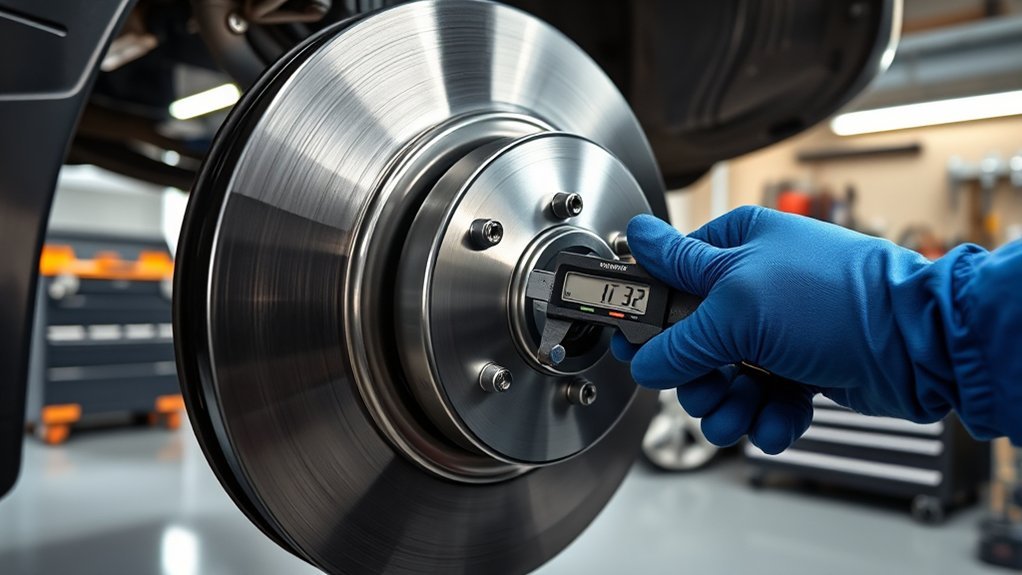
Measure around the rotor, not just in one spot. Hyundai brake service guidance recommends measuring at eight points, every 45 degrees, about 5 to 10 mm inboard from the outer edge. Use the lowest reading as your working thickness.
Compare that lowest reading with your exact minimum service limit. The correct limit can change by Sonata model year, trim, front or rear rotor position, engine type, hybrid setup, and replacement rotor design. Do not keep driving on a rotor that falls below the verified limit.
Pro tip: Measure both rotors on the same axle because uneven side-to-side wear can cause pulling and vibration.
What Happens If Your Rotors Are Below Minimum Thickness?
A rotor below minimum thickness has less metal to absorb and release heat. That can raise brake temperature, increase pedal travel, and reduce braking performance when you need control most.
- Stopping distance can increase during hard or repeated braking.
- Brake pads can wear faster on a damaged rotor surface.
- Heat can cause vibration, runout, cracks, or fade.
- The brake system can suffer more damage if you delay service.
Brembo explains that the rotor wear limit protects braking efficiency, heat dissipation, and rotor strength. If your thinnest reading falls below the verified minimum, replace the rotor. Many brake professionals replace rotors in axle pairs so braking stays even from side to side.
Steps to Take If Your Hyundai Rotors Are Worn or Damaged
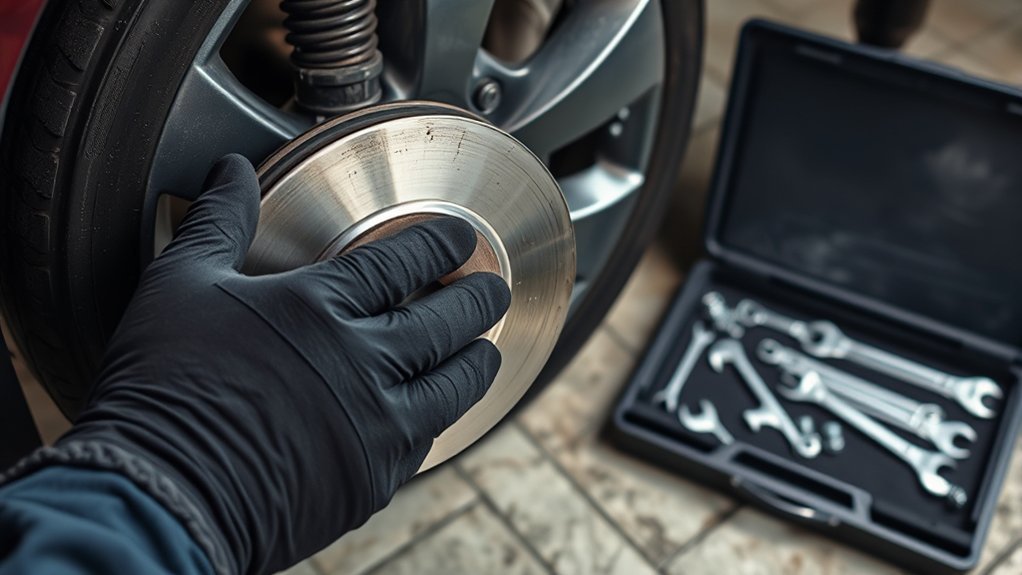
If you find rotor damage, decide the next step by severity. Minor surface rust may clear with normal braking, but deep grooves, cracks, heavy pitting, or low thickness need service.
Do not machine a rotor unless enough thickness remains after machining. Hyundai guidance tells technicians to measure before and after machining and to confirm the rotor stays within specification. If the rotor cannot meet the limit, replace it.
Inspect Rotor Thickness Regularly
Check rotor thickness during brake pad service and any time you feel vibration, hear grinding, or notice poor stopping power. Your Sonata’s maintenance needs can change with city traffic, hills, road salt, towing, and hard braking.
- Inspect the front and rear rotors separately.
- Record the thinnest reading for each rotor.
- Compare each reading with the correct service limit.
- Ask a technician to check runout if the pedal pulses.
Hyundai owner maintenance guidance also tells drivers to watch for unusual sounds, pulling, increased brake pedal travel, and a hard-to-push pedal while driving. Treat those signs as reasons to schedule a brake inspection.
Replace Worn Rotors Promptly
Replace worn rotors promptly when thickness, cracks, heavy scoring, or heat damage make them unsafe. Install compatible brake pads at the same time when the old pads show uneven wear, glazing, contamination, or low friction material.
After rotor replacement, follow the pad and rotor bedding instructions from the parts maker or service manual. Proper bedding helps the pad material transfer evenly to the rotor face. It can reduce noise, vibration, and uneven wear.
Why Regular Brake System Maintenance Is Crucial
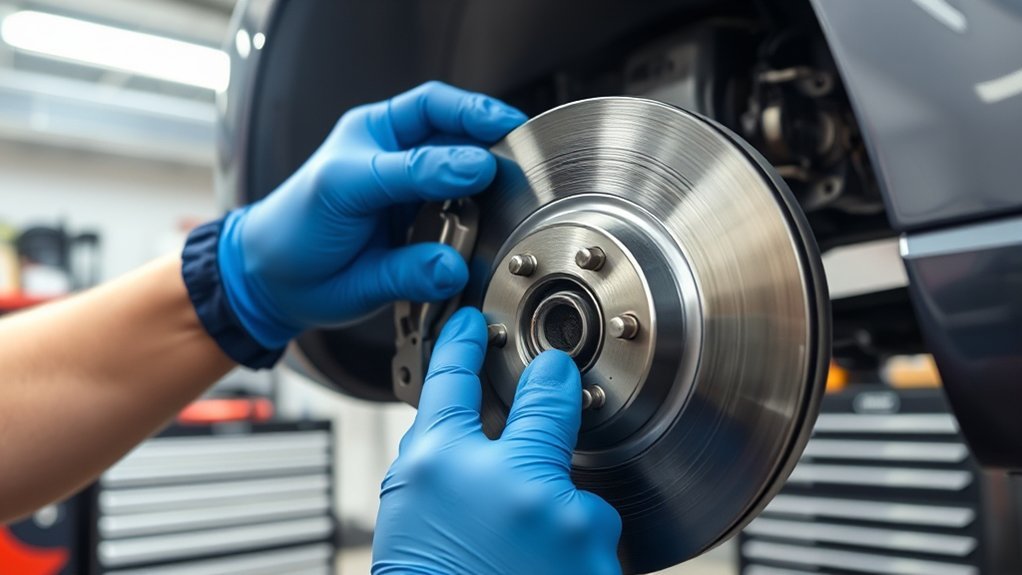
Brake maintenance protects stopping power, tire control, and your safety on the road. A rotor does not work alone. Pads, calipers, brake fluid, hoses, hardware, wheel bearings, and tires all affect how the car stops.
- Check brake pads and rotors during routine service.
- Inspect brake fluid as your owner’s manual recommends.
- Look for leaks, uneven pad wear, stuck caliper pins, and torn boots.
- Service brake noise early before it damages more parts.
Hyundai brake service guidance also tells technicians to clean and inspect caliper slide pins, boots, retainers, and pad hardware during brake work. Sticking hardware can cause uneven pad pressure and faster rotor wear.
How Hyundai OEM Parts Impact Brake Performance and Safety
Hyundai original equipment manufacturer (OEM) brake parts match the dimensions and design standards Hyundai chose for your Sonata. Correct fit matters because rotor diameter, thickness, hat offset, vent design, and pad contact area all affect brake feel.
Quality aftermarket rotors can also work when they match the exact vehicle fitment and service limits. Avoid parts that do not list your Sonata year, trim, and brake position clearly. Poor fit can cause noise, vibration, uneven wear, or reduced braking performance.
If you live in the United States, aftermarket parts do not automatically void a vehicle warranty by themselves. The Federal Trade Commission (FTC) warns against warranty terms that require only branded parts unless the warrantor provides them free under specific conditions. Keep receipts and use parts that meet the correct specifications, because a part that causes a related failure can still create a warranty dispute.
[Products Worth Considering]

This brake caliper compression tool makes brake pad replacement faster by retracting single, dual, or quad pistons with minimal effort. Built for compatibility across many cars, trucks, ATVs, UTVs, and SUVs, it delivers strong pressing power for efficient maintenance. The durable aluminum alloy and steel construction, along with organized EPE foam storage, help keep it protected and ready for repeated use.

This Yuirote universal car motor diagnostic tool helps drivers quickly detect engine fault codes and identify system issues for routine inspections and maintenance. It also supports electronic parking brake reset and emergency release functions, making it useful for handling EPB-related problems without a repair shop visit. Its compact, ergonomic design and broad vehicle compatibility make it a practical choice for car owners and DIY repair enthusiasts.

This brake caliper hanger set helps hold calipers securely during brake pad changes and other suspension or axle work, making brake service safer and more convenient. Built from durable steel with rust-resistant coating, it features rubber tips to help prevent scratches and protect brake hoses and surrounding components. Brightly colored and easy to spot, it is a practical mechanic tool for keeping calipers supported while you work.
Frequently Asked Questions
How do you check if brakes are worn on a Hyundai Sonata?
Check the brake pads for low or uneven friction material, then inspect the rotors for grooves, cracks, heat marks, and heavy rust. Measure rotor thickness with a micrometer or rotor gauge and compare the lowest reading with your exact service limit.
How long do Hyundai Sonata rotors last?
No single mileage fits every Sonata rotor. Driving style, traffic, hills, road salt, pad material, caliper condition, and rotor quality all change the service life. Inspect your brakes on schedule and any time you feel vibration, hear grinding, or notice longer stopping distance.
Can you check rotors without removing the wheel?
You can sometimes spot deep grooves, rust, or heat marks through the wheel spokes. You still need wheel removal for a clear inspection and an accurate thickness measurement. A quick look should not replace a proper brake check.
Should you replace brake pads and rotors together?
You do not always need to replace both together, but you should inspect both at the same service. Replace rotors when they fall below the limit, show serious damage, or cannot be machined safely. Replace pads when they show low thickness, glazing, contamination, or uneven wear.
Is a little rust on Hyundai Sonata rotors normal?
Light orange surface rust can appear after rain, washing, or a few days of parking. Normal braking often clears it. Heavy pitting, flaky rust, or rough braking after several stops needs a closer inspection.
Safety Disclaimer: This article is for informational purposes only and does not replace professional brake service. Always consult a qualified automotive technician if you feel unsure, lack proper tools, or find signs of brake damage.
Conclusion
Your Hyundai Sonata’s rotors need more than a quick glance, because thickness, heat damage, and uneven wear can affect stopping power. Check the surface, measure the rotor at several points, and compare the result with the correct service limit for your exact car. If the rotor measures too thin or shows serious damage, schedule brake service before you keep driving. A careful brake check gives you a safer, smoother drive every time you press the pedal.
References
- Brake Service Best Practice Recommendations, TSB 21-BR-002H — Hyundai Motor America via NHTSA, 2021
- 2016 Hyundai Sonata Owner’s Manual, Maintenance Section — Hyundai Canada, 2015
- Minimum Brake Rotor Thickness — Brembo
- A Businessperson’s Guide to Federal Warranty Law — Federal Trade Commission