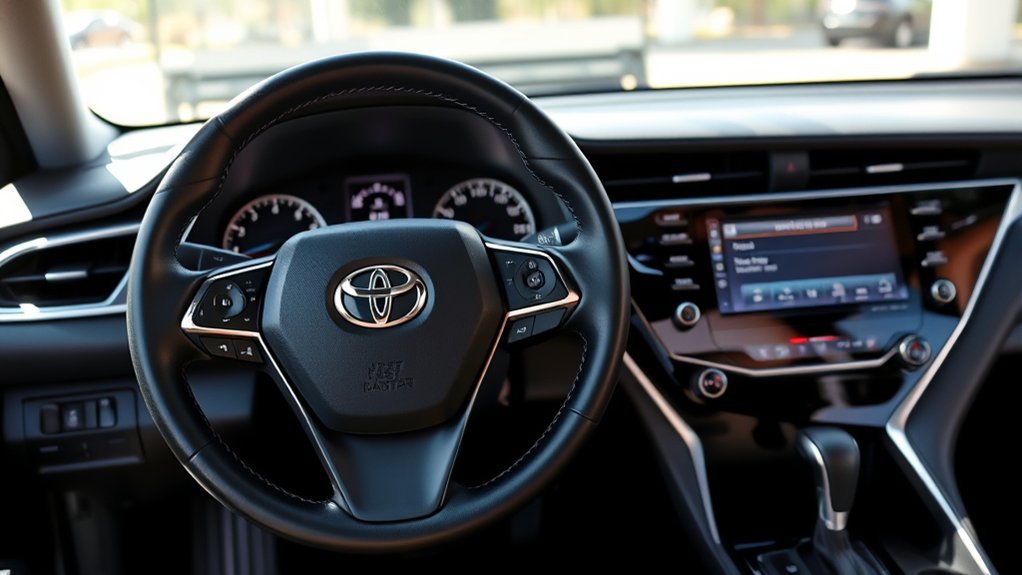
If your Camry’s maintenance light will not reset, do not keep pressing buttons at random. First confirm that the scheduled service has actually been completed, then make sure you are using the reset method for your Camry’s model year. Newer Camrys usually reset through the multi-information display, while many older models use the trip odometer button.
Quick Answer
If your Camry maintenance light won’t reset, the most common causes are the wrong reset method, the wrong ignition or power mode, skipping the final confirmation prompt, or confusing the maintenance reminder with a Check Engine or “Engine Maintenance Required” warning. Complete the service first, then use the model-specific reset steps.
Key Takeaways
- The Toyota Camry maintenance light is usually a scheduled-service reminder, not a fault-code warning.
- Toyota recommends scheduled maintenance every 5,000 miles or six months, whichever comes first, for current Camry models.
- Newer Camrys usually reset through the dashboard settings menu; many older Camrys reset through the Trip A/odometer button method.
- A basic OBD-II code reader is mainly for a separate Check Engine Light, not the normal maintenance reminder.
At a Glance
| Time Required | 2–5 minutes |
| Difficulty | Easy |
| Tools Needed | None for the normal reset; scan tool only if another warning light is on |
| Cost | $0 for the reset itself |
Warning: Do not reset the maintenance reminder before completing the required service. Also, do not treat a Check Engine Light, red oil-pressure light, brake warning, or hybrid-system warning as a simple maintenance reminder. Those warnings need diagnosis.
Understanding the Maintenance Light on Your Camry

The maintenance light on a Toyota Camry is usually a scheduled-service reminder. It is there to remind you that routine maintenance is due, such as inspections, tire rotation, and, depending on your model year and driving conditions, oil and filter service.
For current Camry models, Toyota recommends scheduled maintenance every 5,000 miles or six months, whichever comes first. The exact service items can vary by mileage, model year, engine, hybrid system, and driving conditions, so the best source is always your Toyota owner’s manual or warranty and maintenance guide. You can look up the correct manual through Toyota Owners Manuals and Warranties.
The reminder should be reset after the service is complete. Resetting it too early can make the next reminder inaccurate and may cause you to miss important maintenance.
Reasons Your Maintenance Light Won’t Reset
If the light stays on after you tried to reset it, the cause is usually simple. Start with these common issues:
- You used the wrong reset method. Newer Camrys use dashboard menu settings, while many older Camrys use the trip odometer button.
- The ignition or power mode was wrong. Some procedures require the vehicle to be in “ON” mode without starting the engine.
- You did not confirm the reset. On digital-display models, you may need to select “Yes” or press and hold “OK.”
- You reset the wrong menu item. Some newer Toyota displays may show “Scheduled Maintenance,” “Oil Maintenance,” or similar wording.
- You are seeing a different warning. A Check Engine Light or “Engine Maintenance Required” message is not the same as the normal maintenance reminder.
- A button or display is not responding. A stuck trip button, steering-wheel control issue, or weak 12-volt battery can interrupt the reset process.
Note: A normal “Maintenance Required” reminder is not the same as a Check Engine Light. OBD-II trouble codes usually relate to emissions or engine-management faults and turn on the malfunction indicator lamp, often shown as “Check Engine” or “Service Engine Soon.”
Before You Reset the Maintenance Light
Before resetting the light, run through this quick checklist:
| Check | Why It Matters |
|---|---|
| Service completed | The reminder should only be reset after the due maintenance is done. |
| Correct warning identified | “Maintenance Required” is different from Check Engine, oil pressure, brake, or hybrid-system warnings. |
| Vehicle in Park | This keeps the reset process safe and prevents menu lockouts. |
| Manual checked | Toyota reset menus and button procedures can vary by model year and trim. |
Step-by-Step Guide to Resetting Your Maintenance Light
Use the method that matches your Camry. If your menu labels are slightly different, follow the closest matching wording in your owner’s manual.
[Products Worth Considering]

The ANCEL AD410 PRO combines engine diagnostics and 12V battery testing in one easy-to-use tool, helping you read and clear check engine codes while checking battery health, cranking, and charging performance. It also provides live data, freeze frame details, and I/M readiness checks to help you diagnose issues faster and prepare for emissions testing. With plug-and-play operation, a clear screen, and broad vehicle compatibility, it is a practical solution for home mechanics and everyday drivers.

The ANCEL AD410 helps drivers quickly read and clear engine-related fault codes, view live data, and understand why the check engine light is on before heading to a repair shop. With built-in code definitions, readiness checks, and support for common OBD2 functions, it makes basic diagnostics straightforward for beginners and DIY users. Powered directly from the vehicle and easy to use with no app required, it offers practical value for everyday vehicle troubleshooting.
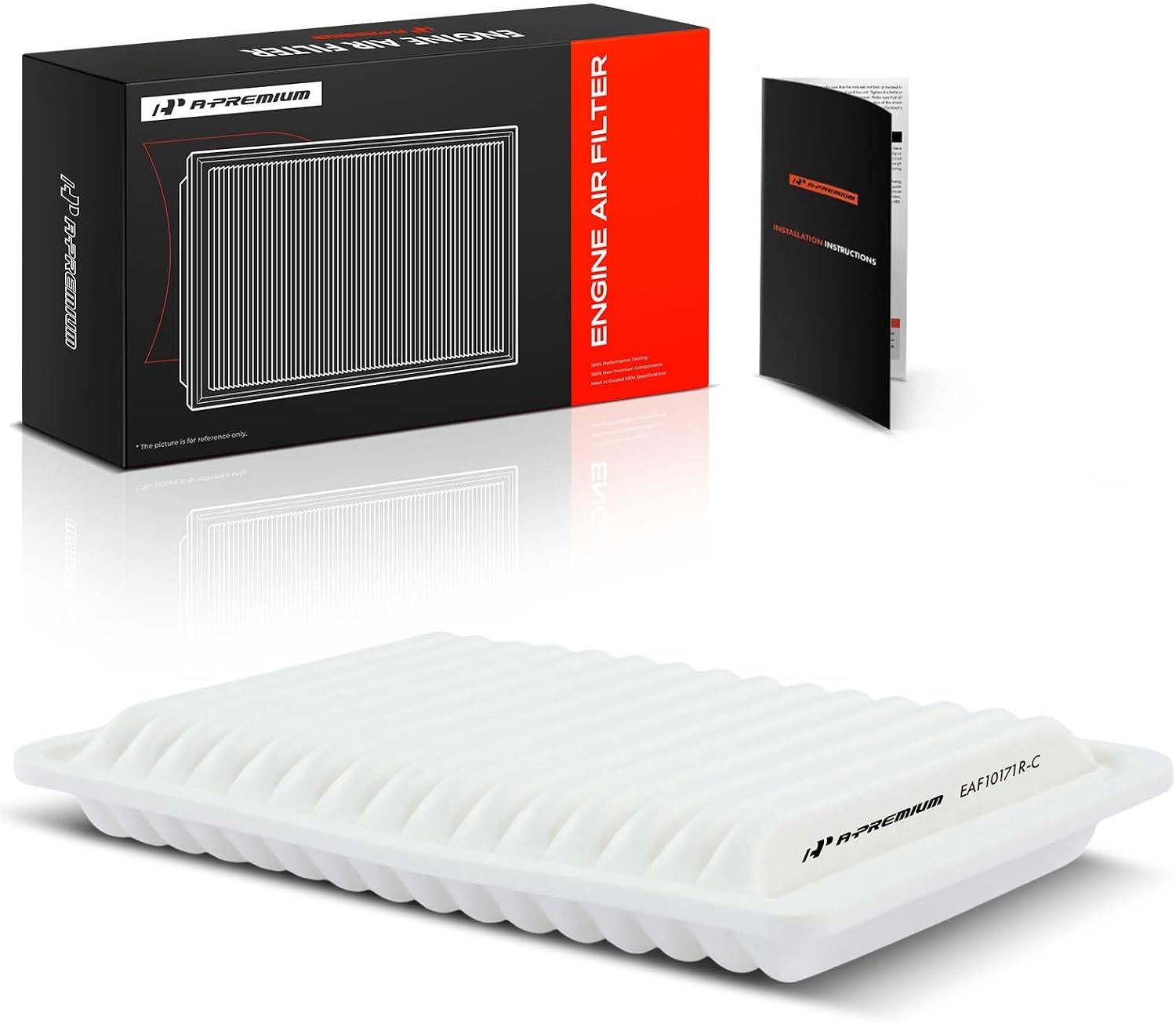
This A-Premium engine air filter is designed to help Toyota Camry and Venza models maintain cleaner airflow and stronger engine performance. Its fine filtration media captures debris while keeping air moving efficiently, and the rectangular, front-mounted design offers a direct replacement fit for select vehicles. Replace it regularly to support engine efficiency and cleaner intake air.
Newer Camry Digital Display Method
Many late-model Camrys reset the scheduled maintenance reminder through the multi-information display:
- Park the vehicle safely and make sure the maintenance service is complete.
- Turn the vehicle to “ON” mode or start it, depending on your manual’s instruction.
- Use the steering-wheel controls to open the settings menu on the multi-information display.
- Select Vehicle Settings. On some models, you may need to press and hold “OK” to enter the submenu.
- Select Scheduled Maintenance, Maintenance System, or similar wording.
- Choose Yes when the display asks you to reset the data.
- Turn the vehicle off, restart it, and confirm the reminder is gone.
Pro Tip: If your Camry has separate “Scheduled Maintenance” and “Oil Maintenance” reset options, reset only the item that matches the service you completed. When in doubt, check the maintenance log for your mileage.
Older Camry Trip Button Method
Many older Camrys use a trip odometer reset sequence. The exact display can vary, but the common method is:
- Turn the ignition to “ON.”
- Use the odometer/trip button until the display shows Trip A. Some older models may use the odometer display instead, so verify your manual.
- Turn the ignition off.
- Press and hold the trip reset button.
- While still holding the button, turn the ignition back to “ON” without starting the engine.
- Keep holding until the display finishes its countdown or shows zeros.
- Release the button, turn the vehicle off, then restart it to confirm the light is off.
Troubleshooting: Steps If the Light Still Shows
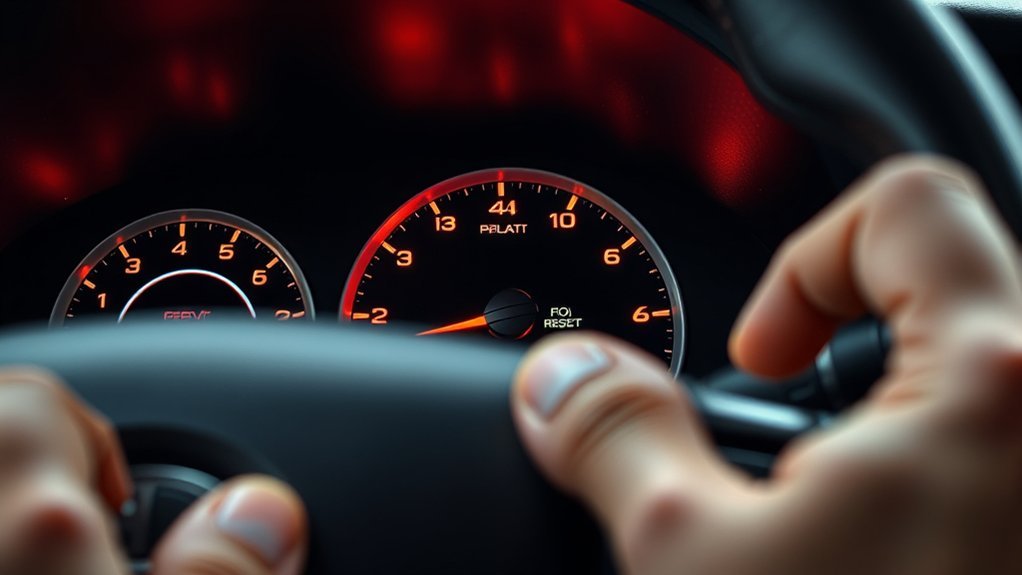
If the maintenance light still shows after a reset attempt, do not assume the system is broken. Use the symptom table below to narrow it down.
| What You See | Likely Cause | What to Do |
|---|---|---|
| Light stays on immediately after reset | Wrong reset method or missed confirmation | Repeat the correct procedure slowly and confirm “Yes.” |
| Menu option is missing | Wrong display screen or different trim/menu wording | Check the Toyota manual for your exact year and trim. |
| Check Engine Light is also on | Separate engine or emissions fault | Read the OBD-II codes and repair the cause before clearing codes. |
| “Engine Maintenance Required” appears | Different Toyota message, not the basic service reminder | Have the vehicle inspected or follow the diagnostic steps in the manual. |
| Trip button does nothing | Button, cluster, or power-mode issue | Try again in the correct ignition mode; inspect the button if it still fails. |
[Products Worth Considering]
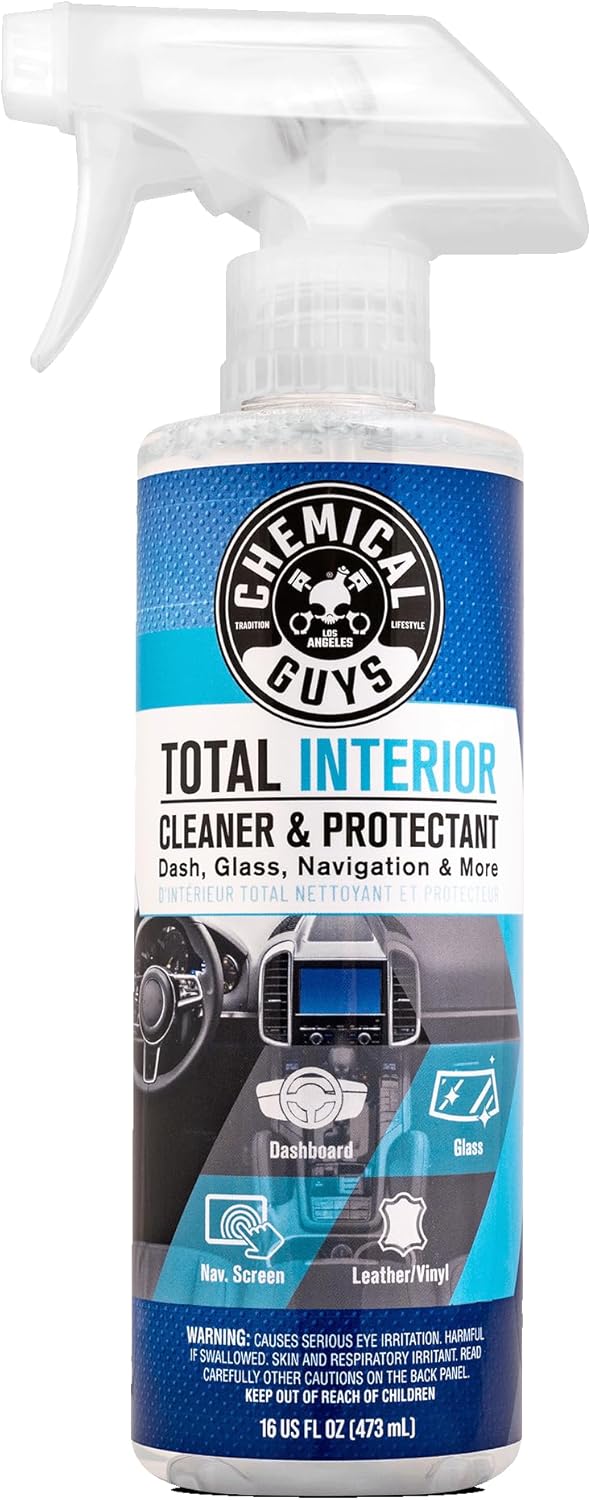
Chemical Guys Total Interior Cleaner, Protectant & Car Detailer is an all-in-one solution for cleaning and protecting your vehicle's interior surfaces. It safely lifts dirt, dust, body oils, and grime from leather, vinyl, plastic, rubber, glass, dashboards, door panels, seats, trim, and screens while leaving a fresh, natural-looking finish. Designed for quick spray-and-wipe use, it helps resist everyday wear and keeps interiors looking clean, streak-free, and factory fresh.

The KONNWEI KW208 is a versatile 12V battery tester designed to quickly analyze battery health, cranking performance, and charging system status for cars, trucks, boats, motorcycles, and more. It supports multiple battery types and provides clear guidance on whether a battery should be recharged or replaced, helping you diagnose issues before they become failures. With plug-and-play use, high accuracy, and multilingual support, it offers a convenient way to test batteries in-vehicle or out-of-vehicle.

Troubleshoot Malfunctions: This SRS airbag reset tool simulates airbag load to quickly turn off the SRS warning light on the dashboard. It effectively fixes errors caused by airbag removal, replacement and modification, and restores the normal operation of the vehicle's electronic control system
Verify Reset Procedure Accuracy
Reset procedures are easy to rush. Make sure you are on the correct display, using the correct button, and holding it long enough. On digital models, do not exit the menu until the display confirms that the maintenance data has been reset.
Check the Warning Light Type
The most important troubleshooting step is confirming what warning you are actually seeing. The Maintenance Required reminder is usually routine. A Check Engine Light, red oil-pressure warning, brake warning, or hybrid-system warning can point to a real fault and should not be cleared without diagnosis.
Consult Professional Mechanic Advice
Call a mechanic or Toyota service center if the reset procedure fails repeatedly, the dashboard controls do not respond, the message returns immediately, or another warning light appears at the same time. Clear communication helps: tell the mechanic the exact message, your Camry’s year, mileage, recent service, and the reset method you tried.
What to Do If the Reset Fails?
If the reset fails, slow down and restart the process from the beginning:
- Confirm the maintenance was completed.
- Confirm whether your Camry uses the digital menu method or the trip-button method.
- Turn the vehicle fully off, then back to the required “ON” mode.
- Repeat the reset procedure and wait for the confirmation screen or countdown to finish.
- Restart the vehicle and check whether the reminder returns.
If it still fails, check the owner’s manual through Toyota’s manual lookup page. Toyota also recommends consulting your Owner’s Manual or scheduling service when warning-light questions remain. You can review Toyota’s general warning-light guidance at Toyota Owners Warning Lights.
Importance of Regular Maintenance for Your Vehicle
Regular maintenance is not just about turning off a dashboard reminder. Toyota’s maintenance guide explains that routine service helps support performance, safety, reliability, and resale value. It also recommends keeping records with the service date, mileage, and work performed.
For current Camry models, the Toyota Camry Warranty & Maintenance Guide lists scheduled maintenance at 5,000-mile or six-month intervals. The guide also shows “Reset Scheduled Maintenance Reminder” as a recurring maintenance-log item.
Depending on your mileage and conditions, a service visit may include tire rotation, fluid-level checks, brake inspection, cabin air filter replacement, engine oil and filter replacement, or other items. Severe driving conditions can require additional service, so follow the schedule for your exact vehicle.
Use OBD-II Scanners to Reset Issues
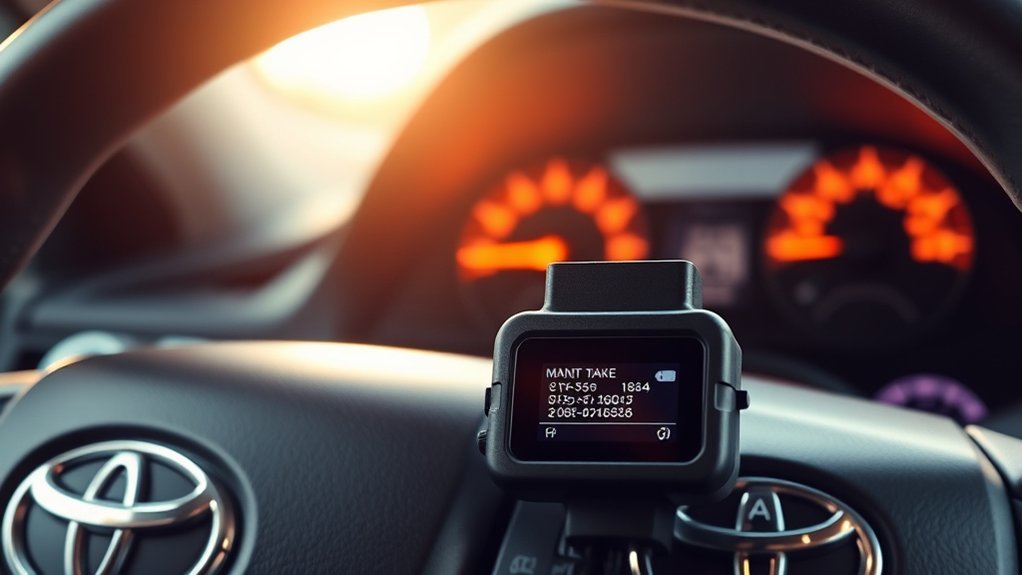
An OBD-II scanner can be helpful, but only in the right situation. A basic code reader is mainly used to read and clear diagnostic trouble codes related to a Check Engine Light or emissions-system fault. It is not normally required for the basic Camry maintenance reminder reset.
Some professional scan tools include service-reset functions, but the normal owner reset is usually done through the dashboard menu or trip button. If your Check Engine Light is on, do not simply clear the codes and drive away. Read the codes, diagnose the problem, repair the cause, and then clear the codes only after the repair is complete. The U.S. EPA explains that onboard diagnostics monitor vehicle systems, store trouble codes, and illuminate the malfunction indicator lamp when certain faults are detected; you can review the EPA overview of OBD regulations and requirements.
[Products Worth Considering]

【Diagnose Check Engine Light in Seconds – No Mechanic Needed】The FOXWELL NT301 OBD2 scanner instantly reads & clears engine fault codes (DTCs) with one click. Simply plug into the 16-pin DLC port, turn ignition on, and get accurate results within seconds—No prior car knowledge required. Save hundreds on dealership fees by knowing exactly what’s wrong before you visit a shop. The #1 choice car scanner for DIYers and car owners who want to take control of their vehicle’s health. It does not provide dedicated ABS, SRS/airbag, or TPMS module diagnostics, manufacturer-specific full-system scanning, service resets, key programming, or battery health testing

【A MUST-HAVE SCANNER TOOL FOR DIYERS】 - VDIAGTOOL VD10 car code reader is an incredibly useful, handheld obd2 scanner for each car owner or hobbyist, even for those with little to no experience when it comes to vehicle mechanics! Similar to a fixd car diagnostic tool, using this car diagnostic scanner is extremely easy. All you have to do is attach it to your car OBDII port and you can diagnose car problems in seconds! Read Codes (DTCs); Clear Codes; Live Data; View Freeze Frame; I/M Readiness; Vehicle Information.

Multi-Functions - Practical Multi-Functions OBD2 code reader features built-in OBD2 DTC lookup library, which help you to determine the cause of the engine light, read code, erase code, view freeze frame, I/M ready, vehicle information, data flow, real-time curve, get vehicle speed information, calculate load value, engine coolant temperature, get engine speed.
Camry Owner Tips for Resetting Your Maintenance Light
Common Reset Techniques
The two most common Camry reset paths are the settings-menu method on newer models and the Trip A button method on many older models. If one method does not match your dashboard, stop and check your manual instead of forcing the process.
Troubleshooting Reset Issues
If the reset keeps failing, look for simple causes first: wrong display screen, wrong power mode, not holding the button long enough, or skipping the final confirmation. If another warning is present, treat that as a separate diagnostic issue.
Maintaining Accurate Records
Keep a record of each service date, mileage, and work performed. This helps you know whether the reminder is accurate, makes future maintenance easier, and gives the next owner a clearer service history if you sell the car.
Note: The reset only updates the reminder. It does not change the actual condition of the oil, tires, brakes, filters, or fluids.
When to Call a Mechanic for Help
Call a mechanic or Toyota service center if:
- The reminder will not reset after you followed the correct procedure twice.
- The Check Engine Light is on at the same time.
- You see “Engine Maintenance Required” instead of the basic maintenance reminder.
- The dashboard controls, trip button, or multi-information display do not respond.
- You hear unusual noises, smell burning, see fluid leaks, or notice poor performance.
- You are unsure whether the required maintenance was actually completed.
Getting help early can prevent a simple reminder issue from hiding a real problem. It also ensures the maintenance schedule stays accurate.
Frequently Asked Questions
Why won’t my Camry maintenance light reset?
The most likely reasons are using the wrong reset method, starting from the wrong display screen, using the wrong ignition mode, not holding the reset button long enough, or missing the final confirmation prompt. It may also be a different warning, such as Check Engine or Engine Maintenance Required.
Is the Maintenance Required light the same as the Check Engine Light?
No. The Maintenance Required light is usually a scheduled-service reminder. The Check Engine Light is tied to the vehicle’s diagnostic system and can indicate an engine or emissions fault that needs diagnosis.
Do I need an OBD-II scanner to reset a Camry maintenance light?
Usually, no. The normal maintenance reminder reset is done with the dashboard menu or trip button. Use an OBD-II scanner when a separate Check Engine Light is on or when a professional scan tool is needed for diagnosis.
Can I reset the light before doing the maintenance?
You should not. Resetting the light before completing the service makes the next reminder inaccurate and can lead to missed inspections, tire rotations, oil service, or other scheduled maintenance.
Will disconnecting the battery reset the maintenance light?
Do not rely on disconnecting the battery. It can reset other vehicle settings and may not solve the reminder correctly. Use the reset procedure in your owner’s manual instead.
How often does a Camry need scheduled maintenance?
For current Camry models, Toyota recommends scheduled maintenance every 5,000 miles or six months, whichever comes first. Exact service items vary by mileage, model year, and driving conditions, so check the warranty and maintenance guide for your vehicle.
Conclusion
If your Camry’s maintenance light won’t reset, the fix is usually simple: complete the scheduled service, confirm the warning is actually the maintenance reminder, and use the correct reset method for your model year. Newer Camrys usually reset through the dashboard settings menu, while many older Camrys use the Trip A/odometer button sequence. If another warning light appears or the message keeps returning, stop resetting and diagnose the real issue.
Sources
- Toyota 2025 Camry Warranty & Maintenance Guide — scheduled maintenance interval, maintenance records, and reset reminder log.
- Toyota Owners Manuals and Warranties — model-specific owner manual lookup.
- Toyota Owners Warning Lights — warning-light guidance and owner manual direction.
- Toyota 2025 Camry Owner’s Manual: Maintenance Requirements — maintenance reminder reset guidance for current Camry models.
- U.S. EPA: On-Board Diagnostic Regulations and Requirements — OBD-II, diagnostic trouble codes, and malfunction indicator lamp background.