If your Tundra’s trailer brake controller isn’t working, start by checking the plug and a solid ground at clean, unpainted metal, then jack the wheel and spin while an assistant applies brakes to feel magnet response. Use a circuit tester on the vehicle’s brake-output wire and inspect controller fuses and error codes. Trace trailer wiring, grounds, and magnets for damage or corrosion. Adjust gain or update firmware; if unresolved, consider an aftermarket controller and further diagnostics to learn more.
Quick Triage: Plug, Ground, and Tire Test
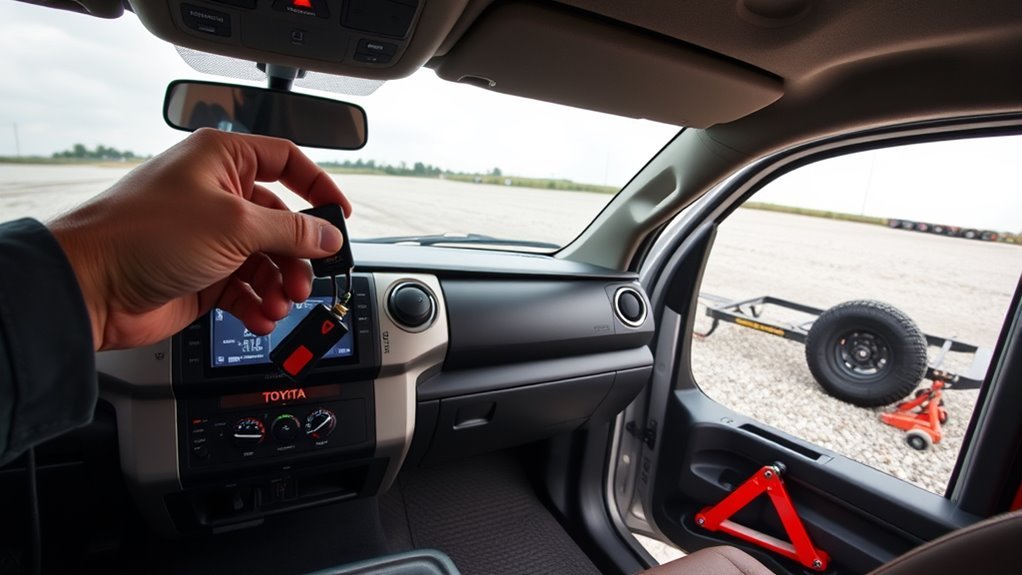
Before you plunge into complex diagnostics, start with the basics: check the trailer plug for rust or corrosion, verify the ground is bolted to a clean, unpainted metal surface, and jack up a wheel so someone can apply the brakes while you spin the tire to confirm engagement. You’ll inspect the plug visually and flex the pins while measuring continuity; corrosion will impede the brake signal and must be cleaned or the connector replaced. Next, verify the trailer ground: loosen the bolt, remove paint or rust, and resecure to bare metal so return current isn’t compromised. With the tire suspended, have an assistant apply the brakes while you spin the wheel—feel for drag and watch magnet response. If the tire shows no resistance, trace wiring from the junction box to the magnets; damaged magnets or poor junction connections will prevent braking. This quick triage is core trailer maintenance and frees you to pursue targeted repairs with confidence.
Test Tundra Brake‑Controller Output With a Circuit Tester
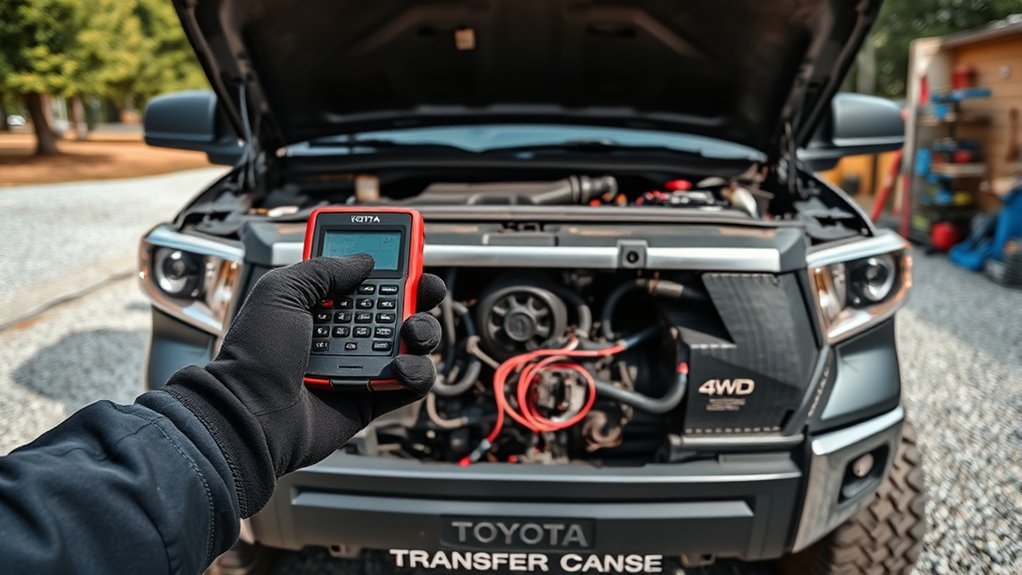
After you confirm the plug, ground, and wheel engagement, verify the controller is actually sending a brake signal by hooking a circuit tester to the vehicle’s brake-output wire at the harness or connector. Activate the controller manually and observe the tester for voltage; a firm, proportional output when you apply the control proves the unit is functioning. This is core brake controller diagnostics.
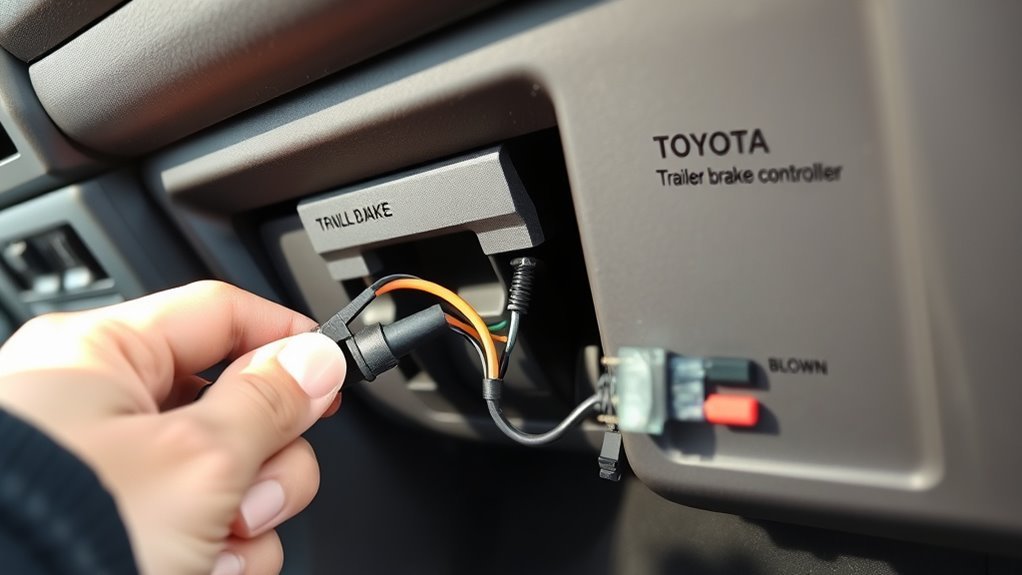
If the tester shows no output, methodically proceed with wiring troubleshooting: inspect the controller for error codes, then check relevant fuses in the fuse box. Trace the brake-output wire under the vehicle to locate breaks, chafing, or disconnected terminals. Confirm all connections and grounds at the harness are tight and free of corrosion; use contact cleaner and proper tools to restore metal-to-metal contact.
Work with intent: document what you test, replace blown fuses, and repair damaged wire sections. These steps isolate whether the controller or the vehicle wiring impedes the trailer’s brake signal.
Inspect Trailer Wiring, Grounds, and Brake Magnets
Start by securing a solid ground and tracing the brake wiring from the junction box to each drum: clamp the trailer ground to clean, unpainted metal, then visually and physically inspect the jacketed harness for cuts, chafing, or corrosion as you follow the brake-output conductor to every axle and hub. You’ll confirm wiring integrity by probing each segment with a circuit tester under control output; watch for intermittent loss or high resistance that signals a break or poor splice. Check all ground straps and mounting points for continuity; a weak ground mimics controller failure. Remove hubs to inspect magnet functionality and shoe condition; spin the drum while actuating the controller and observe magnetic pull and consistent current draw. Replace magnets that show glazing, cracks, or weak attraction. Reassemble with clean contacts and secure fasteners. These methodical steps free you from guessing, restore reliable braking, and keep you in control of safe towing.
Adjust Settings, Update Firmware, and Escalate to Dealer
When you’re dialing in the integrated brake controller, set the gain and sensitivity incrementally and test after each change so you can quantify improvements; use a circuit tester to confirm the controller is actually sending a consistent output to the trailer while you adjust. You’ll tune brake sensitivity to match trailer mass and road feel, noting each step’s effect. Apply any firmware updates available through your dealer to fix intermittent faults; ask for the release notes and installation confirmation. Log every dealer communication, including names, dates, and outcomes, so you own the record and can escalate if service stalls. If the controller still misbehaves after settings, firmware, and wiring checks, move the issue up the chain: regional service manager or corporate customer care.
- Feel empowered when a clear gain setting frees you from unpredictable stops.
- Insist on firmware transparency to reclaim control.
- Keep meticulous dealer communication to force accountability.
- Escalate decisively to protect safety and autonomy.
Upgrade: Install an Aftermarket Controller and Mount
Install an aftermarket brake controller like the Tekonsha P3 to replace the factory IBC for more reliable, tunable braking performance. You’ll gain aftermarket benefits: consistent modulation, fewer error messages, and clearer diagnostics. Plan about 25 minutes for a straightforward install; follow etrailer.com guides and use ESP Truck Accessories’ Tundra mounting plate to align and secure the unit quickly. Use clean connectors, verify ground integrity, and test output with a multimeter. Regular maintenance—cleaning terminals and checking wiring—sustains liberation from intermittent faults.
| Component | Action | Outcome |
|---|---|---|
| Controller | Mount & wire | Tunable braking |
| Mounting plate | Align & secure | Fast, repeatable install |
| Connections | Clean & tighten | Reduced errors |
| Test | Measure output | Confirm function |
Installation tips: route wiring away from heat, secure harness, and program gain to match trailer load. You’ll control towing safety directly, reduce dealer dependency, and restore confident freedom on the road.
Frequently Asked Questions
Why Did My Trailer Brake Controller Stop Working?
Because wiring faults, poor grounds, or insufficient factory power likely failed, you’re seeing loss of control; do brake controller troubleshooting, inspect Tundra wiring issues, test magnets and gain, and replace or rewire to regain freedom.
What Is the Brake Controller Error on a Toyota Tundra?
“Forewarned is forearmed.” You’re seeing a brake controller error indicating trailer wiring, type, or connection faults that impair brake controller functionality; use systematic troubleshooting tips to test wiring, fuses, connectors, and firmware to reclaim control.
Conclusion
You’ve walked through the quick checks, output test, wiring and magnet inspection, and setting tweaks, so you’re not stranded in uncertainty — just approaching a sensible fix. If the Tundra’s controller still won’t cooperate, treat it like a stubborn component: escalate to the dealer or fit a reliable aftermarket unit. Follow methodical diagnostics, replace what’s proven faulty, and you’ll restore dependable trailer braking without dramatics — just practical, measured action.