If your Toyota Tundra key fob isn’t working, start by swapping the coin battery and checking polarity, then clean contacts with rubbing alcohol and reseat them. Test away from phones or Wi‑Fi to rule out interference. If it still fails, try the manual reprogram sequence or an OBD2 programmer, and verify truck receiver power and wiring with a scan tool. Compare with a spare fob to isolate fault; continue below for step‑by‑step procedures and diagnostics.
Quick Fixes First: Get Your Tundra Key Fob Working Now
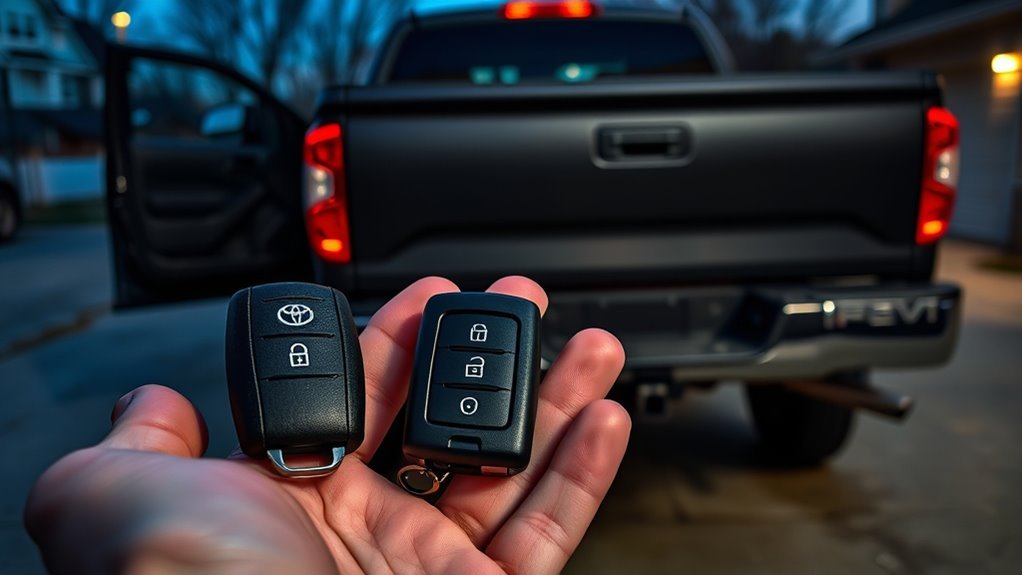
Start by checking simple causes you can fix in minutes: confirm the battery is installed with the correct polarity, clean any debris or corrosion from the contacts with rubbing alcohol, and test the fob away from phones or Wi‑Fi to avoid interference. You’ll perform key fob troubleshooting in a methodical sequence: verify battery installation orientation, inspect contact surfaces for residue or rust, and guarantee the case closes securely to maintain contact pressure. Work in a low‑interference area, hold the fob near the vehicle while pressing buttons, and note any partial responses that indicate weak contact or signal. If the fob remains unresponsive after a fresh, correctly installed battery and cleaning, consult the owner manual about reprogramming—don’t waste time guessing. Persistent failure suggests internal circuitry damage or a vehicle receiver fault; plan for professional diagnostic testing. These steps give you immediate control, reduce dependency on towing or dealers, and let you reclaim mobility fast.
Replace the Tundra Key Fob Battery (Step‑By‑Step)
1. Start by buying a high-quality replacement coin battery that matches the original specifications; choosing a reliable cell improves battery longevity and respects the key fob design. Work on a clean surface with good light.
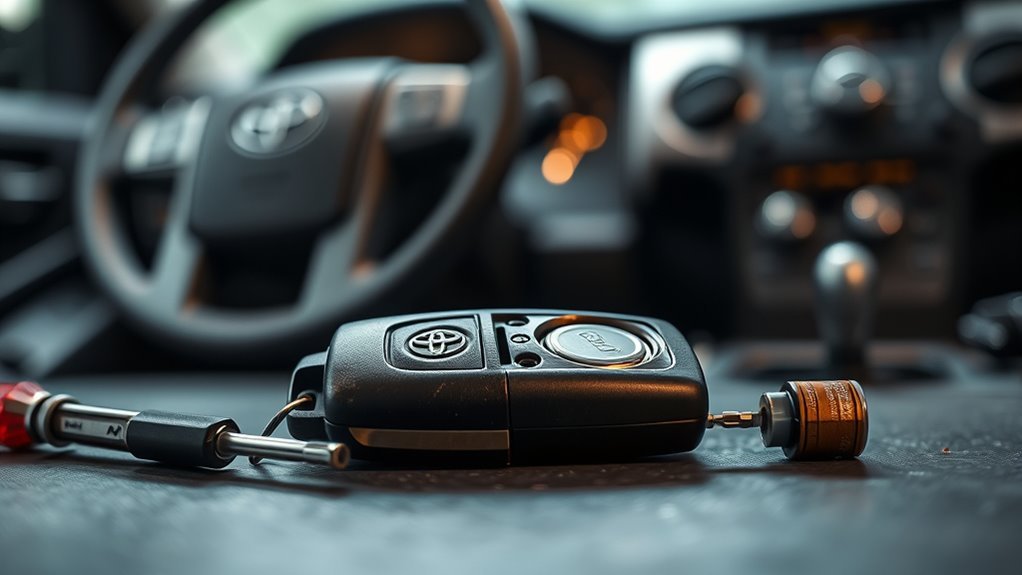
Use a small screwdriver or flat tool to pry open the fob along the seam; apply steady, careful pressure to avoid cracking the casing or disturbing internals. Remove the old battery and note orientation. Insert the new battery with correct polarity, aligning + and – markings precisely to maintain the fob’s electrical geometry and preserve the design’s intended contact pressure.
After seating the cell, verify contacts are aligned and firm. Close the housing until it snaps securely; improper closure can compromise waterproofing and function. Test immediately by locking and releasing the Tundra to confirm restored operation. Replacing the battery is a direct, empowering step that returns control to you and maximizes your fob’s lifespan.
Clean and Inspect Battery Contacts and Internals
Inspect the fob’s battery cavity and contacts for dirt, corrosion, or bent metal, and clean them with a small brush or a cotton swab lightly moistened with rubbing alcohol; be thorough but gentle to avoid damaging pads or springs. Perform a focused internal inspection: remove debris, look for green or white battery corrosion, and note any lifted or flattened contact fingers. Use fine-tip tweezers to gently bend contacts back to their original tension so the new battery seats firmly. If contact pads or spring clips are cracked or detached, mark them for repair or replacement—do not attempt complex soldering unless you’re equipped and free to act. After cleaning and restoring contact geometry, reinstall the battery observing polarity markings (+ and -) exactly. Test the fob before sealing the case. These steps free you from false failures caused by poor connections and guarantee the fob’s internals are honest, functional, and ready to transmit.
Reprogram Your Tundra Key Fob: When It’s Needed and How
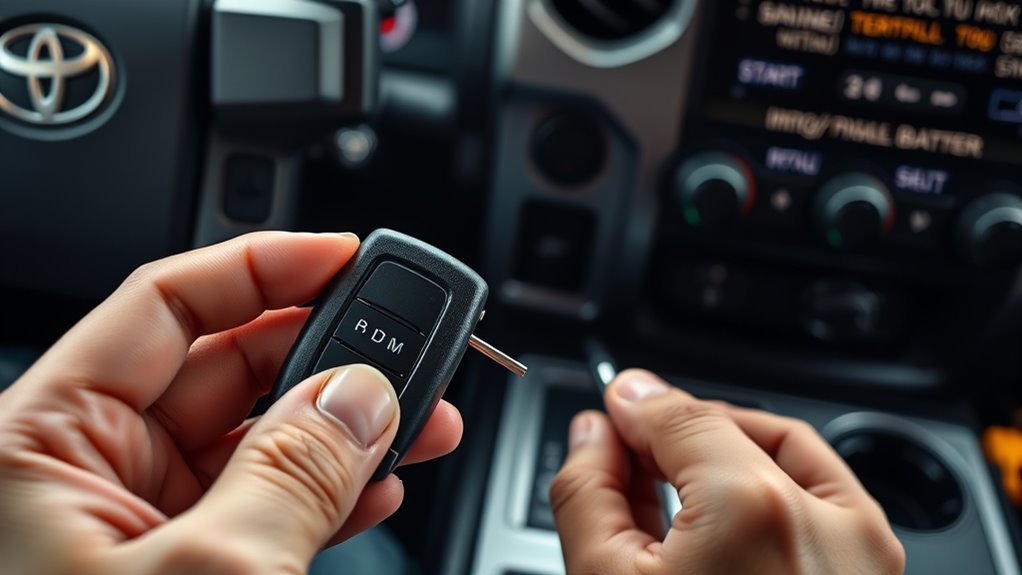
If your Tundra’s fob stops responding after a battery change or shows intermittent recognition, you’ll likely need to reprogram it to resynchronize with the vehicle’s immobilizer and body control modules. You’ll first confirm symptoms: intermittent recognition, “key not detected,” or failure to lock/unlock or start. Gather all working keys—programming may erase others. Locate the owner’s manual programming sequence or confirm whether your model requires a Techstream scan tool.
Perform the manual programming sequence precisely: sit in the driver seat, close doors, cycle ignition and press the specified fob buttons in the order and timing the manual dictates. Watch the security light for the correct behavior; it signals key fob synchronization success. If the manual method fails or your model needs dealer-level access, use a qualified scan tool or dealer service. Recheck all keys immediately after programming to verify none were unintentionally erased. This restores control and keeps you free from dependence on roadside assistance.
Test Interference and Cargo‑Light/LED Antenna Issues
Because the Tundra’s key‑fob antenna sits in the cargo‑light housing, aftermarket LED bulbs and other nearby electronics can create RF noise that degrades fob range and reliability; you should test for interference by toggling the cargo light off and on, swapping back to an incandescent bulb, and moving the fob away from LEDs and devices to see if operation improves. Start with simple isolation: turn the cargo light off and verify full remote range at several distances and angles. If performance returns, suspect cargo light interference and LED bulb compatibility. Next, replace the LED with the original incandescent or a known‑clean bulb and recheck. If that fixes it, avoid non‑compatible LEDs or choose EMI‑filtered units. Finally, test the fob well away from the truck and other electronics to rule out external RF sources. Document each change and result. These steps give you actionable proof to reclaim control over your fob’s performance without unnecessary parts replacement.
Diagnose Truck‑Side Faults: Receiver, Modules, and Wiring
After you’ve ruled out cargo‑light interference, shift focus to the truck’s side: verify that other fobs open the Tundra to tell whether the receiver or the fob is at fault, then confirm the receiver module has power and communicates with the vehicle’s network. Start with receiver diagnostics: bring a known-good fob close to the vehicle, cycle locks, and note responses. Connect a diagnostic scan tool to read codes for the power locking system and receiver module; log any fault codes and freeze frames.
Proceed to wiring inspection: visually trace harnesses from the receiver module to grounding points and power feeds, looking for chafing, corrosion, or connector contamination. Backprobe power and ground with a multimeter while operating the fob to verify voltage presence and signal changes. If the module lacks power or network messages, isolate the broken circuit—replace corroded connectors, repair damaged wires, and re-test. Maintain records of tests to assert your right to resolve the issue yourself.
Diagnose a Faulty Key Fob: Repair vs Replace?
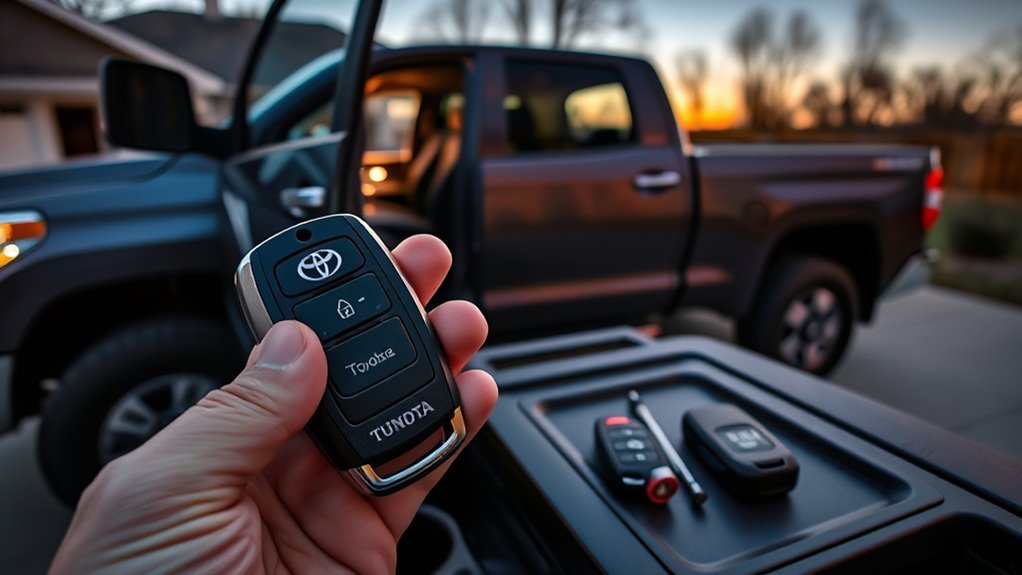
When a fob stops responding despite a fresh battery, confirm correct installation and clean contacts before deciding whether to repair or replace it. You’ll perform basic key fob troubleshooting: verify battery polarity, inspect contact pads for corrosion, and swap in a known-good, high-quality battery to rule out cheap replacements. If the fob still fails, try reprogramming per the owner’s manual to restore sync.
If symptoms persist, escalate to professional inspection — internal damage, worn switches, or PCB faults may be present. Assess repair feasibility versus replacement: visible physical damage and multiple faulty components usually favor replacement. Consider replacement options and choose liberation: regain control quickly and reliably.
| Step | Action | Outcome |
|---|---|---|
| 1 | Check battery & contacts | Confirm power delivery |
| 2 | Reprogram per manual | Restore synchronization |
| 3 | Inspect internals | Decide repair vs replace |
Costs, Tools, and Next Steps: DIY, Locksmith, or Dealer
You can save significant cash by programming a replacement fob yourself, but you’ll need an OBD2 programmer and an existing master key to complete the process. If you don’t have the tools or the master key, a locksmith typically charges $150–$300 while a dealer may exceed $400 for a Smart fob and offers full diagnostic support. Start with DIY only if you’re confident and equipped; otherwise get quotes from a locksmith and the dealer before proceeding.
DIY Costs & Tools
Cost-conscious repairs start with a quick battery swap—replacement cells cost $5–$15 and you can open the fob with a small screwdriver and verify voltage with a multimeter. Know common battery types and review programming methods before you begin. If voltage is good but the fob fails, reprogramming at home with a basic scan tool costs $20–$50 and puts control back in your hands.
- Small screwdriver: open case, replace cell.
- Multimeter: confirm voltage, avoid wasted effort.
- Scan tool: execute programming methods, confirm sync.
Proceed methodically: remove old cell, install fresh battery, check voltage, attempt on-board programming or use the scan tool. If multiple fobs fail, escalate to professional help. Take ownership; stay efficient and deliberate.
Locksmith vs Dealer
Curious which route saves time and money? You’ll weigh locksmith advantages against dealer disadvantages, programming complexity, and cost savings. Start: replace the battery, then test. If still dead, try DIY programming with an OBD2 tool and guides — you’ll gain liberation and avoid dealer fees.
| Option | Typical Cost | Turnaround |
|---|---|---|
| DIY | $20–$150 | 30–90 min |
| Locksmith | $75–$200 | <60 min |
| Dealer | $400+ | Hours–days |
Procedure: attempt DIY first for simple faults. If programming complexity overwhelms you, call a locksmith for faster, cheaper service. Reserve the dealer for warranty cases or proprietary key issues. Choose the path that maximizes autonomy and cost savings.
Frequently Asked Questions
Why Is My Toyota Tundra Key Fob Not Unlocking?
Your key fob isn’t opening because of common key fob issues: check battery replacement orientation and contacts, rule out interference, try reprogramming after swap, and seek professional inspection if the fob or vehicle receiver stays unresponsive.
How Do I Resync My Toyota Key Fob?
Imagine rewiring a locked gate; you insert the key, cycle ignition five times, end on “On,” then press the fob—doors lock/unlock. If that fails, check key fob battery, consider key fob replacement or dealer reprogramming.
Conclusion
Like a mechanic consulting a map, you’ve run quick fixes, swapped the battery, cleaned contacts, and tried reprogramming. If interference, antenna, receiver or wiring faults persist, isolate the truck-side modules or test the fob itself to decide repair versus replacement. Weigh DIY tools, locksmith options, and dealer service against cost and complexity. Follow the diagnostic steps methodically, document results, then act—repair, replace, or escalate—based on clear, reproducible failure points.