Your RAV4 can lose adaptive cruise control after one dirty sensor, weak battery, or loose connector. The warning can feel serious because Toyota Safety Sense may also limit related driver-assist features. This guide walks you through safe checks you can do before you book a diagnostic visit.
Quick Answer
Start with the simple causes. Clean the front radar sensor cover and the windshield camera area, then restart the vehicle and take a short drive. Check the 12-volt battery voltage and terminals next. Scan for diagnostic trouble codes if the message stays on or returns.
Key Takeaways
- Clean the radar cover and forward camera area before you replace parts.
- Check the 12-volt battery because low or unstable voltage can trigger driver-assist warnings.
- Scan Toyota safety, ABS, and body modules when a basic scan finds no clear code.
- Ask for professional calibration after bumper work, windshield work, or front-end impact.
- Keep full control of the vehicle because adaptive cruise control only assists your driving.
Quick Fixes for RAV4 ACC Unavailable
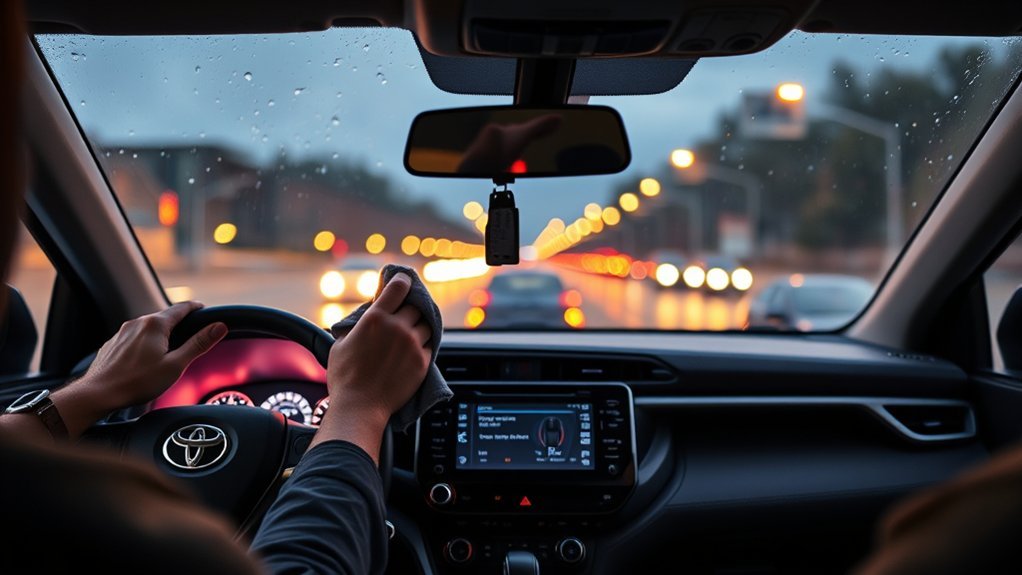
According to Toyota manual language, a “Radar Cruise Control Unavailable” warning means the dynamic radar cruise control system cannot operate for a short time. Start with the front sensor areas because dirt, snow, water droplets, stickers, or debris can block the system’s view.
Park safely, turn the vehicle off, and clean the radar sensor cover near the front grille or emblem with a soft cloth. Then clean the windshield area in front of the forward camera from the outside. Do not scrape sensors, spray harsh chemicals, or add stickers near the camera or radar area.
- Restart the vehicle after cleaning.
- Drive on a clear road for a few minutes.
- Watch whether the warning clears and stays off.
- Move to voltage and code checks if the warning returns.
If your RAV4 had recent bumper, grille, windshield, or body work, skip guesswork and ask for a calibration check. Sensor angle matters, and a small alignment change can stop adaptive cruise control from working correctly.
[Products Worth Considering]

These TPE door anti‑kick pads provide durable, water‑resistant protection for Toyota Tundra doors from 2022 to 2026. They fit precisely, are easy to install with double‑sided tape, and can be cleaned simply with water. The pads guard against scuffs and impacts while preserving the door's appearance and smooth operation.

The Pigenius windshield sunshade protects your Tundra's interior from heat and UV damage while keeping the cabin cool. Its accordion design folds easily for storage and quick setup, and the triple‑laminate construction provides durable, reflective protection. Ideal for long trips and daily commutes, it guards dashboards, seats, and steering wheels from sun‑related wear.
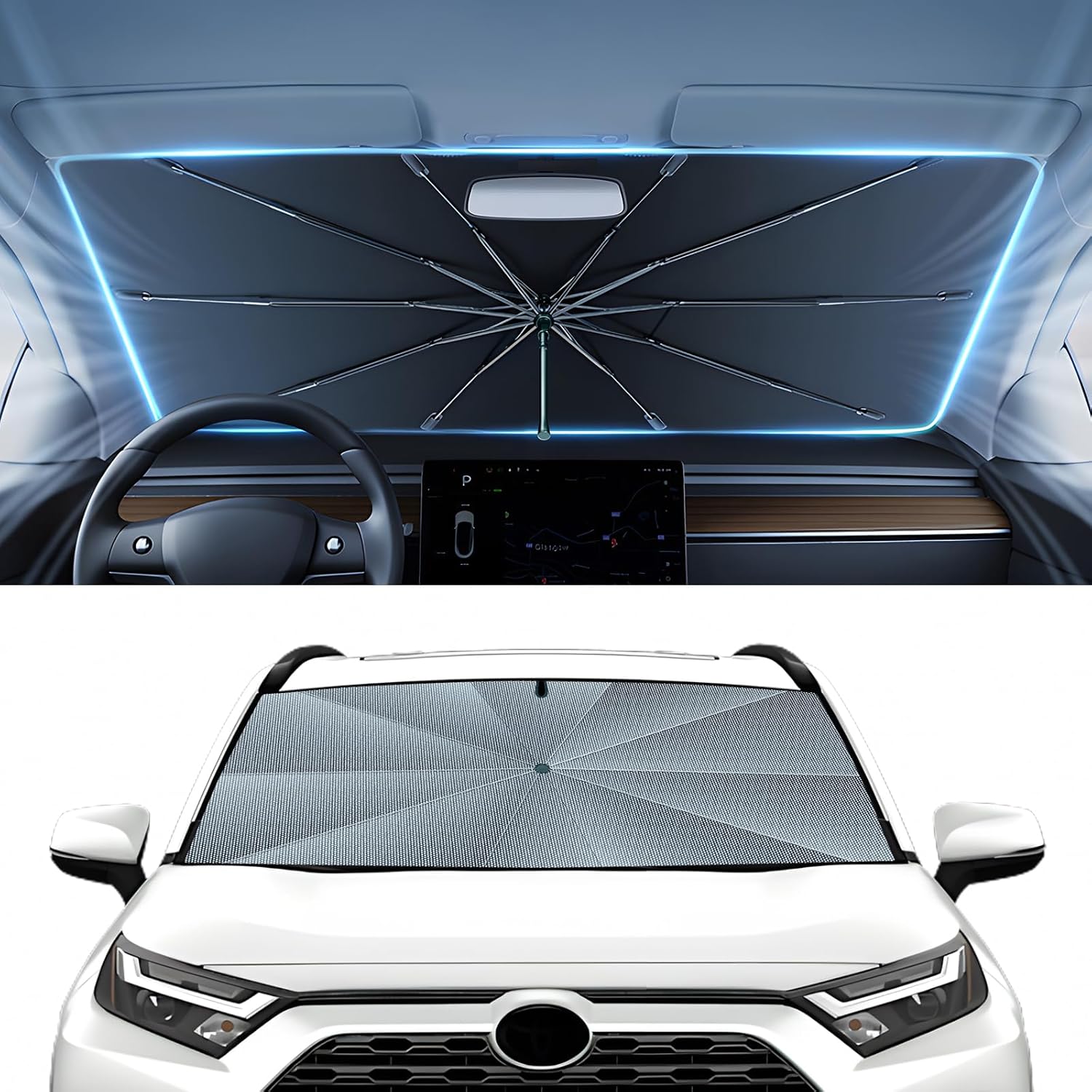
The Autorder windshield sun shade umbrella provides full coverage for Toyota RAV4 models from 2019 to 2026, blocking heat and UV rays with its advanced ice crystal material. Its ten reinforced skeletons and anti‑puncture edges ensure durability and stability, while the effortless umbrella‑style deployment and compact storage bag make it convenient for everyday use. Keep your car interior cool and protected from sun damage with this easy‑setup, high‑performance sunshade.
Clean the Radar and Camera and Confirm It Worked
Use a clean microfiber cloth and mild glass-safe cleaner on the windshield camera area. Use a soft damp cloth on the radar cover, then dry the surface so water spots do not block the sensor again.
Start the RAV4 and check the multi-information display. If the ACC message disappears, test the system on a quiet road with clear lane markings and dry weather. Keep your foot ready for braking because adaptive cruise control does not replace your judgment.
Warning: Do not remove, paint, tape, or strike the radar sensor or camera area because damage can reduce driver-assist performance.
If the warning stays on after cleaning, note the weather, road conditions, and speed when it appears. This detail helps a technician separate a blocked sensor from a wiring, battery, module, or calibration fault.
Check Battery, Voltage, and Reset Procedures
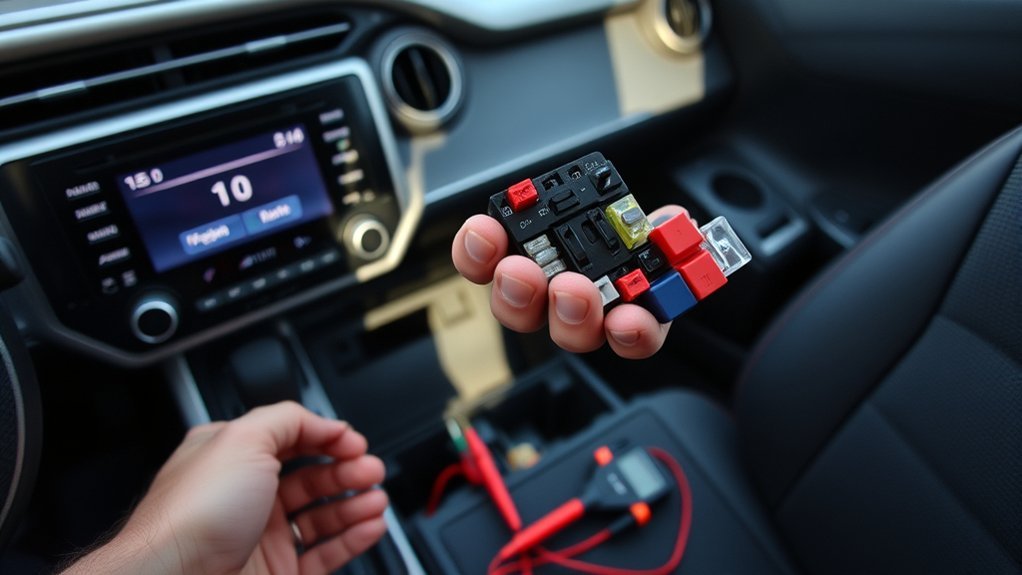
Low or unstable 12-volt power can cause warning messages across driver-assist systems. Use a multimeter at the battery posts after the vehicle sits for a few hours. A healthy 12-volt lead-acid battery often reads about 12.6 volts at rest.
Start the engine and check charging voltage. Many charging systems show about 13.5 to 14.5 volts while running, but your RAV4’s exact value can vary by battery type, temperature, and charging strategy.
- Clean corrosion from the battery terminals.
- Tighten loose terminal clamps.
- Secure the battery so vibration cannot break contact.
- Replace a weak battery only after you test it under load.
After a low-voltage event, shut the vehicle off for 5 to 10 minutes and restart it. Disconnect the negative terminal only if you understand the reset effects on stored settings and electronic modules. If warnings return, scan codes before you keep resetting the system.
[Products Worth Considering]

The KDOWES front windshield sun shade offers a custom fit for Toyota RAV4 SUVs, featuring a double‑layer heat shield that blocks up to 99% of solar rays and reduces interior temperature by up to 40°F. Reinforced steel rings and Velcro fasteners ensure easy installation and a secure fit, while the foldable cartilage steel ring allows convenient storage. This high‑quality, reflective fabric protects upholstery, dashboard, and electronics from UV damage, keeping the cabin cool and comfortable.

Protect your Toyota RAV4 interior with this custom‑fit windshield sun shade that blocks 99% of harmful UV rays and reduces cabin heat. The mirror cut‑out ensures a seamless fit without gaps, while durable 240T polyester and bendable wire keep it sturdy through repeated use. Foldable and stored in a convenient pouch, it offers easy installation and removal for everyday comfort.
Check Sensor Connectors and Wiring
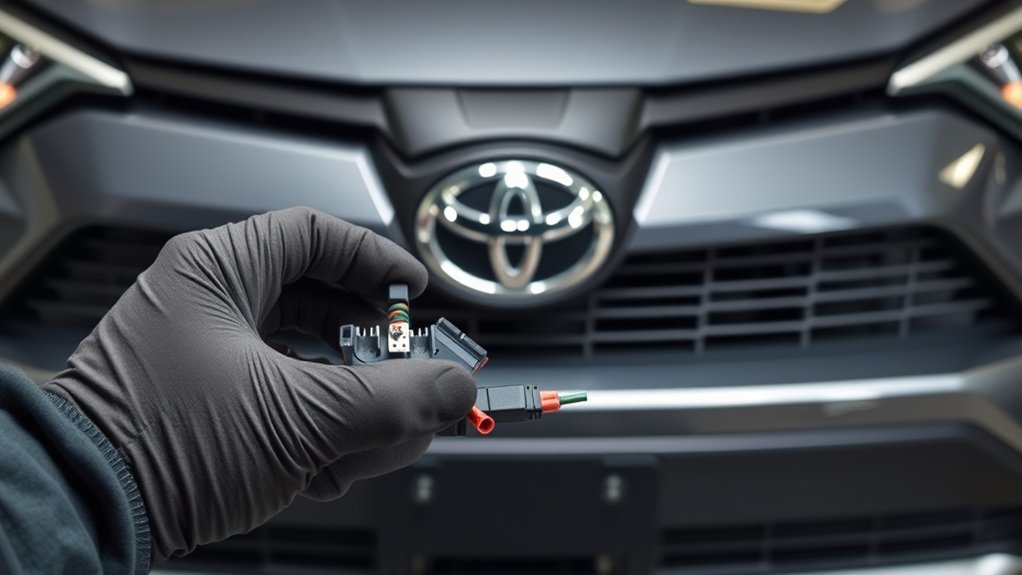
After you confirm stable battery voltage, inspect the radar and camera wiring only where you can reach it safely. Turn the vehicle off before you touch connectors. Look for corrosion, moisture, loose plugs, broken clips, rubbed insulation, or signs of prior accident repair.
Do not force sealed connectors open. If you see corrosion, use electrical contact cleaner made for automotive connectors and let the area dry before reconnecting. Replace broken clips or seals because water can return and create repeat faults.
Front-end damage changes the repair path. If the bumper, grille, radar bracket, or windshield moved, ask a Toyota-qualified technician to inspect alignment and run calibration. Cleaning cannot fix a sensor that no longer points in the correct direction.
Scan Trouble Codes and What to Tell Your Mechanic
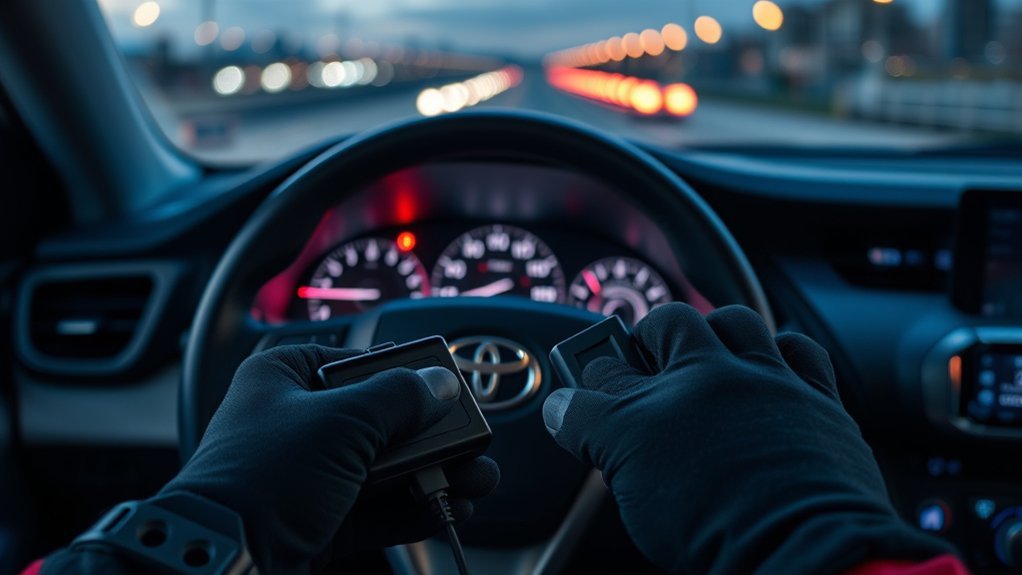
A scan helps you move from guessing to targeted repair. Plug an on-board diagnostics II (OBD-II) scanner into the port under the dashboard and record every diagnostic trouble code (DTC), pending code, and freeze-frame note you can access.
Basic scanners may only read engine codes. For ACC problems, you may need a scan tool that reads Toyota safety, anti-lock braking system (ABS), body, camera, and radar modules. Ask the shop to check module communication and calibration status if the basic scan looks clean.
Tell your mechanic about recent battery replacement, jump starts, windshield work, bumper repair, car washes, snow, mud, or front-end impact. Also share the exact warning text and the steps you already took. Clear history cuts diagnostic time and helps you avoid replacing good parts.
Frequently Asked Questions
Can I drive my RAV4 when ACC says unavailable?
Yes, you can usually drive if the vehicle brakes, steers, and accelerates normally. Do not rely on adaptive cruise control until the warning clears and the system works normally.
Will cleaning the radar sensor reset adaptive cruise control?
Cleaning can restore ACC when dirt, snow, water, bugs, or film blocks the radar cover or windshield camera. If the system still shows the warning, check voltage and scan codes.
Can a weak 12-volt battery cause ACC unavailable?
Yes, weak or unstable battery power can trigger warnings in electronic driver-assist systems. Test resting and running voltage, then load-test the battery if readings look weak.
Does a RAV4 need radar calibration after bumper work?
Often, yes. Bumper, grille, radar bracket, and front-end repairs can change sensor alignment. Ask a qualified shop to inspect and calibrate the system after those repairs.
Why does the warning return after I clear it?
The warning returns when the root cause remains. A blocked sensor, low voltage, damaged connector, module fault, or alignment issue can trigger the message again.
Vehicle Safety Disclaimer: This article is for informational purposes only and does not replace your Toyota owner’s manual, repair manual, or a qualified technician’s diagnosis. Driver-assist systems can fail or limit themselves, so you must keep full control of the vehicle at all times.
Conclusion
The main point is simple: start with clean sensors and stable power, then use codes to avoid guesswork. If the message returns after cleaning, treat it as a sensor, wiring, voltage, or calibration problem. Write down symptoms and codes, then ask a Toyota-qualified technician to inspect the system. You’ll protect your safety systems and avoid replacing good parts by mistake.
References
- RAV4 2024 Owner’s Manual Excerpt for Driving Support Systems, Toyota, 2024
- Driver Assistance Technologies, National Highway Traffic Safety Administration
- What You Need to Know About Car Battery Voltage, AutoZone
- Bad Alternator vs. Bad Battery: A Quick Guide, AAA