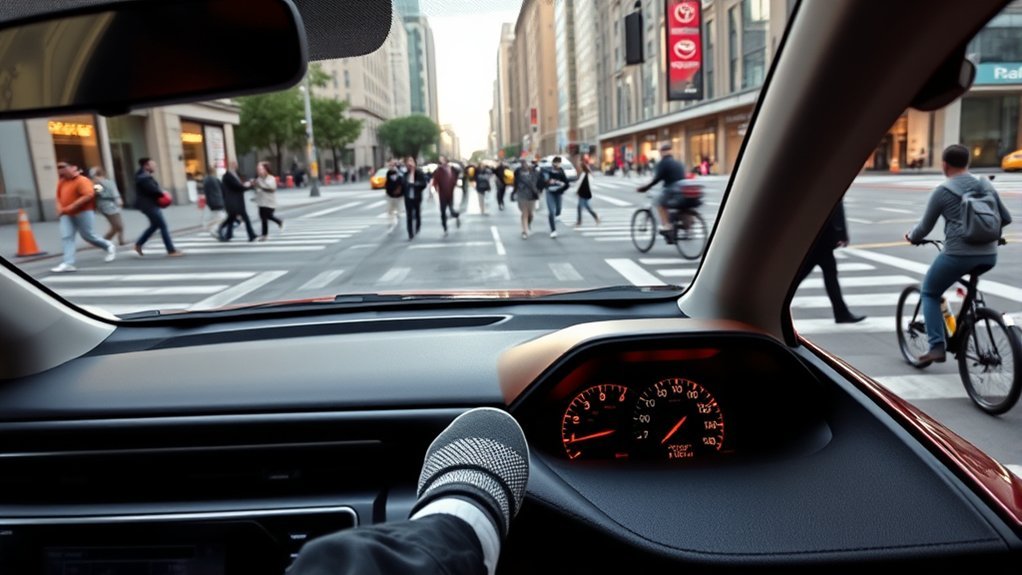
The Toyota RAV4 Brake Hold feature is best used during short stops, stop-and-go traffic, drive-thru lines, and some uphill stops where you want the vehicle to stay still without keeping constant pressure on the brake pedal. It is a comfort feature, not a parking substitute, so it works best when you understand its lights, limits, and safety conditions.
Quick Answer
Use Toyota RAV4 Brake Hold when you are stopped briefly in traffic, at a long light, in a drive-thru, or on a hill. Buckle the driver’s seat belt, close the driver’s door, press the HOLD button, then stop with the brake pedal. Do not use it for parking or on slippery roads.
Key Takeaways
- Brake Hold keeps the brakes applied after you stop, so you can rest your foot during short waits.
- The driver’s seat belt must be fastened and the driver’s door must be closed for the system to turn on.
- A green HOLD light means the system is on standby; a yellow/amber hold indicator means the brakes are being held.
- Brake Hold may not hold the RAV4 on very steep inclines or slippery surfaces, so stay ready to press the brake pedal.
- Never rely on Brake Hold as a parking brake. Shift to Park and set the parking brake when leaving the vehicle.
At a Glance
| Time Required | A few seconds to activate |
| Difficulty | Easy |
| Tools Needed | None |
| Cost | Free if your RAV4 is equipped with Brake Hold |
Warning: Brake Hold is not designed for long-term parking. If you are leaving the driver’s seat, shift to Park, set the parking brake, and follow your owner’s manual.
Why Use the Toyota RAV4 Brake Hold Feature?
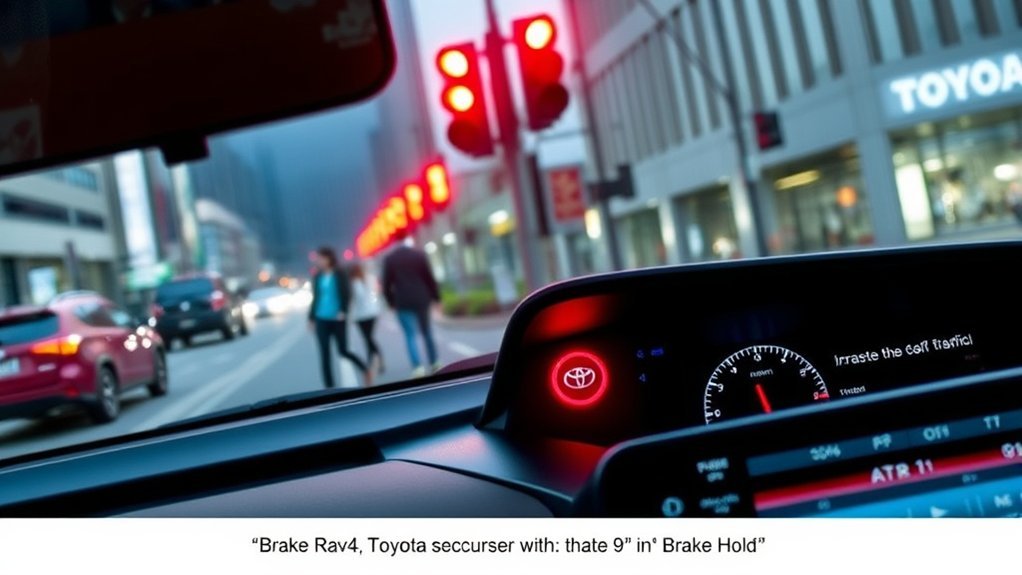
The main reason to use the Toyota RAV4 Brake Hold feature is comfort. In slow traffic or at long red lights, it lets you take your foot off the brake pedal after the vehicle has come to a complete stop. That can reduce leg fatigue and make daily driving feel calmer.
Brake Hold also adds confidence during short uphill stops. When the system is holding the brakes, the RAV4 stays still until you press the accelerator again. That makes it useful in hilly traffic, parking-lot lines, and drive-thrus where you stop and move forward repeatedly.
According to Toyota’s owner information, the system keeps the brakes applied after the vehicle has been stopped with the brake pedal, and it releases the brakes when the accelerator is pressed in the proper drive range. For model-specific wording, always check the Toyota owner’s manual for your exact RAV4 year and trim.
How Toyota RAV4 Brake Hold Works
Brake Hold is a temporary brake-holding system. You turn it on with the HOLD button, usually located near the electronic parking brake switch. Once it is on, you stop the RAV4 with the brake pedal. If the operating conditions are met, the system continues holding the brakes after you release your foot.
In many RAV4 models, Toyota describes Brake Hold as working when the shift lever is in D, S, or N and the vehicle has been stopped with the brake pedal. The system releases the brakes when you press the accelerator in D or S, allowing a smooth start. See Toyota’s RAV4 Quick Reference Guide for an official summary.
What the Brake Hold Lights Mean
The dashboard indicators are important because they tell you whether Brake Hold is ready or actually holding the vehicle:
- Green HOLD/standby indicator: Brake Hold is turned on and ready.
- Yellow or amber operated indicator: The system is actively holding the brakes after a stop.
- Flashing indicator or warning message: The system needs driver attention. Press the brake pedal and follow the message on the multi-information display.
Note: Some owners casually say the “green light means Brake Hold is active,” but Toyota distinguishes between standby and operated status. Green usually means ready; yellow/amber means the brakes are being held.
Common Scenarios for Utilizing Brake Hold
You will get the most value from Brake Hold during short, repeated stops. It is not something you need on every drive, but it can make certain situations much easier.
Stop-and-Go Traffic Situations
In stop-and-go traffic, Brake Hold lets you relax your foot while the RAV4 remains stopped. When traffic moves, press the accelerator and the system releases the brakes. This is one of the best everyday uses because it reduces the constant brake-pedal pressure that comes with city driving.
Drive-Thru and Pickup Lines
Drive-thrus, school pickup lines, and parking-garage exits are perfect Brake Hold situations. You move a short distance, stop, wait, and repeat. Brake Hold keeps the vehicle still during each wait without shifting to Park every time.
Steep Inclines and Hills
Brake Hold can help prevent rollback during short uphill stops, such as waiting at a traffic light on a hill. However, it has limits. Toyota warns that Brake Hold may not hold the vehicle on a steep incline, and the driver may need to apply the brake pedal manually.
Warning: Stay ready to brake on steep hills. If the RAV4 feels like it is moving, the indicator flashes, or a warning appears, press the brake pedal immediately.
When Not to Use Brake Hold
Brake Hold is helpful, but it is not right for every stop. Avoid relying on it in these situations:
- When parking: Shift to Park and use the parking brake instead.
- On slippery roads: Toyota warns the system cannot stop the vehicle if tire grip has been exceeded.
- On very steep grades: The system may not hold depending on the slope angle.
- When backing up: RAV4 Brake Hold is generally described for D, S, or N operation, not as a reverse-driving aid.
- When towing or carrying heavy loads: Use extra caution and follow the owner’s manual for your model.
How to Turn Brake Hold On and Off
Using Brake Hold is simple once you know the sequence:
- Start the RAV4 and sit in the driver’s seat.
- Fasten the driver’s seat belt.
- Make sure the driver’s door is fully closed.
- Press the HOLD button near the electronic parking brake switch.
- Look for the green Brake Hold standby indicator.
- Drive normally, then press the brake pedal to stop the vehicle.
- When the yellow/amber operated indicator appears, you can release your foot from the brake pedal.
- Press the accelerator to move again.
To turn Brake Hold off while it is not holding the brakes, press the HOLD button again. If the system is currently holding the brakes, press the brake pedal firmly first, then press the HOLD button to turn it off.
Pro Tip: Turn Brake Hold on at the start of a city drive, then watch the indicators. After a few trips, the green standby light and yellow/amber hold light become easy to understand.
[Products Worth Considering]

Protect your vehicle’s original carpet with this Toyota Genuine carpet floor mat designed for select FJ Cruiser models. It fits the floor pattern for a secure, tailored look while the nibbed backing helps keep it in place during daily driving. The durable nylon carpeting and stylish vehicle logo add long-lasting function with a factory-correct appearance.

The AICEL TPMS Relearn Tool helps quickly reset and relearn tire pressure sensors on compatible GM vehicles after tire rotation, sensor replacement, or warning light issues. Designed for easy handheld use, it works with most cars, SUVs, and pickup trucks and can save time by eliminating unnecessary trips to the auto store. Its durable ABS housing and simple activation process make it a practical tool for keeping the tire pressure monitoring system operating properly.

This EL-50448 TPMS relearn tool helps quickly activate and reset tire pressure sensors so your vehicle’s monitoring system stays accurate after tire rotations, sensor replacement, or seasonal tire changes. Designed for many GM-related vehicles and compatible with common 315 and 433 MHz TPMS systems, it offers simple one-button operation and reliable performance for clearing warning lights and relearning sensor positions.
How Brake Hold Keeps You Safer on Steep Hills
On hills, the biggest benefit of Brake Hold is reducing rollback during short stops. When the system is operating correctly, it holds the brakes after you stop, giving you time to move your foot from the brake pedal to the accelerator without the RAV4 drifting backward.
That said, Brake Hold does not override physics. On a very steep or slippery incline, the tires may not have enough grip, or the system may not hold as expected. Treat it as a backup comfort feature, not as a replacement for active braking.
Brake Hold Functionality in Various Conditions
The Brake Hold feature performs differently depending on the road, the driver’s actions, and the vehicle’s operating conditions.
| Situation | Good Use of Brake Hold? | What to Know |
|---|---|---|
| Long red light | Yes | Helpful for resting your foot during a short stop. |
| Heavy traffic | Yes | Useful when traffic repeatedly stops and moves. |
| Drive-thru line | Yes | Keeps the RAV4 still while you wait between short movements. |
| Moderate hill | Usually | Helpful, but stay ready to press the brake. |
| Very steep hill | Use caution | The system may not hold the vehicle. |
| Slippery road | No | Do not rely on Brake Hold if tire grip is poor. |
| Parking | No | Use Park and the parking brake instead. |
Brake Hold is best thought of as a short-stop comfort feature. It helps at lights, hills, and drive-thrus, but the driver remains responsible for braking and parking safely.
How Seat Belts Affect Brake Hold Operation
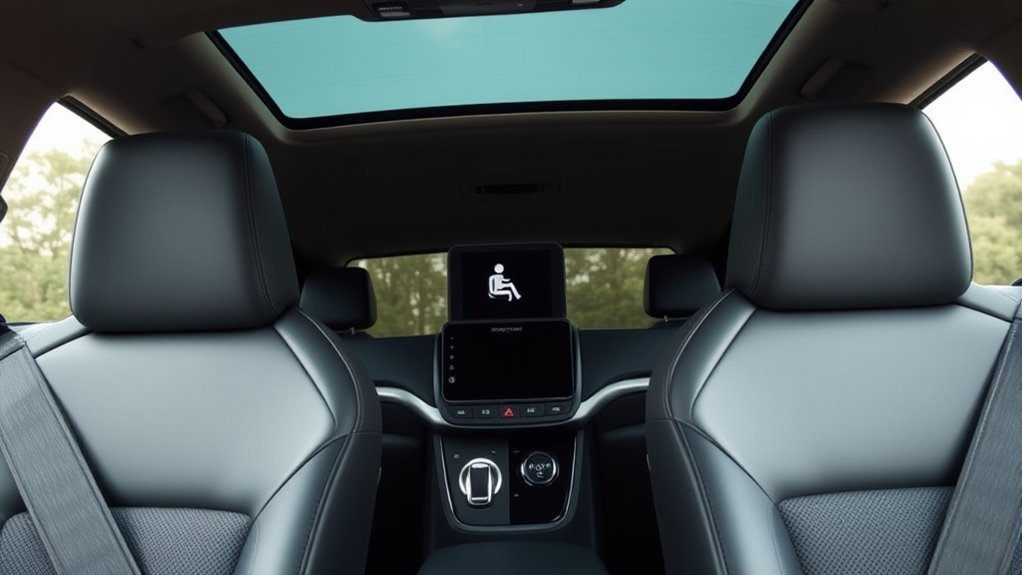
The driver’s seat belt is part of the Brake Hold operating conditions. If the driver is not buckled, the system will not turn on. If a required condition changes while the system is holding the brakes, Toyota says a buzzer and message may appear, and the parking brake may be set automatically.
This design encourages the driver to stay seated, belted, and in control. It also lines up with broader safety guidance from NHTSA, which identifies buckling up as one of the safest choices drivers and passengers can make.
Seat Belt Requirement Explained
Brake Hold is not just checking whether the button was pressed. It also checks basic driver safety conditions. The most common requirements are:
- The driver’s seat belt is fastened.
- The driver’s door is closed.
- The vehicle is in an eligible shift position.
- No relevant brake-system warning prevents operation.
Impact of Unbuckling the Seat Belt
If the driver unbuckles while Brake Hold is operating, the system may cancel the hold and set the parking brake automatically. This helps prevent the vehicle from rolling if the driver appears to be exiting or no longer seated properly.
| Action | Effect on Brake Hold | Safety Consideration |
|---|---|---|
| Driver buckles seat belt | Allows Brake Hold to turn on | Driver is properly restrained |
| Driver unbuckles seat belt | May cancel Brake Hold and set the parking brake | Helps reduce unintended vehicle movement |
| Driver opens door | May cancel Brake Hold and trigger a warning | Driver should shift to Park before exiting |
| Passenger unbuckles | Normally does not control Brake Hold | Passengers should still buckle up while riding |
| Brake Hold remains stopped for about 3 minutes | Parking brake may be set automatically | Driver must release it properly before moving |
Enhancing Your Drive-Thru Experience With Brake Hold
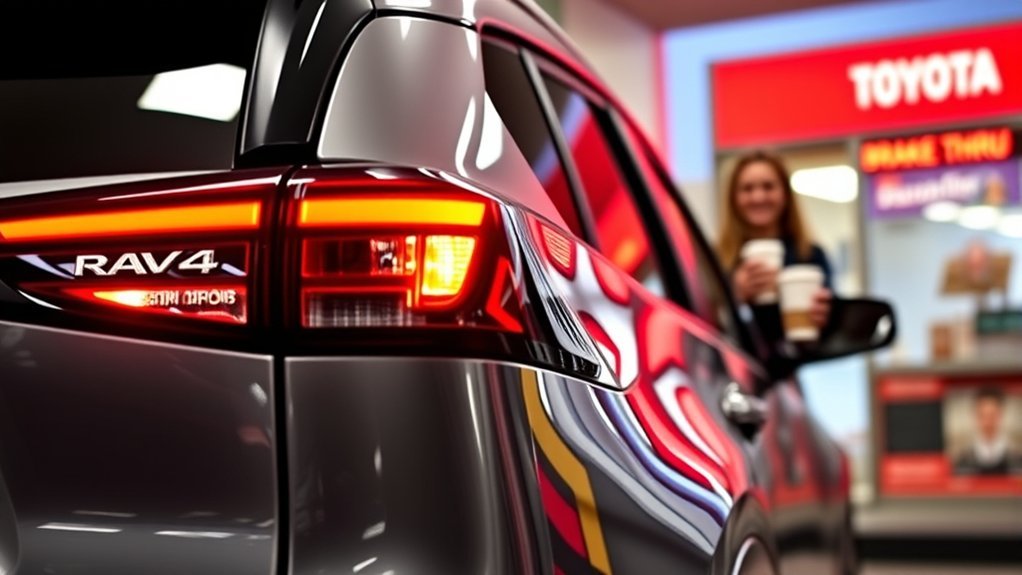
Drive-thrus are one of the easiest places to appreciate Brake Hold. After you activate the system and come to a full stop, the RAV4 can stay still while you order, pay, or wait for food. When the line moves, press the accelerator and continue forward.
This is especially helpful on sloped drive-thru lanes, where drivers often worry about rolling backward. Just remember that Brake Hold still has limits on steep or slippery surfaces, so keep your foot close to the brake pedal.
When to Use Brake Hold in Heavy Traffic
Use Brake Hold in heavy traffic when the road is dry, visibility is normal, and vehicles are stopping for more than a moment at a time. It is most helpful when each stop lasts long enough that holding the brake pedal becomes tiring.
Skip Brake Hold when traffic is barely creeping and you need constant fine control. In those moments, keeping your foot on the brake may feel smoother and more predictable.
Troubleshooting Brake Hold Activation Issues
If Brake Hold will not activate, start with the basics before assuming something is broken.
- Check the driver’s seat belt: The system will not turn on if the driver is unbuckled.
- Close the driver’s door: An open or partly latched door can prevent operation.
- Confirm the shift position: Brake Hold is generally described for D, S, or N operation on RAV4 models.
- Press the brake pedal firmly: The system needs the vehicle to be fully stopped.
- Look for warning lights: Brake-system warnings may prevent Brake Hold from working.
- Read the display message: The multi-information display may tell you exactly what condition is missing.
If the green standby indicator does not illuminate even when all operating conditions are met, Toyota recommends having the vehicle inspected by a Toyota dealer or qualified service professional.
[Products Worth Considering]
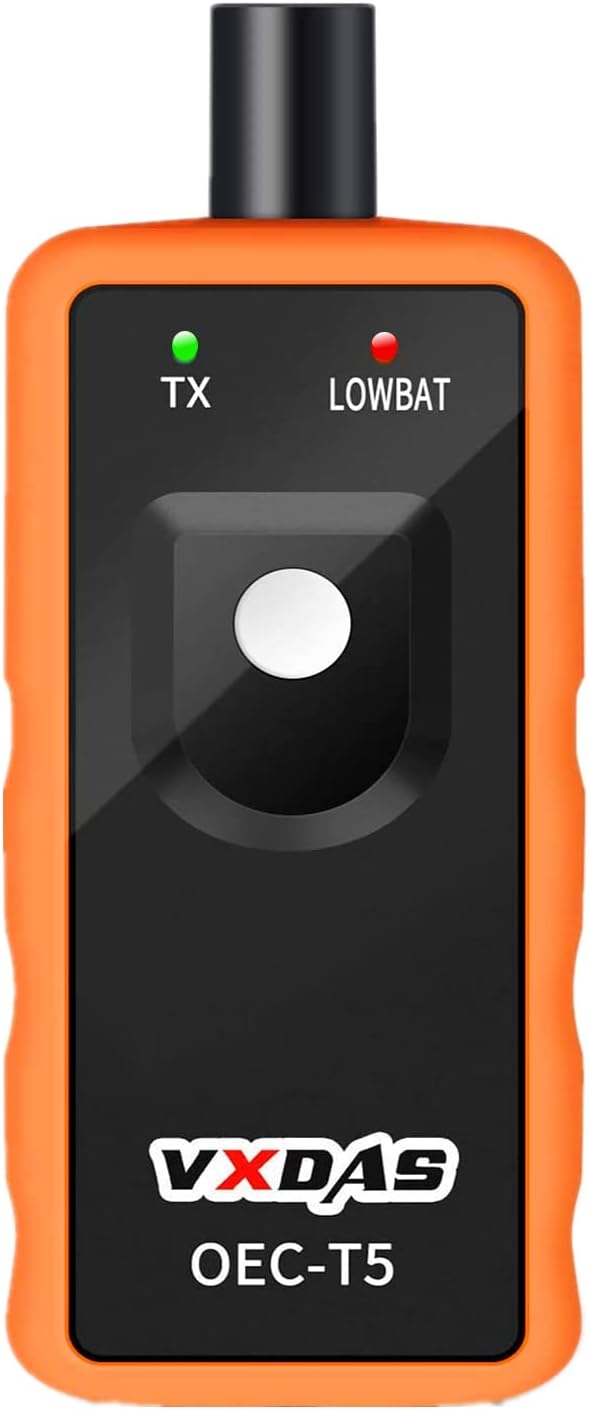
This TPMS relearn tool is designed for many GM vehicles with 315/433 MHz original sensors, helping you reset tire pressure monitoring systems quickly after sensor replacement or tire changes. It offers a simple one-button activation process that can save time and reduce trips to the dealer or tire shop. Built for easy handheld use, it supports safe, accurate TPMS relearn procedures for compatible Chevy, Buick, GMC, Opel, and Cadillac models.

This GM TPMS relearn tool helps reset tire sensors, clear warning lights, and match tire positions after rotation quickly at home. Designed for Chevrolet, GMC, Cadillac, and Buick vehicles, it offers one-button operation, fast activation, and broad compatibility with many GM models. It is best suited for OE/OEM sensors and includes paper instructions plus video guidance for easier DIY use.
Tips for Maximizing Your Use of Brake Hold
Brake Hold works best when you use it deliberately. These habits help you get the convenience without creating bad driving habits:
- Activate it before you need it. Turn it on before traffic gets heavy, not while you are distracted.
- Watch the indicator lights. Green means ready; yellow/amber means the brakes are being held.
- Keep your foot nearby. Be ready to brake if the road is steep, slick, or uneven.
- Do not use it as Park. If you are done driving or leaving the vehicle, shift to Park and set the parking brake.
- Know the 3-minute behavior. If Brake Hold keeps the brakes applied for about 3 minutes, the parking brake may set automatically.
- Check your manual. Small details can vary by model year, powertrain, and market.
Frequently Asked Questions
When should I use Brake Hold in a Toyota RAV4?
Use Brake Hold during short stops in traffic, at long lights, in drive-thrus, and on moderate hills. It is designed for temporary stops, not for parking or leaving the vehicle unattended.
What do the green and yellow Brake Hold lights mean?
The green indicator usually means Brake Hold is turned on and standing by. The yellow or amber indicator means the system is actively holding the brakes after the RAV4 has stopped.
Why will my RAV4 Brake Hold not turn on?
The most common causes are an unfastened driver’s seat belt, an open driver’s door, the wrong shift position, or a brake-system warning. Buckle up, close the door, stop fully, and check the multi-information display for messages.
Can I use Brake Hold on steep hills?
You can use it on some hills, but do not fully rely on it on steep inclines. Toyota warns that Brake Hold may not hold the vehicle in certain steep-hill situations, so keep your foot ready to press the brake.
Is Brake Hold the same as the parking brake?
No. Brake Hold is for short stops while driving. The parking brake is for securing the vehicle when parked. When you leave the vehicle, shift to Park and set the parking brake.
Does Brake Hold stay on after I turn off the RAV4?
Do not assume it will. Toyota warns that Brake Hold is not designed for parking, and turning the vehicle off while Brake Hold is holding the brakes may release the brakes. Always shift to Park and use the parking brake when parking.
How long do I hold the button for the liftgate on a RAV4?
For the power liftgate, press and hold the liftgate button for about 1 to 2 seconds until the system responds, usually with a beep or movement. Make sure the area around the rear hatch is clear before operating it. This is separate from the Brake Hold feature.
Conclusion
The Toyota RAV4 Brake Hold feature is worth using when you are dealing with traffic, long lights, drive-thrus, or short uphill stops. It can make driving smoother and reduce foot fatigue, but it does not replace careful braking or proper parking habits. Buckle the driver’s seat belt, watch the indicators, stay alert on hills and slick roads, and use the parking brake whenever the vehicle is parked.
Sources
- Toyota Owners — 2024 RAV4 Brake Hold — official operating conditions and indicator information.
- Toyota Owners — 2025 RAV4 Hybrid Brake Hold — official warnings for steep inclines, slippery roads, and parking use.
- Toyota RAV4 Quick Reference Guide — official quick-reference summary of Brake Hold operation.
- Toyota Manuals and Warranties — source for checking the owner’s manual for a specific RAV4 model year.
- NHTSA Seat Belt Safety — official seat belt safety guidance.