
By Ryker Calloway Source-checked against Toyota and NHTSA guidance Last updated: September 16, 2026
How this guide was checked: Rechecked September 16, 2026 against Toyota Owners documentation, Toyota dashboard-indicator guidance, and NHTSA winter-driving guidance. This is a manufacturer-documentation synthesis, not a claim of hands-on testing across every Tundra generation.
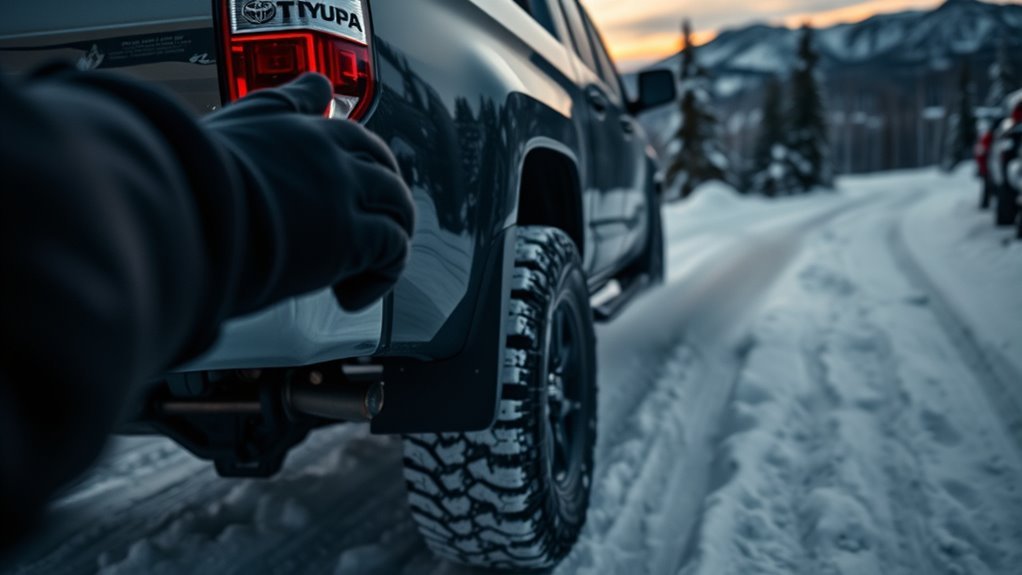
To disable traction control on a Toyota Tundra, stop in a safe place, keep the engine running, and use the TRAC/VSC switch. The cited 2025 Tundra owner information says a quick press turns off TRAC, while holding the switch for more than 3 seconds while stopped turns off TRAC, VSC, and Trailer Sway Control. The exact result can vary by model year, drivetrain, selected 2WD/4WD mode, and equipment. On some AUTO LSD-equipped Tundras—especially earlier 2WD/2H configurations—the AUTO LSD indicator can appear when traction-control behavior changes. Confirm the dashboard message before moving, use the setting only for low-speed recovery, and turn the systems back on afterward.
Quick Answer
On the cited 2025 U.S.-market Tundra, a quick press turns TRAC off. Holding the TRAC/VSC switch for more than 3 seconds while stopped turns off TRAC, VSC, and Trailer Sway Control together. AUTO LSD behavior is model-specific; on some earlier 2WD/2H configurations it is part of the low-traction strategy, while other generations and 4WD modes use different switch logic. Always confirm the dashboard indicator before moving.
| Action | Likely Result | When to Use It |
|---|---|---|
| Quick press | On the cited 2025 Tundra, it turns TRAC off. On some earlier Tundras, especially 2WD/2H configurations, a short press can instead activate AUTO LSD or use different indicator logic. | Start here when the truck needs limited wheelspin to move. |
| Press and hold for more than 3 seconds while stopped | The cited 2025 Tundra guidance says TRAC, VSC, and Trailer Sway Control turn off together. | Use only for a controlled, low-speed recovery when a quick press is not enough. |
| Press again or restart | Pressing the switch again restores the selected system on supported models. Restart behavior can vary by model and setting. | Confirm the warning indicators are off before normal road driving. |
Warning: Do not drive normally with traction control and stability control turned off. Toyota’s Star Safety System combines TRAC, VSC, ABS, EBD, Brake Assist, and Smart Stop Technology to support acceleration, steering, and braking, especially on slippery surfaces or during emergency maneuvers.
How Do You Turn Off Traction Control on a Toyota Tundra?

Use these steps only when the Tundra is stopped in a safe area and needs controlled wheelspin for a short recovery. Button labels, press timing, dashboard wording, and AUTO LSD behavior vary by model year, drivetrain, equipment, and selected 2WD/4WD mode. Your owner’s manual and the indicators on your truck are the final authority.
- Stop the truck completely. Put the Tundra on level ground if possible, keep your foot on the brake, and make sure there are no people, vehicles, rocks, stumps, or walls in the direction the truck may lurch.
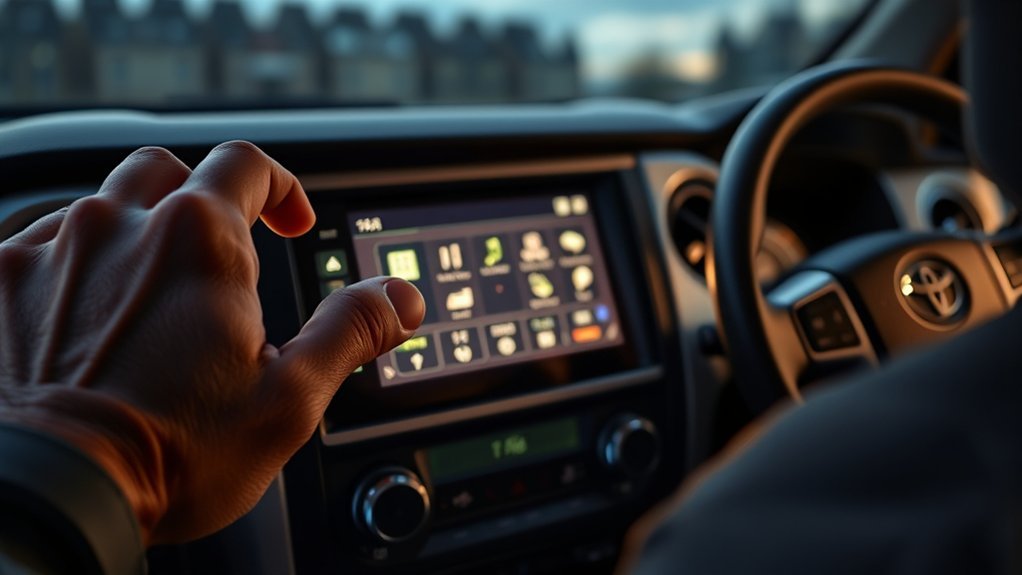
- Keep the engine running and locate the TRAC/VSC switch. Look for a sliding-car icon, “VSC OFF,” or traction-control wording. The location and label vary by model year.
- Press and release the switch once. This is the least-aggressive setting to try first. On the cited 2025 Tundra, it turns TRAC off. If AUTO LSD appears on your Tundra, treat it as a model-specific low-traction aid rather than proof that every stability function is off.
- Use the long press only when the quick press is not enough. Toyota’s cited 2025 Tundra owner information says pressing and holding the switch for more than 3 seconds while stopped turns off TRAC, VSC, and Trailer Sway Control. The display should confirm the change.
- Confirm the dash lights before moving. Look for the TRAC OFF, VSC OFF, AUTO LSD, or related message for your model. If you do not see the expected indicator, do not assume the system is off.
- Use low speed and gentle throttle. Rock the truck slowly or build only enough momentum to escape. Stop if the tires dig deeper, the truck moves sideways, or wheelspin becomes violent.
- Turn the systems back on immediately afterward. Press the switch again or restart the truck if your model resets that way. Do not resume normal driving until the warning indicators clear.
Note: On Tundras equipped with a Pre-Collision System, fully disabling TRAC and VSC can also limit PCS functions. Toyota’s third-generation Tundra guidance states that pre-collision braking functions are unavailable when VSC is disabled, while the pre-collision warning can remain available. Watch for the PCS warning light or message and restore the traction and stability systems before normal driving.
Key Takeaways
- Keep TRAC and VSC on for pavement, wet or icy roads, highway speeds, and normal towing.
- Turn them off only briefly when controlled wheelspin helps the truck escape snow, mud, sand, or loose dirt.
- Quick-press and long-press behavior can vary by model year, drivetrain, selected 2WD/4WD mode, AUTO LSD equipment, off-road system, and market.
- Use the dashboard indicator—not the button press alone—to confirm which traction or stability mode is active.
- Re-enable the systems as soon as the Tundra is free, then verify the dashboard indicators.
At a Glance
| Time Required | Less than 1 minute |
| Difficulty | Easy, but model-specific |
| Tools Needed | None; use the factory TRAC/VSC switch |
| Normal Driving Setting | TRAC and VSC on |
What Do the Tundra Dashboard Lights Mean?
The button press is only half the job. The dashboard tells you what actually changed and whether the truck is ready for normal driving. A light that appears immediately after you deliberately operate the switch is usually showing the selected mode. A warning that remains after you restore the system or restart the truck may indicate a fault instead.
| Indicator or Message | What It Usually Means | What to Do |
|---|---|---|
| TRAC OFF or “Traction Control Turned OFF” | Traction control intervention has been reduced or turned off. | Use only for stuck-vehicle recovery or low-speed off-road movement. |
| VSC OFF | Vehicle Stability Control is off or reduced, often after a long press or when a model-specific off-road mode requires it. | Avoid normal road driving until the intended stability function is back on. |
| AUTO LSD | AUTO LSD is active when equipped and the required operating conditions are met. It uses traction-control logic to help manage a spinning drive wheel and is not the same as fully disabling every stability function. | Use it only for an appropriate low-traction situation and follow the model-specific owner’s manual. |
| PCS warning light after disabling systems | Pre-Collision System functions may be limited when VSC is disabled. | Re-enable the traction and stability systems before normal driving. |
| ABS, Brake, Check Engine, or warning lights that remain on | The light may indicate a fault rather than a driver-selected traction setting. | Stop safely, check the Toyota warning-light guide, and arrange an inspection if the light remains on. |
When Should You Turn Off Tundra Traction Control in Snow or Off-Road?
Turn off traction control only when electronic intervention is stopping the controlled wheelspin needed to move the truck. Toyota’s VSC OFF guidance identifies stuck-in-mud, dirt, or snow situations as the main reason to reduce traction-control intervention. For ordinary winter driving where the truck is still moving normally, leave TRAC and VSC on.
| Scenario | Why Disable It Temporarily | Best Practice |
|---|---|---|
| Deep mud or loose dirt | Allows wheelspin and momentum instead of immediate power reduction. | Use gentle throttle and stop if the truck starts digging deeper. |
| Snowbank or deep snow recovery | Helps you rock the truck forward and backward without the system cutting power too early. | Clear snow around the tires first and use sand, traction boards, or kitty litter if available. |
| Sand or dunes | Lets the tires maintain rotational speed on soft ground. | Use only tire pressures allowed by the tire and vehicle guidance, avoid sharp steering, and re-inflate before road driving. |
| Rocks, ruts, or rough trails | Prevents unnecessary power cuts when a wheel lifts or slips briefly. | Use the Tundra’s 4WD, Multi-Terrain Select, Crawl Control, or rear differential lock when equipped and appropriate for the terrain. |
The goal is not “more speed.” The goal is just enough controlled wheelspin to regain motion, then turn the safety systems back on.
[Products Worth Considering]

These replacement support brackets are designed to secure the spring bars on a trailer frame for CURT TruTrack weight distribution hitches. Their adjustable mounting holes help achieve precise leveling while the rigid construction supports integrated sway control for a steadier towing experience. A durable powder coat finish adds long-lasting protection, and the package includes two replacement brackets.

SYLVANIA H11 XtraVision halogen headlight bulbs are designed to improve down-road visibility without adding extra glare. Built with a robust filament and proprietary gas mixture, they deliver reliable performance and durable illumination for high beam, low beam, or compatible fog light applications. Replacing headlight bulbs in pairs helps maintain balanced lighting and optimal driving confidence.

This smart automatic battery charger and maintainer helps keep automotive batteries charged and ready by delivering a full charge before switching to float mode for long-term maintenance. It supports 6V and 12V batteries with broad compatibility for lead-acid, AGM, gel, and lithium types, while built-in safety features like reverse polarity detection and spark-proof connection help ensure reliable use. Compact construction, included connection cables, and indicator lights make it a convenient choice for cars, SUVs, trucks, and storage maintenance.
Should You Keep Tundra Traction Control On for Normal Driving?
Yes. Keep traction control on for normal driving. TRAC and VSC provide their greatest value when grip changes unexpectedly, including wet pavement, icy roads, curves, merges, and downhill grades. Keep the systems on while towing unless the owner’s manual gives a specific low-speed recovery procedure.
- Keep it on in normal winter driving. On plowed roads, packed snow, or ice, traction control helps reduce wheelspin and keep acceleration more predictable.
- Keep it on at highway speed. Stability systems are designed to help when the truck yaws, slides, or loses grip unexpectedly.
- Keep it on while towing. The cited 2025 Tundra procedure can turn off Trailer Sway Control during a long-press disable, which is not appropriate for normal towing.
- Keep it on if unrelated warning lights are already present. A brake, ABS, tire-pressure, check-engine, or stability warning may signal a system issue that needs diagnosis.
Pro Tip: If your Tundra has 4WD, Multi-Terrain Select, Crawl Control, or a rear differential lock, use the mode designed for the terrain before fully disabling stability control. Those systems are built to manage traction without removing more safety support than needed.
What Should You Check Before Driving With Traction Control Off?
Before you disable traction control, confirm that the truck, tires, and surroundings are ready. A stuck-vehicle recovery can make the Tundra move suddenly, so the safest approach is slow, planned, and visible.
- Inspect the area first: make sure people, pets, recovery straps, rocks, trees, and other vehicles are clear of the truck’s path.
- Check tire condition and pressure: NHTSA says tread should be at least 2/32 inch. Check for cuts, punctures, bulges, scrapes, cracks, or sidewall damage. Inflate the tires to the vehicle manufacturer’s pressure on the driver-side door label, not the maximum pressure printed on the tire.
- Verify brakes and steering: make sure the brake pedal feels firm, the steering responds normally, and there are no unresolved brake or ABS warnings.
- Clear snow, mud, or sand around the tires: removing packed material often works better than simply adding throttle.
- Use recovery aids when possible: traction boards, a shovel, sand, gravel, or a proper tow point can reduce unnecessary wheelspin.
- Make a low-speed test: move only a few feet at first and stop if the truck slides sideways, digs in, or drifts toward an obstacle.
NHTSA’s winter-driving guidance also recommends checking lights, wipers, fluids, tire condition, and emergency supplies before bad-weather travel. NHTSA specifically recommends carrying abrasive material such as sand or kitty litter in case a vehicle becomes stuck in snow.
Tundra Model Differences: Years, Trims, and Safety Sense Notes
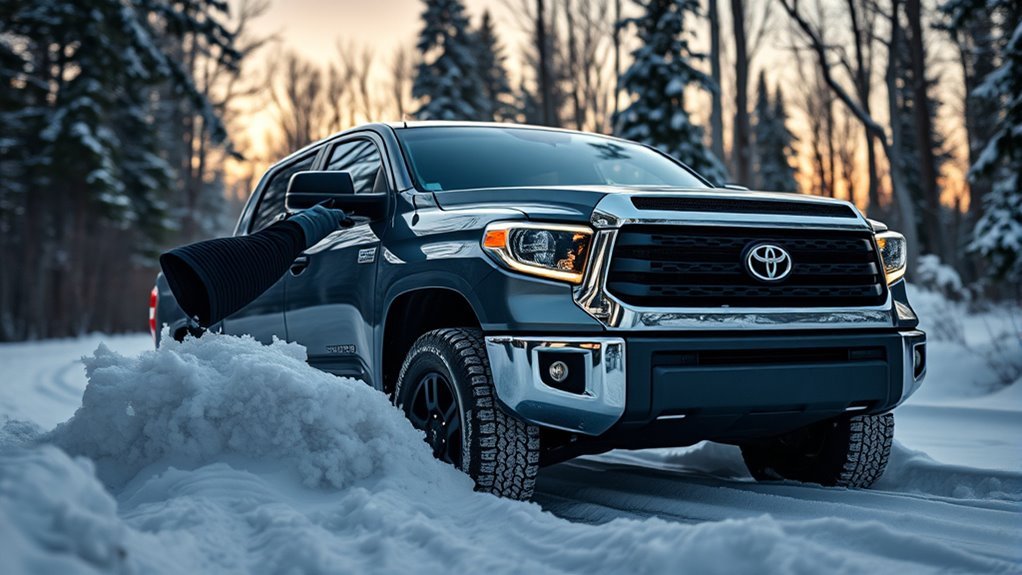
Tundra traction-control behavior is not identical across every year, drivetrain, selected transfer-case mode, trim, and market. Button labels, dashboard messages, AUTO LSD availability, 2WD/4WD operation, and off-road systems can all change what one press does. The linked Toyota owner resources apply to U.S.-market vehicles, so trucks sold elsewhere may use different equipment or display wording.
| Configuration | What to Expect | What Matters Most |
|---|---|---|
| Cited 2025 Tundra procedure | A quick press disables TRAC. Holding the switch for more than 3 seconds while stopped disables TRAC, VSC, and Trailer Sway Control. | Confirm “Traction Control Turned OFF,” VSC OFF, or the relevant display message. |
| AUTO LSD-equipped models / 2H on some earlier 4WD trucks | AUTO LSD uses traction-control logic to manage a spinning drive wheel. Availability and switch behavior vary by model year and drivetrain; it is not simply another name for fully disabling VSC. | If AUTO LSD appears, follow the model-specific owner’s manual and do not assume all stability functions are off. |
| Earlier Tundra generations | Some models use different short-press and long-press behavior in 2WD/2H, 4H, and 4L. | Do not apply a 2025 procedure blindly to an older truck. |
| Off-road-equipped trims | Multi-Terrain Select, Crawl Control, 4WD settings, or a rear differential lock may manage wheelspin differently. | Use the terrain-specific system before removing more stability support than necessary. |
Earlier Tundra Models
Earlier Tundras may use a VSC OFF switch that changes TRAC and VSC behavior in stages. Depending on drivetrain and selected 2WD/4WD mode, a short press may activate AUTO LSD or disable a traction-control function, while long-press behavior can change additional systems. Check the manual for the exact button timing and expected indicator lights before using a procedure written for another model year.
2025 Tundra Procedure
The cited Toyota 2025 Tundra owner information describes a quick press for turning TRAC off and a press of more than 3 seconds while stopped for turning off TRAC, VSC, and Trailer Sway Control together. The display and VSC OFF indicator are the reliable confirmation of what changed. Do not assume that the same wording, switch timing, or automatic-reset behavior applies to every earlier or later Tundra.
AUTO LSD-Equipped Tundras
AUTO LSD is not the same as turning every stability function off. Toyota describes AUTO LSD as a traction aid that uses traction-control logic to manage engine output and braking when a drive wheel spins. Availability and switch behavior vary by year and drivetrain; on some earlier 4WD Tundras, AUTO LSD is used in 2H/2WD mode rather than 4H or 4L. Toyota limits its intended use to low-traction situations such as a ditch or rough surface. If the AUTO LSD indicator appears after you operate the traction-control switch, use the indicator and your model’s manual to determine which functions remain active.
TRD Pro and Off-Road Trims
TRD Pro and other off-road-oriented trims may add features such as Multi-Terrain Select, Crawl Control, 4WD settings, and a locking rear differential. Those tools can change how traction is managed. Use the mode that matches the terrain instead of assuming that fully disabling traction control is always the best off-road choice.
How Do You Turn Toyota Tundra Traction Control Back On?
Bring the Tundra to a complete stop before trying to restore the systems. Do not troubleshoot the switch while accelerating, sliding, towing, or moving through traffic.
If “Traction Control Turned OFF” appears even though you did not press the switch, Toyota guidance says TRAC can be temporarily deactivated. If the message remains, treat it as a diagnostic issue rather than a normal driver-selected mode. See the Toyota Tundra ABS and traction-control light diagnosis guide for the fault-focused workflow.
- Bring the Tundra to a full stop. Keep your foot on the brake and make sure the truck is stable.
- Press the TRAC/VSC switch once. On supported models, this restores the driver-selected traction or stability mode. Confirm that the TRAC OFF, VSC OFF, or AUTO LSD indicator changes as expected.
- If the light stays on, do not experiment with repeated long presses. On some Tundras, pressing and holding the switch disables additional systems rather than restoring them.
- Restart the truck if needed. Toyota guidance for multiple Tundra generations shows that switching the vehicle off and restarting can restore driver-disabled traction and stability functions, but the exact reset behavior is model-specific.
- Check the dash again. If TRAC OFF, VSC OFF, ABS, brake, tire-pressure, check-engine, or other safety warnings remain after you have restored the selected mode or restarted the truck, treat them as a possible fault rather than assuming the switch is still active.
- Do not continue normal driving with unresolved safety-system warnings. Use the owner’s manual, Toyota warning-light guide, or a qualified technician to diagnose the problem.
Note: Do not rely on an assumed speed-based reset. Some Tundra configurations can automatically restore a traction function under certain conditions, while other driver-selected all-off modes behave differently. Press the switch to restore the intended mode, restart the truck if the manual calls for it, and confirm the actual dashboard status every time.
Related Tundra guides: Tundra 4WD system explained · sand and mud recovery basics · Downhill Assist Control · ABS/traction-control warning-light diagnosis.
Frequently Asked Questions
When should I shut off traction control on a Toyota Tundra?
Shut it off only when controlled wheelspin helps the truck move, such as when rocking out of deep snow, mud, sand, loose dirt, or a rough off-road spot. Turn it back on as soon as the truck is free or reaches a normal road surface.
Should traction control stay on in normal winter driving?
Yes. Keep traction control on for plowed roads, packed snow, ice, and normal winter travel. Turn it off only for a brief, low-speed recovery when the system cuts power before the tires can move the truck.
How do I turn off TRAC, VSC, and Trailer Sway Control on a 2025 Tundra?
Stop the truck, then press and hold the TRAC/VSC switch for more than 3 seconds. Toyota’s cited 2025 owner information says this turns off TRAC, VSC, and Trailer Sway Control. Confirm the multi-information display and VSC OFF indicator before moving.
What does a quick press of the TRAC/VSC button do?
On the cited 2025 Tundra, a quick press turns TRAC off. On some earlier Tundras, especially 2WD/2H configurations, a short press can activate AUTO LSD or use different indicator logic. Confirm the dashboard message or indicator instead of assuming what the button changed.
Is Auto LSD the same as turning traction control off?
No. AUTO LSD is a traction aid that uses traction-control logic to manage engine output and braking when a drive wheel spins. Availability and switch behavior vary by model year and drivetrain, so AUTO LSD should not be treated as the same thing as a VSC OFF or all-systems-off mode.
Can I tow with traction control off?
Do not tow normally with TRAC and VSC off. On the cited 2025 Tundra, the long-press procedure also turns off Trailer Sway Control. Re-enable the systems before returning to normal towing.
Does traction control turn back on after restarting a Tundra?
Restarting restores driver-disabled traction and stability functions on many Tundras, but the behavior can vary by model year, drivetrain, and selected setting. Check that the TRAC OFF, VSC OFF, or AUTO LSD indicators have returned to the normal state before normal driving.
Why does my Tundra say “Traction Control Turned OFF” when I did not press the button?
Toyota guidance says TRAC can be temporarily deactivated even when the switch was not pressed. If the message does not clear, stop treating it as a selected driving mode and have the cause diagnosed; a persistent warning can indicate that TRAC is unavailable.
What if the TRAC OFF or VSC OFF light will not go away?
Stop safely, restore the selected mode with the switch, and restart the truck if needed. If TRAC OFF, VSC OFF, ABS, brake, tire-pressure, check-engine, or other safety warnings remain, treat them as a possible fault and arrange an inspection.
Conclusion
Disable traction control on a Toyota Tundra only for a controlled, low-speed recovery where wheelspin is necessary. Start with the least-aggressive switch setting, use a long press only when your model’s manual supports it, and trust the dashboard indicators rather than the button press alone. If your truck shows AUTO LSD, remember that it is a model-specific traction aid and not automatically the same as fully disabling VSC. As soon as the truck is free, restore TRAC and VSC before returning to normal driving or towing.
Sources
- Toyota Owners: 2025 Tundra Driving Assist Systems — supports the cited 2025 TRAC, VSC, Trailer Sway Control, indicator, and driver-assistance procedure.
- Toyota Owners: Tundra AUTO LSD System — supports AUTO LSD purpose, 2WD availability, and low-traction use cases.
- Toyota: 2023 Tundra Quick Reference Guide — supports AUTO LSD operation and the VSC/TRAC/Trailer Sway Control OFF switch procedure.
- Toyota Customer Support: When to Use the VSC OFF Button — supports stuck-in-snow-or-mud use and restoration guidance.
- Toyota Safety Hub: Star Safety System — explains the roles of VSC, TRAC, ABS, EBD, Brake Assist, and Smart Stop Technology.
- Toyota Owners: 2024 Tundra Warning Lights and Indicators — supports Tundra-specific VSC OFF, PCS, slip, and AUTO LSD indicator references.
- Toyota Owners: Dashboard Warning Lights — supports model-specific warning-light checks and inspection guidance.
- NHTSA: Winter Weather Driving Tips — supports tire-pressure, tread, vehicle-preparation, recovery-supply, and winter-driving guidance.

[…] Star Safety System is commonly described as a group of core vehicle-control technologies, including Vehicle Stability Control, Traction Control, Anti-lock Brake System, Electronic Brake-force Distribution, Brake Assist, and […]